Backing a trailer with a Toyota Tundra gets easier when you slow everything down: confirm the hitch and safety gear, set up the trailer in the truck’s towing menu if your model is equipped, use the camera and mirrors together, and make small steering corrections before the trailer gets far out of line. The goal is not speed. The goal is a straight, controlled path you can repeat safely.
Quick Answer
To back up a trailer with a Toyota Tundra, start straight, check the hitch, lights, brakes, chains, mirrors, tires, and path, then reverse slowly. Use mirrors for trailer tire paths and the camera for rear-center visibility. Make tiny steering inputs, pull forward to reset early, and use Trailer Backup Guide or Straight Path Assist only if your Tundra is equipped.
Key Takeaways
- Check your specific Tundra’s towing rating, payload, hitch rating, loaded trailer weight, tongue weight, and trailer brake requirements before you move.
- Use the camera and mirrors together: the camera helps with rear-center view, while mirrors show trailer angle, tire paths, curb clearance, and side hazards.
- Back slowly and steer in tiny inputs. If the trailer starts folding too sharply, stop and pull forward to realign.
- Trailer Backup Guide and Straight Path Assist are driver-assistance tools, not substitutes for watching your surroundings.
- Practice straight backing, offset backing, 90-degree turns, and spotter communication in an empty lot before trying tight campsites, ramps, or driveways.
At a Glance
| Time Required | 10–15 minutes for setup checks; 30–60 minutes for a useful practice session |
| Difficulty | Beginner to intermediate |
| Tools Needed | Wheel chocks, tire pressure gauge, cones, spotter, gloves, flashlight, and trailer keys/locks |
| Cost | Usually free if you already have safe towing equipment; optional wireless trailer camera or accessories cost extra |
Warning: Never tow beyond your Tundra’s published ratings. Check the owner’s manual, certification label, hitch rating, trailer GVWR, loaded trailer weight, payload, GCWR, GAWR, tongue weight, trailer brakes, and local requirements before towing. Toyota’s “up to” towing numbers apply only when the truck is properly equipped and loaded within limits.
Quick Checklist Before You Hook Up a Trailer
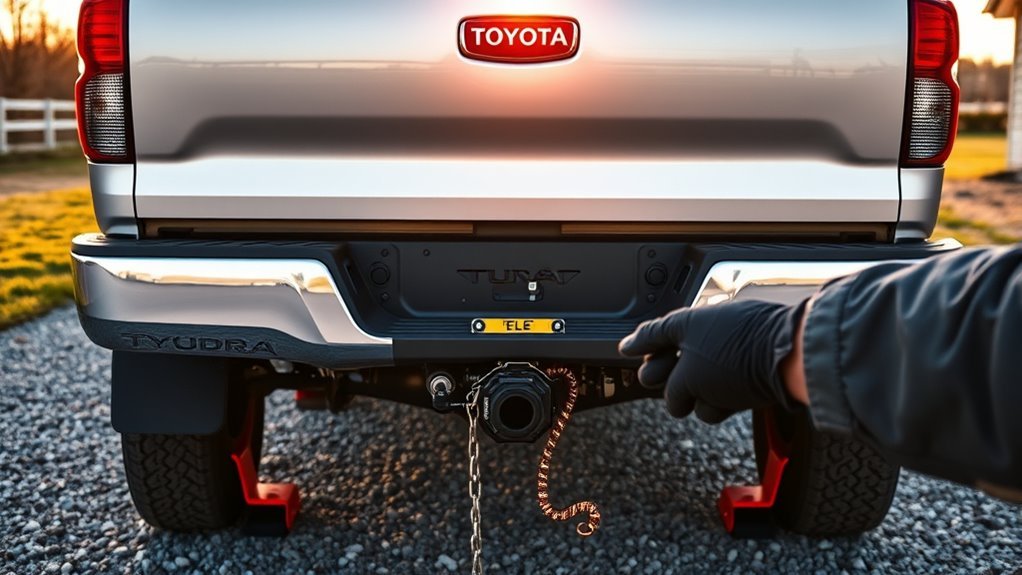
Before backing up, confirm the trailer is safely connected and legal to move. Do the walkaround every time, even if you are only moving the trailer across a driveway or campsite.
- Confirm ratings first: Check your Tundra’s specific tow rating, payload, hitch receiver rating, trailer GVWR, loaded trailer weight, and tongue weight. Toyota lists the current Tundra at up to 12,000 lb of max towing when properly equipped, but your exact truck, trim, drivetrain, cargo, passengers, and equipment can reduce that number.
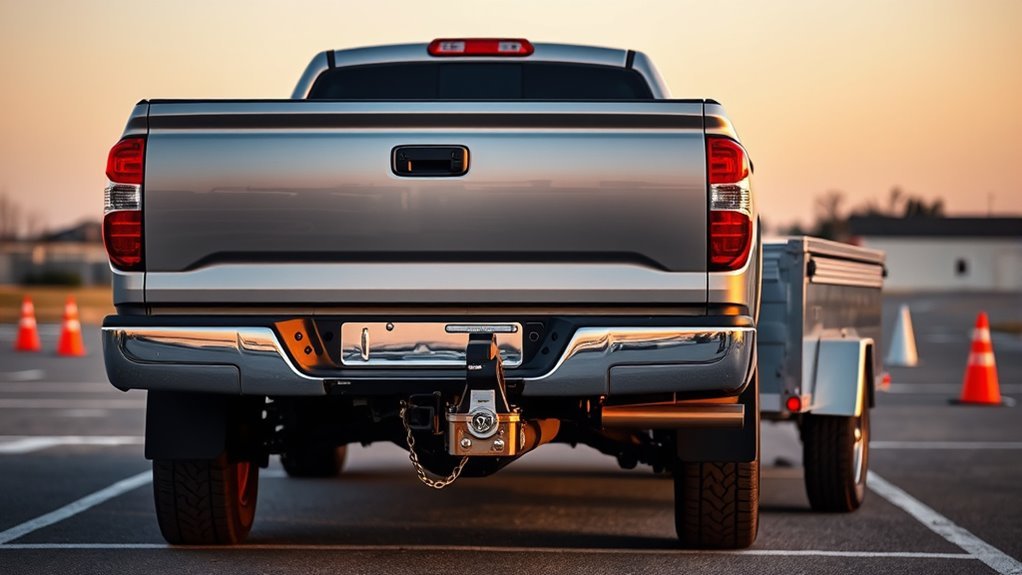
- Inspect the hitch: Match the ball size to the coupler, lock the coupler latch, insert the safety pin, and confirm the ball mount and hitch are rated for the trailer.
- Cross the safety chains: Cross chains under the trailer tongue with enough slack for turns, but not so much that they drag.
- Connect wiring and breakaway cable: Plug in the connector, secure the breakaway cable separately from the chains, and keep wiring off the ground.
- Test lights and brakes: Check running lights, brake lights, turn signals, hazard lights, and trailer brake operation before driving.
- Check tires and lug nuts: Confirm tow-vehicle and trailer tire pressures, look for cracks or damage, and verify lug nuts are torqued to spec.
- Balance and secure the load: Cargo should be tied down and balanced front to back and side to side. A poorly loaded trailer can sway, drift, or overload the rear axle.
- Set mirrors and scan the path: Adjust tow mirrors so you can see both trailer sides and the tire paths. Walk the backing path and remove obstacles.
- Use chocks when parked: Keep wheel chocks nearby, especially on grades or when uncoupling.
Note: Current Tundra models use i-FORCE twin-turbo V6 and available i-FORCE MAX twin-turbo V6 hybrid powertrains. Older Tundras with the 5.7L V8 can still be strong tow vehicles, but ratings and features vary by model year and configuration.
[Products Worth Considering]

These clip-on towing mirror extenders expand your field of view to help reduce blind spots when towing trailers, RVs, boats, and campers. The dual-mirror design pairs a larger main mirror with an adjustable close-range mirror for safer lane changes, backing, and highway driving. A molded rain guard, stable clamp system, and durable construction help maintain clear visibility and secure performance in changing road conditions.
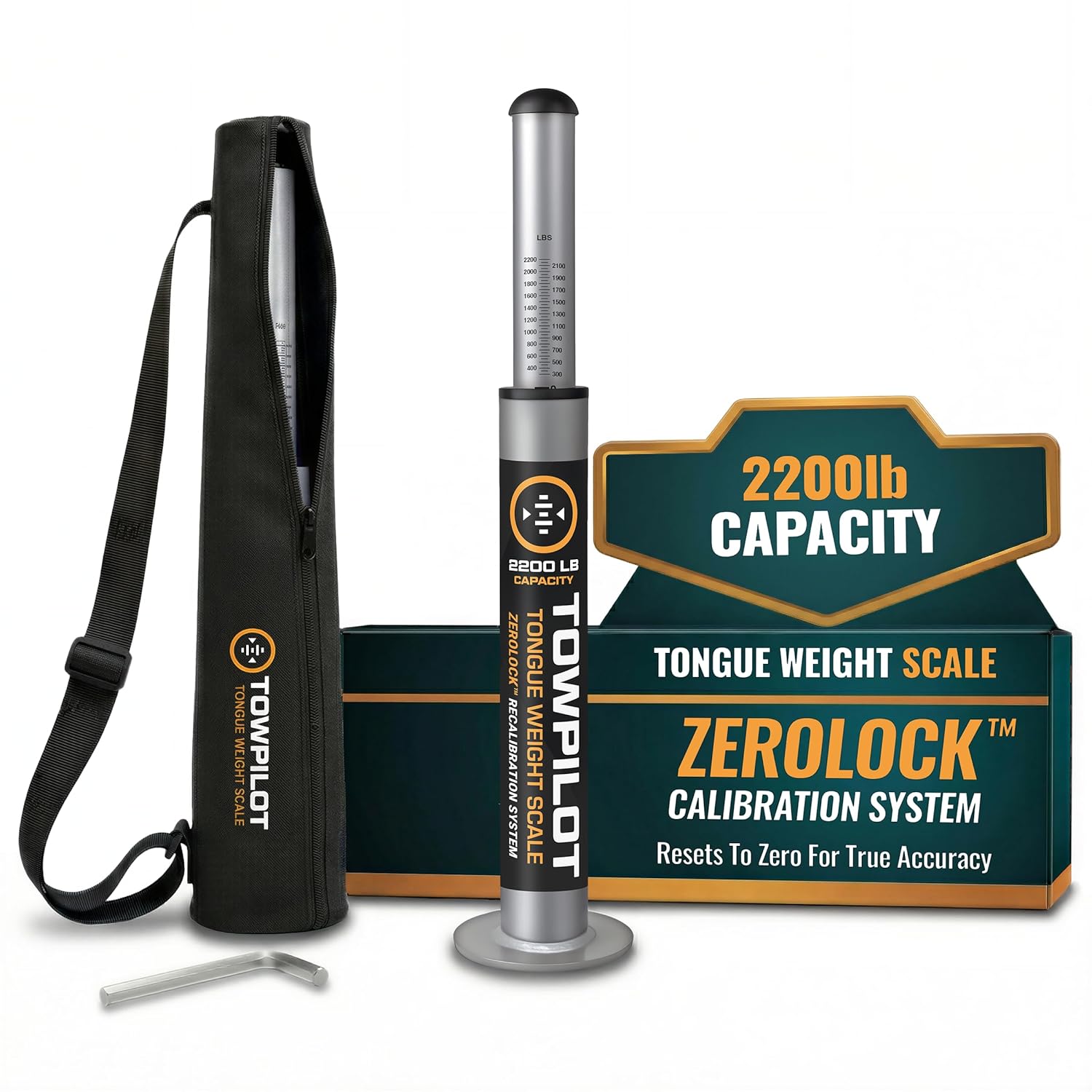
This trailer tongue weight scale helps you check hitch weight quickly and accurately before towing, reducing sway and improving overall safety. Built with durable steel and a spring mechanism, it works without batteries and includes a recalibration feature to maintain true-zero accuracy over time. It is designed for RVs, campers, and utility trailers, with a top plate that helps protect your coupler during use.

This Andersen Hitches weight distribution hitch kit is designed to improve towing stability with a grease-free friction cone and tension chain system that helps reduce sway and bounce. It features a universal setup with a 2-inch ball and 4-inch drop/rise to suit many bumper-pull trailer applications, while making hitching and unhitching faster and easier than traditional spring bar systems. Built in the USA, it offers dependable performance for travelers, workers, and outdoor enthusiasts who need confident towing control.
How to Set Up and Calibrate Your Tundra Trailer Profile
If your Tundra has Trailer Backup Guide, add the trailer before relying on on-screen guide lines or Straight Path Assist. Toyota’s owner information says Trailer Backup Guide uses the rear camera to detect the trailer and calculate trailer angle, trailer length, and hitch length during setup calibration. Once calibration is complete, the setup is retained for future use, but you still need to choose the correct saved trailer when switching trailers.
- Park on a flat, open surface. Leave enough space to pull forward and back up in a straight line during calibration.
- Select Trailer Settings. Use the multi-information display or towing menu to add a trailer according to the vehicle prompts.
- Choose the correct trailer type. Follow the screen prompts carefully, especially if you tow more than one trailer.
- Complete calibration. Drive and reverse exactly as prompted so the truck can calculate the trailer/hitch geometry.
- Name the trailer clearly. Use names such as “Boat Trailer,” “14-ft Utility,” or “Camper” so you do not select the wrong profile later.
- Recheck after changes. Recalibrate or update the setup after changing the trailer, hitch, coupler height, camera visibility, or anything that changes tracking.
Do not treat a saved trailer profile as a weight-safety check. The truck’s towing menu helps with guidance and setup, but you still need to verify loaded trailer weight, tongue weight, payload, brake requirements, and hitch rating separately.
[Products Worth Considering]

This wired backup camera system makes reversing easier with a quick plug-and-play setup, stable real-time video, and a wide-angle HD view to help reduce blind spots. The adjustable parking lines, brightness, contrast, and image flip options let you customize the display for safer parking in cars, trucks, RVs, vans, SUVs, trailers, and campers.
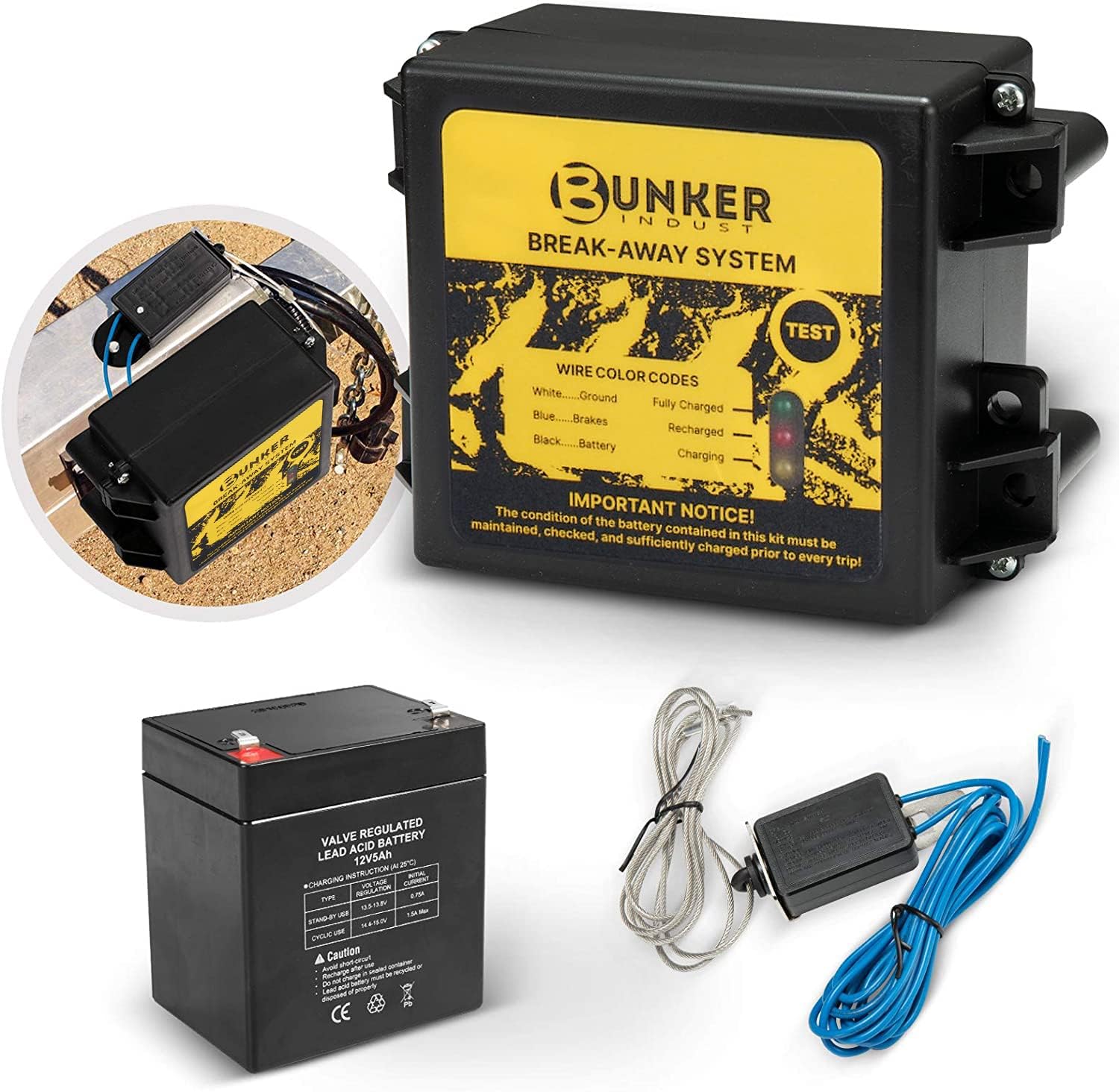
This trailer breakaway kit is designed for trailers with an existing electric brake system, helping activate the brakes if the trailer separates from the tow vehicle. It includes a battery, breakaway switch, and charger with an LED display for easy status checks, making it a practical safety upgrade for caravans and trailers. The side-mount design supports quick installation, while weather and corrosion resistance help it stand up to outdoor use.
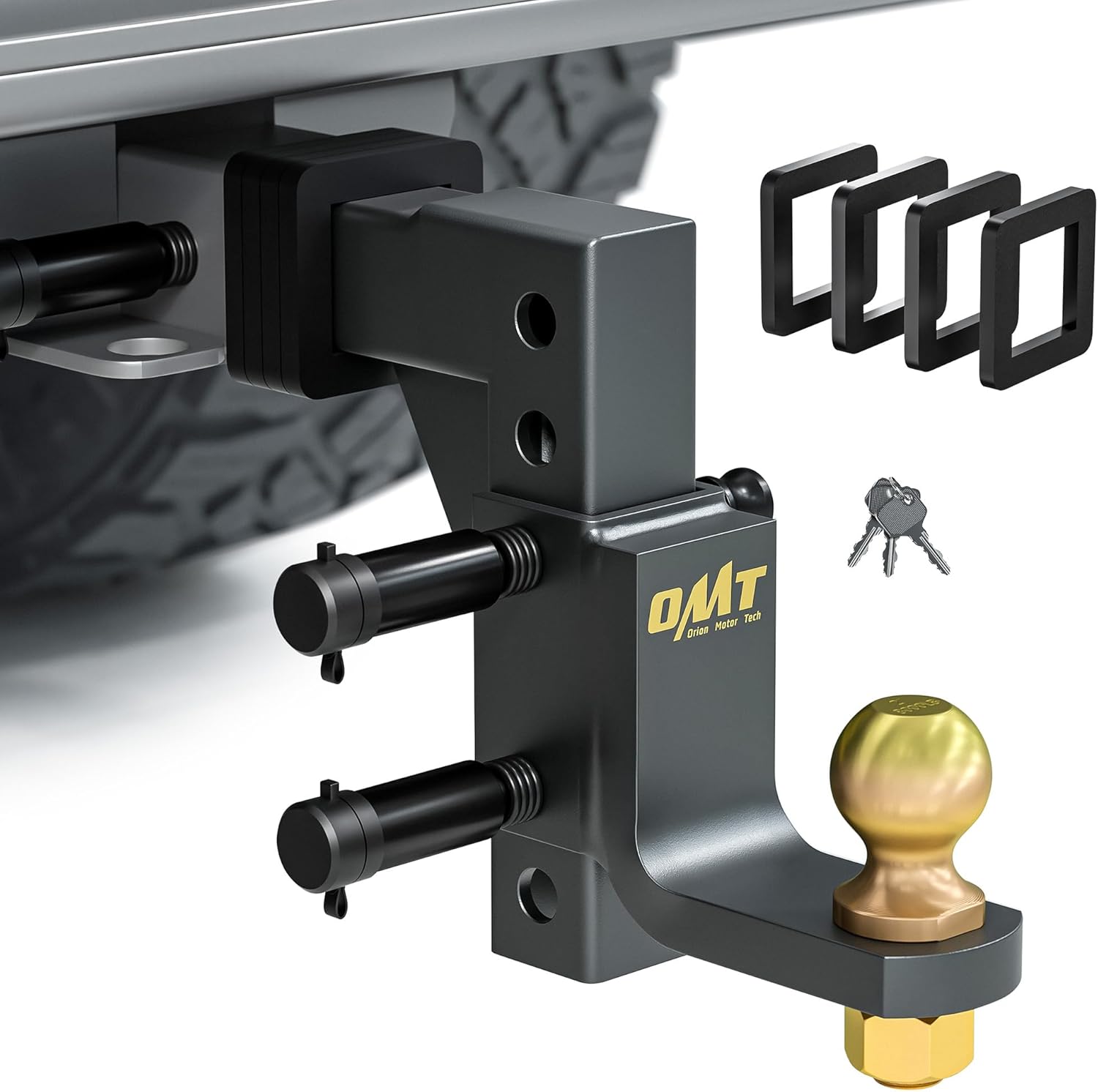
This adjustable trailer hitch ball mount is built for secure, versatile towing with a standard 2 inch receiver, a 2 inch ball, and both drop and rise adjustment for better fitment. Rated for heavy-duty towing and designed with anti-theft locking pins, it helps keep your trailer secure while resisting harsh weather and road conditions. The pre-assembled design makes installation fast and tool-free, so you can get hooked up and ready to tow with confidence.
Use the Tundra’s Wireless Camera and Mirrors Together
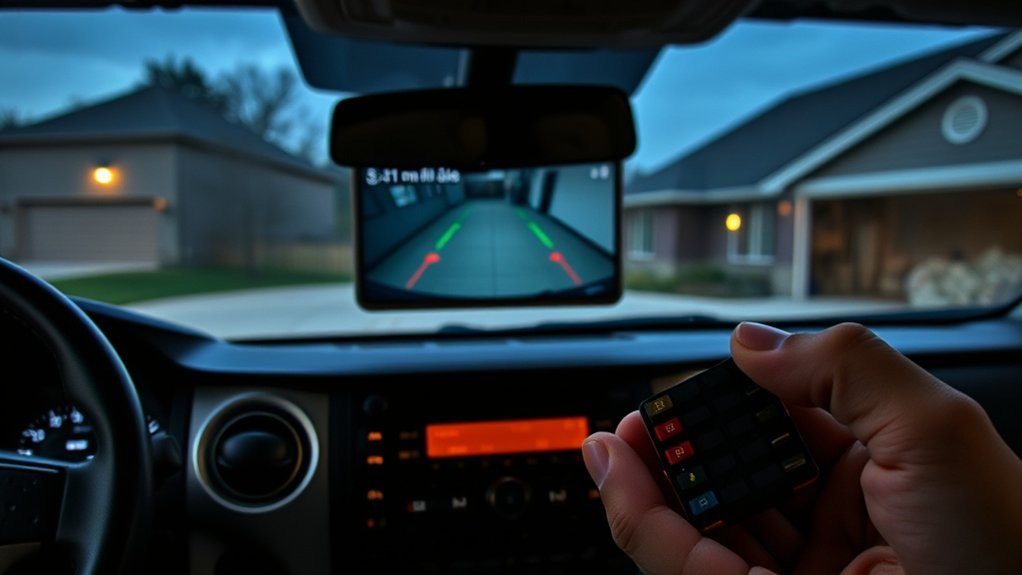
If your truck has the available Toyota Wireless Camera System, use it as a rear-center view—not as your only source of truth. The camera can help you see directly behind the trailer, while your side mirrors show the trailer angle, tires, curb clearance, and low side hazards.
Mount and aim the trailer camera carefully. Toyota’s Wireless Camera System guide recommends checking trailer camera accommodations, using a high mounting position, avoiding blocked marker or brake lights, and confirming the camera is paired and functional before final mounting. If the camera is powered by trailer wiring, verify the 12-volt power and ground circuit and use fused protection as instructed in the guide.
Pro Tip: Set a glance pattern before you move: left mirror, camera, right mirror, path ahead, then repeat. Do not stare at the screen so long that you miss the trailer tires cutting toward a curb, post, ditch, or ramp edge.
For mirror setup, tilt or extend the mirrors so you can see down both trailer sides. You should be able to identify the trailer’s tires, fenders, rear corners, and the space beside the trailer. If you lose sight of one side, stop and adjust before continuing.
[Products Worth Considering]

These clip-on towing mirrors expand your rear view for safer towing, helping you see your trailer and blind spots more clearly when changing lanes or backing up. The dual-arm design adds stability and reduces vibration, while the adjustable fit and weather-resistant build support reliable use on trucks, SUVs, RVs, and trailers.

This trailer tongue hitch coupler lock helps secure latch-type couplers and deter theft with a padlock-style design. Its high-strength construction, corrosion-resistant finish, and simple locking action make it a practical choice for trailer owners who want dependable protection and easy everyday use. Two keys are included for added convenience.

This proportional trailer brake controller provides smooth, responsive braking by automatically matching your tow vehicle’s stopping force for safer trailer control. The bright LED digital display makes it easy to monitor voltage output in real time, while adjustable braking and sync settings help tailor performance to different trailers and road conditions. Designed for quick installation and broad compatibility, it supports 1 to 4 axle trailers for dependable towing confidence.
Basic Steering Rules: Why Left Moves the Trailer Right
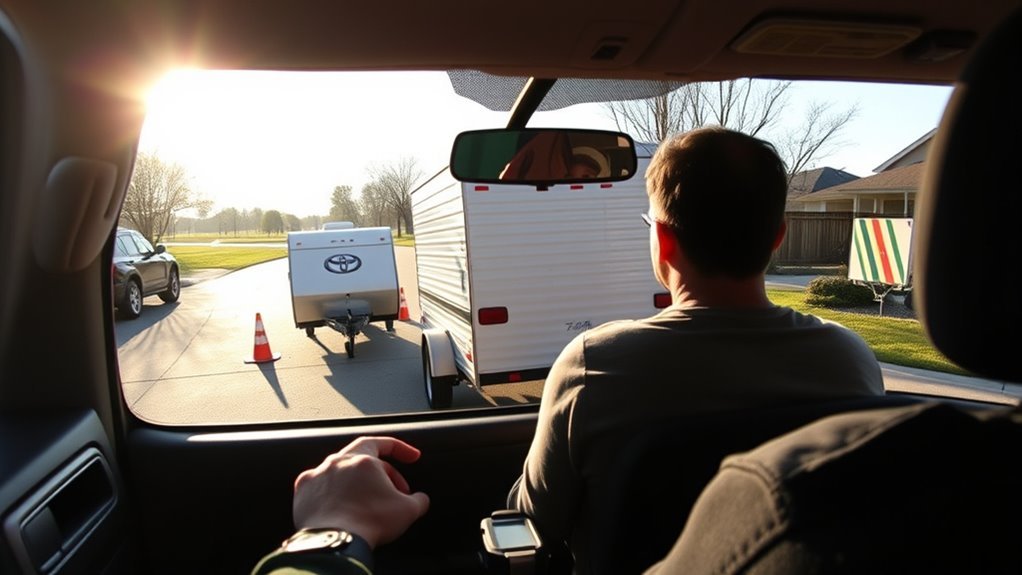
A trailer pivots at the hitch. With your hands in a normal driving position near the top of the steering wheel, turning the wheel left pushes the trailer to the right, and turning the wheel right pushes the trailer to the left. That “opposite” feeling is what confuses most beginners.
Use this beginner trick: place one hand at the bottom of the steering wheel. Move that hand in the direction you want the back of the trailer to go. If you want the trailer to move left, move your bottom hand left. If you want the trailer to move right, move your bottom hand right. This keeps the mental math simple.
Make every steering input small. A slight wheel movement can create a big trailer angle after several feet of reversing. If the trailer is already sharply angled, do not fight it with a larger correction. Stop, pull forward until the truck and trailer are straighter, then try again.
Step-by-Step Backing Procedure for Beginners
- Start straight. Pull forward until the Tundra and trailer are aligned. Straight starts are easier than trying to fix a big angle immediately.
- Walk the path. Look for people, pets, posts, curbs, rocks, low branches, ramps, ditches, and overhead obstacles.
- Use a spotter when possible. Agree on hand signals before moving. Stop immediately if you lose sight of the spotter.
- Select reverse and pause. Let cameras and guide lines load if your truck is equipped, then check both mirrors again.
- Back at idle speed. Use very light brake control. Do not rush the correction.
- Watch the trailer tires. The tires tell you where the trailer is actually going, especially near curbs, garage edges, dock ramps, or campsite borders.
- Make tiny corrections. Turn the wheel a little, then wait for the trailer to respond. Do not saw the wheel back and forth.
- Stop and pull forward early. A pull-up is not failure. It is the safest way to reset before the trailer jackknifes or drifts into an obstacle.
- Finish straight. As the trailer reaches the target, straighten the truck and trailer, stop fully, set the parking brake, and secure the rig before unloading.
Warning: Backing cameras and guide lines do not show every hazard. Mirrors cannot show every blind spot either. Use a spotter whenever visibility is limited, and stop if children, pets, pedestrians, or traffic enter the backing area.
Use Trailer Backup Guide and Straight Path Assist to Stay Straight
Toyota describes Trailer Backup Guide with Straight Path Assist as available driver-assistance technology that uses sensors and cameras to help keep the trailer moving straight while backing. It is especially useful when backing straight down a driveway, into a storage space, or toward a boat ramp. Use it as assistance, not as autopilot.
Guidance Mode vs. Straight Path Assist
Guidance mode helps you manually steer by showing trailer direction guidance on the display. Straight Path Assist can assist with steering to keep the trailer backing in a straighter line. The driver still controls speed, braking, surroundings, and final positioning.
| Feature | Best Use | Driver Must Still Do |
|---|---|---|
| Trailer Backup Guide | Manual backing with visual guidance | Steer, brake, check mirrors, and avoid obstacles |
| Straight Path Assist | Straight backing after calibration | Control speed, monitor the path, and override when needed |
| Wireless Trailer Camera | Rear-center view behind the trailer | Use mirrors and spotter for side clearance |
Enable Straight Path
After the correct trailer is selected and calibrated, shift to reverse and activate Trailer Backup Guide according to your Tundra’s prompts. If Straight Path Assist is available, touch the Straight Path Assist control on the multimedia screen. Keep your foot ready on the brake and move slowly.
If you turn the steering wheel, the system can allow you to revise the trailer direction. When you release the wheel, Straight Path Assist can reactivate toward the revised straight-back target. This is helpful for small adjustments, but you should still stop and pull forward if the angle becomes too sharp.
Note: Trailer Backup Guide and Straight Path Assist may cancel or perform poorly if the camera is dirty, the lighting is poor, the tailgate is open, the trailer is not detected, vehicle stability or ABS systems operate, the trailer is incorrectly selected, or the truck moves too fast. Read your owner’s manual for your exact model year.
Fix Jackknife, Drift, and Common Backing Problems
A calm reset is usually safer than a big correction. When the trailer starts to drift or fold, stop while you still have room. Pull forward until the truck and trailer are aligned, then back again with smaller inputs.
| Problem | Likely Cause | Fix |
|---|---|---|
| Trailer jackknifes toward the cab | Too much steering angle or backing too far without correction | Stop, pull forward to straighten, then restart with smaller inputs |
| Trailer drifts left or right | Start was not straight, uneven surface, or delayed correction | Correct early, watch tire paths, and pull forward before the angle grows |
| Guide arrows seem confusing | Wrong trailer selected, poor calibration, dirty camera, or overcorrection | Clean camera, confirm trailer selection, recalibrate if needed, and use mirrors |
| Spotter signals are unclear | No signal plan before backing | Agree on stop, left, right, slow, and distance signals before moving |
| Trailer sways while driving | Speed, wind, improper loading, low tongue weight, tire pressure, or setup issue | Slow down gradually, keep the wheel steady, avoid sudden braking, and inspect load and tires before continuing |
Practice Backing Drills to Build Confidence and Skill
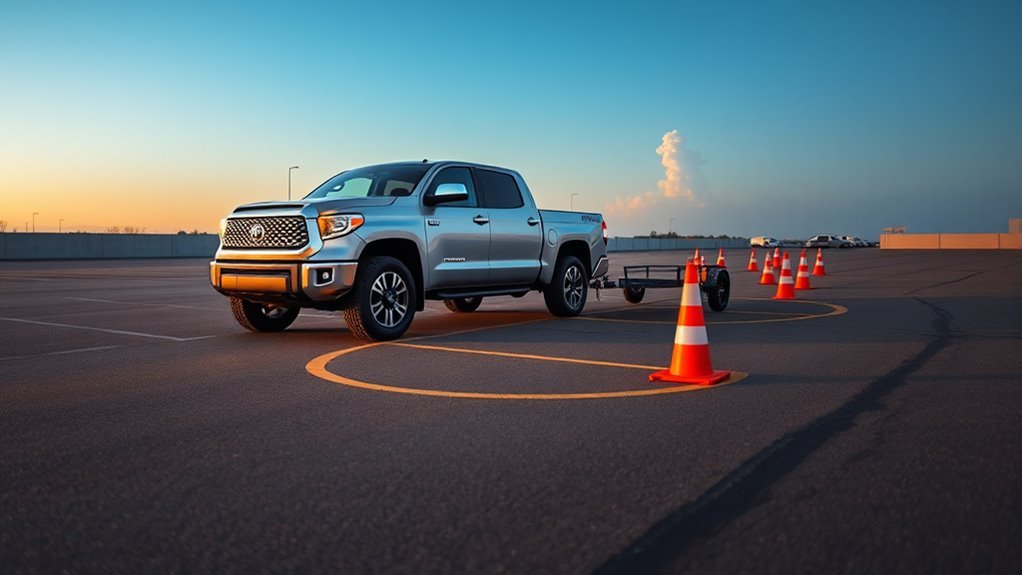
Practice is where trailer backing starts to feel predictable. Use an empty lot and cones so mistakes do not damage the truck, trailer, or nearby property. Start with easy drills and add difficulty only after you can repeat the move smoothly.
- Straight-line drill: Place two cone lines wider than the trailer. Back 50–75 feet without touching the cones.
- Offset drill: Start straight, then back into a lane one trailer-width to the left or right.
- 90-degree drill: Practice turning into a simulated driveway, campsite, or storage space.
- Dock-box drill: Use cones to create a box and stop the trailer with its rear edge inside the target area.
- Ramp drill: Practice slow, straight backing as if approaching a boat ramp, but do it on flat ground first.
Use a spotter after you understand the basics. Agree that both hands up means “stop,” one arm pointing left or right means “move trailer that direction,” palms down means “slow,” and crossed arms means “pull forward and reset.” The spotter should stand where you can see them in a mirror, never directly behind the trailer.
The best backing habit is stopping early. A short pull-forward now prevents a hard jackknife correction later.
Unloading and Finishing Checks After a Successful Back
Once the trailer is in place, stop fully and secure the rig before anyone unloads cargo. On level ground, set the parking brake, keep your foot on the brake until the truck is secure, then shift to Park. On a grade, use wheel chocks on the trailer before releasing load pressure. If a spotter is present, have them place chocks only after the truck has fully stopped and you have confirmed it is safe.
Before lowering ramps, opening doors, or operating a winch, check that the workspace is clear. Watch for uneven ground, loose cargo, bystanders, pets, overhead doors, and pinch points. Move slowly, especially with heavy equipment, ATVs, motorcycles, landscaping gear, or a boat.
After unloading, do one more walkaround:
- Check trailer lights, tires, hitch components, coupler, chains, wiring, and breakaway cable.
- Fold and lock ramps, doors, jacks, and stabilizers.
- Secure loose straps, tools, wheel chocks, and cargo gear.
- Inspect the trailer frame, tongue, tires, and structural points for damage.
- Confirm the trailer is ready before pulling away or storing it.
Frequently Asked Questions
Are Toyota Tundras good for pulling trailers?
Yes, a properly equipped Toyota Tundra can be a strong tow vehicle. Toyota lists the current Tundra at up to 12,000 lb of max towing when properly equipped, and current models use i-FORCE twin-turbo V6 and available i-FORCE MAX hybrid powertrains. Always follow the rating for your exact truck, hitch, trailer, and load.
Does every Tundra have Trailer Backup Guide with Straight Path Assist?
No. Trailer Backup Guide with Straight Path Assist is an available feature, and equipment varies by model year, trim, package, and market. Check your window sticker, owner’s manual, build sheet, or Toyota dealer if you are not sure.
Should I use the wireless trailer camera instead of a spotter?
No. Use the camera, mirrors, and a spotter together when visibility is limited. A camera helps with the area behind the trailer, but it may not show side hazards, low obstacles, people approaching from the sides, or trailer tire paths.
Why does the trailer turn the opposite way when I back up?
The trailer pivots at the hitch. With your hands near the top of the steering wheel, turning left pushes the trailer right and turning right pushes it left. For beginners, put one hand at the bottom of the wheel and move that hand toward the direction you want the back of the trailer to go.
What should I do if the trailer starts to jackknife?
Stop immediately, shift forward, and pull up until the truck and trailer are straighter. Do not try to save a sharp angle with a bigger steering correction. Restart slowly with smaller inputs.
When should I recalibrate or update the trailer setup?
Recalibrate or recheck the setup when using a different trailer, changing hitch hardware, changing coupler height, changing camera position, modifying the trailer, or noticing inaccurate guide lines. Also confirm that the correct saved trailer is selected before backing.
Conclusion
You do not need to muscle a trailer into place. Start with a safe hookup, choose the correct trailer setup, use mirrors and cameras together, back at idle speed, and correct early. When the angle gets away from you, pull forward and reset. With a few focused cone drills, your Tundra’s towing tools and your own steering habits will start working together instead of fighting each other.
Sources
- Toyota Tundra official page — current Tundra powertrain, towing, payload, Trailer Backup Guide, tow mirrors, and feature information
- Toyota USA Newsroom: 2026 Toyota Tundra — current 2026 Tundra updates, powertrains, tow hitch/connector notes, and 12,000-lb maximum towing context
- Toyota Owners: Trailer Backup Guide — Trailer Backup Guide, Straight Path Assist, setup/calibration, driver override, and cancellation conditions
- Toyota Wireless Camera System Quick Start Guide — camera pairing, installation position, power, mounting, and visibility notes
- NHTSA: Towing a Trailer — Being Equipped for Safety — hitching, safety chains, brakes, wiring, pre-departure checklist, backing, parking, and maintenance safety guidance