[VERIFY: add the real author and reviewer credentials] · Last updated: July 31, 2026
If your Toyota Tundra’s TPMS light will not turn off, check the warning pattern before pressing reset. A steady light usually means at least one tire is below the truck’s recommended cold pressure. A light that flashes for about one minute and then stays on indicates a TPMS malfunction. Check every road tire with a gauge, inflate to the driver-door placard, inspect any low tire for leaks, then use the procedure for your model year. Many older Tundras use a physical SET switch; 2022-and-newer Tundras use the TPWS menu in the multi-information display. New or unrecognized sensors may also need ID registration rather than a pressure reset.
Quick Answer
A Tundra TPMS light usually stays on because a tire is low, a tire has a slow leak, the pressure baseline was initialized incorrectly, or the truck cannot receive a registered sensor. Correct the cold pressure first. Then use the SET switch on an applicable older model or the TPWS menu on a 2022-and-newer model. If the light flashes for about one minute, returns with correct pressure, or started after wheel or sensor work, scan the TPMS and verify sensor-ID registration.
Key Takeaways
- Use the cold PSI on your Tundra’s driver-door placard, not the maximum PSI printed on the tire sidewall.
- A steady TPMS light points to pressure first; a light that flashes for about one minute, then stays on points to a system malfunction.
- Many older Tundras use a physical SET switch, while 2022-and-newer Tundras use the TPWS menu in Vehicle Settings.
- Pressure initialization and sensor-ID registration are different jobs. A reset does not prove that a new sensor is registered.
- Do not tape over, unplug, or bypass the TPMS warning light. Fix the pressure or system fault so the warning can protect you.
At a Glance
| Time Required | 10–20 minutes for pressure check and reset; longer if scanning, registering, or replacing sensors |
| Difficulty | Easy for pressure checks and basic initialization; moderate for TPMS scan, sensor ID registration, and electrical diagnosis |
| Tools Needed | Accurate tire pressure gauge, air source, flashlight, soapy water for leak checks, and a TPMS-capable scan tool if the light returns |
| Cost | Usually free for air and reset; diagnostic, registration, and sensor replacement costs vary by shop and sensor type |
Choose the Correct Path
| What you see | Start here | Do not do this |
|---|---|---|
| Steady light | Check every road tire cold, inflate to the placard, and inspect the lowest tire for a leak. | Do not initialize the system while a tire is low. |
| Flashes for about one minute, then stays on | Treat it as a malfunction. Scan for sensor response, stored IDs, and TPMS DTCs. | Do not replace all sensors without a scan report. |
| Started after wheels or sensors were changed | Confirm sensor compatibility and complete the model-specific ID registration or automatic relearn. | Do not assume a pressure reset registers new IDs. |
| Light goes out, then returns | Record cold PSI for several mornings and leak-test the tire, valve, and bead that loses pressure. | Do not keep adding air without finding the pressure loss. |
Tundra TPMS Reset Path by Model Year
| Tundra group | Common control | Correct next step |
|---|---|---|
| Many 2007–2021 U.S.-market models | Physical tire-pressure SET switch under the lower driver-side dash | After correcting cold pressure, hold SET until the indicator blinks three times, then allow initialization to complete. Confirm the exact year-specific sequence in the owner’s manual. |
| 2022 and newer | Vehicle Settings > TPWS in the multi-information display | Use the on-screen tire-pressure setting procedure. Menu labels and drive-cycle requirements can vary by year and display. |
| Any year after sensor or wheel replacement | Sensor-ID registration or automatic ID relearn | Follow the owner’s manual or a Toyota-capable TPMS tool. Initialization alone may not register an unrecognized sensor. |
For a dedicated year-by-year reset and relearn walkthrough, see the Toyota Tundra TPMS relearn guide. This page focuses on diagnosing a light that will not stay off.
Quick Fixes for Tundra TPMS Light: Check PSI Before You Reset
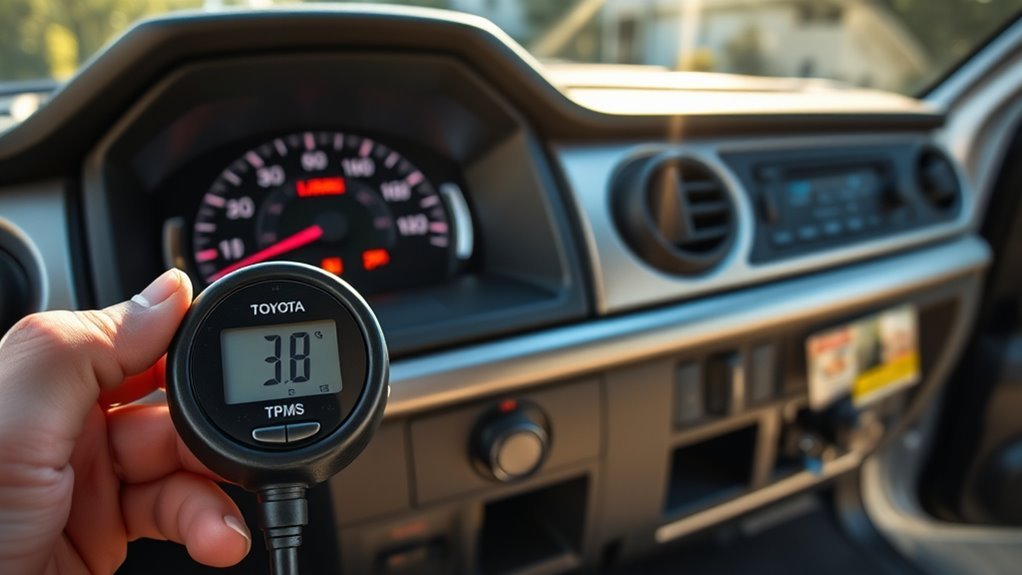
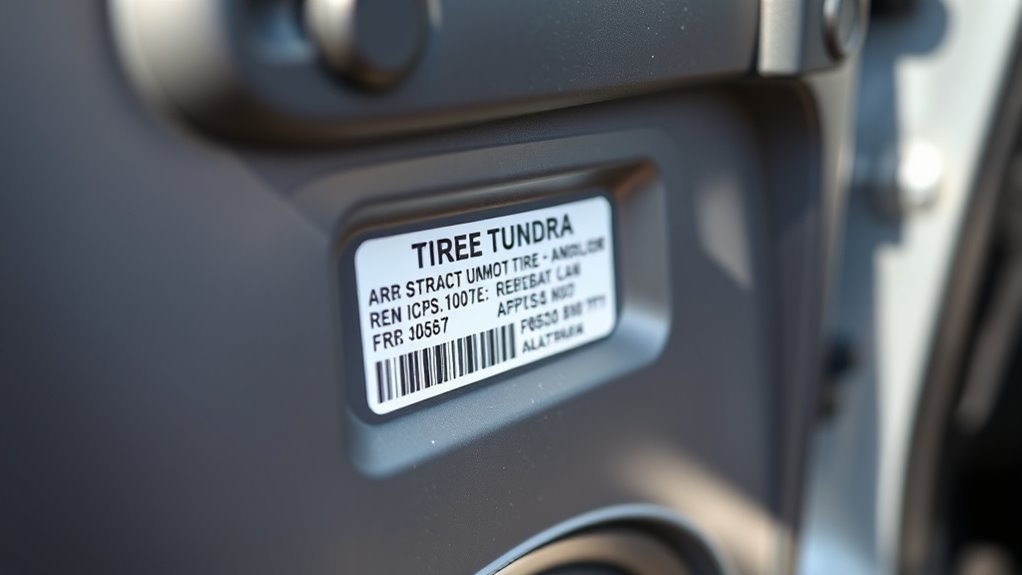
Start with tire pressure because it is the most common and cheapest cause. Check the tires when they are cold, meaning the truck has been parked for at least three hours or driven only a short distance at low speed. Inflate each tire to the pressure shown on the Tire and Loading Information Label on the driver-side door edge or post, or confirm the value in your owner’s manual.
Do not rely on the maximum PSI printed on the tire sidewall. That number is the tire’s maximum rating, not the pressure Toyota selected for ride, load, handling, and safety on your truck.
- Check all mounted tires: Use a reliable gauge and compare each reading with the driver-door placard.
- Check the spare tire: Check it as part of your safety inspection. Some vehicles monitor the spare and some do not, but a low spare can still leave you stuck.
- Look for leaks: Inspect tread, sidewalls, valve stems, valve caps, and the bead area. A cracked stem or slow puncture can turn the light back on after a reset.
- Set the baseline only after pressure is correct: Pressing the SET button while a tire is low can teach the system the wrong reference point.
Warning: TPMS is not a substitute for regular tire maintenance. Check tire pressure manually at least monthly and before long trips, even when the warning light is off.
Before You Reset TPMS: What Initialization Can and Cannot Fix
TPMS initialization stores or updates the pressure reference used by the warning system. It does not repair a puncture, stop a valve leak, revive a dead sensor battery, or prove that a replacement sensor ID is registered. Use initialization only after every road tire matches the cold pressure on the driver-door placard.
Use this rule: a steady light sends you to the tires first. A light that flashes for about one minute and then remains on sends you to diagnosis. If the warning began after new wheels or sensors were installed, confirm registration or automatic relearn before repeating pressure initialization.
Model-year note: Toyota’s 2011 Tundra quick reference guide uses a physical SET switch and a three-blink confirmation. Toyota’s 2022 Tundra quick reference material routes tire-pressure settings through Vehicle Settings and TPWS. Always confirm the exact path in the Toyota owner’s manual lookup for your truck.
Check Every Tire: PSI, Valve Stems, Wheels, and Sensors
A single underinflated tire, leaking valve stem, damaged wheel, missing sensor, or unregistered replacement sensor can keep the TPMS warning on. Work in this order so you do not replace good parts by mistake.
- Measure pressure accurately: Press the gauge straight onto the valve stem. If the reading is low, inflate to the placard PSI and recheck.
- Inspect valve stems: Look for cracks, corrosion, looseness, missing caps, or a faint hiss. Spray soapy water around the valve if you suspect a slow leak; bubbles point to leakage.
- Inspect tires and wheels: Check for nails, screws, bead leaks, bent wheels, sidewall damage, or uneven wear.
- Confirm the right tires and wheels are installed: Aftermarket wheels, non-OE tire sizes, and incompatible sensors can prevent the system from working correctly.
- Consider recent service: If the light started after tire rotation, tire replacement, wheel replacement, or sensor replacement, the system may need initialization or sensor ID registration.
Pro Tip: Write down each tire’s pressure before adding air. If one tire is much lower than the others, look for a leak instead of assuming the TPMS is wrong.
How Do You Reset the TPMS on a Toyota Tundra?
The correct reset depends on the Tundra generation. Use the physical SET-switch procedure only when your truck has that switch and the owner’s manual calls for it. Use the TPWS menu on 2022-and-newer models.
Many 2007–2021 Tundras: Physical SET Switch
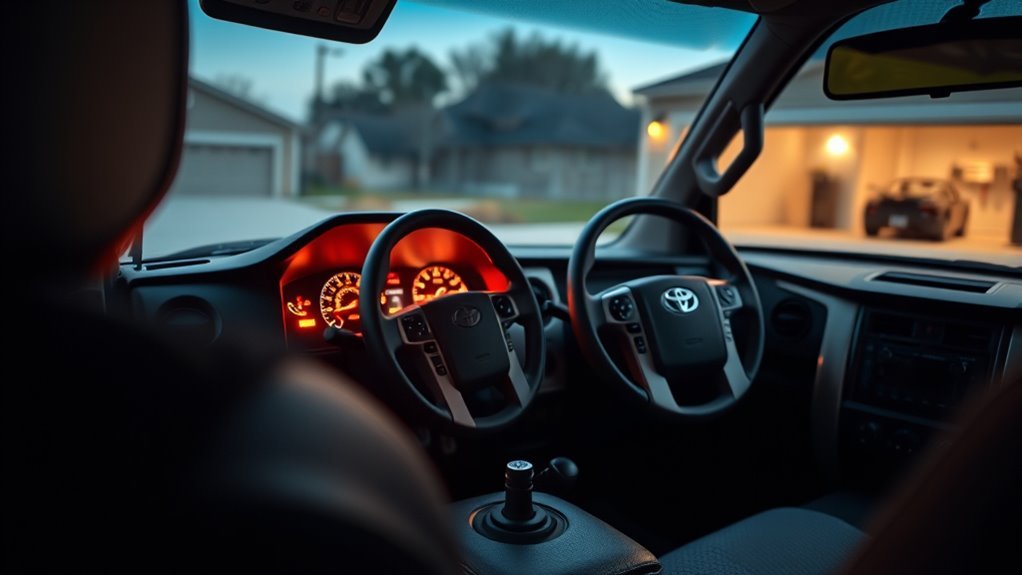
On many second-generation U.S.-market Tundras, the tire-pressure reset switch is under the lower driver-side dash near the steering column. The exact location and sequence can vary by model year and trim.
- Park safely and let the tires become cold.
- Set every road tire to the front or rear cold PSI shown on the driver-door placard.
- Turn the ignition to ON without starting the engine.
- Press and hold the tire-pressure SET switch until the warning indicator blinks three times.
- Release the switch and leave the ignition on for the time specified in the owner’s manual so initialization can complete.
- Turn the ignition off, restart the truck, and complete any model-specific drive cycle.
The Toyota 2011 Tundra Quick Reference Guide instructs the driver to hold SET until the indicator blinks three times and then wait several minutes. It also says a light that flashes for more than 60 seconds and remains on requires inspection.
2022 and Newer Tundras: TPWS Menu
Third-generation Tundras use the multi-information display rather than the older under-dash SET-switch workflow. Exact menu wording can vary, so follow the on-screen prompts and the manual for your display.
- Park the truck and set all road tires to the cold placard pressure.
- Start the truck and keep it in Park.
- Use the steering-wheel controls to open Vehicle Settings.
- Select TPWS, then open the tire-pressure setting option shown on the display.
- Press and hold OK or follow the confirmation prompt until the system accepts the setting.
- Drive only as directed by the owner’s manual so initialization and wheel-position detection can finish.
Use the Toyota 2022 Tundra Quick Reference Guide and your exact owner’s manual to confirm the display path.
Important: Pressure initialization is not the same as sensor-ID registration. If new sensors or another wheel set remain unrecognized, use the model-specific automatic ID-registration procedure or a Toyota-capable TPMS/Techstream tool.
Interpreting the TPMS Light: Blinking vs. Steady
The warning pattern tells you what to do next. Do not treat every TPMS light the same way.
| Light behavior | Most likely meaning | What to do |
|---|---|---|
| Steady light from startup | One or more tires may be below the warning threshold | Stop safely, check cold pressure, inflate to placard PSI, and inspect for leaks |
| Flashes for about 60 to 90 seconds, then stays on | TPMS malfunction, sensor issue, registration issue, receiver/module issue, or incompatible wheel/sensor setup | Scan the TPMS, confirm sensor IDs, and diagnose before replacing parts |
| Light goes off, then returns later | Slow leak, temperature-related pressure drop, weak sensor battery, or incomplete initialization | Record cold pressures over several days and scan if pressure stays correct |
Federal TPMS rules explain that a combined low-pressure/malfunction telltale can flash for a set period before remaining continuously illuminated while a malfunction exists. You can review the regulatory language in 49 CFR 571.138.
Diagnosing Faults: Scan Tool Checks and Common Causes
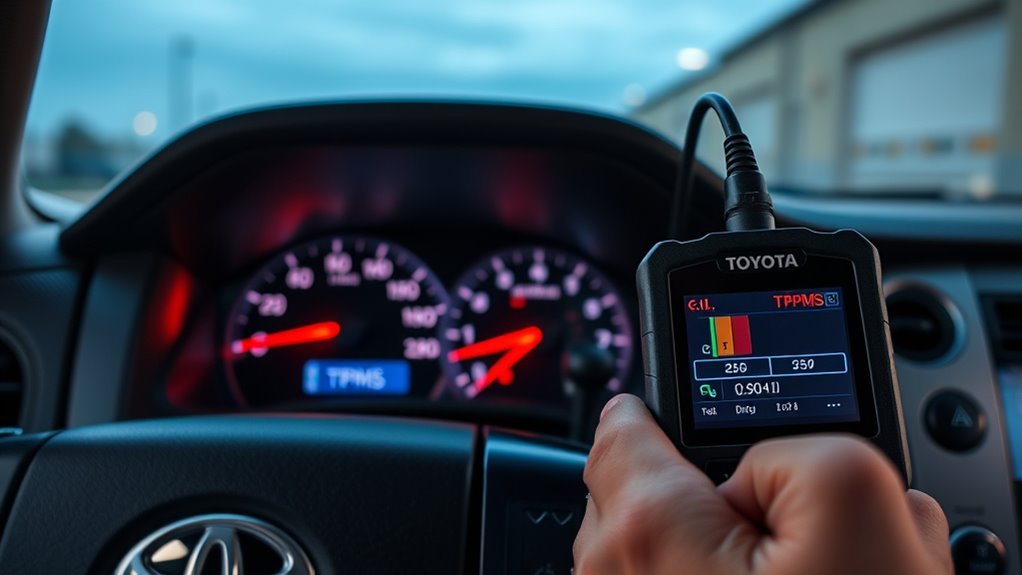
If the light still stays on after correct tire pressure and proper initialization, use a TPMS-capable scan tool. A basic engine-code reader often cannot read tire-pressure sensor IDs, sensor signal data, or TPMS module information.
Run through this diagnostic checklist:
- Read TPMS data: Check whether each wheel sensor is transmitting and whether the vehicle sees all registered IDs.
- Compare IDs: If a sensor was replaced, confirm the ID printed on the sensor or read by the tool matches the ID stored in the truck.
- Check sensor response: A sensor that does not wake up or transmit may have a dead battery, damage, or the wrong frequency/application.
- Confirm recent work: Tire mounting can damage valve-mounted sensors if they are handled incorrectly.
- Inspect the receiver/module circuit: If no sensors communicate, the problem may be wiring, receiver, fuse, or module related rather than one bad wheel sensor.
- Clear and recheck: After repair or registration, clear TPMS codes and drive as required by the tool/manual to verify the light stays off.
Toyota-specific TPMS DTCs can point toward sensor ID, receiver, or communication faults, but code definitions vary by model year and scan tool. Confirm the exact definition in Toyota service information or the scan tool’s vehicle-specific database before buying parts.
| Example Toyota code family | What it can help identify | Required caution |
|---|---|---|
| C2121–C2124 | A registered transmitter signal is not being received for a wheel position. | Position mapping and definitions can differ by model year. |
| C2171 | Transmitter IDs are not registered or registration is incomplete on applicable systems. | Do not assume the sensor itself is defective. |
| C2126 | The ECU has not received expected data from registered transmitters after registration. | Confirm IDs, sensor compatibility, and receiver communication before replacing parts. |
[VERIFY: add a first-hand diagnostic note] Document the Tundra model year, the cold PSI at each wheel, the warning pattern, the scan-tool sensor-response screen, the DTCs found, and the repair that kept the light off. This evidence would materially improve trust without inventing a test result.
Reprogram Sensors: Tools, Steps, and When It’s Needed
You may need sensor-ID registration or automatic relearn when you install new TPMS sensors, replace wheels, add a second wheel set, or install sensors the truck does not recognize. This is different from pressure initialization. Depending on model year, the truck may support an on-screen or switch-triggered automatic registration routine; other procedures require Techstream or a Toyota-capable TPMS tool through the OBD port.
[Products Worth Considering]

These universal tire valve stem caps are designed to help protect tire valves from moisture and debris while adding a clean, customized look to your vehicle. Suitable for cars, trucks, motorcycles, SUVs, and bikes, they offer easy push-on installation and durable everyday use. Their personalized design makes them a simple accessory for enhancing both style and tire protection.
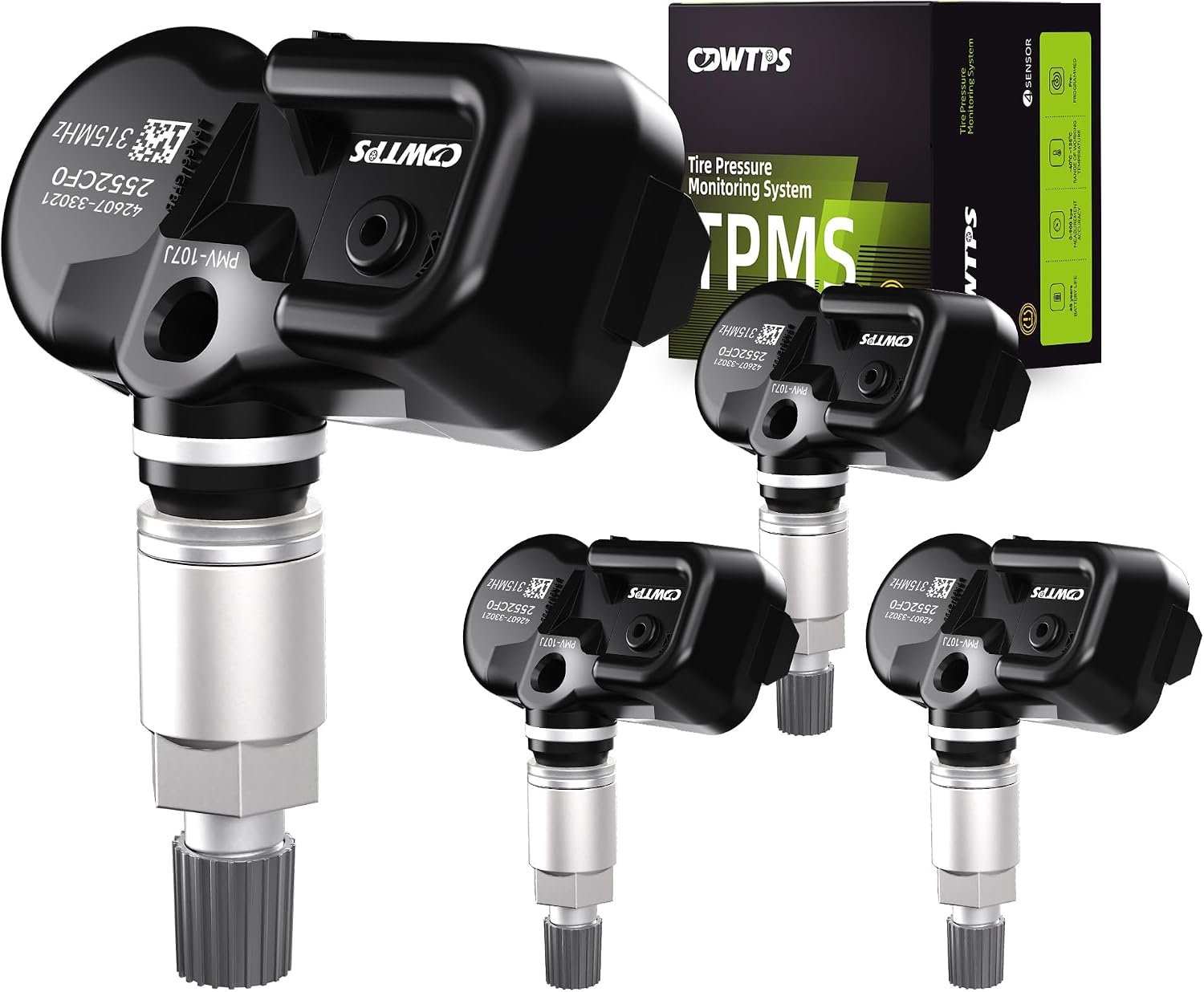
This set of four pre-programmed TPMS sensors is designed as a direct-fit replacement for compatible Toyota, Lexus, and Scion vehicles. It helps restore accurate tire pressure monitoring without sensor programming, and each unit is factory-tested for dependable performance. Built for long service life, these sensors offer a convenient solution for replacing worn or failed tire pressure monitors.

This CARORAV TPMS sensor set provides reliable tire pressure monitoring for a wide range of Toyota and Lexus vehicles with 315MHz compatibility. It is pre-programmed for easier setup, but still requires relearning or reset procedures after installation. Designed for accurate real-time pressure tracking, these sensors help support safer driving and long-lasting performance across many model years.
Tools Needed
- Toyota-capable TPMS tool or Techstream: Use it when the model-specific automatic registration procedure is unavailable, unsuccessful, or requires OBD access.
- Tire pressure gauge: Use it to verify cold pressure before and after programming.
- Sensor ID information: Record each new sensor ID before the tire is mounted, or read it with the scan tool.
- Basic hand tools: Needed only if trim access or module inspection is required.
Programming Steps
- Verify that each replacement sensor matches the Tundra’s model year, market, frequency, and wheel application.
- Record or scan each sensor ID before the tire is mounted when the registration method requires manual ID entry.
- Inflate all road tires to the cold PSI on the driver-door placard.
- Check the owner’s manual for an automatic ID-registration or “identify wheel” procedure. Use that procedure when supported.
- If automatic registration is unsupported or fails, connect a Toyota-capable TPMS tool or Techstream and select the exact model year.
- Register the IDs, then run the required initialization and drive cycle.
- Confirm that every sensor reports pressure, clear applicable DTCs, and verify the warning remains off after the next cold start.
Note: If a tire shop installs sensors, ask whether the quote includes sensor activation, ID registration or automatic relearn, pressure initialization, and a final scan showing that every transmitter reports. Physical installation alone does not prove the truck recognizes the sensor.
Inspect Sensors and Module: Battery Life, Compatibility, and Wiring
TPMS sensors live inside the wheel, so age, impact, corrosion, or tire service can damage them. In many direct TPMS designs, a weak internal sensor battery means the sensor gets replaced as a unit rather than repaired separately.
- Check sensor age: If several sensors are original and one has failed, the others may be near the end of their service life too.
- Confirm compatibility: Use sensors listed for your exact Tundra year, market, and wheel setup.
- Inspect valve hardware: Corrosion, wrong caps, loose nuts, or damaged seals can cause air leaks or sensor damage.
- Check wiring and fuses: If the scan tool cannot communicate with the TPMS system, inspect related fuses, wiring, connectors, and receiver/module connections.
- Retest after each repair: Scan, clear codes, and verify the warning light does not return.
[Products Worth Considering]

This set of four pre-programmed TPMS sensors is designed to restore accurate tire pressure monitoring for a wide range of Toyota, Lexus, and Scion vehicles. Built to OE-quality standards with long battery life and broad compatibility, these sensors help maintain proper tire pressure, improve safety, and eliminate TPMS warning lights when installed and activated correctly.

These aluminum alloy tire valve stem caps provide durable, corrosion-resistant protection for your vehicle’s valve stems while helping maintain stable tire pressure. The rubber seal design helps block dust, moisture, and debris, reducing the risk of air leakage and valve damage. Easy to install and styled for a clean look, they fit a range of cars, SUVs, trucks, and motorcycles.
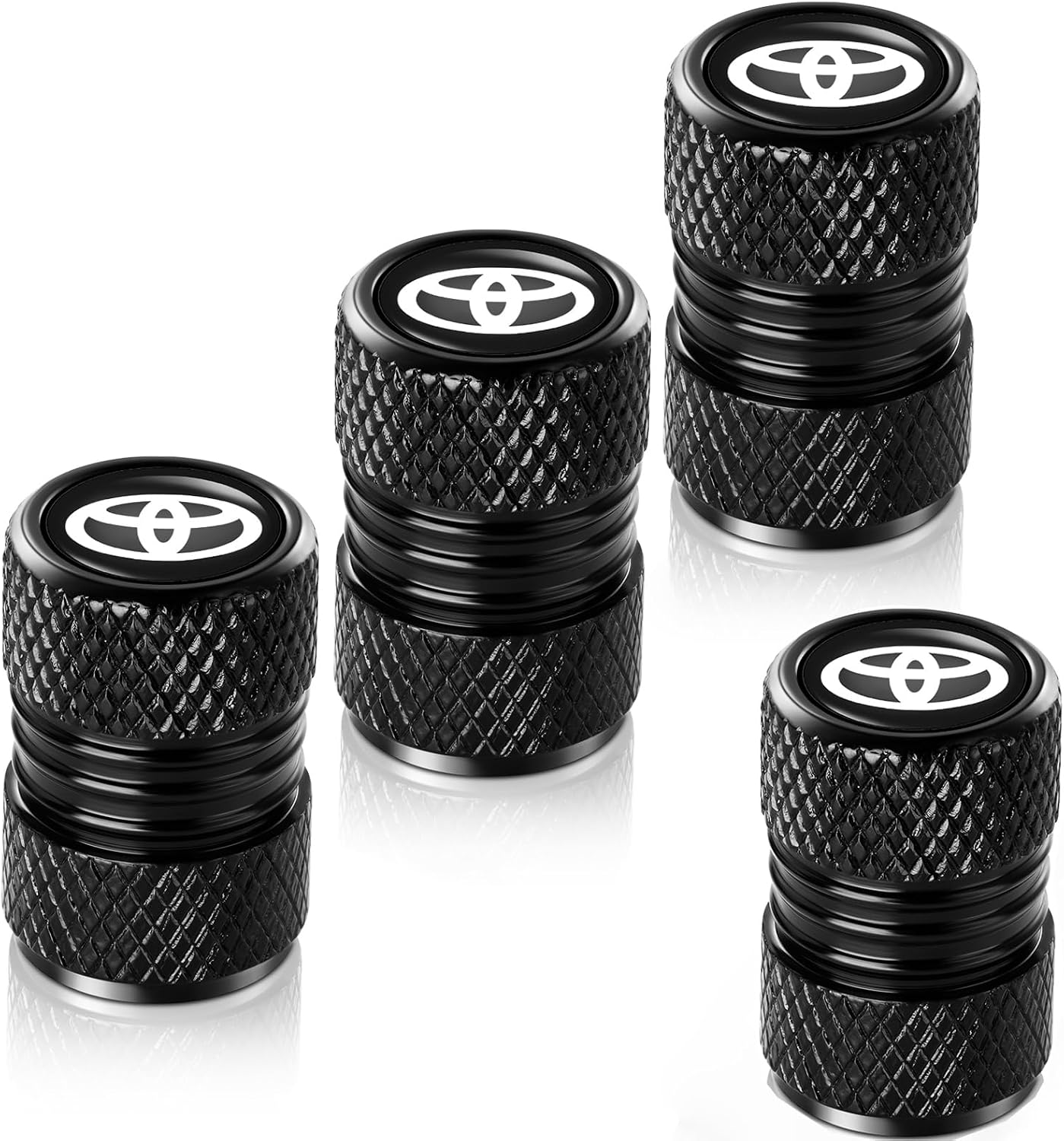
These metal tire valve stem caps are designed to protect tire valves from dust, moisture, corrosion, and air leakage while adding a clean, stylish look to your wheels. Made from durable aluminum alloy with rubber sealing rings, they are easy to install without tools and help support stable tire pressure for safer driving.
Common Mistakes That Keep a Tundra TPMS Light On
Many TPMS problems last longer than they should because the reset happens at the wrong time or the wrong pressure gets used. Avoid these common mistakes before you spend money on sensors.
- Using sidewall PSI: The sidewall lists tire limits, not your Toyota’s recommended cold inflation pressure.
- Resetting with hot tires: Hot tires can read higher than cold tires, so the baseline may be wrong if you reset right after highway driving.
- Ignoring the spare: Even when the spare is not monitored, a low spare can still create a roadside safety issue.
- Assuming rotation caused a failure: Rotation can expose an existing weak sensor or slow leak, but it does not always mean the shop damaged something.
- Using the older button procedure on a 2022-and-newer truck: Third-generation Tundras use the TPWS menu, not the older under-dash SET-switch workflow.
- Installing sensors without registration: New sensors need the correct model-specific registration or automatic relearn before the truck can recognize them.
- Replacing parts without a scan report: A full TPMS scan can separate a dead sensor from a receiver, wiring, registration, or compatibility issue.
Fix Options: Safe Temporary Steps vs. Proper Sensor Repair
If the TPMS light will not go out, you have two safe choices: monitor tire pressure manually until you can repair the system, or fix the root cause with proper diagnosis, sensor registration, or sensor replacement.
| Option | What it does | Best use |
|---|---|---|
| Manual pressure checks | Keeps you aware of tire pressure while TPMS is being diagnosed | Short-term use until repair |
| SET-button initialization | Stores the correct pressure baseline after inflation, rotation, or replacement on supported models | After pressure is corrected |
| Sensor registration | Writes new sensor IDs to the truck | After sensor or wheel replacement |
| Sensor replacement | Restores communication when a sensor is dead, damaged, or incompatible | After scan-tool confirmation |
Warning: Do not disable the TPMS module, unplug the system, or cover the dash warning light. That hides a safety warning and can leave you unaware of a dangerously underinflated tire.
Is It Safe to Drive With the TPMS Light On?
Do not ignore the light. If it comes on while driving, slow down, avoid hard cornering or heavy towing, and stop somewhere safe to check tire pressure. If one tire is very low, do not keep driving on it because heat buildup can damage the tire and affect control.
If all tires are at the correct cold pressure and the light is flashing before staying on, the truck may still be drivable for a short trip to a shop, but the TPMS may not warn you correctly while the fault exists. Check pressure manually until the system is fixed.
When to Seek Professional Help: Diagnostics, Parts, and Questions to Ask
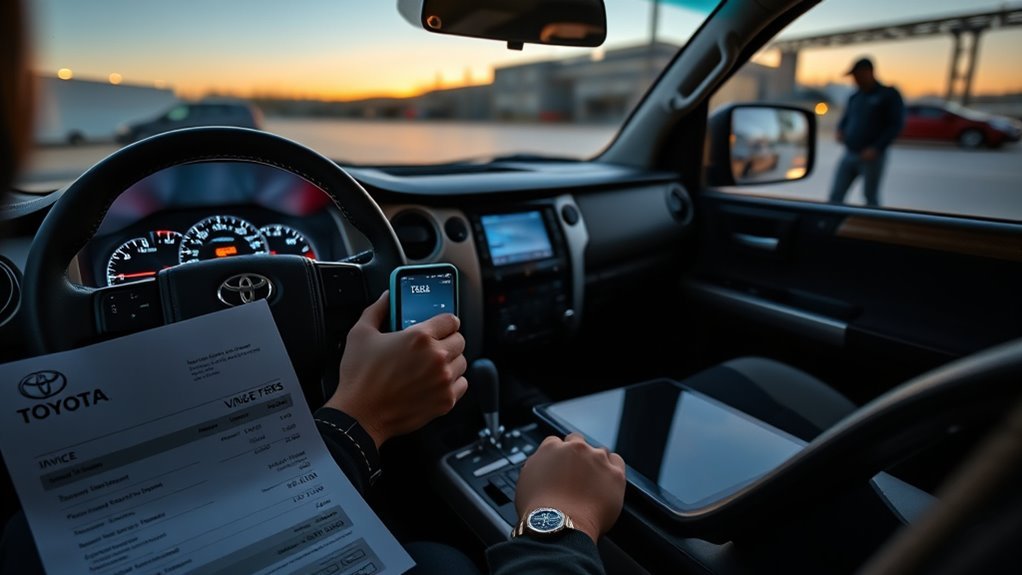
Visit a Toyota dealer or qualified tire shop if the TPMS light flashes for about 60 to 90 seconds and stays on, if the reset button does not make the indicator blink three times, if a tire keeps losing air, or if the light started after new wheels or sensors were installed.
Ask the shop for these items before approving work:
- Full TPMS scan report: It should show which sensors respond, which IDs are registered, and what codes are present.
- Pressure and leak check: Make sure the issue is not simply a slow leak.
- Compatible sensors: Ask whether the sensors match your Tundra’s model year and frequency/application.
- Registration included: Confirm that the quote includes programming or relearn, not just sensor installation.
- Written estimate and warranty: Ask for parts, labor, programming, and warranty details before the work starts.
The fastest lasting fix is not pressing reset over and over. It is setting the correct cold pressure first, then confirming whether the truck has a pressure problem, a sensor problem, or a registration problem.
[Products Worth Considering]

This steering clock spring is designed to restore reliable steering wheel controls across a wide range of Toyota models. It supports audio, cruise control, and other multifunction commands while matching OEM part numbers for confident replacement fitment. Built for dependable signal transfer and straightforward installation, it is an effective solution for repairing steering column control issues.

This AstroAI digital tire pressure gauge delivers factory-calibrated readings with dependable ±1 PSI accuracy, helping you keep cars, trucks, motorcycles, and spare tires at the right pressure. Its bright backlit LCD and illuminated nozzle make nighttime checks easy, while the one-button unit switch and auto-off design add convenience and battery efficiency for routine maintenance.

The TOPDON VeriDiag X800 BT is a wireless bidirectional automotive diagnostic scanner designed for full-system troubleshooting, active testing, and advanced service resets. It supports broad vehicle coverage, live data viewing, AutoVIN identification, and lifetime free updates to help DIYers and professionals diagnose issues faster and with greater confidence.
Frequently Asked Questions
Why is my Toyota Tundra TPMS light not turning off?
The light may stay on because a tire is below the cold PSI on the door placard, the system was initialized before the pressure was corrected, a tire has a slow leak, a sensor battery has failed, or a replacement sensor ID has not been registered.
Where is the TPMS reset button on a Toyota Tundra?
On many older Tundra models, the SET button is under the driver-side dash near the lower steering-column area. Look for a small button marked with a tire-pressure symbol and “SET.” Check your exact owner’s manual because button location and reset procedure can vary by model year.
What does it mean when the TPMS light flashes, then stays on?
A light that flashes for about 60 to 90 seconds and then stays on usually means the TPMS has detected a malfunction. Common causes include a dead sensor battery, unregistered sensor ID, incompatible replacement sensor, damaged sensor, receiver issue, or wiring/module fault.
Can I reset the TPMS light without a scan tool?
You can often initialize the pressure baseline with the factory SET button after correcting tire pressure. However, if new TPMS sensors were installed or the light flashes before staying on, you may need a TPMS-capable scan tool to register sensor IDs and read system faults.
Should I check the spare tire when the TPMS light is on?
Yes. Check the spare tire pressure as part of your safety inspection. Some vehicles monitor the spare and some do not, depending on model and setup, but a low spare can still create a roadside problem when you need it.
Why does my TPMS light come back after I add air?
The tire may have a slow leak, the pressure may have been checked while the tires were hot, the system may not have been initialized after pressure correction, or a sensor may be weak or failing. Recheck cold pressure the next morning and scan the TPMS if the pressures stay correct but the light returns.
Does the Toyota Tundra SET button program new TPMS sensors?
No. The SET button initializes the pressure baseline on supported models. It does not write new sensor IDs to the truck. If you install new sensors or a second wheel set, ask for sensor registration or relearn with a TPMS-capable scan tool.
Can cold weather make the Tundra TPMS light come on?
Yes. Tire pressure drops as temperature falls, so a tire that was barely above the warning threshold can trigger the light on a cold morning. Check and adjust cold pressure to the door placard instead of waiting for the light to turn off after driving.
Why will the Tundra TPMS reset button not make the light blink three times?
The system may already be reporting a malfunction, the ignition mode or button sequence may be wrong, the truck may use a TPWS menu instead of a physical switch, or a sensor/receiver fault may be blocking initialization. Confirm the model-year procedure, correct the cold pressure, then scan the TPMS if the warning flashes for about one minute.
How do I reset TPMS on a 2022 or newer Toyota Tundra?
Set every road tire to the cold placard pressure, keep the truck parked, open Vehicle Settings in the multi-information display, select TPWS, and follow the tire-pressure setting prompt. Use the exact owner’s manual because menu labels and completion steps can vary by model year and display.
Conclusion
A Tundra TPMS light that will not turn off needs a symptom-based fix. For a steady light, check every road tire cold, use the driver-door placard, and repair any leak. For an applicable older Tundra, initialize with the physical SET switch only after pressure is correct. For a 2022-and-newer Tundra, use Vehicle Settings and the TPWS menu. If the light flashes for about one minute, returns with correct pressure, or began after wheel or sensor work, get a TPMS scan report and verify registration before approving parts.
Sources
- Toyota 2011 Tundra Quick Reference Guide — backs the physical SET-switch initialization, three-blink confirmation, and flashing-light service guidance.
- Toyota 2022 Tundra / Tundra Hybrid Quick Reference Guide — supports the third-generation Tundra control and menu context.
- Toyota Owner’s Manual Lookup — supports confirming the exact model-year TPWS, initialization, and registration procedure.
- 49 CFR 571.138: Tire Pressure Monitoring Systems — backs low-pressure warning and malfunction-indicator behavior.
- NHTSA TireWise — backs cold-pressure checks, use of the driver-side label, monthly manual checks, and spare-tire inspection.
- Third-party Toyota Tundra service-manual reproduction: TPMS Registration — supports transmitter-ID registration, data-list confirmation, and example diagnostic code families.