Editorial Team [VERIFY: align this byline with the named CMS author and add genuine automotive or tire-service review credentials.] · Last updated: July 31, 2026
A Toyota Tundra TPMS relearn depends on the model year and the task. First correct every road tire to the cold pressure on the driver-side placard. Many 2007-2017 Tundras use the tire-pressure warning reset switch to initialize the pressure baseline, while replacement sensor IDs generally require Toyota-compatible registration. Toyota’s 2018-2021 owner’s manuals add an in-vehicle sensor-ID registration sequence using three reset-switch presses and a drive cycle. For 2022 and newer trucks, use the full owner’s manual for the exact TPWS procedure because menu commands and registration requirements can vary.
Before you start: Use the Tire and Loading Information Label on the driver-side door area, not the maximum pressure molded into the tire sidewall. Check pressure when the tires are cold, meaning the truck has not been driven for at least three hours.
How this guide was checked: The procedures were compared across Toyota model-year owner’s-manual instructions, Toyota’s 2022 Quick Reference Guide, NHTSA tire-safety guidance, and TPMS diagnostic-tool documentation. The owner’s manual for the exact truck remains the controlling source.
What’s in This Article
Quick Answer: Toyota Tundra TPMS Relearn by Model Year
Inflate every road tire to the cold pressure on the driver-side placard and inspect for leaks or damage before using any reset control. On many 2007-2017 Tundras, holding the reset switch until the warning light blinks three times initializes the pressure baseline. New sensor IDs on these years generally require Toyota-compatible diagnostic registration. On 2018-2021 trucks, the owner’s manual describes separate switch-and-drive procedures for registering sensor IDs and initializing the pressure baseline. For 2022 and newer trucks, follow the exact TPWS instructions in the full owner’s manual rather than assuming that a display-unit setting or generic Toyota menu command performs a relearn.
| Model year | Pressure initialization | New sensor-ID registration | Important check |
|---|---|---|---|
| 2006-2007 | Confirm that the truck is TPMS-equipped and use its exact owner’s manual. | Use the model-specific Toyota procedure or qualified service. | TPMS was not fitted to every 2006 or 2007 light vehicle. |
| 2008-2017 | Many trucks use the physical reset switch and a three-blink confirmation. | Replacement IDs generally require Toyota-compatible registration or dealer service. | A pressure reset does not write new sensor IDs. |
| 2018-2021 | Hold the reset switch until three blinks, then complete the prescribed drive cycle. | Press the reset switch three times, drive at approximately 25 mph or more for about 10-30 minutes, then initialize the system separately. | Completion is indicated when the light turns off and tire pressures replace “–” on the display. |
| 2022 and newer | Use the TPWS instructions in the full owner’s manual for the exact year, trim, and powertrain. | Confirm the model-year registration requirement before assuming that a menu reset or scan tool is sufficient. | The 2022 Quick Reference Guide’s “Set Unit” command changes the displayed pressure unit; it is not a documented sensor relearn. |
| Your situation | What to do | Tool needed |
|---|---|---|
| Solid TPMS light and one or more low tires | Inspect the tires, correct the cold pressure, and recheck for leaks. | Accurate pressure gauge and inflator |
| Correct pressure but the system needs a new baseline | Run the model-specific reset-switch or TPWS initialization procedure. | Usually no scan tool |
| New sensors or an unrecognized wheel set | Use the registration method specified for the exact model year. Some 2018-2021 trucks can register IDs through a switch-and-drive procedure. | Reset switch on applicable years; otherwise Toyota-compatible diagnostic equipment or professional service |
| Light flashes for approximately one minute, then stays on | Treat it as a TPMS malfunction and arrange diagnosis. | Diagnostic scan equipment |
Key Takeaways
- Correct the cold tire pressure before initializing or diagnosing TPMS.
- Pressure initialization and sensor-ID registration are separate procedures.
- Many 2008-2017 Tundras use a reset switch for initialization, but new sensor IDs generally require separate registration.
- Toyota’s 2018-2021 manuals describe an owner-performed ID-registration and drive-cycle procedure.
- Do not treat the 2022 TPWS “Set Unit” menu item as a tire-pressure or sensor relearn.
- If the warning appears while driving, reduce speed and stop safely before inspecting the tires.
[Products Worth Considering]

This wheel lock key set is designed to help remove and replace compatible Toyota and Lexus wheel locks with confidence. It includes four wheel lock nuts and one key, offering a practical replacement solution for many popular models while supporting secure wheel protection and reliable fitment. Built for durability and corrosion resistance, it is a useful choice when matching OE reference numbers and vehicle compatibility is important.

This wheel lock lug nut set adds an extra layer of theft protection for compatible Toyota and Lexus vehicles by securing wheels with a unique key pattern that resists common removal tools. Built to OEM-standard fitment with corrosion-resistant, triple-chrome finished construction, it is designed for direct replacement and long-lasting performance. The set includes locking nuts and a matching key for easy installation on compatible vehicles with the correct thread and cone seat specifications.
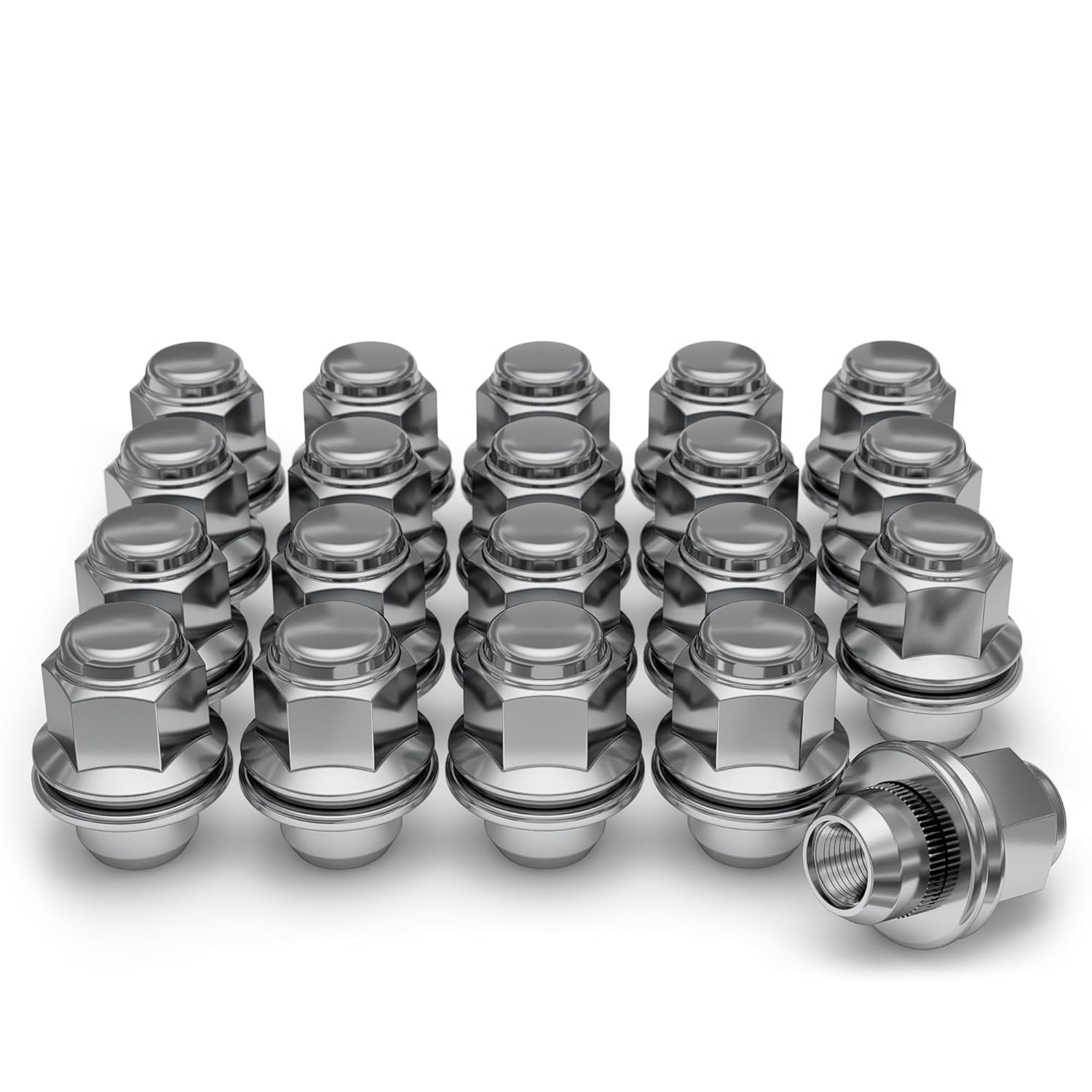
These White Knight mag-style lug nuts are designed for select Toyota, Lexus, Kia, and Genesis vehicles, delivering a secure fit and a clean factory-inspired look. Made from heat-treated cold forged carbon steel with a chrome finish, they offer durable strength, reliable corrosion resistance, and easy installation with a traditional hex-body, flat-seat design. Use them to replace worn or damaged lug nuts while maintaining proper wheel fitment and dependable performance.
Which Toyota Tundra TPMS Procedure Do You Need?
Start with the warning pattern, tire pressure, model year, and recent service history. A solid warning light means at least one tire may be significantly underinflated. A light that flashes for 60-90 seconds and then remains on indicates a system malfunction. Replacement sensors, a second wheel set, or a failed registration can require a sensor-ID procedure rather than a pressure reset.
1. Pressure Correction
Use this path when one or more tires are below the placard pressure. Park safely, inspect for visible damage, and measure each road tire with an accurate gauge. Add or release air until the cold readings match the Tire and Loading Information Label.
Correcting pressure is not the same as initialization. In many cases, however, a solid warning light will turn off after the tire is correctly inflated and the system receives an updated sensor reading.
2. Pressure Initialization
Initialization stores the correctly inflated tires as the system’s pressure benchmark and may also allow the truck to identify tire positions. Use it only after the tires are correctly inflated and when the model-specific instructions call for it, such as after certain rotations or tire-size changes.
Depending on the model year, initialization may use a physical reset switch or a TPWS command in the Multi-Information Display. Do not start initialization while a tire has an active leak.
3. Sensor-ID Registration
Every TPMS valve and transmitter has a unique ID code. The tire-pressure warning computer must recognize those codes before it can display or monitor the sensors correctly.
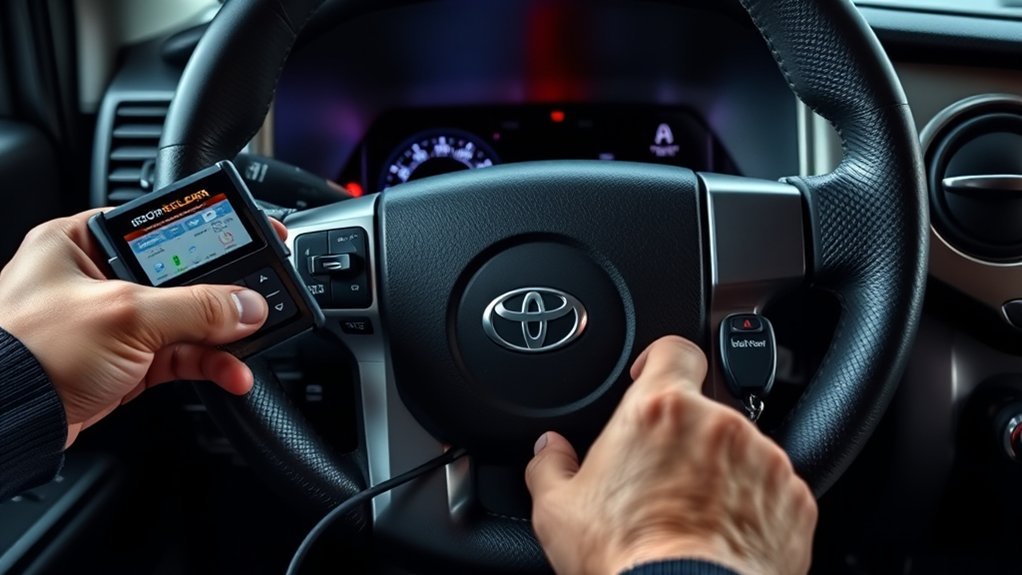
For many 2007-2017 Tundras, replacement sensor IDs require Toyota-compatible diagnostic registration. Toyota’s 2018-2021 owner’s manuals describe an in-vehicle registration sequence: press the tire-pressure warning reset switch three times, then drive at approximately 25 mph (40 km/h) or more for about 10-30 minutes. After the IDs are registered, initialize the pressure-warning system separately.
ATEQ also documents an OBD relearn route for 2009-2019 Tundras using compatible TPMS and OBD equipment. Tool coverage and the owner-performed procedure are not interchangeable in every service situation, so use the exact owner’s manual and the tool manufacturer’s coverage information.
Note: Holding a reset switch to initialize pressure does not prove that replacement sensor IDs have been registered. On 2018-2021 trucks, pressing the switch three times for registration is a separate action from pressing and holding it for initialization.
Before any procedure, inspect each tire for cuts, bulges, nails, damaged valve stems, or repeated pressure loss. Do not initialize the system to hide an active leak.
- Use a pressure gauge that gives repeatable readings.
- Measure pressure before driving or after the truck has been parked for at least three hours.
- Use the door-jamb placard value, not the tire-sidewall maximum.
- Check the spare for safe use, but do not assume it is monitored by TPMS.
- Keep the owner’s manual open to the tire-pressure warning section.
Do not continue if a tire will not hold pressure. Repair or replace the damaged tire before restarting the process.
How Do You Relearn TPMS on 2007-2021 Tundras?
Second-generation Tundra procedures changed during the model run. Many 2007-2017 trucks use the reset switch to initialize the pressure benchmark, but their replacement sensor IDs generally require separate Toyota-compatible registration. Starting with the 2018 model year, Toyota manuals describe both an owner-performed sensor-ID registration procedure and a separate initialization procedure.
Early-truck note: NHTSA says all model-year 2008 and newer light vehicles have TPMS, while only some 2006 and 2007 vehicles have it. Confirm the equipment and procedure in the owner’s manual before looking for a reset switch on an early truck.
[Products Worth Considering]

This replacement fuel gas cap is designed to fit a wide range of Toyota and Lexus vehicles, making it a practical solution for a lost, worn, or damaged original cap. It helps restore a secure fuel tank seal and supports proper vehicle operation while offering broad compatibility across many popular model years. The package includes one gas cap, and buyers should confirm fitment before ordering.

This fuel tank filler cap is designed as a direct replacement for a wide range of Toyota and Lexus vehicles, helping restore a secure seal for the fuel system. It is tested before shipping and built from durable materials for dependable fit and long-lasting use. Installation is simple, making it a practical solution for replacing a lost, worn, or damaged gas cap.

Warm Note: 1.TP150 tpms tool is not for all sensors, but only works for pre-programmed sensors or XTOOL TS100/ TS100 PRO sensors. 2. Need to update the TP150 tire pressure sensor reset tool but shows system configuration error? Please follow the user maual first install "TP200 software" from xtooltech, and connect TP150 with Windows PC(ios cannot be supported), go "settings – About" to check the SN and pasword required, and click the TP150 disk and the mouse right button to format it and then upload the software again. Any issue you can find XTOOL for help
Prepare the Tires Before Any Relearn
Set the pressure first. Initializing the system with an incorrect reading can store the wrong benchmark and delay the next warning.
- Park on a level surface and turn the truck off.
- Let the tires cool for at least three hours when practical.
- Find the recommended front and rear pressures on the driver-side placard.
- Measure every road tire with the same gauge.
- Adjust each tire to its listed cold pressure.
- Inspect any tire that loses pressure again after adjustment.
Pressure can differ between front and rear tires on some configurations, so do not force every reading to match unless the placard lists the same value.
Where Is the Tire-Pressure Reset Switch?
On applicable trucks, look under the steering column or low on the driver-side instrument panel. The exact location varies by model year and trim. If you cannot positively identify the switch, stop and check the owner’s manual instead of pressing an unfamiliar control.
How Do You Initialize TPMS on Many 2007-2017 Tundras?
This procedure stores the current correctly inflated tires as the pressure benchmark. It does not register a newly installed transmitter ID.
- Park safely and set every road tire to the cold placard pressure.
- Turn the ignition to ON without starting or moving the truck.
- Press and hold the tire-pressure warning reset switch until the warning light blinks slowly three times.
- Release the switch and wait for the period specified in the owner’s manual.
- Turn the ignition off and restart the truck.
- Complete any model-specific drive or confirmation step described in the manual.
If replacement sensors were installed and are not recognized, do not keep repeating this initialization. The new ID codes generally need Toyota-compatible registration on these model years.
How Do You Register New Sensor IDs on a 2018-2021 Tundra?
Toyota’s 2018-2021 owner’s manuals describe an in-vehicle sensor-registration procedure. Use it after installing compatible TPMS valves and transmitters that the truck does not yet recognize.
- Set every road tire to the specified cold pressure.
- Park safely and place the truck in the ignition state required by the owner’s manual.
- Press and release the tire-pressure warning reset switch three times.
- Confirm that the warning light blinks slowly three times and that a registration message appears.
- During registration, expect the warning light to blink for approximately one minute and then illuminate. The pressure display may show “–” while the truck identifies the sensors.
- Drive straight, with occasional left and right turns, at approximately 25 mph (40 km/h) or more for about 10-30 minutes.
- Confirm that the warning light turns off and a pressure reading appears for each recognized tire.
Traffic, prolonged stops, poor signal reception, and road conditions can extend the procedure. If the pressures do not appear after the retry steps in the owner’s manual, arrange diagnosis rather than repeating the process indefinitely.
How Do You Initialize a 2018-2021 Tundra After Registration?
Sensor registration and pressure initialization are separate. After the new IDs are recognized, initialize the correctly inflated tires as the pressure benchmark.
- Park safely and verify the cold pressure in every road tire.
- Turn the ignition to ON without moving the truck.
- Press and hold the reset switch until the TPMS light blinks three times.
- Release the switch and confirm that the pressure display shows “–” while the truck identifies tire positions.
- Drive straight, with occasional turns, at approximately 25 mph (40 km/h) or more for about 10-30 minutes.
- Confirm that the warning light is off and the Multi-Information Display shows a pressure for each recognized tire.
Use a paved road when practical and avoid judging the procedure before the prescribed drive cycle is complete. If the system still flashes for approximately one minute and remains on, treat it as a malfunction.
How Do You Use TPWS on a 2022 or Newer Tundra?
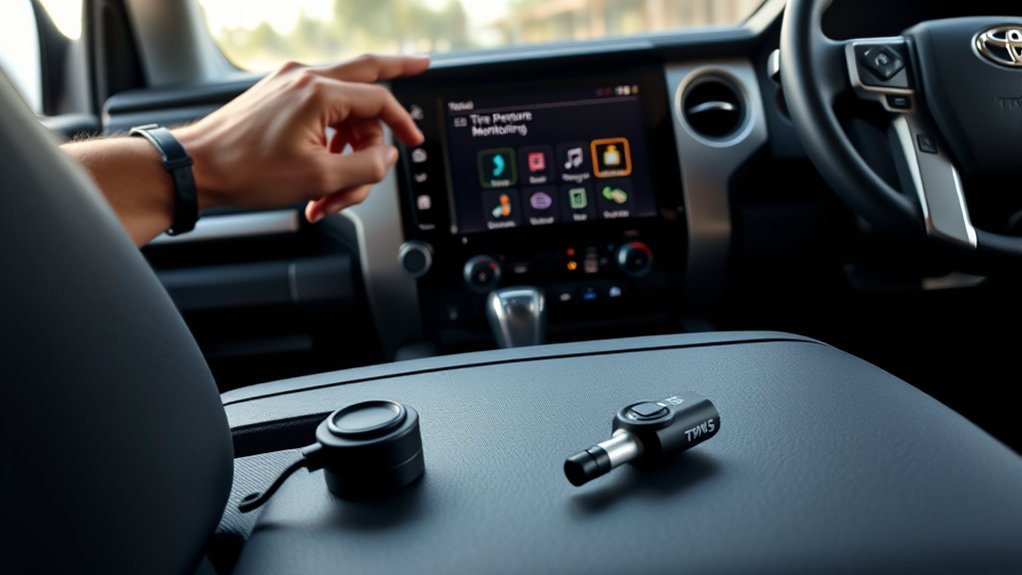
Third-generation Tundras use the Multi-Information Display for TPWS information and settings, but there is not one verified menu sequence that should be applied universally to every 2022 and newer truck. The 2022 Toyota Tundra Quick Reference Guide shows the path through Vehicle Settings and TPWS settings, but its illustrated “Set Unit” command changes the tire-pressure display unit. It does not document sensor-ID registration or a new pressure benchmark.
Use the full owner’s manual for the exact model year, trim, and powertrain before selecting a pressure-setting, wheel-identification, tire-rotation, tire-set, or sensor-registration command.
[VERIFY before publication]: Confirm the exact TPWS menu labels, pressure-initialization steps, wheel-position procedure, and new-sensor registration requirements for each 2022-2026 Tundra model year covered by this page. Do not copy menu wording from another Toyota model.
[Products Worth Considering]

【PREFECT REPLACEMENT】The TPMS is Compatible with 2007-2020 Toyota Sienna,2008-2017 Toyota Sequoia,2007-2017 Toyota Tundra(see picture for specific model).Please double check the compatibilty before purchase to avoid unnecessary installation fees.

【PREFECT REPLACEMENT】The tire pressure monitor system (TPMS) is Compatible with Toyota,Lexus,Scion(see picture for specific model)。Please double check the compatibilty before purchase to avoid unnecessary installation fees.
Set the Correct Cold Pressure First
- Park the truck long enough for the tires to cool.
- Read the Tire and Loading Information Label on the driver-side door area.
- Measure all road tires with an accurate gauge.
- Inflate or deflate each tire to the listed value.
- Repair any tire that shows repeated pressure loss.
Do not use the number on the tire sidewall as the target pressure. That marking is not the vehicle manufacturer’s recommended cold inflation pressure.
Open Vehicle Settings and TPWS Carefully
Turn the truck on and use the steering-wheel controls to open Vehicle Settings on the Multi-Information Display. Select the TPWS menu only after checking the full owner’s manual for the exact command you need.
Do not assume that “Set Unit” performs a reset. That option changes whether the pressure is displayed in units such as psi or kPa. It does not, by itself, prove that a pressure benchmark, wheel position, or new sensor ID has been stored.
Complete the Model-Specific TPWS Procedure
- Verify that every road tire is correctly inflated and undamaged.
- Open Vehicle Settings on the Multi-Information Display.
- Select TPWS.
- Select only the pressure, wheel-position, tire-set, or registration command identified in the owner’s manual for the exact truck.
- Press or hold OK only when the display prompts you.
- Follow the full confirmation and drive-cycle instructions without interrupting the procedure.
- Confirm that the warning is off and that valid pressure readings appear for all recognized road tires.
What If a 2022 or Newer Tundra Does Not Recognize New Sensors?
A general TPWS menu reset may not register replacement sensor IDs. Confirm that the sensors are compatible with the truck’s frequency, protocol, wheel configuration, and model year. Then use the registration procedure in the exact owner’s manual or arrange service with Toyota-compatible TPMS diagnostic equipment.
If the warning flashes for approximately one minute before remaining on, do not keep changing menu settings. The truck has detected a TPMS malfunction that requires diagnosis.
Why Is the Toyota Tundra TPMS Light Still On?
Recheck the tires before blaming the electronics. A slow puncture, bead leak, valve-stem leak, temperature drop, or incorrect placard reading can keep the warning on. Measure every road tire cold and compare the values with the driver-side label.
Next, identify the warning pattern. A solid light means at least one tire may be significantly underinflated. A light that flashes for 60-90 seconds and then remains on indicates a TPMS malfunction. Possible causes include a failed sensor battery, damaged sensor, incompatible transmitter, unregistered ID code, receiver fault, or related wiring problem.
Warning: If the light appears while driving, reduce speed, avoid abrupt steering or braking, and pull over where it is safe. Inspect the tires before continuing.
Common Reasons the TPMS Light Stays On
- One or more tires remain below the placard pressure.
- A tire has a puncture, bead leak, or damaged valve stem.
- Cold weather pushed a marginal tire below the warning threshold.
- A sensor battery is weak or the sensor is damaged.
- A replacement sensor is incompatible or its ID is not registered.
- The required initialization or registration drive cycle was interrupted.
- The truck has not identified the position of every tire.
- The TPMS computer, receiver, antenna, or wiring has a fault.
What Do the Warning Light and Pressure Display Mean?
| What you see | Likely meaning | Next action |
|---|---|---|
| Solid warning light | At least one tire may be significantly underinflated. | Stop safely, inspect the tires, and check pressure with a gauge. |
| Flashes for approximately one minute, then stays on | The system has detected a TPMS malfunction. | Check pressure, then arrange sensor and system diagnosis. |
| “–” instead of tire pressures during a 2018-2021 relearn | The truck may still be registering sensors or determining tire positions. | Complete the prescribed drive cycle and wait for valid readings. |
| One tire repeatedly loses pressure | A leak or damaged tire, wheel, bead, or valve is likely. | Repair the leak before initializing TPMS again. |
When Should You Get Professional Help?
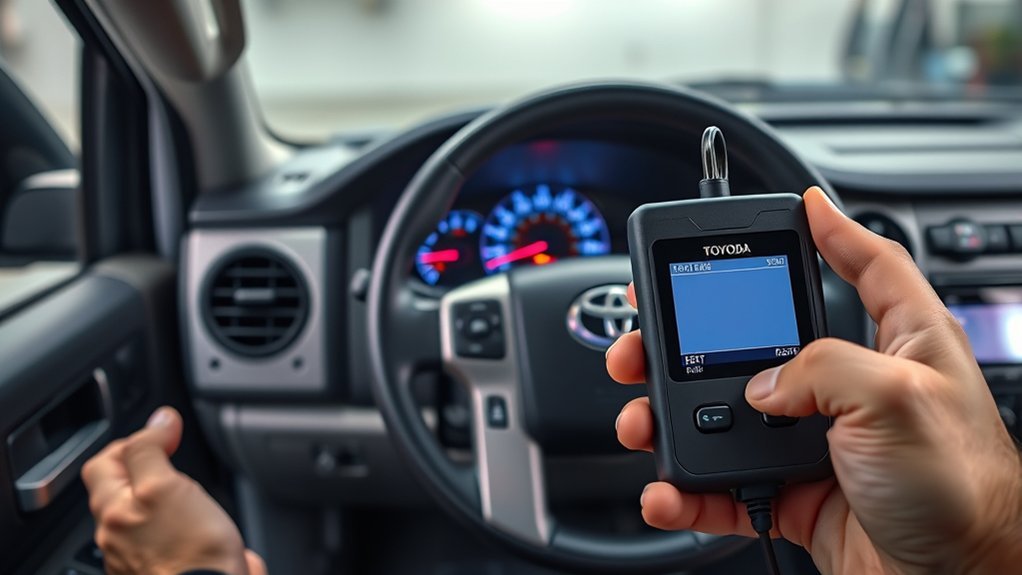
Arrange diagnosis if the warning flashes before remaining solid, a sensor does not transmit, the truck cannot complete registration or initialization, or a tire keeps losing air. A shop with compatible TPMS equipment can test sensor response, read diagnostic trouble codes, verify sensor compatibility, and register IDs through the diagnostic connector when required.
Professional diagnosis is also appropriate when the pressure display remains unavailable after completing the full owner-manual retry procedure or when a replacement wheel set works intermittently.
How Can You Prevent Toyota Tundra TPMS Warnings?
Check tire pressure at least monthly and before long trips. A cold tire is one that has not been driven for at least three hours. Temperature changes can move a marginal tire below the warning threshold, so recheck pressure when seasons change.
Inspect tread, sidewalls, valve stems, and wheels while checking pressure. Look for nails, cuts, bulges, corrosion, or uneven wear. TPMS warns about significant underinflation, but it does not replace a pressure gauge or visual inspection.
- Measure all road tires cold at least once a month.
- Use the driver-side placard pressure for the exact configuration.
- Inspect for damage whenever you correct pressure.
- Rotate tires at the interval and pattern in the owner’s manual.
- Complete any model-specific initialization or wheel-position procedure required after rotation.
- Ask the shop to scan each TPMS sensor during tire service.
- Replace damaged valve hardware with parts approved for the sensor and wheel.
- Check the spare separately instead of assuming that TPMS monitors it.
Frequently Asked Questions
How do you relearn the TPMS on a Toyota Tundra?
Correct the cold tire pressure first. On many 2007-2017 trucks, use the reset switch to initialize the pressure benchmark, while new sensor IDs generally require separate registration. Toyota’s 2018-2021 manuals describe a three-press sensor-registration procedure followed by a drive cycle and separate initialization. For 2022 and newer trucks, follow the exact TPWS instructions in the full owner’s manual.
What is the difference between a TPMS reset and sensor relearn?
A reset or initialization stores the tire pressures as the system’s benchmark and may identify wheel positions. A sensor relearn or registration teaches the tire-pressure warning computer the unique ID code of each transmitter. Installing new sensors can require registration even after a pressure reset.
Can a 2018-2021 Tundra register new TPMS sensor IDs without a scan tool?
Toyota’s 2018-2021 owner’s manuals describe an in-vehicle procedure for compatible sensors. Press the tire-pressure warning reset switch three times, then drive at approximately 25 mph or more for about 10-30 minutes. Registration is complete when the warning light turns off and valid tire pressures appear. Initialize the pressure benchmark separately afterward.
Does the TPMS reset button register new sensor IDs?
It depends on the procedure and model year. Pressing and holding the switch generally initializes the pressure benchmark. On 2018-2021 Tundras, pressing the switch three times starts a separate sensor-ID registration process. Earlier replacement sensors generally require Toyota-compatible registration.
Does the 2022 Tundra TPWS “Set Unit” option relearn the sensors?
No. The “Set Unit” steps shown in Toyota’s 2022 Quick Reference Guide change the displayed pressure unit. They do not document a sensor-ID registration or pressure-benchmark procedure. Use the full owner’s manual for the exact TPWS relearn instructions.
Why does my Tundra TPMS light flash and then stay on?
A warning that flashes for approximately 60-90 seconds and then remains on indicates a TPMS malfunction. Check the tires and pressure first, then arrange diagnosis for a failed sensor, incompatible transmitter, unregistered ID, receiver fault, or wiring problem.
Should you reset TPMS before or after adding air?
Add or release air first. Initialize the system only after each road tire matches the cold pressure listed on the driver-side placard and any active leak has been repaired.
How fast and how long should you drive after a Tundra TPMS reset?
For 2018-2021 registration and initialization procedures, Toyota manuals describe driving at approximately 25 mph or more for about 10-30 minutes. Other model years can use different timing or confirmation steps, so follow the owner’s manual for the exact truck.
Do you need to reset a Toyota Tundra TPMS after rotating the tires?
The requirement varies by model year. Some Tundra manuals call for initialization after tire rotation so the system can store the benchmark or determine tire positions. Use the rotation and tire-pressure warning sections of the exact owner’s manual.
Will disconnecting the battery reset Toyota Tundra TPMS?
Disconnecting the battery is not a reliable TPMS repair or sensor-registration method. Correct the tire pressure, use the specified initialization or registration procedure, and diagnose any malfunction that remains.
Safety Disclaimer: This article provides general information and does not replace the owner’s manual or diagnosis by a qualified technician. If you find tire damage, repeated pressure loss, or a flashing TPMS light, have the truck inspected before normal driving.
Conclusion
Start with the tires, not the reset control. Set the correct cold pressure, inspect for damage, and identify whether the truck needs pressure correction, pressure initialization, sensor-ID registration, or fault diagnosis.
Use the reset-switch procedure specified for applicable 2007-2017 trucks. On 2018-2021 Tundras, keep the three-press registration procedure separate from the press-and-hold initialization procedure, and complete the required drive cycles. For 2022 and newer trucks, use the full owner’s manual rather than assuming that a TPWS display setting performs a relearn.
If the warning flashes, a tire will not hold pressure, valid readings do not appear, or replacement sensors remain unrecognized, stop repeating the reset and arrange proper diagnosis.
References
- How does the Tire Pressure Monitoring System work in my Toyota? — Toyota Support
- 2022 Toyota Tundra Quick Reference Guide — Toyota
- Owner’s Manuals and Warranties — Toyota
- Tire Safety Ratings and Awareness, TireWise — National Highway Traffic Safety Administration
- TPMS Diagnostic Information: Toyota Tundra 2009-2019 — ATEQ TPMS Tools