Last updated: July 15, 2026
Editorial note: This guide summarizes Toyota owner-manual guidance and a symptom-isolation process. Key design, battery type, and emergency procedures vary by model year and trim.
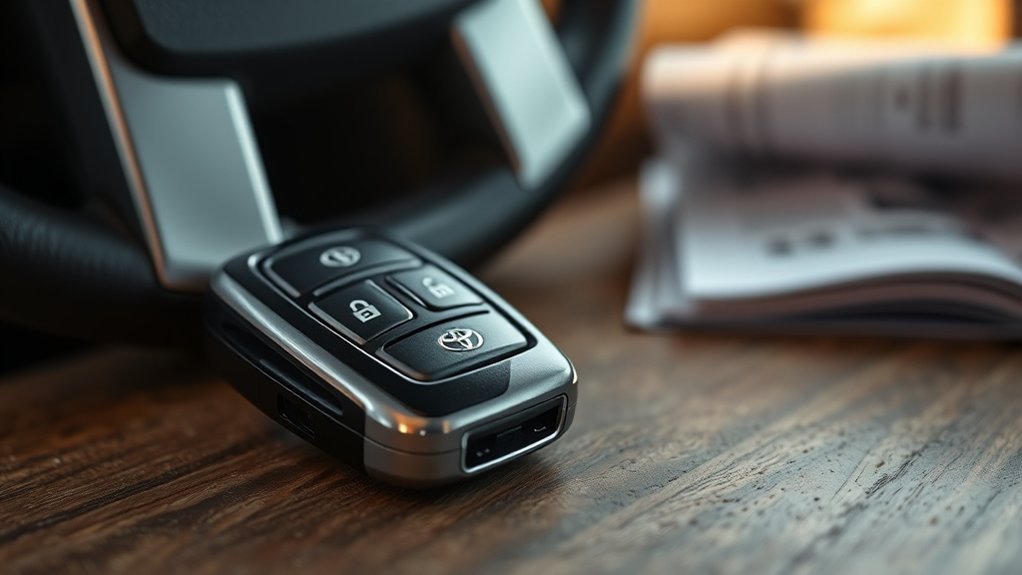
If your Toyota Tacoma key fob is not working, test the spare fob, install a fresh battery with the correct polarity, and inspect the battery contacts before you assume the key needs programming. If one fob fails while the spare works, the problem is more likely inside that fob. If every fob fails, check the truck’s 12-volt battery, interior door locks, smart key settings, fuses, and receiver. Use the year-specific Toyota owner’s manual for the correct battery type and emergency-start procedure.
Quick Answer
A Toyota Tacoma key fob often stops working because the coin battery is weak, reversed, loose, or unable to make clean contact. Test the spare fob, replace and reseat the battery, inspect the case and contacts, then test in another location. A normal battery change usually does not erase the fob’s pairing. If all fobs fail, diagnose the truck before buying or programming another key.
Key Takeaways
- A weak key fob battery often causes reduced range or intermittent response before complete failure.
- Match the positive and negative battery sides to the markings inside your exact fob.
- Use the spare fob to separate a single-fob problem from a truck-side electrical or receiver problem.
- Do not use a generic programming sequence unless it is specified for your Tacoma’s exact year and key type.
- If multiple fobs fail, check the 12-volt battery, interior locks, fuses, smart key settings, and receiver before replacing a fob.
At a Glance
| Start With | Spare-fob test, fresh battery, polarity, seating, contacts, and a second test location |
| DIY Scope | Battery replacement, case inspection, careful contact cleaning, and interference checks |
| Tools Needed | Correct fresh coin battery, small flathead screwdriver or plastic pry tool, lint-free swab, electronics-safe isopropyl alcohol, owner’s manual |
| Stop and Get Help | Cracked circuit board, water damage, bent or broken terminals, lost keys, smart key warning, or failure of every fob |
What Does Your Tacoma Key Fob Symptom Mean?
The pattern of the failure tells you where to look first. This table is a diagnostic shortcut, not a substitute for the owner’s manual.
| Symptom | Most Likely Area | Best Next Test |
|---|---|---|
| One fob fails, but the spare works | Battery, contacts, buttons, case, or internal fob damage | Install a fresh battery, verify polarity and seating, then inspect the case and contacts |
| Buttons fail, but the truck still detects the fob for starting | Weak battery or remote-button circuit | Replace the battery and test each button near the truck |
| Passive entry or start detection is intermittent | Weak battery, interference, smart key setting, or vehicle antenna | Test in another location, separate the fob from electronics and other keys, then check the manual |
| Every fob fails | Truck-side power, fuse, door lock, receiver, or smart key control issue | Check the 12-volt battery, interior lock switch, warnings, and fuses before replacing a fob |
Why Is My Toyota Tacoma Key Fob Not Working?
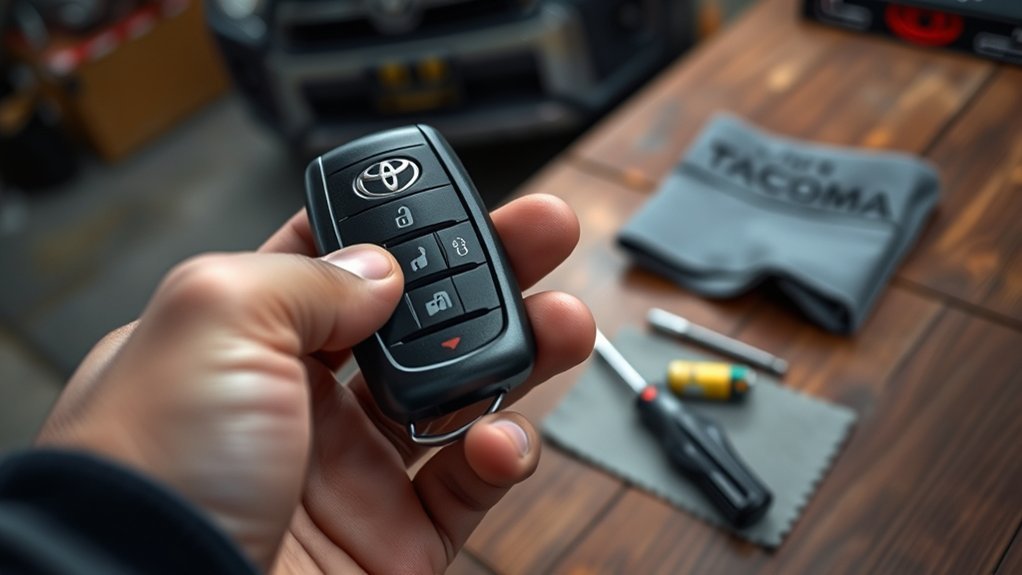
When your Toyota Tacoma key fob is not working, use the least invasive checks first. Toyota notes that a depleted electronic-key battery can reduce operating range and prevent normal smart key or wireless remote operation on applicable models. Confirm the exact procedure for your truck in the Toyota Tacoma Manuals and Warranties page.
- Try the spare fob: If your second fob works, focus on the original fob rather than the truck.
- Replace the battery: Use the battery type printed on the old battery or specified for your exact year and fob style.
- Check battery polarity: Match the positive (+) and negative (-) sides to the markings inside the fob.
- Make sure the battery is seated: A battery can appear installed while failing to press firmly against the terminals.
- Inspect the case and contacts: Debris, corrosion, a cracked shell, or poor case closure can interrupt power or button operation.
- Test in another location: Separate the fob from phones, chargers, other wireless keys, metal objects, and strong sources of electrical noise.
- Check the vehicle: If every fob fails, inspect the truck’s 12-volt battery, interior lock operation, warnings, relevant fuses, smart key settings, and receiver.
Warning: The U.S. EPA identifies coin batteries as a swallowing hazard and advises keeping them out of children’s reach. Keep new and used batteries away from children and pets. Place a used coin battery in a separate plastic bag or cover its terminals with non-conductive tape before recycling it according to local rules.
How Can You Tell the Tacoma Key Fob Battery Is Weak?
A weak battery often causes range or consistency problems before the key fob stops responding. Look for these symptoms:
- The Tacoma only locks or unlocks when you stand very close to the truck.
- You need to press a button more than once before the doors respond.
- The fob works intermittently, especially after sitting unused.
- A push-button-start model displays a key-related warning or detects the fob inconsistently.
- The spare fob works normally, but the main fob does not.
If the range has shortened gradually, start with a fresh battery. If the failure began immediately after the fob was dropped, exposed to water, opened, or given a new battery, inspect the shell, terminals, polarity, and battery seating.
How Do You Replace a Toyota Tacoma Key Fob Battery?
The battery size and opening method depend on the model year and key design. Check the old battery and the instructions for your exact Tacoma on Toyota’s Manuals and Warranties page before buying or installing a replacement.
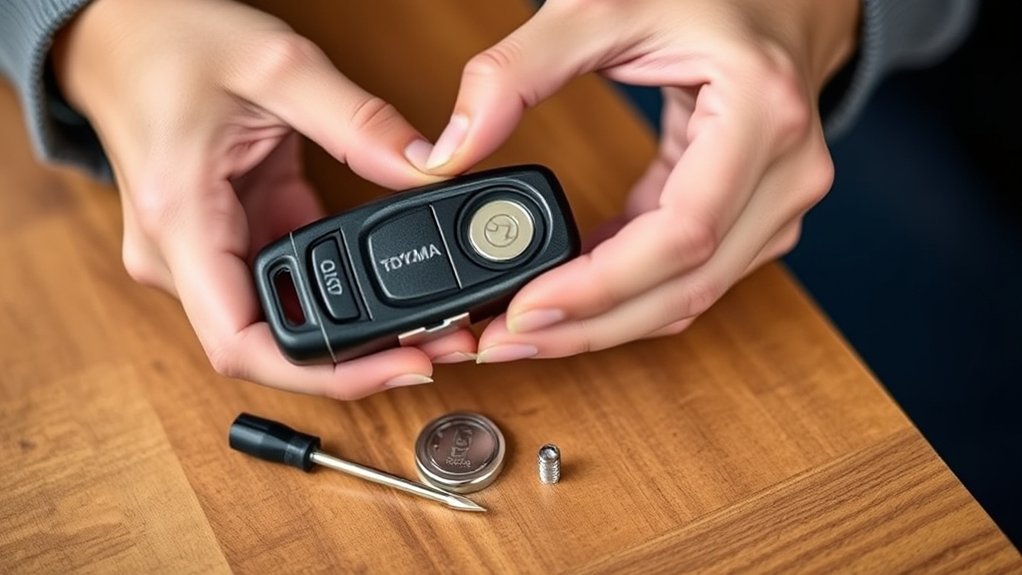
- Remove the mechanical key: Slide the release tab and pull out the emergency key, if your fob has one.
- Open the case carefully: Use a small flathead screwdriver or plastic pry tool at the designated notch. Twist gently instead of forcing the shell.
- Note the old battery position: Check which side faces up before removing it.
- Install the new battery: Match the printed polarity markings and avoid touching other internal parts.
- Close the case evenly: Confirm that the shell snaps together fully so the battery stays against the contacts.
- Test every included function: Check lock, unlock, panic, tailgate, passive entry, and start detection as applicable to your fob.
Note: Use dry hands and avoid bending or damaging the terminals. Stop if the fob is cracked, wet inside, difficult to open, or missing a secure battery fit. A Toyota dealer or qualified automotive locksmith should inspect damaged hardware.
[Products Worth Considering]

This wheel lock key set is designed to help remove and replace compatible Toyota and Lexus wheel locks with confidence. It includes four wheel lock nuts and one key, offering a practical replacement solution for many popular models while supporting secure wheel protection and reliable fitment. Built for durability and corrosion resistance, it is a useful choice when matching OE reference numbers and vehicle compatibility is important.

This keyless entry remote replacement is designed for a wide range of Toyota, Scion, and Lexus-compatible vehicles, offering a convenient way to restore remote locking and unlocking functions. Each fob is pre-tested, comes with the battery and electronics already installed, and is ready to be programmed for supported standard-key vehicles. It is a practical replacement choice for drivers who need a reliable, compatible remote for everyday use.
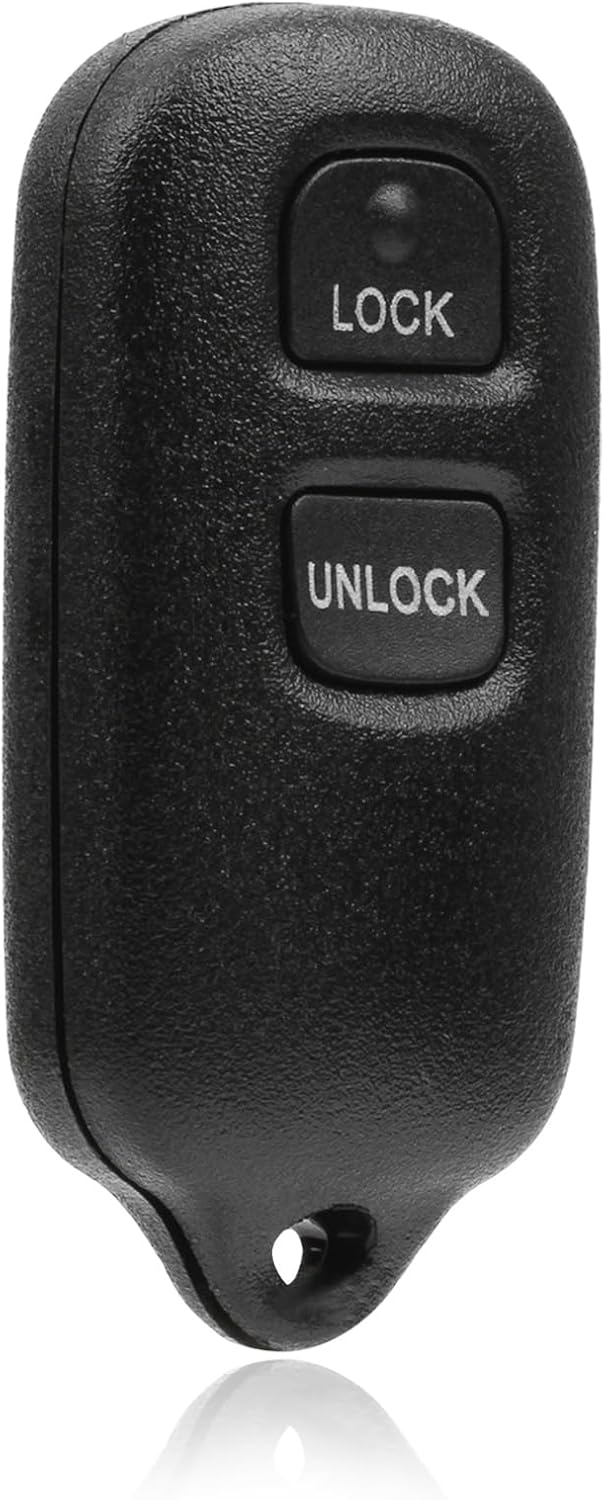
This USARemote key fob replacement provides convenient keyless entry for a wide range of Toyota and Scion vehicles. It is programmable, ready to use, and designed to help restore remote locking and unlocking functionality for compatible models. The compact black remote offers dependable everyday use for drivers needing a simple replacement solution.
How Do You Check and Clean the Battery Contacts?
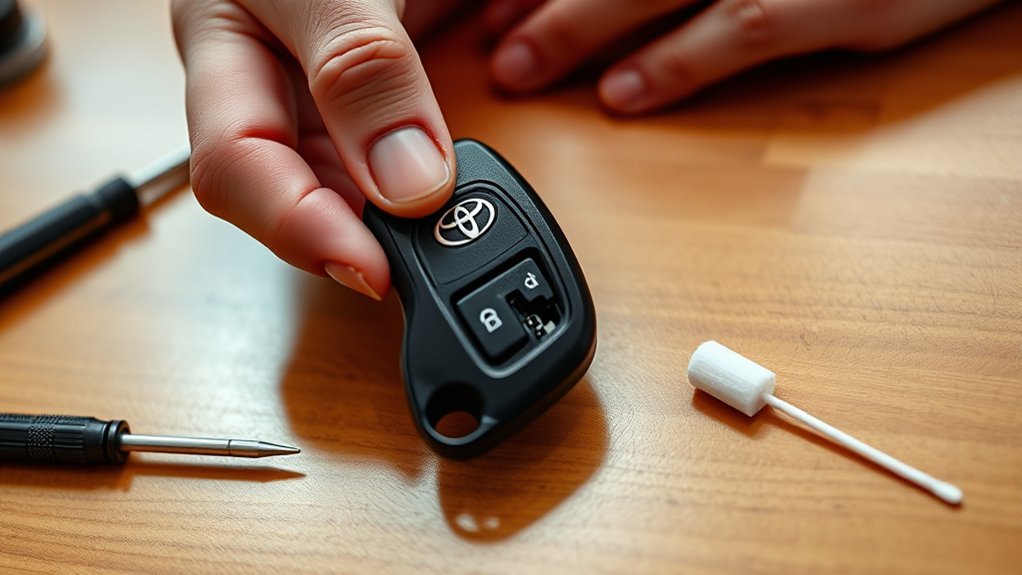
Clean contacts allow the coin battery to power the circuit board consistently. Work slowly because the terminals and surface-mounted components are easy to damage.
- Check for debris or corrosion: Look for dust, white residue, greenish corrosion, liquid marks, or a loose battery fit.
- Start dry: Use a clean, lint-free swab to remove loose debris without pressing on the circuit board.
- Clean stubborn residue carefully: Use a swab barely dampened with electronics-safe isopropyl alcohol. Do not pour liquid into the fob or soak any component.
- Let the fob dry completely: Reinstall the battery only after all moisture has evaporated.
- Do not reshape damaged terminals: If a contact is bent, cracked, loose, or detached, stop and have the fob repaired professionally.
- Reinstall and test: Fit the battery with the correct polarity, close the case fully, and test the fob near the truck.
Pro Tip: If the fob works only when you squeeze the case, the battery may be loose, a contact may be damaged, or the shell may not be closed fully.
[Products Worth Considering]

This KeyGuardz silicone soft rubber shell helps protect your existing keyless remote from everyday wear while giving it a custom fit. It is designed for compatible Toyota-style three-button fobs and installs easily by sliding over the remote with no tools required. The cover also helps personalize your key fob while keeping buttons and outer surfaces better protected from damage.

These custom mud flaps are designed to fit select 2026 Toyota RAV4 models and help protect the lower body from mud, snow, gravel, sand, and road debris. Built for a no-drill installation using factory mounting points, they offer a clean, secure fit with added stability for everyday driving and harsh weather conditions.
Can Electronic Interference Stop a Tacoma Key Fob From Working?
Yes. Smart keys and wireless remotes depend on radio communication, so strong electrical noise, nearby wireless devices, metal around the key, or another electronic key can reduce range or interrupt detection. A fob that fails in one parking area but works normally elsewhere is more likely facing local interference than lost programming.
To test for interference, move the fob away from:
- Other key fobs, access cards, and wireless keys on the same ring
- Phones, portable radios, power banks, and chargers touching or covering the fob
- Metal cases, foil-lined pouches, large toolboxes, and other objects that can block the signal
- Strong radio or electrical sources near a particular parking space
- Recently added aftermarket electronics or chargers inside the truck
Test the fob again in a different location and with unrelated electronics removed from the key ring. If the problem follows the fob, return to the battery, case, contact, and damage checks. If it only happens at one location, the fob may be operating normally.
Does a Toyota Tacoma Key Fob Need Reprogramming?
A routine battery replacement usually does not erase a Tacoma key fob’s pairing. Do not use a generic door-and-ignition programming sequence unless Toyota service information or the owner’s manual specifies it for your exact model year, ignition type, and key design. Some older remote systems may support an onboard procedure, while smart keys and immobilizer-related replacements may require Toyota or automotive-locksmith equipment.
Before you pursue programming, confirm which part of the system has failed:
- Check the owner’s manual: Look under keys, wireless remote control, smart key system, electronic key battery, and emergency starting.
- Identify the key type: A basic remote, integrated key remote, and proximity smart key can use different service procedures.
- Try the spare fob: If the spare works, vehicle programming is less likely to be the first problem.
- Repeat the battery check: Confirm type, polarity, seating, freshness, and case closure.
- Avoid cross-generation instructions: A sequence for one Tacoma generation may not apply to another and can waste time or create confusion.
Do not assume the fob lost programming after a battery change. Reversed polarity, weak replacement batteries, poor contact pressure, and an incompletely closed case are more useful first checks.
If you need a replacement key, Toyota says a local dealer can verify ownership and help order a key when you provide valid photo identification, proof of ownership, and the vehicle identification number. Review Toyota’s official replacement-key guidance before your visit.
Can You Start a Tacoma With a Dead Key Fob?
Many Tacoma models provide a mechanical entry method and an emergency procedure for a depleted electronic-key battery, but the steps vary by model year and ignition system. Use the exact procedure in your owner’s manual. Do not assume a method shown for another Toyota or Tacoma generation applies to your truck.
- Use the mechanical key: Remove the hidden key from the fob and follow the manual’s instructions to unlock the driver’s door.
- Be ready for the alarm: Manual entry may trigger the security alarm on some configurations.
- Follow the emergency-start procedure: Push-button-start models use a close-range backup method described in the manual.
- Replace the fob battery promptly: Treat the backup procedure as an emergency measure rather than a permanent fix.
Warning: Never leave a running Tacoma in a garage or other enclosed space. Shut the engine off, confirm it has stopped, and move into fresh air immediately if you suspect exhaust is entering an occupied area.
What Causes a Toyota Tacoma Key Fob to Stop Working?
The fault can be inside the fob, inside the truck, or in the environment around them. Check the causes in this order:
- Weak or dead fob battery: Often accompanied by shorter range or intermittent response.
- Incorrect battery installation: Reversed polarity or poor seating can make a fresh battery appear dead.
- Dirty, corroded, or damaged contacts: Poor contact prevents stable power from reaching the circuit board.
- Damaged case or buttons: A cracked shell, worn button pad, or loose case may prevent reliable operation.
- Water or impact damage: Moisture and drops can damage terminals, switches, or the circuit board.
- Electronic interference or signal blocking: Nearby devices, other keys, electrical noise, or metal can affect communication.
- Weak vehicle 12-volt battery: Low vehicle voltage can affect locks, receivers, and smart key detection.
- Smart key setting or battery-saving state: Some key designs and vehicle settings can change passive-entry behavior. Check the exact manual before treating this as a fault.
- Receiver, fuse, lock, or control-system fault: Suspect the vehicle when multiple known-good fobs fail.
How Do You Tell Whether the Problem Is the Fob or the Truck?
The spare-fob test is the fastest divider. If only one fob fails, focus on that fob. If every fob fails at the same time, the truck’s power supply, lock system, settings, fuse, receiver, antenna, or smart key control system deserves attention.
Use this diagnostic path:
- Test every available fob: Compare them in the same location and at the same distance from the truck.
- Check the 12-volt battery: Look for slow cranking, dim lights, reset electronics, or other low-voltage symptoms.
- Test the interior lock switch: If the inside switch also fails, the problem may be in the door-lock circuit rather than the fobs.
- Read warning messages: A smart key or electrical-system message can point toward a truck-side fault.
- Check only the specified fuses: Use the owner’s manual before removing or replacing any fuse.
- Change locations: A problem limited to one place suggests interference.
- Schedule professional diagnosis: A Toyota dealer or qualified automotive locksmith can test fob output, key registration, receiver response, immobilizer communication, and relevant trouble codes.
If the receiver or smart key control system is faulty, repeated battery changes will not solve it. Isolating the fob from the truck first can prevent unnecessary key replacement.
When Should You Call a Toyota Dealer or Locksmith?
Get professional help if:
- You lost every working key.
- The fob case, terminal, switch, or circuit board is cracked, loose, or wet.
- A correct fresh battery and clean contacts do not restore the fob.
- Your replacement smart key needs registration to the immobilizer or vehicle.
- Every fob stopped working at the same time.
- The truck displays a smart key or electrical-system warning.
- The emergency entry or start procedure does not work as described in the manual.
Replacement keys generally require proof of ownership. Keep your vehicle identification number, registration or title, and photo identification ready when you contact a dealer or locksmith.
Frequently Asked Questions
How do I resync my Toyota Tacoma key fob?
First, install a fresh battery, confirm polarity and seating, clean the contacts, and test the spare. Do not use a generic resync sequence. Follow a procedure only when it is specified for your exact Tacoma year and key type. A newer smart key or immobilizer-related replacement may require a Toyota dealer or qualified automotive locksmith.
Why is my Tacoma key fob not working after a battery replacement?
Check for reversed polarity, the wrong battery type, a weak replacement battery, poor seating, dirty or damaged terminals, and a case that is not fully closed. Reopen the fob, compare the battery markings with the old battery or manual, then test it near the truck.
What battery does a Toyota Tacoma key fob use?
The battery depends on the model year and fob design. Check the number printed on the old battery, the markings inside the fob, and the owner’s manual for your exact Tacoma. Do not assume every Tacoma key uses the same coin battery.
Can I start my Tacoma if the key fob battery is dead?
Many Tacoma models provide a mechanical entry method and a backup start procedure. Remove the mechanical key if equipped, then follow the emergency instructions in your model-year owner’s manual. The method varies by ignition system and generation.
Why do both of my Tacoma key fobs fail at the same time?
When every fob fails, check the truck rather than buying another key first. Inspect the 12-volt battery, interior door locks, smart key settings, warnings, relevant fuses, and possible interference. If the failure continues in more than one location, have the receiver and smart key system diagnosed.
Do I need to reprogram a Tacoma key fob after changing the battery?
Usually, no. A routine battery change should not erase normal pairing. Check the battery type, polarity, seating, contact condition, and case closure before pursuing programming. Use only instructions for your exact Tacoma year and key system.
Why does my Tacoma key fob work only at very close range?
A weak coin battery is the first thing to check. If a fresh battery does not restore range, inspect the contacts and case, separate the fob from electronics and metal objects, test in another location, and compare it with the spare. Poor range on every fob may point to the truck’s receiver or antenna system.
Conclusion
Use this order when a Toyota Tacoma key fob stops working: test the spare, install the correct fresh battery, verify polarity and seating, inspect the case and contacts, and test away from interference. If every fob fails, move to truck-side checks such as the 12-volt battery, interior locks, warnings, fuses, settings, and receiver. Do not pay for programming or a replacement key until you have separated a fob problem from a vehicle problem.
Sources
- Toyota Owners, 2025 Tacoma Electronic Key Battery, for depleted-battery symptoms and replacement precautions.
- Toyota Owners, If the Electronic Key Does Not Operate Properly, for model-specific emergency guidance.
- Toyota Owners, 2024 Tacoma Smart Key System, for smart key operation, settings, and mechanical-key guidance.
- Toyota Support, Replacement Key Guidance, for ownership verification and replacement-key support.
- U.S. Environmental Protection Agency, Used Household Batteries, for coin-battery swallowing, handling, and recycling guidance.