Replacing a Toyota Tacoma key fob battery is usually a quick DIY job, but the most important step happens before you open the fob: confirm the exact battery number printed on the old coin cell. Tacoma remotes have used different batteries depending on the model year and fob style, so do not assume every Tacoma key takes the same battery.
Quick Answer
To replace a Toyota Tacoma key fob battery, open the fob carefully with a small flathead screwdriver, remove the old coin battery, match the replacement type exactly, install the new battery with the positive side facing up, snap the case closed, and test the lock, unlock, and start functions.
Key Takeaways
- Check the battery number on your old key fob battery before buying a replacement.
- Many 2016–2023 standard Tacoma remote keys use CR2016, many smart-key fobs use CR2032, and 2024+ electronic keys use CR2450.
- Install the new coin cell with the “+” side facing up unless your fob’s battery tray shows otherwise.
- Work with dry hands, avoid bending battery contacts, and keep coin batteries away from children and pets.
At a Glance
| Time Required | 5–10 minutes |
| Difficulty | Easy |
| Tools Needed | Small flathead screwdriver, optional tape, replacement coin battery |
| Cost | Usually a few dollars for the battery |
Signs Your Key Fob Battery Needs Replacement
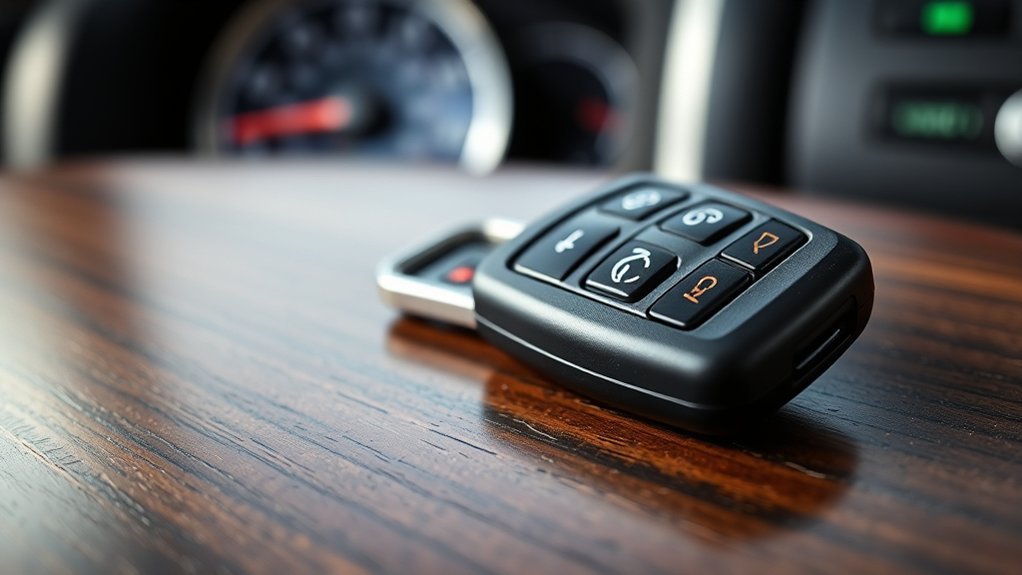
When your Toyota Tacoma key fob starts acting up, a weak battery is one of the most common causes. A reduced remote range is often the first clue. You may need to stand closer to the truck before the lock or unlock buttons respond.
Other signs include intermittent button response, needing to press a button more than once, a smart key system warning message, or trouble using push-button start. If the fob becomes completely unresponsive, the battery may be fully depleted, the battery may be installed incorrectly, or the fob itself may need service.
Note: If your Tacoma has push-button start and the fob battery is weak, you may still be able to start the vehicle by holding the fob close to the engine start button, depending on your model. Check your owner’s manual for the exact emergency-start procedure.
Which Battery Does a Toyota Tacoma Key Fob Use?
The safest answer is: use the same battery type that is printed on the battery already inside your key fob. Toyota Tacoma key fobs are not all identical, and the battery type can vary by model year, trim, and whether your truck uses a standard remote key or a smart key.
Common Tacoma key fob battery examples include:
- CR2016: Used in many 2016–2023 standard Tacoma remote keys without the Smart Key system.
- CR2032: Used in many Tacoma smart-key fobs from earlier model years.
- CR2450: Listed by Toyota for the 2024+ Tacoma electronic key battery.
Before you buy a replacement, open the fob and read the battery code stamped on the old cell. You can also check Toyota’s online owner’s manual library for your exact Tacoma year and key type.
Warning: Do not force a thicker or thinner battery into the fob. Even if two coin batteries look similar, the wrong size can prevent contact, bend the terminals, or damage the case.
[Products Worth Considering]

This low profile hydraulic floor jack is built for quick and efficient vehicle lifting, making it a practical choice for garage and shop use. Its dual pump design helps raise loads faster, while the steel construction and safety features support reliable performance over time. With a wide lifting range, smooth-rolling casters, and a detachable handle, it offers convenient maneuverability and dependable support for automotive maintenance tasks.
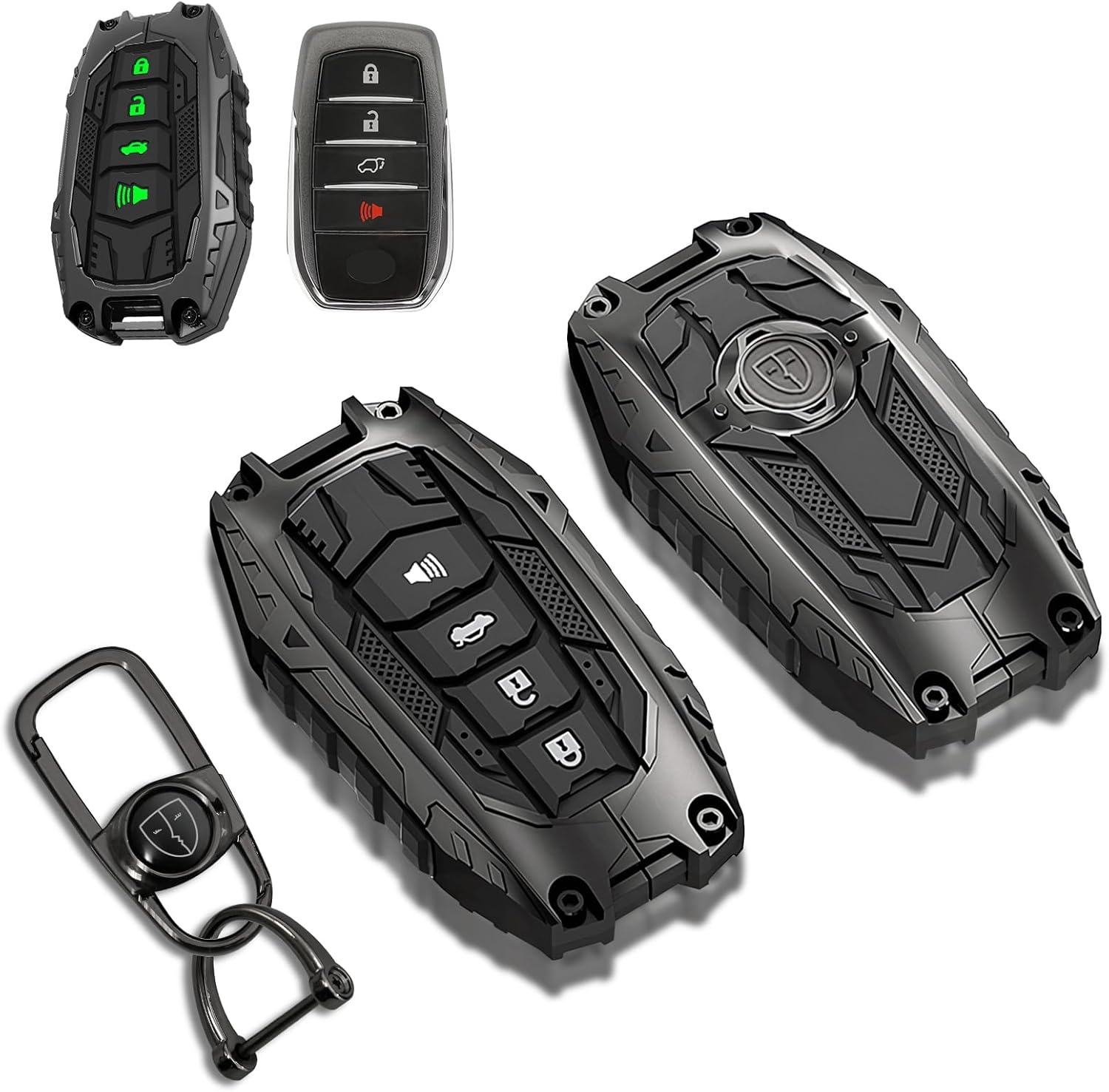
This mech-style metal key fob cover adds a sleek armored look while helping protect your Toyota key from scratches, drops, and everyday wear. Designed for compatible 4-button Toyota smart keys, it preserves full remote functionality with no signal interference and includes glow-in-the-dark buttons for easier nighttime use.

This KeyGuardz silicone soft rubber shell helps protect your existing keyless remote from everyday wear while giving it a custom fit. It is designed for compatible Toyota-style three-button fobs and installs easily by sliding over the remote with no tools required. The cover also helps personalize your key fob while keeping buttons and outer surfaces better protected from damage.
Tools Required for the Battery Replacement
For most Toyota Tacoma key fobs, you only need a few basic items:
- Small flathead screwdriver: Used to open the fob and lift the old battery.
- Correct replacement coin battery: Match the old battery number, such as CR2016, CR2032, or CR2450.
- Tape: Optional, but useful for wrapping the screwdriver tip to reduce scratches.
- Clean, dry hands: Moisture can cause corrosion inside the remote.
A plastic pry tool can also work if you have one. Avoid using a knife, because it can slip and damage the fob or injure your hand.
[Products Worth Considering]
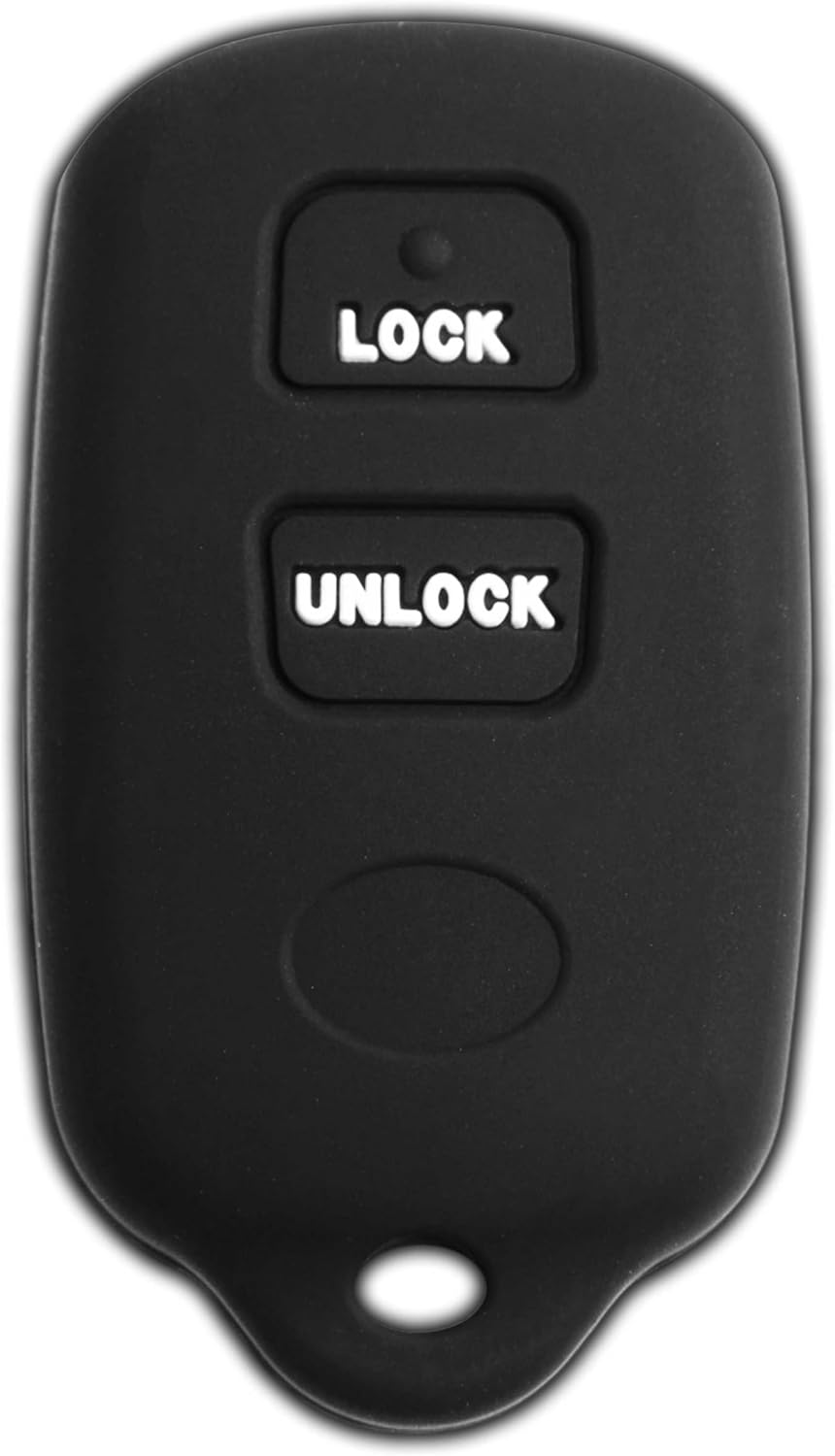
This KeyGuardz silicone soft rubber shell cover helps protect your existing keyless entry remote from scratches, scuffs, and everyday damage. It is designed to slide easily over compatible Toyota and Scion key fobs with no tools required, while also helping you personalize the look of your remote. The precise fit works with select FCC ID part numbers and a wide range of compatible vehicle models.

This portable 12V tire inflator delivers fast, convenient inflation for cars, SUVs, trucks, motorcycles, and other inflatables. It features a digital display, bright LED lighting, auto shutoff, and multiple nozzle adapters to help you inflate accurately and safely, even in low-light situations. The long power cord and air hose make it easy to reach all tires and handle roadside emergencies or routine maintenance.

" - Please check product image to confirm compatibility. (Opening/Pry Tool + Installation Video Included) "
Step-by-Step Guide to Opening Your Key Fob
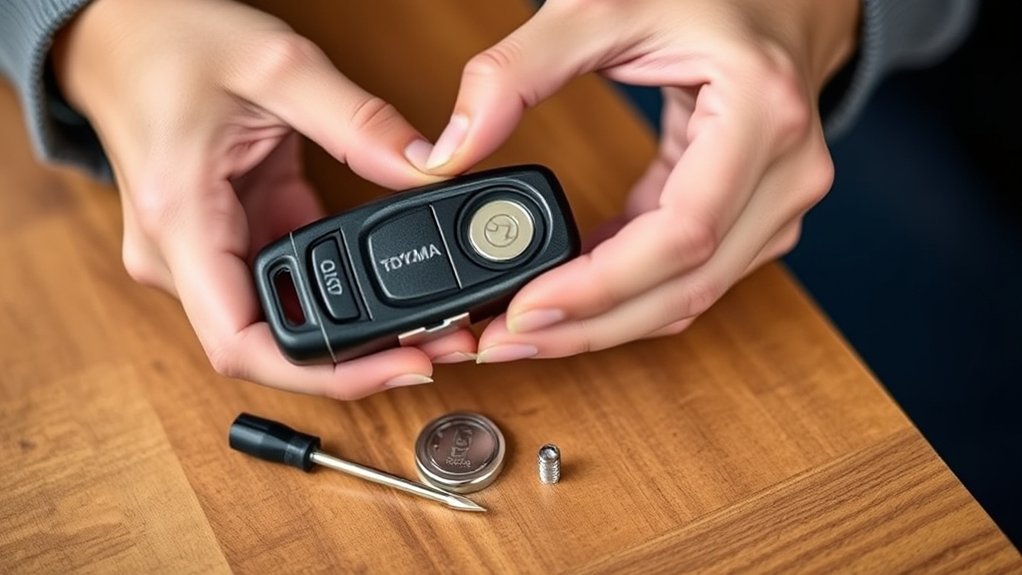
Start by looking for the seam or small notch on the key fob. On many Tacoma remotes, the notch is near the top, side, or mechanical key slot. If your fob has a removable mechanical key, press the release button and slide the key out first.
- Protect the case: Wrap the tip of your small flathead screwdriver with tape if you want to avoid marks.
- Insert the tool into the notch: Use light pressure. Do not jam the screwdriver deep into the fob.
- Twist gently: Twist the screwdriver just enough to separate the two halves of the case.
- Lift the cover: Once the case starts to open, use your fingers to separate it evenly.
- Find the battery tray: Note how the battery sits before removing it.
Take your time during this step. The clips are plastic, and too much force can crack the shell or break the retaining tabs.
How to Safely Remove the Old Battery
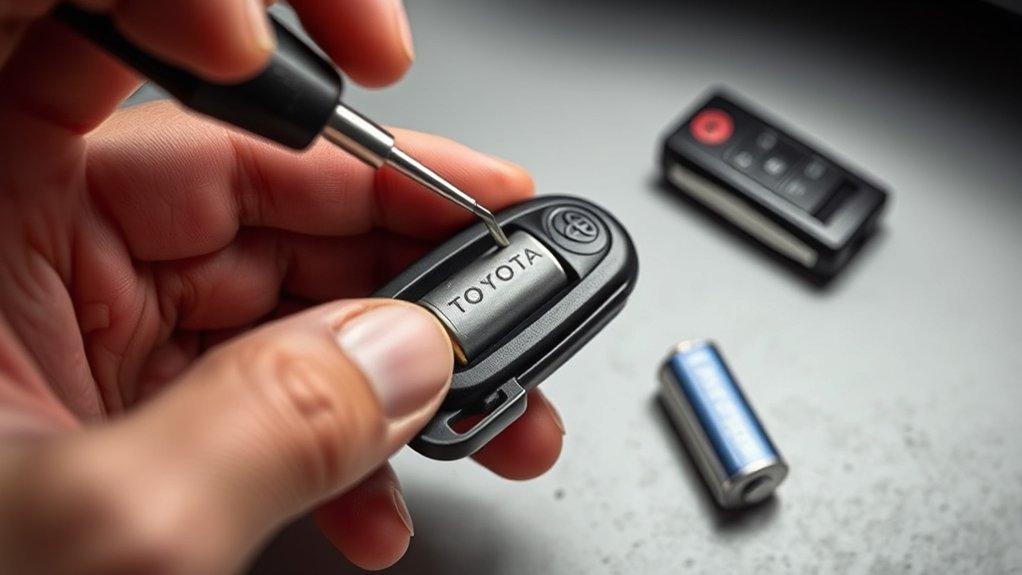
Before removing the old battery, look at its orientation. In most Tacoma fobs, the positive “+” side faces up, but you should always confirm what your specific fob shows.
Use the small flathead screwdriver to lift the edge of the battery gently. Keep one finger over the battery so it does not pop out and roll away. Once it is loose, remove it and check the battery compartment for dust, residue, corrosion, or bent contacts.
If you see green or white corrosion, do not scrape aggressively. A small amount of residue may be cleaned carefully with a dry cotton swab, but damaged contacts or heavy corrosion are good reasons to have the fob inspected by a Toyota dealer or locksmith.
Warning: Coin batteries can cause severe internal injury if swallowed. Keep new and used batteries away from children and pets, and secure the old battery immediately after removal.
How to Securely Insert the New Battery
Insert the new battery in the same orientation as the old one. For most Tacoma key fobs, the “+” side faces up. Slide one edge under the retaining clip first, then press the opposite edge down until the battery sits flat.
Use gentle pressure only. The metal contacts inside the fob are small, and bending them can stop the remote from working even with a fresh battery.
- Confirm the battery type: The printed code should match the old battery.
- Check the polarity: Make sure the positive and negative sides are facing the right direction.
- Seat it fully: The battery should not tilt, wobble, or sit above the holder.
Pro Tip: Take a quick photo of the old battery before removing it. That gives you an easy reference for the battery type and orientation during reassembly.
Final Steps to Reassemble Your Key Fob Securely
After the new battery is seated, align the two halves of the case. Start at one edge, press the case together evenly, and listen for the clips to snap back into place.
Ensure Proper Alignment
Make sure the fob shell, buttons, rubber pad, and battery tray are all aligned before pressing the case closed. If something feels uneven, stop and reopen the fob. Forcing the case shut can pinch the button pad or break the clips.
- Check that the buttons move normally.
- Look for gaps along the seam.
- Make sure the mechanical key slides back in smoothly, if equipped.
Confirm Secure Closure
Press along every edge until the fob is fully closed. There should be no rattling inside the case. Then test lock, unlock, panic, tailgate release, and remote start functions if your Tacoma has them.
If the truck does not respond, stand next to the driver’s door and try again. If it still fails, reopen the fob and check the battery type, orientation, and contact points.
Troubleshooting Common Mistakes During Replacement
If your Toyota Tacoma key fob does not work after a battery replacement, the issue is usually one of a few simple mistakes.
Battery Orientation Errors
The most common problem is reversed polarity. Remove the battery and confirm the “+” side is facing the correct direction. In many Tacoma fobs, the positive side faces up, but the battery tray or old battery position is your best guide.
Wrong Battery Size
A CR2016, CR2032, and CR2450 are all 3-volt lithium coin batteries, but they are different sizes. A battery can have the right voltage and still be the wrong physical fit. Match the full printed code, not just the “CR” prefix.
Improper Reassembly Issues
If the case is not fully snapped together, the buttons may not line up with the circuit board. Open the fob again, seat the button pad correctly, and close the case evenly.
Dirty or Bent Contacts
Battery contacts must touch the coin cell firmly. If a contact is bent, loose, or corroded, the fob may still act dead. Do not force the metal tabs. If they look damaged, professional help is safer than trying to reshape them.
Fob Needs More Than a Battery
If a fresh, correctly installed battery does not fix the problem, the fob may have water damage, worn buttons, a cracked circuit board, or programming issues. A Toyota dealer or qualified automotive locksmith can test the remote.
Best Practices for Key Fob Battery Maintenance
Good key fob habits help the battery last longer and reduce the chance of remote problems later.
- Keep the fob dry: Moisture can corrode the battery contacts.
- Avoid extreme heat: Do not leave the fob baking in direct sun or inside a hot vehicle for long periods.
- Limit accidental button presses: A fob squeezed in a pocket or bag can drain faster.
- Store spare fobs properly: Keep them in a dry place and check them every few months.
- Replace with a quality battery: Use a fresh name-brand battery from a reputable store.
Many key fob batteries last a few years, but heavy use, remote start use, storage conditions, and battery age can shorten that window.
Best Places to Purchase Key Fob Batteries for Your Key Fob
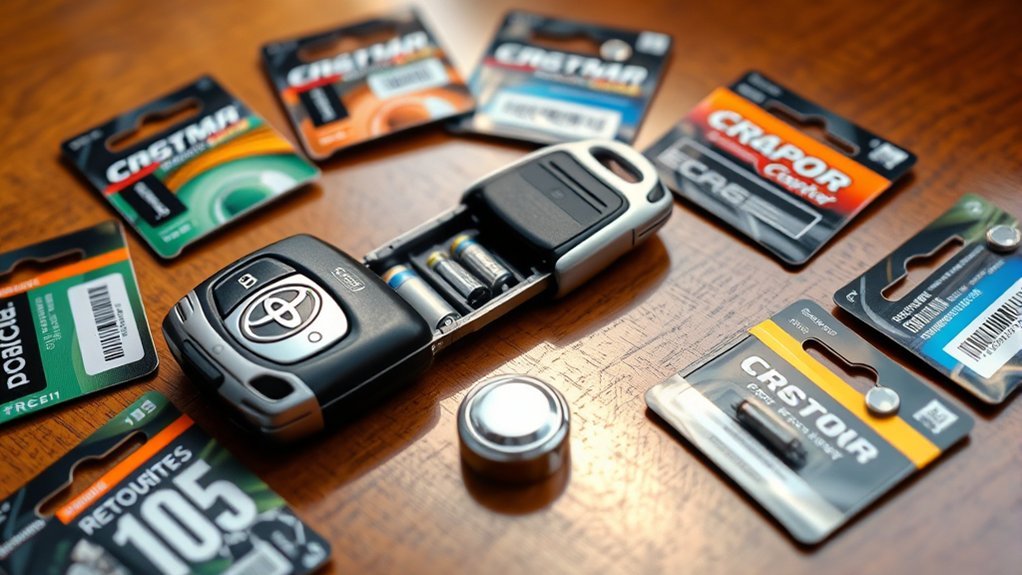
You can usually buy Toyota Tacoma key fob batteries at major retailers, electronics stores, pharmacies, auto parts stores, camera shops, and Toyota dealerships. Online retailers also carry CR2016, CR2032, and CR2450 batteries, but check the seller carefully and avoid old or poorly reviewed battery packs.
If your Tacoma uses a CR2450 battery, plan ahead. It may be less common on local store shelves than CR2032 or CR2016. Toyota notes that replacement batteries can be purchased through Toyota dealers, local electrical appliance shops, or camera stores for applicable electronic keys.
When buying batteries in bulk, check the expiration date and store extras in the original child-resistant packaging.
[Products Worth Considering]

Lithium Coin Battery: Duracell's 2450 3V coin batteries provide reliable, long lasting power for your medical devices, security devices, electronics and more.

KEY FOB BATTERY INSTALL - This kit includes [qty 2] CR2450 coin battery and video guide for effortless installation for Toyota key fobs

**Please confirm compatibility using the fitment guide located in the product images** Your key fob must have a silver Toyota logo on the front and be model year 2021 or newer
How to Dispose of the Old Key Fob Battery
Do not leave the old coin battery loose on a counter, in a cup holder, or in a junk drawer. Used coin batteries can still pose an ingestion risk and may short if stored with other metal objects.
Place the old battery in its packaging or tape the terminals, then follow your local rules for battery recycling or household hazardous waste. If you are unsure, contact your local waste authority or ask an auto parts store, electronics retailer, or Toyota dealer about battery recycling options.
Frequently Asked Questions
How long does a Toyota Tacoma key fob battery last?
A Toyota Tacoma key fob battery commonly lasts around 1–3 years, but battery life depends on the fob style, how often you use it, storage conditions, and battery quality. Replace it sooner if range drops or the buttons respond inconsistently.
Can I use a different battery type for my Tacoma key fob?
No. Use the same battery number printed on the old battery or listed in your owner’s manual. Similar-looking coin batteries can differ in thickness and diameter, which can cause poor contact or damage the fob.
What should I do if my key fob still does not work after replacing the battery?
Recheck the battery type, polarity, and seating. Make sure the case is fully snapped together and the contacts are clean. If the fob still does not work, the remote may have internal damage or may need diagnosis by a Toyota dealer or automotive locksmith.
Is it safe to open the key fob myself?
Yes, it is generally safe if you work slowly, use the right small tool, keep the fob dry, and avoid touching or bending the internal contacts. If the case is cracked, wet, or badly stuck, professional service is a safer choice.
Will replacing the battery reset my key fob settings?
A normal battery replacement should not erase the key fob’s programming. If the fob does not work afterward, the problem is more likely battery orientation, contact alignment, the wrong battery size, or damage inside the remote.
What battery does a 2024 or newer Toyota Tacoma key fob use?
Toyota’s 2024 and 2025 Tacoma owner information lists a CR2450 lithium battery for the electronic key. Still, check the old battery or your exact owner’s manual before replacing it.
Conclusion
Replacing your Toyota Tacoma key fob battery is simple when you match the correct battery, open the case gently, and install the new coin cell in the right direction. The key detail is not to assume every Tacoma fob uses CR2016. Check the battery code first, keep the contacts clean, snap the case closed securely, and test the remote before you put your tools away.
Sources
- Toyota Owners Manuals & Warranties — official Toyota owner’s manual lookup by model year.
- Toyota 2025 Tacoma Electronic Key Battery — electronic key battery replacement guidance and CR2450 reference.
- Poison Control: Button Battery Safety — safety information on coin and button battery ingestion risks.
- U.S. EPA: Used Household Batteries — guidance for safe battery recycling and disposal.