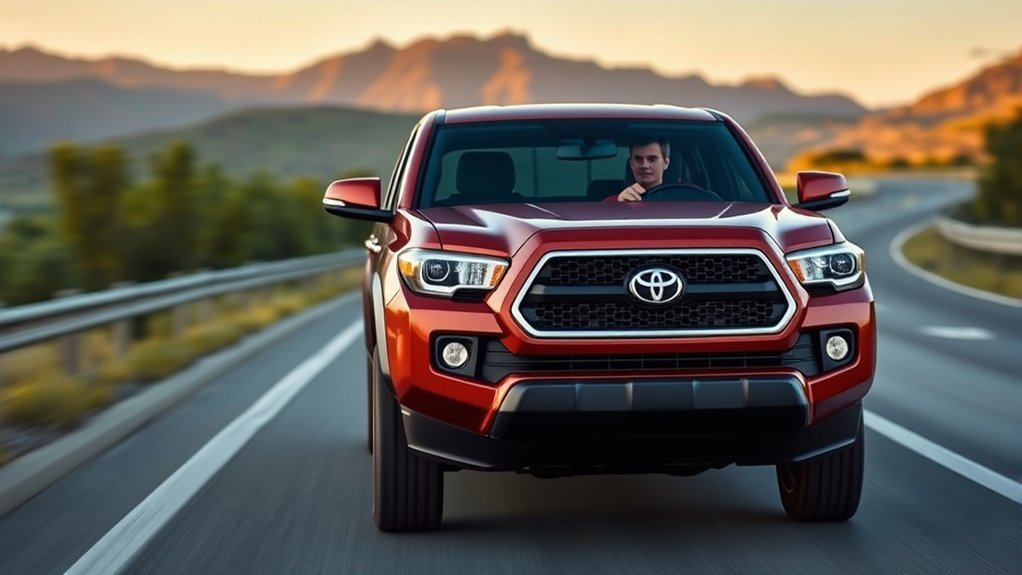
Toyota Tacoma adaptive cruise control is called Dynamic Radar Cruise Control, or DRCC. On a suitable road, you turn the system on, set a speed, and choose a following-distance setting. The Tacoma can then slow for a detected vehicle ahead and return toward your set speed when the lane clears. It remains a driver-assistance feature, not self-driving, so you must watch the road and be ready to brake, steer, or cancel it.
Editorial Team · Reviewed for accuracy · Last updated: July 12, 2026
Quick Answer
Toyota Tacoma adaptive cruise control, officially called Dynamic Radar Cruise Control, helps maintain your selected speed and gap from a detected vehicle ahead. Turn on cruise control, confirm radar mode, reach an eligible speed, press SET, and choose the following distance. Operating limits differ between Toyota Safety Sense versions, automatic transmissions, and manual transmissions, so use the owner’s manual for your truck as the final authority.
Key Takeaways
- Tacoma adaptive cruise control works best on clear highways, open roads, and steady traffic.
- DRCC manages speed and following distance only; you remain responsible for steering, braking, and safe operation.
- Toyota Safety Sense P, Full-Speed Range DRCC, and manual-transmission DRCC do not behave the same at low speeds.
- Dirty sensors, poor weather, glare, sharp curves, close cut-ins, and complex traffic can limit or cancel the system.
- Confirm the exact controls and limits in the owner’s manual for your Tacoma’s model year, transmission, market, and software version.
At a Glance
| Time Required | Less than 1 minute to turn on and set once you know the controls |
| Difficulty | Easy |
| Tools Needed | None |
| Cost | No added cost to use if your Tacoma is equipped with the feature |
Which Tacoma DRCC Version Do You Have?
Before following any button sequence, identify the Toyota Safety Sense version named in your owner’s manual or multi-information display. Toyota’s published operating thresholds differ by system generation and transmission.
| What your manual lists | Typical Toyota description | What to confirm |
|---|---|---|
| Toyota Safety Sense P with DRCC | Highway-oriented DRCC designed to be set above 30 mph | Minimum set speed, cancellation speed, and resume behavior |
| Toyota Safety Sense 3.0 with Full-Speed Range DRCC | Designed to be set above 20 mph and to provide broader low-speed operation | Stop, hold, and restart instructions for your exact automatic-transmission configuration |
| Toyota Safety Sense 3.0 with a manual transmission | DRCC designed to be set above 20 mph, without full-speed-range operation | Clutch, gear-change, low-speed, and cancellation behavior |
This table identifies Toyota’s system-level descriptions, not a universal promise for every Tacoma. Your owner’s manual and display messages control whenever they differ from general guidance.
How Does Toyota Tacoma Adaptive Cruise Control Work?
Toyota calls this feature Dynamic Radar Cruise Control. When it is turned on and conditions are suitable, the system checks the area ahead of the truck, estimates the distance to a detected vehicle, and adjusts your Tacoma’s speed to help maintain the following distance you selected.
If the lane ahead is clear, the Tacoma tries to hold your set speed. If it detects a slower vehicle ahead, it can reduce speed. When the vehicle ahead moves away or the lane clears, it can accelerate back toward the speed you set, as long as road, traffic, and system conditions allow.
Adaptive cruise control can reduce repeated speed adjustments on long highway drives, but it does not replace an alert driver.
The National Highway Traffic Safety Administration groups adaptive cruise control with driver-assistance technologies. That means the feature can help support the driver, but you still need to pay attention, steer, brake, and take over whenever conditions require it.
Dynamic Radar Cruise Control vs. Full-Speed Range DRCC
Toyota describes these systems as highway-oriented adaptive cruise controls. In Toyota Safety Sense 3.0 guidance, Full-Speed Range DRCC and DRCC on manual-transmission vehicles are designed to be set above 20 mph. Toyota’s older Toyota Safety Sense P description places DRCC’s set threshold above 30 mph.
Full-Speed Range DRCC can provide broader low-speed support than standard DRCC, but “full-speed range” does not mean hands-free driving or guaranteed automatic restart after every stop. Manual-transmission versions are not full-speed-range systems, and clutch or gear changes can affect operation. Confirm the exact stop, hold, resume, and cancellation rules in your owner’s manual.
Note: Toyota Safety Sense features and operating details can change by model year and software version. Always confirm the exact instructions in your Tacoma owner’s manual, especially if you bought the truck used or drive a non-U.S. model.
What Adaptive Cruise Control Does Not Do
Dynamic Radar Cruise Control does not make your Tacoma autonomous. DRCC controls speed and following distance; it does not steer the truck or guarantee collision avoidance. Do not assume it will recognize cross traffic, pedestrians, cyclists, road debris, or every stopped or slow-moving vehicle in time. Lane Tracing Assist, when equipped, is a separate feature with separate operating limits.
The Insurance Institute for Highway Safety notes that drivers still share responsibility when using advanced driver-assistance features. In practical terms, your eyes stay up, your hands stay ready, and your foot stays close enough to brake.
What Should You Check Before Using Tacoma Adaptive Cruise Control?
Before you turn on adaptive cruise control, make sure the road and traffic match the feature’s intended use. It works best when lane flow is predictable, visibility is good, and traffic ahead is moving steadily.
- Confirm your Tacoma is equipped: Check your owner’s manual, window sticker, settings menu, or VIN-specific equipment list.
- Check the road: Use it on paved highways or open roads, not on trails, city streets with pedestrians, or tight winding roads.
- Check the weather: Avoid relying on it in heavy rain, snow, fog, ice, road spray, or glare.
- Check the sensors: Keep the front radar or grille area and the windshield around the forward camera clean and unobstructed.
- Check your load: Choose more following distance and expect different braking response when towing, carrying heavy cargo, or driving downhill.
- Check recent repairs: If the windshield, grille, bumper, radar area, suspension, or alignment was recently repaired, investigate persistent DRCC warnings before relying on the system.
How Do You Activate Tacoma Adaptive Cruise Control?
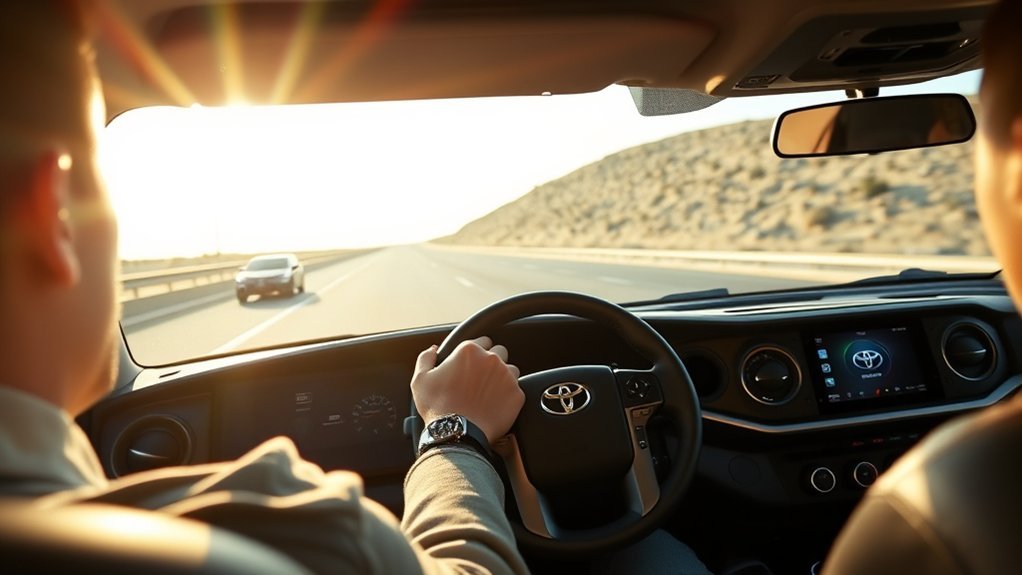
To activate adaptive cruise control in your Toyota Tacoma, use the steering-wheel cruise or driving-assist controls. Button names, symbols, and the way you switch between radar and conventional cruise vary by model year. Use this sequence only after confirming the matching controls in your owner’s manual:
- Turn on cruise control: Press the cruise control or driving assist mode button to bring up the cruise control display.
- Choose radar mode: Confirm that Dynamic Radar Cruise Control is selected, not conventional constant-speed cruise control.
- Reach an eligible speed: Accelerate to your desired speed while following the minimum set-speed rule for your DRCC version.
- Set the speed: Press SET, then confirm the set-speed indicator appears on the display.
- Adjust the following distance: Use the vehicle-to-vehicle distance button and begin with the longest available gap.
Once set, the Tacoma will try to maintain your selected speed and the chosen distance from a detected vehicle ahead. Confirm that the display shows both the set speed and radar-cruise status. You can adjust the set speed with the cruise switches. Press CANCEL, apply the brake, or turn cruise control off whenever you need full manual control. Manual-transmission cancellation behavior may also involve the clutch or a gear change.
Warning: Do not use adaptive cruise control as a substitute for braking. If traffic stops suddenly, a vehicle cuts in closely, road conditions worsen, or the system does not react as expected, brake, steer, or cancel the system immediately.
How Do You Adjust the Following Distance?
Adjusting the following distance changes how much space the Tacoma tries to keep between your truck and a detected vehicle ahead. This is one of the most useful settings because highway traffic, weather, towing, road spray, and driver comfort can all change from trip to trip.
- Turn on Dynamic Radar Cruise Control. Set your speed first, then check the distance indicator on the display.
- Press the distance button. Each press cycles through the available following-distance levels.
- Choose a larger gap when needed. Use more space in rain, at higher speeds, around trucks, while towing, or when traffic is unpredictable.
- Use a shorter gap cautiously. A shorter setting reduces the target spacing and your available reaction margin. It does not make the system detect hazards sooner.
Pro Tip: Start with the longest distance setting until you understand how your Tacoma responds. You can shorten the gap later if conditions are dry, open, and predictable.
A Safer First-Use Practice Check
Practice the controls before depending on DRCC during a long trip. Choose a dry, straight, lightly traveled highway and keep the longest following-distance setting selected.
- Set a moderate legal speed. Confirm the set speed and DRCC indicator on the display.
- Approach a steadily moving vehicle with plenty of space. Watch for the lead-vehicle indicator and feel how gradually the Tacoma changes speed.
- Practice cancelling. Use CANCEL and the brake so both actions become automatic.
- Practice resuming only when the road is clear. Confirm the truck returns toward the stored speed smoothly.
- Stop the test if anything feels unpredictable. Review the display message and owner’s manual before trying again.
This check does not prove the system will handle every situation. It helps you learn the controls and the response of your specific Tacoma without testing them for the first time in dense traffic.
Key Differences Between Adaptive and Standard Cruise Control
Adaptive cruise control and standard cruise control both hold a set speed, but they behave very differently when traffic changes.
| Feature | Adaptive Cruise Control | Standard Cruise Control |
|---|---|---|
| Speed control | Can slow or accelerate based on detected traffic ahead | Holds a fixed speed until you change it or cancel it |
| Following distance | Lets you choose a vehicle-to-vehicle distance setting | Does not manage the gap to the vehicle ahead |
| Best use | Highways, open roads, and steady traffic | Open roads with very little traffic |
| Driver role | Driver must supervise, steer, brake, and take over when needed | Driver must manage traffic, braking, and spacing manually |
If you prefer old-style speed holding, some Tacoma models allow you to switch from radar cruise to conventional cruise control. Check your owner’s manual for the exact button sequence because the controls can differ by model year.
When Should You Use Tacoma Adaptive Cruise Control?
Adaptive cruise control works best when the road is open, the lane is clear, and traffic is moving smoothly. It is especially helpful on highway drives where you would otherwise keep making small throttle and brake adjustments.
Good situations for using it include:
- Highway cruising
- Long road trips
- Light to moderate traffic with steady flow
- Open rural roads where speed limits remain consistent
- Dry, paved roads with clear visibility
Avoid relying on it in situations such as:
- Heavy rain, snow, fog, ice, glare, or road spray
- Sharp curves, winding roads, steep hills, or unclear lane flow
- Construction zones, toll booths, ramps, merges, and lane closures
- Stop-and-go traffic where vehicles cut in frequently
- Off-road trails, dirt roads, gravel roads, or uneven terrain
- Areas with pedestrians, cyclists, parked vehicles, animals, or cross traffic
The National Highway Traffic Safety Administration groups these features as driver-assistance technologies. They can help support the driver, but they do not remove the need to pay attention.
Why Is Tacoma Adaptive Cruise Control Not Working?
If your Tacoma’s adaptive cruise control will not turn on, cancels unexpectedly, or behaves differently than expected, start with the simple checks first. Many problems come from speed, mode selection, sensor visibility, weather, or road conditions.
Adaptive Cruise Control Will Not Set
- Check the system version and speed: Toyota Safety Sense 3.0 guidance uses an above-20-mph set threshold, while Toyota Safety Sense P guidance uses above 30 mph.
- Check the display: Read the full warning or status message before trying to reset the system.
- Check the mode: Make sure radar cruise is selected, not conventional cruise control or another driver-assist screen.
- Check the sensor view and weather: Clean the radar or grille area and the windshield around the camera, then reassess conditions.
- Check warning lights: Brake, ABS, stability-control, camera, radar, or other vehicle faults may prevent DRCC from setting.
System Cancels While Driving
- Sensor view may be blocked: Mud, snow, ice, bugs, leaves, accessories, or road grime can interfere with the front camera or radar area.
- Weather may be limiting detection: Heavy rain, fog, blowing snow, road spray, or glare can reduce system performance.
- Traffic changed too quickly: A close cut-in, sudden stop, or rapidly changing lane situation may require manual control.
- The road may not be suitable: Sharp curves, hills, construction zones, and unclear lane flow can make adaptive cruise control less reliable.
- The windshield camera area may be dirty: Clean the windshield near the camera area and remove fog, ice, or heavy condensation before driving.
System Brakes Too Early or Too Late
The following-distance setting changes the target gap, but it is not a repair for unexpected braking. Choose a longer gap if the Tacoma follows too closely. If it brakes unexpectedly, reacts late, or repeatedly misreads traffic, cancel DRCC and drive manually. Clean the sensor areas and have the system inspected if the behavior continues in clear, normal conditions.
Adaptive Cruise Control Says Unavailable
A temporary “unavailable” or similar message means the system cannot operate under the current conditions or has detected a fault. Read the display message, clean the radar or grille area and the windshield around the camera, and wait for severe weather or glare to pass. If the warning remains in normal conditions, especially after glass, bumper, grille, collision, suspension, or alignment work, have the truck inspected.
Note: If warning lights stay on, adaptive cruise remains unavailable after cleaning the sensor area, or the system repeatedly cancels in normal conditions, have the vehicle inspected by a Toyota dealer or qualified technician.
What Are the Benefits and Limits of Tacoma DRCC?
When used in the right conditions, Toyota Tacoma adaptive cruise control can make long drives feel smoother. Instead of constantly adjusting the accelerator to match traffic, you set a speed and let the system help manage the gap to the vehicle ahead.
That convenience is the main benefit. It can reduce repeated accelerator and brake adjustments on a highway trip, make speed control more consistent, and help maintain a steadier target gap. It is not a collision-avoidance guarantee. Detection and braking can be limited by traffic, road shape, weather, sensor condition, and the type or position of the object ahead.
The best approach is simple: use adaptive cruise control as a helper on suitable roads, not as a replacement for active driving.
Tips for Safe Use of Adaptive Cruise Control
- Keep your foot ready: Be prepared to brake at any time, especially in traffic.
- Use longer gaps when conditions demand it: Rain, glare, road spray, towing, heavy cargo, higher speed, and unpredictable traffic all call for more space.
- Keep sensors clean: Wipe away mud, snow, ice, and bugs from the front sensor and camera areas.
- Do not use it off-road: Adaptive cruise control is designed for paved-road driving, not trails or rough terrain.
- Cancel before complex areas: Take over before toll booths, construction zones, city streets, tight curves, ramps, and merging traffic.
- Know the difference from Lane Tracing Assist: Dynamic Radar Cruise Control manages speed and distance; lane-centering support is a separate feature with its own limits.
- Read your manual after buying used: Used Tacomas may have different buttons, trim equipment, software, or repaired sensor components.
Frequently Asked Questions
Can adaptive cruise control be used in heavy traffic?
Full-Speed Range DRCC may assist in slower traffic, but standard DRCC and manual-transmission systems have narrower low-speed limits. Do not rely on it in unpredictable stop-and-go traffic. Cancel it when vehicles cut in closely, traffic stops suddenly, or you cannot maintain a safe escape path.
Does adaptive cruise control work in inclement weather?
It may work in light weather, but heavy rain, snow, fog, ice, road spray, and glare can limit the camera or radar. Do not rely on adaptive cruise control in poor weather. Increase your following distance and take manual control when visibility or traction is reduced.
Is adaptive cruise control available on all Tacoma trims?
Availability and operating range depend on model year, market, transmission, and equipment. A Tacoma may have Toyota Safety Sense P DRCC, Toyota Safety Sense 3.0 Full-Speed Range DRCC, or manual-transmission DRCC. Check the owner’s manual, window sticker, and VIN-specific equipment record instead of assuming all Tacomas behave the same.
How does adaptive cruise control affect fuel efficiency?
DRCC is not a fuel-saving system, and Toyota does not promise a specific fuel-economy gain from using it. A steady highway speed may reduce unnecessary throttle changes, while hills, traffic, frequent braking, high set speeds, and towing can erase any benefit.
Can I override adaptive cruise control at any time?
Yes. You can brake, accelerate, cancel cruise control, or turn the system off whenever you need to. If the system is not responding the way you want, override it immediately and drive the Tacoma manually.
Does Tacoma adaptive cruise control steer for me?
No. Dynamic Radar Cruise Control manages speed and following distance. Lane Tracing Assist, when equipped and active, is a separate driver-assistance feature that may provide lane-centering support under certain conditions, but it still requires active driver supervision.
Will Tacoma adaptive cruise control bring the truck to a full stop?
A Tacoma with Full-Speed Range DRCC may slow to a stop behind a detected vehicle, but hold time and restart instructions vary by configuration. Standard DRCC and manual-transmission DRCC are not equivalent. Never assume the truck will stop, remain stopped, or restart without driver input; follow the exact owner’s-manual procedure.
Why does my Tacoma say adaptive cruise control is unavailable?
The sensor view may be blocked, weather or glare may limit detection, speed may be outside the allowed range, or another vehicle fault may be active. Read the display message and clean the sensor areas. Arrange an inspection if the warning remains in clear conditions or started after windshield, grille, bumper, collision, suspension, or alignment work.
Conclusion
Toyota Tacoma adaptive cruise control can reduce repeated speed adjustments on a clear highway, but only after you identify which DRCC version your truck uses. Check the owner’s manual, begin with the longest following-distance setting, and practice cancelling before using it in busier traffic.
Treat Dynamic Radar Cruise Control as speed-and-distance assistance, not autopilot. When traffic becomes complex, visibility or traction worsens, a warning appears, or the truck responds unexpectedly, cancel the system and drive manually.
Sources
- Toyota Owners: 2024 Tacoma Dynamic Radar Cruise Control — official owner’s manual guidance for Tacoma DRCC operation.
- Toyota Safety Sense Overview — Toyota’s explanation of DRCC, Full-Speed Range DRCC, Toyota Safety Sense versions, and owner’s manual limitations.
- NHTSA Driver Assistance Technologies — general safety guidance on adaptive cruise control and driver-assistance systems.
- IIHS Advanced Driver Assistance — independent safety context on adaptive cruise control, partial automation, and driver responsibility.