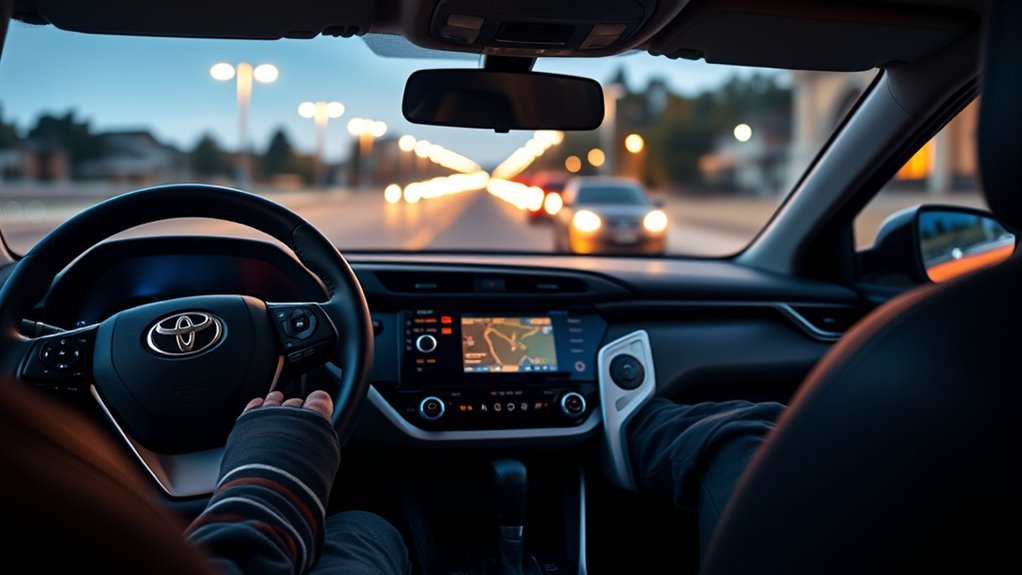
Brake Hold in your Toyota RAV4 lets you keep the vehicle stationary at full stops without holding the brake pedal, reducing fatigue and preventing rollback on hills. Press the Brake Hold button until the amber light appears, keep firm brake pressure to engage, then lift your foot; the system releases when you press the gas and the light turns green. It gives clear dash feedback and safety limits; keep regular brake checks, and explore more details and troubleshooting next.
What Brake Hold Does in the Toyota RAV4
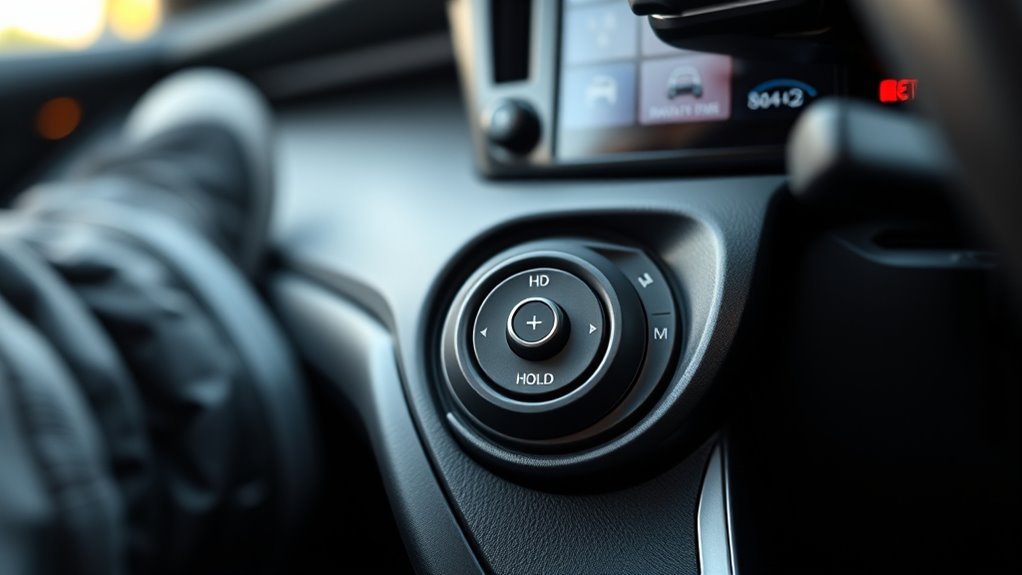
Press the Brake Hold button and an amber light tells you it’s engaged. You can then lift your foot off the brake at complete stops while the system maintains vehicle position, which reduces fatigue during long waits and stop-and-go driving scenarios. This lets you conserve energy and stay focused on the road without constant pedal pressure. On inclines, Brake Hold prevents rollback, giving you confidence and stability when the traffic ahead moves slowly or pauses. The feature automatically releases when you press the gas, so acceleration stays smooth and intuitive; you won’t have to think about shifts. Drivers report better overall comfort and control, especially in urban congestion, where brake hold benefits include reduced leg strain and steadier starts. You get a practical aid that supports a freer driving experience—less tension in your body, more control in traffic—without changing how you drive or adding complexity to routine maneuvers.
How to Use Brake Hold (Quick Step-by-Step)
To activate Brake Hold, press the hold button and keep firm pressure on the brake pedal until the amber light appears on the dashboard. Once the amber light is engaged you can lift your foot and the vehicle will stay put, which is handy on inclines or during long stops. Brake Hold releases automatically when you press the gas, and you should see the green light confirming the vehicle is ready to drive.
Activating Brake Hold
Activate Brake Hold on your RAV4 by pressing the Hold button on the center console until the amber light comes on, then keep firm pressure on the brake pedal so the system registers a full stop and lets you release your foot without the vehicle moving. With the amber light steady, the system holds the vehicle at a complete stop; it’s intended for temporary stops like traffic or signals. This feature reduces foot fatigue and supports comfort during prolonged pauses—key brake hold benefits many drivers cite. The light will stay amber while engaged and change to green once you begin driving. Rely on consistent brake pressure to engage reliably. Many user experiences report smoother, less tiring commutes and a greater sense of control and freedom.
Releasing And Driving
When you’re ready to move, hold the brake until you press the gas pedal—Brake Hold will release automatically and the amber light will change to green as the vehicle starts to roll. To use this quick step-by-step, first engage the feature by pressing the hold button until the amber light illuminates and verify you press the brake pedal firmly. You can then remove your foot; the vehicle stays stationary, which is freeing in traffic lights and on inclines. In driving scenarios where stops are frequent, rely on this to prevent unintended movement and reduce fatigue. When you press the gas, Brake Hold disengages and the green indicator confirms release. Always monitor surroundings and be ready to apply the brake manually if needed.
What the Dash Lights Mean: Amber vs. Green
When the amber Brake Hold light is on, you can release the brake pedal knowing the system will keep the vehicle stationary. The light turns green once Brake Hold releases and the car is back in normal motion. Noticing the amber-to-green change gives you clear feedback on when the feature is engaged and when control returns to driving.
Amber Light Meaning
1 clear amber indicator lights up on the dash whenever Brake Hold is active, telling you the vehicle will stay put until you press the gas pedal. That amber light signals brake hold advantages: it lets you remove your foot from the brake without fear of rolling, freeing you in traffic or at lights. It supports driver awareness by clearly showing when the system is engaged, so you can relax your foot while retaining control. The indicator enhances safety and control during stops, avoiding guesswork about whether Brake Hold is active. Learn the amber meaning so you use the feature confidently; once motion begins the amber will extinguish and the system shifts, confirming the hold has released.
Green Light Indication
Now that you know the amber light tells you Brake Hold is holding the vehicle at a stop, the green light tells you the system has released and you’re back to normal driving. You’ll see the green light when Brake Hold is actively engaged during driving after you press the gas pedal and the system shifts from amber. This clear indicator reinforces dashboard clarity and the green light importance for safe operation. Know these points:
- Green = Brake Hold active while moving.
- Amber = Brake Hold engaged at a complete stop.
- Shift happens when you press the gas pedal.
- Both lights give immediate feedback on braking status.
You can rely on these signals to drive confidently and maintain control, aligning freedom with safety.
When Lights Change
Although the amber and green Brake Hold lights may seem similar at a glance, they convey distinct states you need to recognize: amber means Brake Hold is engaged and holding the vehicle at a stop, while green shows the system has released and you’re free to drive. When you press the brake firmly to engage Brake Hold, the amber light confirms activation and stability, especially on inclines; you can lift your foot without rolling. As you accelerate or release the system, the light shifts to green, signaling disengagement and that normal driving control has resumed. Maintaining driver awareness of these light changes guarantees you use Brake Hold safely and confidently, freeing you from unnecessary hesitation at stops.
When to Use Brake Hold (Real Driving Scenarios)
When you’re stopped at a light, on a steep hill, or stuck in stop-and-go traffic, engage Brake Hold to keep the RAV4 stationary without keeping your foot on the brake, reducing fatigue and improving control. In real life scenarios, Brake Hold gives you driving convenience and a sense of freedom from constant pedal pressure. Use it to stay relaxed at intersections, maintain stability on inclines, and ease through congested commutes.
- At traffic lights — relieve foot fatigue and wait hands-free.
- On steep hills — prevent rollback and start confidently.
- In stop-and-go traffic — hold position without constant braking.
- During sudden stops — secure the vehicle quickly to avoid unintended movement.
These concise examples show when Brake Hold helps you reclaim comfort and control. It’s practical for heavy traffic and emergency stops, promoting a liberated, less tense driving style while keeping actions straightforward and purposeful.
Brake Hold Safety: Limits, Auto-Releases, and Exceptions
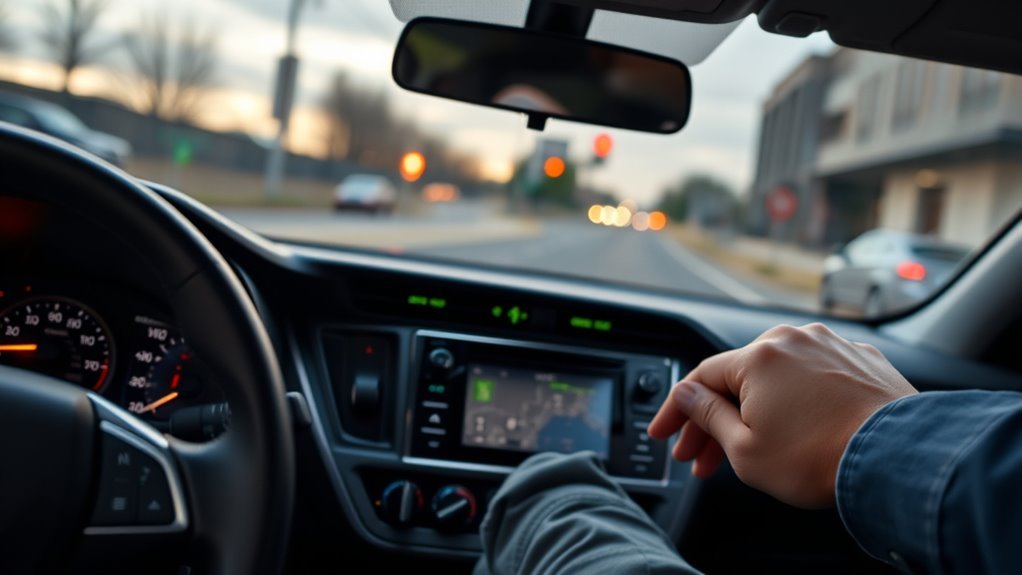
Because Brake Hold is meant to keep your RAV4 steady at stops, you should understand its safety limits, automatic release behavior, and situations where it might not engage. You’ll appreciate the brake hold benefits: it prevents unintended movement during stops, aids stability in emergency braking, and reduces driver fatigue in heavy traffic or on inclines. For safety considerations, know the system only engages when you apply firm pressure to the brake pedal, preventing accidental activation.
The feature automatically releases as soon as you press the gas pedal, giving a smooth shift to acceleration. It may not function in certain conditions — for example, on steep declines or when the vehicle is in a low gear — so don’t rely on it as a substitute for deliberate braking technique. Use Brake Hold as an assistive layer: it empowers you to stay confident at stops while recognizing its operational limits and automatic behaviors.
Troubleshooting Brake Hold: Common Problems & Quick Fixes
If Brake Hold won’t engage, start by pressing the brake pedal firmly—light pressure can prevent the system from activating—and confirm the amber Brake Hold indicator lights when you press the feature button; if the lamp stays off, there may be an electrical or system fault that needs inspection. You want the brake hold benefits to work reliably, so use these troubleshooting tips to isolate common faults and regain confident control.
- Check pedal pressure and try again—insufficient force can block engagement.
- Observe the amber indicator; no light suggests electrical or system trouble.
- If Brake Hold releases unexpectedly, verify you’re not pressing the gas pedal or that a detected fault isn’t triggering release.
- If the vehicle rolls with Brake Hold engaged, inspect for brake system malfunctions or a faulty hold button.
If problems persist, consult the owner’s manual for troubleshooting tips or contact a certified Toyota technician for diagnostics and repair.
Maintenance Tips and When to See a Dealer
While routine driving won’t demand much from Brake Hold, you should regularly check brake fluid level and condition and inspect pads and rotors for wear to keep the system reliable. Make a simple maintenance habit: top off or replace brake fluid per the service interval, document wear inspection results, and note pad thickness and rotor scoring. Confirm button functionality each time you drive—press the Brake Hold switch and verify the indicator lights; inconsistent response suggests an electrical or control issue. Pay attention to unusual sounds, vibrations, or odd pedal feel when Brake Hold engages or releases; these signs hint at caliper, sensor, or hydraulic problems. If Brake Hold consistently fails to engage or disengage, the amber indicator won’t illuminate, or you detect persistent anomalies, schedule a dealer visit. The dealer can run diagnostics, address hydraulic or sensor faults, and guarantee software and safety systems are calibrated so you can drive with freedom and confidence.
How Brake Hold Improves Comfort, Wear Reduction, and Confidence
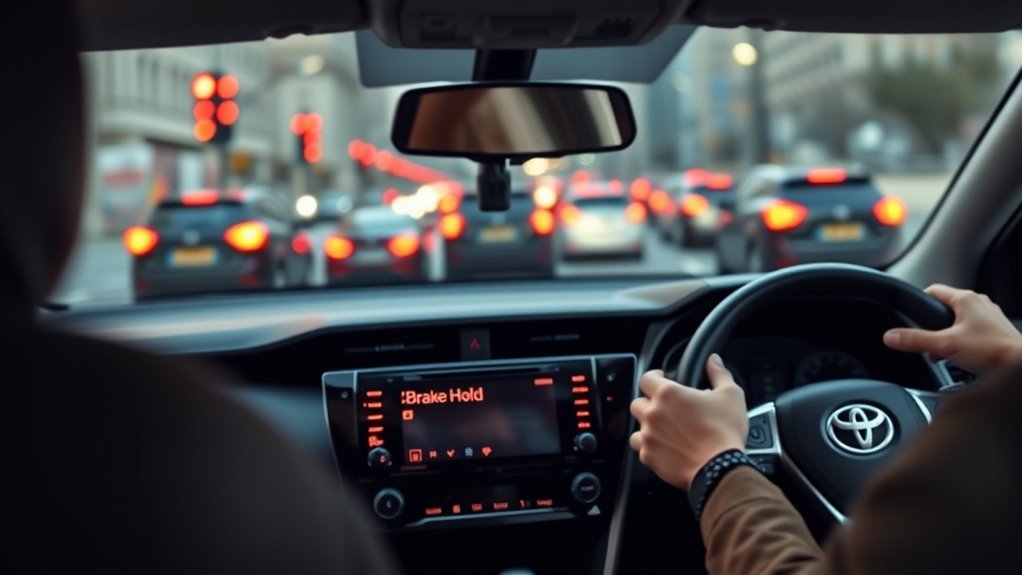
When you take your foot off the brake at a full stop and engage Brake Hold, the system keeps the vehicle stationary so you don’t have to constantly press the pedal, reducing foot fatigue during long lights and heavy traffic. You’ll feel immediate comfort as you relax your posture and trust the system to hold the car on inclines or sudden stops. Brake Hold reduces driver fatigue and promotes a calmer, more liberated driving approach.
- Less pedal time — lowers muscle strain and improves focus.
- Reduced brake engagement — cuts wear on pads and rotors, aiding brake longevity.
- Consistent stability — boosts confidence in stop-and-go or hill situations.
- Clear indicators — amber/green lights make operation intuitive and safe.
Frequently Asked Questions
Should I Drive With Brake Hold On?
You shouldn’t drive with Brake Hold on; use it only when stopped. It gives brake hold benefits like reduced foot fatigue and better driving safety in traffic or on inclines, enhancing confidence while preventing unintended movement.
How Long Do I Hold the Button for the Lift on a RAV4?
You press the lift button firmly for about one to two seconds; that Lift button duration engages the system. Follow RAV4 parking tips: hold steady pressure, wait for the amber light, then release to free your hands and move confidently.
Conclusion
Brake Hold in your RAV4 acts like a reliable assistant, keeping the brakes engaged so you can relax at stops without creeping forward. Use it by pressing the Brake Hold button while stopped and seating belts are fastened; green means active, amber signals an issue. Remember its limits—steep grades, seatbelt/door status, or low battery can cancel it. Troubleshoot simple faults yourself, but see a dealer for persistent problems. It reduces pedal fatigue, wear, and stress like a steady hand on the wheel.