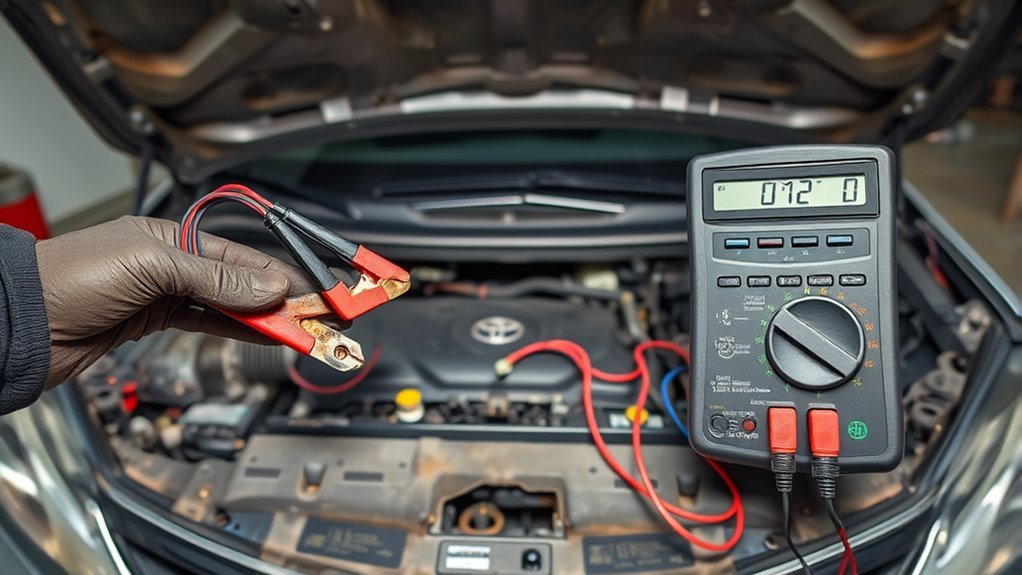
If your Camry’s battery keeps dying, check for loose or corroded terminals, parasitic draws, frequent short trips, extreme temperatures, or a failing alternator. Inspect and clean clamps, guarantee lights and accessories are off, and drive at least 15 minutes weekly or use a battery maintainer for storage. Use a multimeter to measure parasitic draw under 50 mA and isolate circuits by pulling fuses. Try firmware EL1934 at the dealer; keep troubleshooting steps and visits documented to pursue fixes further.
Quick Checklist: Fix a Dying Camry Battery Now
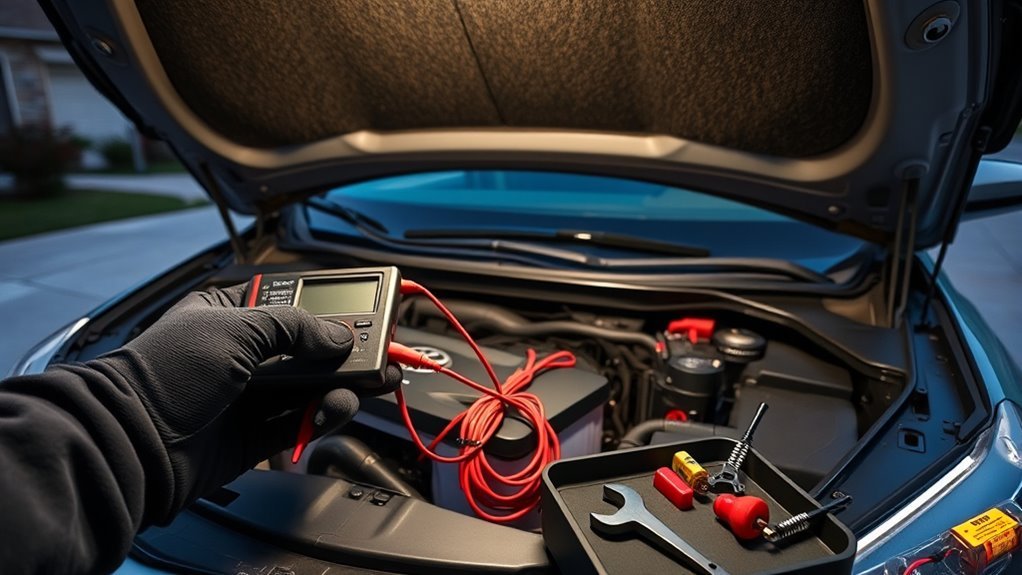
Start with a quick visual check: inspect and clean the battery terminals for corrosion, make sure all lights and accessories are off when the car’s parked, and give the Camry a 15-minute drive at least once a week to keep the charge up—if you’ll store the car longer, hook up a maintainer or use a disconnect switch. You’ll want a simple, focused routine: wipe terminals, tighten clamps, and apply a corrosion inhibitor. Confirm all interior and exterior lights, infotainment, and aftermarket devices are truly off to prevent parasitic drain. Use a multimeter after a rest to spot low voltage, then drive to see if charge recovers. If problems persist, schedule a professional electrical inspection to test the alternator, starter, and wiring. Track interventions and outcomes so you can free yourself from repeat failures. With disciplined battery maintenance and targeted checks, you’ll keep the Camry reliable and avoid being stranded, reclaiming control over an ordinary source of frustration.
Why Camry Batteries Die: Common Causes to Check First
You’ve covered the quick fixes; now check why the battery keeps dying so you can stop repeating those steps. First, inspect connections: loose or corroded terminals choke charging and mimic a dead battery. Next, consider parasitic draws from electronics — unchecked modules and aftermarket gear drain power while the car sleeps. Extreme temperatures shorten battery lifespan and cut capacity; cold mornings hit you hardest. Your charging habits matter: frequent short trips don’t let the alternator fully recharge the battery, so it slowly loses cranking reserve. Alternator or electrical-system faults can also fail to replenish the battery, creating a cycle of repeated failures. Diagnose in order: terminals, parasitic draw, alternator output, and recent driving patterns. Keep maintenance regular — clean terminals, test charging output, and adapt driving or charging habits to preserve battery lifespan. Do this and you’ll reclaim reliability instead of accepting surprise no-starts.
Quick Checks: Lights, Accessories, and Surprise Drains
Although it’s easy to blame a dying battery on age alone, check the simple things first: headlights, dome lights, and trunk or glove-box lights left on can drain a Camry overnight, and aftermarket electronics or an aftermarket stereo can keep drawing current even with the key out. You want quick, actionable checks to regain freedom from surprises.
| Item | What to do | What it reveals |
|---|---|---|
| Exterior lights | Inspect after parking | Overnight drain risk |
| Interior lights | Close doors, test switches | Stays on by fault |
| Aftermarket gear | Disconnect or switch off | Hidden draw source |
| Battery terminals | Tighten/clean | Poor transfer shows up |
Do a brief electrical inspection: tighten corroded clamps, look for frayed wires, and note frequent short trips that stop full charging. These steps protect battery health and free you from avoidable lockouts without deep diagnostics.
Test for Parasitic Draw: Step‑by‑Step DIY Diagnostics
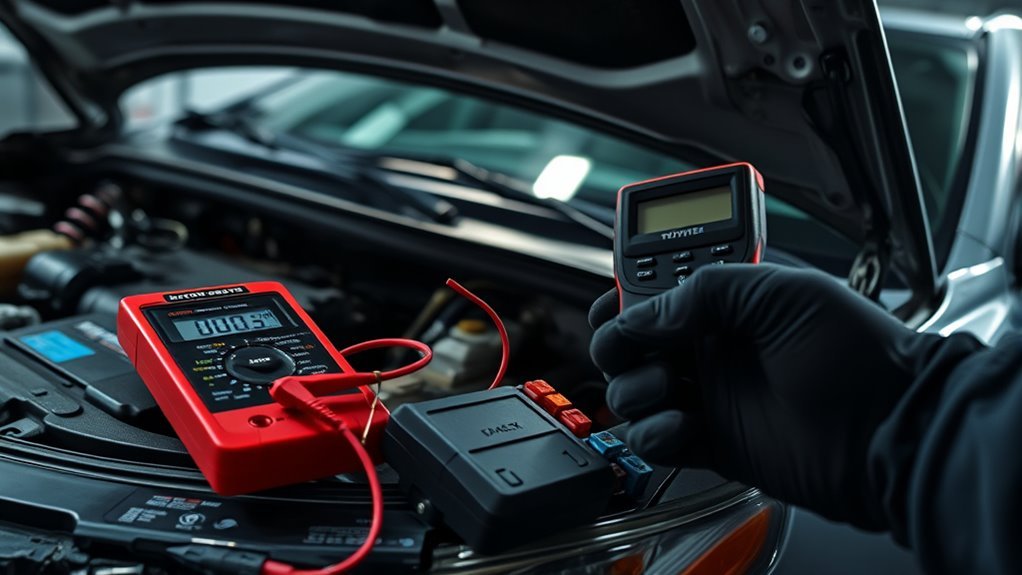
If those quick checks didn’t find the culprit, it’s time to measure how much current your Camry is really drawing when it’s off. Put the car completely to sleep, set a multimeter to amps, and disconnect the negative battery cable. Connect the meter in series between the negative terminal and cable to read parasitic draw. You want under 50 milliamps (0.05 A).
If the reading exceeds that, strip back the fuse box: pull fuses one at a time while watching the meter. When the current drops, you’ve isolated the problematic circuit. Now inspect components on that circuit — interior lights, trunk or glovebox switches, aftermarket devices, wiring for chafing or corrosion. Document each step and your readings so you can track progress and reject guesswork. If the source remains elusive or the repair requires complex wiring work, get professional help. This method empowers you with clear battery diagnostics and control over a recurring drain.
Dealer Fixes & Firmware: Known Toyota Updates and When to Escalate
Ask your dealer whether they’ve applied firmware EL1934, which some service centers say can stop the 2020 Camry’s parasitic drain. Check and change the infotainment “Convenience Services” and “Software Update” settings yourself before the appointment, and document every visit and result. If diagnostics keep failing or you get repeated battery swaps, escalate to Toyota customer service with your records.
Firmware Update EL1934
When your Camry keeps losing charge, check whether your dealer has applied firmware update EL1934, since some shops have reported it fixes software-related drain issues. You should ask about firmware benefits and the update process up front so you control the visit and avoid vague answers. Dealers vary in availability and communication, so demand clear confirmation—write down dates, tech names, and work performed. If your settings like infotainment sleep timers were adjusted and the update was applied, test the car over a few days to confirm improvement. Keep records of every interaction with Toyota customer service; that documentation empowers you if the problem returns and you need manufacturer follow-up. Be persistent and expect specific, verifiable results.
When To Escalate
Although dealers sometimes resolve battery drains with firmware EL1934 or infotainment setting changes, you should escalate when the problem persists despite documented attempts and clear instructions from service. Track dates, contacts, work orders, and test results so your escalation strategies rest on evidence. Tell dealers you’ve checked Convenience Services and applied suggested infotainment tweaks; note inconsistent dealer communication and any divergent diagnoses. Ask for escalation to a regional service manager or Toyota technical support, referencing community reports about EL1934 and persistent discharge. Demand thorough diagnostics — parasitic draw tests, module sleep verification, and firmware verification. If dealers stall, file formal complaints with Toyota and consider a written demand for corrective action. Stay firm, clear, and focused on getting lasting repair.
Prevent Repeat Camry Battery Drain: Maintenance Checklist
One clear checklist will stop repeat Camry battery drains before they start: disconnect phone chargers and aftermarket stereos when you park, shut off headlights and interior lights, inspect and clean terminals for corrosion, and — if you don’t drive daily — use a battery maintainer or schedule a 15-minute drive each week to keep the battery charged. Make these maintenance habits nonnegotiable: unplug accessories immediately and confirm all lights are off when you leave the car. Weekly short drives restore charge and preserve battery health, especially if you’re freeing yourself from dependence on frequent trips. Inspect terminals monthly: remove corrosion, tighten clamps, and apply a thin protective spray to prevent buildup. If you live where temperatures swing, prioritize a maintainer to avoid slow drain that steals reliability. Track actions with a simple checklist in your glovebox or phone so you don’t slip. These steps diagnose common culprits, cut parasitic draw, and let you reclaim control over a dependable Camry starting every time.
Camry Emergency Gear: Jump‑Starts, Maintainers, and What to Carry
Because a dead battery can strand you anywhere, keep a compact kit in your Camry that gets you moving fast: jumper cables or a portable jump starter, a battery maintainer if you drive infrequently, a flashlight, and a basic tool kit for terminal cleaning and clamp tightening. Pack a compact jump starter — it frees you from relying on strangers and gets you back on the road alone. Include quality jumper cables as backup and learn safe clamp order to avoid sparks. Use a battery maintainer when the car sits for days; it preserves charge and extends battery life so you won’t be trapped by avoidable drains. Add a small wire brush, wrench, and dielectric grease to clear corrosion and secure connections quickly. Keep a folded note with your Camry’s battery specs and recommended maintenance intervals. Routinely inspect terminals during trips and replace gear showing wear. This kit and routine put control in your hands, reduce dependency, and prevent common roadside immobilization.
Frequently Asked Questions
Why Does My Toyota Battery Keep Dying?
Your battery keeps dying because electrical issues or poor battery maintenance let parasitic drains, a weak alternator, or extreme weather sap power; inspect systems, disable smart key features, and perform regular checks to reclaim reliable freedom.
What Is Wrong With My Car if the Battery Keeps Dying?
Your car’s dying battery signals electrical issues or poor battery maintenance; imagine a dimming lighthouse. You’ll need to diagnose parasitic draws, charging faults, loose connections, or old cells, then repair or replace to regain freedom.
Why Does My Toyota Camry Keep Dying?
Your Camry’s battery keeps dying because electrical system issues or parasitic drains, faulty alternator, or neglected battery maintenance tips aren’t addressed; inspect electronics, update firmware, and disconnect nonessential devices to reclaim control and freedom.
Conclusion
You’ve checked the lights, pulled fuses, and run a parasitic draw test — and still your Camry’s battery dies. It’s frustrating when the little things line up against you: a worn alternator bearing down the same week a software update glitches, a trunk light that won’t quit. Don’t wait for coincidence to become routine. Fix the obvious, escalate to dealer firmware or alternator checks, and carry a jumper and maintainer so one dead morning won’t stop you.