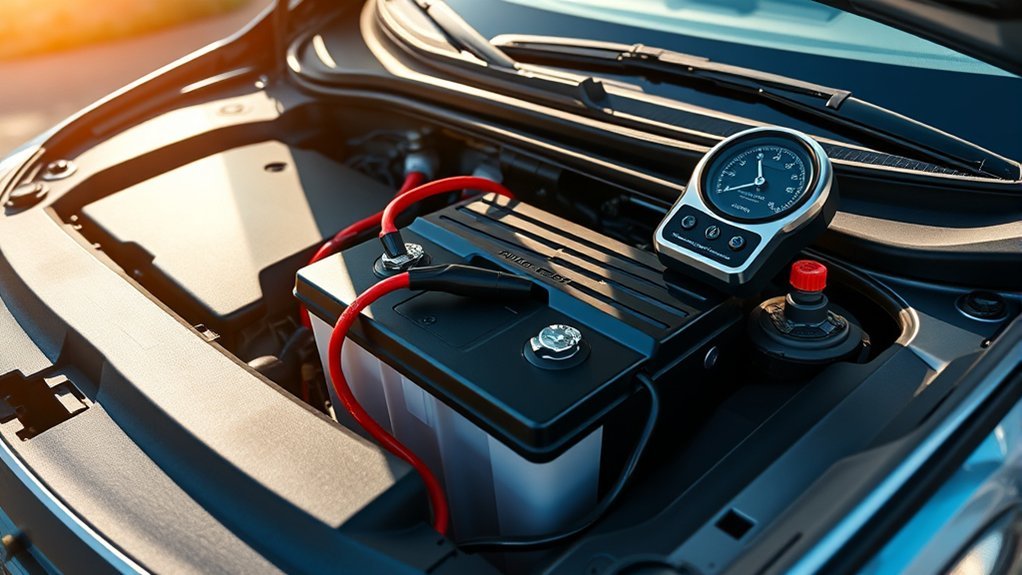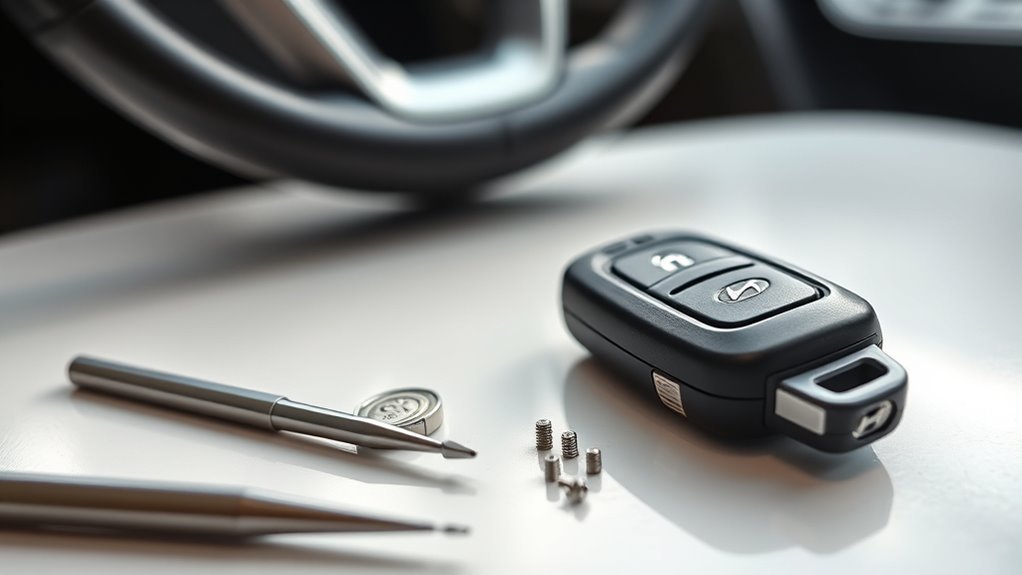
If your Hyundai Sonata says “Key Not Detected” or the Smart Key suddenly stops working, start with the simple checks before buying a new fob. Try your spare key, move phones and metal objects away from the fob, check the vehicle’s 12-volt battery, and replace the fob battery with the exact battery specified for your model year and key. On push-button Sonatas, a weak fob battery can often be bypassed temporarily by pressing the Engine Start/Stop button directly with the Smart Key.
Quick Answer
If your Sonata key fob is not detected, try the spare fob, remove nearby phones or metal objects, replace the fob battery with the correct type, and press the Start/Stop button directly with the Smart Key. If both fobs fail, check the car’s 12-volt battery before paying for programming or replacement.
Key Takeaways
- Do not assume every Sonata Smart Key uses a CR2032. Battery type varies; the 2025 Sonata owner’s manual specifies a CR2450.
- Remote-control range and passive Smart Key detection are different. A fob can sometimes operate remote functions from several yards away but still needs to be properly detected inside or close to the vehicle for passive functions.
- Replacing the coin-cell battery normally does not require the key to be programmed again.
- If both fobs suddenly stop working, investigate the vehicle battery, interference, Smart Key antennas/receiver, or related electronics before replacing two keys.
- Replacement Smart Keys must match the vehicle. Verify the VIN/application, part number, FCC ID, button layout, and programming requirements instead of buying by appearance alone.
At a Glance
| Time Required | About 5–15 minutes for basic checks and a battery replacement; professional diagnosis takes longer. |
| Difficulty | Easy for battery and interference checks; professional equipment is normally needed for replacement-key registration. |
| Tools Needed | Spare fob if available, owner’s manual, correct replacement coin cell, and a slim non-damaging pry tool. |
| Cost | A coin-cell replacement is inexpensive. Replacement fob, emergency-key cutting, programming, mobile service, and diagnosis vary substantially by Sonata year and provider. |
Why Your Sonata Key Fob Isn’t Detected: Most Common Causes
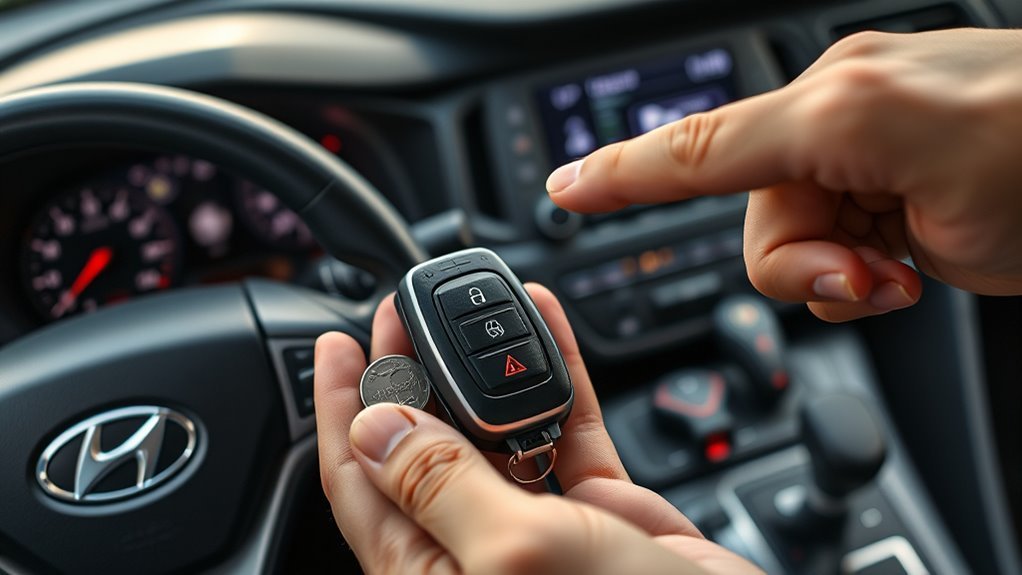
A Sonata Smart Key can stop working for several different reasons, and they do not all require a new key. Start by separating a fob problem from a vehicle-side problem.
- Weak or dead fob battery: The remote may work intermittently, range may drop, or the vehicle may show a low-key-battery warning.
- Incorrect replacement battery or poor contact: Installing the wrong coin-cell type, reversing its position, or failing to seat it correctly can leave the fob inoperative.
- Radio or electronic interference: Hyundai notes that mobile phones, radio transmitters, another Smart Key, electronic devices, credit cards, and some other sources can interfere with Smart Key operation.
- Fob damage: Moisture, impact, excessive heat, or internal circuit damage can stop the transmitter or transponder from working.
- Weak vehicle 12-volt battery: If the Sonata itself has low voltage, Smart Key functions and other electronics may behave abnormally.
- Smart Key antenna, receiver, wiring, or control-module problem: This becomes more likely when two known-good fobs fail in the same way.
- Unregistered or incompatible replacement fob: A replacement Smart Key must be the correct application and registered to the vehicle.
Hyundai’s current owner information also warns that Smart Key operation can be affected by nearby electronic devices and a discharged vehicle battery. See the Hyundai Manuals & Warranties resources for the manual that matches your exact Sonata.
Pro Tip: If one fob fails but your spare works normally, concentrate on the failed fob. If both fobs fail at the same time, check the vehicle battery and vehicle-side Smart Key system before buying replacement keys.
Quick Fixes You Can Try Right Now
Run these checks in order. They take only a few minutes and can prevent unnecessary programming or towing.
- Try the spare Smart Key. If the spare works normally, the original fob is the primary suspect.
- Move the fob away from your phone, other keys, cards, and metal objects. Then try the vehicle again.
- Move to another location if practical. Strong radio interference can temporarily affect key operation.
- Try the remote lock/unlock buttons. Note whether the remote buttons fail too, or whether only passive entry/start detection fails.
- Check the vehicle’s electrical condition. Dim interior lamps, clicking, a blank cluster, or several unrelated electrical warnings point toward the 12-volt battery rather than the fob.
- Use the mechanical emergency key if you cannot unlock the driver’s door electronically. The exact key-cylinder access method varies by Sonata generation.
Remote Range Is Not the Same as Smart Key Detection
Do not use a “30–50 foot” rule to diagnose a Key Not Detected message. On the 2025 Sonata, Hyundai specifies approximately 32 ft. (10 m) for certain remote-start operations, while passive proximity functions operate much closer to the vehicle. For example, Hyundai specifies roughly 40 inches (1 m) for the trunk-opening proximity function.
In other words, a remote button may work from farther away without proving that the vehicle can properly detect the Smart Key for passive entry or starting.
How to Replace the Battery in Your Sonata Key Fob
First, identify the correct battery. Do not automatically buy a CR2032. Hyundai’s 2025 Sonata owner’s manual specifies a CR2450, while other fob designs and model years may use a different coin cell. Check the battery you removed or the owner’s manual for your exact vehicle.
The current 2025 procedure is straightforward:
- Use the designated slot in the Smart Key and a slim tool to gently open the rear cover.
- Before removing the old battery, note its type and orientation.
- Remove the old coin cell.
- Install a new battery of the same specified type in the correct position.
- Reinstall the rear cover securely.
- Test lock, unlock, trunk, and starting functions.
You can review the battery-replacement procedure in the 2025 Hyundai Sonata Owner’s Manual.
Warning: Smart Key coin cells are button batteries. Keep new and used batteries away from children. Hyundai warns that swallowing a lithium button battery can cause severe or fatal injury. Seek immediate medical attention if you believe a battery has been swallowed or placed inside the body.
If the new battery does not help, reopen the fob and confirm that the battery is the correct type, properly seated, and making contact. If the case has corrosion, water damage, cracked solder joints, or a damaged circuit board, battery replacement alone may not solve the problem.
[Products Worth Considering]
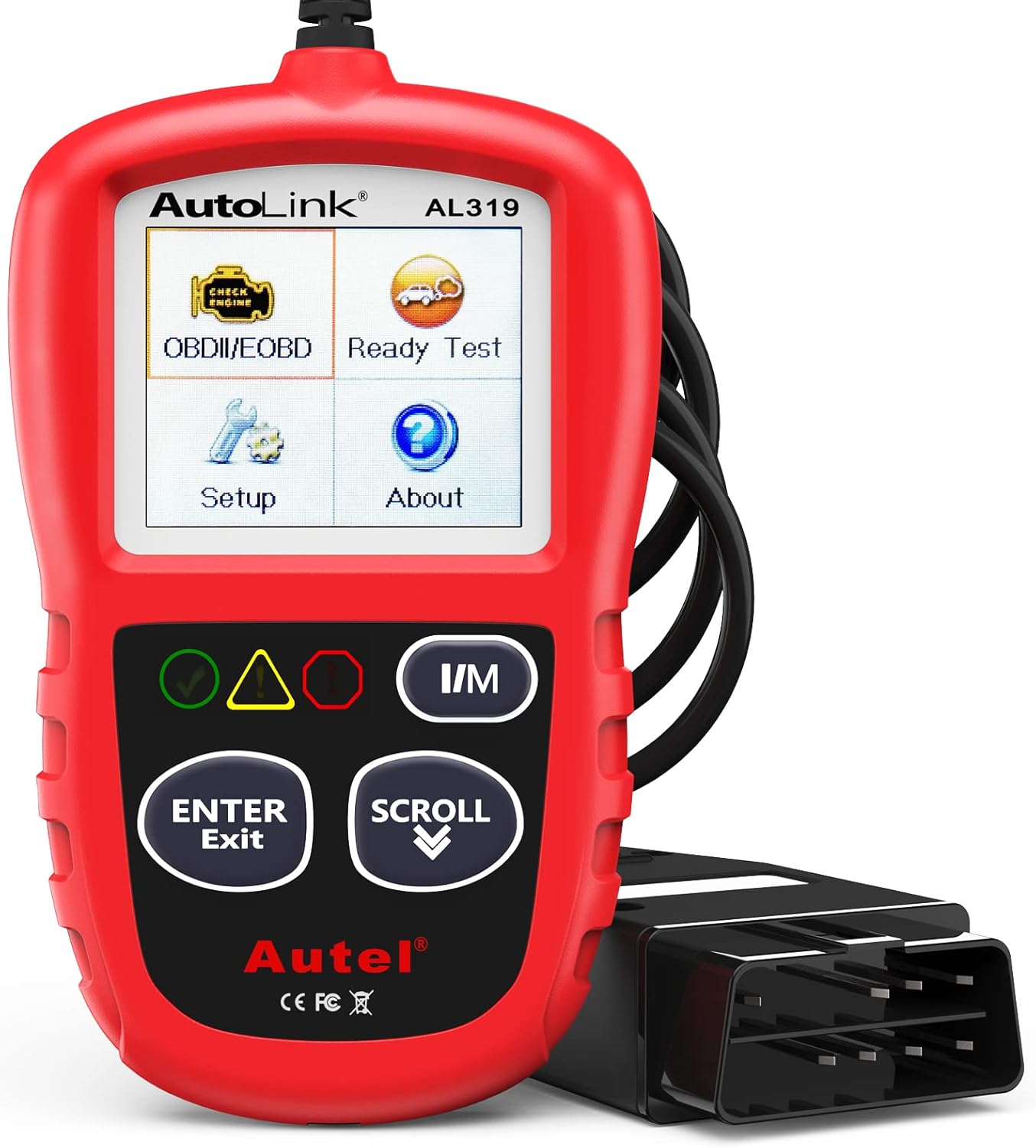
The Autel AL319 is a user-friendly OBD2 scan tool designed to help drivers quickly diagnose check engine light issues and understand vehicle fault codes. It supports reading and clearing DTCs, live data, freeze frame, I/M readiness, and vehicle information, making it a practical choice for DIYers and everyday car owners. With plug-and-play operation, a color display, built-in speaker, and broad vehicle compatibility, it delivers fast, reliable diagnostics without complicated setup.

**Please confirm compatibility using the compatibilty guide located in the product images**

Lithium Coin Battery: Duracell's 2450 3V coin batteries provide reliable, long lasting power for your medical devices, security devices, electronics and more.
Start Tricks for Push-Button Sonatas
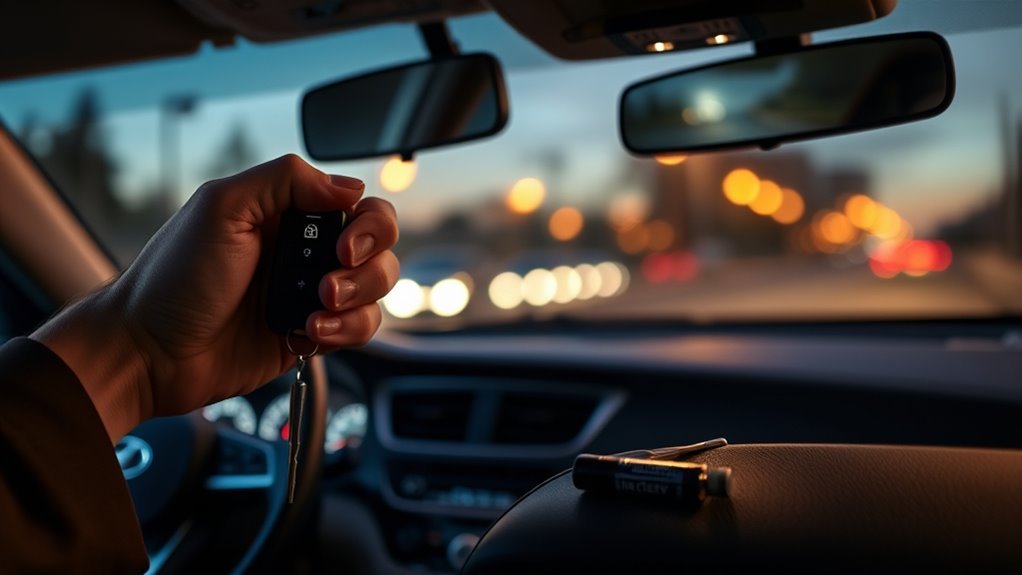
If your push-button Sonata does not recognize a Smart Key with a weak battery, Hyundai provides a useful backup method: press the Engine Start/Stop button directly with the Smart Key while following the normal brake-pedal starting procedure. This allows the vehicle to use a different method of reading the key.
| Situation | What to Try |
|---|---|
| Weak Smart Key battery | Press the Start/Stop button directly with the Smart Key |
| Electronic door entry fails | Use the mechanical emergency key |
| Remote works but start says Key Not Detected | Remove interference and use the direct-fob start method |
| Both fobs fail | Check vehicle 12V power and vehicle-side Smart Key components |
| Compatible Digital Key vehicle | Use a previously registered compatible phone or key card if supported |
Do not assume every Sonata has a hidden Smart Key slot. Backup-start arrangements differ by generation. Use the method described in the owner’s manual for your exact model.
Can Hyundai Digital Key Be a Backup?
On supported Sonatas, a previously registered Hyundai Digital Key can provide another way to unlock or start the vehicle. Compatibility depends on model year, trim, phone hardware, and Digital Key generation.
Current Hyundai Digital Key 2 information includes compatible Apple, Samsung, and Google devices and lists supported Sonata model years. Do not assume that an older Sonata with first-generation Digital Key has the same phone support as a newer Digital Key 2 vehicle.
Reset or Reprogram the Key Fob? What You Can Safely Try
There is no single owner-level “reset sequence” that should be applied to every Sonata. Internet instructions telling you to cycle the ignition a certain number of times or hold a particular remote button may belong to a different Hyundai, market, key system, or model year.
A normal Smart Key battery replacement does not usually erase the key’s registration. If the key worked before the battery died, install the correct new battery, reassemble the fob, remove interference, and test it again.
Note: Replacing a coin-cell battery and registering a replacement Smart Key are two different jobs. A battery change is owner maintenance; replacement-key programming may require diagnostic equipment and security credentials.
If a replacement key has never been registered to your Sonata, or the vehicle has lost key-registration data because of a control-module repair or related fault, professional programming may be necessary.
[Products Worth Considering]
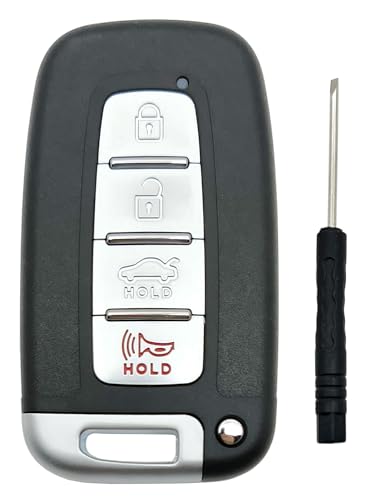
High Quality Material replacement key fob cover fit for Hyundai Sonata Genesis 2010 2011 2012 2013 2014 Azera Equus Kia Optima 2009-2013 Ria Sorento Forte Borrego Smart Keyless Entry Key Fob ,without cricuit board and chip. FCC ID SY5HMFNA04

Perfect Fitment Vehicles for Hyundai Equus 2012 2013 2014
Check the Sonata’s 12-Volt Battery Too
A failed Smart Key is not the only reason a Sonata may refuse to unlock or start. Hyundai lists a discharged vehicle battery among conditions that can prevent normal Smart Key operation on current models.
Look for clues such as:
- interior lights that are unusually dim or completely dead;
- a cluster that does not illuminate normally;
- rapid clicking when attempting to start;
- several unrelated electronic warnings appearing together;
- both Smart Keys failing at the same time.
If those symptoms are present, test or service the vehicle battery before purchasing a new fob. Hyundai’s 2025 warranty handbook also lists jump-start service among the roadside services available to eligible 2025 vehicles under the Roadside Assistance program.
Immobilizer Lights and “Key Not Detected”: How to Diagnose
A Key Not Detected message means the vehicle did not successfully detect the Smart Key when expected. It does not automatically prove that the fob’s transponder has failed.
| What You Observe | Likely Next Check | Next Action |
|---|---|---|
| One fob fails; spare works | Original fob battery/damage | Replace correct battery and inspect fob |
| Both fobs fail | Vehicle battery, interference, antenna/receiver or module | Check vehicle-side power and diagnose system |
| Remote buttons work but start does not detect key | Passive detection/transponder path | Use direct-fob start method and seek diagnosis if persistent |
| Dash is weak or dead | 12V vehicle battery | Battery test or jump-start as appropriate |
| Replacement fob never worked | Compatibility/registration | Verify part application and programming |
On push-button models, try the direct-fob Start/Stop method after removing phones, other keys, and nearby metal from the Smart Key. If the warning repeatedly returns with more than one known-good key, professional diagnosis is appropriate.
When Programming Is Required: What Technicians Actually Do
Programming is most commonly needed when you are adding or replacing a Smart Key, when all keys have been lost, or after certain security/control-module repairs. It is not normally triggered just because you replaced the coin-cell battery.
Hyundai’s Technical Service Bulletin 19-BE-006H documents the manufacturer’s key-fob code-saving procedure. Hyundai’s dealer workflow uses its GDS diagnostic system, vehicle identification information, security PIN information where required, and a Smart Key or RKE code-saving function.
Why Programming Is Needed
A replacement Smart Key contains electronic identity information that the vehicle’s security system must recognize. Correct programming pairs the key with the vehicle so the appropriate lock/unlock and starting functions operate.
Programming cannot fix an incompatible key. Before anyone attempts registration, verify that the replacement is correct for the vehicle.
- Match the Sonata model year and trim/application.
- Confirm the OEM part number or approved replacement cross-reference.
- Match the FCC ID when applicable.
- Confirm the correct button configuration and features.
- Confirm whether an emergency-key blade must be cut separately.
- Confirm whether the fob is new, reusable, or previously paired.
Typical Programming Costs
There is no reliable universal Hyundai Sonata programming price. The total depends on the model year, Smart Key type, whether you already have a working key, whether all keys are lost, whether a mechanical blade needs cutting, whether the fob is OEM or aftermarket, and whether service is performed at the vehicle or in a shop.
When comparing quotes, ask for the complete out-the-door price rather than a programming-only number. A quote may contain several separate charges:
- replacement Smart Key;
- emergency-key blade and cutting;
- key registration/programming;
- diagnostic time if the original fault is not the key;
- mobile locksmith callout or towing if applicable.
A coin-cell battery is a low-cost repair. A complete replacement Smart Key plus cutting and programming can be much more expensive, so diagnosing the original key first is worthwhile.
Technician Steps Explained
Hyundai’s documented dealer procedure for Smart Key code saving includes connecting GDS/VCI diagnostic equipment, identifying the vehicle, entering the Smart Key code-saving menu, obtaining the required key/PIN information, presenting the key to the Start/Stop button as instructed by the diagnostic system, and verifying lock/unlock and engine-start operation afterward.
| Step | Purpose |
|---|---|
| Verify replacement fob | Prevents attempting to program incompatible hardware |
| Connect diagnostic equipment | Accesses the vehicle’s key-registration functions |
| Identify vehicle and obtain security information | Authorizes the code-saving process when required |
| Register each Smart Key | Teaches the vehicle which keys are authorized |
| Final function test | Confirms lock, unlock, and starting operation |
Buying a Replacement: OEM vs. Aftermarket vs. Refurbished
The cheapest-looking replacement can become expensive if it cannot be programmed. Buy based on verified compatibility, not appearance or a generic “fits Sonata” listing.
[Products Worth Considering]

The key fob cover fit for Hyundai Sonata Santa Fe Tucson Ioniq Palisade Smart Key.prevent your car key from breakage and scratches.And also make your car key fob stand out,stay nice and safe,Really wise investment for protecting an expensive electronic key.

Fits Models: Fits for 2019 2020 2021 2022 2023 Hyundai Sonata Santa fe Tucson 7 buttons smart key
OEM: Best Fit When Correctly Matched
A correctly matched genuine Hyundai Smart Key is generally the lowest-risk choice because its hardware and features are designed for the intended vehicle application. However, “OEM” alone does not guarantee that any Hyundai fob will fit your particular Sonata.
- Verify the part number for your VIN/application.
- Confirm the correct number and type of buttons.
- Confirm remote-start or trunk features if equipped.
- Ask whether programming and mechanical-key cutting are included.
- Keep the receipt and warranty information.
Aftermarket: Cost Versus Risk
Aftermarket fobs can reduce hardware cost, but compatibility and build quality vary. A listing that says “Hyundai Sonata” without specifying the exact year, part cross-reference, FCC ID, and feature set is not enough.
Before ordering, confirm that the seller guarantees compatibility with your vehicle and accepts returns if the key cannot be programmed. Also confirm that your chosen locksmith or shop is willing to program that particular aftermarket fob; some providers will program customer-supplied keys, while others will not.
Refurbished: Savings With Caveats
Used and refurbished Smart Keys require extra caution. Hyundai’s 2019 key-programming bulletin states that a Smart Key paired under its procedure becomes permanently programmed to that vehicle VIN and cannot simply be programmed to another VIN.
That means you should never assume an ordinary used fob from another Sonata is reusable. A seller advertising a refurbished or “unlocked” unit should specifically guarantee that the exact part has been prepared for reuse with your vehicle and programming method.
- Confirm exact part number and FCC ID.
- Ask whether the unit was previously paired.
- Get a written compatibility or return guarantee.
- Confirm your programmer accepts refurbished units.
- Avoid listings that rely only on appearance or year range.
Preventive Care to Avoid Future Detection Problems
Smart Key maintenance is simple, but a few habits reduce surprise failures.
- Replace the coin cell when the car reports a low-key-battery warning, remote range noticeably drops, or the fob becomes intermittent.
- Use the exact battery specified for your fob.
- Keep the Smart Key dry and protect it from severe heat, cold, impact, and crushing.
- Do not store the fob tightly against a phone, electronic device, or large metal object if you are having intermittent detection problems.
- Test your spare Smart Key occasionally and replace its battery when necessary.
- Do not leave a Smart Key stored immediately next to the vehicle for long periods.
You do not need to replace a perfectly functioning fob battery on an arbitrary 12- or 18-month schedule. Actual life varies with battery quality, use, storage, temperature, and fob design.
Who to Call: Locksmith, Independent Shop, or Hyundai Dealer
The right provider depends more on the problem and equipment than on an arbitrary model-year cutoff.
When to Call a Locksmith
An automotive locksmith experienced with Hyundai Smart Keys is a good option when you need mobile help, an emergency mechanical key cut, a replacement fob, or key programming and the locksmith confirms that they support your exact Sonata.
- Ask whether they can verify your replacement fob before programming.
- Ask whether the quoted price includes the fob, blade cutting, and registration.
- Tell them whether you still have a working key.
- If all keys are lost, have your VIN and proof of ownership available.
Independent Shop Pros/Cons
A qualified independent repair shop can be useful when the problem appears to involve the vehicle rather than the fob—for example, low system voltage, damaged wiring, Smart Key antennas, receiver/control modules, or other electrical faults.
The advantage is broader electrical diagnosis. The limitation is that not every independent shop has access to Hyundai Smart Key programming functions or the security credentials needed for every job. Ask before authorizing diagnosis.
When a Hyundai Dealer Makes Sense
An authorized Hyundai dealer is especially appropriate when:
- the vehicle may have a warranty-covered electrical or Smart Key fault;
- multiple known-good keys fail and module-level diagnosis is needed;
- a genuine Hyundai replacement key must be ordered by VIN;
- all keys have been lost and security/key-registration work is required;
- a previous locksmith or shop cannot complete programming;
- a Hyundai service campaign, software issue, or related module problem may be involved.
Hyundai dealers use the manufacturer’s diagnostic and key-registration workflow. A dealer is not automatically the only possible provider simply because the Sonata is newer than a particular year.
Frequently Asked Questions
Can a phone case or wallet block my Sonata key fob signal?
Sometimes. The phone itself, nearby electronic devices, credit cards, another Smart Key, or metal/electromagnetic materials can interfere with Smart Key operation. If detection is intermittent, separate the fob from your phone, wallet, other keys, and metal objects and try again.
Can extreme temperatures permanently damage the fob electronics?
Yes. Hyundai advises protecting Smart Keys from extreme temperatures and moisture because those conditions can damage internal electronics or cause malfunction. If a fresh, correct battery does not restore operation after severe exposure, the fob may need repair or replacement.
Will key fob water exposure void my Hyundai warranty?
Not automatically. Hyundai’s warranty terms exclude damage or failure caused by water/flooding or water contamination. That means water-caused fob damage may not be covered, but it does not mean every unrelated warranty claim on the vehicle is automatically void.
Can a used or refurbished Sonata fob still contain the previous vehicle’s programming?
Yes. Do not assume an ordinary used Smart Key can be reused. Hyundai’s key-programming bulletin states that Smart Keys programmed under its procedure are tied to a specific VIN. Buy a refurbished unit only when the supplier explicitly guarantees that the exact fob is reusable for your application.
Is there a universal key-fob app that controls every Hyundai Sonata?
No. Hyundai Digital Key support depends on Sonata model year, trim, Digital Key generation, compatible smartphone hardware, and account setup. Current Digital Key 2 systems support selected Apple, Samsung, and Google devices, but compatibility must be checked for the specific vehicle.
Does changing the Sonata key-fob battery require reprogramming?
Normally, no. Hyundai’s battery-replacement procedure does not include a key-registration step. If the fob worked before the battery became weak, install the correct new battery and test it. Programming is normally associated with adding or replacing an electronic key, not routine coin-cell replacement.
What battery does a Hyundai Sonata key fob use?
It depends on the model year and Smart Key design, so verify the existing battery or owner’s manual before buying one. For example, Hyundai’s 2025 Sonata owner’s manual specifies a CR2450. Do not assume that every Sonata uses a CR2032.
Why are both of my Sonata key fobs suddenly not detected?
Two fobs failing together makes a vehicle-side problem more likely. Check the Sonata’s 12-volt battery, remove possible interference, and try the direct-fob Start/Stop method. If both keys still fail, the Smart Key antennas, receiver, wiring, or related control module may need diagnosis.
Conclusion
A Sonata that suddenly says Key Not Detected usually does not require an immediate trip to the parts counter. Start with the spare key, interference check, correct coin-cell battery, vehicle 12-volt battery, and Hyundai’s direct-fob Start/Stop method. If one fob works and the other does not, focus on that key. If both fail, look harder at the vehicle.
Avoid generic programming tricks, fixed model-year rules, and replacement fobs chosen only by appearance. Verify the exact battery and key application first. If professional programming is needed, use a qualified automotive locksmith, capable independent shop, or Hyundai dealer that can support your specific Sonata and explain the complete cost before work begins.
Sources
- 2025 Hyundai Sonata Owner’s Manual — Smart Key battery type, Smart Key precautions, backup starting, remote-start range, and battery safety.
- Hyundai Manuals & Warranties — official access point for model-specific Hyundai owner information.
- Hyundai Digital Key 2 — supported vehicle years, compatible device types, registration, and use.
- Hyundai Technical Service Bulletin 19-BE-006H — manufacturer key-fob code-saving and programming procedures.
- 2025 Hyundai Owner’s Handbook & Warranty Information — roadside assistance and warranty exclusions involving water/flooding and other external causes.