If your Sonata’s backup camera isn’t working, start by checking if your reversing lights activate when in reverse. Confirm the ignition is on for power and inspect the camera unit for any visible damage or loose connections. If the issue persists, examine the reversing switch and wiring for faults. A blown fuse could also be the culprit, so verify its condition. For thorough troubleshooting steps and guidance, explore further details on effective fixes.
How to Identify if Your Backup Camera Is Malfunctioning?
How can you tell if your backup camera is malfunctioning? Start by checking if your reversing lights activate when you put the vehicle in reverse; these lights are essential for proper camera performance. If the lights work but the camera doesn’t, inspect the camera unit and wiring for damage or loose connections. Verify your vehicle’s ignition is on, as the backup camera needs power to function. If the camera activates intermittently, it might be worth testing it independently or examining the head unit for display issues.
For targeted troubleshooting tips, consult your vehicle service manual; it often contains specific circuit diagrams and steps tailored to your model. By methodically evaluating these factors, you can effectively identify potential problems and restore your backup camera’s functionality, enhancing your driving experience and safety.
Common Causes of Backup Camera Failure
Backup camera failure often stems from a malfunctioning reversing switch, which can prevent your reversing lights from activating. Additionally, wiring and connection issues may disrupt the power supply to the camera, leading to further complications. Identifying these common causes is essential for effective troubleshooting and resolution.
Reversing Switch Malfunction
When the reversing switch malfunctions, it can disrupt the entire backup camera system in your Sonata. This switch, typically located in the transmission, activates both the reversing lights and the camera when you engage reverse. If your reversing lights don’t illuminate, it’s a sign of a potential malfunction that could prevent the camera from working. The Body Control Module (BCM) relies on the reversing lights’ signal, making their functionality essential. A faulty or disconnected reversing switch can cause complete backup camera failure, regardless of the camera’s condition. To avoid complications, regularly inspect the reversing switch. Utilize troubleshooting techniques specific to different reversing switch types to diagnose and address issues promptly, ensuring your reversing system operates smoothly.
Wiring and Connection Issues
Several common wiring and connection issues can lead to backup camera failure in your Sonata. Damaged or loose connections may prevent the camera from receiving power, causing it to malfunction. If your reversing lights don’t activate when you shift into reverse, it could indicate a wiring fault related to the reversing switch. The camera relies on signals from the Body Control Module (BCM), so any disruption in wiring can impair communication between the lights and the camera. To address these issues, perform thorough wiring troubleshooting by inspecting the camera’s wiring for wear or disconnection. Connection maintenance is essential; verify all wiring harnesses are intact and connections are secure to restore functionality and enhance your driving experience.
Quick Guide to Checking Reversing Lights
To guarantee your reversing lights are functioning properly, start by engaging the reverse gear and checking if the lights illuminate. If they don’t, it could disrupt the camera activation signal, preventing your backup camera from working.
| Step | Action | Outcome |
|---|---|---|
| 1. Engage reverse gear | Check if reversing lights illuminate | Confirm proper functioning |
| 2. Inspect reversing switch | Locate switch in transmission | Check for faults/disconnections |
| 3. Verify wiring | Inspect connections to camera | ascertain power is reaching camera |
| 4. Check ignition status | confirm ignition is on | Camera can activate in reverse |
| 5. Perform reversing light inspection | Look for bulb issues | Replace if necessary |
A thorough reversing light inspection is essential for the backup camera’s operation. If the lights are working but the camera remains inactive, further investigate the wiring to confirm there are no issues.
How to Inspect Your Reversing Switch
If your reversing lights are functioning but your backup camera still isn’t activating, the issue may lie within the reversing switch. This component is essential as it signals the Body Control Module (BCM) when your vehicle is in reverse. To conduct a thorough reversing switch inspection, follow these steps:
- Check for any disconnections or visible damage in the wiring.
- Use a multimeter for continuity testing; it should show continuity when the transmission is in reverse.
- Inspect the switch itself for any signs of wear or malfunction.
- Refer to your vehicle’s service manual for specific circuit diagrams and installation details.
What Does the Body Control Module Do?
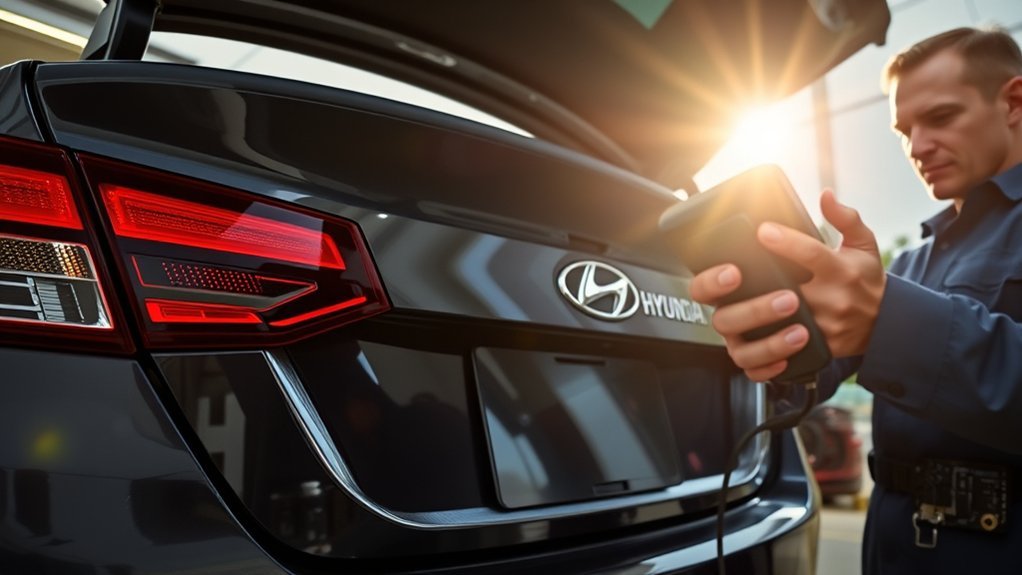
The Body Control Module (BCM) plays a critical role in your vehicle’s electrical systems, controlling the activation of components like the reversing lights and backup camera. It communicates with various systems to guarantee these features only operate when the conditions are right, such as the ignition being on and the vehicle in reverse. If there’s a malfunction, the BCM may not receive the correct signals, leading to failures in these essential safety functions.
BCM’s Role in Functionality
Understanding the Body Control Module (BCM) is essential for diagnosing issues with your Sonata’s backup camera. The BCM manages several electrical functions, making it vital for effective vehicle operation. When the reverse gear is engaged, it activates the reversing lights and the backup camera based on signals from the reversing switch. If the camera isn’t working, it might be due to the BCM not receiving these signals.
Key functions of the BCM include:
- Activating reversing lights
- Monitoring signals from the reversing switch
- Ensuring power distribution to components
- Facilitating BCM diagnostics and potential BCM replacement
Consult your vehicle service manual for specific circuit diagrams to aid in troubleshooting any BCM-related issues effectively.
Communication With Vehicle Systems
While many drivers may not realize it, the Body Control Module (BCM) serves as the central hub for communication among various vehicle systems. It manages electrical functions, activating reversing lights when the vehicle’s in reverse. The BCM receives signals from the reversing switch, determining the gear status vital for proper operation. When you shift into reverse, it also communicates with vehicle sensors to guarantee the backup camera activates only when the ignition’s on. If the reversing lights don’t illuminate, the BCM may not be receiving the necessary signals, which can lead to camera malfunction. Using diagnostic tools can help pinpoint issues, making sure the BCM effectively coordinates all systems for your vehicle’s safety features to function seamlessly.
How to Test Your Head Unit for Backup Camera Issues
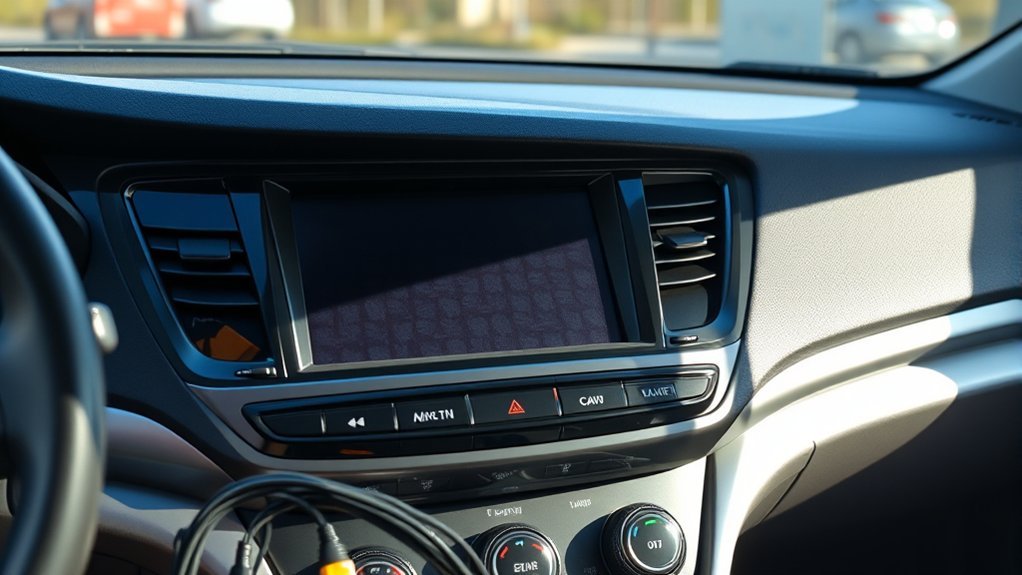
To effectively diagnose backup camera issues, start by ensuring the ignition is on and the vehicle is in reverse, which activates the camera signal. Next, check your head unit for any signs of malfunction. Here’s what to look for:
To diagnose backup camera issues, ensure the ignition is on and the vehicle is in reverse to activate the camera signal.
- Error Messages: See if the head unit displays any error messages when in reverse.
- Response Lack: Note whether the unit fails to respond at all; this indicates potential issues.
- Settings Inspection: Verify that the backup camera feature is enabled and correctly configured in the settings.
- Auditory Feedback: Listen for any clicks or sounds from the head unit while in reverse, as these may suggest internal failures.
If everything seems functional but the camera still doesn’t activate, consider testing the head unit with a different camera. This can help you rule out head unit issues and narrow down the problem effectively.
Troubleshooting Wiring Issues for Your Backup Camera
Before diving into deeper troubleshooting, inspect the wiring connections leading to your backup camera, as damaged or loose wires can easily disrupt the power supply. Look for any signs of damage or corrosion on the camera wiring, as these issues can prevent proper functionality. Next, verify that your reversing lights are operational; they signal the Body Control Module (BCM) to activate the camera when your vehicle is in reverse. Don’t forget to check the reversing switch, typically located in the transmission, to ascertain it’s not faulty or disconnected. A malfunctioning switch can stop both the lights and camera from working. For precise diagnostics, consult your vehicle’s service manual for specific circuit diagrams that can help identify wiring issues. If you suspect the problem lies within the camera itself, test it independently to confirm where the issue originates.
When to Replace Your Backup Camera Fuse
When your backup camera fails to activate, one of the first components to check is the fuse, as a blown fuse can cut off power to the camera entirely. Here are some fuse replacement tips to guide you:
- Check Reversing Lights: Verify they’re operational; their failure may indicate a similar issue.
- Consult Your Manual: Locate the specific fuse associated with the backup camera for accurate replacement.
- Inspect Regularly: Look for signs of damage or corrosion on fuses, as these can affect performance.
- Test the Fuse: Use appropriate fuse testing methods to determine if it’s blown.
If replacing the fuse doesn’t resolve the issue, further diagnostic steps involving wiring and the reversing switch may be necessary. Stay proactive in your maintenance to guarantee your backup camera operates smoothly, enhancing your driving experience.
When to Seek Professional Help for Your Backup Camera
If the fuse replacement and basic troubleshooting don’t solve your backup camera issues, seeking professional help is wise. Consider consulting a technician if you’ve checked the reversing lights and switch without success. A malfunctioning head unit might be to blame, requiring specialized diagnostic tools that only professionals possess. If you suspect wiring issues but can’t pinpoint them, expert technicians can inspect and repair complex configurations effectively.
Additionally, software or system resets might be necessary to restore functionality. Professionals can execute these tasks more efficiently than DIY attempts. It’s essential to consult your vehicle service manual or an expert to guarantee that any repairs adhere to the manufacturer’s guidelines, minimizing future issues. Remember, proper camera installation and maintenance are critical for your vehicle’s safety and performance. Don’t hesitate to reach out for professional assistance when needed; it could save you time and frustration.
Frequently Asked Questions
Why Has My Back Camera Suddenly Stopped Working?
Your back camera might’ve stopped working due to common sensor issues or wiring problems. Try basic camera troubleshooting tips, like checking the reversing lights and connections, to pinpoint the cause before seeking professional help.
Conclusion
So, if your Sonata’s backup camera’s gone rogue, don’t panic. Just remember, while you’re troubleshooting wiring and checking fuses, the universe might be subtly reminding you to pay attention to your surroundings—like that jogger you nearly missed. If all else fails and your camera’s still on strike, maybe it’s time to embrace the thrill of good old-fashioned neck craning. After all, who needs technology when you’ve got a perfectly functioning head on your shoulders?