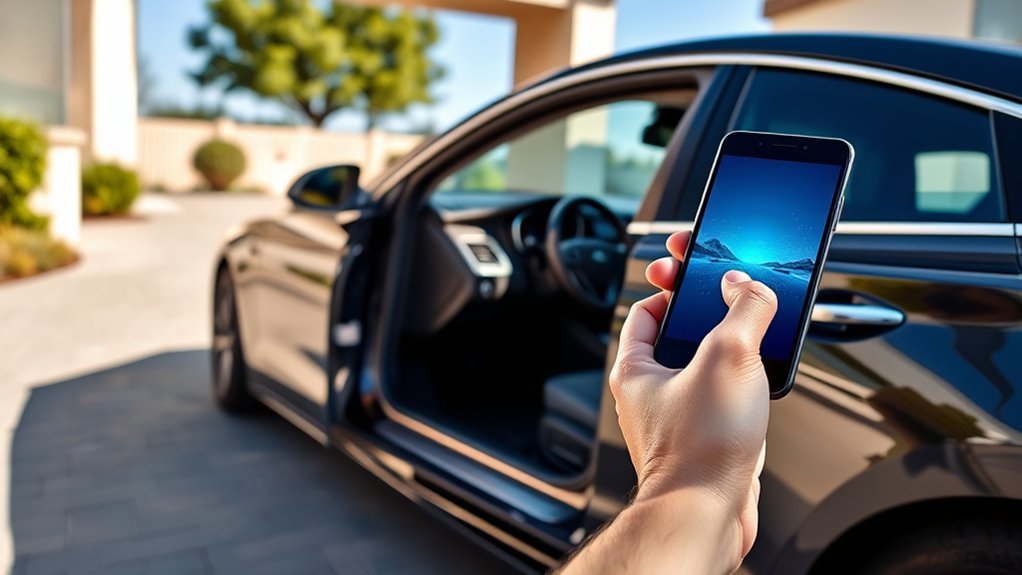
Hyundai Sonata Digital Key lets an equipped Sonata use a compatible smartphone or smartwatch as a vehicle key. The exact setup depends on your Sonata’s model year, trim, phone, and Digital Key generation. Newer models may use Hyundai Digital Key 2 or Digital Key 2 Premium, while some older Sonatas use the original Android-based Digital Key system.
Quick Answer
To set up Hyundai Digital Key on a compatible Sonata, first confirm that your model year and trim support it. For newer Digital Key 2 vehicles, sign in to MyHyundai with Bluelink, select Digital Key, start pairing, and follow the phone and vehicle prompts. Older Digital Key 1 Sonatas use Hyundai’s legacy Android Digital Key app.
Key Takeaways
- Digital Key is not available on every Sonata trim, so confirm compatibility before troubleshooting.
- Newer Sonatas use Digital Key 2 or Digital Key 2 Premium; older equipped Sonatas may use Digital Key 1.
- Digital Key 2 setup starts through MyHyundai with Bluelink and the vehicle’s Digital Key menu.
- NFC touch operation and UWB-based proximity operation are different; which one works depends on the vehicle and phone.
- Keep your physical Smart Key or registered NFC key card available until you have tested the phone key successfully.
At a Glance
| Time Required | About 5–15 minutes for a normal first-time setup |
| Difficulty | Easy |
| Tools Needed | Compatible smartphone, equipped Sonata, MyHyundai account, physical Smart Key during initial setup, and NFC key card if supplied |
| Cost | Normally no separate pairing fee when the vehicle is already equipped; phone, data, account, and service requirements may apply |
Why You Should Use the Hyundai Digital Key for Your Sonata
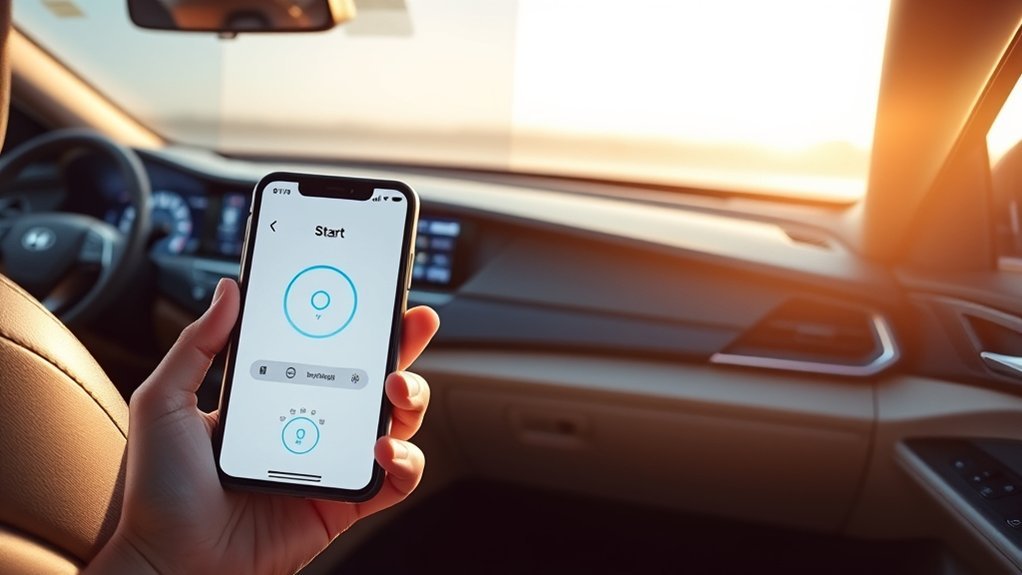
On a compatible Sonata, Hyundai Digital Key can let you lock, unlock, and start the vehicle using a supported phone or smartwatch. Newer versions can also place the vehicle key in a compatible mobile wallet, making it possible to leave the physical key in a safe place for many everyday trips.
The technology used depends on the Digital Key version. NFC-based operation requires the phone or watch to be brought close to the vehicle’s reader. Digital Key 2 Premium can also use technologies such as Bluetooth Low Energy and Ultra-Wideband on supported combinations of vehicle and device. Hyundai explains the current Digital Key 2 system in its Digital Key 2 owner guide.
Digital Key can also be useful when another trusted driver needs access. Supported systems allow the owner to share digital access and later revoke it without handing over a physical key.
Note: Hyundai Digital Key and Bluelink are related but different features. Digital Key acts as a vehicle key. MyHyundai with Bluelink can also provide connected remote commands such as remote lock, unlock, start, vehicle status, and vehicle location when the vehicle and account support them.
Check Your Sonata’s Digital Key Compatibility First
Do not assume that every Sonata has Digital Key. Availability changes by model year and trim. The easiest checks are your vehicle’s feature list, the Digital Key menu in the infotainment system, your MyHyundai account, and the owner’s manual for your exact VIN.
| Sonata example | What to know |
| 2020 equipped trims | Hyundai introduced the original Digital Key on selected 2020 Sonata trims. This legacy system was Android-based. |
| 2024–2025 compatible Sonata | Hyundai lists Sonata among vehicles compatible with Digital Key 2 Premium. For 2025, Digital Key 2 is standard on SEL Convenience, SEL Hybrid, N Line, and Limited Hybrid, but not SE or SEL. |
| 2026 Sonata | Current U.S. specifications list Digital Key 2 Premium on N Line and Limited Hybrid. SE, SEL Sport, Blue Hybrid, and SEL Hybrid do not list it as standard. |
Hyundai’s 2025 Sonata specifications and current Sonata specifications are useful for checking recent trim differences. For an older or used Sonata, check the manual and MyHyundai information for that exact vehicle instead of assuming the newer instructions apply.
Step-by-Step: Setting Up Your Hyundai Digital Key
Before pairing, have your physical Smart Key with you, sign in to your MyHyundai account, make sure the Sonata is associated with your account, and confirm that your phone is supported. Also turn on the phone features requested during setup, such as Bluetooth and NFC.
[Products Worth Considering]

Replacement: For Remote fob P/N: 95430-C1010, 95430-C1000; FCC ID: TQ8-RKE-4F16; Flip Key Fob Replacement Suitable for 2014-2017 Hyundai Sonata
Setting Up Digital Key 2 or Digital Key 2 Premium
- Enroll in MyHyundai with Bluelink. Your compatible Sonata must be associated with the account.
- Open the MyHyundai app. Select your vehicle and choose the Digital Key option from the home screen or utilities area.
- Choose Start Pairing. Follow the prompts on your phone.
- Open the vehicle’s Digital Key menu. On supported systems, the path is typically Setup → Vehicle → Digital Key → Smartphone Key → My Smartphone Key → Save.
- Place the phone on the wireless charging/phone tray when instructed. Hyundai specifically recommends this during setup for supported NFC and UWB devices.
- Follow the phone-wallet and vehicle prompts. The digital vehicle key may be added to Apple Wallet, Samsung Wallet, or Google Wallet depending on the supported device.
- Test the key before leaving your physical Smart Key behind. Confirm that you can lock, unlock, and start the Sonata as expected.
Pro Tip: If the phone will not authenticate on the charging pad or door handle, temporarily remove a thick, magnetic, or metal-containing phone case. Case thickness and NFC antenna position can affect recognition.
Setting Up Legacy Digital Key 1
Older equipped Sonatas may use Hyundai Digital Key 1. This is a different system. Hyundai’s legacy instructions require a compatible Android phone with NFC and Bluetooth, a MyHyundai account, and the Hyundai Digital Key Android app.
For the legacy system, start the vehicle with the physical key, open the Hyundai Digital Key app, select the option to add the smartphone key, place the phone on the wireless charging pad, and save the smartphone key from the vehicle’s Digital Key menu. Hyundai provides the complete legacy procedure in its Digital Key 1 guide.
Setting Up the NFC Key Card
If your equipped Sonata includes or supports an NFC key card, register it according to the instructions for your Digital Key generation. The card can provide useful backup access when your phone is unavailable.
Keep the card separate from other contactless cards when using it against the vehicle’s NFC reader. On some older Hyundai systems, overlapping the Digital Key card with another NFC card can prevent recognition.
Warning: Do not make your phone your only means of vehicle access immediately after setup. Test the digital key several times and keep your physical Smart Key or a properly registered backup card available until you know the system works reliably with your vehicle and phone.
Troubleshooting Common Issues With Hyundai Digital Key
If your Hyundai Digital Key stops working, first confirm that your Sonata actually supports the Digital Key version you are trying to use. Then check your phone, wallet, account, and vehicle settings before deleting the key or resetting anything.
Pairing Issues Resolved
If the phone will not pair, work through these steps in order:
- Confirm Bluetooth and NFC are enabled if your setup requires them.
- Make sure you are signed in to the correct MyHyundai account.
- Confirm Bluelink and Digital Key enrollment are active for the vehicle.
- Keep the physical Smart Key in the vehicle during initial enrollment when instructed.
- Open the vehicle’s Digital Key menu and confirm that smartphone-key registration is active.
- Place the phone flat on the wireless charging/phone tray when prompted.
- Remove a thick phone case if the phone is not detected.
- Restart the phone and vehicle infotainment system before trying again.
- Check whether a software update, phone replacement, wallet reset, or account change occurred recently.
If you replaced or reset your phone, assume the key may need to be restored or paired again. A shared key may also have to be re-shared by the vehicle owner.
NFC Functionality Troubleshooting
For an NFC touch key, hold the correct part of the phone or smartwatch close to the NFC area on the supported front-door handle. NFC antenna locations vary by device, so moving the phone slightly can make a difference.
| Issue | What to Try |
| Car will not unlock with NFC | Unlock/wake the phone if required, confirm NFC is enabled, and reposition the phone over the handle’s NFC area. |
| Phone is not detected during pairing | Place it correctly on the wireless phone tray, remove a thick case, and restart pairing from MyHyundai and the vehicle menu. |
| Key card is not recognized | Confirm that the card was registered to this vehicle and keep other contactless cards away while using it. |
| Proximity unlock does not work | Confirm both your phone and Sonata support the proximity/UWB function. An NFC-only device may require touching the phone to the handle. |
| Digital key disappeared after changing phones | Sign in again, check your wallet/MyHyundai account, and repeat enrollment or request that the owner share the key again. |
Digital Key Works at the Door but the Car Will Not Start
If NFC unlock works but the vehicle will not start, place the phone in the designated wireless charging/authentication area, press the brake pedal, and press the Start/Stop button. Check that the phone is correctly positioned and that the digital key remains active in the wallet.
On a Digital Key 2 Premium setup with supported UWB operation, the exact authentication behavior can differ from an NFC-only setup. Follow the prompts shown by your Sonata and phone rather than assuming every Digital Key works the same way.
How to Use Your Hyundai Digital Key Effectively
For NFC touch operation, bring the compatible phone or smartwatch to the NFC reader on the supported front-door handle. Once inside, an NFC-based setup may require the phone to be placed on or near the wireless charging/authentication pad before you press the brake pedal and Start/Stop button.
With Digital Key 2 Premium and a compatible UWB-capable phone, supported vehicles can provide more convenient proximity-based operation. Do not assume this behavior is available just because NFC Digital Key works; vehicle hardware and phone compatibility both matter.
You can also use the MyHyundai with Bluelink app for supported connected services. Hyundai’s MyHyundai app guide describes functions such as remote start, lock, unlock, vehicle status, and locating the vehicle. These connected commands are separate from using the phone itself as the Digital Key.
Hyundai Digital Key 2 supports sharing access with up to three other compatible users, giving the primary owner a practical way to manage vehicle access without handing out extra physical keys.
How to Share Your Hyundai Digital Key: Types of Access Permissions
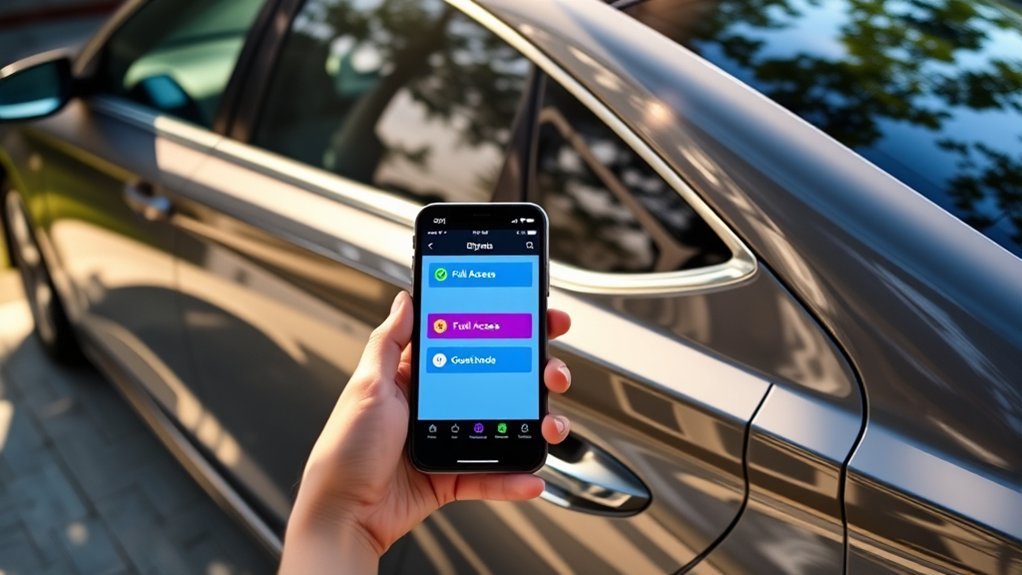
Sharing works differently depending on which Digital Key generation your Sonata uses. Do not follow legacy Digital Key 1 instructions for a Digital Key 2 vehicle.
Temporary Access Permissions
With Digital Key 2, the vehicle key is managed through a compatible smartphone wallet. The primary user can share the digital vehicle key with compatible recipients and later revoke their access. The exact sharing controls can vary by phone platform and wallet implementation, so use the permissions shown on your device.
For example, Hyundai’s current Apple instructions have the owner open the vehicle key in Apple Wallet, choose the sharing option, select a contact, and send the invitation. The recipient accepts the invitation and adds the key to their own compatible device.
Legacy Digital Key 1 provides a different shared-key workflow. Hyundai’s older system allows the owner to create a shared key and specify controls such as an expiration date, allowed operating time, and whether the recipient can drive the car or only enter it.
Permanent Access Permissions
For a family member or other trusted regular driver, you can leave a supported shared Digital Key active until you decide to revoke it. Hyundai Digital Key systems can support multiple shared users, but the owner retains control over removing shared access.
Do not assume that every sharing option is identical across Apple Wallet, Samsung Wallet, Google Wallet, and legacy Hyundai Digital Key. Review the permissions displayed on the owner’s phone before sending the key.
Note: If you sell the Sonata or buy a used one, review the registered Digital Keys. Remove old smartphone and card keys that should no longer have access, then register the new owner’s devices according to the vehicle manual.
When Should You Seek Professional Help for Hyundai Digital Key Issues?
Professional help makes sense when normal phone and account troubleshooting does not solve the problem. Contact an authorized Hyundai service department or Hyundai Customer Care if the Sonata repeatedly fails to recognize compatible phones or key cards, the Digital Key menu is missing on a vehicle that should have the feature, or the system stopped working after vehicle-related repairs or module replacement.
Also seek help if a registered key cannot be removed, a used vehicle still shows digital keys belonging to a previous owner, or the vehicle displays persistent Digital Key system errors.
Before the appointment, note your Sonata’s model year and trim, phone model, phone operating-system version, Digital Key version, and the exact message shown by the vehicle or app. That information makes diagnosis faster.
Enhancing Your Driving Experience With the Hyundai Digital Key
Once it is configured correctly, Hyundai Digital Key can reduce how often you need to handle a physical key. You can lock, unlock, and start an equipped Sonata with a compatible device, and supported Digital Key 2 systems can also make sharing access simpler.
The most useful approach is to treat Digital Key as one part of the Sonata’s access system rather than as a complete replacement for every backup. Keep the physical Smart Key in a secure location and, if your vehicle supports one, register the NFC key card as an additional option.
MyHyundai with Bluelink can complement Digital Key by providing supported connected functions such as remote commands and vehicle-status information. Using each feature for its intended purpose gives you a more reliable setup than treating Digital Key, NFC access, and Bluelink as the same system.
Frequently Asked Questions
What Digital Key app does the Sonata use?
It depends on the Sonata and Digital Key generation. Newer Digital Key 2 vehicles are set up through MyHyundai with Bluelink and use compatible phone-wallet functionality. Older Digital Key 1 Sonatas use Hyundai’s legacy Android Digital Key app.
How do I set up my Hyundai Sonata Digital Key?
First confirm that your Sonata trim and phone are compatible. On a newer Digital Key 2 vehicle, sign in to MyHyundai with Bluelink, select Digital Key, choose Start Pairing, open the Sonata’s Digital Key smartphone-key menu, and follow the phone and vehicle prompts. Place the phone on the wireless phone tray when instructed.
Does every Hyundai Sonata have Digital Key?
No. Availability depends on model year and trim. For example, Hyundai’s U.S. specifications list Digital Key 2 on selected 2025 Sonata trims and Digital Key 2 Premium on the 2026 N Line and Limited Hybrid. Check your exact vehicle specifications or MyHyundai account.
Why will my Sonata unlock with my phone but not start?
If you are using NFC touch operation, the vehicle may require the phone to be placed correctly on the interior wireless charging/authentication pad before starting. Confirm that the digital key is still active, place the phone correctly, press the brake pedal, and press Start/Stop.
Can I share my Hyundai Sonata Digital Key?
Yes, on supported systems. Hyundai says Digital Key 2 can be shared with up to three other compatible users. Digital Key 2 sharing is handled through supported wallet systems, while legacy Digital Key 1 uses Hyundai’s older shared-key process.
Do I need NFC to use Hyundai Digital Key?
NFC is used for touch-based Digital Key operation. Digital Key 2 Premium may also support Bluetooth Low Energy and UWB-based proximity functions when both the vehicle and phone support them. Check Hyundai’s compatibility information for your exact device.
What should I do if I change phones?
Sign in to the appropriate MyHyundai or wallet account on the new phone and check whether the key can be restored. If not, repeat the vehicle pairing process. If you were using a shared key, the vehicle owner may need to send a new invitation.
Conclusion
The key to setting up a Hyundai Sonata Digital Key correctly is knowing which version your vehicle uses. Newer compatible Sonatas use Digital Key 2 or Digital Key 2 Premium, while some older models use the original Android-based Digital Key system. Confirm your trim and phone compatibility, follow the correct enrollment procedure, and test the key before depending on it for everyday access.
If the system stops working, check the account, wallet, NFC/Bluetooth settings, phone position, case, and vehicle Digital Key menu before deleting or re-pairing the key. Keeping your physical Smart Key or registered NFC card available gives you a practical backup while you troubleshoot.
Sources
- Hyundai USA — Digital Key 2 — Digital Key 2 compatibility, setup, NFC operation, sharing, and key-card guidance.
- Hyundai USA — Digital Key 1 — legacy Android requirements, pairing, key-card registration, operation, and sharing.
- Hyundai USA — 2025 Sonata Specifications — model-year trim availability for Digital Key 2.
- Hyundai USA — Current Sonata Specifications — current Digital Key 2 Premium trim availability.
- Hyundai USA — MyHyundai with Bluelink App — connected remote commands and vehicle-status functions.