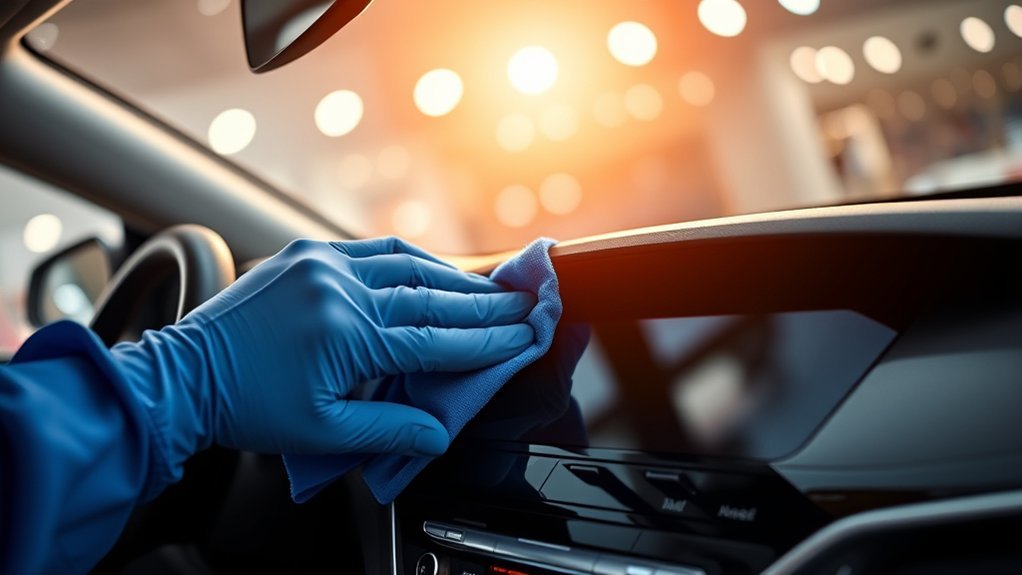
Your Hyundai Sonata’s touchscreen is safest to clean with the vehicle parked and turned off, using a clean, soft, dry microfiber cloth. Hyundai’s infotainment guidance specifically warns against rough or hard cloths, excessive pressure, alcohol, benzene, thinner, and allowing liquid or foreign material into the system. Because Sonata infotainment hardware varies by model year, follow the manual for your exact system if its instructions differ.
Last updated: September 16, 2026 — cleaning recommendations rechecked against current Hyundai infotainment and interior-care guidance.
Quick Answer
To safely clean a Hyundai Sonata touchscreen, park the vehicle, turn it off, and wipe the display gently with a clean, soft, dry microfiber cloth. Hyundai warns against rough cloths, excessive pressure, alcohol, benzene, thinner, and liquid entering the system. If a dry cloth does not remove stubborn residue, check the manual for your exact model year or infotainment system before using moisture or cleaner.
Key Takeaways
- Use a clean, soft, dry microfiber cloth as your main cleaning tool.
- Clean the screen only while parked with the vehicle or infotainment system turned off.
- Do not spray water or cleaner directly onto the touchscreen.
- Avoid alcohol, benzene, thinner, rough or hard cloths, and excessive pressure.
- Use Hyundai’s instructions for your exact infotainment system before trying any liquid or chemical cleaner.
At a Glance
| Time Required | Usually 1–3 minutes |
| Difficulty | Easy |
| Tools Needed | Clean, soft, dry microfiber cloth; optional second dry microfiber cloth |
| Main Rule | Follow Hyundai’s dry-cloth guidance before generic detailing advice |
Manufacturer-First Note: Many general car-detailing guides recommend lightly damp cloths or commercial screen cleaners. Hyundai’s own infotainment instructions are more conservative and specify a soft, dry cloth. For a Sonata, use the Hyundai instructions for your exact system when generic advice differs.
Why Regular Cleaning Matters for Your Hyundai Sonata’s Touchscreen
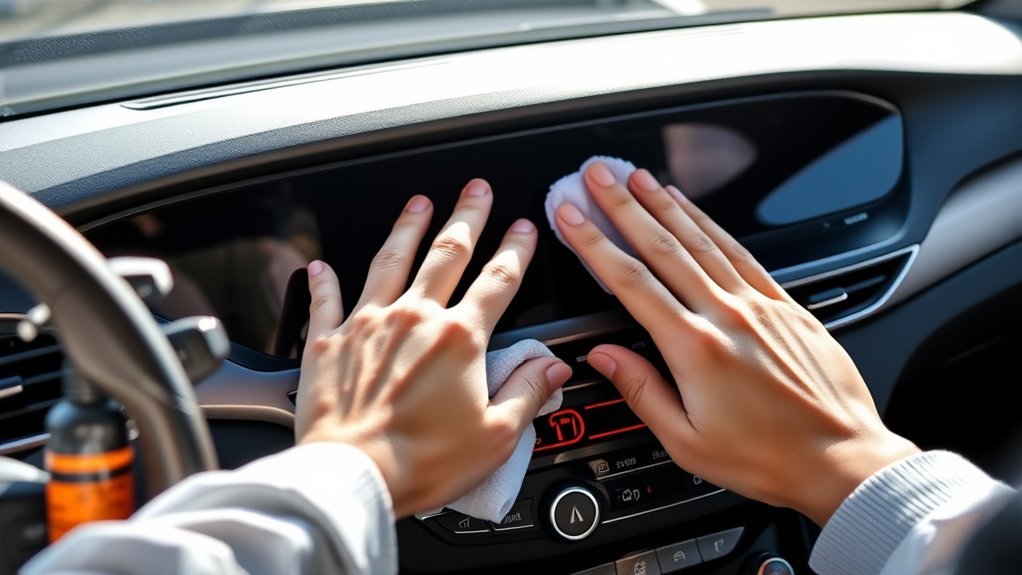
A clean touchscreen is easier to read and use before you start driving. Fingerprints, skin oils, dust, lotion, and sunscreen can leave visible smudges or haze, especially when sunlight hits the display.
Hyundai’s infotainment guidance says to turn the vehicle off and clean the screen or button panel with a soft, dry cloth. It also warns that rough or hard cloths and solvents such as alcohol, benzene, and thinner may scratch or chemically damage the surface. You can review Hyundai’s instructions in its infotainment user manual.
Warning: Do not clean the touchscreen while driving. NHTSA’s distracted-driving guidance includes interacting with entertainment and navigation systems among activities that can divert attention from safe driving. Clean the screen before you leave or after you are safely parked.
Essential Tools for Safe Touchscreen Maintenance
You do not need a chemical cleaning kit for routine Sonata touchscreen care. Hyundai’s published infotainment instructions call for a soft, dry cloth, so keep the setup simple:
- One clean, soft microfiber cloth: Use it for routine dust, fingerprints, and light smudges.
- An optional second dry microfiber cloth: Useful when the first cloth becomes oily or picks up visible debris.
- A clean storage pouch: Keep the cloth separate from crumbs, grit, coins, tools, and other glovebox debris.
Do not use a cloth that has fallen onto a dirty floor or collected sand and grit. A cloth may feel soft but still drag abrasive particles across the display.
Pro Tip: Keep one microfiber cloth dedicated to the touchscreen and store it in a resealable pouch. The cloth is only as safe as what is trapped in its fibers.
[Products Worth Considering]

Chemical Guys Swift Wipe Waterless Car Wash Spray lets you clean, shine, and protect your vehicle without a hose or bucket. Its high-lubrication formula lifts dirt and grime while helping reduce scratches and swirl marks, leaving a glossy, streak-free finish on paint, glass, wheels, chrome, and plastic. Ideal for quick detailing anywhere, it adds a protective layer that helps repel dust and keep your vehicle looking freshly washed longer.
How Do You Clean a Hyundai Sonata Touchscreen Safely?
The safest routine is short because Hyundai does not require liquid cleaner for normal screen care. Use the least aggressive method that works.
[Products Worth Considering]

Glasses cleaner - Sourced from the highest quality microfiber that absorbs and removes dust, oil, smudges, fingerprints, dirt, and more. Leaves no scratches, streaks, marks, or lint behind. The perfect eyeglass cleaner stocking stuffers for adults, men, women, him, her, teens, and more.

Premium Ultrafine Fiber Cloth: our screen cleaner tool for the car interior features a high-quality ultrafine fiber cleaning cloth, known for its softness, odorless nature, and exceptional wear resistance. It ensures efficient and durable cleaning, allowing for a streak-free and residue-free finish.

Premium Materials: Extremely high-quality, soft, microfiber material absorbs and removes dust, oil, smudges, fingerprints, and dirt. Leaves no scratches, streaks, marks, or lint. Makes the perfect stocking stuffers for adults, men, women, him, her, teens, and more.
Step 1: Park and Power Down
Park in a safe location and turn the vehicle off before cleaning. Hyundai’s infotainment guidance specifically says to turn the vehicle off before wiping the screen or button panel. A dark screen also makes fingerprints and streaks easier to see.
Step 2: Dust With a Dry Microfiber Cloth
Use a clean, soft, dry microfiber cloth and wipe gently across the screen. Apply only light pressure. Hyundai warns that excessive force or pressure can damage the LCD or touch panel.
Step 3: Use a Clean Section for Stubborn Smudges
If one pass does not remove an oily fingerprint, turn the cloth to a clean, dry section and wipe again gently. Do not automatically reach for water, alcohol, glass cleaner, or an interior-detailing product. Hyundai’s published screen-care guidance specifies a soft, dry cloth.
If a stubborn contaminant remains, check the infotainment or owner’s manual for your exact Sonata model year before using any moisture or chemical cleaner. Screen hardware and instructions can vary between model years and infotainment systems.
Step 4: Clean the Edges Carefully
Use a dry edge of the microfiber cloth around the display bezel and nearby controls. Do not push debris into seams and do not introduce liquid around screen edges, buttons, vents, knobs, or ports. Hyundai warns against allowing liquid or foreign material into the infotainment system.
Step 5: Check for Streaks
Look at the display from different angles. If you still see smears, use a fresh dry microfiber cloth or a clean section of the same cloth. Persistent haze may be residue from a previous cleaner rather than ordinary fingerprints.
Avoiding Common Display Damage
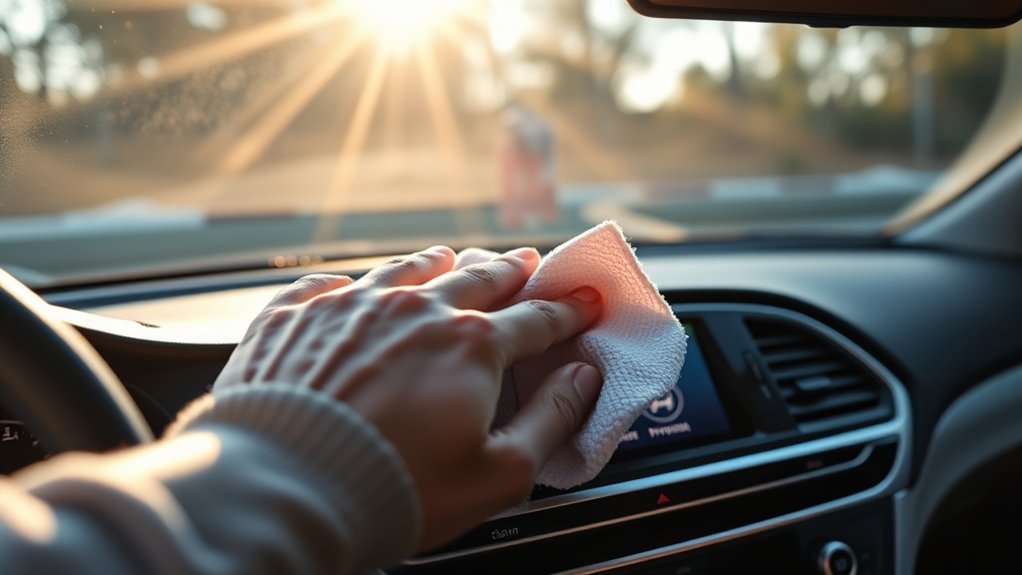
The clearest manufacturer-backed risks are excessive pressure, rough cloths, solvents, and liquid entering the infotainment system. Hyundai specifically identifies alcohol, benzene, and thinner as examples of solvents that may scratch or chemically damage the surface.
Cleaners and Materials to Avoid
- Alcohol: Hyundai specifically lists alcohol among the solvents to avoid on the screen or button panel.
- Benzene and thinner: Hyundai warns these solvents may chemically damage the surface.
- Household glass cleaner: Do not assume a household glass product is approved for a Sonata display. Hyundai’s normal screen-care instructions specify a soft, dry cloth instead.
- Direct sprays: Do not spray water, disinfectant, glass cleaner, or detailing product onto the display or surrounding controls.
- Rough or hard cloths: Hyundai warns they may scratch the screen or button-panel surface.
- Air freshener residue: Hyundai warns that air-freshener leakage can deform nearby surfaces.
- Excessive pressure: Pressing hard on the display can damage the LCD or touch panel.
Note: Do not substitute generic electronics-cleaning advice for Hyundai’s vehicle-specific instructions. If another source recommends alcohol, disinfectant, water, or a commercial cleaner, check the manual for your exact Sonata infotainment system before applying it to the screen.
How to Keep Your Screen Scratch-Free
Scratch prevention starts with controlling pressure and keeping abrasive debris away from the cloth. Hyundai specifically warns against rough or hard wiping materials and excessive force.
- Keep one soft microfiber cloth dedicated to the touchscreen.
- Replace or wash the cloth if it picks up visible grit or debris.
- Do not use fingernails, keys, pens, tools, or other hard objects on the display.
- Use light fingertip pressure when operating the touchscreen.
- Avoid placing accessories where they can rub against the display.
- If you install a screen protector, use one made for your exact Sonata model year and display size and follow the protector manufacturer’s instructions.
How Often Should You Clean a Hyundai Sonata Touchscreen?
Hyundai does not specify a fixed weekly touchscreen-cleaning interval in the guidance cited here. Clean the display when fingerprints, dust, or glare become noticeable rather than scrubbing it on an aggressive schedule.
| Situation | Recommended Response |
|---|---|
| Light fingerprints | Gently wipe with a clean, soft, dry microfiber cloth |
| Oily smudges | Repeat with a clean, dry section of the cloth; check the exact manual before adding moisture or cleaner |
| Dusty cabin | Remove loose dust gently before rubbing the screen |
| Disinfection concern | Follow Hyundai guidance for the display rather than applying a general cabin disinfectant to the touchscreen |
Keep screen cleaning tied to a time when the Sonata is safely parked. Do not wipe or inspect the display while the vehicle is moving.
Touchscreen Cleaning Tips for Clarity and Responsiveness
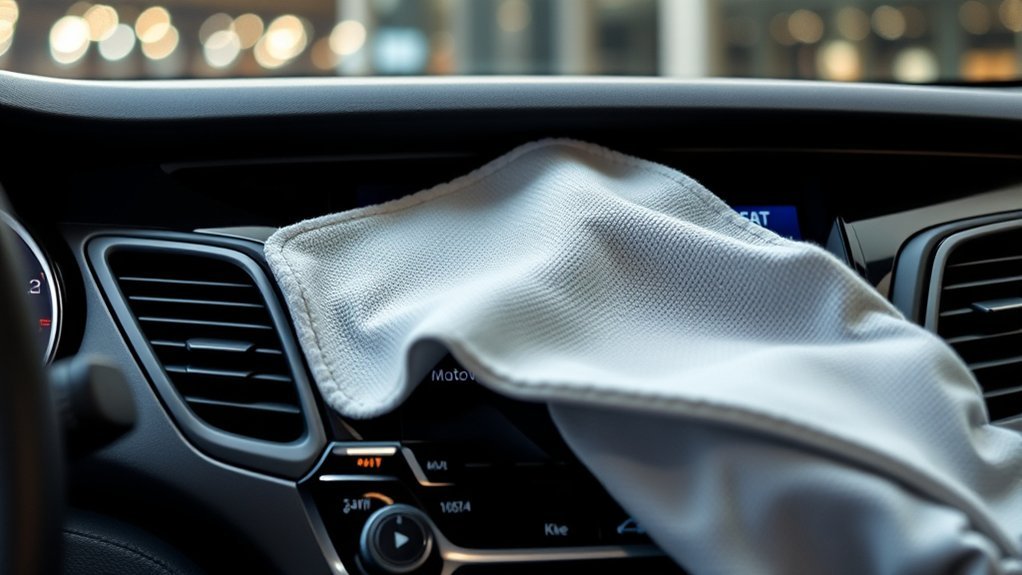
A clean display makes maps, media, climate controls, and vehicle settings easier to see. If the screen remains slow, frozen, or unresponsive after it is clean and dry, dirt may not be the cause. A system restart or further infotainment troubleshooting may be appropriate.
Recommended Cleaning Products
For routine Sonata touchscreen cleaning, start with no chemical product at all. Hyundai’s published infotainment guidance calls for a soft, dry cloth.
Do not treat a label such as “electronics-safe,” “screen-safe,” “ammonia-free,” or “interior cleaner” as automatic Hyundai approval. If a dry cloth cannot remove the residue, check the manual for your exact model year or ask an authorized Hyundai dealer what is approved for that display.
Safe Cleaning Techniques
- Clean only while safely parked with the vehicle or infotainment system turned off.
- Use a clean, soft, dry cloth.
- Keep pressure light.
- Do not spray liquid directly on the display.
- Keep liquid and debris away from edges, buttons, knobs, ports, and vents.
- Switch to a clean section of cloth instead of scrubbing harder.
Frequency of Maintenance
There is no Hyundai touchscreen-cleaning interval that requires a weekly or daily treatment in the guidance cited here. Clean as needed when visible dust, fingerprints, or glare interfere with clarity. The goal is to use the gentlest effective method, not to polish the display repeatedly.
For a Hyundai Sonata touchscreen, the safest default is the manufacturer’s simple rule: vehicle off, soft dry cloth, light pressure, and no unapproved solvent or liquid.
Best Tools for Quick Touchscreen Cleaning
The best quick-cleaning tool is a clean, soft microfiber cloth stored where it will not collect grit. A second dry cloth is useful if the first becomes oily or dirty.
For a simple Sonata touchscreen kit, keep these items together:
- One clean, soft, dry microfiber cloth
- One backup dry microfiber cloth
- A resealable pouch to keep both cloths clean
Avoid keeping leaking spray bottles next to electronics, and do not apply dashboard dressings or protectants to the touchscreen unless Hyundai specifically approves them for your display.
Troubleshooting Touchscreen Cleaning Problems
The Screen Looks Streaky After Cleaning
Use a fresh, dry microfiber cloth and wipe gently. If the haze appeared after a chemical cleaner was used, stop adding products. Persistent discoloration, haze, peeling, or surface change may need professional inspection rather than stronger cleaner.
Fingerprints Come Back Quickly
Use the screen with clean, dry hands when practical and keep a dedicated microfiber cloth nearby for light dry wiping. Avoid trying to solve frequent fingerprints by applying an unapproved coating or chemical protectant to the display.
The Touchscreen Does Not Respond Well
Make sure the display is clean and completely dry. If it remains frozen, slow, or unresponsive after the vehicle is restarted, follow the appropriate infotainment troubleshooting procedure rather than pressing harder on the panel. See the guide to reset the Sonata infotainment system for model-year-specific reset options, or contact an authorized Hyundai dealer if the problem continues.
Cleaner Was Sprayed Directly on the Screen
Turn the vehicle and infotainment system off. Blot visible liquid gently with a clean, dry microfiber cloth without pushing it toward screen edges or control gaps. Hyundai warns against liquid entering electrical or electronic components. If liquid appears to have entered the display area or the system begins behaving abnormally, stop using the system and contact an authorized Hyundai dealer.
Frequently Asked Questions
How do you safely clean a Hyundai Sonata touch screen?
Park the vehicle, turn it off, and wipe the display gently with a clean, soft, dry microfiber cloth. Hyundai warns against rough cloths, excessive pressure, alcohol, benzene, thinner, and liquid entering the system. Check the manual for your exact infotainment system before using moisture or cleaner.
Can you use Windex on a touch screen in a car?
Do not use household glass cleaner on a Hyundai Sonata touchscreen unless the manual for your exact system specifically permits it. Hyundai’s normal infotainment-cleaning instructions call for a soft, dry cloth and warn against solvents that may chemically damage the surface.
Can I use alcohol wipes on my Hyundai Sonata touchscreen?
Hyundai’s infotainment guidance specifically lists alcohol among the solvents to avoid when cleaning the screen or button panel. Use a clean, soft, dry cloth unless the instructions for your exact infotainment system state otherwise.
Should I spray cleaner directly on the touchscreen?
No. Do not spray cleaner or water directly onto the display. Hyundai warns against allowing liquid or foreign material to enter the infotainment system or other electronic components.
How often should I clean the Sonata touchscreen?
Hyundai does not specify a fixed touchscreen-cleaning interval in the guidance cited here. Clean the screen when dust, fingerprints, or glare become noticeable, and always do it while safely parked.
Conclusion
Cleaning a Hyundai Sonata touchscreen safely is simpler than many generic detailing guides suggest. Park first, turn the vehicle off, and use a clean, soft, dry microfiber cloth with light pressure. Avoid alcohol, benzene, thinner, rough cloths, direct sprays, and unnecessary liquid around the display. If dry cleaning cannot remove a stubborn contaminant, check the instructions for your exact Sonata infotainment system before trying a stronger method.
Sources
- Hyundai Infotainment User Manual — instructs owners to turn the vehicle off, use a soft, dry cloth, avoid excessive force, and avoid solvents including alcohol, benzene, and thinner
- Hyundai Owner’s Manual: Interior Care — warns against allowing water or other liquids to contact electrical and electronic components
- Hyundai Manuals & Warranties Resources — official resource for checking instructions for a specific model year
- NHTSA: Distracted Driving — explains that interacting with entertainment and navigation systems can divert attention from driving