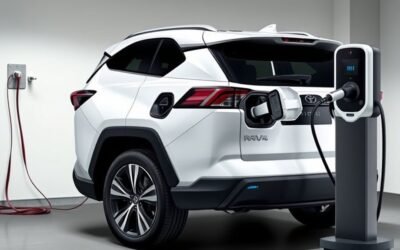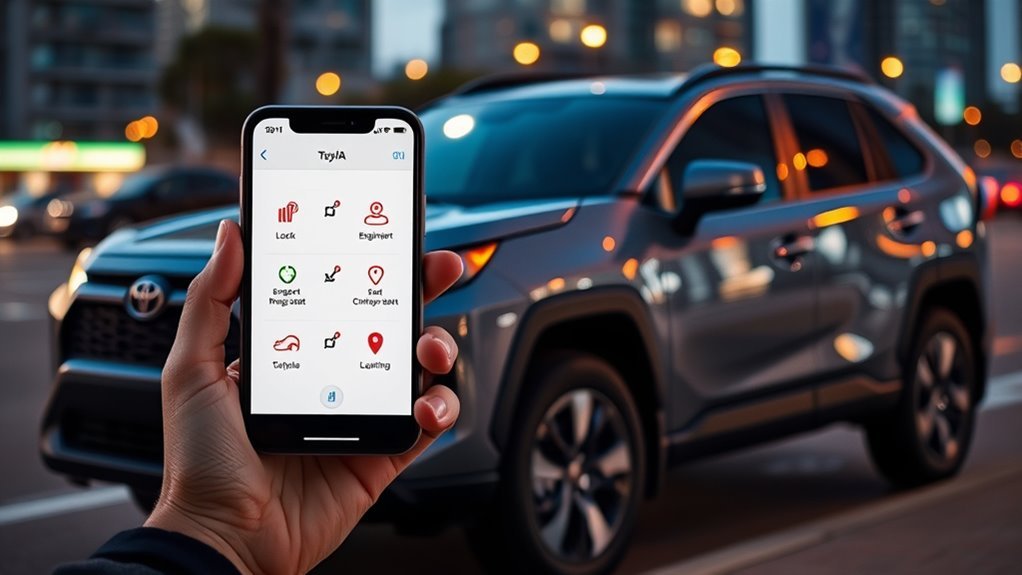
The RAV4 Remote Connect app lets you remotely lock/unlock, start and precondition your cabin, and check fuel, battery and alerts on compatible 2022+ models with an active Go Anywhere or Premium plan. You’ll set up a Toyota Owner account, register your VIN, and create a secure four-digit PIN for remote actions. Vehicle Finder pinpoints your car in crowded lots, and subscription options let you tailor costs and add Drive Connect or Wi‑Fi — keep going to learn the specifics.
Which RAV4s Support Remote Connect
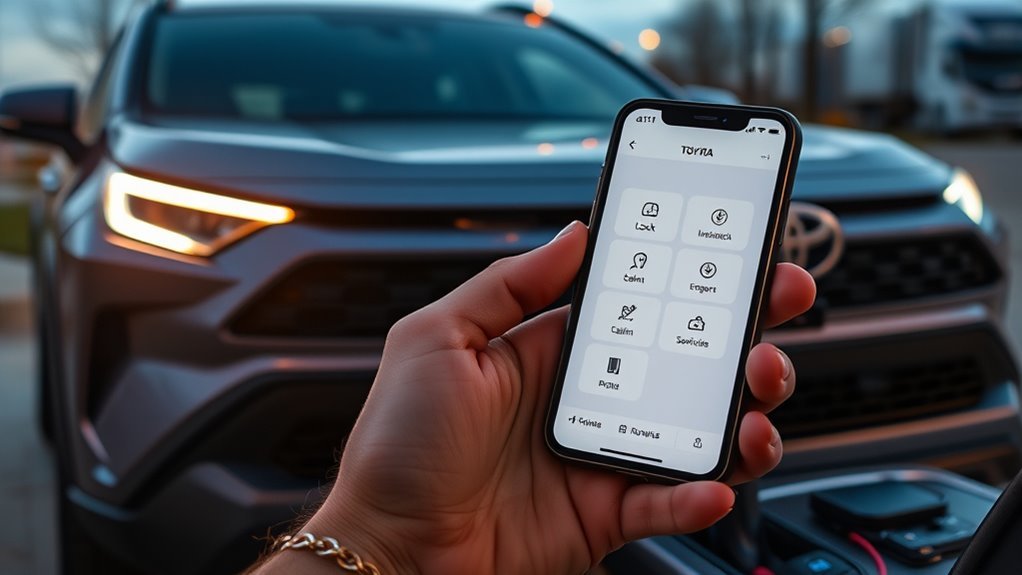
Which RAV4 models actually support Remote Connect? You’ll find Remote Connect compatibility on select 2022 and later RAV4 models, so check your model year and trim to confirm. Toyota designed Remote Connect to give you remote control over core functions — remote start, lock/unlock, status checks — through a compatible smartphone app, protected by a four-digit PIN. When you verify RAV4 models for Remote Connect compatibility, look for inclusion in plans like the Go Anywhere or Premium Plan, since subscription often determines which services you’ll get. The app also offers a Vehicle Finder map to locate your RAV4 in crowded areas. You’ll want to confirm whether your specific trim and VIN are enabled, because not every 2022+ RAV4 is automatically covered. By confirming compatibility up front, you’ll liberate yourself from guesswork and guarantee you can remotely access the features that streamline daily life.
Quick Start: Set Up the RAV4 Remote Connect App and PIN
Get started by downloading the RAV4 Remote Connect app from the App Store or Google Play, then sign in with your Toyota Owner account (or create one) to begin linking your vehicle. Meet the setup requirements: confirm your RAV4 is compatible and connected to the Toyota network, have your VIN and user account credentials ready, and guarantee reliable Wi‑Fi or cellular service during setup. After you log in, the app walks you through vehicle pairing and verifies network connectivity.
You’ll be prompted to set a secure four‑digit PIN—this is required for remote functions and protects your autonomy over vehicle access. Choose a PIN you can remember but that isn’t obvious; the app will confirm it. Complete the on‑screen instructions to finalize setup. Once finished, you’ll be free to use remote start, check vehicle status, and other Remote Connect features immediately, with secure access tied to your user account and PIN.
Lock and Unlock Your RAV4 Remotely
With your smartphone and the Remote Connect app, you can lock or release your RAV4 from anywhere in seconds—tap the lock or release icon, enter your four‑digit PIN, and the vehicle responds remotely to secure or grant access. You get immediate remote access control without digging for keys, so you can free yourself from small hassles and move on with your day.
The app streamlines entry and exit: a single tap and PIN confirm your intent, which is ideal in crowded lots or when handing keys to someone briefly. This process enhances vehicle security by letting you verify and change lock status instantly, giving you confidence that the car is protected even when you’re away. It’s a practical, secure alternative to traditional keyfobs—efficient, auditable, and designed for users who value autonomy and speed. Use it to control access precisely and reduce friction around every arrival and departure.
Start Your RAV4 and Precondition the Cabin
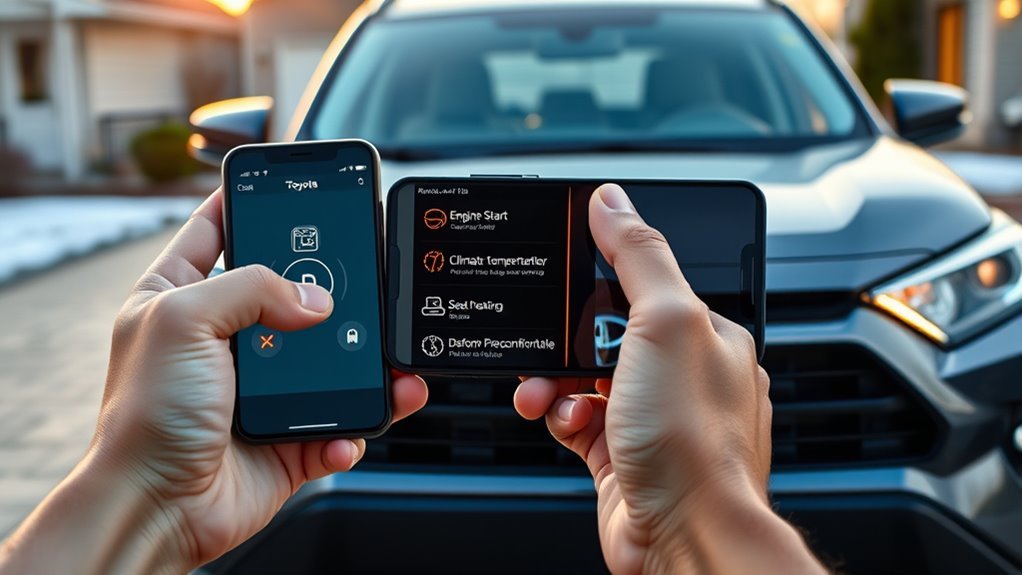
Use Remote Connect to start your RAV4 from your phone so the engine and climate system begin conditioning the cabin before you get in. Tap the large start icon and enter your four-digit PIN to activate remote start securely. This saves you waiting time in extreme heat or cold and helps maintain comfort and visibility right away.
Remote Start Benefits
Start your RAV4 from anywhere using the Remote Start feature in the app, then precondition the cabin so it’s comfortably warm in winter or cool in summer before you get in. You get clear comfort benefits and weather advantages: the engine and climate systems run ahead of arrival so the cabin hits a usable temperature immediately. Remote Start saves time when you’re juggling tasks and reduces exposure to extreme cold or heat, helping you move freely without delay. Activation uses a secure four-digit PIN, so only authorized users can start the vehicle remotely. In short, Remote Start enhances convenience and immediate comfort, improving daily mobility and giving you control over your environment whether you’re heading out fast or planning your commute.
Cabin Preconditioning Tips
Precondition your RAV4 from anywhere using the Remote Connect app to guarantee the cabin is comfortable before you get in: tap the large Start Engine icon, enter your four‑digit PIN, and set the engine run time so the climate system brings the interior to your preferred temperature. Use remote start to heat or cool the cabin in advance, matching cabin temperature to your routine and freeing you from last‑minute adjustments. Combine remote start with your vehicle’s comfort settings to save profiles that reflect seasonal needs or personal preference. Plan engine run duration to reach target temperature without wasting fuel. You’ll arrive into an optimized space—efficient, secure, and tuned to your liberation—so every drive starts on your terms.
Find Your Car Fast With Vehicle Finder
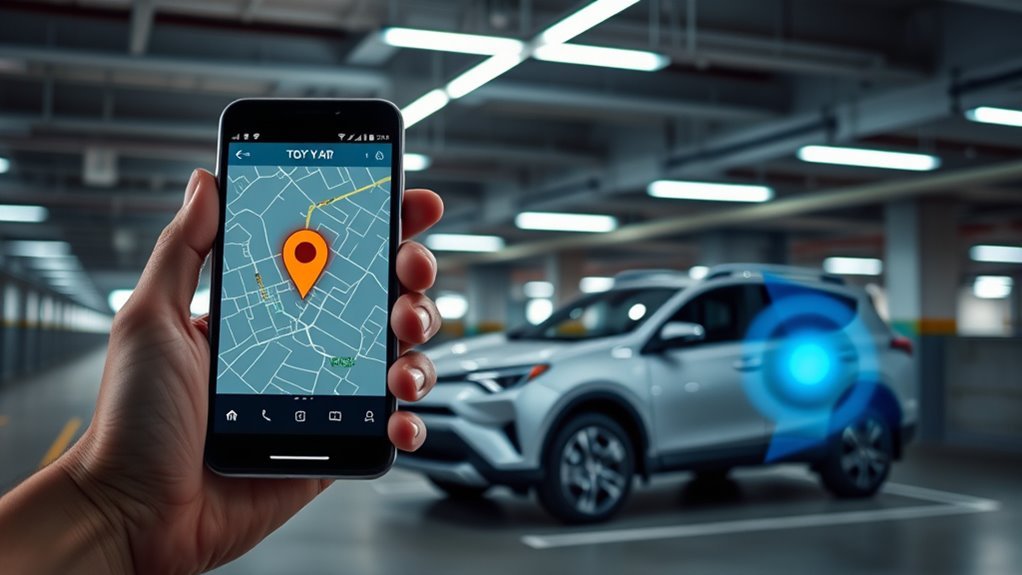
When you need to spot your RAV4 fast, the Vehicle Finder in the Remote Connect app shows its location on a map so you can pinpoint it even in crowded lots or unfamiliar areas; just enter your four-digit PIN to access the feature, and you’ll get a quick, secure way to track and manage your vehicle remotely. You’ll see a clear map view that reduces search time and boosts confidence when you reclaim freedom of movement. Use practical parking tips—note landmarks, set a waypoint in the app, or save the spot—to pair with the map for faster returns. The app navigation is intuitive: tap Vehicle Finder, confirm your PIN, then view real-time location data. This keeps control in your hands without fuss. Designed to streamline vehicle management, Vehicle Finder gives peace of mind and efficient retrieval, so you can move on with your day knowing your RAV4’s where you left it.
View Vehicle Status: Fuel, Battery, Alerts, and Health
After you’ve pinpointed your RAV4 with Vehicle Finder, check Vehicle Status in the Remote Connect app to see real-time fuel level, battery condition, active alerts, and overall vehicle health—just enter your four-digit PIN to view secure, detailed readiness indicators. You’ll get immediate fuel percentage and estimated range so you can plan trips without guesswork. The battery monitor shows charge and health metrics, helping you avoid unexpected starts or power issues. When the app flags vehicle alerts, it summarizes what’s wrong and how urgent the issue is, so you can act fast and stay free from stuck situations. Maintenance insights are presented clearly—upcoming service items, recommended checks, and any alerted faults—so you control upkeep on your terms. The interface is focused and data-driven, designed to give you peace of mind and practical steps rather than noise. Use these status screens whenever you need a quick, authoritative snapshot of your RAV4’s readiness.
Plans, Pricing, and When to Upgrade
You’ll choose between plans that all include Remote Connect, with the Music Lover and Go Anywhere plans at $15/month and the Premium plan at $25/month bundling Drive Connect, streaming, and Remote Connect. Consider the $25/month Wi‑Fi Connect add-on if you need in‑car mobile internet for streaming or navigation. Upgrade when you want features like real‑time traffic and personalized maintenance alerts that the base plans don’t provide.
Plan Options Overview
Although each Remote Connect plan includes the same core vehicle controls—remote start, climate control, and status updates, you can pick a package based on which extra services you want and how much you want to spend. For clear plan comparisons, note the Music Lover and Go Anywhere plans each cost $15/month and offer targeted features, while the Premium Plan bundles multiple services for $25/month. Subscription benefits include Remote Connect across all tiers, plus options to add Drive Connect and integrated streaming. If you need consistent mobile internet, the Wi‑Fi Connect add‑on is $25/month. You’re free to change plans as your needs evolve, choosing cost-effective combinations that maximize connectivity, entertainment, and autonomy without overpaying for unused features.
Upgrade Timing Guide
Now that you know what each plan offers and how they compare by price, it helps to contemplate when to upgrade so you get the features you need without overspending. You can switch between Music Lover ($15/month), Go Anywhere ($15/month), and Premium ($25/month) anytime through the app, giving you upgrade flexibility to respond to changing needs. If you need in-car internet occasionally, add Wi‑Fi Connect for $25/month and drop it when you don’t. The app shows current plan details, renewal dates, and lets you manage subscription customization on the fly. For liberation-minded drivers, upgrade when your usage or travel patterns change—don’t pay for what you don’t use; tailor services to match your freedom.
Frequently Asked Questions
What Are the Features of the Toyota Connect App?
You get remote start, climate pre-conditioning, lock/unlock, vehicle finder, status monitoring and Remote Connect controls; use App navigation tips and expect User interface improvements for smoother, secure PIN access—empowering you to control freedom and vehicle management.
What’s Included in Toyota Remote Connect?
You get Remote access, Vehicle tracking, Security alerts, and User customization—plus remote lock/unlock, remote start, vehicle finder and real-time status; it’s liberating tech that frees you, offering powerful control and peace-of-mind everywhere.
What Data Does Toyota Collect With Remote Connect?
Toyota collects location, vehicle health/status, diagnostics, usage and safety-event data; you control data privacy and give user consent for collection, and you can manage permissions to protect personal info while benefiting safety and remote features.
What Is Remote Connect on a Toyota RAV4?
Remote Connect is a smartphone integration system that lets you remotely control and monitor your RAV4—locking, releasing, starting, locating, and checking vehicle security and status—so you stay empowered, informed, and free to move.
Conclusion
You’re all set to get more from your RAV4 without extra fuss. Use Remote Connect to lock, start, precondition, locate, and monitor status — it’s like a thoughtful assistant that quietly keeps tabs so you don’t have to. Set up the app and PIN, pick the plan that fits, and let modern convenience handle the small worries. It’s not magic — it’s sensible tech made to make your daily drive a little easier.