Toyota Remote Connect RAV4: Quick Answer
Last updated: July 14, 2026. Compatibility, activation steps, U.S. plan pricing, and remote-start limits were checked against Toyota resources.
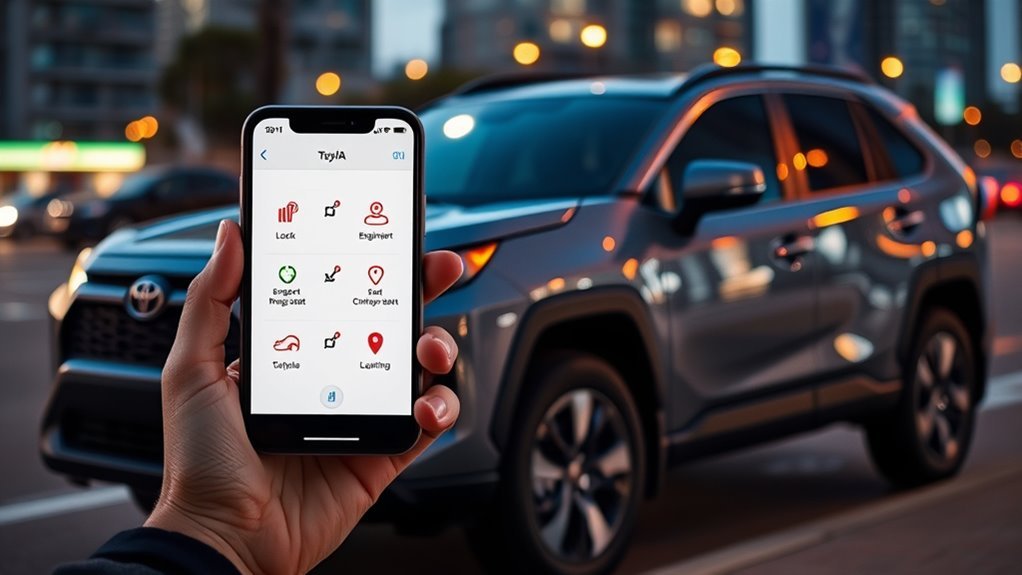
Toyota Remote Connect lets you control supported RAV4 functions through the Toyota app when your vehicle has compatible equipment and an active trial or subscription. Available commands may include lock and unlock, engine start or stop, Last Parked Location, vehicle-status notifications, horn or light controls, and Digital Key.
Compatibility is not limited to 2022 and newer RAV4s. Toyota documented Remote Connect on selected 2020 and 2021 RAV4 configurations under earlier Connected Services plans. Toyota’s current Music Lover, Go Anywhere, and Premium bundles apply to select 2022 and later vehicles, so the Toyota app is the best place to check the services and renewal options tied to your VIN.
U.S. market note: This guide covers Toyota Connected Services offered in the United States. Plan names, prices, trials, app functions, and feature availability differ in other countries.
Key Takeaways
- Check your VIN in the Toyota app instead of relying only on model year or trim.
- Selected 2020 and 2021 RAV4s can support Remote Connect, although their renewal options may differ from Toyota’s current plan bundles.
- Some systems use an emailed six-digit authorization code, while newer multimedia systems may use a QR code and profile PIN.
- A Toyota app remote-start session runs for up to 10 minutes, with no more than two consecutive sessions before a normal start is required.
- Last Parked Location is a parking aid, not continuous tracking of a moving or stolen vehicle.
- Vehicle Health Reports and maintenance alerts generally come through Service Connect rather than Remote Connect alone.
What Can Toyota Remote Connect Do on a RAV4?
Remote Connect combines several useful controls, but the Toyota app can also display features from other Connected Services. Use this table to separate the main functions and limitations.
| Task | Service or Feature | Important Limit |
|---|---|---|
| Lock or unlock the RAV4 | Remote Connect | The vehicle must communicate with Toyota’s network, and the ignition and accessory mode must be off. |
| Start or stop the engine | Remote Connect, when equipped | Not every RAV4 supports the command. Each app-start session runs for up to 10 minutes. |
| Find where the RAV4 was parked | Last Parked Location | It shows the last reported parked location, not continuous live movement. |
| Receive door or vehicle-status notifications | Remote Connect, depending on equipment | The information may reflect the last vehicle update rather than the exact current state. |
| View maintenance alerts or health reports | Usually Service Connect | Service Connect eligibility and trial terms can differ from Remote Connect. |
| Use a phone as a vehicle key | Digital Key, when equipped | Requires compatible vehicle equipment, a supported phone, and an active Remote Connect subscription. |
What’s in This Article
- Toyota Remote Connect RAV4: Quick Answer
- Key Takeaways
- What Remote Connect Can and Cannot Do
- RAV4 Remote Connect Compatibility
- What You’ll Need Before You Start
- How to Set Up Remote Connect
- How to Lock and Unlock Your RAV4
- How to Remote-Start and Precondition Your RAV4
- How Last Parked Location Works
- Vehicle Status, Health, and Maintenance Data
- Remote Connect Plans and Pricing
- Common Problems and Fixes
- Frequently Asked Questions
Is Your RAV4 Compatible With Remote Connect?
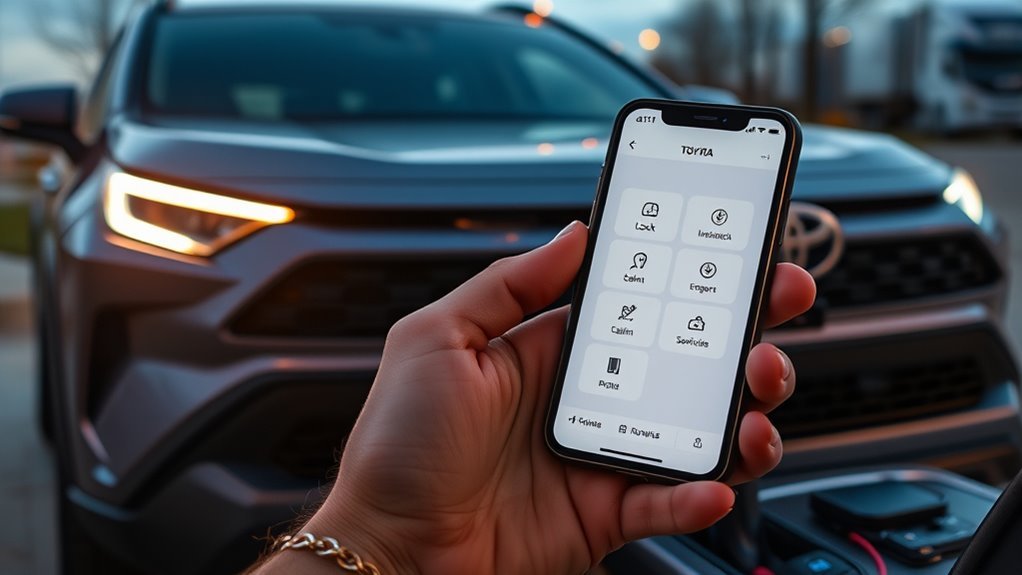
Remote Connect compatibility depends on the model year, trim, multimedia system, connected-services hardware, market, and subscription status. Do not assume that every RAV4 from the same model year has the same controls.
A RAV4 can also be Remote Connect-capable without qualifying for Toyota’s current Music Lover, Go Anywhere, or Premium bundles. Toyota documented Remote Connect on selected 2020 and 2021 RAV4 configurations under earlier Connected Services structures. Current bundle eligibility covers select 2022 and later Toyota vehicles.
| RAV4 Model Years | What Toyota’s Documentation Shows | What You Should Check |
|---|---|---|
| 2020–2021 | Selected RAV4 multimedia configurations offered Remote Connect under earlier Connected Services plans. | Add the VIN in the Toyota app and review the renewal options shown for that vehicle. |
| 2022–2025 | Remote Connect availability and commands vary by year, trim, multimedia system, trial, and equipment. | Confirm whether start, lock, unlock, location, climate, or Digital Key buttons appear after activation. |
| 2026 | Toyota’s applicability chart lists a one-year Remote Connect trial across the shown RAV4 multimedia configurations. Digital Key availability varies by trim. | Check the exact multimedia system and trim rather than treating Remote Connect and Digital Key as the same feature. |
For the fastest check, add your RAV4 to the Toyota app and review the Connected Services displayed for that VIN. Toyota also recommends using its Connected Technology Support resources to check whether a vehicle is equipped with Remote Connect.
For 2026 models, Toyota’s feature-applicability chart shows that Digital Key is not available on the LE and SE configurations listed with the 10.5-inch multimedia system. It is listed as standard on the shown XLE, Woodland, XSE, and Limited configurations. Digital Key still requires active Remote Connect.
You can browse more Toyota RAV4 ownership guides for model-specific maintenance, technology, and troubleshooting information.
[Products Worth Considering]

This replacement key fob set is designed for select Toyota RAV4 and XB models with regular key systems, offering lock, unlock, and panic functions in a convenient two-pack. Each remote comes pre-tested with battery and electronics installed, and it must be cut and programmed by a qualified dealer or locksmith for proper use. Built from durable materials and backed by warranty support, it provides a reliable solution when replacing worn or missing remotes.

This keyless entry remote replacement is designed for select Toyota models and comes pre-tested with battery and electronics installed for ready-to-program convenience. It supports compatible part numbers and FCC IDs, making it a practical solution for replacing a lost or damaged fob. Programming and cutting by a qualified locksmith or dealership are required, and it is intended for regular key vehicles rather than push-start systems.

This keyless entry remote replacement is designed for a wide range of Toyota, Scion, and Lexus-compatible vehicles, offering a convenient way to restore remote locking and unlocking functions. Each fob is pre-tested, comes with the battery and electronics already installed, and is ready to be programmed for supported standard-key vehicles. It is a practical replacement choice for drivers who need a reliable, compatible remote for everyday use.
What You’ll Need Before You Start
Estimated total time: 10 to 20 minutes when your account details, vehicle, and email are ready.
Park your RAV4 safely in an open area with usable cellular coverage. Keep the following items available:
- Your RAV4 and its vehicle identification number
- A Toyota account or compatible existing Toyota sign-in
- The latest Toyota app on a supported iPhone or Android phone
- Access to the email address connected to your Toyota account
- A stable phone data or Wi-Fi connection
- Access to the vehicle’s multimedia screen
- An eligible Connected Services trial or paid subscription
Registration alone does not guarantee that every command will appear. The Toyota app shows only the connected features supported by the vehicle, account, equipment, and active services.
[Products Worth Considering]

This custom-fit center console organizer tray adds practical storage to the Toyota RAV4 2026, helping keep small essentials neatly separated and easy to reach. Designed with precise 3D scanning for a snug fit, it creates extra usable space in the armrest area while reducing clutter and rattling. The durable insert installs easily without tools and includes a non-slip mat to help keep items in place.

【Toyota RAV4 Car Phone Holder】 Designed specifically for Toyota RAV4 2013 2014 2015 2016 2017 2018 models. The custom-molded dual-clip base locks securely into the dedicated mounting area above the center air vents for a close, integrated fit. The dedicated position keeps the air vents open and helps maintain clear access to the center display and nearby controls. Please confirm your vehicle model and year before purchase.
How Do You Set Up Toyota Remote Connect on a RAV4?
Download the Toyota app, sign in, add your RAV4, enroll in the available Connected Services, and complete the authorization method shown by the app and multimedia screen.
- Download or update the Toyota app. Use the official App Store or Google Play listing.
- Sign in or create an account. Use an email address that you can open during activation.
- Add your RAV4. Enter the VIN and confirm that the correct model and year appear.
- Review the available Connected Services. Activate an included trial or select a paid option when required.
- Accept the service and privacy terms. Remote features depend on account, vehicle, location, and connected-services data.
- Authorize the vehicle. Follow either the authorization-code flow or the newer profile and QR-code flow shown below.
- Refresh the app. Confirm that the service shows as Active and that supported remote-control buttons appear.
- Test a simple command. Start with vehicle status or door lock before relying on remote start.
Which Authorization Method Will Your RAV4 Use?
| Common Setup Flow | What to Do |
|---|---|
| Six-digit authorization code | Check your Toyota account email for the code. On the vehicle’s multimedia system, open the Remote Authorization function under Apps and enter the code. |
| Newer user-profile or QR-code flow | Follow the profile setup on the multimedia display. If a QR code appears, scan it with the phone’s normal camera or use the displayed link. Enter the six-digit profile PIN when requested. |
Menu names differ across Toyota multimedia generations. Follow the exact prompt shown on your RAV4 rather than forcing instructions from another model year.
Setup is complete when the Toyota app shows your vehicle as Active and displays the supported start, lock, unlock, status, or location controls. A missing button usually indicates incomplete activation, an inactive subscription, or a feature that the vehicle does not support.
Using a different Toyota model? The activation process is compared in this Camry Remote Connect setup guide.
How Do You Lock or Unlock a RAV4 With the Toyota App?
Open the Toyota app, select your RAV4, choose the lock or unlock command, and complete any security prompt. Wait for the app to confirm whether the request succeeded.
Toyota says the vehicle ignition and accessory mode must be off for Remote Connect door lock and unlock commands. The request also depends on communication between your phone, Toyota’s services, and the vehicle.
Do not walk away based only on the spinning or pending command indicator. Wait for a success message, then check the refreshed vehicle status when security matters.
A remote unlock can expose items inside the RAV4 if the vehicle is in a public place. Send the command only when you understand who is near the vehicle and why access is needed.
How Do You Remote-Start and Precondition a RAV4?
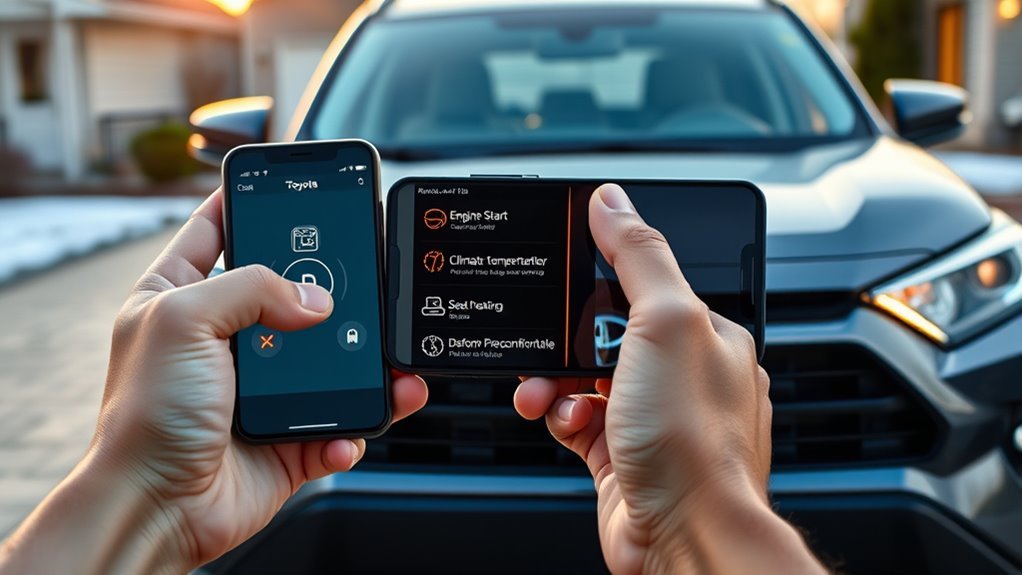
When your RAV4 supports engine start through Remote Connect, open the Toyota app, select the start command, and follow the security prompt. Before sending the request, confirm that the vehicle is off, the doors are locked, the hood and cargo hatch are closed, and the security alarm is not active.
Warning: Never remote-start a gasoline engine in an enclosed garage or another poorly ventilated area. Do not remote-start the vehicle when a child or pet is inside. Follow local idling and remote-start laws.
How Long Does Toyota Remote Start Run?
A Toyota app remote-start session runs for up to 10 minutes before the vehicle shuts off. You can request no more than two consecutive remote-start sessions. After those sessions, you must start the RAV4 normally before another remote-start cycle becomes available.
If the vehicle stops after 10 minutes, the system may be working normally. A second request can provide up to another 10 minutes when the vehicle still meets the required conditions.
How Does Cabin Preconditioning Work?
On many engine-start-equipped RAV4s, the climate system resumes the settings left in the vehicle when it was turned off. Set a suitable temperature and airflow before parking when you plan to use remote start later.
Some electrified or specially equipped Toyota models provide additional climate controls in the app. Use only the controls that appear for your exact RAV4.
Some RAV4s shut off when you unlock or enter after a remote start. Other equipped models may support Remote Start with Drive-off. Check the instructions for your model year instead of assuming every RAV4 behaves the same way.
How Does Last Parked Location Work?
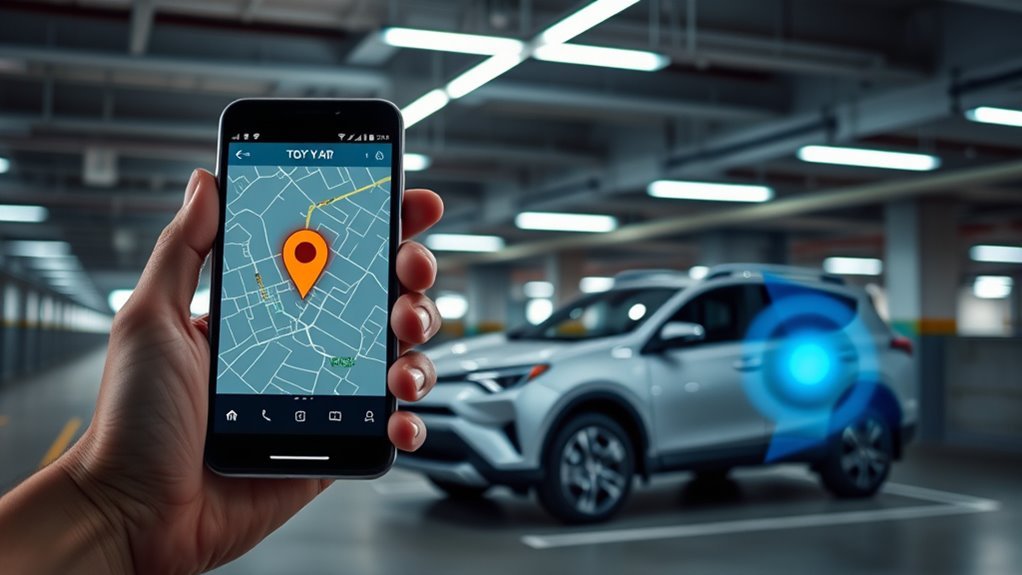
Sign in to the Toyota app and select the Find tab to view the RAV4’s last reported parked location on a map. This can help in large parking lots, airport garages, event areas, and unfamiliar streets.
Last Parked Location is not continuous live tracking. Toyota states that it displays the vehicle’s last known location when it was turned off. If someone moves the vehicle afterward without generating a new parked-location update, the map may not show its current position.
GPS reception, cellular coverage, underground structures, tall buildings, and the timing of the last vehicle update can affect accuracy. Record the floor, row, or nearby landmark as a backup when parking in a large structure.
Do not use Last Parked Location as a substitute for emergency or stolen-vehicle procedures. Contact law enforcement and Toyota’s applicable support service when a vehicle has been stolen.
What Status Information Does the Toyota App Show?
The Toyota app can display information from several Connected Services on one dashboard. The exact cards and readings depend on the RAV4, equipment, active services, and the last data received from the vehicle.
- Remote Connect: Supported controls, Last Parked Location, vehicle-status information, and status-related notifications.
- Service Connect: Vehicle Health Reports, maintenance reminders, and diagnostic or service-related alerts when eligible.
- Electrified-vehicle features: Charge status, charging schedules, or climate functions when supported by the specific plug-in or electric model.
Fuel, charge, door, or warning information may not be a second-by-second live reading. Refresh the app, then confirm important warnings inside the vehicle and consult the owner’s manual.
RAV4 Plug-in Hybrid owners dealing with charging controls can also review the RAV4 Prime scheduled-charging guide.
Toyota’s Connected Services Privacy Notice explains that Remote Connect functions can use Remote Data, Location Data, and Vehicle Health Data for features such as Vehicle Finder, vehicle status, door controls, alerts, and related support.
Remote Connect Plans, Pricing, and When to Upgrade
For eligible U.S. vehicles in Toyota’s current plan structure, Remote Connect is included with Music Lover, Go Anywhere, and Premium. Toyota says these bundles are available on select 2022 and later vehicles.
As checked on July 14, 2026, Toyota lists Music Lover and Go Anywhere at $15 per month and Premium at $25 per month. Wi-Fi Connect is listed as an optional $25-per-month add-on. Prices, services, and eligibility can change.
Owners of earlier Remote Connect-capable RAV4s may see different renewal choices. Use the subscription options shown for your VIN in the Toyota app rather than assuming the current bundles apply.
[Products Worth Considering]

Battery-Free Safety Design. Engineered specifically for vehicles, our hotspot eliminates lithium battery explosion risks. It's the safest choice for long-term installation in cars, trucks, and RV, providing reliable connectivity without safety concerns.

North America-Exclusive 4G WiFi Device : Designed specifically for users across North America, this portable WiFi device offers seamless, high-speed internet without the need for a physical SIM card. Say goodbye to carrier restrictions and hidden roaming fees—enjoy reliable 4G connectivity wherever you go, with no contracts or commitments. Whether you're on a cross-country road trip or working remotely, this device ensures you stay connected effortlessly.

AT&T Turbo Hotspot 3: Pocket sized device connects up to 16 Wi Fi enabled devices simultaneously
Current U.S. Plan Overview
| Plan | Monthly Price Checked July 14, 2026 | Main Services for Eligible Vehicles | Best Fit |
|---|---|---|---|
| Music Lover | $15 per month | Remote Connect and Integrated Streaming | Drivers who prioritize compatible in-vehicle streaming and remote controls |
| Go Anywhere | $15 per month | Remote Connect and Drive Connect | Drivers who want eligible navigation and voice-assistant services |
| Premium | $25 per month | Remote Connect, Drive Connect, and Integrated Streaming | Drivers who want both navigation services and compatible streaming |
| Wi-Fi Connect Add-On | $25 per month | Eligible in-vehicle Wi-Fi service through AT&T | Passengers who regularly need an in-vehicle internet connection |
Check the official Toyota Connected Services plan page and your Toyota app before subscribing.
Which Plan Should You Choose?
Choose a plan only after confirming that your RAV4 is eligible and that the included services work with its equipment.
- Choose Music Lover when compatible integrated streaming matters more than Drive Connect navigation services.
- Choose Go Anywhere when Drive Connect navigation, Destination Assist, or eligible voice features matter more than integrated streaming.
- Choose Premium when you want both eligible Drive Connect and Integrated Streaming features.
- Add Wi-Fi Connect only when you need the vehicle hotspot or another supported feature that requires it.
Do not pay for a bundle based only on a generic RAV4 compatibility statement. First confirm the controls, trial status, and available subscription choices displayed for your VIN.
Common Toyota Remote Connect Problems and Fixes
Start with eligibility, activation, vehicle conditions, and network coverage before deleting the vehicle or creating another Toyota account.
| Problem | What to Check | Next Step |
|---|---|---|
| Remote-start button is missing | Vehicle compatibility, active trial or subscription, completed authorization, and supported engine-start equipment | Refresh the app and confirm that Remote Connect shows as Active. |
| Start command fails | Locked doors, closed hood and cargo hatch, inactive alarm, vehicle off, and fewer than two consecutive remote-start cycles | Correct the condition, refresh vehicle status, and try once more. |
| Authorization code never arrives | Toyota account email, spam folder, account verification, and whether your RAV4 uses a QR-code flow instead | Repeat the activation prompt or use Toyota support if the code remains unavailable. |
| Vehicle remains Pending | Incomplete multimedia authorization, weak vehicle signal, or account enrollment not completed | Park in an open area, restart the app, and repeat the authorization step. |
| Location looks old or wrong | Last Parked Location timestamp, GPS reception, underground parking, and whether the vehicle moved after shutdown | Treat the map as the last parked update rather than live tracking. |
| Status data appears stale | Last update time, phone connection, vehicle cellular coverage, and Toyota service availability | Pull down or use the app’s refresh function, then confirm critical information in the vehicle. |
| Another driver cannot use commands | Primary Driver status and whether the other person was authorized through the Toyota account | Use Toyota’s driver-sharing process instead of transferring the Primary Driver account. |
If the issue continues, update the Toyota app, sign out and back in, restart the phone, and move the RAV4 to an area with stronger cellular and GPS reception.
Contact Toyota support or a Toyota dealer when the service remains inactive, the vehicle cannot complete authorization, or commands repeatedly fail despite correct conditions. Provide the VIN, model year, trim, multimedia system, phone model, app version, and exact error message.
Frequently Asked Questions
Does every Toyota RAV4 have Remote Connect?
No. Compatibility depends on the model year, trim, multimedia system, connected-services hardware, market, and account status. Selected 2020 and 2021 RAV4 configurations offered Remote Connect, and newer models still vary by equipment and supported commands. Check the VIN in the Toyota app.
How much is Toyota Remote Connect per month?
For eligible U.S. vehicles in Toyota’s current plan structure, Remote Connect is included in Music Lover at $15 per month, Go Anywhere at $15 per month, and Premium at $25 per month as checked July 14, 2026. Toyota says these bundles apply to select 2022-and-later vehicles. Earlier RAV4s may show different renewal options.
Can you use Toyota Remote Connect without a subscription?
You need an active complimentary trial or paid subscription to use Remote Connect through the Toyota app. Toyota also states that Remote Connect use through an equipped key fob requires an active trial or paid subscription. Trial length and renewal choices vary by vehicle.
How long does RAV4 remote start run through the Toyota app?
Each Toyota app remote-start session runs for up to 10 minutes. You can request no more than two consecutive sessions before you must start the RAV4 normally.
Why does my RAV4 turn off when I unlock it after remote start?
Some Toyota vehicles shut off when they are unlocked or entered after a remote start as part of the security design. Other equipped models support Remote Start with Drive-off. Check the owner instructions for your exact RAV4 year and equipment.
Can two people use Toyota Remote Connect for the same RAV4?
Toyota allows Remote Connect to be used on multiple devices, but only one person can be the Primary Driver for the vehicle. The Primary Driver can authorize another driver through Toyota’s supported sharing process.
What data does Toyota use for Remote Connect?
Toyota’s Connected Services Privacy Notice says features such as Vehicle Finder, vehicle status, remote door controls, and alerts can use Remote Data, Location Data, and Vehicle Health Data. Review the current privacy notice and your account choices before activating the services.
Vehicle Safety Disclaimer: This article is for informational purposes only and does not replace your RAV4 owner’s manual, Toyota’s current terms, local laws, or advice from a qualified Toyota technician. Confirm the area around the vehicle is safe before sending a remote command.
Conclusion
Toyota Remote Connect can add useful phone controls to a compatible RAV4, but the available commands depend on more than the badge and model year. Multimedia equipment, connected-services hardware, activation status, trial or subscription, and region all matter.
Open the Toyota app, add your VIN, and confirm that Remote Connect shows as Active. Check which buttons appear before you subscribe, then test lock status in a safe location before relying on remote start or Last Parked Location.
References
- Connected Services Plans — Toyota, accessed July 14, 2026
- Toyota App and Connected Services Features — Toyota, accessed July 14, 2026
- 2026 Audio Multimedia and Connected Services Feature Applicability — Toyota
- Connected Services for 2020 Vehicles — Toyota
- 2021 Toyota RAV4 Brochure — Toyota
- How to Enable Remote Connect — Toyota Support
- How to Use a Remote Connect Authorization Code — Toyota Support
- Remote-Start Session Duration — Toyota Support
- Why a Vehicle May Not Start Through the Toyota App — Toyota Support
- How to Use Last Parked Location — Toyota Support
- Toyota Connected Services Privacy Notice — Toyota, accessed July 14, 2026