Your Toyota RAV4’s “Low Key Battery” message means the battery inside the key fob is getting weak. The fob may still lock, unlock, and start the vehicle for now, but its range can drop quickly. The practical fix is simple: replace the coin-cell battery, test the fob, and keep the hidden mechanical key available as a backup.
Quick Answer
A RAV4 “Low Key Battery” warning means the key fob battery is low. Most recent U.S. RAV4 owner manuals call for a CR2032 lithium coin battery, but you should confirm the number printed on your old battery or in your owner’s manual before buying one.
Key Takeaways
- The warning is about the key fob battery, not the RAV4’s main 12-volt battery.
- Most current RAV4 electronic keys use a CR2032 coin cell, according to Toyota’s owner manual pages, but always verify your exact fob.
- Replacing the fob battery usually takes about five minutes and normally does not require reprogramming.
- If the fob is too weak to work, use the hidden mechanical key for entry and hold the fob near the start button to start the vehicle.
- Keep coin batteries away from children and pets, and recycle or dispose of the old battery safely.
At a Glance
| Time Required | About 5 minutes |
| Difficulty | Easy DIY job |
| Tools Needed | Small flathead screwdriver, tape or cloth to protect the fob, fresh coin-cell battery |
| Typical Cost | Usually a few dollars for a quality CR2032 battery |
Quick Fix: Replace the Key Fob Battery in About 5 Minutes
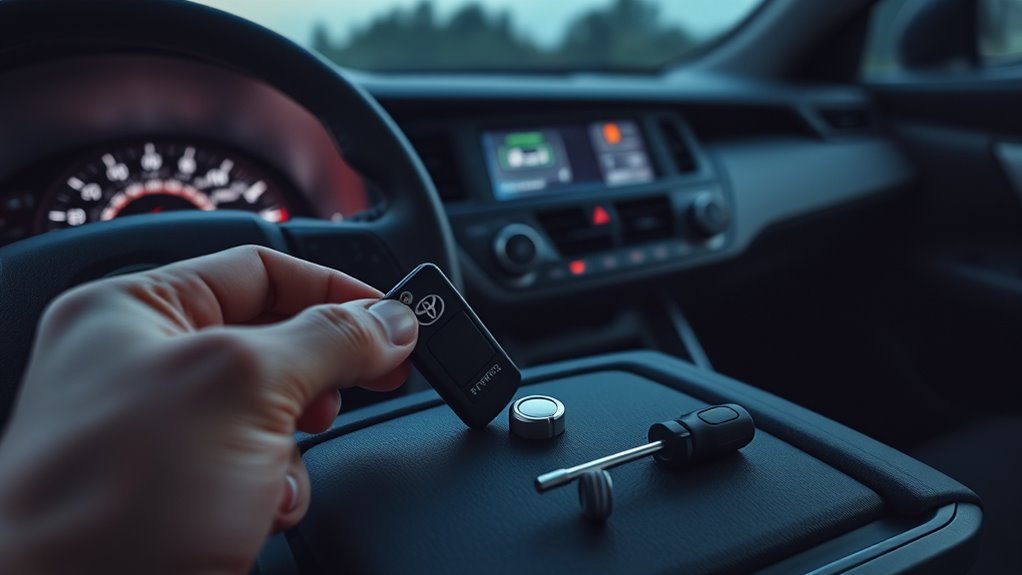
Start with the easiest fix: replace the coin-cell battery inside the key fob. Toyota’s owner manual page for the 2024 RAV4 lists a CR2032 lithium battery for the electronic key, and Toyota’s 2026 RAV4 Hybrid manual page lists the same CR2032 battery. Because key designs can vary by model year, market, and fob type, check the battery number printed on your old coin cell before installing the replacement.
- Remove the mechanical key. Slide the release tab on the fob and pull out the hidden metal key.
- Protect the plastic case. Wrap the tip of a small flathead screwdriver with tape or a thin cloth so it does not gouge the fob.
- Open the fob carefully. Insert the tool into the seam or notch and gently twist until the two halves separate.
- Note the battery orientation. Before removing the old cell, look at which side faces up. Most Toyota fobs place the positive side upward, but verify your exact fob.
- Install the new battery. Place the fresh coin cell flat in the holder without bending the contacts.
- Snap the fob closed. Press the case halves together until all clips are seated.
- Test the buttons. Lock and unlock the RAV4 from a normal distance, then start the vehicle.
Note: Do not force a CR2450, CR2025, or any other size into the battery tray unless your original battery or owner’s manual specifically calls for it. The wrong thickness can cause poor contact or damage the fob.
[Products Worth Considering]

This heavy duty cargo net helps secure loose items in pickup truck beds, trailers, and cargo racks during travel. Its expandable design stretches to fit a wide range of loads, while the included metal carabiners provide reliable fastening for everyday hauling and adventure trips. A storage bag makes it easy to pack away when not in use.

This custom fit towing mirror set is designed for easy clip-on installation with no tools or extra hardware required. Molded to fit factory mirrors, it provides added towing visibility without interfering with the original mirror glass, and the mirrors can still fold without removal. The set includes both driver and passenger side extensions plus a storage bag for convenient use and storage.

This USB C to USB A carplay cable is designed to keep compatible iPhone and iPad devices connected and charged while driving. It supports fast charging and data sync for reliable everyday use on road trips and commutes, with broad compatibility across newer iPhone and iPad models. The included cable offers a simple plug-and-play solution for CarPlay and in-car charging needs.
Which Battery to Buy and How to Open the Fob
For many late-model RAV4 electronic keys, the correct battery is a CR2032 3-volt lithium coin cell. Buy a fresh, name-brand battery from a store with good inventory turnover. Avoid loose, unsealed, or very cheap no-name cells because old stock can have low voltage before you even install it.
Opening the fob is straightforward, but the plastic clips can crack if you pry too aggressively. Work slowly around the seam instead of forcing one corner wide open. If the case does not separate easily, recheck for a notch or access point near the mechanical key slot.
Pro Tip: Take a quick photo of the old battery before removing it. That gives you a reference for polarity, battery size, and how the contact tabs should sit.
[Products Worth Considering]

BlueDriver Pro turns your phone or tablet into a powerful vehicle diagnostic scanner with wireless Bluetooth connectivity and no subscription fees. It reads and clears enhanced trouble codes for systems like ABS, SRS, Airbag, TPMS, and Transmission, while also providing technician-verified repair reports, live data, freeze frame views, smog readiness checks, and Mode 6 test results. Built for broad coverage on gas vehicles sold in North America, it offers professional-grade diagnostics with easy setup and 24/7 North American support.

This EL-50448 TPMS relearn tool helps quickly activate and reset tire pressure sensors so your vehicle’s monitoring system stays accurate after tire rotations, sensor replacement, or seasonal tire changes. Designed for many GM-related vehicles and compatible with common 315 and 433 MHz TPMS systems, it offers simple one-button operation and reliable performance for clearing warning lights and relearning sensor positions.

**Please confirm compatibility using the fitment guide located in the product images**
Why the RAV4 Shows “Low Key Battery”
The warning appears when the RAV4 detects that the electronic key’s battery is weak. Toyota notes that when the key battery is depleted, the smart key system and wireless remote control may not function properly, and the operational range may be reduced. In plain English, the fob may still work, but you may need to stand closer to the vehicle, press buttons more than once, or hold the fob close to the start button.
This warning is different from a low vehicle battery warning. It does not mean the RAV4’s 12-volt battery or hybrid battery is failing. It points to the small coin cell inside the remote.
| Symptom | Most Likely Cause | What To Do |
|---|---|---|
| “Low Key Battery” message | Weak fob coin cell | Replace the key fob battery |
| Short lock/unlock range | Low fob voltage or signal interference | Install a fresh battery and retest away from strong electronics |
| Car starts only when fob is very close | Fob battery nearly depleted | Hold fob near start button, then replace battery promptly |
| No response after new battery | Wrong battery, poor seating, bent contact, disabled smart key setting, or fob issue | Recheck installation, try the spare fob, and consult Toyota service if needed |
How the RAV4 Key Fob Works: Why Battery Power Matters
The RAV4 key fob is a small transmitter. When you press lock, unlock, or panic, it sends a coded radio signal to the vehicle. On smart key models, the vehicle can also detect the electronic key nearby for entry and push-button start. As the coin-cell battery weakens, the signal range and reliability can drop.
RF Signal Transmission
The fob and vehicle communicate using vehicle-specific electronic signals. When the fob battery is healthy, the vehicle can read those signals at the normal operating range. When the battery is weak, the signal may become inconsistent, especially in parking lots, near other electronics, or during very cold weather.
Battery Voltage Impact
A weak coin cell may still have enough power to light a small tester, but not enough to transmit reliably. That is why the fob can seem fine one moment and fail the next. Replace the battery when the warning first appears instead of waiting until the fob stops working completely.
The “Low Key Battery” message is an early warning. Treat it as a cheap, five-minute maintenance reminder—not as something to ignore until the fob fails.
Backup Mechanical Key
Your RAV4 key fob includes a hidden mechanical key. Toyota’s owner manual notes that if the electronic key battery is depleted or the entry function does not operate properly, you will need the mechanical key. Slide the release tab, pull the metal key out, and use it to unlock the driver’s door manually.
Temporary Workarounds: Mechanical Key and Push-Start
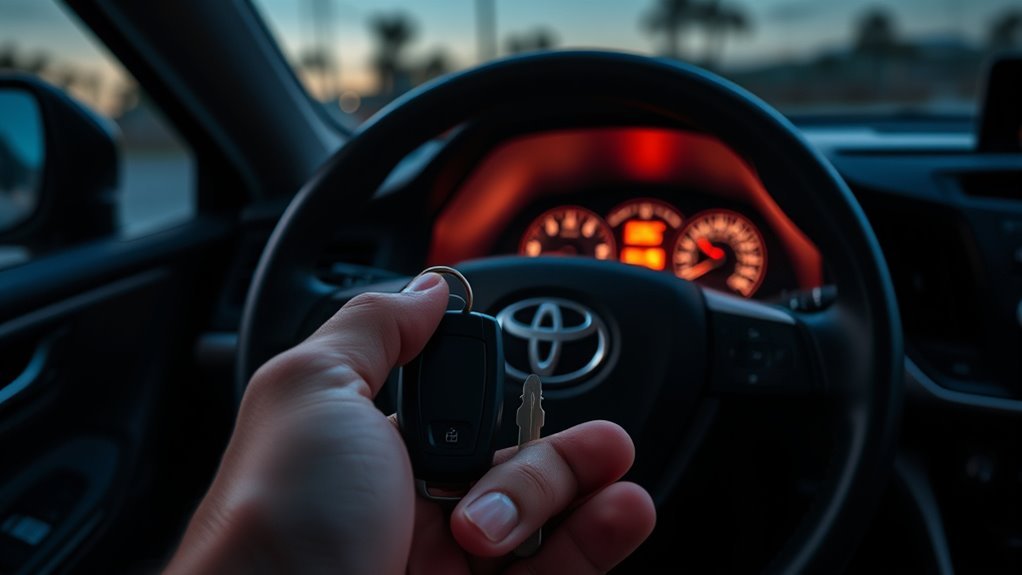
If the fob battery is weak or dead, you are not automatically stranded. Toyota’s instructions for a RAV4 with the smart key system explain that when the electronic key does not work properly, the doors can be opened and the engine can be started by following the emergency procedure in the owner’s manual.
Use the Mechanical Key to Open the Door
- Slide the release tab on the fob.
- Pull out the hidden metal key.
- Insert it into the driver’s door lock cylinder.
- Turn the key to unlock the door.
Some RAV4 door handles hide the key cylinder under a small cover. If you do not immediately see the lock cylinder, check your owner’s manual for the exact handle design on your model year.
Start the RAV4 With a Weak Fob Battery
On push-button-start models, hold the electronic key close to the engine switch or start button area, press the brake pedal, and push the start button. This close-range method can work even when the fob battery is too weak for normal detection. Toyota’s 2025 RAV4 emergency instructions also recommend checking whether the smart key system has been deactivated or whether battery-saving mode is set if the electronic key does not work properly.
Warning: A coin battery can be dangerous if swallowed. Keep new and used batteries away from children and pets, and do not leave the old battery loose in a cup holder, purse, drawer, or trash can.
Fixes If Your RAV4 Won’t Recognize the Fob After Replacement
If the warning stays on or the RAV4 still will not recognize the fob after you install a new battery, do not assume the fob is ruined. Work through this checklist first:
- Confirm the battery size. Make sure you installed the same battery type printed on the original cell or listed in your manual.
- Check polarity. Remove the battery and verify the positive and negative sides are facing the correct direction.
- Reseat the battery. The coin cell should sit flat under the contact tabs.
- Inspect the contacts. Look for bent tabs, corrosion, dirt, or residue. Clean gently with a cotton swab lightly dampened with isopropyl alcohol, then let it dry fully.
- Snap the case closed completely. A partially open fob can prevent good contact.
- Test the spare key. If the spare works normally, the issue is likely with the first fob, not the vehicle.
- Move away from interference. Try the fob away from large metal structures, power equipment, or other transmitters.
- Check smart key settings. If the RAV4 has smart key customization or battery-saving mode, make sure the system has not been turned off.
- Visit a Toyota dealer or qualified locksmith. If both fobs fail or the vehicle still will not detect the key, professional diagnosis may be needed.
[Products Worth Considering]

*Select your vehicle above*

COMPATIBLE WITH AIRTAG & KEY FOBS: Works with Apple AirTag, all major car key fobs (Toyota, Honda, BMW, Ford, Chevrolet, Lexus), fitness trackers, glucose monitors, tire pressure sensors, and any CR2032 / 3V lithium coin battery device.
When To Replace the Key Fob Battery
Replace the battery as soon as you see the “Low Key Battery” warning. You may still be able to drive for a while, but the warning means the fob is already close enough to low voltage that reliability can suffer.
You should also replace the battery if you notice:
- Reduced lock or unlock range
- Intermittent button response
- The vehicle asking you to hold the fob near the start button
- The warning returning after cold nights
- A battery that has not been replaced in several years
Fob battery life depends on use, temperature, storage habits, and battery quality. Heavy remote-start use, frequent button presses, and extreme temperatures can shorten battery life.
Tips to Extend Key Fob Battery Life and Avoid Warnings
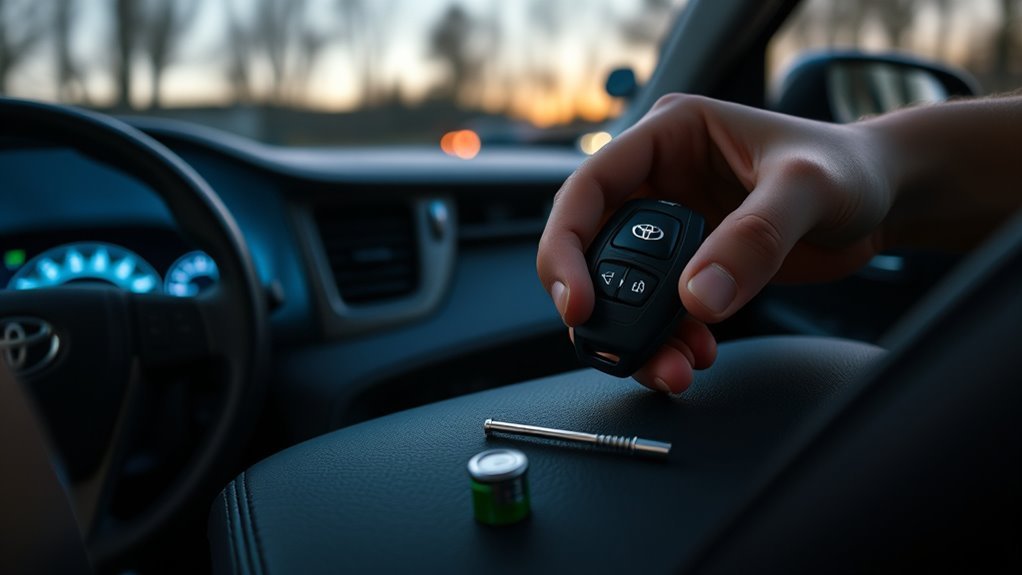
You cannot make a coin-cell battery last forever, but simple habits can help you avoid surprise failures.
- Store the fob at normal room temperature. Heat speeds battery aging, and cold can reduce output temporarily.
- Avoid accidental button presses. A protective case can prevent the panic, lock, or unlock buttons from being pressed in a bag or pocket.
- Keep the fob dry. Moisture can corrode contacts and create unreliable operation.
- Use a fresh, sealed battery. Old batteries from a junk drawer may already be weak.
- Keep a spare battery at home. A small pack costs little and can prevent a last-minute problem.
- Replace both fobs close together. If both key fobs are the same age, the second battery may not be far behind the first.
Safe Battery Handling and Disposal
Coin batteries are small, shiny, and easy for children or pets to swallow. The U.S. Consumer Product Safety Commission warns that button and coin batteries can cause serious injuries if swallowed, especially when they are loose or accessible. Store new batteries in their package, tape or bag the old battery after removal, and recycle or dispose of it according to local rules.
The U.S. EPA recommends checking local battery recycling or household hazardous waste options because battery disposal rules vary by battery type and location. Do not place loose lithium coin cells where they can short against metal objects.
Frequently Asked Questions
Can I still drive my RAV4 if the key battery is low?
Yes, in most cases you can still drive when the “Low Key Battery” warning appears. Replace the fob battery soon, though. If the fob becomes too weak, use the mechanical key for entry and hold the fob close to the start button to start the vehicle.
What battery does a Toyota RAV4 key fob use?
Many recent RAV4 electronic keys use a CR2032 lithium coin battery, and Toyota’s 2024 RAV4 and 2026 RAV4 Hybrid owner manual pages list CR2032. However, always confirm by checking the number on your old battery or your exact owner’s manual.
Do I need to reprogram the RAV4 key fob after replacing the battery?
Usually, no. Replacing the coin-cell battery should restore normal fob operation without reprogramming. If the fob still does not work, recheck the battery size, polarity, seating, contacts, and smart key settings before assuming programming is the issue.
How long does a RAV4 key fob battery last?
A RAV4 key fob battery commonly lasts one to several years, depending on battery quality, temperature, and how often the fob transmits. Replace it when the warning appears or when range and button response start to drop.
Why does my RAV4 still say “Low Key Battery” after I changed it?
The new battery may be weak, installed upside down, not seated flat, or the wrong size. Open the fob again, check the battery number and polarity, clean the contacts gently, and test the spare fob. If the warning remains, have the fob or smart key system checked.
Conclusion
The RAV4 “Low Key Battery” warning is one of the easiest vehicle messages to fix. Buy the correct coin cell, verify the size printed on your old battery or owner’s manual, open the fob carefully, replace the battery, and test the buttons. Keep the hidden mechanical key in mind as your backup, and do not ignore the warning until the fob fails completely.
Sources
- Toyota Owners: 2024 RAV4 wireless remote control/electronic key battery — CR2032 battery specification and reduced operating range symptoms.
- Toyota Owners: 2026 RAV4 Hybrid electronic key battery — CR2032 battery listing for the electronic key.
- Toyota Owners: 2025 RAV4 if the electronic key does not operate properly — emergency access and starting guidance when the electronic key battery is depleted.
- Toyota Owners: 2025 RAV4 keys — mechanical key backup information.
- U.S. Consumer Product Safety Commission: Button Cell and Coin Battery Safety — safety risks and prevention tips for coin batteries.
- U.S. EPA: Used Household Batteries — safe handling, recycling, and disposal guidance for household batteries.