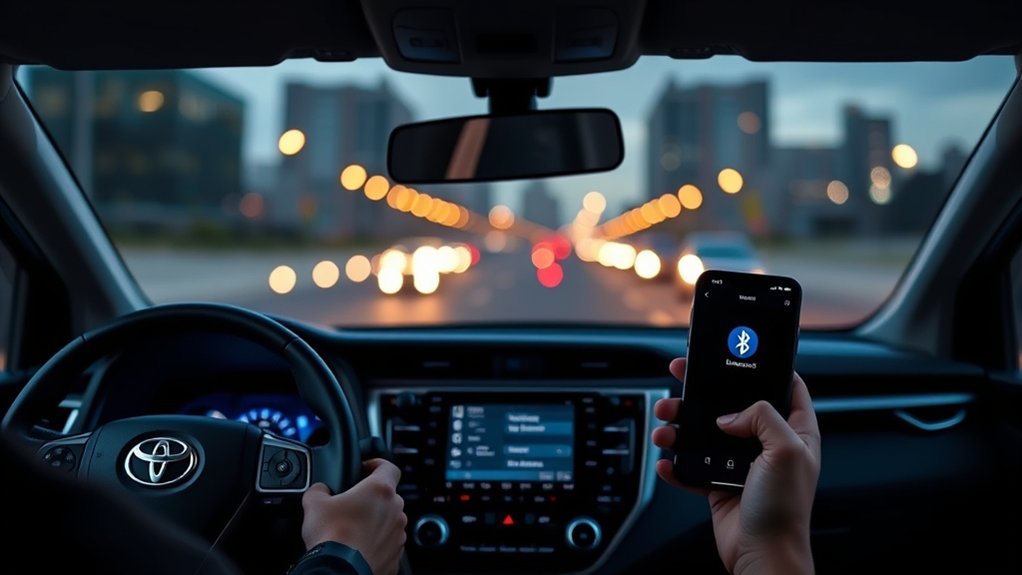
If your RAV4 Bluetooth keeps disconnecting, the fix usually starts with stale pairing data, phone software, or the Toyota multimedia system—not a failed radio module. Work from the easiest checks first: update your phone, delete the old pairing from both the phone and vehicle, reboot both devices, then pair again while parked and close to the display.
Quick Answer
To fix a RAV4 Bluetooth connection that keeps dropping, delete the pairing from both the phone and the Toyota system, restart both, update phone software, then re-pair from scratch. If it still disconnects, soft-reset the multimedia unit, test another phone, and use USB CarPlay or Android Auto while you check for firmware, battery, or interference issues.
Key Takeaways
- Most RAV4 Bluetooth dropouts come from corrupted pairing records, phone updates, profile conflicts, or outdated multimedia software.
- Always delete the RAV4 from your phone and delete the phone from the RAV4 before pairing again.
- If calls work but music, contacts, or texts do not, the issue may be a Bluetooth profile or permissions problem rather than a full connection failure.
- Use a wired USB connection for Apple CarPlay or Android Auto if your model supports it and you need reliable navigation or audio right away.
- Escalate to a Toyota dealer when multiple phones disconnect, the head unit reboots, or the issue continues after updates and resets.
At a Glance
| Time Required | 5–30 minutes for basic fixes; longer if dealer diagnostics are needed |
| Difficulty | Easy to moderate |
| Tools Needed | Phone, RAV4 touchscreen, charging/data cable, owner’s manual access |
| Cost | Usually free; possible dealer fee outside warranty |
Start Here: Quick Fixes for RAV4 Bluetooth
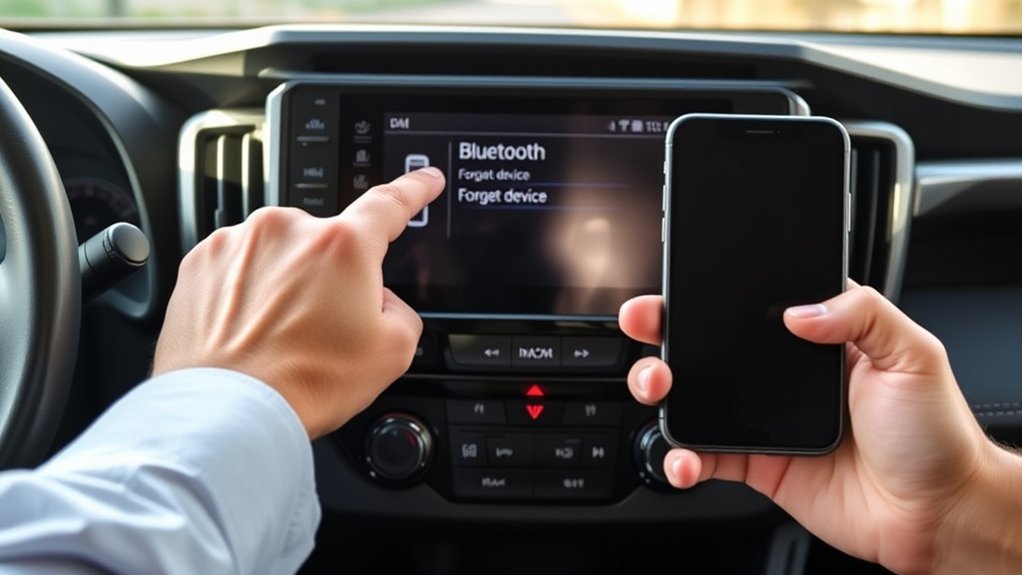
Start with the basics before assuming the RAV4 has a hardware fault. Toyota’s Bluetooth setup process requires the phone and vehicle to be paired and connected, and Toyota notes that pairing should not be attempted while driving. Park safely first, then work through the simple fixes.
- Restart your phone. A normal reboot clears many temporary Bluetooth stack issues.
- Turn Bluetooth off and back on. Wait about 5 seconds before turning it on again.
- Delete old pairings. Remove the RAV4 from your phone and remove your phone from the RAV4’s Bluetooth device list.
- Check for phone updates. Install the latest iOS or Android update available for your device.
- Pair again while close to the display. Keep the phone within a few feet of the multimedia screen and confirm the same code on both devices.
- Test calls and music separately. A call problem, music problem, or text-message problem can point to different Bluetooth permissions.
Warning: Do not troubleshoot Bluetooth, CarPlay, Android Auto, or phone settings while driving. Pull over and park first so your hands and attention stay off the screen.
Diagnose: Drops, “Connected” Status, or No Features?
Before resetting everything, identify exactly what is failing. “Bluetooth disconnected” is not always the same problem as “connected but no sound.” The RAV4 uses different Bluetooth functions for calls, media, contacts, and messages, so one feature can fail while another still works.
| Symptom | Likely Cause | Best First Fix |
|---|---|---|
| Disconnects every few minutes | Old pairing record, phone update bug, or interference | Delete both pairings, restart both devices, re-pair |
| Shows “Connected” but music will not play | Audio profile or media-source mismatch | Select Bluetooth Audio as the source and reconnect media permissions |
| Calls work but contacts or texts do not | Contact/message access not allowed | Enable contact sharing and notification access for the RAV4 |
| Only one phone disconnects | Phone-side software or settings problem | Update the phone and reset network/Bluetooth settings if needed |
| Several phones disconnect | Vehicle software, head unit, battery, or antenna issue | Soft-reset the multimedia unit and check for Toyota software updates |
| Drops only in certain places | Local radio-frequency interference | Move the phone, turn off nearby devices, and test in a different location |
If USB fixes music and navigation but Bluetooth remains unreliable, you have narrowed the problem to wireless pairing, permissions, or interference—not the entire infotainment system.
Re-Pair and Reboot: Phone and Car Steps
A clean re-pair is the most reliable first repair because it removes the stale Bluetooth records stored on both sides. Do not only forget the RAV4 on your phone. Also delete the phone from the Toyota multimedia system.
Step 1: Delete the RAV4 from Your Phone
- iPhone: Open Settings > Bluetooth, tap the info icon next to the Toyota/RAV4 entry, then choose Forget This Device.
- Android: Open Settings > Connected devices or Bluetooth, select the Toyota/RAV4 entry, then choose Forget or Unpair. Google’s Android help recommends clearing old car pairings when a phone will not connect to a car.
Step 2: Delete the Phone from the RAV4
On most RAV4 multimedia systems, open the Bluetooth or Devices menu, select your phone, then choose Remove, Delete, or Forget. Toyota’s newer Audio Multimedia setup commonly uses Settings > Bluetooth & Devices, but the exact wording varies by model year and screen type.
Step 3: Restart Everything
Turn the vehicle off, open the driver door, and wait for the screen to fully shut down. Restart your phone while you wait. Then turn the RAV4 back on before pairing again.
Step 4: Pair Again from Scratch
- Park the vehicle and keep the phone near the infotainment screen.
- Open the RAV4’s Bluetooth or Devices menu.
- Choose the option to add a new device.
- On your phone, select the Toyota/RAV4 device name when it appears.
- Confirm the pairing code on both the phone and vehicle display.
- Allow contacts, calls, and notifications only if you want those features to sync.
Pro Tip: If your RAV4 has multiple saved phones, delete phones you no longer use. A crowded device list can make automatic reconnection less predictable, especially when two paired phones are inside the vehicle at the same time.
Reset the RAV4 Infotainment and Radio
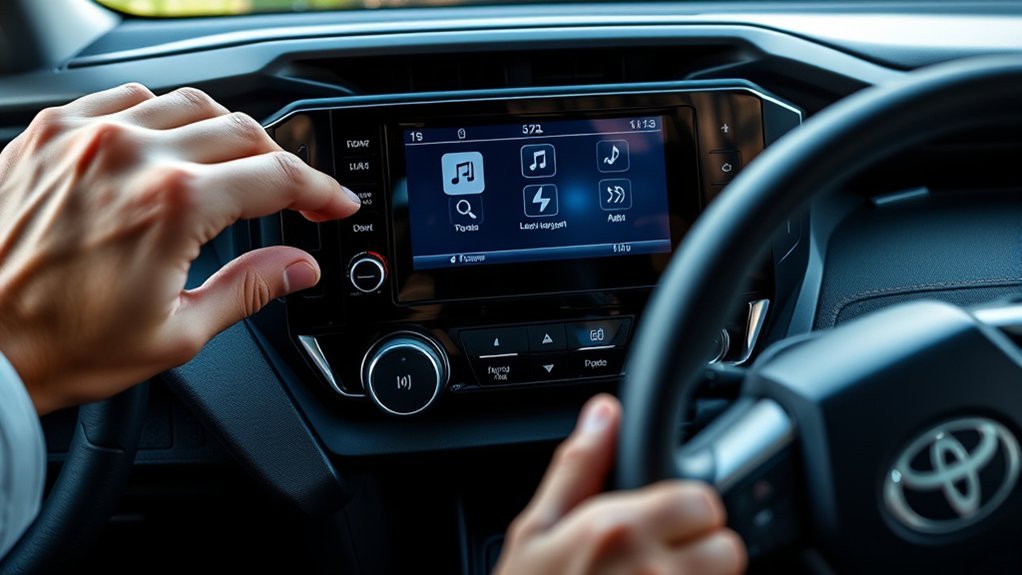
If re-pairing does not fix the disconnects, reset the multimedia system before moving to deeper repairs. On many Toyota systems, you can perform a soft restart by pressing and holding the power/volume knob until the screen turns off and restarts. The exact process can vary, so check your owner’s manual for your RAV4 model year.
Soft Restart Method
- Park the RAV4 safely.
- Press and hold the audio power/volume knob for about 10–15 seconds.
- Release when the screen blanks or begins restarting.
- Wait for the system to fully reload.
- Reconnect Bluetooth and test one call plus one audio stream.
Full Vehicle Sleep Cycle
If the soft restart does not help, turn the vehicle off, exit with the key, close and lock the doors, and wait several minutes. This gives the multimedia modules time to power down fully before the next start.
Note: Disconnecting the 12V battery can erase settings and may create extra warnings or relearn procedures. Do that only if your owner’s manual supports it or a qualified technician recommends it.
Phone Checks: iOS/Android Updates and Settings
Your phone is half of the Bluetooth connection, so a phone update, permission change, or corrupted network setting can make the RAV4 seem like the problem. Apple recommends restarting the device, toggling Bluetooth off and on, checking the car manual, updating the device, and making sure the stereo uses the latest firmware when an iPhone has trouble connecting to a car.
iPhone Checks
- Go to Settings > Bluetooth and confirm Bluetooth is on.
- Forget the RAV4, then pair again from the Toyota screen.
- Go to Settings > General > Software Update and install any available iOS update.
- If you use CarPlay, check Settings > General > CarPlay, select your RAV4, and remove/reconnect the car if needed.
- If Bluetooth remains unstable, use Reset Network Settings as a later step. This does not erase your content, but it does remove saved Wi-Fi networks, VPN settings, and Bluetooth pairings.
Android Checks
- Turn Bluetooth off and on, then restart the phone.
- Forget the RAV4 in Connected devices or Bluetooth.
- Delete the phone from the vehicle’s memory too, then pair again.
- Install Android system updates and app updates.
- On some Android phones, use Reset Wi-Fi, mobile & Bluetooth if normal re-pairing fails. Menu names vary by brand.
- If your Android skin includes a Bluetooth system app cache option, clearing it can help; if that setting is not available, use the official forget-and-repair process instead.
Permissions That Affect Calls, Contacts, and Texts
If your RAV4 connects but does not show contacts or messages, check Bluetooth permissions on the phone. Calls use hands-free access, music uses media audio, and messages may require notification or text-message access. If the connection drops only when message syncing is enabled, disable message access for the RAV4, re-pair, and test again.
Firmware, Entune, and Software Update Checks
RAV4 Bluetooth behavior can depend on the vehicle’s multimedia generation. Older models may use Entune or Entune 3.0 language, while newer Toyota vehicles use Toyota Audio Multimedia and the Toyota app ecosystem. Either way, outdated vehicle software can cause compatibility problems after phone updates.
[Products Worth Considering]

Replace a cracked or unresponsive navigation screen with this touch screen glass digitizer designed for compatible Toyota infotainment units. It restores touch functionality for supported RAV4, Prius C, Corolla, and Camry models with a precise 12-pin interface and the correct cable position requirements. Built with a slim 1.5mm profile, it is a practical repair solution for keeping your factory navigation system working properly.

This keyless entry remote replacement is designed for select Toyota models and comes pre-tested with battery and electronics installed for ready-to-program convenience. It supports compatible part numbers and FCC IDs, making it a practical solution for replacing a lost or damaged fob. Programming and cutting by a qualified locksmith or dealership are required, and it is intended for regular key vehicles rather than push-start systems.
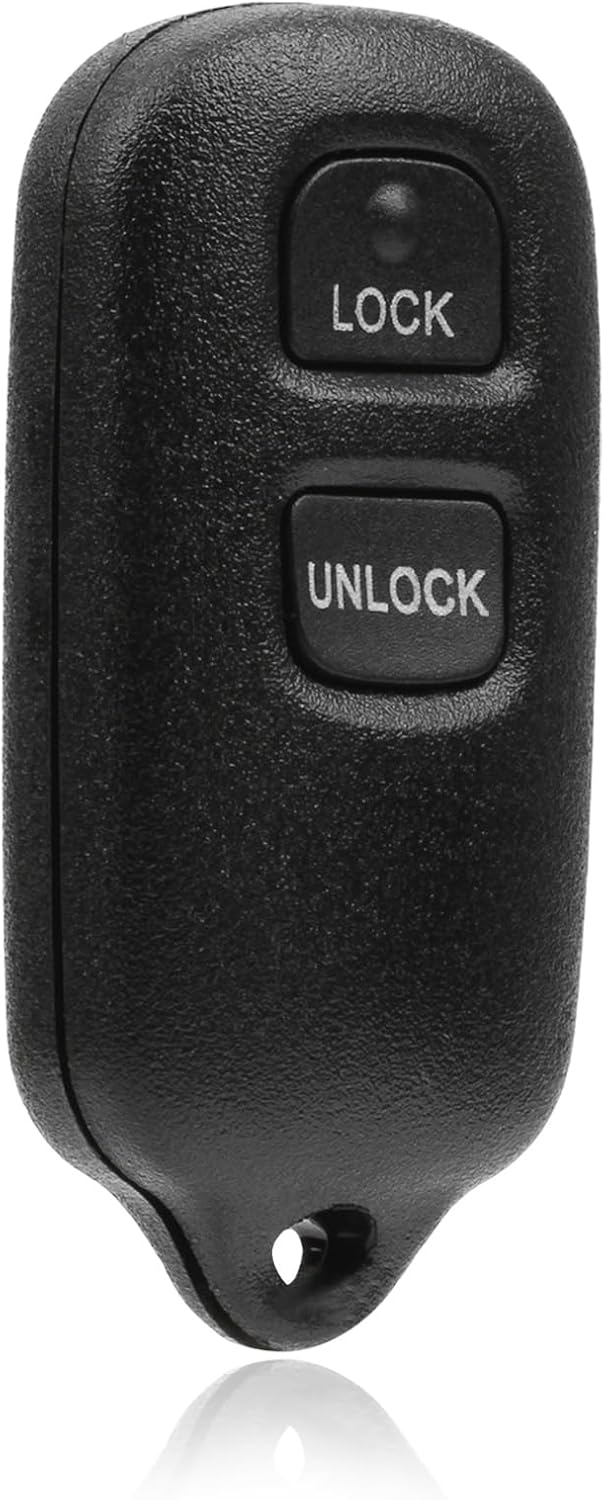
This USARemote key fob replacement provides convenient keyless entry for a wide range of Toyota and Scion vehicles. It is programmable, ready to use, and designed to help restore remote locking and unlocking functionality for compatible models. The compact black remote offers dependable everyday use for drivers needing a simple replacement solution.
Check Infotainment Firmware
Open the RAV4’s setup or software information menu and note the multimedia software version. Then check Toyota’s official owner resources, the Toyota Audio Multimedia support site, or your dealer for updates tied to your VIN. Toyota’s connected-services resources point owners to the support site and owner’s manual for available features and services.
Update Phone Software
Keep your iPhone or Android phone updated before blaming the vehicle. Phone operating system updates often include Bluetooth, CarPlay, Android Auto, and security fixes. After any major phone update, delete the old Toyota pairing and create a fresh connection.
Verify Entune or Toyota App Versions
If your RAV4 uses Entune-related features, update the relevant app and confirm the system version. If your RAV4 uses newer Toyota Audio Multimedia, make sure your Toyota app and connected-services account are current. Do not force an old Entune fix onto a newer RAV4 that no longer uses the same software platform.
Apple CarPlay and Android Auto Workarounds
If you need reliable navigation, calls, or music immediately, switch to USB if your RAV4 supports wired Apple CarPlay or Android Auto. Toyota notes that Apple CarPlay and Android Auto connect compatible phones to the vehicle’s audio multimedia system for directions, calls, messages, and media, and Toyota’s setup guidance for these features points owners to the USB media port on supported vehicles.
- Use a high-quality data cable. A charge-only or damaged cable can cause dropouts that look like software problems.
- Try the main USB media port. Some ports charge only and do not pass data.
- Restart the phone after switching between wireless and wired modes. This helps clear a stuck connection attempt.
- Disable competing connections during testing. Turn off headphones, smartwatches, or secondary phones temporarily.
If Bluetooth fails but USB works every time, your core audio system is probably functional. Focus troubleshooting on wireless pairing, phone permissions, vehicle firmware, or interference.
[Products Worth Considering]

This keyless entry remote replacement is designed for a wide range of Toyota, Scion, and Lexus-compatible vehicles, offering a convenient way to restore remote locking and unlocking functions. Each fob is pre-tested, comes with the battery and electronics already installed, and is ready to be programmed for supported standard-key vehicles. It is a practical replacement choice for drivers who need a reliable, compatible remote for everyday use.
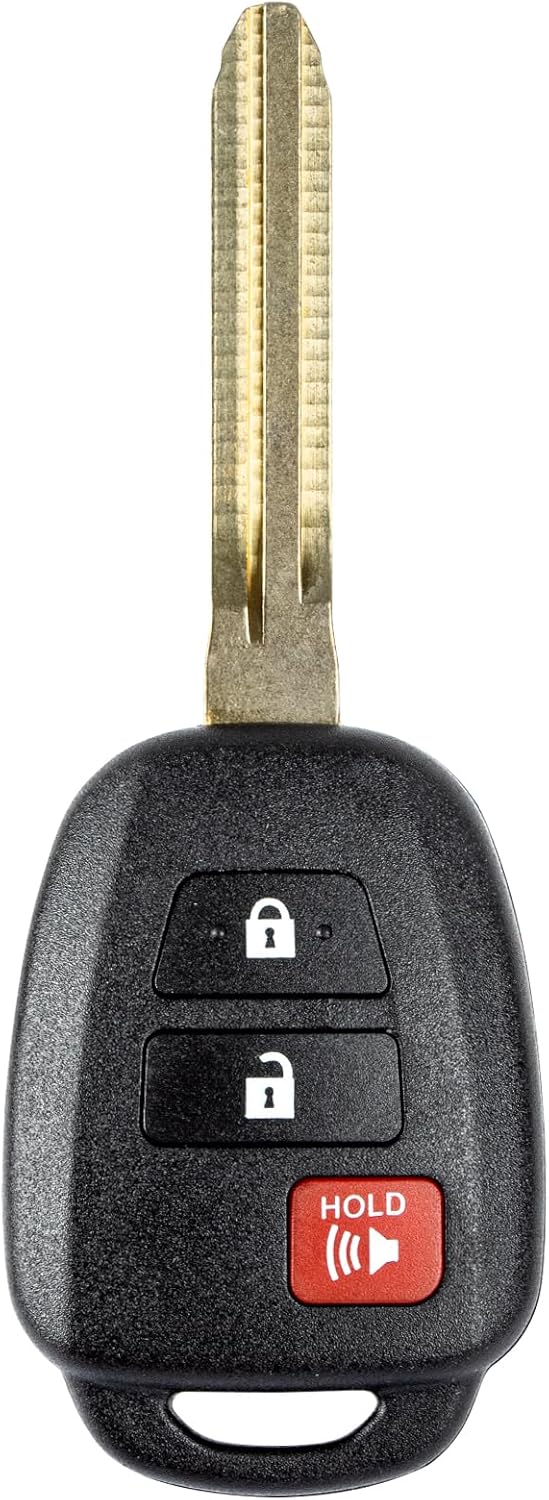
This replacement key fob is designed for select Toyota models and provides reliable keyless entry functionality with a factory-like fit and operation. It comes pre-tested with electronics and battery installed, making it a convenient solution when your original remote is lost, damaged, or worn out. Professional programming and cutting are required, and compatibility should be confirmed against the original remote and vehicle fitment details.

10Gbps Data Transfer: SUNGUY USB 3.1 Gen 2 cable supports super speed data transmission up to 10Gbps, transfer HD movies, songs, file or photos in seconds. Backwards compatible to USB 3.0 and 2.0; DOES NOT support video output.
Hardware Causes: Antenna, Battery, Interference
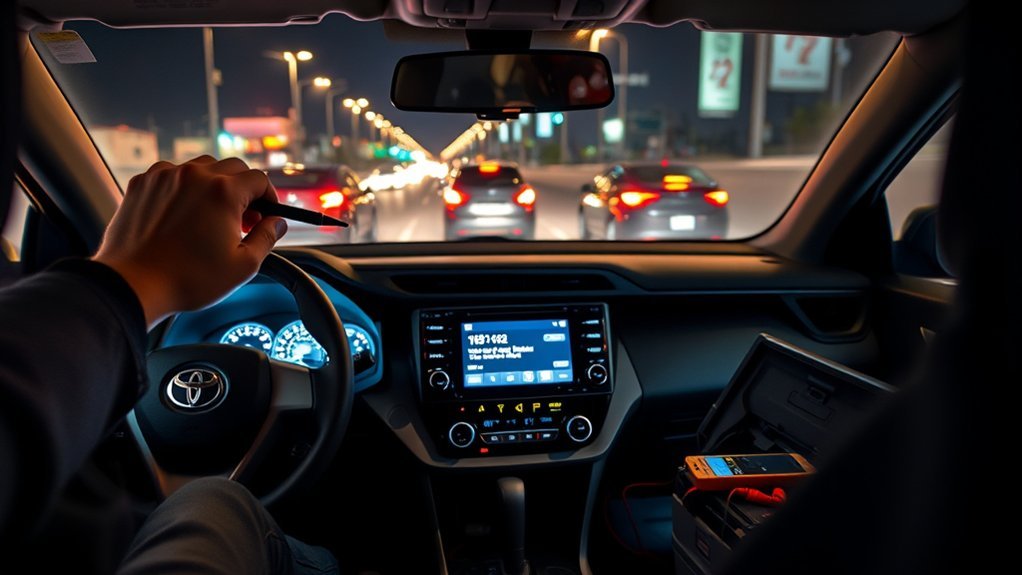
If software fixes do not work, check the hardware-related causes that can make the Bluetooth link unstable. These are less common than bad pairing data, but they matter when several phones fail in the same RAV4.
[Products Worth Considering]

Catch Battery Problems Early: Featured in two videos by Project Farm, a popular YouTube channel with millions of subscribers, the ANCEL BA101 helps you quickly spot battery issues before they leave you stranded. It provides easy-to-understand readings for State of Health (SOH), State of Charge (SOC), voltage, current, CCA, plus cranking and charging system tests, so you can better understand your battery and help avoid unexpected breakdowns

【Reliable Automotive Car Battery Tester】 KW208 is the most cost-effective battery load tester compared to other brands, it has all the functions you need and the lowest cost that you can afford. KW208 can test all 12V batteries(100-2000CCA) including regular flooded, AGM flat plate, AGM spiral or gel batteries. Provide overall analysis of batteries’ condition and help you know their status in advance before it dies. KW208 battery analyzer supports cranking and charging system tests also alternator and starter test. Conveniently store this car battery tester for batteries in your glove box or garage, ready for use whenever needed.

[Car Battery Tester] You can easily test and inspect your 12V lead-acid battery with this TOPDON car battery tester. The SOH (State of Health), SOC (State of Charge), Voltage, Current, Rating, and numerous other understandable analytical data are provided by this battery tester. It is compatible with 100-2000CCA regular flooded, AGM flat plate/spiral, EFB, and GEL for their optimum performance.
Weak 12V Battery or Voltage Drops
A weak 12V battery can cause electronic modules to behave oddly, especially during startup. If the multimedia screen reboots, freezes, or loses settings, have the 12V battery tested under load. This is especially worth checking if the battery is old, the vehicle has been parked for long periods, or other electrical symptoms appear.
Bluetooth Antenna or Head Unit Issue
If every phone disconnects even after updates and resets, the Bluetooth module, antenna path, or multimedia head unit may need dealer diagnostics. Ask the dealer to check for stored codes, available software updates, technical service information, and signal-strength issues.
RF Interference and Phone Placement
Bluetooth uses short-range wireless communication, so signal quality can suffer when the phone is buried under metal objects, inside a packed bag, near several active devices, or in an area with heavy radio-frequency noise. Move the phone closer to the dash, remove metal obstructions, and turn off nearby Bluetooth accessories during testing.
Workarounds and When to Escalate to Dealer
When Bluetooth drops persist despite basic fixes, use a wired connection as a practical workaround while you gather evidence. A dealer can help faster if you arrive with clear notes instead of a vague “Bluetooth is bad” complaint.
Use This Escalation Checklist
- Record your RAV4 year, trim, multimedia screen type, and VIN.
- Write down your phone model and operating system version.
- List every fix you tried: delete pairing, restart, soft reset, phone update, USB test, and second-phone test.
- Note whether calls, music, contacts, messages, CarPlay, or Android Auto fail.
- Track when it happens: at startup, after 20–30 seconds, in one location, or only with two phones in the car.
- Ask the dealer to check for Toyota multimedia firmware updates and service information for your VIN.
Escalate to dealer support if two or more phones disconnect, the infotainment system restarts by itself, the issue started after a dealer update, the vehicle is still under warranty, or Bluetooth fails immediately after a full clean pairing.
Frequently Asked Questions
How do I fix Bluetooth that randomly disconnects in a RAV4?
Delete the RAV4 from your phone, delete the phone from the RAV4, restart both devices, then pair again from scratch. Update your phone software and soft-reset the Toyota multimedia system if the connection still drops. If multiple phones disconnect, check vehicle software, 12V battery health, and dealer diagnostics.
Why does my RAV4 say Bluetooth is connected but no music plays?
The phone may be connected for calls but not for media audio, or the RAV4 may be set to the wrong source. Select Bluetooth Audio on the Toyota screen, confirm media audio is enabled for the RAV4 in your phone’s Bluetooth settings, then restart and re-pair if needed.
Can an iPhone or Android update break RAV4 Bluetooth?
Yes. Phone updates can change Bluetooth, CarPlay, Android Auto, privacy, and notification behavior. After a major phone update, delete the old vehicle pairing on both sides, restart both devices, and pair again so the phone and RAV4 rebuild a clean connection.
Should I reset my RAV4 infotainment system?
A soft restart is reasonable after re-pairing fails. On many Toyota systems, holding the power/volume knob restarts the multimedia unit. Avoid disconnecting the 12V battery unless your manual or a technician recommends it, because it can erase settings or create extra reset steps.
When should I take my RAV4 to a dealer for Bluetooth problems?
Go to a dealer if several phones disconnect, the screen freezes or reboots, Bluetooth fails immediately after a clean pairing, or the problem continues after software updates and a multimedia soft reset. Bring your phone model, software version, RAV4 year, and notes on when the disconnect happens.
Conclusion
If your RAV4 Bluetooth keeps disconnecting, start with the simple repairs that solve most cases: update the phone, delete old pairings on both devices, restart the phone and vehicle, and re-pair cleanly. If the RAV4 still drops calls or music, soft-reset the multimedia unit, check phone permissions, test USB, and compare with a second phone. Persistent failures across multiple phones deserve dealer diagnostics for firmware, battery, antenna, or head-unit issues.
Sources
- Toyota Bluetooth Pairing on Toyota Audio Multimedia — official pairing flow and device-connection basics
- Toyota Audio Multimedia and Connected Services — Toyota Bluetooth, Apple CarPlay, Android Auto, Toyota app, and owner support resources
- Toyota RAV4 Interactive Manual: Bluetooth Device Connection — model-specific Toyota guidance for Bluetooth connection behavior
- Apple Support: Connect iPhone to Your Car — iPhone Bluetooth, firmware, restart, and car-connection troubleshooting
- Apple Support: If You Need Help with CarPlay — CarPlay connection checks, restart advice, and wireless setup basics
- Google Android Help: Fix Bluetooth Problems — Android Bluetooth basics, forgetting devices, and car pairing steps