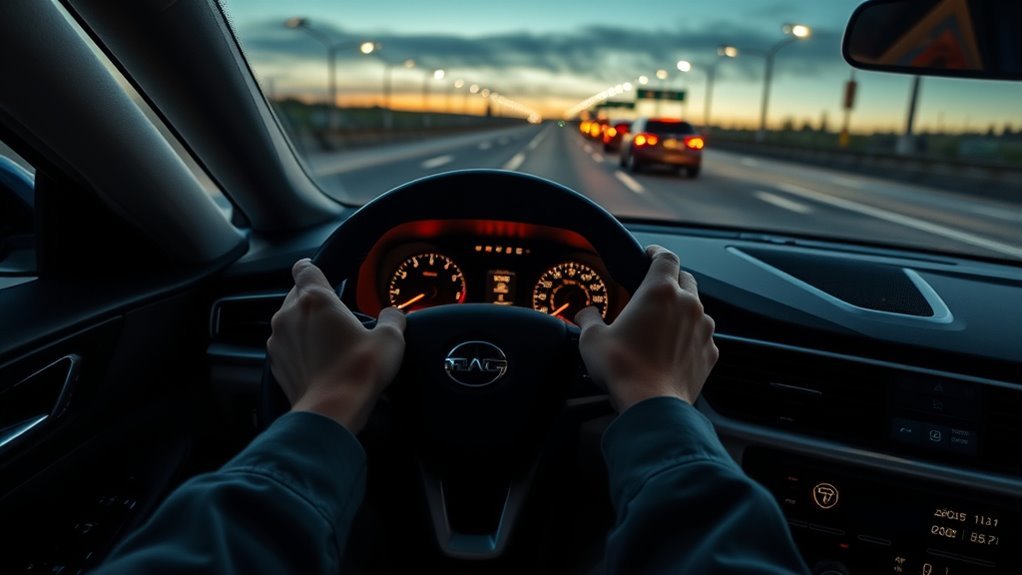
Lane-keeping assist helps prevent an unintended lane departure by watching road markings and adding light steering support when your vehicle starts to drift. It is useful on clear, well-marked highways, but it is not self-driving. You still need to steer, signal lane changes, watch traffic, and be ready to override the system at any moment.
Quick Answer
Lane-keeping assist uses a forward camera to detect lane lines, then applies gentle steering torque if the vehicle drifts without a turn signal. It works best on dry, clearly marked roads and may turn off or perform poorly in rain, snow, glare, construction zones, faded markings, or sharp curves.
Key Takeaways
- Lane-keeping assist is an aid, not autonomy. It supports steering but does not replace your hands, eyes, or judgment.
- It is different from lane-departure warning. LDW warns you; lane-keeping assist may add steering input to help keep you in the lane.
- Road conditions matter. Faded lane paint, snow, rain, fog, glare, road debris, construction markings, and sharp curves can limit performance.
- Activation speed varies by vehicle. Some systems work only at highway speeds, so always check your owner’s manual for your exact model.
- You can override it. Steering firmly, using the turn signal, braking, or switching the system off will usually cancel or suspend assistance, depending on the vehicle.
What Lane-Keeping Assist Is And How It Differs From LDW And Lane Centering
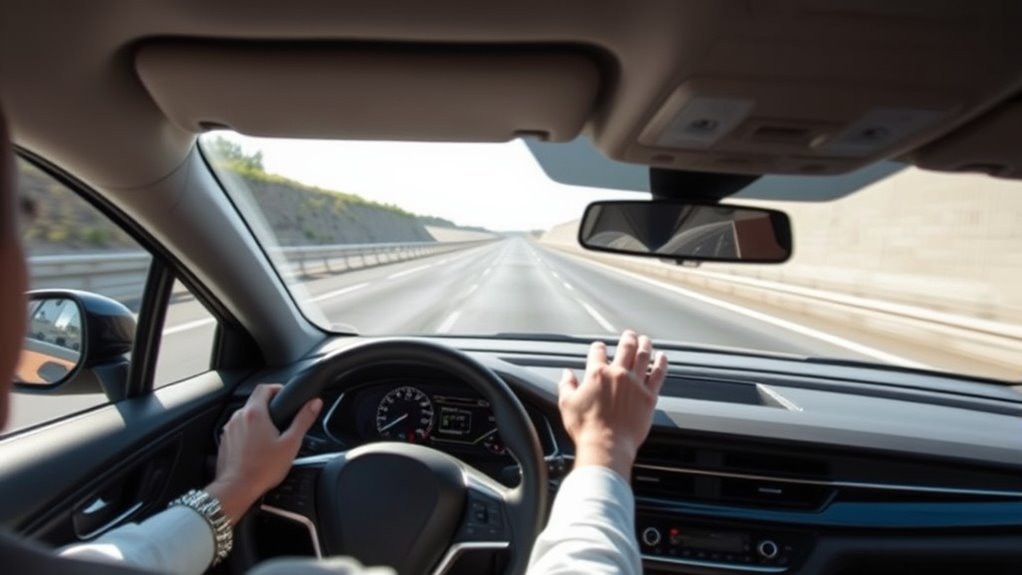
Think of lane-keeping assist, often shortened to LKA or LKAS, as a driver-assistance feature that helps reduce unintended lane drift. When the system detects that your vehicle is moving toward a lane line without a turn signal, it may warn you and apply light steering support through the electric power steering system.
The key difference is the type of help you receive. Lane-departure warning monitors lane markings and alerts you, but it does not take corrective action. Lane-keeping assist or lane-departure prevention can go a step further by resisting the drift or helping guide the vehicle back into its lane. IIHS describes lane-departure prevention as systems that may use minor steering adjustments or light braking to help direct the vehicle back into the lane.
Lane-keeping assist also differs from lane-centering assist. LKA is usually focused on correcting a drift event. Lane-centering assist is more continuous: it tries to keep the vehicle near the middle of the lane during normal driving, often while adaptive cruise control is active. Some brands blur these names, so the safest approach is to read the owner’s manual for the exact vehicle you are driving.
Note: Automakers use different names for similar features, including Lane Keeping Assist, Lane Departure Prevention, Lane Departure Alert with Steering Assist, Road Departure Mitigation, Lane Assist, and Active Lane Keeping. The behavior can vary even between trims from the same brand.
How Lane-Keeping Assist Works
Most lane-keeping assist systems use a camera mounted near the windshield or rearview mirror. The camera looks for white or yellow lane markings, road edges, or lane boundaries. The vehicle’s control unit then compares your position with the detected lane and decides whether the vehicle is drifting.
Many systems also use vehicle-speed, steering-angle, yaw-rate, and stability-control data to understand how the vehicle is moving. When the system judges that the drift is unintended, it can send a steering-torque command through the electric power steering system. Honda’s LKAS explanation, for example, describes a camera detecting lane markings and the system generating steering torque through electric power steering.
| Component | Role |
|---|---|
| Forward camera | Detects lane markings, road edges, and lane position. |
| Vehicle-motion sensors | Help the system understand speed, yaw, steering angle, and lateral movement. |
| Control module | Judges whether the lane drift appears unintended and decides whether to warn or assist. |
| Electric power steering | Adds gentle steering torque to help keep the vehicle in the detected lane. |
| Driver display and alerts | Shows lane-line status and may use chimes, steering-wheel vibration, seat vibration, or dashboard messages. |
In normal use, the correction should feel mild. It is not supposed to yank the vehicle across the lane. If the assist feels abrupt, late, or too aggressive, check the sensitivity settings and ask a dealer or technician whether the system needs calibration, software updates, or inspection.
When Lane-Keeping Assist Helps And When It Can Fail
Lane-keeping assist is most helpful during steady highway driving with clear lane markings, predictable traffic, and good weather. That is where the camera has the best view and the vehicle has enough speed and lane data to make smooth corrections.
It is less reliable when the road scene becomes hard for a camera to interpret. Bad weather, faded paint, confusing construction lines, glare, shadows, puddles, snow cover, road debris, and worn pavement can all reduce lane detection. Honda’s owner guidance notes that accuracy can vary based on weather, speed, and lane-marker condition, and the Honda LKAS quick guide also reminds drivers that the system is not a substitute for vehicle control.
Warning: Do not use lane-keeping assist as a reason to look away, remove your hands, or drive while tired. Driver-assistance systems can miss lane lines, misread road markings, or disengage with little warning.
Speed is another important limit. There is no single universal activation speed. Some systems begin working around highway speeds, while some Honda guidance lists LKAS operation between 45 and 90 mph, and Honda’s global LKAS overview describes activation at around 65 km/h or faster. Other brands may use different thresholds, so your owner’s manual is the final authority.
Lane-keeping assist is strongest when the road is easy to read: clear paint, dry pavement, steady speed, and simple lane geometry.
Common Situations That Confuse Lane-Keeping Assist
Lane-keeping assist is built around pattern recognition. When the road does not look like a normal lane, the system can become uncertain, delay assistance, give a false alert, or shut off. Watch for these problem cases:
- Construction zones: temporary yellow lines, old lane scars, cones, and shifted lanes can confuse the camera.
- Merges and exits: lane splits, missing lines, gore areas, and ramp markings may not give the system a clear boundary.
- Faded or low-contrast markings: worn paint on light concrete can be difficult to detect.
- Bad weather: heavy rain, fog, snow, ice, and road spray can obscure lines or block the camera.
- Strong glare or shadows: low sun, tunnel entrances, wet reflections, and tree shadows can look like lane markings.
- Sharp curves: the system may not have enough steering authority or lane prediction to stay centered.
- Dirty windshield or camera area: bugs, ice, stickers, fogging, or dashboard reflections can reduce detection.
Pro Tip: Keep the windshield area around the forward camera clean and avoid placing shiny objects on the dashboard. Reflections can make lane lines harder for the system to read.
Using LKA Safely: When To Turn It On, How To Override, Driver Duties
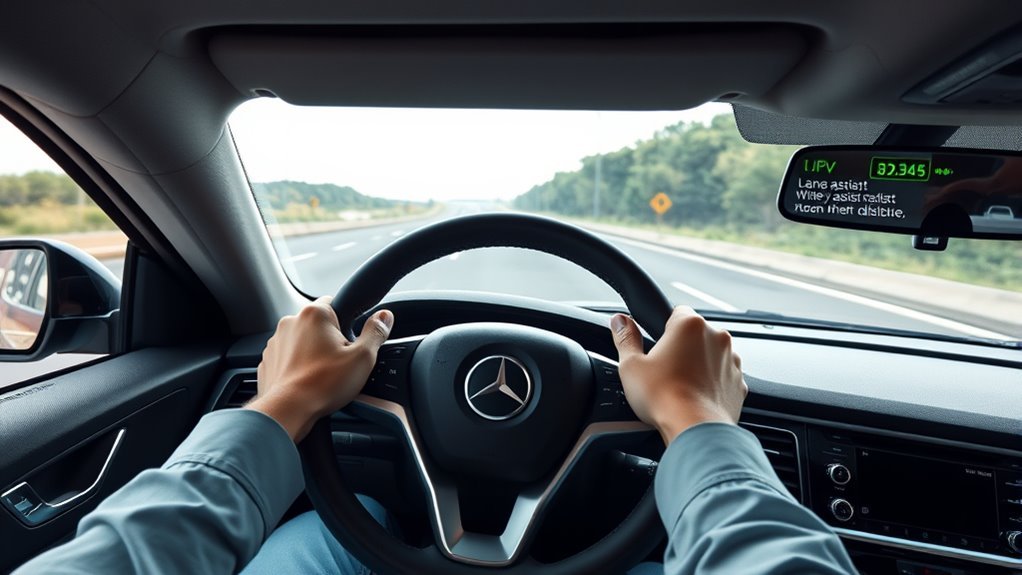
Turn lane-keeping assist on when you are on a well-marked highway or major road and conditions are clear. The system can reduce small lane drifts and lower workload on long trips, especially when you are already driving steadily and using your mirrors, signals, and normal steering control.
Do not use it as a hands-free feature unless your specific vehicle has a separate hands-free driver-assistance system that is approved for that road and active under its required conditions. Basic lane-keeping assist is still driver support. The NTSB explains that current consumer driver-assistance and partial-automation features are designed to support, not replace, an attentive driver.
- Keep both hands ready. Lightly hold the wheel and be prepared to steer at once.
- Signal every lane change. In many vehicles, using the turn signal suspends the lane-departure intervention so the system does not fight an intentional maneuver.
- Override with steering input. A firm steering input should take priority over the assist.
- Switch it off when the road gets confusing. Construction zones, poor markings, sharp curves, and severe weather are good times to rely on manual control.
- Watch the status display. Lane icons often change color or style when the system detects, loses, or stops tracking lane lines.
If the system beeps, vibrates, or displays “lane assist unavailable,” do not assume the feature is broken. It may simply have lost lane-line confidence. Slow down if needed, steer manually, and wait until conditions improve.
How To Test Lane-Keeping Assist On A Test Drive
Lane-keeping assist can feel very different from one vehicle to another. Some systems wait until the tire is close to the lane line, while others provide earlier centering support. Some feel smooth and natural; others feel like small corrections back and forth. A careful test drive helps you decide whether the system suits your driving style.
At a Glance
| Time Required | 15-25 minutes during a normal test drive |
| Difficulty | Easy, but test only where it is safe and legal |
| Tools Needed | Owner’s manual or infotainment help screen, clear road markings, and a safe highway segment |
| Cost | No cost during a dealer test drive |
Test-Drive Checklist
- Confirm the controls first. Ask the salesperson to show you the on/off button, lane display, sensitivity settings, and warning types.
- Use a safe road. Choose a clear, dry, well-marked road with light traffic. Do not test near cyclists, pedestrians, parked vehicles, or construction crews.
- Watch when it activates. Note the speed and lane-line display when the system begins tracking.
- Feel the correction. Let the vehicle drift slightly within your lane only when safe. The assist should be gentle and easy to override.
- Try a signaled lane change. Use the turn signal and confirm that the system does not fight the intentional lane change.
- Check curves. On mild highway curves, notice whether the system stays smooth or drifts toward the lane edge.
- Test the alerts. Note whether warnings are visual, audible, haptic, or a mix of all three.
- Ask about calibration. Windshield replacement, collision repair, suspension work, or alignment issues may require camera or ADAS calibration.
What To Check Before Buying A Car With LKA
Before you buy, compare the exact feature list by trim. A base model may have lane-departure warning only, while a higher trim adds steering assist or lane centering. Also check whether the system works alone or only when adaptive cruise control is active.
| Buying Question | Why It Matters |
|---|---|
| Is it warning-only or steering-assist? | LDW alerts you; LKA may actively help steer. |
| What speed range does it use? | Some systems operate only at highway speeds. |
| Does it center the lane continuously? | Lane centering feels different from drift correction. |
| Can sensitivity be adjusted? | Adjustable alerts may make the system easier to live with. |
| What cancels or suspends it? | Turn signals, braking, manual steering, and hands-off detection may all affect operation. |
| What repairs require calibration? | Windshield, camera, alignment, or collision repairs can affect performance. |
Ask the dealer for the owner’s manual section, not just a sales brochure. The manual will usually list speed limits, cancellation conditions, camera care, alerts, and situations where the system may not work properly.
Troubleshooting: Why Lane-Keeping Assist Is Not Working
If lane-keeping assist does not turn on, turns off quickly, or seems inconsistent, start with the simple causes first:
- The vehicle is below the activation speed. Many systems do not work at neighborhood speeds.
- Lane markings are missing or unclear. The camera may not have enough confidence to assist.
- The turn signal is on. The system may assume your lane change is intentional.
- Your hands are not detected. Some vehicles cancel or warn if they do not sense steering input.
- The windshield camera area is blocked. Dirt, fog, ice, stickers, or objects on the dash can interfere.
- The road is too curved or complex. Sharp bends, ramps, merges, and construction zones can exceed the system’s limits.
- Calibration may be needed. Recent windshield replacement, accident repair, tire changes, alignment work, or suspension changes can affect camera aim and vehicle tracking.
If warnings stay on after the windshield is clean and the road conditions are normal, schedule service. Do not rely on a malfunctioning lane-assist system until it has been inspected.
[Products Worth Considering]
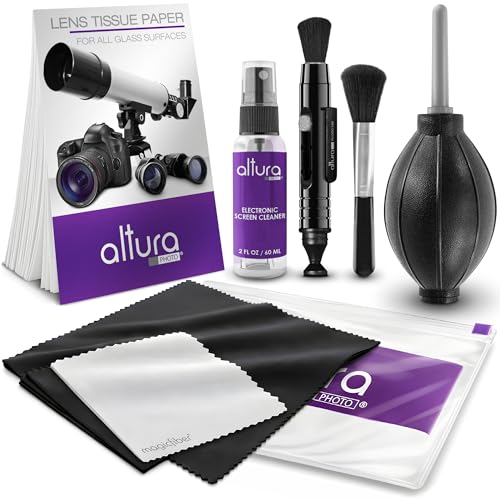
COMPLETE CAMERA CLEANING KIT: Our camera lens cleaning kit includes an alcohol & ammonia-free lens cleaner spray, cleaning brush, lens pen, air blower, MagicFiber microfiber cloths (3), and lens tissue paper wipes (50). Most competing lens cleaning kits cost more and still make you buy the spray and brush separately. Ours doesn't.

Camera Lens Cleaning Kit (14 pieces), including, air blower, lens pen, cleaning brush, lint-free cloth, lens pen, storage bag, etc.
Frequently Asked Questions
How does lane-keeping assist work?
Lane-keeping assist uses a forward camera to detect lane lines and estimate where your vehicle is within the lane. If the vehicle drifts without a turn signal, the system may alert you and apply light steering torque through the electric power steering system.
What are the disadvantages of lane-keeping assist?
The main disadvantages are inconsistency and overreliance. Lane-keeping assist can struggle with faded markings, bad weather, glare, construction zones, sharp curves, and dirty camera glass. It may also feel intrusive if it corrects when you did not expect it.
Is lane assist basically self-driving?
No. Basic lane assist is a driver-support feature, not self-driving. It may help with steering, but you remain responsible for speed, steering, braking, traffic awareness, lane changes, and emergency decisions.
Should I drive with lane assist on?
In clear conditions on well-marked highways, yes, it can be useful. Turn it off or take full manual control when markings are poor, weather is bad, the road is under construction, or the system feels uncertain.
Does lane-keeping assist work in rain or snow?
It may work in light rain if lane markings remain clear, but performance often drops in heavy rain, snow, fog, spray, or slush. If the system cannot see the lane lines, it may stop assisting or show an unavailable message.
Can I override lane-keeping assist?
Yes. Driver steering input has priority. You can usually override the assist by steering firmly, using the turn signal for a lane change, braking, or switching the system off. Exact behavior varies by vehicle.
Why does my lane-keeping assist turn off by itself?
Common reasons include low speed, missing lane markings, bad weather, dirty windshield glass, sharp curves, active turn signals, hands-off detection, or a camera/calibration fault. Check the dashboard message and the owner’s manual for the exact cause.
Conclusion
Lane-keeping assist is best understood as a helpful co-pilot, not an autopilot. It can reduce accidental lane drift by using a camera and steering support, but it depends on clear markings, suitable speed, and readable road conditions. Keep your hands on the wheel, signal every lane change, override the system whenever needed, and learn the exact limits of the vehicle you drive before trusting it on a long trip.
Sources
- NHTSA Driver Assistance Technologies — supports the distinction between lane-departure warning and active intervention systems.
- IIHS-HLDI Advanced Driver Assistance — supports how lane-departure warning and lane-departure prevention systems detect lane position and provide alerts or steering/braking help.
- Honda Global: Lane Keeping Assist System — supports camera-based lane detection, steering torque through electric power steering, and system limitations.
- Honda Owner Information: Lane Keeping Assist System — supports speed-range example, driver-control reminder, and steering-wheel alert behavior.
- NTSB Advanced Driver Assistance Systems and Automated Driving Systems — supports the safety point that driver-support features require constant supervision and do not replace an attentive driver.