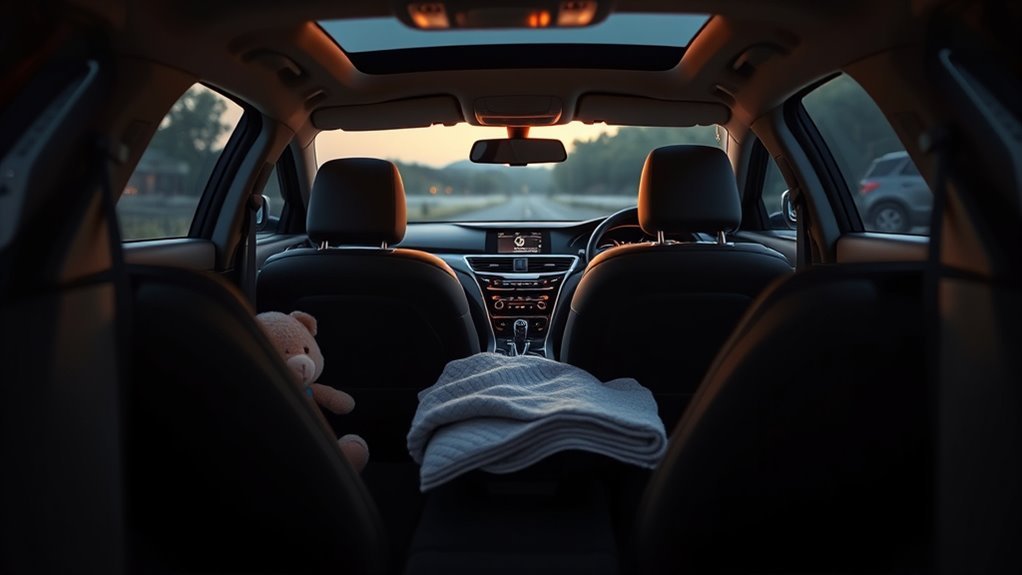
The Hyundai Sonata Rear Occupant Alert (ROA) helps prevent you from leaving children, pets, or valuables in the back seat after parking. Depending on your vehicle’s configuration, Hyundai’s system tracks rear-door openings and, on models equipped with Advanced ROA, scans the cabin with ultrasonic or radar motion sensors and pushes smartphone alerts through Bluelink. Because door-logic reminders cannot sense actual passengers and motion sensors can miss still or sleeping children, you should treat the alert as a backup and check the back seat manually on every trip.
Quick Answer
The Hyundai Sonata Rear Occupant Alert (ROA) reminds you to check the back seat when you turn off the engine and open the driver’s door after a rear door was used. Standard U.S. Sonata trims use door-logic tracking, while Hyundai’s Advanced ROA adds overhead motion sensors and Bluelink smartphone alerts.
Last checked: October 17, 2026. Dates and figures were verified against official sources.
What Sonata’s Rear Occupant Alert Does and Why It Matters
The Hyundai Sonata Rear Occupant Alert acts as an automated safety check that prompts you to inspect the second row before walking away from your parked car. Whenever a rear door is opened and closed before or during a drive, the system displays a visual message on the instrument cluster and sounds a chime as soon as you shut off the engine and open the driver’s door.
This reminder addresses a critical, preventable hazard. According to the National Highway Traffic Safety Administration (NHTSA), about 37 children die each year in the United States from vehicular heatstroke, and 52% of those tragedies happen when a distracted caregiver forgets a quiet child during a routine change, such as a different morning daycare drop-off. NHTSA testing shows a parked car’s cabin can climb past 115°F even when the outside temperature is just 70°F, and a child’s body temperature rises three to five times faster than an adult’s. By interrupting your exit routine at the exact moment you open the driver’s door, the Sonata’s alert helps break autopilot habits before you lock the vehicle.
How Sonata Detects Rear-Seat Occupants (Door Logic, Ultrasonic, Radar)
Hyundai uses three tiers of rear-seat monitoring across its lineup: standard door-logic tracking, ultrasonic motion sensing, and 60 GHz millimeter-wave radar. Standard U.S.-market 2020–2026 Hyundai Sonata sedans use the door-logic system across all trims, while Hyundai’s two-stage Advanced Rear Occupant Alert (AROA)—which adds ultrasonic or radar cabin sensors—is installed on select SUVs, electric vehicles, and regional packages.
Here is how each detection method works in practice:
- Door-Logic Tracking (Standard on U.S. Sonata Trims): According to the Hyundai Sonata Owner’s Manual for Rear Occupant Alert, the vehicle’s body control module logs whenever a rear door is opened and closed. It does not use interior cameras or weight sensors in the rear cushions; instead, it flags the trip so a “Check rear seats” message appears when you park and open the driver’s door.
- Ultrasonic Motion Sensors (Advanced ROA): Upgraded two-stage systems mount ultrasonic transducers in the rear headliner to monitor changes in sound waves after the doors are locked. If a child or pet shifts position, the sensor triggers a second-stage external alarm and smartphone alert.
- 57–66 GHz Cabin Radar (Latest Advanced ROA): Newer Hyundai Mobis radar modules operate in the 60 GHz millimeter-wave band (57–66 GHz) behind the headliner. Unlike ultrasonic sensors that require visible movement, high-frequency radar can penetrate light blankets and car-seat canopies to detect micro-movements such as an infant’s chest rising and falling while breathing.
| ROA Tier | Hardware Used | What It Detects | Post-Lock Alarm & Bluelink |
|---|---|---|---|
| Standard Door-Logic ROA (2020–2026 U.S. Sonata) | Rear door switches | Rear door open/close history only | No (cluster message and chime only) |
| Ultrasonic Advanced ROA (Select Hyundai SUVs) | Door switches + ceiling ultrasonic sensor | Physical movement in the rear cabin for up to 24 hours | Yes (25-second horn/lights up to 8 times + Bluelink) |
| Radar Advanced ROA (Newer SUVs & EVs) | Door switches + 60 GHz ceiling radar | Micro-motion and chest breathing for 10 minutes post-lock | Yes (25-second horn/lights up to 8 times + Bluelink) |
Note: You can tell which version your Hyundai has by reading the exit message on the gauge cluster. Standard door-logic ROA displays “Check rear seats” (or “Check rear seat for passengers and belongings”), whereas sensor-equipped Advanced ROA displays “Do Not leave Child or pet alone. Sensing Starts After Locked” on newer models.
When ROA Activates : Instrument and Audio Alerts
The Hyundai Sonata’s Rear Occupant Alert activates the instant you switch off the ignition and open the driver’s door, provided a rear door was opened and closed earlier. On standard Sonata trims, this first-stage warning shows a prioritized cluster graphic and sounds a warning chime; on vehicles equipped with two-stage Advanced ROA, locking the doors arms interior sensors for a second-stage external alarm.
As detailed in the Hyundai Advanced Rear Occupant Alert operation guide, the system escalates alerts in distinct stages depending on your action at exit:
| Trigger | Visual | Audio |
|---|---|---|
| Rear doors opened/closed before trip, then engine turned off and driver door opened (1st Alert) | “Check rear seats” cluster message | Single or repeatable warning chime |
| Driver exits and re-opens door without locking vehicle (Door record not reset) | Reissued cluster warning | Repeated interior chime |
| Movement detected after doors are locked (2nd Alert on Advanced ROA models only) | Hazard lights flash for 25 seconds + Bluelink notification | Horn sounds for 25 seconds (repeats up to 8 times) |
To stop an active second-stage horn and hazard alarm on sensor-equipped models, unlock the doors using your smart key fob or the MyHyundai with Bluelink app.
Enable, Disable, and Customize ROA (Step-by-Step)
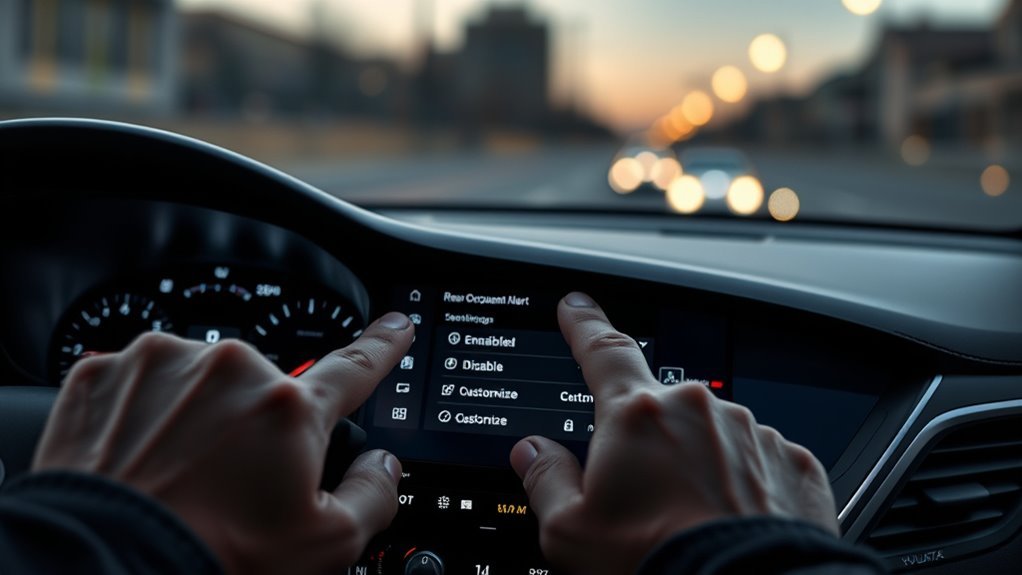
You can turn the Hyundai Sonata Rear Occupant Alert on or off directly through the center infotainment touchscreen when the vehicle is running. On 2020–2026 Sonata models, open the main menu, navigate to Setup > Vehicle > Convenience > Rear Occupant Alert (labeled Settings > Vehicle > Convenience on some earlier software versions), and check or uncheck the box.
Follow these steps to manage the alert behavior:
- Start the ignition: Press the Engine Start/Stop button so the infotainment system is fully powered in Park (P).
- Open Vehicle Settings: Tap Setup on the touchscreen (or press the physical SETUP button below the display), then select Vehicle.
- Toggle Rear Occupant Alert: Scroll down to Convenience and tap Rear Occupant Alert to enable or disable the system.
- Dismiss a single alert at exit: When the “Check rear seats” prompt appears on your instrument cluster after parking, press the OK button on the steering wheel to clear the warning.
Keep in mind that over-the-air (OTA) infotainment updates can occasionally rename menu items or reset preferences, so verify the setting after major software updates.
Pro Tip: On Hyundai models equipped with two-stage Advanced ROA, pressing the steering-wheel OK button while the first cluster message is visible disables the second-stage interior motion sensor for that single lock cycle. Use this shortcut when an adult passenger stays in the car or when moving boxes are stacked in the back seat, and the system will automatically re-arm on your next drive.
Bluelink and Smartphone Alerts for Rear-Occupant Events
When a Hyundai equipped with sensor-based Advanced ROA and an active Bluelink subscription detects movement inside a locked cabin, it pushes immediate notifications to your smartphone. Standard door-logic ROA on U.S. Sonata trims only displays an in-car dashboard reminder at shutdown and does not send Bluelink motion alerts after you walk away.
Bluelink Notification Types
On vehicles with Advanced ROA and Bluelink connected services, the second-stage alarm coordinates vehicle warnings with remote phone alerts. According to the Hyundai Motor Group Rear Occupant Alert technical brief, when interior sensors detect movement after the doors are locked, the car flashes its hazard lamps and sounds the horn for 25 seconds while transmitting an alert through the MyHyundai with Bluelink app and via SMS text message. If motion continues, the vehicle repeats the 25-second alarm cycle up to 8 times so you can intervene quickly or use the app to unlock the doors remotely.
Smartphone Alert Setup
To receive smartphone notifications on an eligible Bluelink-equipped vehicle, you must install the MyHyundai with Bluelink app (iOS or Android), link your vehicle identification number (VIN), and enable alert permissions. Inside the app, open Menu > Settings > Notification Settings, scroll to the vehicle safety and alarm section, and turn on Rear Occupant Alert notifications across push, SMS, or email channels. Also confirm in your phone’s operating system settings that MyHyundai has permission for persistent notifications and background app refresh so alerts are never delayed by battery-saver modes.
ROA Limitations : When You Must Still Check the Back Seat
No automated reminder replaces a physical look at the second row before you lock your doors. Standard Sonata door-logic ROA cannot detect whether anyone is actually sitting in the car, and even Advanced ROA motion sensors can miss a deeply sleeping infant, a small pet, or a child obscured by heavy blankets or car-seat barriers.
Warning: Standard Rear Occupant Alert on the Hyundai Sonata has no interior motion, camera, or weight sensors. If a child climbs into the back seat from the front row without opening a rear door—or if you dismiss the cluster message without looking—the car will not sound an alarm or send a phone alert after you lock the doors.
Motionless Occupants Not Detected
Check the back seat every time you exit, because motion-based ROA systems only trigger when movement continues for a set period. A deeply sleeping baby, a sedated or quiet pet, or a child over 6 years old sitting still may not generate enough movement inside the sensor’s detection zone. In warm weather, interior temperatures become life-threatening within minutes, so build a habit of opening the rear door or placing a daily item—such as your briefcase, purse, or work badge—on the back floorboard so you always look in the second row before locking up.
Sensor Blind Spots Exist
Even on Hyundai models equipped with overhead ultrasonic or radar sensors, physical obstacles and environmental conditions create blind spots. Hyundai’s owner documentation notes that detection weakens when a child is not in a child restraint system, when a forward-facing car seat shell blocks the ceiling sensor’s angle, or when a passenger is covered by a blanket containing metallic fibers. Stacked cargo boxes, aftermarket ceiling accessories, or heavy external vibration (such as a car wash or high wind with a cracked window) can also block readings or trigger false alarms.
| Risk | Cause | Action |
|---|---|---|
| Missed detection | Sleeping occupant, forward-facing seat shell, or metallic blanket | Physically check the back seat and floor before locking |
| False negative (blocked sensor) | Stacked boxes, ceiling modifications, or dirty sensor housing | Keep cargo below seatback height and keep headliner clear |
| Inactive ROA | Rear door was never opened, or Remote Start is active | Manually verify the second row on every stop |
Door Logic Can Mislead
Because the Hyundai Sonata’s standard ROA relies on rear-door latch records rather than seat occupancy sensors, it causes frequent “alert fatigue.” If you open a rear door in the morning to grab an umbrella or drop off a backpack, the car will still chime and flash “Check rear seats” when you park at your destination—even though the back seat is completely empty. Worse, if you exit the car without locking it, the door memory may not reset, triggering the same message on your next short trip. Never let repeated empty-seat chimes train you to hit the steering-wheel OK button without looking back first.
Troubleshooting and Maintenance Tips for Reliable ROA Performance
If your Hyundai Sonata Rear Occupant Alert fails to chime after you use a rear door—or keeps repeating the warning on every drive—the cause is usually a disabled menu toggle, an unlocked-door memory cycle, or a sticky rear-door ajar switch. Keeping your infotainment software updated and testing the door latches periodically ensures reliable reminders.
- Reset the door-memory cycle: If the “Check rear seats” alert repeats even when you haven’t opened a rear door recently, shut off the engine, close all doors, and lock the car from outside using the smart key fob or door-handle touch sensor. Locking the vehicle resets the door-logic counter.
- Test both rear door switches: With the car on, open each rear door one at a time and confirm the door-ajar graphic illuminates on the instrument cluster. If a rear door does not register as open, its latch switch or wiring needs service.
- Install infotainment software updates: Check Setup > General > Software Info/Update to install pending over-the-air updates, then confirm Setup > Vehicle > Convenience > Rear Occupant Alert is still checked.
- Keep headliner sensors clean and unobstructed (Advanced ROA): On vehicles with overhead ultrasonic or radar modules, wipe dust from the ceiling housing with a dry microfiber cloth, close all windows fully before locking, and schedule a Hyundai dealer diagnostic if a sensor fault message appears.
Which Sonata Trims Include ROA and Buying Considerations
Every 2020–2026 Hyundai Sonata includes door-logic Rear Occupant Alert as standard equipment across all gas and hybrid models, so you never have to pay for an option package to get the reminder. According to the 2026 Hyundai Sonata trim specifications, standard ROA and Safe Exit Warning (SEW) come on all six U.S. trims: SE ($27,450 starting MSRP), SEL Sport ($29,150), Blue Hybrid, SEL Hybrid ($32,450), N Line ($36,050), and Limited Hybrid ($38,250).
When shopping for a family vehicle, test the system during your dealership walkaround: open and close a rear door, start the car, turn it off, and open the driver’s door to verify the cluster warning appears. Note that all Sonata trims also include standard Safe Exit Warning (SEW), which uses rear corner radars to warn passengers if a car is approaching from behind when a door is opened. However, if you specifically want two-stage Advanced Rear Occupant Alert with overhead radar motion sensors and post-lock Bluelink phone alerts, compare Hyundai’s family SUVs and EVs—such as the Santa Fe, Tucson, Palisade, or Ioniq 5—where sensor-based AROA is offered.
Frequently Asked Questions
How to Turn off Rear Passenger Alert on Hyundai?
To turn off Rear Occupant Alert on a Hyundai Sonata, start the vehicle and go to Setup > Vehicle > Convenience > Rear Occupant Alert on the infotainment touchscreen, then uncheck the box. To dismiss a single alert without disabling the feature permanently, press the OK button on the steering wheel when the warning appears.
What Is Rear Occupant Alert in a Car?
Rear Occupant Alert is an automated safety system that reminds drivers to check the back seat before leaving a parked vehicle. About 37 children die each year in the United States from vehicular heatstroke, and the system helps prevent forgotten-passenger tragedies using rear-door memory logs and, on select models, interior motion sensors.
Why Does My Hyundai Sonata Say Check Rear Seats When Nothing Is Back There?
Your Hyundai Sonata displays the Check rear seats message whenever a rear door was opened and closed before or during your drive, even if you only placed a bag inside and removed it. It can also repeat if you exited the car earlier without locking the doors, which keeps the previous door record active.
Does the Hyundai Sonata Have Ultrasonic or Radar Rear Occupant Sensors?
Standard U.S.-market 2020 to 2026 Hyundai Sonata trims use door-logic Rear Occupant Alert, which tracks rear-door switches rather than interior motion sensors. Ceiling-mounted ultrasonic and 60 GHz radar sensors belong to Hyundai’s two-stage Advanced Rear Occupant Alert system, which is installed on select Hyundai SUVs, electric vehicles, and regional packages.
How Long Does Hyundai Rear Occupant Alert Monitor the Car After Locking?
On Hyundai models equipped with radar-based Advanced Rear Occupant Alert, the system monitors the locked cabin for 10 minutes after all doors are locked, while older ultrasonic systems monitor for up to 24 hours. If motion is detected, the horn and hazard lights activate for 25 seconds and repeat up to 8 times.
Conclusion
The Hyundai Sonata Rear Occupant Alert is a helpful safeguard against distraction, using rear-door activity logs—and, on Advanced ROA models, interior sensors and Bluelink notifications—to remind you to check the second row. Because standard Sonata trims rely on door-switch history rather than passenger detection, and motion sensors can miss a still or covered child, the alert is no substitute for your own eyes. Keep the feature enabled under Setup > Vehicle > Convenience, lock your doors after every trip to reset the door memory, and physically look in the back seat before walking away.
Sources
- National Highway Traffic Safety Administration (NHTSA): U.S. vehicular heatstroke statistics (about 37 child deaths per year, 52% forgotten-child rate, and cabin temperature rise data).
- Hyundai Sonata (DN8) Owner’s Manual — Rear Occupant Alert: Official infotainment menu path (Setup > Vehicle > Convenience > Rear Occupant Alert), steering-wheel OK button dismissal, and door-logic operation details.
- Hyundai Owner’s Manual — Advanced Rear Occupant Alert Operation: Two-stage alert sequence, 10-minute post-lock monitoring window, and 25-second horn/hazard cycle repeating up to 8 times.
- Hyundai Motor Group — Rear Occupant Alert Insights: Technical overview of Hyundai ROA sensor evolution and Bluelink smartphone SMS and push alert integration.
- Hyundai USA — 2026 Hyundai Sonata Specifications: Standard Rear Occupant Alert and Safe Exit Warning availability across SE, SEL Sport, N Line, Blue Hybrid, SEL Hybrid, and Limited Hybrid trims.