
Toyota RAV4 Pre-Collision System Settings: Quick Answer
Last updated: July 14, 2026
On a 2023–2024 U.S.-market Toyota RAV4 or RAV4 Hybrid, use the steering-wheel controls to open Settings on the Multi-Information Display. Select PCS, press and hold OK, choose Sensitivity, and press OK to select Far, Middle, or Near. Middle is Toyota’s default. This adjustment changes warning timing only; it does not change automatic-braking operation. We cross-checked every step below directly against Toyota’s 2023 and 2024 RAV4 Quick Reference Guide PDFs (linked in Sources Checked).
The exact menu path can differ by model year, market, and Multi-Information Display size. Earlier fifth-generation RAV4 models use similar controls, but the redesigned 2026 RAV4 may use a different interface. Check the owner’s manual for your exact vehicle before changing a driver-assistance setting.
What’s in This Article
- Which RAV4 Models Use These PCS Steps?
- Before You Begin: Park Safely and Check Your Manual
- Access the Multi-Information Display on RAV4
- Find the PCS Menu Using Steering Controls
- Step-by-Step: Change PCS Warning Timing
- Turn Off PCS Temporarily and Read the Indicator
- Why PCS Turns Back On After Restart
- 7-Inch and 12.3-Inch MID Walkthrough
- Why the Center Screen Usually Is Not the PCS Control
- At What Speed and Range Does PCS Actually Work?
- Troubleshoot PCS Menu and Warning Issues
- Which PCS Warning Timing Should You Use?
- When to Contact a Dealer for PCS Faults
- Sources Checked
- Frequently Asked Questions
- Conclusion
Quick Answer
Park the RAV4 and open Settings on the Multi-Information Display behind the steering wheel. Select PCS, press and hold OK, choose Sensitivity (labeled Warning timing on some 7-inch displays), and press OK to cycle through Far, Middle, and Near. Far gives the earliest warning, Middle is the default, and Near gives the latest warning. Toyota states that this changes alert timing only; brake operation remains the same.
Key Takeaways
- Change PCS settings only while the RAV4 is safely parked.
- Use the Multi-Information Display behind the steering wheel on verified 2023–2024 models.
- The documented warning choices are Far, Middle, and Near.
- Warning timing does not change automatic-braking operation.
- The PCS on/off state normally turns back on each time you start the vehicle; the Far/Middle/Near timing choice may be retained separately.
- Use the owner’s manual for the redesigned 2026 RAV4 rather than assuming the older path applies.
Which RAV4 Models Use These PCS Steps?
The exact procedure in this guide is verified against Toyota’s 2023 and 2024 U.S. RAV4 and RAV4 Hybrid quick-reference guides. Toyota documentation for several earlier fifth-generation models also uses Far, Middle, and Near, although the display icon and button sequence can vary.
| RAV4 model year | What to expect | Best source |
|---|---|---|
| 2019–2022 U.S. fifth generation | Toyota quick-reference guides use Far, Middle, and Near, but display layouts and button prompts can differ. | Manual or quick-reference guide for the exact year |
| 2023–2024 U.S. RAV4 and RAV4 Hybrid | Use the 7-inch or 12.3-inch Multi-Information Display, select PCS, press and hold OK, and open Sensitivity (or Warning timing on some 7-inch displays). | Steps in this guide |
| 2025 U.S. model | Do not assume every icon and prompt matches the 2023–2024 displays. | 2025 owner’s manual or quick-reference guide |
| Redesigned 2026 RAV4 | The vehicle and cockpit generation changed, so the earlier menu path may not apply. | 2026 owner’s manual |
Toyota also notes that Safety Sense features and controls vary by vehicle. Treat your model-specific owner’s manual as the final authority.
Before You Begin: Park Safely and Check Your Manual
Estimated time: 2 to 5 minutes.
Park the RAV4 on a safe, level surface and set the parking brake. Put the vehicle in the power mode required by your manual so the Multi-Information Display and its settings are available.
You’ll normally use the directional switches and OK button on the steering wheel. Do not attempt to navigate the settings while driving.
Warning: PCS is a driver-assistance system. It cannot replace your braking, steering, observation, or responsibility for controlling the vehicle.
Access the Multi-Information Display on RAV4
On verified 2023–2024 models, the PCS controls are in the Multi-Information Display behind the steering wheel. Toyota refers to 7-inch and 12.3-inch versions of this driver display.
Use the left or right steering-wheel switch until the Settings icon appears. Press OK to enter the menu, then use the up and down switches to move through the available driver-assistance settings.
Confirm that the highlighted menu item is PCS before pressing or holding OK. A short press and a press-and-hold can perform different actions on these displays.
Find the PCS Menu Using Steering Controls
Scroll through Settings until you find PCS or Pre-Collision System. On the 2023 RAV4 guide, Toyota instructs the driver to highlight PCS and press and hold OK to open its settings screen.
Inside that screen, you can select Sensitivity to change warning timing. On the 7-inch Multi-Information Display, this same option may instead be labeled Warning timing rather than Sensitivity — both control the identical Far/Middle/Near choice. A separate PCS entry controls whether the system is on or off.
If holding OK does not open the menu, stop pressing buttons and check the prompt displayed beside the menu item. Your RAV4 may use a different control sequence because of its model year, market, or display version.
Step-by-Step: Change PCS Warning Timing
Follow these steps on a 2023–2024 U.S.-market RAV4 or RAV4 Hybrid. Use your exact owner’s manual when the displayed wording differs.
1. Locate the Settings Tab
- Park the vehicle and set the parking brake.
- Use the left or right steering-wheel switch to highlight Settings on the Multi-Information Display.
- Press OK to open the Settings menu.
- Scroll to PCS or Pre-Collision System.
2. Open PCS Sensitivity
- Highlight PCS.
- Press and hold OK to open the PCS settings screen.
- Highlight Sensitivity (or Warning timing, depending on your display).
- Press OK to cycle through Far, Middle, and Near.
| Setting | What it changes | What it does not change |
|---|---|---|
| Far | Provides the earliest PCS warning of the three choices. | Automatic-braking operation |
| Middle | Uses Toyota’s default warning timing. | Automatic-braking operation |
| Near | Provides the latest PCS warning of the three choices. | Automatic-braking operation |
Note: Toyota describes this as an alert-timing adjustment. Changing Far, Middle, or Near does not change brake operation.
3. Exit and Verify the Setting
- Stop when the display shows your preferred warning timing.
- Use the Back switch or the on-screen return command to leave the PCS settings screen.
- Check the displayed PCS status before driving.
The 2023 quick-reference guide shows the selection changing when OK is pressed, rather than requiring a separate save command. Follow any confirmation prompt that appears on your own display.
Turn Off PCS Temporarily and Read the Indicator
On verified 2023–2024 models, you can turn PCS on or off from the same settings screen. Open Settings on the Multi-Information Display, select PCS, press and hold OK, highlight the PCS on/off control, and press OK.
When PCS is off, the instrument display should present a PCS status indication or warning message. The exact icon and wording can vary, so compare it with the indicator section in your owner’s manual.
Leave PCS on during normal driving. Turn it off only when your owner’s manual, an instrument-panel instruction, or a qualified technician directs you to do so. Re-enable it before returning to normal driving.
For related dashboard alerts, see the RAV4 dashboard warning lights guide.
Why PCS Turns Back On After Restart
Toyota’s 2023 RAV4 quick-reference guide states that PCS is enabled each time the vehicle is turned on. A driver-selected Off state therefore does not normally remain active for the next trip.
The warning-timing selection (Far/Middle/Near) is a separate setting from the PCS on/off state. Toyota’s documentation for related RAV4-platform models indicates this timing selection is typically retained through an engine-off cycle, and only resets to the Middle default if PCS itself is disabled and then re-enabled. Because persistence can still differ by configuration, check the displayed setting after restart when you need to confirm whether Far, Middle, or Near remains selected.
- PCS Off: The collision-warning and related PCS support are unavailable while the system remains off.
- PCS On: The system is available when its operating conditions are met.
- PCS unavailable: The system may be temporarily limited by visibility, temperature, obstruction, or another condition.
Adjust PCS on the 7-Inch or 12.3-Inch MID
Toyota gives the same general 2023 PCS path for RAV4 models equipped with either the 7-inch or 12.3-inch Multi-Information Display:
- Select Settings on the Multi-Information Display.
- Select PCS and press and hold OK.
- Select Sensitivity (labeled Warning timing on some 7-inch displays).
- Press OK to choose Far, Middle, or Near.
- Use the return command to exit the menu.
The icons may look different because of the screen size, but both displays are located in the instrument area behind the steering wheel. Read the prompt on your own display before pressing or holding OK.
Why the Center Touchscreen Usually Is Not the PCS Control
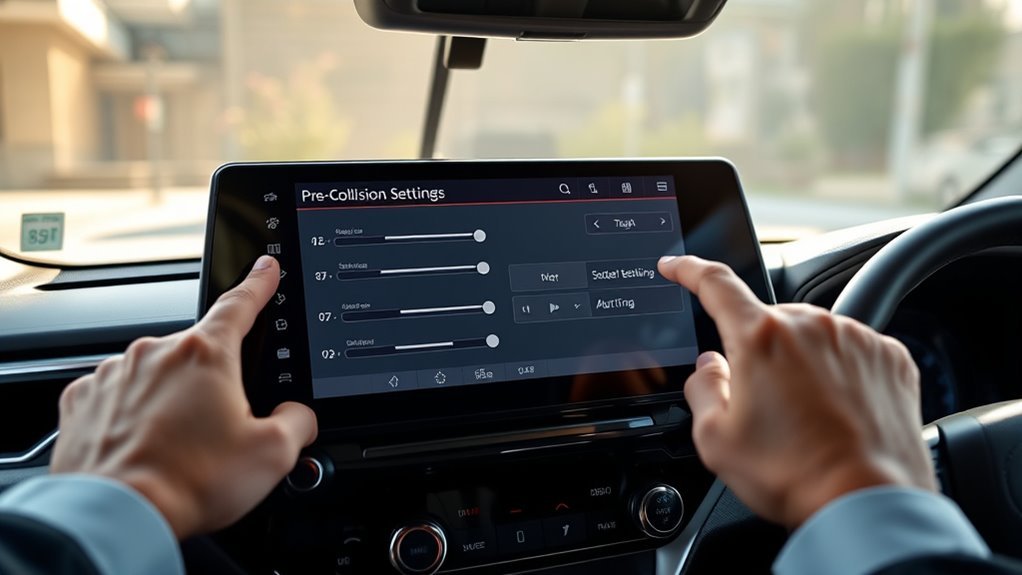
On the 2023–2024 U.S.-market RAV4 and RAV4 Hybrid, Toyota places the documented PCS warning-timing controls in the Multi-Information Display behind the steering wheel. The 7-inch and 12.3-inch measurements refer to versions of that driver display, not the center multimedia touchscreen.
Use the Driver Display First
- Use the steering-wheel directional switches to reach Settings.
- Press OK to enter the menu.
- Highlight PCS and follow the displayed press-and-hold prompt.
Do not assume that a larger center screen moves PCS controls into the multimedia system. Follow the exact path in your model-year manual when the driver display does not show PCS.
Adjust Warning Timing, Not Braking Strength
The Far, Middle, and Near options change when the warning is presented. They do not function as low, medium, and high braking-strength settings.
Middle is Toyota’s default. Far gives more advance warning, while Near gives less advance warning. Keep a safe following distance regardless of the selected timing.
Confirm Any Temporary Off State
If your model provides a PCS on/off control in the menu, confirm the resulting status message or indicator before driving. PCS normally returns to On at the next vehicle start on the verified 2023 procedure.
At What Speed and Range Does PCS Actually Work?
Toyota’s PCS documentation for related RAV4-platform models lists approximate speed and detection ranges by function. For pre-collision warning, the system is documented to operate at roughly 7–110 mph relative to vehicles, and roughly 7–50 mph relative to pedestrians and bicyclists. For pre-collision brake assist, the range is roughly 20–110 mph relative to vehicles and 20–50 mph relative to pedestrians and bicyclists.
These are approximate ranges under normal operating conditions, not guarantees. Weather, lighting, object type, and road geometry can all narrow the effective window — see Troubleshooting below for specific limiting conditions.
Troubleshooting PCS Menu and Warning Issues
A missing menu, an intentional Off state, and a PCS-unavailable warning are different problems. Start with the exact wording on the Multi-Information Display.
| What you see | Likely category | Safe next action |
|---|---|---|
| PCS does not appear in Settings | Wrong display, wrong menu level, vehicle mode, or model-year difference | Return to the driver MID, check the power mode, scroll through the full Settings list, and consult the exact manual. |
| PCS Off indication | Driver-selected Off state or model-specific deactivation | Park safely, open the PCS menu, and turn the system back on when normal driving resumes. |
| “Pre-Collision System Unavailable See Owner’s Manual” | Temporary visibility, environmental, or radar-recognition limitation may be present | Check for dirt, moisture, ice, fog, snow, glare, darkness, extreme temperature, or a camera obstruction. |
| “Pre-Collision System Radar In Self Calibration Unavailable See Owner’s Manual” | Radar sensor or radar-cover obstruction, calibration process, or another unresolved condition | Check the radar sensor and cover for attached material. Contact a Toyota dealer if the message does not disappear. |
| Warning began after windshield, grille, radar, or bumper work | Possible mounting or calibration issue | Request inspection and the model-specific camera or radar calibration procedure. |
Keep the exterior windshield area in front of the camera clean. Also check the radar sensor cover for dirt, water, snow, ice, stickers, or other material. Use the windshield defogger when fog, condensation, or ice blocks the camera area.
If the message remains after normal visibility and temperature return, contact a Toyota dealer or a qualified ADAS repair facility. For deeper checks involving shared radar-cruise warnings, see the RAV4 radar cruise unavailable troubleshooting guide.
For calibration context after glass or body work, see the RAV4 sensor calibration after windshield replacement guide.
[Products Worth Considering]

This dual dash cam captures crisp 4K footage up front and 1080P video at the rear, helping preserve clear evidence of road signs, license plates, and lane markings. Built-in 5GHz Wi-Fi and app control make it easy to view, download, and share recordings from your phone, while night vision, loop recording, G-sensor protection, and parking mode add all-day driving security. A pre-installed 64GB card is included for immediate use, and the compact design keeps your windshield clear and unobstructed.

This wired backup camera system makes reversing easier with a quick plug-and-play setup, stable real-time video, and a wide-angle HD view to help reduce blind spots. The adjustable parking lines, brightness, contrast, and image flip options let you customize the display for safer parking in cars, trucks, RVs, vans, SUVs, trailers, and campers.
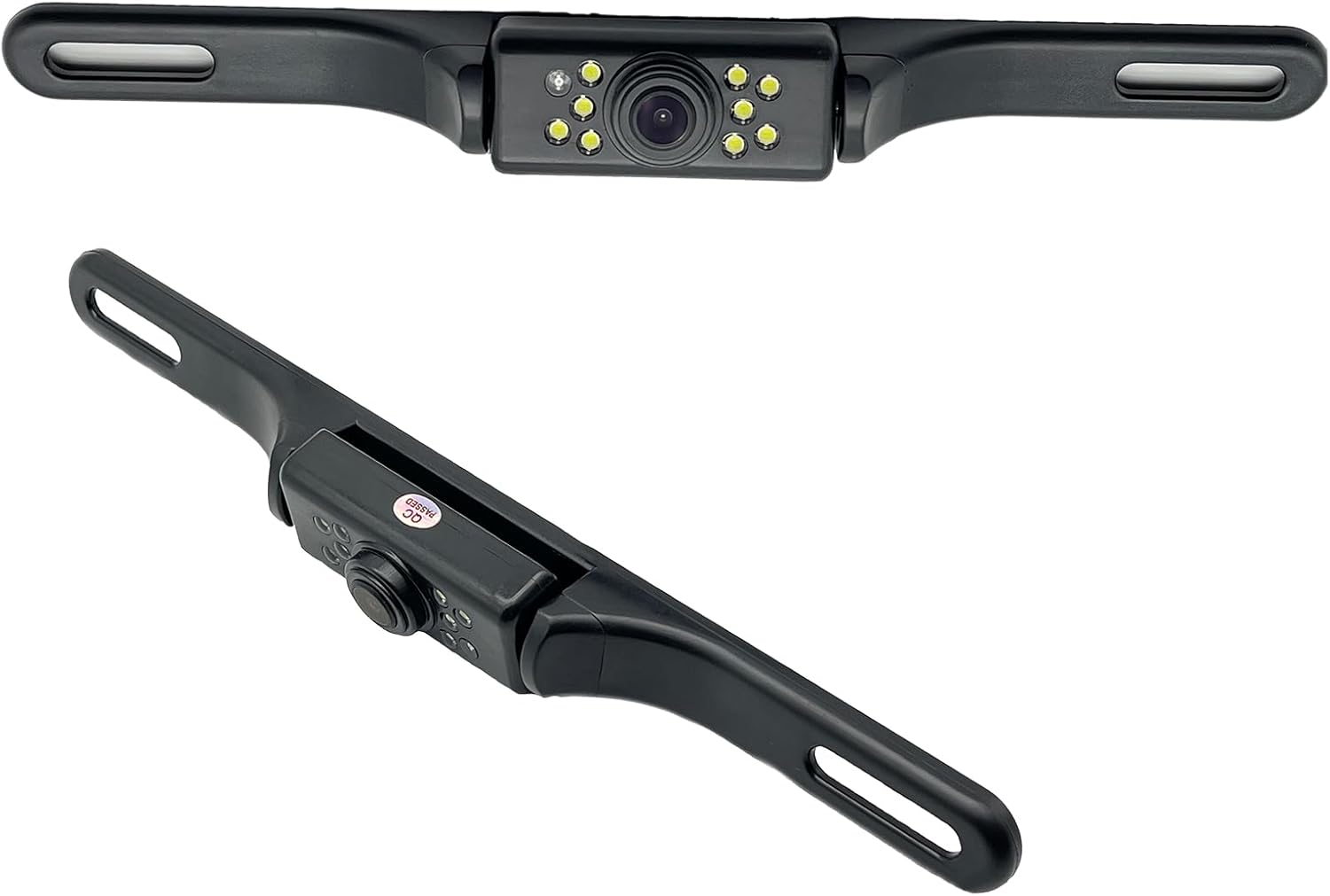
This YIMU license plate backup camera helps improve rear visibility with a wide 150° viewing angle, clear HD imaging, and full-color night vision powered by 7 LED lights. It supports CVBS and AHD switching for compatible screens, includes a long RCA video cable for flexible installation, and is built for reliable use in a variety of vehicles with waterproof and shockproof protection.
Which PCS Warning Timing Should You Use?
Start with Middle, Toyota’s default warning timing. It provides the neutral baseline intended by the manufacturer.
[Products Worth Considering]
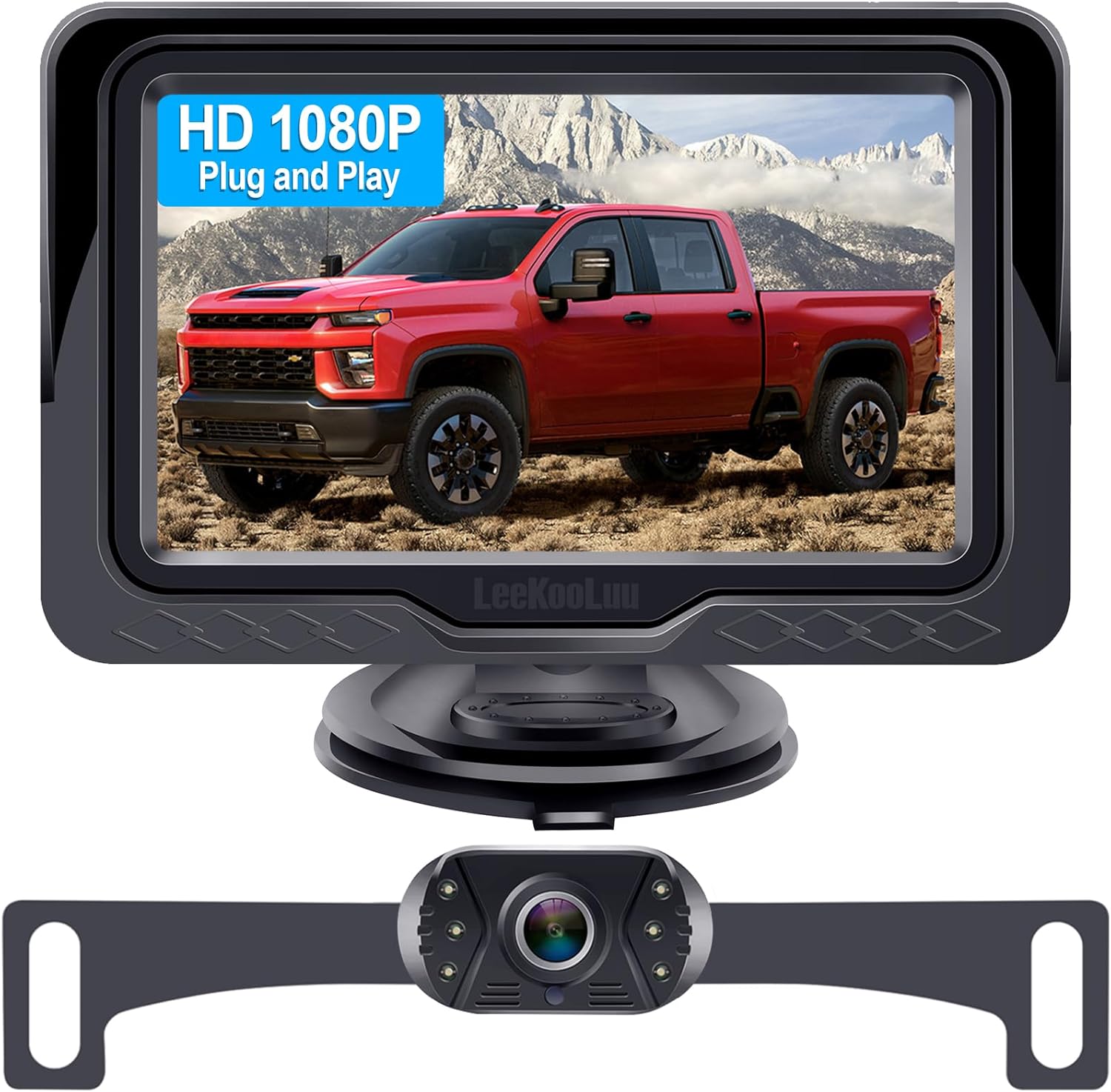
This plug-and-play backup camera system is designed for quick installation and dependable rear visibility on a wide range of vehicles. It delivers HD 1080P color images with stable signal transmission, clear night vision, and an adjustable 4.3-inch monitor for safer reversing in day or night conditions. With a waterproof all-weather design, customizable parking grid lines, and wide-angle viewing, it helps reduce blind spots and makes parking and maneuvering easier.
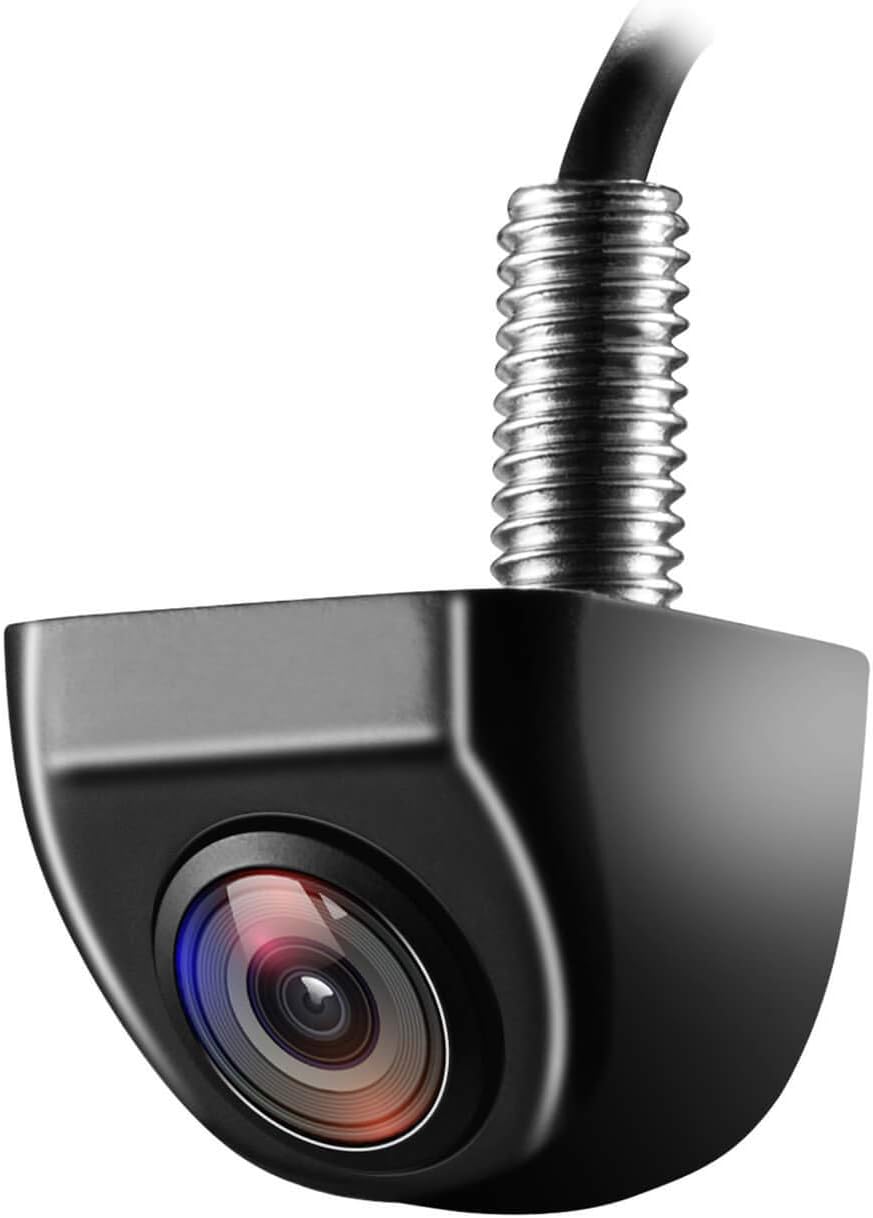
This OEM-style backup camera delivers a clear rear view with a wide-angle HD sensor to help reduce blind spots and make parking easier. Its fully sealed waterproof construction and strong low-light performance support reliable use in all weather and lighting conditions. Designed for cars, trucks, SUVs, vans, and RVs, it also supports front-view switching and selectable guide lines for flexible installation.
Choose Based on Advance-Warning Preference
- Far: Choose this when you prefer the earliest available warning.
- Middle: Keep this setting when the default warning timing suits you.
- Near: Choose this only when you understand that the alert will occur later.
Do not use Near as a substitute for investigating repeated inappropriate alerts. Clean the sensor areas, note the exact driving and weather conditions, and arrange inspection when alerts continue in clear conditions.
The Setting Is Not a City or Highway Mode
Far, Middle, and Near do not automatically adapt PCS for city streets, school zones, or highways. The selection controls warning timing, while the system’s operation still depends on its detection and operating conditions.
Keep enough following distance and stay ready to brake or steer at every setting.
When to Contact Your Dealer for PCS Faults
Arrange professional inspection when a PCS warning remains after the sensor areas are clean and normal visibility and temperature have returned. You should also seek service when the system repeatedly warns without an apparent hazard or remains unavailable in clear conditions.
Toyota identifies specific work that requires recalibration:
- The radar sensor or front grille was removed and reinstalled or replaced.
- The front bumper was replaced.
- The windshield was replaced, requiring front-camera recalibration.
- The radar sensor, grille, bumper, camera, or surrounding area received a strong impact.
Record the exact dashboard message, weather, road conditions, recent repairs, and whether other driver-assistance warnings appeared. Do not repeatedly clear diagnostic information before a technician can inspect it.
[Products Worth Considering]

Front and Rear Detection – Cobra’s new LaserEye technology detects signals from both the front and rear of your vehicle, giving you all around protection wherever your adventures take you. Special Features: LaserEye, iRadar App
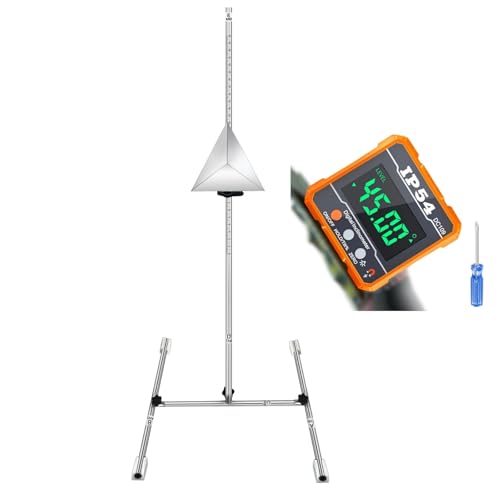
ADAS Calibration Tool :Maximize ADAS Efficiency: The height-adjustment bracket features a clear scale from 0-30cm, enabling fast and precise adjustments. Say goodbye to time consuming guesswork and other tools helper . This tool reducing calibration time and improving the overall ADAS calibration experience.

【Fit for】:ADAS Radar Aiming Corner Reflector Target Calibration Tool is compatible with Honda, Toyota, Mazda, Kia, Ford, GM vehicles,Fits for regular size of the car and vehicle,and big one such as the truck or Lorry Coach Bus and so on as well.
Sources Checked
This procedure and the corrections above were checked against Toyota’s published owner information:
- 2023 Toyota RAV4 Quick Reference Guide
- 2024 Toyota RAV4 Quick Reference Guide
- 2023 Toyota RAV4 Owner’s Manual Excerpt for Driving Support Systems
- Toyota Safety Sense Overview
- 2026 Toyota RAV4 Official Model Page
Your exact owner’s manual remains the final source for model-specific menus, operating limits, warnings, and precautions. Items marked [VERIFY] in this article require confirmation against your exact model-year manual before being treated as settled fact.
Frequently Asked Questions
How does the Toyota RAV4 Pre-Collision System work?
PCS uses forward-facing sensors, including a camera and radar on the verified models, to help detect certain collision risks. It can provide an audio and visual warning and may provide automatic emergency braking when its operating conditions are met. It cannot detect every object or prevent every collision.
Does Toyota PCS always stop the car before a crash?
No. PCS may warn you and provide braking support in certain conditions, but it cannot prevent every collision or guarantee that the vehicle will stop before impact. You remain responsible for braking, steering, observation, and vehicle control.
Does changing RAV4 PCS sensitivity change automatic braking?
No. Toyota says the Far, Middle, and Near adjustment changes alert timing only. Brake operation remains the same.
What do Far, Middle, and Near mean in the RAV4 PCS menu?
Far gives the earliest warning, Middle is Toyota’s default setting, and Near gives the latest warning. These options control warning timing rather than braking strength.
At what speed does PCS work on a RAV4?
Documentation for related RAV4-platform models puts pre-collision warning at roughly 7–110 mph relative to vehicles and roughly 7–50 mph relative to pedestrians and bicyclists, with pre-collision brake assist active at roughly 20–110 mph relative to vehicles. Check your exact owner’s manual for the confirmed speed and detection limits of your RAV4.
Why can’t I find PCS in my RAV4 menu?
You may be using the center multimedia screen instead of the driver’s Multi-Information Display, the vehicle may not be in the required power mode, or your model year may use another menu path. Park safely and check the model-specific owner’s manual.
Why does my RAV4 say the Pre-Collision System is unavailable?
The camera or radar may be affected by dirt, moisture, snow, ice, fog, a sticker, unsuitable sensor temperature, darkness, glare, or another condition. Clear safe exterior obstructions and allow normal conditions to return. Arrange service if the message remains.
Why does PCS turn back on when I restart the RAV4?
Toyota’s verified 2023 procedure states that PCS is enabled each time the vehicle is turned on. A temporary driver-selected Off state therefore does not normally remain active for the next trip. The separate Far/Middle/Near timing choice may be retained across restarts, resetting to Middle only if PCS itself is turned off and back on.
Does the 2026 RAV4 use the same PCS menu?
Do not assume that it does. The 2026 RAV4 is a redesigned model with a new cockpit generation, so use the 2026 owner’s manual for its exact PCS menu and warning-timing procedure.
Can I drive with PCS turned off?
The vehicle may remain driveable, but PCS collision warnings and related braking support will not be available while the system is off. Leave PCS on during normal driving and re-enable it promptly when a temporary Off state is no longer required.
Safety Disclaimer: This article gives general information and does not replace your Toyota owner’s manual, dashboard instructions, local traffic laws, or professional inspection. Ask a qualified Toyota or ADAS technician to inspect any warning, sensor fault, impact, or system behavior that appears unsafe.
Conclusion
On a verified 2023–2024 RAV4, open PCS through the Multi-Information Display and choose Far, Middle, or Near. Middle is the default, Far warns earlier, and Near warns later. The setting changes warning timing only, not automatic-braking operation.
Keep PCS on during normal driving. When an unavailable message appears, check the camera and radar areas and note the exact warning. Arrange professional inspection when the warning persists or when relevant windshield, bumper, grille, radar, or front-end work may have affected calibration.


[…] For a more focused settings walkthrough, see the RAV4 Pre-Collision System settings guide. […]