
Technical review updated: July 31, 2026. The procedure and source links were checked against Toyota owner-manual guidance for multiple Tundra generations and NHTSA safety checklists. How this guide was checked: this page is a manufacturer-documentation synthesis focused specifically on finding and testing the correct gain number, not a claim of hands-on testing across every Tundra and trailer combination.
To set Toyota Tundra trailer brake gain, connect a compatible trailer through the 7-pin connector, select the correct electric or electric-over-hydraulic brake type, and set the starting gain to 5.0. Drive about 20–25 mph on a dry, level, traffic-free surface, fully apply the manual trailer brake slider, and adjust gain in 0.5 steps until braking is strong but just below trailer wheel lock-up. Gain 5.0 is only a starting point, not the correct final setting for every trailer. This page focuses specifically on finding and testing that gain number; for full controller setup, brake-type selection, and connection troubleshooting, see the setup guide linked below.
Control menus vary by Tundra model year, and the factory controller does not operate hydraulic surge brakes. Stop the test if braking is absent, erratic, severely grabby, or accompanied by a trailer brake warning light. Gain adjustment cannot correct worn brakes, bad wiring, an incompatible actuator, or an overloaded trailer.
Quick Answer
Hitch and connect the trailer, select its correct brake type, set gain to 5.0, and perform Toyota’s 20–25 mph manual-slider test on a dry, level, traffic-free surface. Raise or lower gain by 0.5 at a time until the trailer brakes firmly without locking the wheels.
Key Takeaways
- Use Toyota’s 20–25 mph manual-slider procedure for final gain calibration. A slow roll only confirms that the trailer brakes respond.
- Start at gain 5.0 and adjust in 0.5 steps to just below trailer wheel lock-up.
- Recheck gain when the trailer load, truck load, road surface, weather, brake type, trailer profile, or stored gain value changes.
- The factory controller works with most compatible electric and electric-over-hydraulic systems, but not hydraulic surge brakes.
- For connection, menu, and control-location details beyond calibration, see the Tundra integrated trailer brake controller setup guide.
At a Glance
| Time Required | 10–20 minutes after the trailer is hitched and connected |
| Difficulty | Easy, but testing requires a dry, level, open, traffic-free area |
| Gain Range | 0.0 to 10.0 in 0.5-step increments; 0.0 disables controller output |
| Tools Needed | Tundra factory trailer brake controller, compatible trailer, working 7-pin connection, and a safe test area |
| Cost | $0 for calibration if the controller, connector, wiring, and trailer brakes work correctly |
What Is Trailer Brake Gain and Why Does It Matter?
Trailer brake gain sets the maximum braking output the Tundra can send to a compatible trailer. A low setting can leave the truck doing too much of the stopping. A high setting can make the trailer brakes grab, skid, or lock, especially when the trailer is lightly loaded or the road has little grip.
The target is balanced braking. The truck and trailer should slow together without the trailer pushing the truck or jerking backward. Correct gain improves stability and helps prevent unnecessary wear on the Tundra’s service brakes.
Toyota’s trailer brake controller instructions describe the gain value, manual brake output, brake type, and trailer connection information shown by the system. Control labels and menu paths vary by model year, so the owner’s manual for the exact Tundra remains the final authority.
Warning: Do not raise gain to hide weak trailer brakes. Repair worn brake parts, poor adjustment, damaged wiring, bad grounds, corroded connectors, or actuator faults before towing at road speed.
Where Are the Trailer Brake Gain Controls on a Tundra?
On an equipped Tundra, the GAIN plus and minus controls change the maximum trailer-brake output. The manual slider applies the trailer brakes independently for testing. The multi-information display shows the gain value, output, brake type, connection status, and applicable warnings.
Gain normally ranges from 0.0 to 10.0 in 0.5-step increments. One press of GAIN plus or minus changes the setting by one step. A gain value of 0.0 disables controller output, even when the trailer appears connected.
| Tundra Generation or Model Years | Typical Brake-Type Control Path |
|---|---|
| 2016–2017, if factory controller equipped | Use the physical trailer brake TYPE button to cycle between electric and electric-over-hydraulic modes. |
| 2018–2021, if factory controller equipped | Use the multi-information display, commonly through Vehicle Settings → TBC Trailer Type. |
| 2022 and newer, equipment-dependent | Use Trailer Settings in the multi-information display. Saved trailer profiles, brake type, weight class, and trailer ID options can vary by equipment and model year. |
Set the controls while parked. If your menu or buttons do not match this overview, stop and check the manual for your exact model year instead of selecting the closest-looking option.
The manual slider is intended for trailer-only brake application during calibration and controlled checks. It is not a replacement for the Tundra’s normal service brakes during everyday driving. If the slider is operated while the brake pedal is already applied, the system uses the greater applicable output.
Model-Year Note: Some Toyota manuals instruct drivers to turn off intuitive parking assist while towing because the sensors may detect the trailer. Follow the instructions for your exact truck before changing driver-assistance settings.
What Should You Check Before Adjusting Gain?
Before calibration, make sure the trailer is secure, within all applicable ratings, and communicating with the truck. A loose coupler, bad ground, corroded connector, incorrect brake type, or overloaded combination can make a reasonable gain setting feel wrong.
Attach the Trailer Securely
Hitch the trailer to the Tundra, latch the coupler, install the coupler pin or lock, cross the safety chains under the tongue, connect the breakaway cable, and plug in the 7-pin connector. Raise the trailer jack fully and verify the running lights, turn signals, brake lights, and hazard lights. The 7-pin connector carries the trailer-brake signal; a basic 4-pin connector generally carries only lighting circuits and cannot power gain-controlled trailer braking, so confirm the trailer has a compatible 7-pin plug before starting the gain test.
Confirm the loaded trailer weight, tongue weight, hitch rating, payload, axle ratings, and gross combined weight for the exact truck and trailer. The Tundra GVWR, GAWR, GCWR, and payload guide explains how these limits work together. Trailer brake gain cannot make an overloaded or poorly balanced combination safe.
Select the Correct Trailer Brake Type
Select the mode that matches the trailer’s actual brake system. Choose an electric setting for compatible electric trailer brakes and an electric-over-hydraulic setting for a compatible actuator that operates hydraulic trailer brakes.
On some newer Tundras, the menu also separates light and heavy trailer settings, such as 0–4,999 lb and 5,000 lb or more. Choose the category that matches the trailer’s actual loaded condition. This category selection is separate from gain calibration and does not provide the final gain number.
Toyota documents compatibility with most electric and electric-over-hydraulic systems up to three axles and a maximum controller output of 24A. That is an electrical system limit, not a guarantee that every actuator or wiring arrangement will work. The factory controller does not operate hydraulic surge brakes.
Changing the trailer brake type or, on equipped newer models, the trailer ID can reset gain to 0.0. Battery disconnection also resets stored gain data. Recheck the display and recalibrate instead of assuming the previous setting was retained.
Note: Some electric-over-hydraulic actuators require a minimum controller output before they begin operating. If response is delayed or absent, verify actuator compatibility, power, ground, wiring, and fluid level before towing.
Perform a Low-Speed Function Check First
Before the full calibration test, roll forward slowly in a flat, open area and apply the manual trailer brake slider. Confirm that the trailer brakes engage and create a noticeable drag.
This function check only proves that the brakes respond. It does not establish the correct gain. If there is no response, do not keep raising gain. Check the connection indicator, 7-pin plug, brake type, wiring, grounds, breakaway system, actuator, brake assemblies, and warning display.
How Do You Perform Toyota’s 20–25 MPH Gain Test?
Use a dry, level, paved road or large open lot with no traffic, pedestrians, parked vehicles, or obstacles. Keep the truck and trailer straight. Do not perform the initial wheel-lock calibration on ice, snow, loose gravel, or another surface where deliberately approaching lock-up could cause loss of control.
- Confirm that the trailer brakes are correctly adjusted and in good working condition.
- Hitch the trailer securely and complete the 7-pin electrical connection.
- Select the correct trailer brake type and weight category, if shown.
- Set the starting gain to 5.0.
- Drive straight at about 20–25 mph on the safe test surface.
- Fully apply the manual trailer brake slider.
- If the trailer brakes feel weak, increase gain by one 0.5 step.
- If the wheels lock, squeal, skid, or smoke, decrease gain by one 0.5 step.
- Repeat the manual-slider test until braking is firm and repeatable just below wheel lock-up.
- Make one or two gentle brake-pedal stops in the same safe area to confirm that the truck and trailer slow together before entering traffic.
Pro Tip: Record the trailer name, loaded condition, road surface, weather, and final gain. An empty utility trailer and the same trailer carrying equipment can require different settings.
How Do You Fine-Tune Gain Without Locking the Wheels?
The correct gain is high enough for the trailer to contribute meaningful braking but low enough to keep its tires rolling. Lock-up may appear as tire squeal, smoke, skid marks, or a sudden backward jerk.
If the wheels lock, lower gain by 0.5 and retest. If braking remains weak, raise it by 0.5 and repeat. A heavily loaded trailer may not lock even at a high gain setting. In that case, Toyota directs the driver to use the highest setting that provides controlled braking for the towing condition, provided the trailer brakes and wiring are confirmed healthy.
On a slippery road, ABS operation in the Tundra may reduce trailer-brake output to limit trailer wheel lock. The trailer itself may not have ABS. Do not respond by immediately increasing gain. Reduce speed, increase following distance, avoid abrupt inputs, and fine-tune conservatively in a safe area.
[Products Worth Considering]
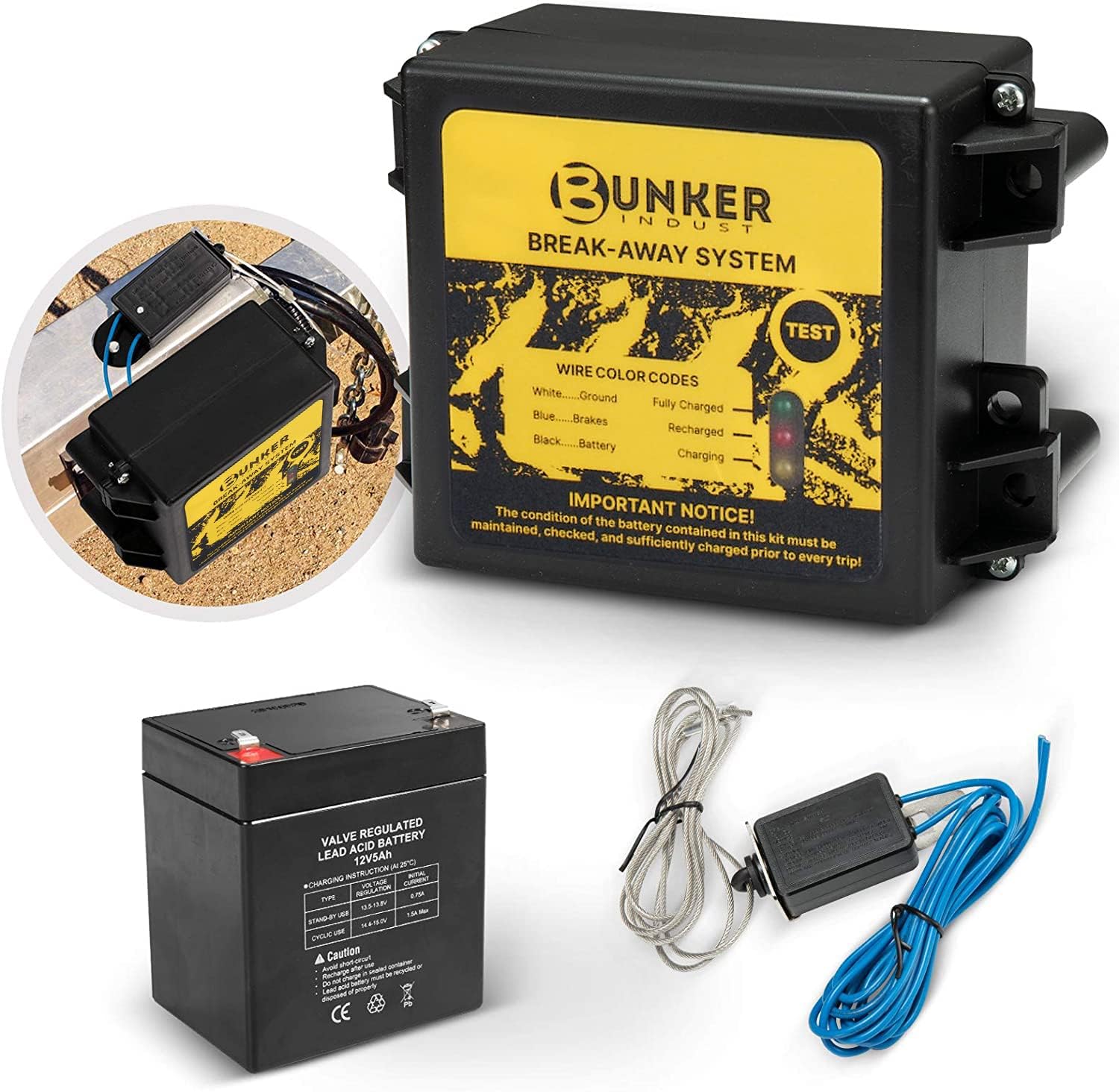
This trailer breakaway kit is designed for trailers with an existing electric brake system, helping activate the brakes if the trailer separates from the tow vehicle. It includes a battery, breakaway switch, and charger with an LED display for easy status checks, making it a practical safety upgrade for caravans and trailers. The side-mount design supports quick installation, while weather and corrosion resistance help it stand up to outdoor use.

This proportional trailer brake controller provides smooth, responsive braking by automatically matching your tow vehicle’s stopping force for safer trailer control. The bright LED digital display makes it easy to monitor voltage output in real time, while adjustable braking and sync settings help tailor performance to different trailers and road conditions. Designed for quick installation and broad compatibility, it supports 1 to 4 axle trailers for dependable towing confidence.

This proportional electric brake controller automatically applies trailer brakes based on your vehicle's braking force and speed for smoother, more responsive stopping. It is compatible with a wide range of tow vehicles and trailer setups, and includes an LED display for easy setup, diagnostics, and manual braking control. The included mounting hardware and plug-and-play port help make installation simple and convenient.
What Are the Signs That Gain Is Too Low?
- The trailer pushes the Tundra during braking.
- Stopping distance feels unusually long.
- The manual slider produces little deceleration.
- Trailer braking feels delayed or lazy.
- Normal stops feel as though the truck is doing nearly all the work.
What Are the Signs That Gain Is Too High?
- The trailer jerks backward when braking begins.
- The trailer tires squeal, skid, smoke, or lock.
- Light pedal input causes harsh or grabby braking.
- The response becomes aggressive on wet pavement, gravel, ice, or steep grades.
- An empty or lightly loaded trailer locks sooner than it did when loaded.
What Gain Should You Use for Different Trailer Weights?

There is no universal gain number for a specific trailer weight. Weight affects the result, but brake condition, brake type, tire grip, cargo placement, axle loading, road surface, and weather also change the required output.
A heavier trailer often needs more output than the same trailer when empty, but that is not a safe substitute for testing. A lightly loaded trailer can lock its tires at a setting that produced smooth braking when it was fully loaded.
Warning: Do not adopt a forum number, another driver’s setting, or a trailer-weight chart as your final gain. Use 5.0 only as Toyota’s calibration starting point and test your own loaded combination.
| What You Feel During the Test | What to Do |
|---|---|
| Trailer braking is weak or the trailer pushes the truck | Increase gain by 0.5 and retest |
| Trailer wheels lock, squeal, skid, or smoke | Decrease gain by 0.5 and retest |
| Braking is firm and repeatable without lock-up | Keep and record the setting for that load and condition |
| A confirmed healthy, heavily loaded trailer will not lock at high gain | Use the highest setting that provides controlled braking for that condition |
| Braking changes after loading, rain, gravel, or steep grades | Repeat the controlled calibration test in a safe area |
| Gain is already high but braking remains weak or uneven | Stop adjusting and inspect brake adjustment, wiring, grounds, magnets, actuator, and connector |
The correct trailer brake gain is specific to the trailer, its current load, the brake system, and the available tire grip.
[Products Worth Considering]

The CURT Venturer NEXT is a compact, time-delay electric trailer brake controller designed for dependable braking control from inside your vehicle. Its low-profile design, adjustable power and ramp time, and plug-and-play friendly setup make it a practical choice for towing with confidence. Built for 12-volt systems and compatible with electric over hydraulic brakes, it offers flexible installation without leveling or internal moving parts.

The CURT 52010 Trailer Breakaway Switch helps keep towing safer by automatically engaging trailer brakes if the trailer disconnects from the tow vehicle. It features silver contact points for a dependable electrical connection, plus a nylon case and pull pin assembly designed to handle outdoor use and secure activation. The included metal mounting tab makes installation simple on trailers with electric brakes.
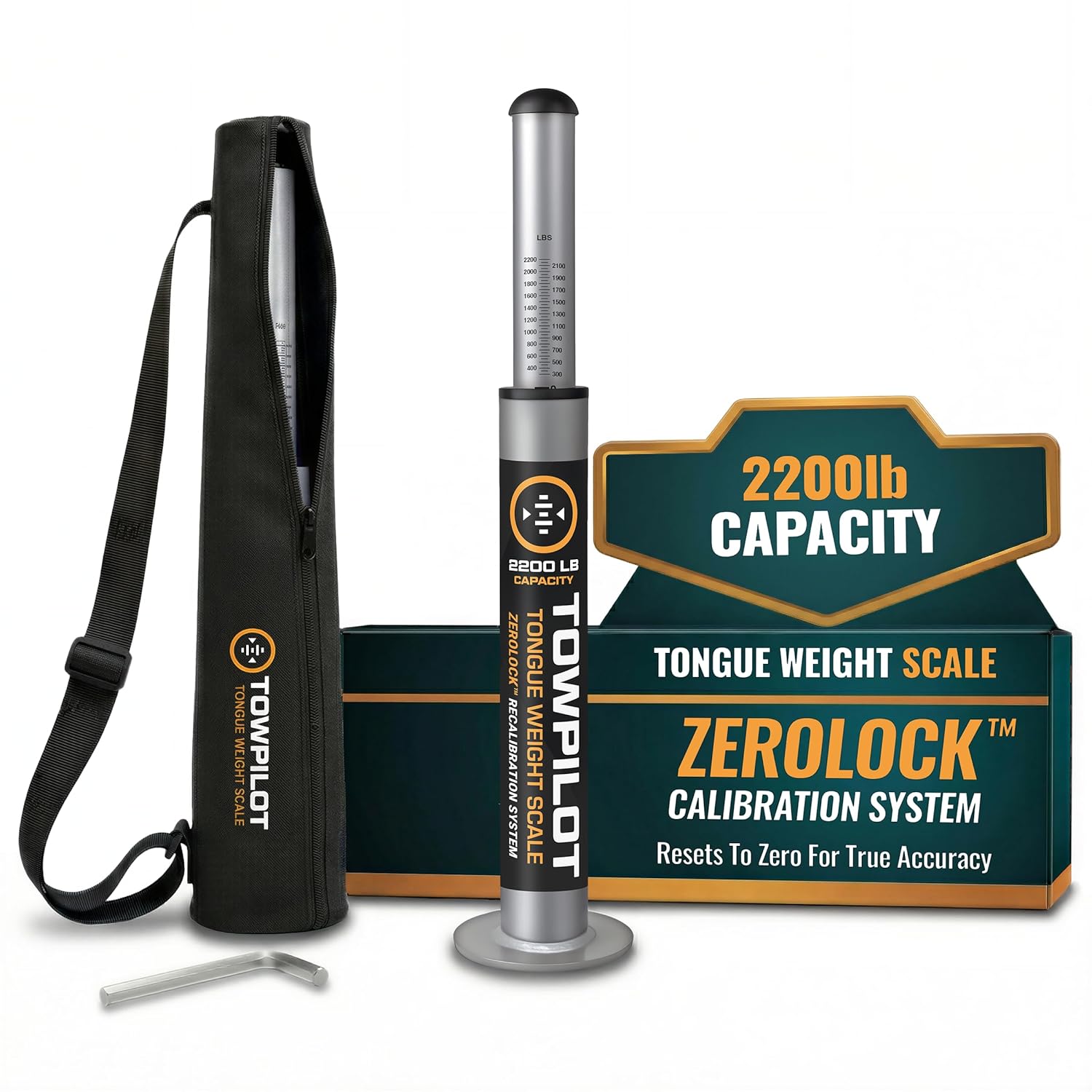
This trailer tongue weight scale helps you check hitch weight quickly and accurately before towing, reducing sway and improving overall safety. Built with durable steel and a spring mechanism, it works without batteries and includes a recalibration feature to maintain true-zero accuracy over time. It is designed for RVs, campers, and utility trailers, with a top plate that helps protect your coupler during use.
When Should You Readjust Trailer Brake Gain?
Do not treat gain as a permanent setting. Recheck it when:
- Cargo is loaded, unloaded, or moved.
- You switch trailers.
- You change the selected brake type, weight class, or trailer profile.
- The road changes from dry pavement to rain, gravel, snow, or ice.
- You begin towing on long or steep grades. Use the correct transmission mode and review the Tundra Tow/Haul and downhill gear-control guide.
- The battery has been disconnected or controller data has reset.
- Trailer braking feels weaker, stronger, delayed, uneven, or grabby.
- A trailer connection message, controller warning, or brake warning light appears.
Why Are the Trailer Brakes Weak, Harsh, or Not Responding?
Use gain adjustment only after confirming that the trailer and controller system are healthy. High gain may briefly make weak brakes feel stronger, but it cannot correct poor adjustment, damaged wiring, voltage loss, a bad ground, contaminated brake components, or an incompatible actuator.
[Products Worth Considering]
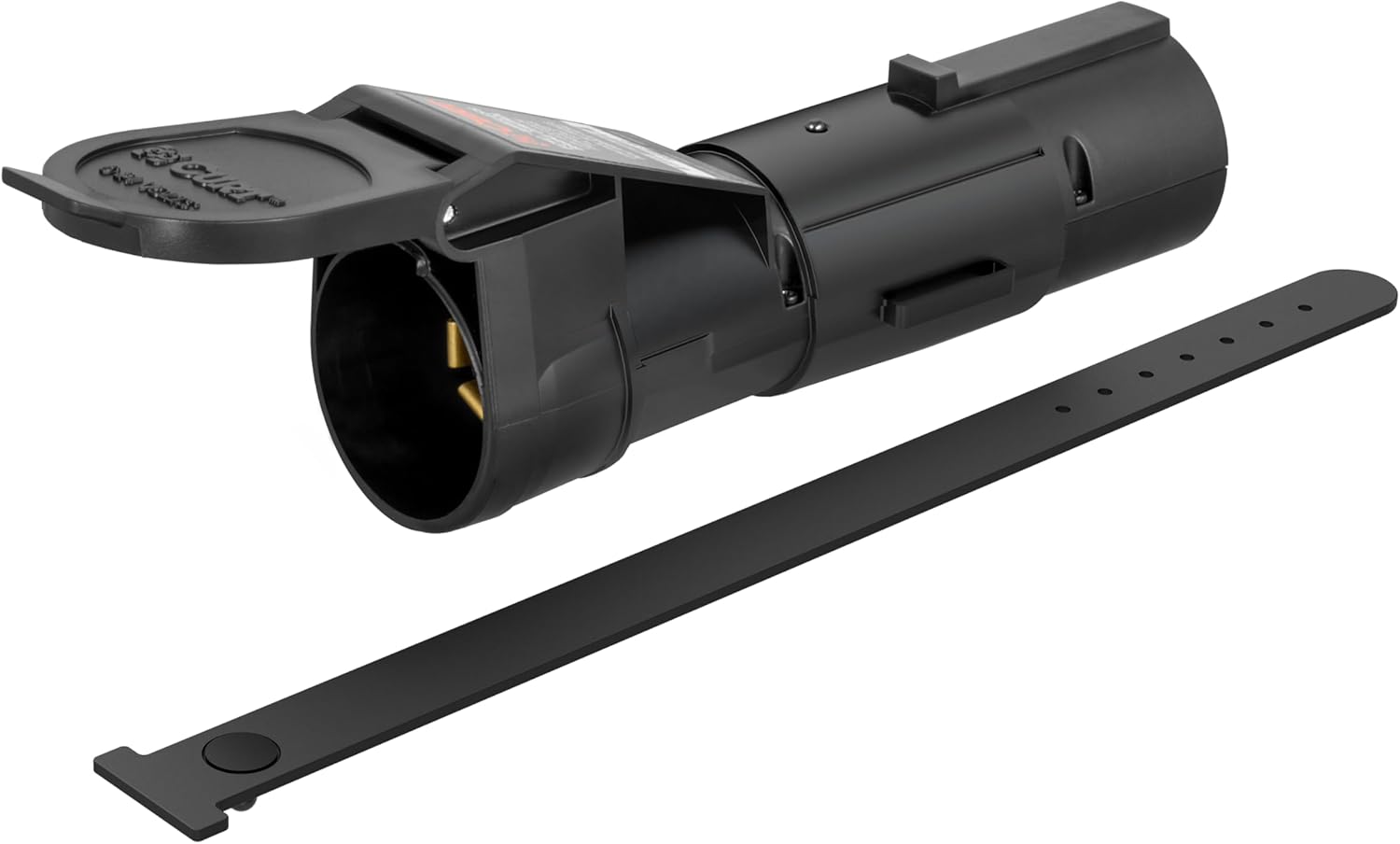
The CURT Echo mobile trailer brake controller offers smart, smartphone-based brake control with a simple plug-and-play design that connects between your vehicle and trailer 7-way plugs. Its portable construction makes it easy to transfer between compatible towing setups, while the durable potted enclosure helps protect against weather and vibration. With proportional braking support and app-based profile management, it delivers a modern, responsive towing experience.

The REDARC Tow-Pro Liberty delivers smooth proportional braking for confident everyday towing on roads and highways. Its compact remote design helps preserve cabin space while supporting 1 to 2 axle trailers and integrating with compatible vehicle wiring harnesses for a factory-style fit. Built for demanding towing conditions, it offers reliable control for RVs, campers, trailers, and boats.
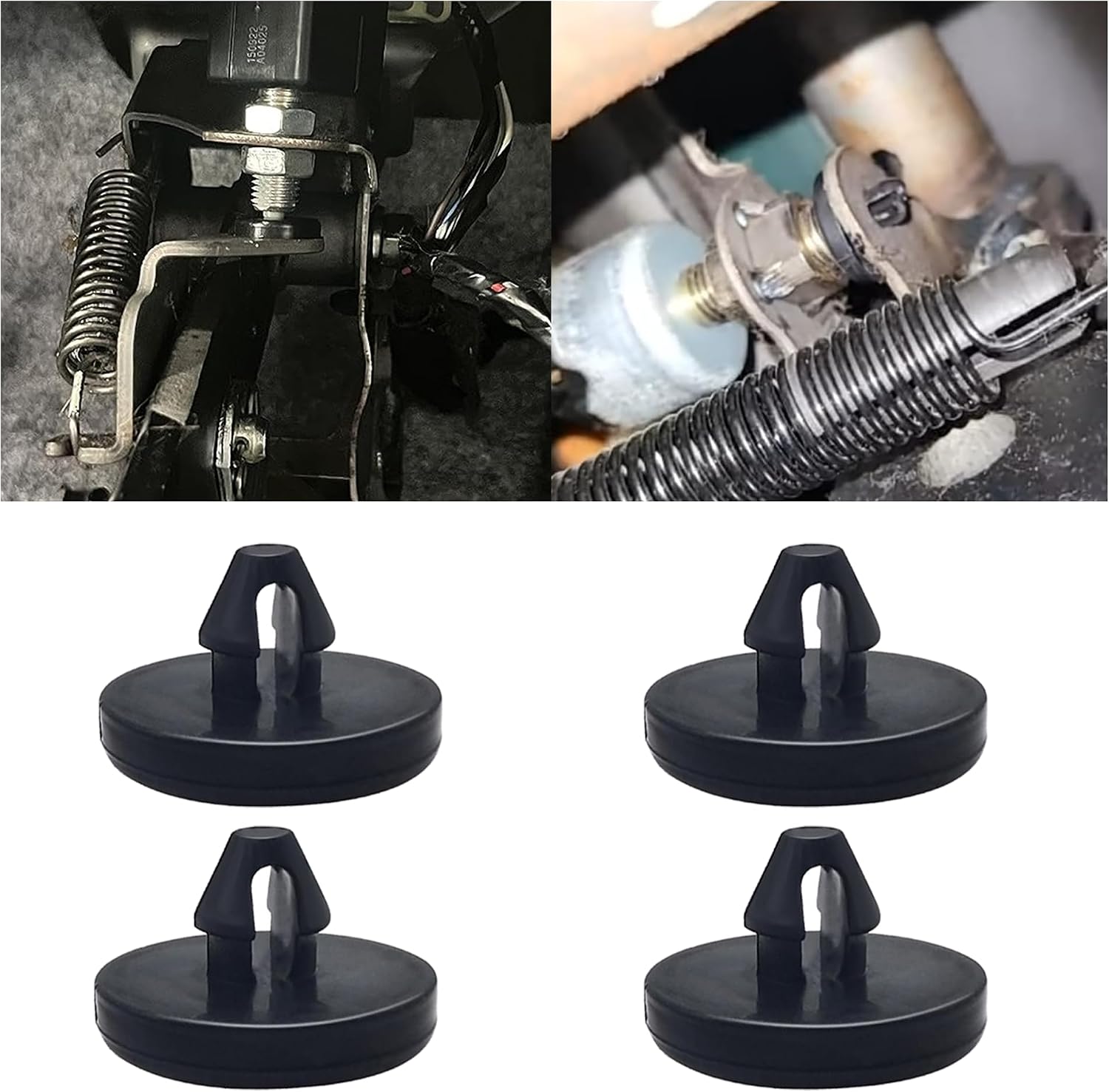
This brake pedal stop pad set is designed as an OEM replacement for compatible Toyota, Lexus, and Scion models, helping restore proper brake light switch function when the brake light stays on. Made from durable nylon, these compact stoppers are built for reliable long-term use and quick, tool-free installation. The set includes multiple pieces for convenient replacement and sharing.
Weak or No Trailer Braking
- Confirm the 7-pin connector is fully seated and free of corrosion, moisture, damaged pins, and looseness.
- Check that the Tundra recognizes the trailer connection.
- Make sure gain is not set to 0.0.
- Verify that the selected brake type and weight class match the trailer.
- Inspect wiring, grounds, splices, magnets, shoes, drums, and mechanical adjustment.
- For electric-over-hydraulic systems, verify actuator compatibility, power, ground, hydraulic fluid, and manufacturer-required setup.
Harsh, Grabby, or Locking Brakes
- Reduce gain by 0.5 and retest.
- Check whether the trailer is now empty or lightly loaded.
- Confirm that the wrong electric or electric-over-hydraulic mode was not selected.
- Inspect for uneven adjustment, damaged wiring, grease contamination, or hydraulic faults.
- Recheck cargo placement if braking changed after loading.
Why Is Braking Still Weak at Gain 10?
A heavily loaded trailer may not reach wheel lock even at high gain, but weak braking at 10.0 should not automatically be blamed on the Tundra controller. First verify the trailer brake adjustment, magnets or actuator, wiring voltage drop, grounds, connector condition, brake type, and loaded axle condition.
A qualified shop can help isolate the fault by testing the truck with a known-good compatible trailer or testing the trailer with a known-good tow vehicle. Do not continue normal towing until the combination produces controlled braking.
What Does the Trailer Brake Warning Light Mean?
The trailer brake warning light can indicate a malfunction in the Tundra’s trailer brake control system or trailer connector circuit. Stop towing as soon as it is safe and have the Tundra inspected by a Toyota dealer immediately.
If a connection problem occurs only with one trailer, that trailer still needs inspection for plug, wiring, ground, brake-magnet, actuator, and breakaway-system faults. Working trailer lights do not prove that the separate electric-brake circuit is healthy.
Warning: Never perform gain testing in traffic. Keep passengers, bystanders, parked vehicles, and loose cargo clear of the test path.
What Should You Check Before Every Towing Trip?
Before departure, check the parts that allow the truck, hitch, tires, wiring, and trailer brakes to work as one system. NHTSA’s vehicle safety checklist specifically calls for checking trailer brake lights and turn signals, while its tire guidance emphasizes correct inflation and load limits.
- Confirm the hitch, coupler, pin, lock, and safety chains are secure.
- Attach the breakaway cable to a suitable tow-vehicle point, not to the safety chains.
- Inspect the 7-pin connector for corrosion, bent pins, looseness, moisture, or damage.
- Verify trailer brake lights, turn signals, running lights, and hazard lights.
- Check the Tundra and trailer tire pressures when cold, using the applicable placards and manuals rather than the tire sidewall’s maximum pressure as a universal target.
- Confirm cargo is secured and balanced from side to side.
- Confirm loaded trailer weight, tongue weight, payload, axle load, hitch rating, and combined weight remain within their limits.
- Verify the selected trailer profile, brake type, weight class, and gain before entering traffic.
- Repeat calibration after a major loading, brake-system, road-surface, or weather change.
- Maintain electric drums, electric-over-hydraulic actuators, bearings, wiring, connectors, and breakaway batteries according to the trailer manufacturer’s schedule.
Frequently Asked Questions
What gain should I use for Toyota Tundra trailer brakes?
Start at gain 5.0, but do not treat 5.0 as the final setting. Perform Toyota’s 20–25 mph manual-slider test and adjust in 0.5 steps until braking is firm and just below trailer wheel lock-up.
How do I adjust trailer brake settings on a Tundra?
Connect the trailer, select its correct brake type and weight category if shown, set gain to 5.0, and use the GAIN plus or minus controls after each safe manual-slider test.
What does gain 0.0 mean on a Toyota Tundra?
Gain 0.0 means the factory trailer brake controller is not sending braking output to the trailer. Set and test the gain before towing in traffic.
Should trailer brake gain be higher for a heavier trailer?
A heavier load often requires more output, but weight alone does not determine gain. Brake condition, brake type, tire grip, cargo placement, road surface, grade, and weather also affect the correct setting.
Why will my trailer not lock its wheels at gain 10?
A heavily loaded trailer may not lock even at high gain. However, weak braking at 10.0 can also indicate poor brake adjustment, worn parts, voltage loss, bad grounds, connector trouble, the wrong brake type, or an incompatible actuator. Inspect the system instead of assuming the controller needs more gain.
Can I set Tundra trailer brake gain with only an idle-speed test?
No. A slow roll can confirm that the brakes engage, but it does not establish the final gain. Use the controlled 20–25 mph test on a dry, level, traffic-free surface.
Does the Tundra trailer brake controller work with surge brakes?
No. The factory controller supports most compatible electric and electric-over-hydraulic systems, but it does not operate trailer hydraulic surge brakes.
Why did my Tundra trailer brake gain reset?
Changing the trailer brake type or trailer ID can reset gain to 0.0. Disconnecting the battery resets stored gain data. Check the displayed value and recalibrate rather than assuming the previous setting remains active.
Do I need to change gain after loading or unloading the trailer?
Yes. Loading, unloading, moving cargo, changing trailers, or towing on a different surface can change brake response. Recheck gain in a safe area before entering traffic.
Conclusion
Start Tundra trailer brake gain calibration at 5.0, test at 20–25 mph on a dry and traffic-free surface, and adjust by 0.5 until trailer braking is firm but just below wheel lock-up. Confirm the brake type and model-year control path before testing.
Do not use gain to compensate for worn brakes, poor adjustment, damaged wiring, an incompatible actuator, or excessive load. Record the trailer, load condition, surface, and final setting. Recalibrate whenever the load, trailer profile, brake system, road surface, weather, or stored controller data changes.
Sources
- Toyota Owners — 2025 Tundra Hybrid Trailer Brake Controller — supports the controller operation, gain procedure, brake-type selection, compatibility limits, and warning guidance.
- Toyota Owners — 2025 Tundra Trailer Brake Controller — supports the 20–25 mph calibration procedure and readjustment for changing loads, roads, and weather.
- Toyota Owners — Manuals and Warranties — use this page to select the owner’s manual for the exact Tundra model year and powertrain.
- NHTSA Winter Driving Tips — supports checking vehicle and trailer lighting, tire condition, tire pressure, and road conditions before travel.
- NHTSA Tire Safety Brochure — supports checking tire pressure, tire condition, towing-related load transfer, and vehicle load limits.

[…] a focused calibration walkthrough, see how to set Toyota Tundra trailer brake gain. This page focuses on the complete controller setup, compatibility checks, connection status, and […]