

To reset Toyota 4Runner TPMS correctly, start with the tires, not the button. Check every tire when cold, inflate each one to the pressure listed on the driver-door tire placard or in the owner’s manual, then use the reset method your model year supports. Many older 4Runners use a physical reset switch under the driver-side dash, while newer models may use a vehicle settings menu or require sensor registration with a TPMS scan tool.
Quick Answer
Inflate all tires to the cold pressure on your 4Runner’s door placard, turn the ignition to ON, then use the TPMS reset switch or tire pressure settings menu for your model year. Hold or confirm the reset until the TPMS light blinks, then drive for several minutes so the system can relearn.
Key Takeaways
- Always set tire pressure when the tires are cold, using the driver-door placard or the Toyota owner’s manual, not the tire sidewall maximum.
- Many 4th and 5th gen 4Runners use a TPMS reset switch under the driver-side dash, but newer 4Runners may use an in-dash menu or a scan-tool registration process.
- A steady TPMS light usually means low tire pressure. A light that flashes for about a minute and then stays on points to a TPMS malfunction.
- Do not reset the light to ignore a leak, damaged tire, bad sensor, or unregistered sensor ID.
At a Glance
| Time Required | 10 to 20 minutes for a basic pressure correction and reset; longer if sensor IDs need registration |
| Difficulty | Easy for pressure reset; moderate if a TPMS scan tool is needed |
| Tools Needed | Accurate tire pressure gauge, air compressor, owner’s manual, and optional TPMS scan tool |
| Cost | Usually free for a basic reset; shop cost varies if sensors need replacement or programming |
Reset 4Runner TPMS: Quick Step-by-Step
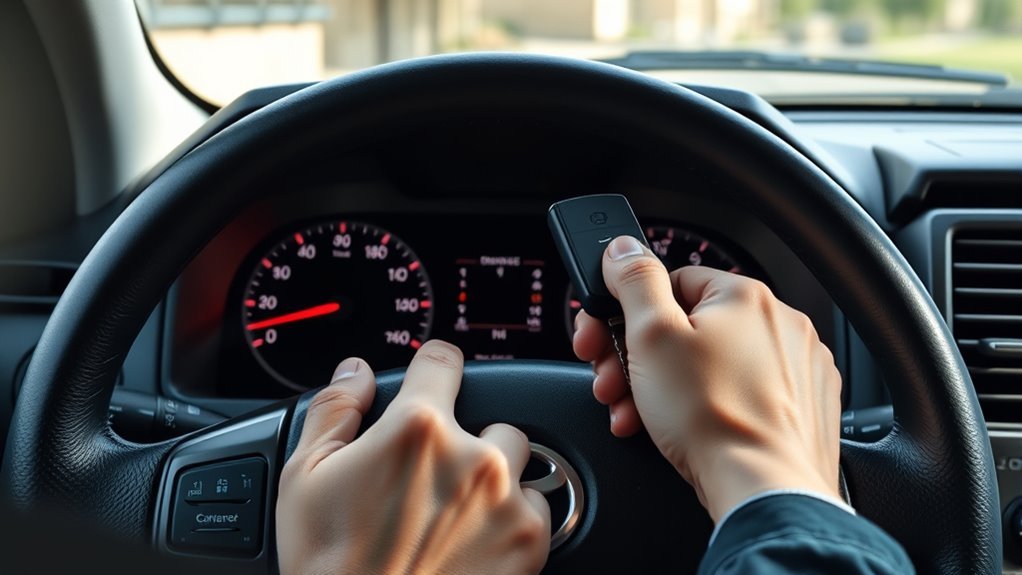
Before you reset the system, confirm all tires are set to the correct cold pressure. Many 4Runner trims list pressures around the low-30 psi range, but you should trust the tire placard on your driver-side door jamb or the official owner’s manual for your exact year, trim, tire size, and load.
Warning: Do not reset the TPMS light just to make it disappear. If a tire is visibly damaged, losing air, bulging, cut, or very low, stop and fix the tire first. A reset cannot repair a leak or make an unsafe tire safe.
For many 4th and 5th gen 4Runners with a physical TPMS reset switch, use this basic sequence:
- Park on a level surface and let the tires cool for at least three hours if possible.
- Check all tires with a gauge, including the spare if your model monitors it or if you plan to use it.
- Inflate the tires to the pressure shown on the tire placard or in your owner’s manual.
- Turn the ignition to ON without starting the engine, or press the start button without pressing the brake pedal on push-button models.
- Find the TPMS reset switch, often below the steering wheel or under the driver-side dash on older models.
- Press and hold the switch until the tire pressure warning light blinks slowly three times, then release it.
- Start the engine and drive at steady road speed for several minutes so the system can complete initialization.
- Recheck the light after the drive. If it returns, check pressure again before assuming a sensor problem.
Note: Newer 4Runners may not use the same physical reset button. Look for tire pressure initialization in the multi-information display or vehicle settings menu, and confirm the exact steps in your Toyota owner’s manual.
[Products Worth Considering]

The VXDAS 2-in-1 TPMS relearn tool is designed to activate and reset tire pressure sensors on compatible GM and Ford vehicles with an easy model switch button for quick use. It helps complete TPMS relearning after tire rotation, sensor replacement, or warning light resets, making it a practical tool for drivers and technicians who want a fast, cost-effective solution.

This EL-50448 TPMS relearn tool helps quickly activate and reset tire pressure sensors so your vehicle’s monitoring system stays accurate after tire rotations, sensor replacement, or seasonal tire changes. Designed for many GM-related vehicles and compatible with common 315 and 433 MHz TPMS systems, it offers simple one-button operation and reliable performance for clearing warning lights and relearning sensor positions.

This GM TPMS relearn tool helps reset tire sensors, clear warning lights, and match tire positions after rotation quickly at home. Designed for Chevrolet, GMC, Cadillac, and Buick vehicles, it offers one-button operation, fast activation, and broad compatibility with many GM models. It is best suited for OE/OEM sensors and includes paper instructions plus video guidance for easier DIY use.
Find the Correct 4Runner Tire Pressure First
The right tire pressure is not the maximum number printed on the tire sidewall. That sidewall number is the tire’s maximum cold pressure limit, not Toyota’s recommended setting for your 4Runner.
Use the driver-door tire and loading label or the owner’s manual. The National Highway Traffic Safety Administration recommends checking tire pressure at least once a month when tires are cold, meaning the vehicle has been parked for at least three hours. NHTSA also notes that TPMS is not a substitute for regular pressure checks.
| Where to Check | What It Tells You | Why It Matters |
|---|---|---|
| Driver-door tire placard | Toyota’s recommended cold psi for the installed tire size | Best source for daily driving pressure |
| Owner’s manual | Model-specific reset and warning-light details | Helps avoid using the wrong reset procedure |
| Tire sidewall | Maximum pressure limit for the tire | Do not use this as your normal target psi |
When to Reset and Quick Pre-Check Checklist
Reset the 4Runner TPMS after you correct tire pressure, rotate tires, replace a tire, install another wheel set, or change TPMS sensors. Do not reset before the pressure is correct, because the system may learn the wrong baseline.
| Action | When to Reset | Quick Check |
|---|---|---|
| Inflate or deflate tires | After every tire reaches the correct cold pressure | Check all valve stems for leaks |
| Rotate tires | After rotation if your model needs position relearn | Confirm lug nuts are torqued correctly |
| Swap wheels or sensors | After installation and sensor registration | Confirm sensor IDs are recognized |
| Install repaired tire | After confirming the repair holds pressure | Watch for pressure loss after driving |
Pro Tip: Keep a small digital pressure gauge in the glove box. The dash display can help, but a handheld gauge gives you a quick independent check before you reset the system.
What the 4Runner TPMS Light Pattern Means
The light pattern matters. A steady tire-pressure light and a flashing TPMS light do not point to the same problem.
| Light Pattern | Likely Meaning | What to Do |
|---|---|---|
| Steady TPMS light | One or more tires may be significantly underinflated | Stop safely, check tire pressure, inflate to placard spec, then reset if needed |
| Flashes for about a minute, then stays on | TPMS malfunction, unregistered sensor, weak sensor battery, or incompatible wheel/sensor | Use a TPMS scan tool or visit a tire shop or Toyota dealer |
| Light appears on cold mornings, then turns off | Pressure may be close to the warning threshold in colder air | Check cold pressure and adjust before the next drive |
| Light returns soon after reset | Leak, wrong pressure, bad sensor, or incomplete relearn | Recheck pressure, inspect for damage, and scan sensor IDs |
A TPMS light is an alert, not a repair. Correct the tire pressure or sensor problem first, then reset the system.
If the Light Won’t Go Off: Sensor IDs, Batteries, and Calibration Fixes
If the TPMS light stays on after you correct the pressure and complete the reset, move from pressure checks to system checks. Your 4Runner uses sensor IDs, and the vehicle must recognize the sensors before it can monitor them correctly.
Start with the simple checks. Confirm all tires are at the correct cold pressure. Inspect valve stems for leaks, damage, missing caps, corrosion, or signs that a sensor was disturbed during tire service. If one tire loses air again after a short drive, fix the leak before resetting the system again.
Next, check sensor registration. A sensor may need registration after you install new wheels, replace a sensor, swap to a winter wheel set, or install an aftermarket wheel package. A tire shop or Toyota dealer can read each sensor ID, confirm battery status, and register the IDs to the vehicle.
If the light flashes first and then stays on, treat it as a malfunction rather than a normal low-pressure reset. Federal TPMS rules describe this type of flashing-then-solid pattern as a malfunction warning, and the system may not be able to detect low tire pressure correctly while the malfunction remains.
Note: A normal pressure reset and a sensor ID registration are different jobs. The reset teaches the correct pressure baseline. Sensor registration tells the vehicle which sensor IDs belong to your 4Runner.
[Products Worth Considering]

This TPMS sensor training tool is designed for Ford, Lincoln, and Mercury vehicles with compatible tire pressure sensors, helping activate sensors after tire rotations or sensor replacement. It supports relearning and warning light reset workflows with a simple one-button operation, making tire pressure maintenance easier and faster. Built for reliable use and broad vehicle compatibility, it is a practical accessory for TPMS service and sensor activation.
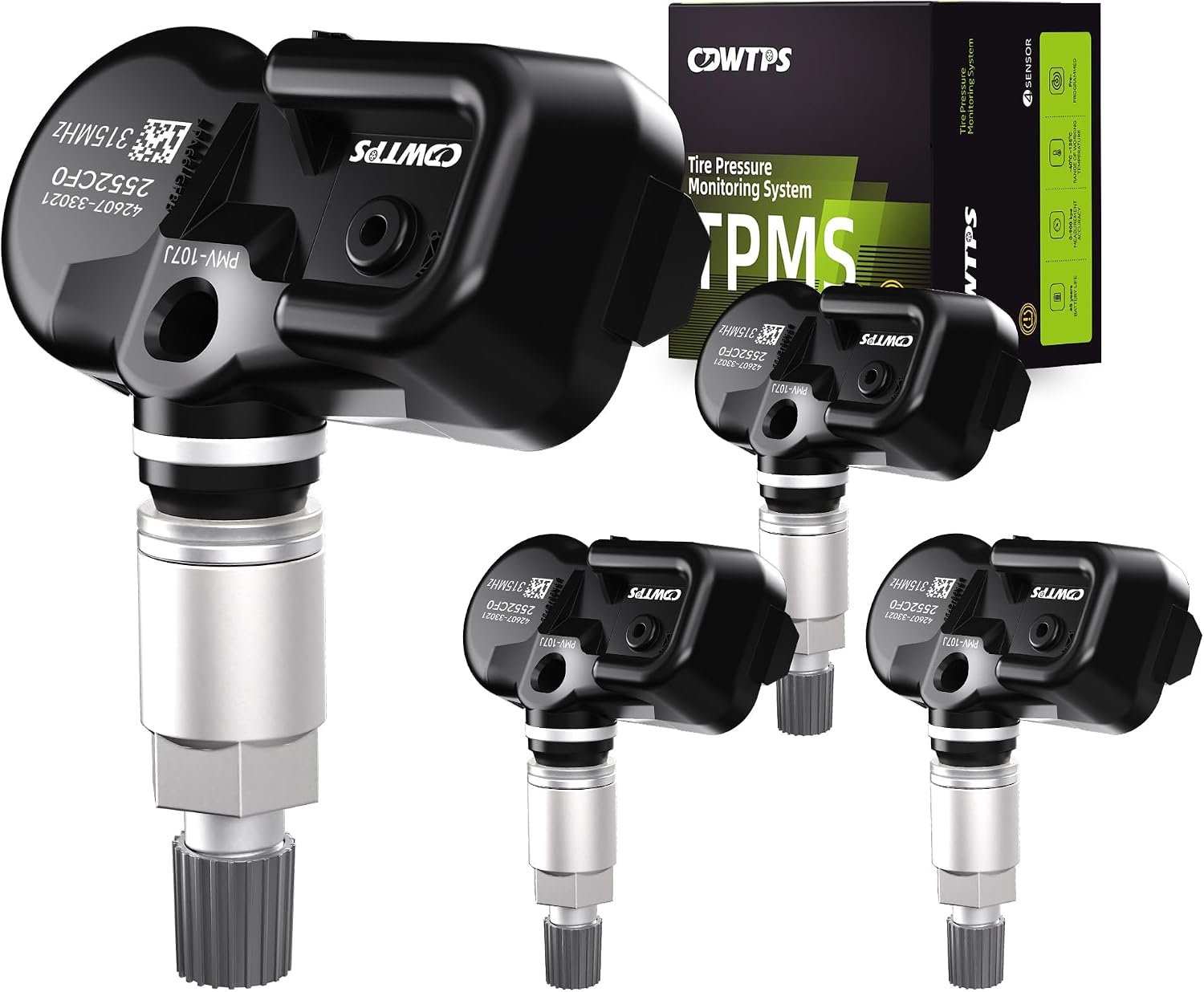
This set of four pre-programmed TPMS sensors is designed as a direct-fit replacement for compatible Toyota, Lexus, and Scion vehicles. It helps restore accurate tire pressure monitoring without sensor programming, and each unit is factory-tested for dependable performance. Built for long service life, these sensors offer a convenient solution for replacing worn or failed tire pressure monitors.

The VXDAS TPA01 is a 2-in-1 TPMS relearn tool and digital tire pressure gauge designed for GM vehicles and other compatible cars. It helps quickly reset tire pressure sensors, check tire pressure accurately, and maintain proper inflation for safer driving. With simple operation, multiple pressure units, and automatic shutoff, it is a practical tool for DIY tire maintenance and sensor activation.
Replace or Reprogram TPMS Sensors: Tools, Dealer vs DIY, and Costs
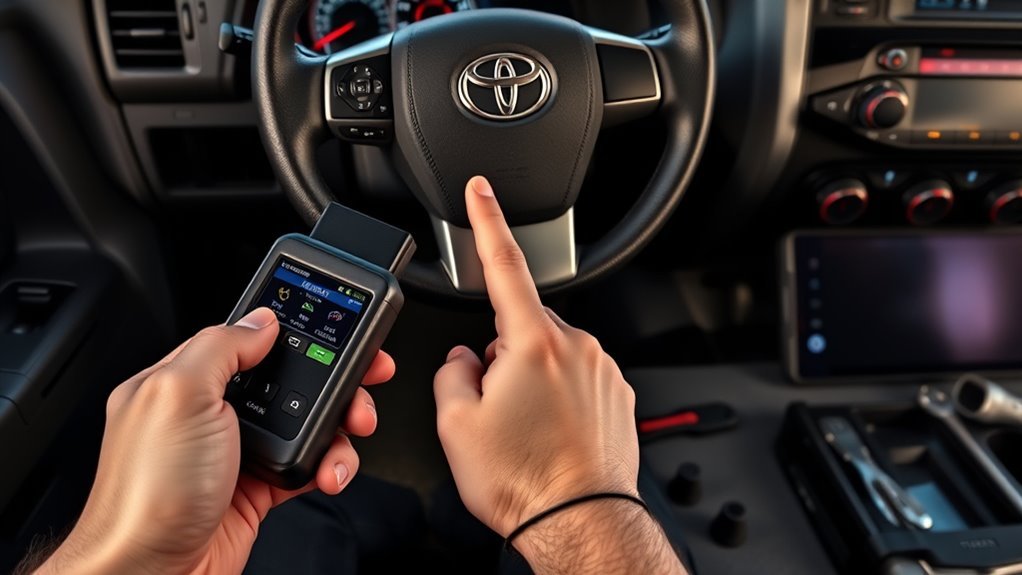
Replacing or reprogramming TPMS sensors on a 4Runner can be simple or complicated depending on the model year, wheel set, and sensor type. If you only corrected tire pressure, you usually do not need new sensors. If you replaced sensors or wheels, you may need a TPMS scan tool to read and register sensor IDs.
A dealer or tire shop is the easiest route when the light flashes, the vehicle does not recognize one or more sensors, or you are not sure whether the replacement sensors are compatible. Professional service also makes sense if the tire must be dismounted, because the sensor is attached inside the wheel near the valve stem.
DIY can work if you already own a compatible TPMS tool and understand your 4Runner’s registration process. Make sure the tool supports your model year before you buy it. Sensor and programming costs vary by location, sensor brand, labor rate, and whether the tire must be removed from the wheel.
| Option | Best For | Watch Out For |
|---|---|---|
| Toyota dealer | OEM sensors, warranty concerns, stubborn warning lights | Usually higher labor rates than independent shops |
| Local tire shop | Sensor replacement, seasonal wheel swaps, quick ID scans | Confirm they support your exact 4Runner model year |
| DIY scan tool | Owners who maintain multiple vehicles or swap wheels often | Tool compatibility and sensor registration steps vary |
[Products Worth Considering]

This CARORAV TPMS sensor set provides reliable tire pressure monitoring for a wide range of Toyota and Lexus vehicles with 315MHz compatibility. It is pre-programmed for easier setup, but still requires relearning or reset procedures after installation. Designed for accurate real-time pressure tracking, these sensors help support safer driving and long-lasting performance across many model years.

The AICEL TPMS Relearn Tool helps quickly reset and relearn tire pressure sensors on compatible GM vehicles after tire rotation, sensor replacement, or warning light issues. Designed for easy handheld use, it works with most cars, SUVs, and pickup trucks and can save time by eliminating unnecessary trips to the auto store. Its durable ABS housing and simple activation process make it a practical tool for keeping the tire pressure monitoring system operating properly.

This tire inflator attachment combines accurate pressure reading and easy inflation in one heavy-duty tool for maintaining tire pressure with less hassle. A longer hose and 360-degree swivel air chuck help create a secure seal while giving you better control during use. Designed for universal compressor compatibility, it measures, inflates, and deflates without batteries.
Prevent TPMS Alerts: Pressure Checks, Seasonal Calibration, and Sensor Care
Preventing TPMS alerts starts with monthly tire pressure checks. Air pressure changes with temperature, so a tire that was correct in warm weather can become low when colder weather arrives. Check pressure before long trips, after major temperature swings, and any time the 4Runner feels different on the road.
Inspect the valve stems during tire rotations. Look for cracked rubber, loose stems, corrosion, missing caps, and damage from off-road use. A dirty or damaged valve stem can leak slowly and bring the TPMS light back even after a proper reset.
If you use aftermarket wheels, confirm the wheel design accepts the correct TPMS sensors and that the sensor angle clears the wheel barrel. Mismatched sensors may fit physically but fail to communicate correctly with the vehicle.
| Task | Frequency | Tool |
|---|---|---|
| Pressure check | Monthly and before long trips | Tire pressure gauge |
| Sensor and valve inspection | Every tire rotation | Visual inspection and leak check |
| Seasonal pressure adjustment | After major temperature changes | Gauge and air compressor |
| Sensor ID scan | After sensor or wheel replacement | TPMS reader or shop scan tool |
When to Check Recalls or Book Service
Most TPMS warnings come from low pressure, a leak, or a sensor issue. Still, unresolved warning-light problems deserve a recall check, especially on newer vehicles with digital instrument clusters. Use the NHTSA recall lookup with your VIN, and use Toyota’s service network if the warning light behavior does not match the owner’s manual.
Book service if the TPMS light flashes and then stays on, a tire keeps losing air, the dash does not display warnings correctly, or a replacement wheel set will not register. A technician can scan the TPMS module, read sensor IDs, test sensor batteries, and confirm whether the system is communicating with every wheel.
Frequently Asked Questions
Can resetting TPMS affect my vehicle warranty?
A normal TPMS reset should not affect your warranty when you follow Toyota’s owner-manual procedure. Problems can arise if incompatible sensors, damaged valve stems, or improper tire service cause a failure. Keep service records if sensors or wheels were replaced.
Will a tire plug trigger the TPMS warning?
A proper tire repair should not trigger TPMS by itself. The warning can return if the tire still leaks, the pressure was not corrected after repair, or the sensor or valve stem was damaged during service. Check pressure again after driving.
Can aftermarket wheels cause TPMS issues?
Yes. Aftermarket wheels can cause TPMS problems if the sensors do not fit correctly, the sensor angle is wrong, the wheel blocks the signal, or the sensor IDs were not registered. Confirm wheel and sensor compatibility before installation.
Do 4Runner spare tires need TPMS sensors?
It depends on the model year and equipment. Some 4Runners may monitor the full-size spare, while others may not show spare pressure the same way as the four road tires. Check the owner’s manual and include the spare in monthly pressure checks.
Is TPMS reset required after a battery disconnect?
Usually, a simple battery disconnect does not require replacing or re-registering TPMS sensors. After reconnecting the battery, check tire pressure and drive normally. If the TPMS light remains on or flashes, follow the relearn procedure in the owner’s manual or have the sensors scanned.
Why does my TPMS light come on when the weather gets cold?
Cold air lowers tire pressure, so a tire that was barely within range in warm weather may drop below the TPMS warning threshold overnight. Check pressure when the tires are cold and inflate to the placard setting.
Can I drive with the 4Runner TPMS light on?
Drive only far enough to stop safely and check the tires. If a tire is very low, damaged, or losing air quickly, do not keep driving. If pressure is correct but the light flashes or stays on, schedule a TPMS inspection.
Conclusion
Resetting your 4Runner’s TPMS is simple once you start with the correct tire pressure and the right model-year procedure. Inflate the tires to the cold pressure on the door placard, use the reset switch or vehicle menu your 4Runner supports, then drive long enough for the system to relearn.
If the light returns, do not keep repeating the reset. Recheck pressure, inspect for leaks, and look at the light pattern. A steady light usually points to low pressure, while a flashing-then-solid light usually needs sensor diagnosis, ID registration, or professional service.
Sources
- Toyota Owners Manuals and Warranties — official Toyota source for vehicle-specific manuals and procedures
- Toyota Warning Lights — official Toyota guidance to consult the owner’s manual for warning-light details
- NHTSA TireWise — tire pressure, cold-pressure checks, TPMS limitations, and tire maintenance guidance
- 49 CFR 571.138, Tire Pressure Monitoring Systems — federal TPMS warning and malfunction requirements
- NHTSA Recall Lookup — VIN-based recall checks for vehicle safety issues




[…] include ABS, SRS/airbag, transmission, TPMS, battery, and body […]