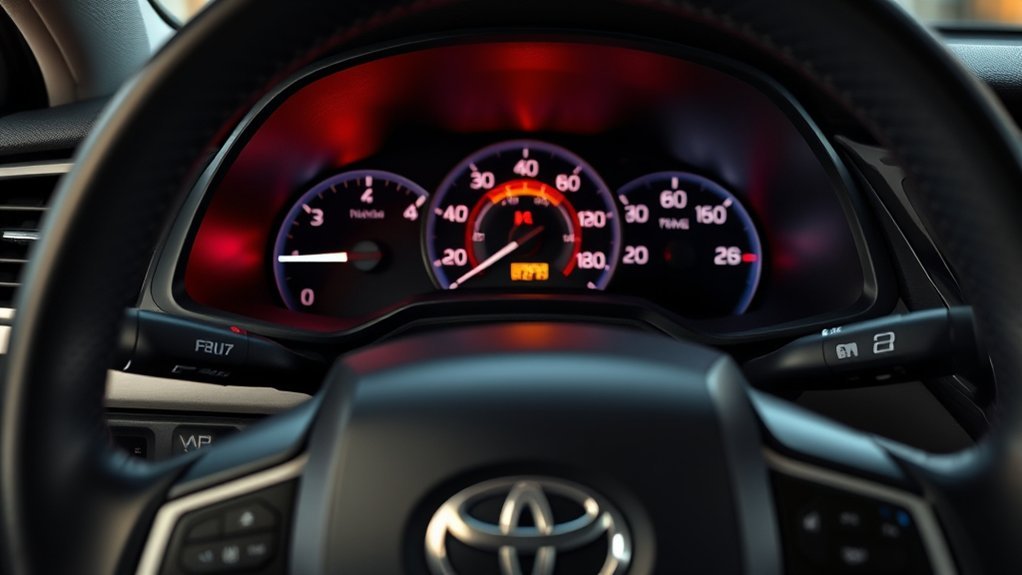
The Toyota Camry maintenance light is a reminder to complete scheduled service, not a magic reset button for a mechanical problem. After the service is done, you can usually clear the message yourself in a minute or two. The correct reset method depends on your Camry’s model year, ignition type, and dashboard display.
Quick Answer
To reset a Toyota Camry maintenance light, complete the required service first, park safely, then use either the Trip A/odometer button method on many older Camrys or the Vehicle Settings menu on many newer Camrys. The reset is complete when the light turns off or the display confirms the maintenance data has been reset.
Key Takeaways
- Reset the light only after the oil change, tire rotation, inspection, or scheduled service has been completed.
- Many older Camrys use the Trip A/odometer button reset method, while many newer Camrys use a dashboard settings menu.
- Do not confuse “Maintenance Required” with a check-engine light, oil-pressure light, brake warning, or battery warning.
- If the reminder will not reset, recheck the model-year procedure, battery voltage, ignition mode, and whether another warning light is active.
At a Glance
| Time Required | 1–3 minutes after the required service is complete |
| Difficulty | Easy |
| Tools Needed | No tools for most Camry models; use the odometer/trip button or steering-wheel controls |
| Cost | Free if the scheduled service has already been done |
What the Toyota Camry Maintenance Light Means
The Toyota Camry maintenance light, often shown as MAINT REQD, Maintenance Required, Maintenance Required Soon, or Oil Maintenance Required, is a scheduled-service reminder. It is usually tied to mileage and time since the last reset.
For many late-model U.S. Camrys, Toyota recommends scheduled maintenance every 5,000 miles or six months, whichever comes first. Toyota’s maintenance guide also says to reset the oil replacement reminder light or maintenance message after maintenance at every 5,000 miles. You can confirm the schedule for your exact year in the Toyota Camry Warranty & Maintenance Guide.
Warning: Resetting the maintenance light does not perform maintenance and does not fix engine, brake, battery, or oil-pressure problems. If a red warning light, check-engine light, oil-pressure light, brake warning, or battery warning is on, identify that warning separately before driving. Toyota’s warning-light guide and your owner’s manual are the safest references.
Before You Reset the Maintenance Light
Do these checks first so you do not clear the reminder too early:
- Complete the required service, such as an oil change, tire rotation, fluid check, or inspection.
- Park on level ground and shift to Park.
- Set the parking brake.
- Turn off accessories that could distract you.
- Use the reset method that matches your dashboard, not just the model name.
- Keep your owner’s manual handy for the exact procedure for your year and trim.
Note: Toyota itself advises owners to check the owner’s manual for reset instructions because the procedure can vary by vehicle and model year. You can find Toyota manuals through Toyota Owners Manuals & Warranties.
How to Reset a Toyota Camry Maintenance Light With Trip A

Use this method on many button-style Camrys that have an odometer/trip reset button and a traditional ignition sequence. It is commonly used on many older Camry models, but you should still follow your exact owner’s manual if your display looks different.
- Turn the ignition to ON without starting the engine. On a keyed Camry, this is usually two clicks. On a push-button Camry, press the power button without pressing the brake pedal.
- Use the odometer/trip button to show Trip A on the odometer display.
- Turn the ignition off.
- Press and hold the odometer/trip reset button.
- While still holding the button, turn the ignition back to ON without starting the engine.
- Keep holding the button while the display counts down, shows dashes, or changes to zeros.
- Release the button when the maintenance light goes out or the display finishes the reset.
- Turn the ignition off, then start the car to confirm the reminder stays off.
Pro Tip: If the reset fails, check the display first. Many button-style Camrys require Trip A, not Trip B or the total odometer, before you start the reset sequence.
[Products Worth Considering]

This TPMS sensor training tool is designed for Ford, Lincoln, and Mercury vehicles with compatible tire pressure sensors, helping activate sensors after tire rotations or sensor replacement. It supports relearning and warning light reset workflows with a simple one-button operation, making tire pressure maintenance easier and faster. Built for reliable use and broad vehicle compatibility, it is a practical accessory for TPMS service and sensor activation.

This GM TPMS relearn tool helps reset tire sensors, clear warning lights, and match tire positions after rotation quickly at home. Designed for Chevrolet, GMC, Cadillac, and Buick vehicles, it offers one-button operation, fast activation, and broad compatibility with many GM models. It is best suited for OE/OEM sensors and includes paper instructions plus video guidance for easier DIY use.

This EL-50448 TPMS relearn tool helps quickly activate and reset tire pressure sensors so your vehicle’s monitoring system stays accurate after tire rotations, sensor replacement, or seasonal tire changes. Designed for many GM-related vehicles and compatible with common 315 and 433 MHz TPMS systems, it offers simple one-button operation and reliable performance for clearing warning lights and relearning sensor positions.
How to Reset a Toyota Camry Maintenance Light From Vehicle Settings
Many newer Camrys use steering-wheel controls and the multi-information display instead of the old ignition-and-trip-button sequence. The wording can vary by year, but the path usually looks like this:
- Turn the ignition or power mode to ON.
- Use the steering-wheel controls to open the dashboard settings menu.
- Select the gear icon or Settings.
- Open Vehicle Settings.
- Choose Scheduled Maintenance, Maintenance Reset, or Oil Maintenance.
- Select Yes or Reset when the confirmation prompt appears.
- Turn the vehicle off and back on to confirm the message is gone.
For newer Camry models, especially 2025 and later, Toyota’s digital manual information points owners toward a multi-information display reset through the vehicle settings menu. If your Camry has both Scheduled Maintenance and Oil Maintenance options, reset only the item that matches the service you completed.
[Products Worth Considering]

This A-Premium cartridge engine oil filter is designed for a wide range of Toyota and Lexus vehicles, helping support cleaner oil flow and dependable engine protection. With high filtration efficiency and included O-rings, it offers a practical replacement solution for routine maintenance. Built for extended service intervals, it is suitable for conventional or synthetic oil applications.
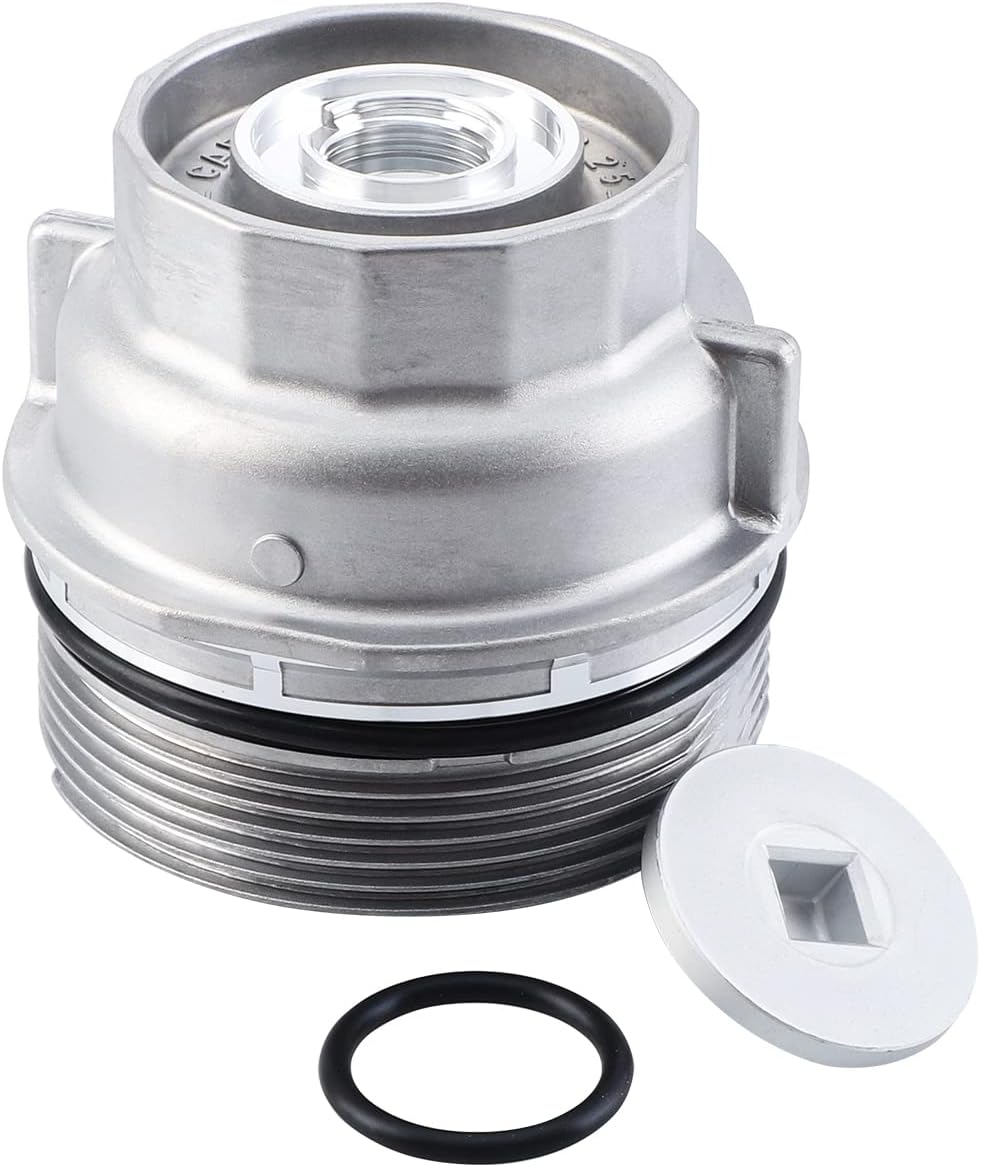
This oil filter housing cap assembly is designed as a replacement for select Toyota and Lexus vehicles, helping restore proper sealing and reliable oil filter function during routine maintenance. Built to meet OEM standards, it supports leak-free performance and long-lasting durability while fitting a wide range of popular models across multiple years.

This EPAuto engine air filter is designed as an OEM replacement for select Toyota Camry and Venza models with 4-cylinder gas engines. It helps protect the engine by filtering dust, dirt, and debris from incoming air while supporting efficient performance and improved fuel mileage. Built for a precise fit, it is a practical replacement choice for routine maintenance.
Which Reset Method Should You Use by Camry Type?
| Camry Type | Likely Reset Method | What to Watch For |
|---|---|---|
| Older Camry with odometer/trip button | Trip A and ignition reset sequence | Trip A must be selected before turning the ignition off |
| Camry with steering-wheel display controls | Settings menu, Vehicle Settings, maintenance reset | Look for “Scheduled Maintenance,” “Oil Maintenance,” or “Maintenance Reset” |
| Push-button-start Camry | Power mode ON without pressing the brake, then button or menu method | Do not enter READY mode unless your manual says to |
| 2025+ Camry with newer digital display | Multi-information display through Vehicle Settings | Reset the correct maintenance item, not every reminder blindly |
What to Do If the Maintenance Light Doesn’t Reset

If the maintenance light stays on, the reset sequence probably did not complete. Work through these checks before assuming something is broken.
[Products Worth Considering]

This A-Premium engine air filter is designed to help maintain clean airflow for compatible Lexus and Toyota vehicles, supporting better engine performance and efficiency. It uses fine filtration media to capture debris while minimizing airflow restriction, making it a practical replacement for routine maintenance. With fitment for multiple popular models and a convenient boxed single-pack design, it offers a straightforward solution for keeping your engine protected.

This automotive test light combines a bright LED voltage display with quick polarity indication for fast, accurate circuit checks in a wide range of vehicle systems. It helps diagnose battery, charging, lighting, and fuse issues with a sharp stainless probe, long spring wire, and easy-to-use alligator clip for efficient troubleshooting.

These replacement windshield wiper blades are designed for Toyota Camry models from 2018 through 2024, delivering a precise fit for reliable all-weather visibility. Built with durable rubber and a beam-style design, they help resist cracking and ensure even pressure across the windshield for smoother, clearer wiping. The complete front set is made for easy home installation without special tools, making maintenance simple and convenient.
Confirm the Service Was Finished
The reminder should be cleared only after the scheduled service has been completed. If the oil change, inspection, tire rotation, or other required work has not been done, handle that first.
Check Trip A or the Menu Path
On button-style Camrys, the reset may fail if Trip A is not selected first. On display-menu Camrys, make sure you are in Vehicle Settings and not just the audio or infotainment settings screen.
Use the Correct Ignition Mode
The reset usually requires ignition or power mode ON without starting the engine. On push-button-start models, that often means pressing the power button without pressing the brake pedal.
Hold the Button Long Enough
If your Camry uses the trip-button method, keep holding the button until the display finishes the countdown or the light turns off. Releasing too early can cancel the reset.
Check the Battery
A weak 12-volt battery can cause strange dashboard behavior. If the display flickers, resets slowly, or loses settings, test the battery before repeating the procedure.
Look for Other Warning Lights
If a check-engine light, oil-pressure light, brake warning, ABS warning, or battery warning is active, the issue is not just a maintenance reminder. Use your owner’s manual and Toyota’s warning lights guide to identify the warning before driving farther.
Note: Disconnecting the battery is not the best way to reset this reminder. It may erase radio presets or clock settings without clearing the maintenance counter correctly.
Maintenance Light vs. Check-Engine Light
The maintenance required light is usually a routine service reminder. The check-engine light is different. A check-engine light means the vehicle’s computer has detected a possible fault and stored diagnostic information. Resetting the maintenance light will not repair or erase a check-engine problem.
Treat the maintenance light like a calendar reminder. Treat a check-engine light or red warning light like a diagnostic warning.
Easy Tips for Keeping Your Camry in Great Shape
Resetting the reminder is only one small part of keeping your Camry reliable. Use the reset as a chance to update your maintenance records and check the basics.
| Maintenance Task | Typical Reminder Point | Why It Matters |
|---|---|---|
| Scheduled inspection | Every 5,000 miles or six months on many late-model Camrys | Catches fluid, brake, tire, and wear issues early |
| Tire rotation | Often included at 5,000-mile service points | Helps tires wear more evenly |
| Oil and filter replacement | Follow your exact maintenance guide and driving conditions | Protects engine lubrication and cleanliness |
| Cabin and engine air filters | Varies by schedule and driving conditions | Supports airflow, HVAC performance, and engine efficiency |
Keep a simple record with the date, mileage, service performed, oil type if applicable, and who performed the work. This helps you know whether the light is reminding you about real maintenance or simply needs a reset after service.
Frequently Asked Questions
How often should I reset the Toyota Camry maintenance light?
Reset it only after the required maintenance has been completed. On many late-model U.S. Camrys, scheduled maintenance is recommended every 5,000 miles or six months, whichever comes first, but your exact service items depend on the model year, engine, oil type, and driving conditions.
Does resetting the maintenance light affect vehicle performance?
No. Resetting the maintenance light only clears the service reminder counter or message. It does not improve performance, change oil condition, fix engine problems, or clear check-engine codes. The actual maintenance is what protects the vehicle.
Can I reset the maintenance light without a physical key?
Yes, if your Camry has push-button start. Put the vehicle in power mode ON without pressing the brake pedal, then use the trip-button or display-menu method for your model. Keyed Camrys still require the ignition key.
What if I lost my Toyota Camry owner’s manual?
Use Toyota’s online owner manual and warranty resources. Select your Camry’s model year and trim, then search for maintenance, warning lights, or maintenance reset instructions.
Will the maintenance light reset automatically after an oil change?
Usually no. The vehicle does not know that the oil, tires, or inspection items were serviced unless the reminder is reset. A technician may reset it for you, but if the light remains on after service, you can reset it manually using the correct method.
Is the maintenance required light the same as the check-engine light?
No. The maintenance required light is usually a scheduled-service reminder. The check-engine light means the vehicle has detected a possible fault. If the check-engine light is on, diagnose that issue separately instead of treating it like a routine maintenance reminder.
Conclusion
Resetting a Toyota Camry maintenance light is simple when you use the right procedure for your dashboard. Older button-style Camrys often use the Trip A reset sequence, while many newer models use Vehicle Settings in the multi-information display. Always complete the required service first, confirm that no true warning lights are active, then reset the reminder so your Camry’s service tracking stays accurate.
Sources
- Toyota Support: Maintenance Required Light Reset — confirms Toyota advises checking the owner’s manual for model-specific reset instructions.
- 2024 Toyota Camry Warranty & Maintenance Guide — supports the 5,000-mile/six-month scheduled maintenance interval and reminder reset context.
- Toyota Owners Manuals & Warranties — official source for model-year manuals and maintenance guides.
- Toyota Warning Lights Guide — supports the warning-light distinction and owner-manual guidance.