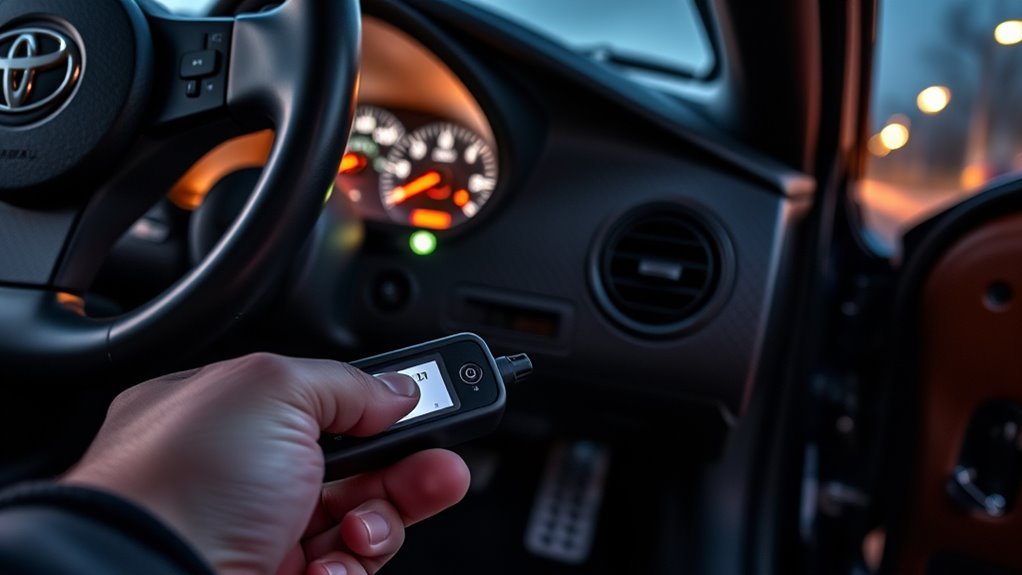
Reading Toyota Supra OBD-II codes is usually simple, but the correct method depends on the Supra generation, market, and diagnostic connector. A 1996–1998 U.S.-market MK4 Supra and any modern GR Supra should be read with an OBD-II scanner first. Older MK3/MK4 cars and some Japanese-market imports may also support Toyota blink-code retrieval, but only if you bridge the exact terminals shown in the factory service information.
Quick Answer
Plug a compatible OBD-II scanner into the Supra’s 16-pin diagnostic port, turn the ignition ON without starting the engine, and read stored, pending, and freeze-frame codes. For older Toyota diagnostic connectors, bridge only the factory-specified terminals, such as TE1–E1 or Tc–CG, then count the Check Engine light flashes.
Key Takeaways
- For 1996 and newer U.S.-market gasoline Supras, start with a real OBD-II scanner, not a jumper wire.
- Older Toyota blink-code checks use specific diagnostic terminals; never guess or bridge random pins on the 16-pin connector.
- Record codes, freeze-frame data, and readiness status before clearing anything.
- Clearing codes before repair can erase useful evidence and reset emissions readiness monitors.
At a Glance
| Time Required | 5–15 minutes to read codes; longer for diagnosis |
| Difficulty | Easy with a scanner; moderate if using Toyota blink-code terminals |
| Tools Needed | OBD-II scanner, flashlight, service manual or wiring diagram, optional jumper wire for verified Toyota diagnostic terminals |
| Cost | About $25–$150 for a basic to Toyota-capable scanner |
Confirm Your Supra Year and Diagnostic System First
Before reading codes, identify the exact Supra you are working on. “Toyota Supra” can mean an older MK3, a 1993–1998 MK4/A80, a Japanese-market import, or a 2020-and-newer GR Supra/A90-A91. The connector location and best code-reading method can change between those cars.
In the United States, federal OBD requirements reached full compliance for 1996 model-year gasoline light-duty vehicles, which is why 1996–1998 U.S.-market Supras use standardized OBD-II diagnostics for emissions-related engine codes. Toyota also directs owners and technicians to official service publications through the Toyota Technical Information System for repair manuals, wiring diagrams, service bulletins, and model-specific diagnostic procedures.
| Supra Type | Best First Method | Important Note |
|---|---|---|
| 1996–1998 U.S. MK4 Supra | OBD-II scanner | Use generic OBD-II for emissions codes; Toyota-enhanced tools may read more data. |
| 1993–1995 U.S. MK4 Supra | Toyota blink-code procedure | Often uses the under-hood Toyota diagnostic connector, not standard OBD-II. |
| Japanese-market A80 or VVT-i import | Toyota/JOBD-capable scanner or verified blink-code method | Generic U.S. OBD-II readers may not communicate with every import ECU. |
| 2020+ GR Supra | OBD-II scanner | Do not use jumper-wire blink-code shortcuts on modern modules. |
Warning: Do not bridge pins on the 16-pin OBD-II connector unless the factory manual for your exact Supra identifies those terminals for diagnostic mode. Jumping the wrong pins can damage wiring, modules, or the scan-tool power circuit.
What You Need: Tools and Supra Model Compatibility
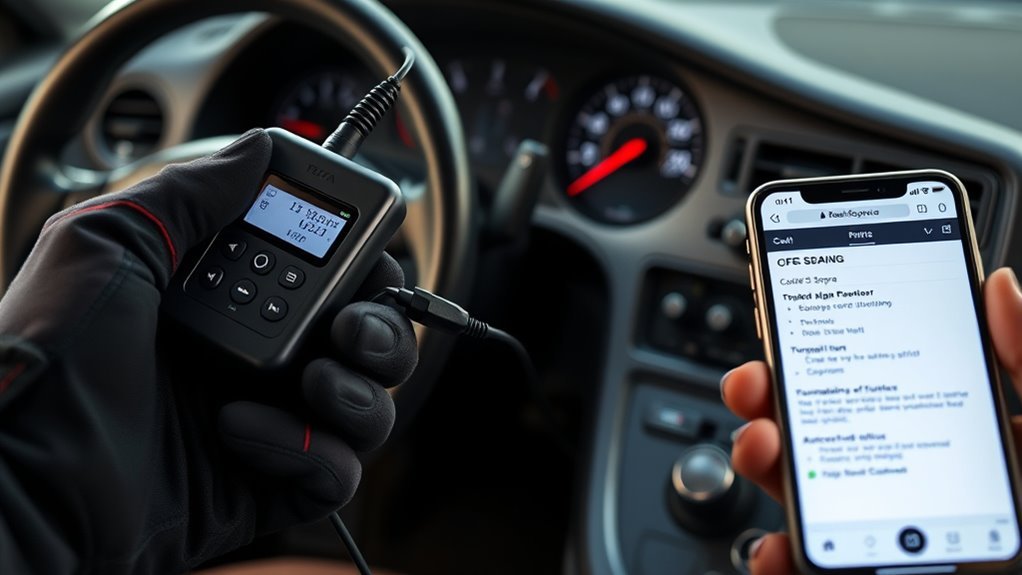
For most owners, the safest tool is a scanner that supports standard OBD-II and Toyota-enhanced data. A basic scanner can read generic powertrain codes such as P0300, P0171, or P0500. A better Toyota-capable scanner can also show more live data, freeze-frame details, readiness monitors, and sometimes manufacturer-specific codes.
If you own a Japanese-market Supra or a late VVT-i import, choose a scanner that supports Toyota/JOBD communication. Some imports do not respond well to the cheapest generic readers, even when the connector looks familiar.
- OBD-II scanner: Best for 1996+ U.S.-market MK4 Supras and all modern GR Supras.
- Toyota/JOBD-capable scan tool: Better for Japanese-market imports and deeper Toyota-specific data.
- Short jumper wire: Use only for factory-confirmed Toyota blink-code terminals.
- Flashlight: Helps locate the diagnostic connector and read terminal labels.
- Digital multimeter: Useful for checking battery voltage and connector power/ground issues.
- Factory service information: Required for pin locations, code charts, wiring checks, and diagnostic flowcharts.
Pro Tip: The code number is only the starting point. A code that names an oxygen sensor, speed sensor, or throttle sensor usually means “test this circuit,” not “replace this part immediately.”
[Products Worth Considering]

This Yuirote universal car motor diagnostic tool helps drivers quickly detect engine fault codes and identify system issues for routine inspections and maintenance. It also supports electronic parking brake reset and emergency release functions, making it useful for handling EPB-related problems without a repair shop visit. Its compact, ergonomic design and broad vehicle compatibility make it a practical choice for car owners and DIY repair enthusiasts.

FOXWELL NT201 is an easy-to-use OBD2 scanner designed to help drivers quickly read and clear check engine codes, view live engine data, and check emissions readiness. Its color screen, one-key I/M readiness test, and broad compatibility with most gasoline vehicles since 1996 make it a practical tool for everyday diagnostics and maintenance. With plug-and-play operation and lifetime free updates, it offers a simple way to understand vehicle issues without expensive shop visits.

This enhanced OBD2 scanner helps drivers quickly diagnose check engine light issues, read and clear trouble codes, and check emissions readiness before a smog test. It also adds EVAP and O2 sensor testing, live data, freeze frame capture, and a one-click battery health check in a simple plug-and-play tool with a bright color screen.
Locate the Supra OBD-II Port and Toyota Diagnostic Connector
On OBD-II Supras, the 16-pin diagnostic link connector is normally under the driver’s side dashboard near the steering column or lower knee panel. On older Toyota systems, there may also be a rectangular diagnostic box under the hood with terminal labels molded inside the cap.
Finding the 16-Pin OBD-II Port
Sit in the driver’s seat and look below the dashboard, near the steering column and lower trim panel. The OBD-II port is a trapezoid-shaped 16-pin connector. It may be exposed or tucked behind a small cover.
- Turn the ignition OFF before plugging in the scanner.
- Check that the connector is not cracked, loose, corroded, or pushed back into the trim.
- Plug the scan tool in gently; do not force it at an angle.
- Turn the ignition ON when the scanner or tool instructions tell you to.
Finding the Older Toyota Diagnostic Box
Many pre-OBD-II Toyota vehicles use a separate diagnostic connector under the hood. The inside of the cap often identifies terminals such as TE1, E1, Tc, or other system-specific pins. If your car uses this style, the cap label and factory wiring diagram matter more than any generic internet diagram.
TE1–E1 vs. Tc–CG: Do Not Mix Them Up
Older Toyota engine blink-code checks commonly use TE1 and E1 at the under-hood diagnostic connector. Many Toyota DLC3/16-pin procedures use Tc and CG instead. These are not interchangeable labels, and terminal positions can vary by year, market, and system.
Use a scanner whenever possible. Use a jumper wire only when the terminal names and locations are verified for your exact Supra.
Prepare the Car and Ignition for a Reliable Code Read
A weak battery, loose connector, or wrong ignition position can create false no-communication problems. Before reading codes, park safely, set the parking brake, and keep the car in Park or Neutral. If you need to run the engine for live data, work in a well-ventilated area.
| Check | What to Do |
|---|---|
| Battery voltage | Use a charged battery. If voltage is very low, charge it before diagnosis. |
| Ignition position | Use ignition ON, engine OFF for most initial code reads. |
| Engine temperature | For live data and drive-cycle checks, warm the engine only when the procedure requires it. |
| Throttle position | Leave the throttle closed unless the service procedure says otherwise. |
| Connector condition | Inspect for bent pins, dirt, loose terminals, or previous alarm/stereo wiring damage. |
Note: If the Check Engine light does not illuminate briefly with the key ON and engine OFF, diagnose the bulb, cluster, fuse, or MIL circuit before trusting the result.
Two Ways to Pull Codes: OBD-II Scanner or Toyota Blink Codes
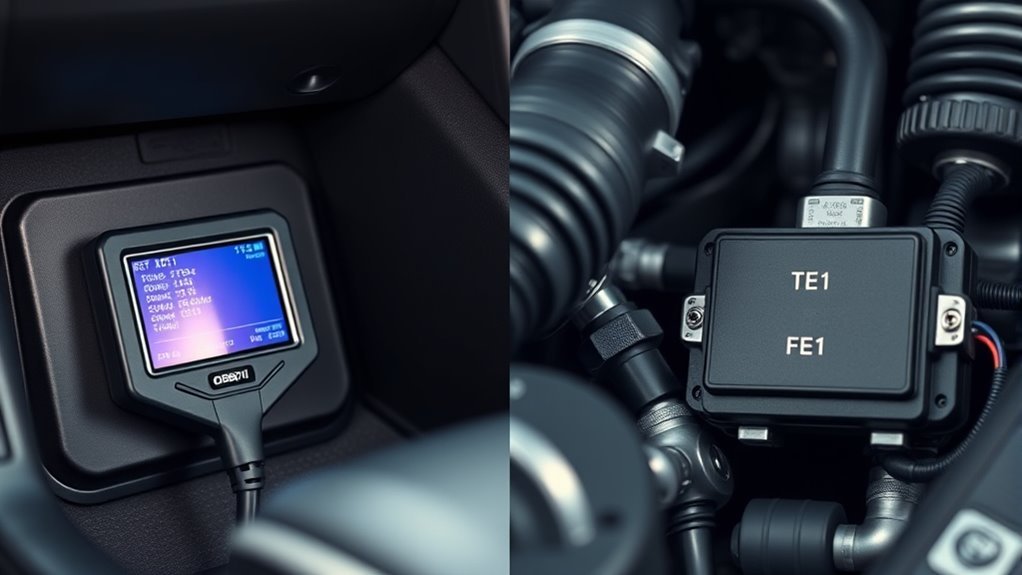
There are two legitimate ways to read Supra engine codes, but they are not equal for every car. A scanner is the correct first choice for OBD-II cars. Blink-code retrieval is mainly for older Toyota diagnostic systems or for specific Toyota procedures shown in the manual.
[Products Worth Considering]

The ZMOON ZM201 is a plug-and-play OBD2 code reader designed to quickly diagnose check engine issues on compatible vehicles after 1996. It reads and clears engine fault codes, displays live data and freeze frame information, checks I/M readiness, and helps you identify problems before visiting a repair shop. With a color screen, intuitive controls, and built-in DTC database, it offers an easy-to-use solution for DIY drivers and car owners who want reliable engine diagnostics.

This WEJOWE OBD2 scanner helps drivers quickly identify check engine causes, read and clear trouble codes, and view live vehicle data with built-in DTC lookup. It also includes battery voltage testing, I/M readiness checks, freeze frame retrieval, and support for printing diagnostic reports to help simplify repairs and maintenance. Designed for most OBDII vehicles since 1996, it offers an easy-to-use solution for DIY car diagnostics.

The TOPDON VeriDiag X800 BT is a wireless bidirectional automotive diagnostic scanner designed for full-system troubleshooting, active testing, and advanced service resets. It supports broad vehicle coverage, live data viewing, AutoVIN identification, and lifetime free updates to help DIYers and professionals diagnose issues faster and with greater confidence.
Method 1: Read Codes With an OBD-II Scanner
- Turn the ignition OFF.
- Plug the scanner into the 16-pin OBD-II port under the dash.
- Turn the ignition ON without starting the engine.
- Select OBD-II/EOBD, Toyota, or JOBD mode depending on your scanner and Supra market.
- Read stored codes, pending codes, freeze-frame data, and readiness monitor status.
- Write down every code exactly, including whether it is stored, pending, permanent, or history.
- Do not clear codes until you have recorded the data and diagnosed the fault.
Freeze-frame data is especially useful. It can show engine speed, coolant temperature, vehicle speed, load, and fuel-trim conditions at the moment the ECM detected the fault.
Method 2: Read Toyota Blink Codes
Use this method only if your Supra has the correct Toyota diagnostic terminals and the manual confirms the procedure. On many older Toyota systems, you bridge the specified terminals, turn the ignition ON, and count the Check Engine light flashes.
- Turn the ignition OFF.
- Open the diagnostic connector cover and confirm the terminal labels.
- Install a small jumper only between the factory-specified terminals.
- Turn the ignition ON without starting the engine.
- Watch the Check Engine light and record the flash groups.
- Turn the ignition OFF before removing the jumper.
- Compare the flash code to the correct Supra service-manual chart.
Warning: Never insert a paperclip into the OBD-II port just because a forum post says it works. Confirm the connector name, terminal label, and pin location in the factory diagram first.
How to Read Blink Codes From the Check Engine Light
Toyota blink codes are usually shown as grouped flashes separated by pauses. For example, three flashes, a pause, and one flash may be read as code 31 on systems that use two-digit blink codes. Multiple codes repeat in sequence after a longer pause.
Counting the Pattern
- Short pause: Separates digits within one code.
- Longer pause: Separates one code from the next code.
- Repeating sequence: Confirms you have reached the end of the stored-code list.
- Steady normal flashing: May indicate no stored codes on some Toyota systems, but verify against the manual.
Recording the Result
Do not rely on memory. Write the flashes down exactly as you see them, then watch the sequence repeat. If the pattern changes, your jumper contact may be loose, the battery may be weak, or you may be counting pauses incorrectly.
A simple note might look like this:
| Observed Pattern | Possible Reading | Next Step |
|---|---|---|
| 3 flashes, pause, 1 flash | Code 31 | Check the correct chart for your engine and market. |
| 4 flashes, pause, 2 flashes | Code 42 | Test the speed-signal circuit before replacing parts. |
| Multiple repeated groups | Multiple stored codes | Record all codes before clearing or repairing. |
Interpret Common Toyota Supra DTCs and Blink Patterns
A diagnostic trouble code tells you which system the ECU is unhappy with. It does not automatically identify the failed part. The best approach is to match the code to a service-manual flowchart, inspect the obvious causes, then test the circuit.
| Code Type | Example | What to Check First |
|---|---|---|
| Misfire | P0300, P0301–P0306 | Spark plugs, coils, injector operation, vacuum leaks, compression. |
| Lean condition | P0171 | Intake leaks, MAF signal, fuel pressure, exhaust leaks before sensors. |
| Oxygen or air-fuel sensor circuit | P0130, P0135, P0155 | Sensor heater circuit, wiring, connector corrosion, exhaust leaks. |
| Catalyst efficiency | P0420 | Exhaust leaks, sensor activity, fuel control issues, catalyst condition. |
| Vehicle speed signal | P0500 or Toyota blink code 42 on some systems | Speed sensor, cluster signal path, wiring, ECU input. |
| Throttle position circuit | P0120–P0123 or Toyota TPS-related blink code | TPS adjustment, closed-throttle signal, wiring, connector fit. |
Note: Toyota flash-code meanings vary by engine, year, and market. Always use the chart for your exact Supra rather than a generic Toyota list.
VVT-i vs. Older Supras: Pin Differences, TPS, Temperature, and RPM Rules
Late Japanese-market VVT-i Supras and non-VVT-i cars can use different ECUs, sensor logic, and diagnostic procedures. This matters when you are reading codes, setting the throttle position sensor, or trying to reproduce a fault that only appears under specific driving conditions.
Pinout Differences
Do not assume every A80 Supra uses the same diagnostic pins. Older systems may use TE1–E1 at the under-hood diagnostic connector. Some later Toyota procedures use Tc–CG at the under-dash DLC3 connector. The safest rule is simple: read the label, verify the wiring diagram, then bridge only the specified terminals.
TPS Calibration Rules
A misadjusted throttle position sensor can create idle, shift, hesitation, and code-setting problems. Before blaming the ECU, confirm the throttle closes fully, the cable is not holding it open, and the TPS signal changes smoothly. If the service manual calls for a resistance or voltage check at closed throttle, follow that exact specification.
Temperature and RPM Conditions
Some faults will not set until the ECU sees the right coolant temperature, engine speed, load, or drive-cycle condition. If you clear codes too early or only idle the car in the driveway, the monitor may not run. Use live data to confirm coolant temperature, RPM, throttle position, fuel trims, and sensor activity while reproducing the complaint safely.
Clearing Codes Safely: When You Should and Should Not Erase Faults
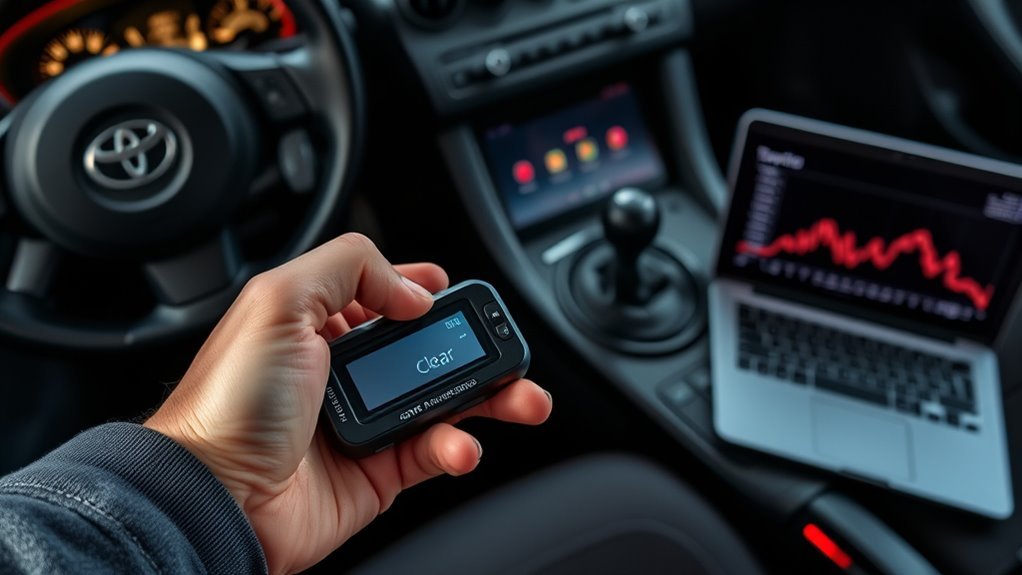
Clearing codes is not the same as fixing the car. It erases stored evidence and can reset readiness monitors. The California Bureau of Automotive Repair explains that readiness monitors are self-tests used during OBD inspections, and they may need to rerun after battery disconnects, repairs, or code clearing.
Clear codes only after you have:
- Recorded all stored, pending, and freeze-frame data.
- Diagnosed the fault using wiring checks, live data, and service-manual tests.
- Made the repair.
- Confirmed the problem does not return during a road test or drive cycle.
- Checked readiness status if the vehicle must pass emissions inspection.
Warning: Do not clear codes immediately before an emissions test. Even if the Check Engine light stays off, unset readiness monitors or permanent codes on newer vehicles can still cause an inspection problem.
Troubleshooting When Codes Will Not Read or Lights Flash Irregularly
If the scanner will not communicate or the Check Engine light flashes oddly, slow down and check the basics first. Most failed code reads come from power, ground, connector, ignition-position, or tool-compatibility problems.
[Products Worth Considering]

This ignition coil pack and pre-gapped spark plug set is designed for select 3.5L V6 Toyota and Lexus models, helping restore smooth engine performance and reliable starting. Built to meet or exceed OEM specifications, it can help fix common issues like misfires, rough idle, poor fuel economy, and reduced power. The complete 6-piece set offers a convenient replacement solution for compatible vehicles.
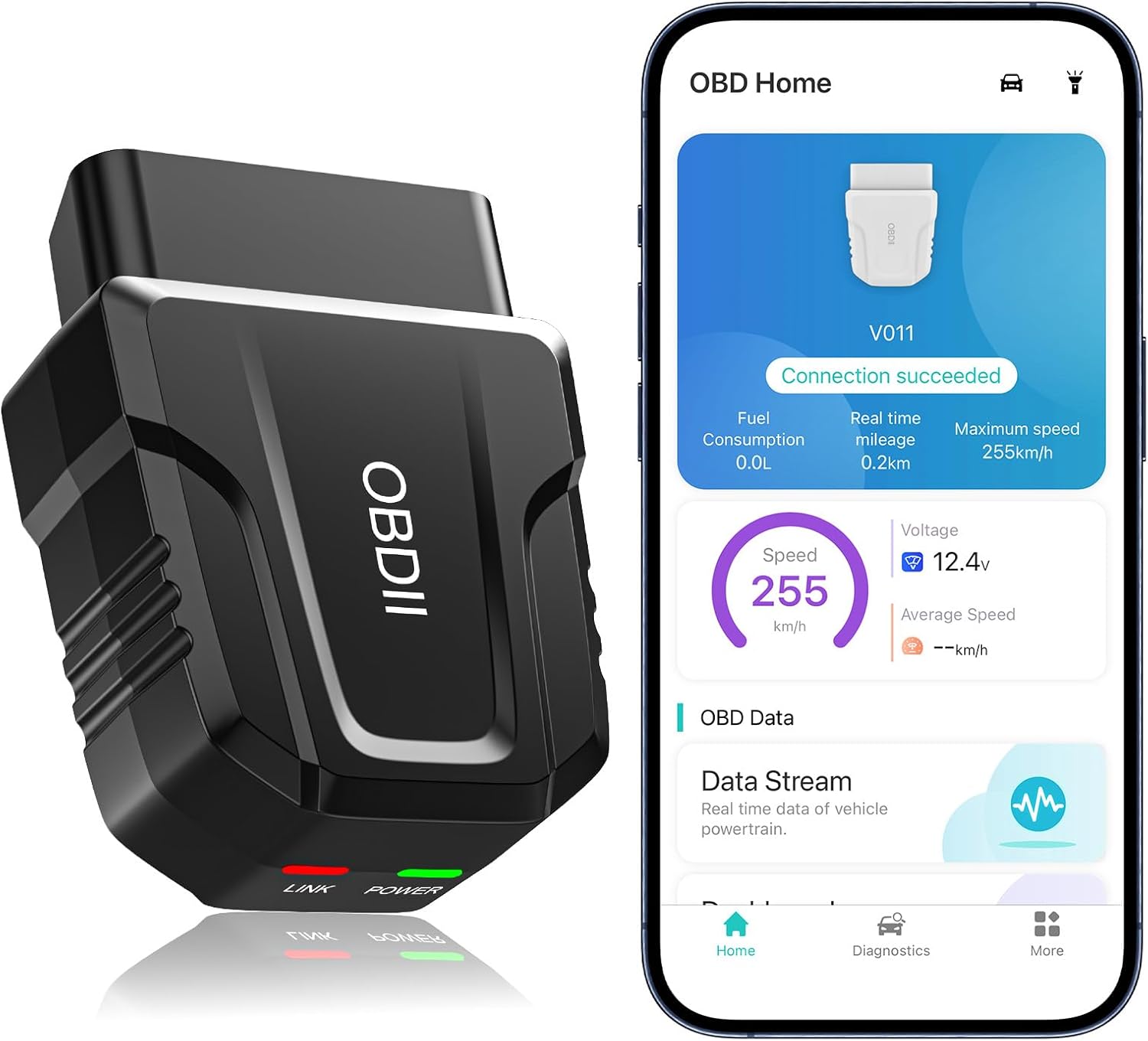
The UMEIJA V011 OBD2 scanner delivers comprehensive vehicle diagnostics with Bluetooth connectivity and a dedicated app for iOS and Android. It supports live data, fault code reading and clearing, readiness checks, freeze frame, sensor data, and performance testing to help drivers understand and monitor vehicle health. With broad compatibility across many car and truck models and easy-to-read data visualization, it is a practical tool for both beginners and experienced users.

This set of four ignition coils is designed to restore smooth engine performance and reliable starting for compatible Toyota, Scion, and Lexus applications. Built to meet or exceed OE specifications, these coil packs help reduce misfires, hesitation, and check engine light issues while supporting stronger ignition output. The direct-fit design makes installation straightforward, and the package includes a warranty for added peace of mind.
If a Scanner Will Not Communicate
- Confirm the ignition is ON and the scanner is fully seated.
- Try a different scanner mode, such as Toyota, OBD-II, EOBD, or JOBD.
- Check the fuse that powers the diagnostic connector and engine control system.
- Inspect the port for bent, spread, corroded, or pushed-back terminals.
- Look for aftermarket alarm, stereo, turbo-timer, or gauge wiring that may have disturbed the diagnostic circuit.
- Use a multimeter only if you know how to check connector power and ground safely.
If Blink Codes Are Hard to Count
- Verify the jumper is in the correct terminals and making solid contact.
- Use the key ON, engine OFF position unless the manual says otherwise.
- Record the sequence on your phone so you can replay it slowly.
- Watch the pattern repeat at least twice before deciding on the code.
- Remove the jumper with the ignition OFF when finished.
Next Steps After Reading Codes: DIY Fixes, Parts, and When to See a Pro
Once you have the code, build a diagnosis plan. Start with the easiest checks: loose connectors, cracked intake hoses, blown fuses, damaged grounds, vacuum leaks, oil contamination in connectors, and obvious wiring damage. Then compare live data against expected values.
For DIY repairs, stay inside your comfort zone. Spark plugs, loose intake couplers, dirty grounds, and visible vacuum leaks are reasonable owner-level repairs. Intermittent wiring faults, immobilizer issues, ECU problems, SRS faults, ABS faults, and emissions failures that keep returning are better handled with a professional scan tool and the factory diagnostic tree.
After the repair, clear the code with the scan tool, road-test the Supra under the conditions shown in freeze-frame data, and scan again. If the same code returns, keep diagnosing. If a new code appears, treat it as a separate clue rather than proof that the first repair failed.
Frequently Asked Questions
How do I read a Toyota Supra OBD-II fault code?
Plug a compatible OBD-II scanner into the 16-pin port, turn the ignition ON without starting the engine, and select read codes. Record stored, pending, permanent, freeze-frame, and readiness data before clearing anything.
Can I read Supra engine codes without a scanner?
On some older Toyota diagnostic systems, yes. You can use the blink-code method by bridging the factory-specified terminals and counting Check Engine light flashes. Do not use this method on a modern GR Supra or on any 16-pin port unless the manual confirms the exact terminals.
What scanner works best for a Toyota Supra?
For a U.S.-market 1996+ Supra, a standard OBD-II scanner can read basic emissions-related engine codes. For Japanese imports, VVT-i cars, or deeper live data, use a scanner with Toyota-enhanced and JOBD support.
Should I clear the Check Engine light after reading the code?
Not immediately. Record the code and freeze-frame data first, diagnose the cause, repair the fault, then clear the code. Clearing codes too early can reset readiness monitors and make emissions testing harder.
Why will my OBD-II scanner not connect to my Supra?
Common causes include a weak battery, blown diagnostic-port fuse, damaged connector, wrong scanner protocol, aftermarket wiring damage, or an import ECU that needs Toyota/JOBD support. Check power, grounds, fuses, and tool compatibility before replacing parts.
Conclusion
The safest way to read Toyota Supra OBD-II codes is to start with a compatible scanner, record the complete data, and diagnose before clearing. Use the jumper-wire blink-code method only on older Toyota diagnostic connectors or factory-confirmed terminals. Match every code to the correct Supra service information, verify the fault with testing, and re-scan after the repair so you know the fix actually worked.
Sources
- Toyota Support: Technical Information System — official source for Toyota repair manuals, wiring diagrams, service bulletins, and owner publications.
- Toyota Owners: 2024 Supra Manuals — official owner-manual access for current GR Supra models.
- U.S. EPA: On-Board Diagnostic Regulations and Requirements — background on U.S. OBD implementation and 1996 gasoline light-duty compliance.
- California Bureau of Automotive Repair: OBD Test Reference — readiness monitor, MIL, communication, and permanent-code inspection guidance.
- eCFR 40 CFR 85.2222: Onboard Diagnostic Test Procedures — federal OBD inspection procedure reference.