If your Sonata shows “Smart Cruise Unavailable,” first check the front radar cover for snow, dirt, or damage and gently clean it. Try an ignition cycle reset, or disconnect the battery 10–15 minutes and inspect cruise fuses. Know that heavy rain, fog, curves or hills can temporarily block detection, and persistent faults need dealer diagnostics, recalibration, or radar replacement under warranty. Follow safe manual control when detection falters, and keep going to learn step-by-step fixes and dealer tips.
How Smart Cruise Works in the Sonata
Smart Cruise Control on the Sonata uses a forward-facing radar sensor mounted behind the front fascia to keep your set speed and maintain a safe gap to the vehicle ahead, automatically accelerating or braking as traffic conditions change. You’ll rely on radar to sense vehicles on straight, curved, or inclined roads and let the system modulate speed for smooth flow. Environmental factors—heavy rain, fog, debris—can impair detection and temporarily disable operation, so you’ll recognize limits quickly. Keep sensors clean and inspect for damage; contamination often needs professional sensor calibration. When performance lags, don’t ignore it: an authorized Hyundai dealer can diagnose faults or apply system upgrades. That preserves freedom to drive confidently and safely.
Confirm “Smart Cruise Unavailable” vs. Other Warnings
How can you tell “Smart Cruise Unavailable” apart from other warnings? You’ll see a clear Smart Cruise message when the cruise system itself malfunctions—often tied to radar sensor faults or persistent obstructions. Contrast that with Warning Indicators like “Driver Assistance System Limited,” which usually mean temporary blockage from rain, snow, or similar conditions. If the dash shows “Check Driver Assistance System,” you’re facing a deeper fault that likely needs dealer inspection. Remember environmental factors—heavy rain, fog, or dirt—can degrade performance without always triggering a specific alert. To liberate yourself from uncertainty, note the exact message, frequency, and context (weather, road). Persistent Smart Cruise failures often require a reset or professional service rather than simple user fixes.
Immediate Checks: Inspect and Clean the Front Radar Cover
Start by visually inspecting the front radar cover for any snow, rain, dirt, or debris that could block the sensor. If you see contamination, gently wipe the area with a soft cloth and mild cleaner to remove moisture and grime without scratching. Also check for cracks or damage and recheck after bad weather to keep Smart Cruise working reliably.
Visual Inspection First
Grab a soft cloth and inspect the front radar cover for any snow, dirt, bugs, or other debris that could block the sensor’s view. You’ll look for obvious buildup or damage that interrupts the sensor alignment; even small contamination can confuse radar calibration and trigger the Smart Cruise Unavailable message. Check the cover for cracks, loose fittings, or displaced mounts that suggest physical harm to the sensor itself. Remove temporary obstructions and confirm the area is clear before restarting the system. Regular, deliberate visual checks keep the sensor free and the system reliable, so make this a habit. You deserve control over your drive—maintain the radar cover to preserve function and avoid unnecessary warnings.
Gentle Cleaning Steps
Now that you’ve inspected the radar cover for obvious damage or buildup, gently cleaning it can often clear the “Smart Cruise Unavailable” warning. Start by removing loose debris, snow, or dirt with your hands or a soft brush so you don’t grind particles across the cover. Use a damp microfiber cloth and mild water to wipe the cover—avoid harsh chemicals that can erode coatings. Dry the area and check the windshield for moisture that can also affect smart cruise features. Look for visible damage to the radar sensor itself; contamination or cracks may need professional attention. After cleaning, test the Smart Cruise Control in clear weather to confirm operation. Regular radar sensor maintenance empowers you to regain control.
Quick Resets That Often Clear the Error (Ignition, Battery, Fuse)
Start with a simple ignition cycle reset: turn the key off (or press the start button to OFF), wait a few minutes, then restart to clear temporary errors. If that doesn’t help, disconnect the battery for about 10–15 minutes to force a deeper system reset. Also check the cruise-related fuses and replace any that are blown before seeking dealer diagnostics.
Ignition Cycle Reset
If your Sonata shows a “Smart Cruise Unavailable” warning, try an ignition cycle reset first: turn the key to Off, wait a few minutes, then turn the ignition to On (without starting) for several seconds before restarting the engine. You’ll often clear transient error codes and let the system reinitialize its sensors and control modules. Use this method before deeper diagnostics; it’s quick, noninvasive, and supports your autonomy over vehicle upkeep. Pay attention to ignition timing—wait long enough for modules to fully power down so stored faults can reset. After restarting, confirm the message is gone and that cruise functions normally. If the warning persists, move on to fuse checks and sensor maintenance to reclaim reliable Smart Cruise performance.
Battery Disconnect Reset
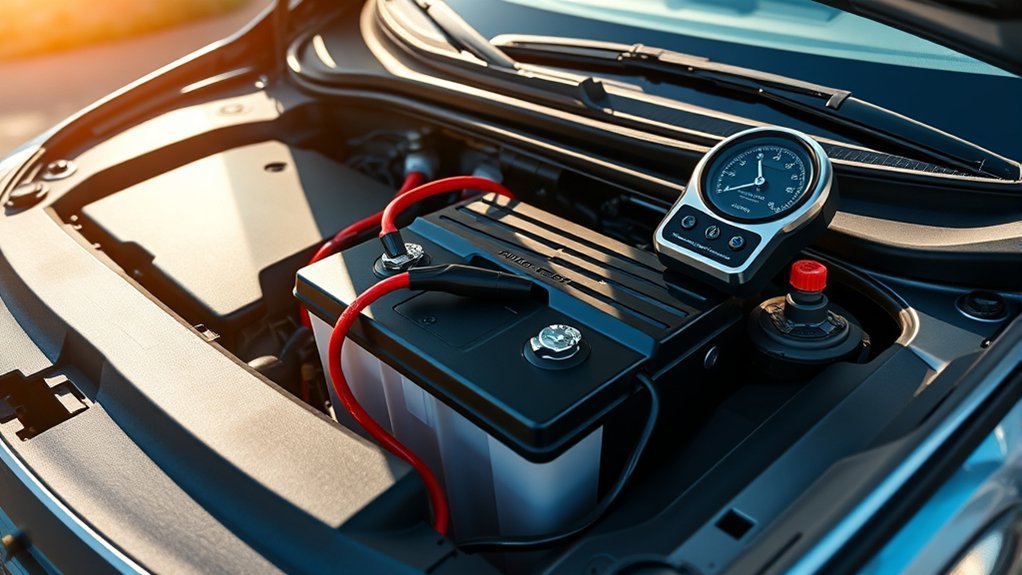
Although it’s a simple step, disconnecting the battery for about 10–15 minutes often resets the Smart Cruise Control and clears persistent “Smart Cruise Unavailable” messages; make sure the ignition is off before you disconnect to avoid electrical surges. You can perform this reset procedure to restore system state and test battery performance afterwards. Reconnect, start the car, and scan the cluster for warnings. If messages persist, seek dealer inspection of radar and sensors. Keep sensors clean to reduce resets and improve cruise reliability. Use this heart-of-the-car action to reclaim control.
| Step | Action | Result |
|---|---|---|
| 1 | Turn ignition off | Prevents surges |
| 2 | Disconnect battery 10–15 min | Resets modules |
| 3 | Reconnect & start | Check warnings |
Check And Replace Fuse
When your Sonata shows “Smart Cruise Unavailable,” check the related fuse next. Find the fuse box—usually under the dashboard or in the engine compartment—and consult your owner manual to confirm the correct fuse location. Inspect the Smart Cruise fuse visually and with a tester; a blown element or no continuity means replacement.
Pull the fuse and replace it with one of the same fuse amperage specified in the manual; never use a higher rating. After replacing, reconnect power or perform a battery disconnect reset for a few minutes to clear system codes. Regularly inspect fuses as part of maintenance to avoid surprises. You’ll regain control and confidence by handling this simple, liberating preventive step.
What to Do When Weather or Conditions Disable Smart Cruise
Because weather and changing light can block the radar and cameras that Smart Cruise relies on, you should treat temporary disablement as a sensor- or visibility-related issue rather than an electrical fault. Acknowledge weather impact and sensor limitations: heavy rain, snow, fog, mist, or sudden light shifts can trigger warnings and disable the system. Pull over safely if conditions make driving unsafe, then clear obvious moisture or ice from the vehicle exterior when feasible. Avoid constant washer-fluid spray or continuous wiper use that can confuse sensors. Once visibility improves—after clearing precipitation or exiting tunnels—Smart Cruise usually resumes. Monitor sensor cleanliness regularly and remove debris promptly. This approach lets you regain automated assistance without needless repairs, keeping your freedom to drive responsibly.
Check Radar, Camera, and Windshield for Sensor Obstruction
- Inspect the radar cover, camera housing, and windshield for any blockage. You’ll clear snow, rain, bug splatter, or debris from the front fascia where radar sensors sit, and wipe the windshield so coatings or moisture don’t hinder camera function. Maintain sensor alignment by avoiding hard impacts and checking mounts after minor collisions.
- Be mindful of environmental impacts: sudden light changes, tunnels, or heavy precipitation can temporarily disrupt detection even with clean sensors. If cleaning doesn’t restore Smart Cruise, drive cautiously and avoid relying on assistance features.
- When obstruction persists or you suspect sensor damage, consult an authorized HYUNDAI dealer for professional inspection and possible replacement to regain full, reliable system operation.
Troubleshoot Curves, Hills, and Unusual Traffic Situations
On curves you’ll need to watch for limited detection that can cause the car to misjudge nearby vehicles and unexpectedly accelerate. On hills expect faster, sometimes abrupt speed reductions when the system detects a vehicle ahead, so monitor brake response and following distance. When merging or changing lanes don’t rely solely on Smart Cruise—scan traffic manually because detection can be delayed or disrupted by uneven surfaces and metal obstructions.
Curve Detection Limits
When you drive through winding roads, steep hills, or areas with uneven surfaces, Smart Cruise may not reliably detect nearby vehicles and can react unpredictably—sometimes accelerating suddenly on curves or slowing sharply on inclines—so stay alert and be ready to take control.
- Recognize curve detection limits: the system can miss vehicles on bends, so reduce speed and assert control to preserve freedom of movement and choice.
- Maintain traffic awareness: lane changes and adjacent traffic may register late; scan mirrors and blind spots actively.
- Expect instability on uneven or construction zones: erratic sensor input can trigger unexpected braking or acceleration.
- Use safe speed adjustments: choosing conservative speeds through complex sections prevents erratic cruise behavior and keeps you liberated from automated surprises.
Incline Speed Variations
Although Smart Cruise can handle steady grades, it may react abruptly on steep inclines or declines, so watch your speed and be ready to intervene if the system suddenly decelerates or accelerates. You’ll notice incline effects when the vehicle misreads traffic on curves or hills, causing unexpected acceleration or rapid speed reductions. Monitor sensors and traffic closely; the system can cut speed suddenly if it detects a lead vehicle, risking abrupt stops. On unstable slopes, maintain manual readiness and make deliberate speed adjustments before conditions worsen. Don’t rely on the cruise to judge adjacent lanes on hills—delayed detection happens. Stay proactive: reduce speed early, increase following distance, and override cruise when road geometry or traffic looks uncertain so you keep control.
Merging And Lane Changes
Because Smart Cruise can miss vehicles during lane changes—especially on curves, slopes, or near metal structures, you need to supervise merges and be ready to override the system immediately. Stay alert: detection delays and sudden speed drops can occur on inclines, in tunnels, or where electromagnetic interference exists. You want control and freedom; don’t relinquish it when conditions are unstable.
- Anticipate lane change challenges: check mirrors and blind spots before trusting Smart Cruise.
- Manage merging safety: reduce speed smoothly and signal early to avoid sudden system reactions.
- Override promptly: keep hands near controls and be prepared to brake if detection lags.
- Avoid reliance in poor lighting or near metal structures; take manual control for safety and liberation.
When to Visit a Dealer: Fault Codes, Radar Replacement, Warranty
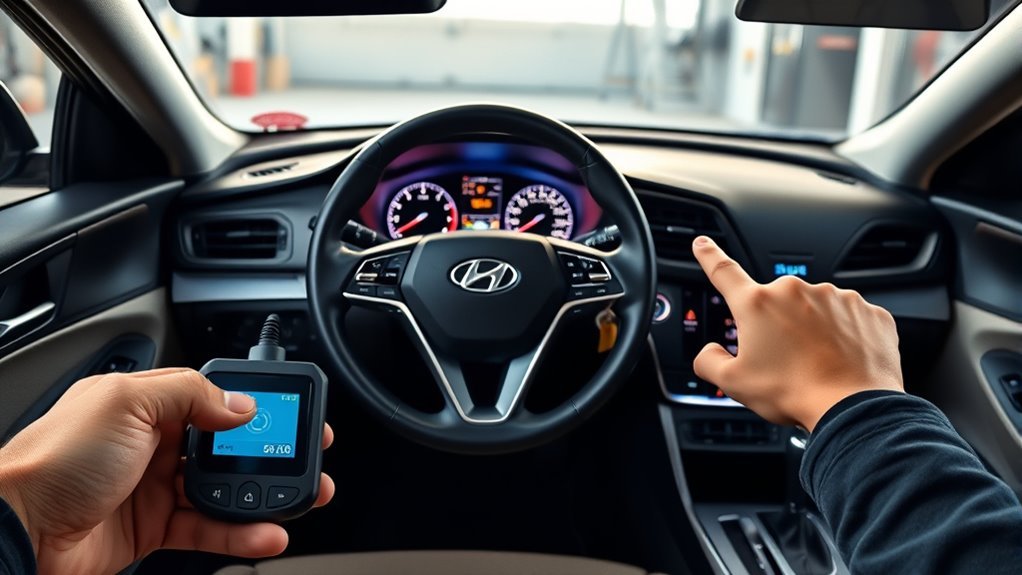
If you see fault codes for the Smart Cruise Control or warning messages that don’t clear after you’ve cleaned the sensors, bring your Sonata to an authorized dealer for a diagnostic check; they can read stored codes, determine whether the radar module needs replacement, and advise on warranty coverage to avoid unnecessary out‑of‑pocket costs. You should visit when fault codes persist, warnings recur, or performance degrades despite basic cleaning and obstacle removal. Dealers have factory tools to identify radar issues, calibration needs, or sensor damage that you can’t confirm at home. Ask for a written report, specific fault code explanations, and repair estimates. Verify warranty or recall eligibility before approving work so you can reclaim control and avoid paying for covered fixes.
Preventive Maintenance to Keep Smart Cruise Reliable
When you keep the front radar area clean and clear, your Sonata’s Smart Cruise will stay more reliable and give fewer false warnings. You’ll take control by practicing routine sensor maintenance and respecting cruise control limits in adverse conditions. Inspect sensors behind the front fascia for dirt, moisture, or damage. Keep the radar cover free of snow, rain buildup, and debris that can trigger warnings.
- Clean sensors gently—no continuous washer sprays while cruise control is active.
- Remove obvious obstructions before driving; don’t rely on the system in heavy rain, fog, or snow.
- Watch changing light and weather; reduce reliance on automation when detection drops.
- If warnings persist, schedule an authorized HYUNDAI inspection for calibrated repairs.
Community Fixes, DIY Risks, and What Not to Attempt
Although owner forums can offer quick tips that get Smart Cruise working again, you should treat community fixes as temporary fixes rather than guaranteed solutions. You’ll find community experiences noting that cleaning radar sensors often restores function when contamination or obstructions cause errors. Use those troubleshooting techniques first: gentle cleaning and visual checks. Don’t attempt invasive DIY repairs on radar units — improper handling can cause irreversible damage and void warranties. Disconnecting the battery appears in threads as a reset trick, but reserve it as a last resort and follow safety steps. If problems recur, pursue professional inspection and authorized Hyundai service; persistent faults often require radar replacement. Rely on forums for insight, not permanent cures, and prioritize safe, authorized repairs.
Frequently Asked Questions
Why Is My Cruise Control Not Working on My Hyundai Sonata?
Your cruise control isn’t working because sensors may be blocked, damaged, or affected by weather; you’ll do Hyundai troubleshooting by cleaning sensors, checking alerts, and getting an authorized dealer inspection to restore control and reclaim driving freedom.
Conclusion
You’ve learned how Smart Cruise works, how to tell “Smart Cruise Unavailable” from other warnings, and quick fixes like cleaning the radar cover, restarting ignition, checking the battery and fuse. You’ll know when weather or road conditions will disable the system, how to handle curves, hills, and odd traffic, and when to visit a dealer for codes or radar replacement. Inspect, clean, reset—seek pro help when DIY risks exceed your skills.