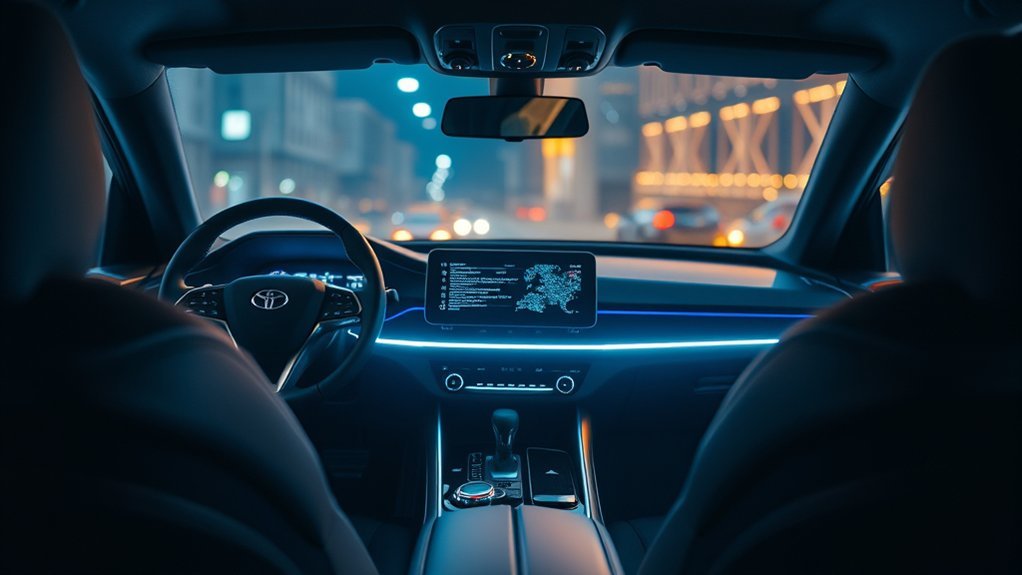
If your Supra infotainment screen is freezing, it might be due to software glitches, overheating, or outdated firmware. Start with a soft reset by pressing and holding the power button for 10-15 seconds. Disconnect any external devices to rule out interference. Check for software updates and inspect connections for damage. If issues persist, consider a hard reset or consult a professional. Understanding these steps can help you enhance system performance and address potential problems effectively.
Identifying Freezing Issues: Common Causes and Quick Fixes
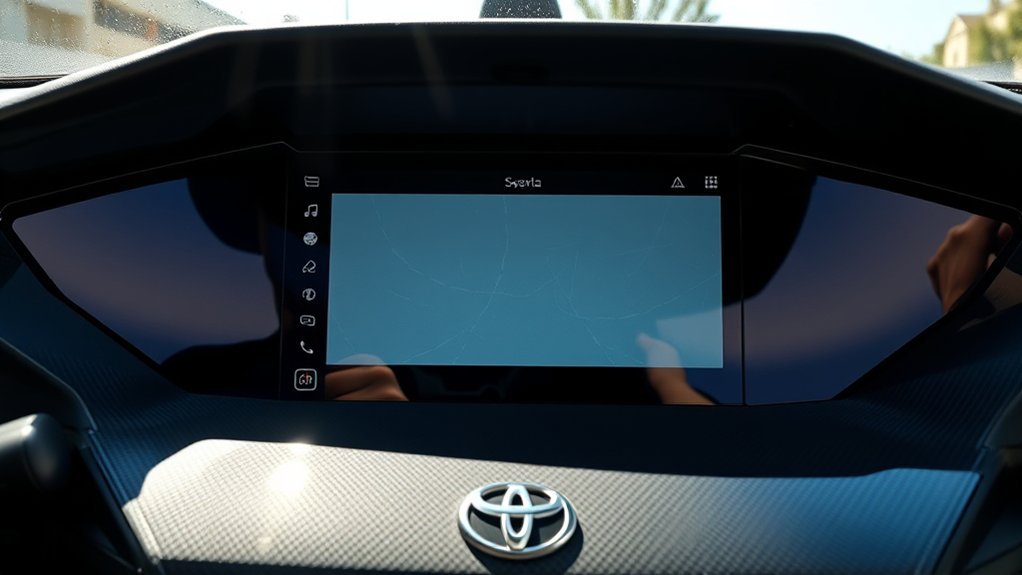
When your Supra infotainment screen freezes, it can disrupt your driving experience. Common causes include software glitches, overheating components, and user habits like rapid screen tapping, which can affect screen responsiveness. Environmental factors, such as extreme temperatures, may also lead to freezing. To minimize these issues, regularly update your infotainment software and use only Toyota-approved accessories. This proactive approach can enhance overall performance and reduce the likelihood of freezing. If freezing does occur, identifying the root cause is essential for effective resolution. While quick fixes like adjusting user habits can help, understanding the technology behind your infotainment system empowers you to maintain peak functionality. Stay aware, and you’ll enjoy a smoother, more connected driving experience.
Soft Reset Your Infotainment System: A Simple Solution
Freezing issues with your Supra’s infotainment screen can often be resolved with a simple soft reset. To perform this, locate the power or volume knob and press and hold it for 10 to 15 seconds until the screen shuts down. Then, press the power button again to restart the system. This troubleshooting technique can fix minor freezing issues about 70% of the time.
Soft Reset Benefits
| Benefit | Description | Frequency of Use |
|---|---|---|
| Resolves Glitches | Addresses minor software issues | As needed |
| Maintains Performance | Keeps system responsive | Regularly |
| User-Friendly | Quick and easy to perform | Anytime you experience issues |
Regular soft resets can help maintain peak performance. If problems persist, explore more advanced troubleshooting techniques.
When to Perform a Hard Reset: Key Signs?
Several key signs indicate it’s time to perform a hard reset on your Supra’s infotainment system. First, if the screen remains unresponsive after a soft reset, you’re likely facing deeper software issues. Frequent freezing during navigation or media playback is another hard reset indicator; it suggests functionality needs restoring. Additionally, persistent system lag or slow response times that standard troubleshooting can’t fix signal that a hard reset might be necessary. Unusual error messages or codes on the screen are also clear software glitch symptoms, indicating a reset could resolve these problems. Finally, if your system struggles with updates or shows corrupted files, a hard reset can often clear these underlying issues efficiently.
Best Practices to Prevent Freezing
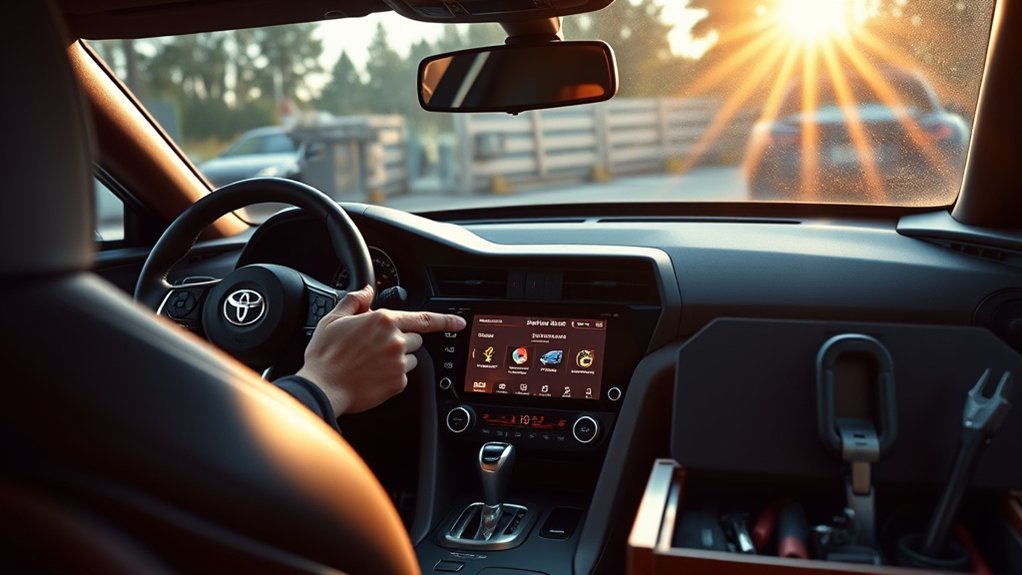
To prevent your Supra’s infotainment screen from freezing, it’s essential to adopt a few best practices. First, regularly update the infotainment system software; this keeps performance ideal and reduces freezing chances. Next, practice proper touchscreen maintenance—avoid exposing the screen to extreme temperatures, as this can affect functionality. Handle the touchscreen gently; quick tapping can cause glitches and unresponsiveness. Guarantee proper ventilation by keeping air vents clear to prevent overheating. Finally, use only Toyota-approved accessories to minimize compatibility issues that could lead to freezing. By incorporating these strategies, you’ll enhance your infotainment system’s reliability and enjoy a smoother driving experience. Remember, proactive measures are key to avoiding disruptions in your Supra’s technology.
Recognizing Serious Problems With Your Infotainment System
Even with best practices in place, you might encounter serious problems with your Supra’s infotainment system. Recognizing these issues can save you time and frustration. Here are three key indicators to watch for:
- Persistent Freezing: This may indicate software glitches or corrupted cache files needing immediate attention.
- Flickering or Dimming Screens: Such symptoms often point to hardware issues like overheating components or faulty touch sensors, requiring professional evaluation.
- Unusual Noises: Clicking or buzzing sounds might signal component failure, which shouldn’t be ignored.
Utilizing screen diagnostics and conducting a thorough component analysis can help pinpoint the issue. If simple resets don’t resolve the problems, consider a hard reset or seek professional help.
Initial Troubleshooting Steps: What to Check First
Have you checked the basics when your Supra’s infotainment screen freezes? Start with a soft reset by pressing and holding the power or volume knob for 10 to 15 seconds. If that doesn’t work, check for blown fuses related to the infotainment system in the fuse box—replacing them might restore power. Inspect the wiring and connectors behind the dashboard for any looseness or damage, as these issues can disrupt infotainment compatibility. Verify your system software is current, as outdated firmware can cause freezing. If the problem persists, disconnect the negative battery terminal for 10 to 15 minutes to reset the hardware. These troubleshooting techniques can help you regain control of your infotainment system effectively.
Why Software Updates Matter for Your Infotainment System
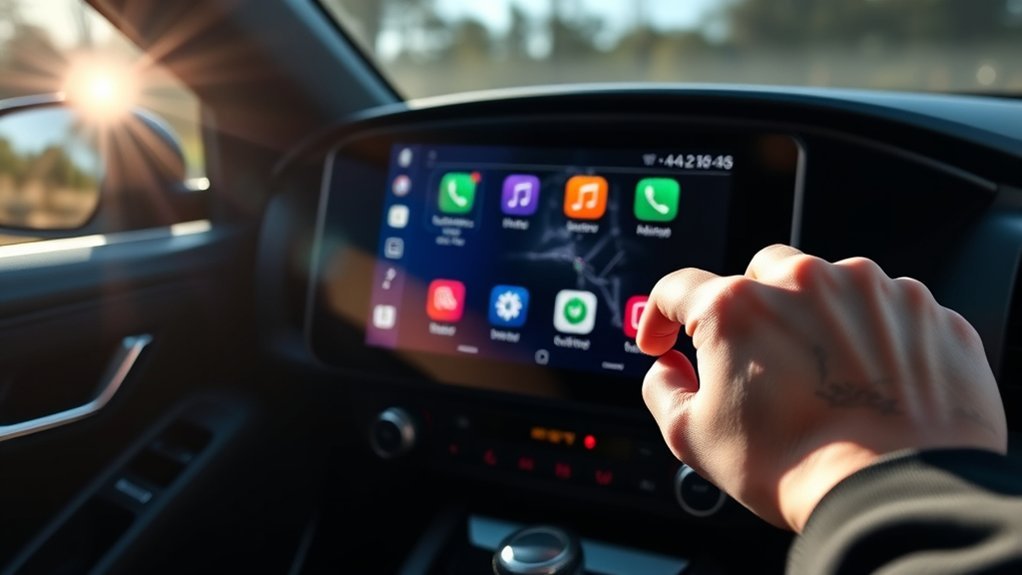
Regular software updates are essential for your Supra’s infotainment system, as they fix bugs and enhance performance. By keeping your system updated, you guarantee compatibility with the latest smartphone features and prevent issues like screen lag. Timely updates can greatly improve your user experience and reduce the risk of freezing or crashes.
Enhanced System Performance
As your Supra’s infotainment system evolves, keeping it updated is essential for enhanced performance and stability. Regular software updates play a significant role in optimizing your experience. Here are three key benefits of staying current:
- System Upgrades: Updates often introduce new features and functionalities, enhancing your vehicle’s capabilities.
- Performance Monitoring: Manufacturers like Toyota release updates that improve the speed and responsiveness of the touchscreen interface, making it more user-friendly.
- Stability Enhancement: Regular updates can address bugs and improve overall system stability, reducing instances of freezing.
Bug Fixes and Improvements
While keeping your Supra’s infotainment system updated may seem like a minor task, it’s crucial for addressing bugs and enhancing performance. Regular updates improve user experience by fixing known issues and optimizing functionality. With over-the-air updates in 2023 models, you can easily install enhancements without a dealership visit.
| Update Benefit | Description |
|---|---|
| Bug Fixes | Resolves corrupted cache files and glitches |
| Performance Boost | Enhances system responsiveness |
| User Experience | Streamlines touchscreen interactions |
| Security Improvements | Offers better protection against threats |
| Device Compatibility | Guarantees smooth operation with new devices |
When to Consult a Professional for Persistent Issues?
If your Supra’s infotainment screen consistently freezes or goes black despite your attempts at soft resets, it’s crucial to consult a professional. Ignoring these issues can lead to more significant problems down the line. Here are three scenarios where expert help is necessary:
- Unusual Noises: If you hear clicking or buzzing from the system, it might indicate component failure that needs immediate attention.
- Screen Flickering: Persistent flickering or dimming could signal electrical problems requiring professional diagnostics for safety.
- Error Messages: If system codes or error messages appear, specialized tools are often needed to accurately troubleshoot the problem.
Don’t hesitate to seek help; addressing these issues early can prevent complications and restore your infotainment system’s functionality.
Frequently Asked Questions
Can I Perform a Reset While Driving?
No, you shouldn’t perform a reset while driving. It compromises driving safety. Instead, use appropriate reset methods when parked. Prioritize your safety and focus on the road to guarantee a secure driving experience.
Will Resetting Erase My Saved Settings?
Resetting won’t erase your saved preferences, but it might change some settings back to defaults. Curiously, 70% of users report improved performance after a reset, making it a worthwhile option when needed.
How Often Should I Check for Software Updates?
You should check for software updates regularly, ideally every month. Enable update notifications to stay informed. Consistent software maintenance guarantees peak performance and enhances your infotainment system’s reliability, keeping your driving experience smooth and enjoyable.
Are There Any Known Recalls Related to the Infotainment System?
Yes, there are known recalls related to the infotainment system. Check your vehicle’s recall history and stay updated through dealer notifications to guarantee your system’s performance aligns with safety standards. Stay informed and empowered.
What if My Screen Freezes During a Navigation Route?
If your screen freezes during navigation, try basic troubleshooting like rebooting the system or checking connections. Consistent navigation issues may require software updates or professional assistance to guarantee peak performance and reliability.
Conclusion
If your Supra infotainment screen keeps freezing, don’t panic; a stitch in time saves nine. By performing soft or hard resets and staying on top of software updates, you can often resolve these issues quickly. Remember to keep an eye out for any serious problems that may require professional help. With a little preventive care and timely action, you can enjoy a seamless infotainment experience in your vehicle.