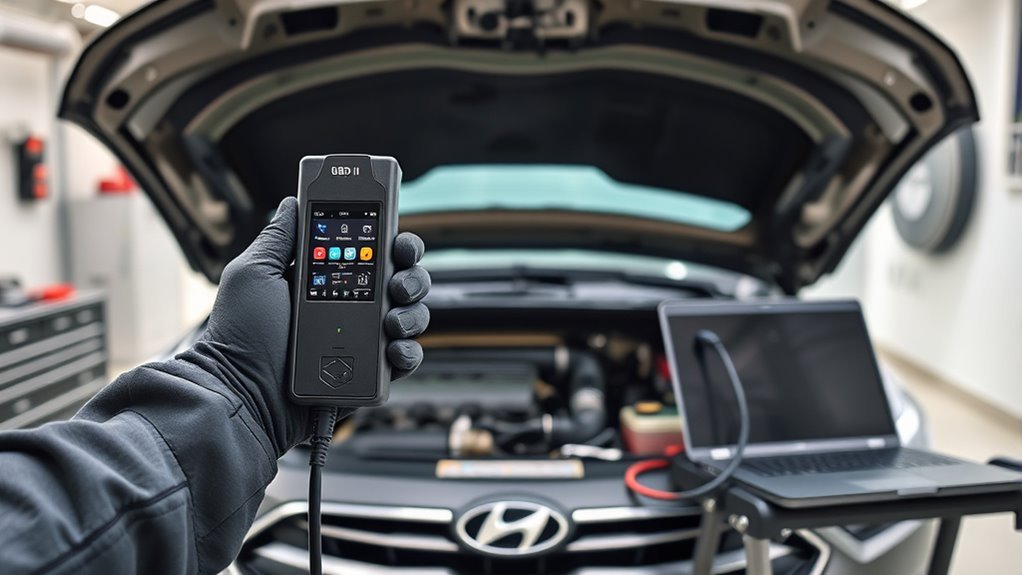
You’ll use an OBD‑II scanner to check Sonata readiness monitors (EVAP, catalyst, O2 and others) after completing proper drive cycles; “Not Ready” means required conditions or tests haven’t completed. Start with a cold engine, mix city stop‑and‑go and steady highway runs (25–45 mph), address any DTCs, and verify fuel cap seal and battery health. Repeat cycles until monitors report ready for smog. Continue for specific PID checks, failure causes, and step‑by‑step drive procedures.
Quick Steps to Get a Sonata OBD2 Ready
Start by completing a proper drive cycle: over 3–7 days drive about 150 miles combining city stop-and-go and steady highway runs so the engine, EVAP and O2 systems see the conditions they need to set their readiness flags. You’ll monitor readiness with an OBD2 scanner, confirming EVAP and O2 sensors read “ready” and the MIL stays off. If any DTCs appear, resolve them before repeating the cycle since codes reset monitors and block readiness benefits. Check the fuel cap seal; replace it if loose or damaged to avoid EVAP failures. Remember OBD2 importance: it’s the diagnostics gateway that verifies emissions systems. Follow these steps and you’ll free yourself from test uncertainty and unnecessary repairs.
[Products Worth Considering]

The ANCEL AD310 is a compact, easy-to-use OBD II code reader designed to help drivers quickly identify check engine light causes, read and clear fault codes, and review key vehicle data. It supports major OBD2 protocols and works with many 1996-and-newer cars, light trucks, SUVs, and other OBD2 vehicles. Built for fast diagnostics at home or on the go, it runs directly from the vehicle and provides clear results on a large screen.

This enhanced OBD2 scanner helps drivers quickly diagnose check engine light issues, read and clear trouble codes, and check emissions readiness before a smog test. It also adds EVAP and O2 sensor testing, live data, freeze frame capture, and a one-click battery health check in a simple plug-and-play tool with a bright color screen.

The ANCEL AD410 PRO combines engine diagnostics and 12V battery testing in one easy-to-use tool, helping you read and clear check engine codes while checking battery health, cranking, and charging performance. It also provides live data, freeze frame details, and I/M readiness checks to help you diagnose issues faster and prepare for emissions testing. With plug-and-play operation, a clear screen, and broad vehicle compatibility, it is a practical solution for home mechanics and everyday drivers.
Check Sonata PID Readiness With a Scan Tool
When you connect a compatible OBD‑II scan tool to the Sonata’s diagnostic port (usually under the left dash), the tool will read PID readiness status for monitors like EVAP, EGR and O2 and display each as “Ready” or “Not Ready.” Use an OBD II compatibility‑confirmed scanner and follow scan tool usage steps to query readiness monitor types and current flags. “Not Ready” indicates required drive cycles haven’t completed; you’ll need to meet specific conditions for the monitor to run. If you’ve cleared diagnostic trouble codes, you must complete the prescribed drive cycle before expectant readiness updates appear. Rely on accurate tool readings to track progress, avoid false assumptions, and reclaim control over emissions status and vehicle freedom.
Sonata Monitors That Affect Smog Check (EVAP, Catalyst, O2)
After you’ve checked PID readiness with a scan tool, focus on the three monitors that most directly determine smog test outcomes: EVAP, Catalyst, and O2. You’ll prioritize monitor importance because these three govern emissions compliance and whether the vehicle is admitted to testing. The EVAP monitor verifies the system’s seal so fuel vapors don’t escape; a fault here defeats compliance. The Catalyst monitor measures converter efficiency to confirm toxic gases are reduced; a failing catalyst usually equals test failure. The O2 monitor validates oxygen sensor response and air–fuel control; slow or erratic sensors can trigger the MIL and compromise results. For a Sonata, all three must report “ready”; incomplete status mandates completing specific drive cycles to restore compliance.
Common Reasons a Sonata Shows “Not Ready” : Fast Fixes
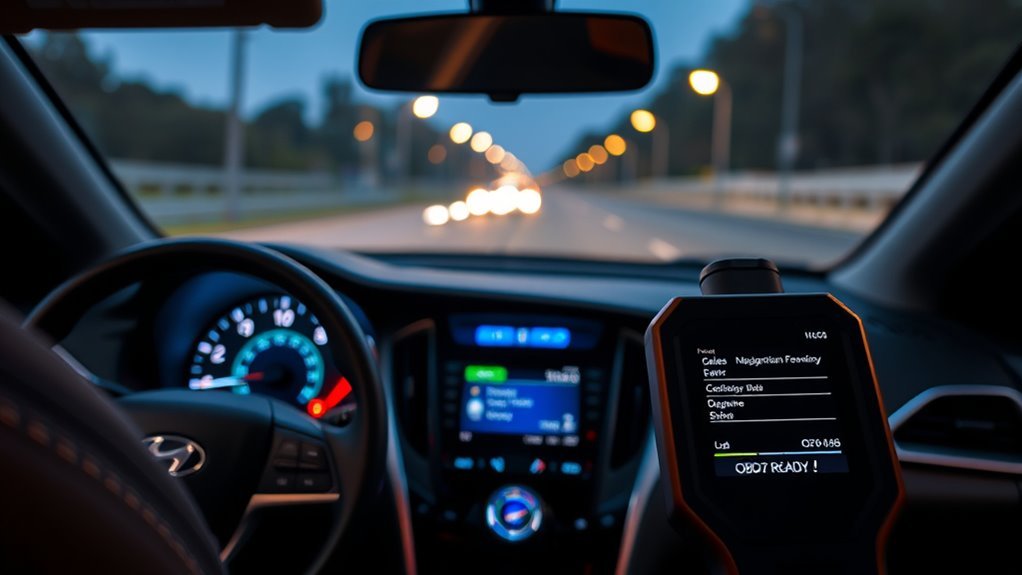
Although a “Not Ready” status often just means the Sonata hasn’t completed required drive cycles, you’ll want to check a few quick fixes first: verify the gas cap seals and tightness, confirm no recent DTC resets occurred, and scan for an illuminated MIL that indicates an active fault. Start by securing a proper gas cap—EVAP failures often block the emission system monitor. If someone recently cleared codes, realize diagnostic tests were reset and monitors need re-running. Scan for DTCs; an active fault will inhibit readiness until repaired. You’ll also confirm battery health and recent fueling events that can skew tests. These fast checks free you from needless troubleshooting and focus repairs so the vehicle can complete required diagnostic tests and regain readiness.
[Products Worth Considering]

The XTOOL A30M V2.0 is a wireless OBD2 diagnostic scanner built for DIYers and home mechanics who want full-system coverage, active tests, and broad reset support in one portable tool. It offers lifetime free updates, bidirectional control, and up to 8 live data streams for faster troubleshooting, plus compatibility with many vehicles including newer FCA and GM models. With multilingual support and mobile app connectivity for Android and iOS, it helps simplify maintenance and diagnostics without subscription fees.

Veepeak OBDCheck BLE+ is a Bluetooth OBD-II scanner designed to help drivers read and clear check engine codes, view freeze frame data, check readiness monitors, and monitor live sensor data. It works with compatible third-party apps on iOS and Android, making it a versatile tool for standard vehicle diagnostics and routine car health checks. Advanced features may be available through supported apps on select vehicles, but special service functions are not supported.

FOXWELL NT201 is an easy-to-use OBD2 scanner designed to help drivers quickly read and clear check engine codes, view live engine data, and check emissions readiness. Its color screen, one-key I/M readiness test, and broad compatibility with most gasoline vehicles since 1996 make it a practical tool for everyday diagnostics and maintenance. With plug-and-play operation and lifetime free updates, it offers a simple way to understand vehicle issues without expensive shop visits.
Drive-Cycle Checklist to Complete Sonata Readiness
If your quick checks didn’t reveal a fault, run a focused drive-cycle to get the Sonata’s OBD2 monitors to report ready. Start with a cold start, then drive until the engine reaches operating temperature—10–15 minutes minimum—so all systems can initialize. Include at least one complete trip combining city stop-and-go and highway segments. Maintain a steady 25–45 mph stretch for several minutes to exercise the catalyst and emissions-related monitor types. Use normal acceleration and a few load changes to trigger EVAP, EGR, and O2 sensor tests. After finishing, connect a scan tool and confirm each monitor type moved from “not ready” to “ready.” Repeat the drive cycle if any monitors remain incomplete; persistence frees you from failed readiness.
Frequently Asked Questions
How Do I Know if My OBD2 Is Ready?
Check your OBD2 scanner: if readiness monitor importance shows all required monitors “ready” and no DTCs, your OBD2 functionality overview confirms readiness; follow drive cycles if any monitors remain incomplete to liberate full system compliance.
What Are the Three Continuous Monitors?
They’re the Misfire, Fuel System, and Extensive Component monitors — Continuous Monitor Types you’ll recognize; Monitor Functionality checks combustion, fuel delivery efficiency, and multiple component operations, so you’re freed from guesswork and can act decisively.
What Monitors Need to Be Set for Smog?
You need EVAP, O2, CATALYST and FUEL monitors set for emissions testing; monitor types include continuous (O2, catalyst, fuel) and non‑continuous (EVAP); you’ll complete them via prescribed drive cycles to regain freedom.
Conclusion
You’ve followed the steps, scanned the PIDs, and chased the stubborn “Not Ready” flags—now the test’s almost over. Don’t relax yet: one missed drive cycle or a loose gas cap can still ruin your smog hopes. Run the prescribed drive-cycle checklist, recheck EVAP, catalyst, and O2 monitor status, then scan again. If a monitor still won’t set, fix the underlying fault before you schedule the inspection—because a single “Not Ready” can cost you everything.
[Products Worth Considering]

The BLCKTEC 440 Bluetooth OBD2 scanner helps drivers and DIY mechanics quickly read and clear trouble codes, monitor live data, and check emissions readiness with confidence. Its color display, graphing capabilities, and battery and charging system testing make it a versatile diagnostic tool for OBD-compliant vehicles. Designed for plug-and-play convenience, it runs directly from your vehicle and includes support for report sharing and ongoing updates.

The ANCEL AD410 helps drivers quickly read and clear engine-related fault codes, view live data, and understand why the check engine light is on before heading to a repair shop. With built-in code definitions, readiness checks, and support for common OBD2 functions, it makes basic diagnostics straightforward for beginners and DIY users. Powered directly from the vehicle and easy to use with no app required, it offers practical value for everyday vehicle troubleshooting.

The FOXWELL NT301 is a plug-and-play OBD2 code reader designed to help drivers and home mechanics diagnose check engine light issues with ease. It reads fault codes, clears emissions-related warnings, displays live sensor data in graph form, and shows I/M readiness so you can quickly check vehicle status before an emissions test. With broad compatibility across many OBD2 vehicles and a clear color screen, it offers a practical, user-friendly way to monitor and troubleshoot engine performance.