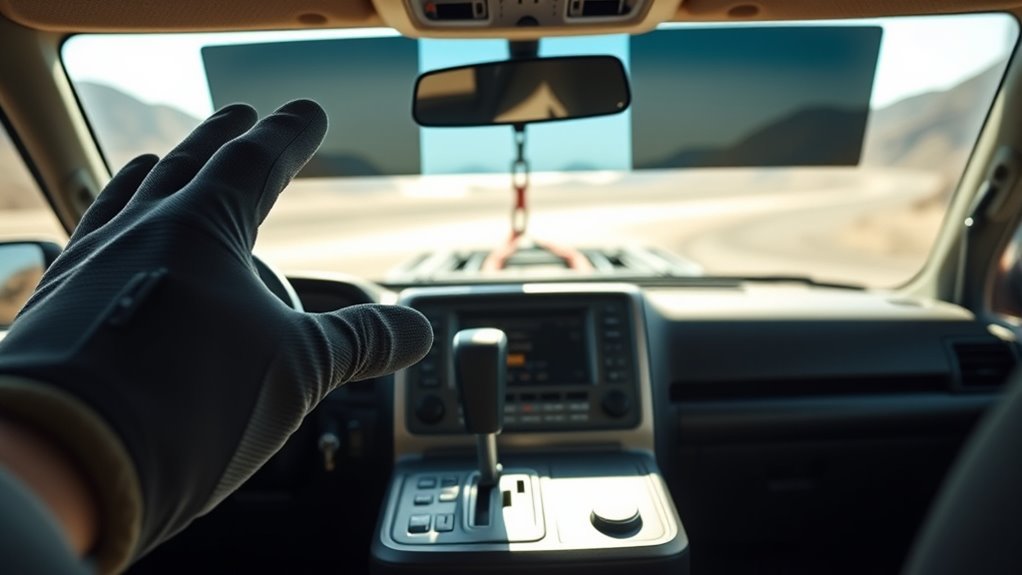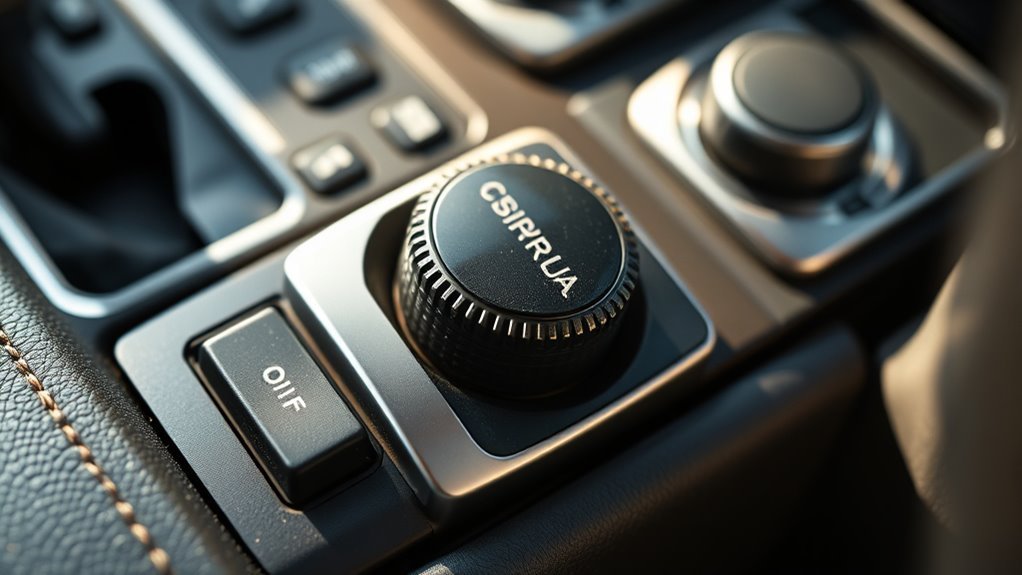
Crawl Control in the Toyota Land Cruiser is Toyota’s low-speed off-road cruise-control system for rough terrain. It helps the vehicle move at a steady crawl while the system automatically manages throttle and braking, leaving you to focus on steering, tire placement, and choosing a safe line. Controls and operating conditions vary by model year, so always confirm the exact procedure in your owner’s manual before using it.
Quick Answer
Toyota Land Cruiser Crawl Control helps the SUV travel over extremely rough off-road surfaces at a fixed low speed without constant accelerator or brake input. On most models, use it only off-road, after selecting the required 4WD low-range setting, then choose a low-speed setting and steer carefully.
Key Takeaways
- Crawl Control is for slow off-road driving, not pavement, traffic, or high-speed use.
- The system automatically modulates throttle and brakes, but you still control steering and line choice.
- Activation steps vary by model year, but many Land Cruisers require low-range 4WD before Crawl Control will operate.
- Use lower speed settings for rocks and descents; use slightly higher settings only when the trail is open enough to do so safely.
- Stop using the system if warning lights, overheating messages, or abnormal brake behavior appear.
At a Glance
| Time Required | 1–2 minutes to set up before an obstacle |
| Difficulty | Easy, once you understand your model’s controls |
| Tools Needed | No tools; owner’s manual recommended |
| Cost | No extra cost if equipped |
What Land Cruiser Crawl Control Is and Why It Matters
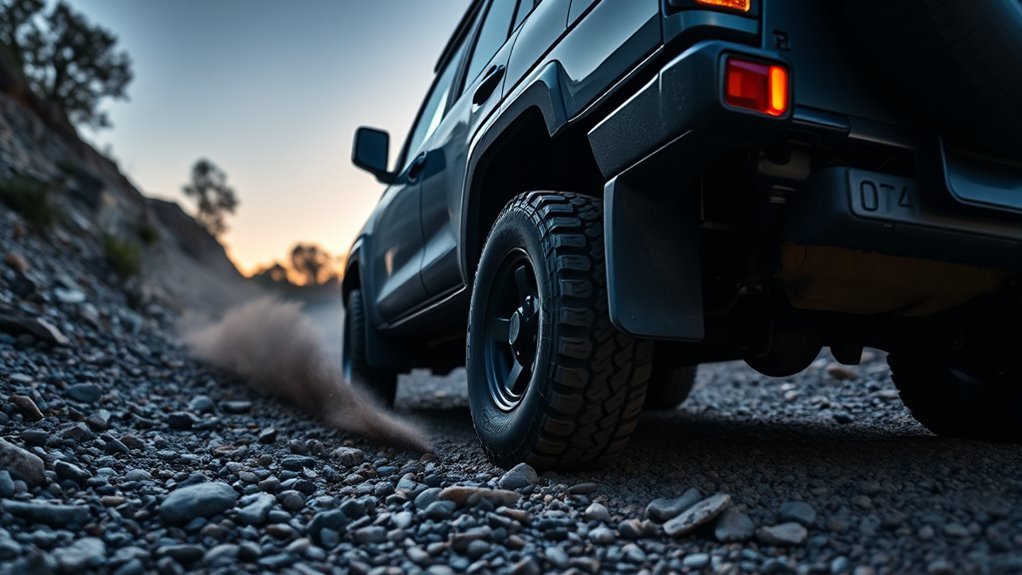
Toyota describes Crawl Control as a system that allows travel on extremely rough off-road surfaces at a fixed low speed without pressing the accelerator or brake pedal. In simple terms, it works like off-road cruise control for very slow terrain.
Instead of asking you to feather the throttle and brake at the same time, Crawl Control automatically manages those inputs through the vehicle’s traction and brake-control systems. That can help reduce wheel slip, keep the vehicle moving smoothly, and make it easier to concentrate on steering.
The benefit is biggest when you need steady, controlled movement: rocky climbs, uneven trails, loose descents, mud, sand, gravel, moguls, and other slow technical sections. It does not make the vehicle autonomous, and it does not choose the trail line for you.
Warning: Crawl Control is an off-road aid only. Do not use it on pavement, in traffic, at speed, or anywhere you need quick acceleration or normal road response.
Before You Use Crawl Control
Before turning Crawl Control on, make sure the trail is appropriate for low-speed off-road driving and that you know your Land Cruiser’s exact procedure. The controls and conditions can differ between older 200-series Land Cruisers, newer Land Cruiser models, and market-specific versions.
- Read the Crawl Control section of your owner’s manual before trail use.
- Use the system only on difficult off-road surfaces where a very low fixed speed helps.
- Confirm your tires are properly inflated for the trail and that no tire-pressure, ABS, brake, or stability-control warnings are active.
- Clear mud, snow, or packed debris from the wheel areas and sensors after heavy off-road driving.
- Check that the trail ahead gives you room to stop, steer, and recover safely.
Many Land Cruiser procedures require the transfer case to be in low-range 4WD before Crawl Control operates. Older Toyota quick-reference material also shows Crawl Control speed modes and notes that the operating status appears on the multi-information display.
Quick How-To: Activate and Use Crawl Control on a Land Cruiser
Use this as a general workflow, then follow your model-specific owner’s manual for the exact button names and gear requirements.
- Stop in a safe off-road area. Keep your foot on the brake and make sure the path ahead is clear.
- Select the required 4WD range. On many Land Cruisers, this means shifting the transfer case to L4/low range before Crawl Control will work.
- Choose the correct driving range. Do not assume Crawl Control operates in Neutral. Many Toyota procedures require the transmission to be in a driving range rather than P or N.
- Press the Crawl Control switch. Confirm the indicator or multi-information display shows that the system is ready or active.
- Select a crawl speed. Start with a low setting for rocks, ledges, and descents. Increase only when the trail is open and traction is predictable.
- Release the brake gently and steer. Let the system manage low-speed throttle and braking while you focus on tire placement.
- Cancel when the obstacle is finished. Stop or slow safely, press the Crawl Control switch off, and return to normal throttle and brake control.
Pro Tip: Pick the slowest speed that keeps the vehicle moving. A lower setting usually gives better control on rocks and steep descents, while a slightly higher setting may work better on loose climbs where momentum matters.
[Products Worth Considering]
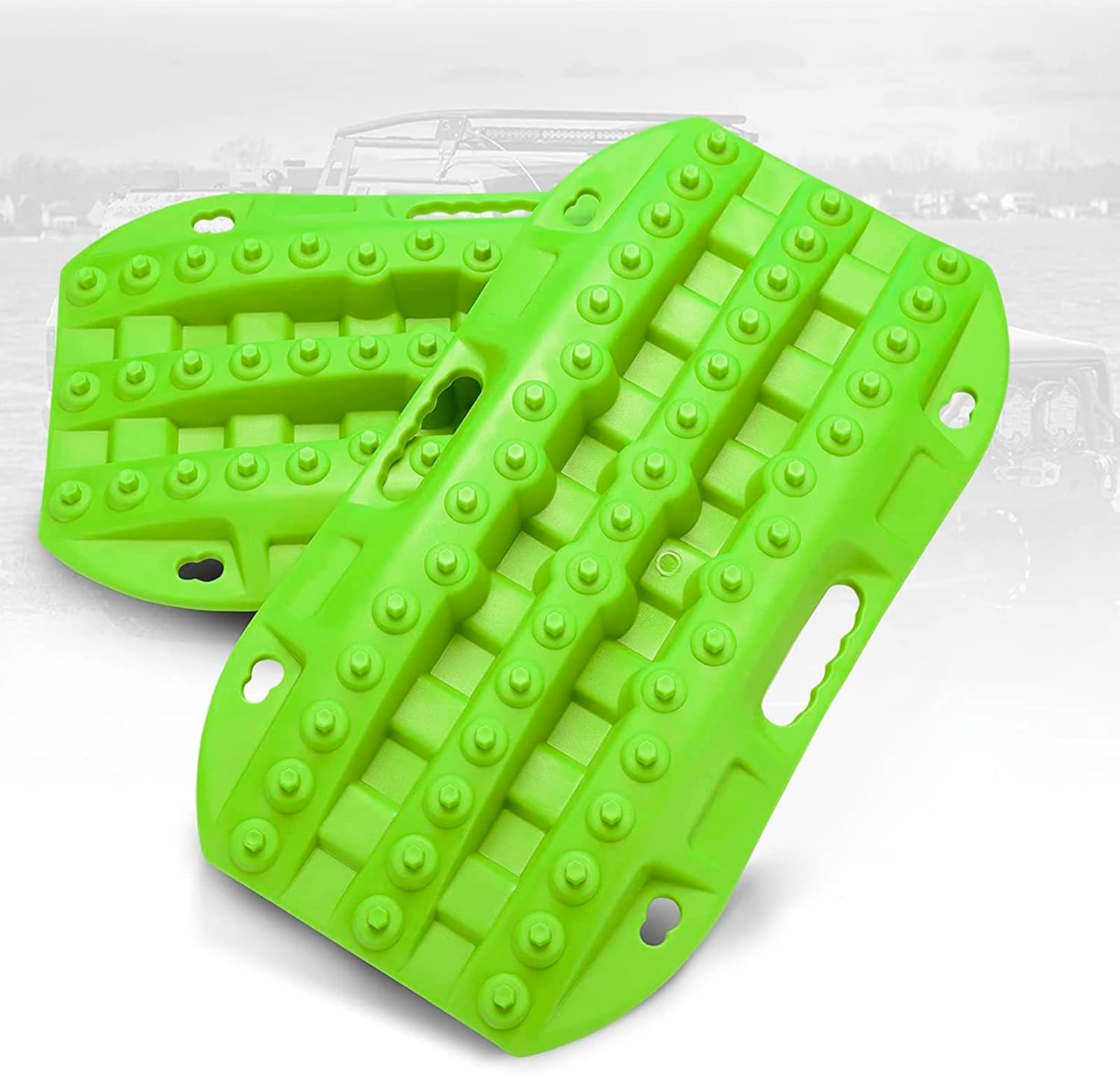
These short recovery traction boards are designed to help ATVs, UTVs, and other off-road vehicles regain grip in mud, sand, and snow. Built with strengthened teeth and a durable polypropylene construction, they provide reliable traction, easy handling, and year-round performance in tough conditions. Their nested, space-saving design and integrated shovels make them practical for carrying and using on remote adventures.

Custom-fit floor mats and cargo liner designed to provide edge-to-edge protection for the Toyota Land Cruiser Prado. Made from durable TPE material, they offer all-weather defense against rain, slush, snow, mud, and everyday dirt while remaining easy to install, clean, and maintain. The odorless, non-slip design helps keep your interior safer, cleaner, and more comfortable in every season.

These custom floor mats are designed to fit the Toyota Land Cruiser GX550 with a 5-seat layout for a precise, secure install. Made from durable TPE, they help shield your interior from spills, mud, snow, dirt, sand, pet hair, and everyday debris while making cleanup quick and easy.
How to Set Crawl Control Speed on a Land Cruiser
Crawl Control uses selectable low-speed settings. Toyota’s public support material describes Crawl Control as operating with five low-speed settings, and some Land Cruiser quick-reference guides label them from low to high rather than giving one universal mph number.
Use the speed selector or dial to match the obstacle:
| Trail Situation | Suggested Starting Point | Why |
|---|---|---|
| Rock steps, ledges, tight turns | Lowest setting | Maximizes slow control and gives you time to steer |
| Rocky downhill sections | Low to low-medium | Helps limit speed without constant brake input |
| Moguls or uneven climbs | Low-medium to medium | Keeps the vehicle moving without rushing the suspension |
| Mud, sand, loose dirt, gravel climbs | Medium to higher setting if safe | May help preserve momentum where too little speed can cause bogging |
If the vehicle begins to hop, scrape, slide, dig in, or move faster than you are comfortable with, cancel Crawl Control and reassess. A slower manual approach may be safer.
[Products Worth Considering]
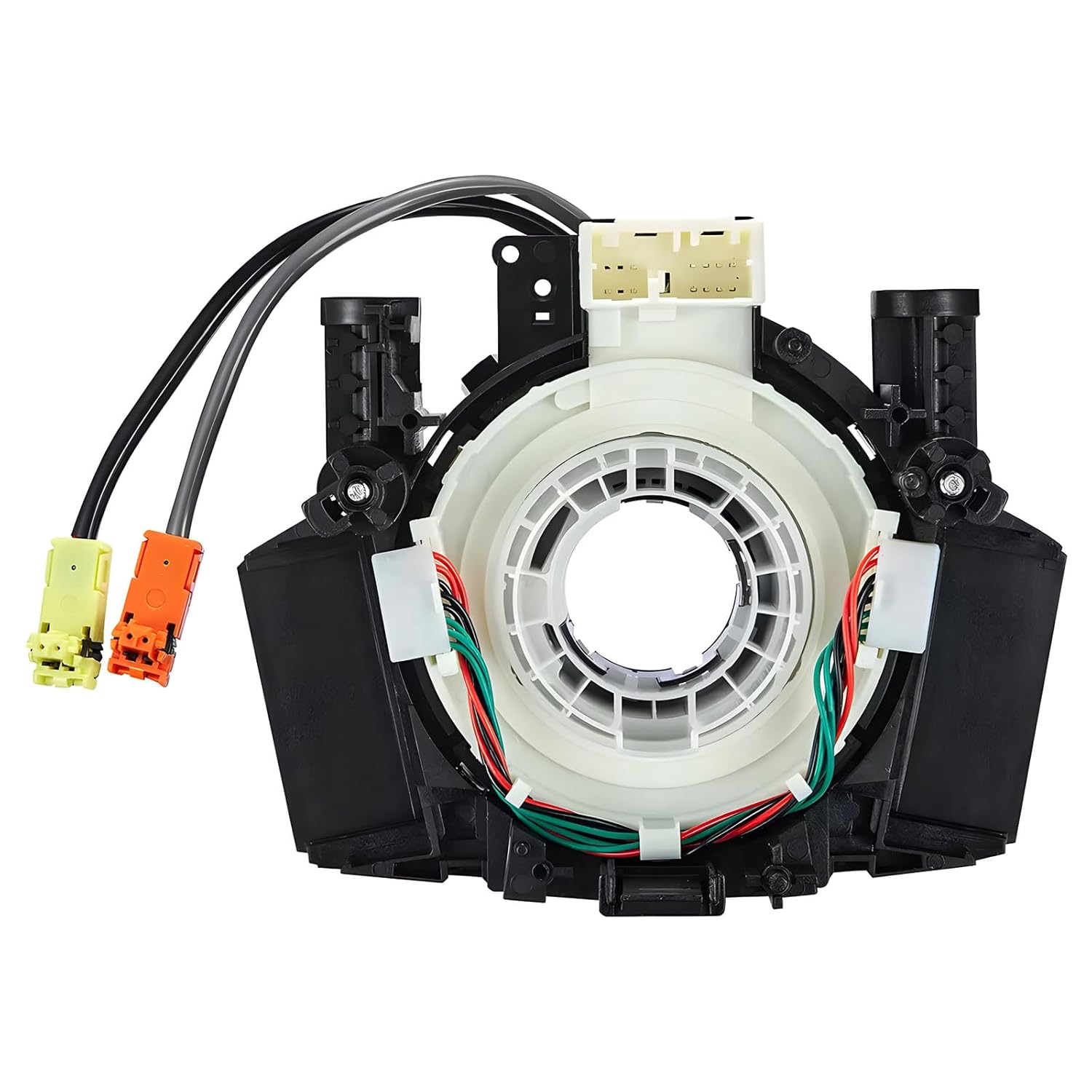
This steering clock spring assembly is an OEM-style replacement designed to restore steering wheel controls and related electronic functions in compatible Nissan vehicles. It supports audio, cruise control, and multi-function button operation while matching multiple factory part numbers for a reliable fit. Built for direct installation with vehicle-specific connectors, it helps return steering column electronics to proper working order.

BUNKER INDUST off-road traction boards help vehicles regain grip in mud, sand, and snow with a double-sided diamond array and cross-shaped teeth for improved bite and stability. Built from upgraded automotive-grade polypropylene, they resist UV damage, cold-weather brittleness, and wheel-spin heat while remaining flexible enough to handle demanding recovery situations. Contoured ramps, ergonomic handles, and multiple mounting points make them practical to use, store, and retrieve when adventure turns into recovery.
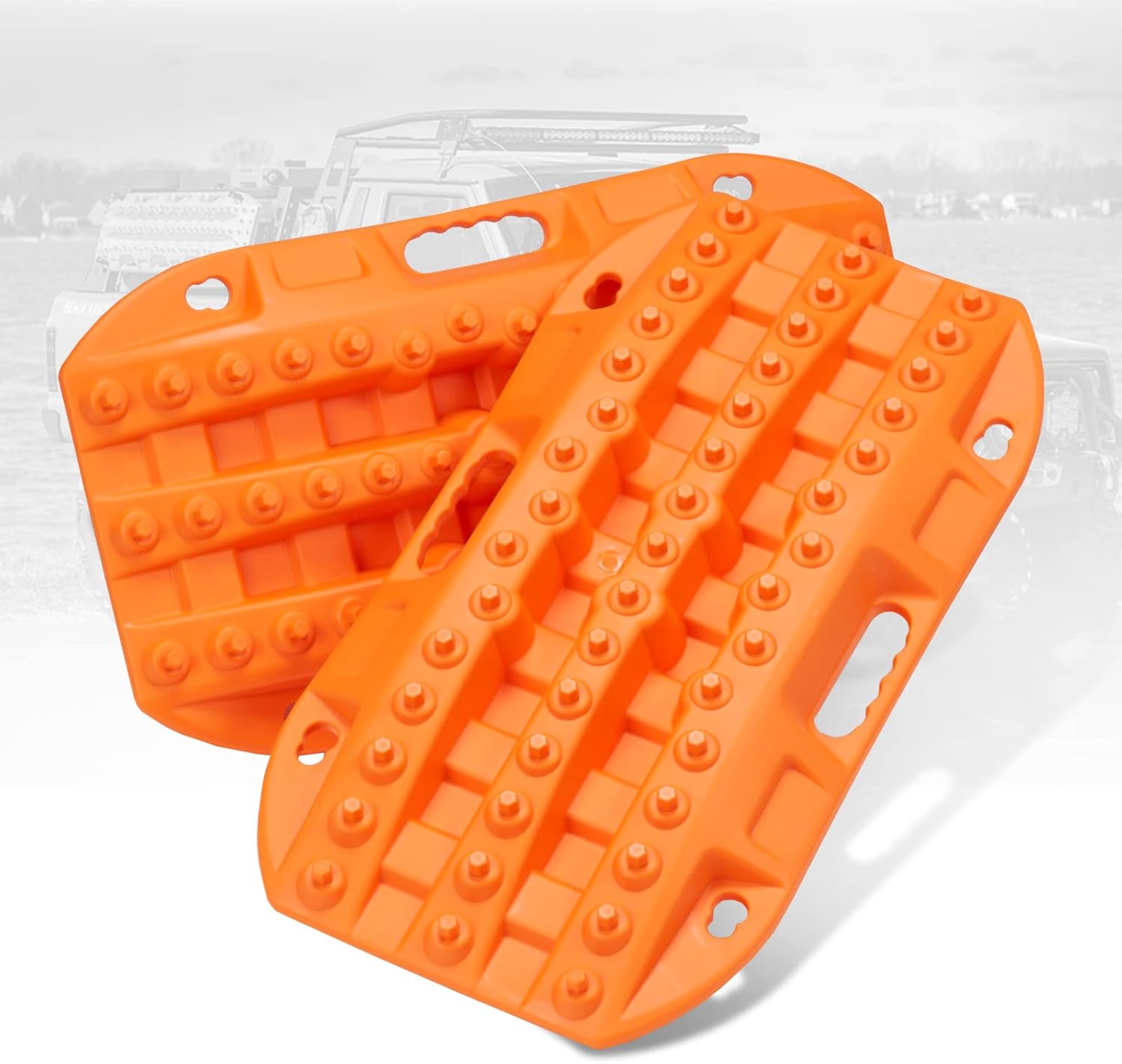
These short off-road traction boards are designed to help ATV and UTV drivers recover from mud, sand, and snow with added convenience and portability. Built with strengthened teeth and a stable bottom channel design, they help prevent wheel slip and improve traction in tough terrain. Made from durable automotive-grade polypropylene, they are lightweight, easy to clean, and suited for year-round use in extreme temperatures. Built-in shovels, ergonomic handles, and nesting storage make them practical for compact vehicle setups.
How Crawl Control Uses Throttle, Brakes, and Traction Systems
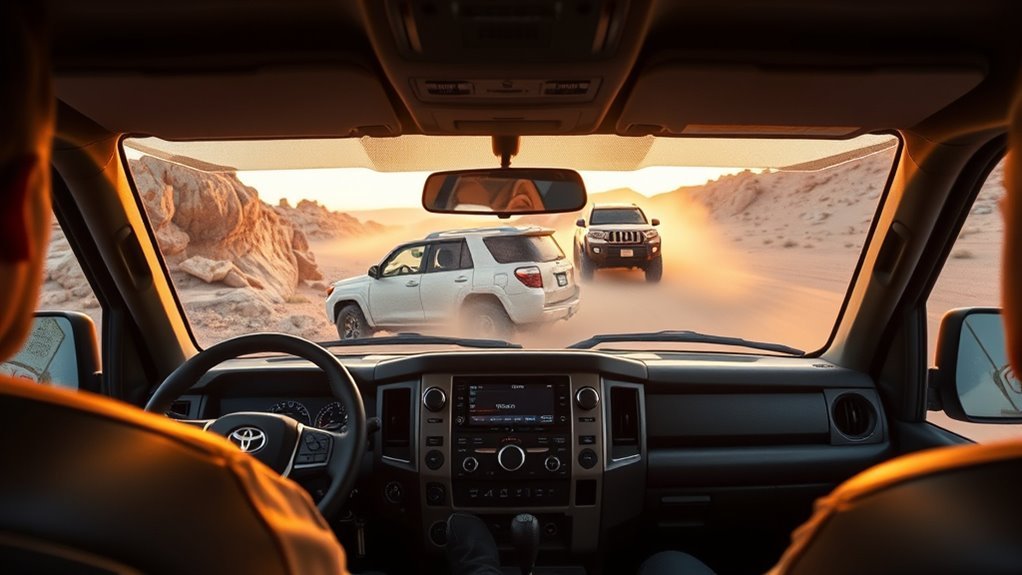
Crawl Control works by automatically modulating throttle and brake input at very low speeds. When the system detects that the vehicle needs more or less force to keep the selected crawl pace, it adjusts those inputs faster and more consistently than most drivers can do manually.
| Driver Task | Crawl Control Task |
|---|---|
| Choose the route | Maintain selected low speed |
| Steer around obstacles | Modulate throttle |
| Watch tires and terrain | Apply braking as needed |
| Stop if unsafe | Help limit slip at crawl speed |
Think of it as a support system, not a replacement for skill. It can help smooth out throttle and brake inputs, but it cannot see hidden rocks, judge body clearance, or decide whether a trail is safe.
How Crawl Control and Multi-Terrain Select Work Together
Toyota explains Multi-Terrain Select as a system that helps regulate wheelspin by adjusting throttle and brake control for different terrain types. Crawl Control, meanwhile, manages very low-speed movement so you can focus on steering.
When both are equipped, Multi-Terrain Select helps tailor the vehicle’s traction behavior for the surface, while Crawl Control helps maintain the selected slow speed. Depending on model year and market, available modes may include settings for surfaces such as rock, mogul, mud, sand, dirt, gravel, or snow.
Use the terrain mode that best matches what the tires are actually touching. For example, rock settings favor careful low-speed traction, while loose-surface settings may allow more wheel movement to help the vehicle keep momentum. If the vehicle response feels wrong, stop and choose a different mode or drive manually.
Land Cruiser Models and Years That Include Crawl Control
Availability depends on model year, market, trim, and option package. For the current U.S. Land Cruiser, Toyota lists Crawl Control as standard and Multi-Terrain Select as available. Toyota’s 2024 U.S. launch information listed the Land Cruiser 1958, Land Cruiser, and limited-run First Edition grades, not a Land Cruiser TRD Pro grade.
For used Land Cruisers, do not rely on a listing headline alone. Confirm Crawl Control by checking:
- the window sticker or build sheet;
- the physical Crawl Control switch or dial;
- the owner’s manual for that exact year and market;
- the VIN with a Toyota dealer or Toyota owner portal;
- the multi-information display when the system is selected.
Older 200-series models may have Crawl Control, but related features, speed labels, Turn Assist, Multi-Terrain Select integration, and operating conditions are not identical across all years. Treat “200-series,” “Prado,” “250-series,” and “U.S. Land Cruiser” as different lookup cases.
Five Off-Road Scenarios Where Crawl Control Helps Most
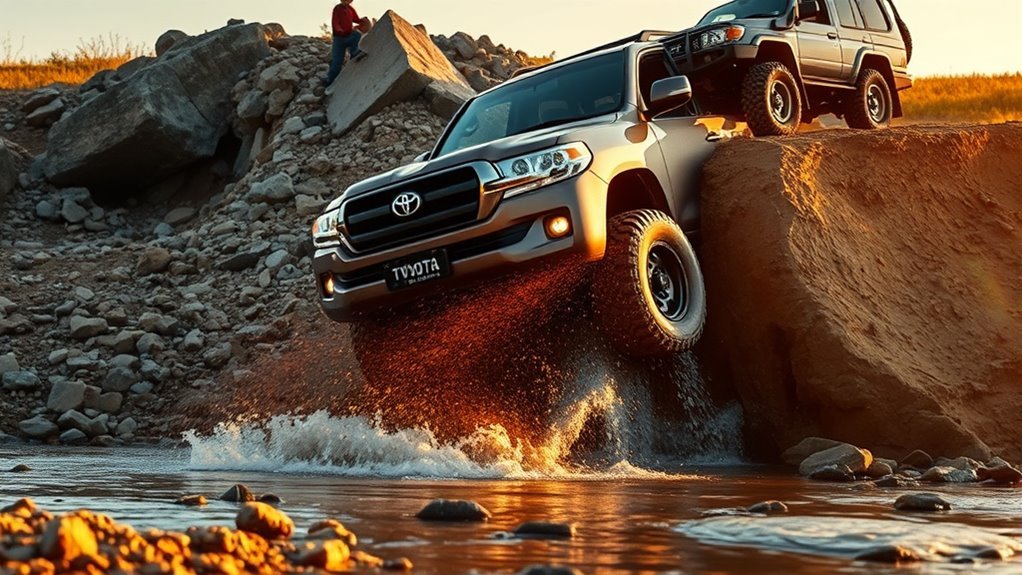
Crawl Control is most useful when slow, steady progress is safer than sudden throttle or brake inputs.
- Rock crawling: Low speed helps you place tires carefully and avoid bouncing over ledges.
- Steep descents: The system can help hold a controlled crawl so you are not constantly stabbing the brake pedal.
- Loose climbs: A steady throttle strategy can reduce the chance of sudden wheelspin.
- Mud and ruts: Smooth inputs help reduce digging, although deep mud may still require momentum and recovery planning.
- Moguls and uneven trails: Consistent speed lets the suspension work without rushing the vehicle into the next obstacle.
Crawl Control is most valuable when your right foot would otherwise be switching constantly between throttle and brake.
[Products Worth Considering]

This steering clock spring is designed to restore reliable steering wheel controls across a wide range of Toyota models. It supports audio, cruise control, and other multifunction commands while matching OEM part numbers for confident replacement fitment. Built for dependable signal transfer and straightforward installation, it is an effective solution for repairing steering column control issues.

This dash clock spring replacement is designed for a wide range of Toyota vehicles and helps restore reliable steering wheel control functions. It supports audio controls, cruise control, and other multi-function commands while using vehicle-specific connectors for easier installation. Built with durable materials and OEM-referenced part compatibility, it is a practical solution for repairing steering wheel signal issues.

This Yuirote universal car motor diagnostic tool helps drivers quickly detect engine fault codes and identify system issues for routine inspections and maintenance. It also supports electronic parking brake reset and emergency release functions, making it useful for handling EPB-related problems without a repair shop visit. Its compact, ergonomic design and broad vehicle compatibility make it a practical choice for car owners and DIY repair enthusiasts.
Limitations and When Not to Use Crawl Control
Crawl Control has a narrow job: low-speed off-road control on rough or slippery terrain. It is not for normal road driving.
- Do not use it on pavement. High-grip surfaces can make off-road traction systems feel abrupt and unnecessary.
- Do not use it at speed. It is designed for very slow control, not fast trail driving.
- Do not use it for long continuous transfers. Toyota warns that continuous use can overheat the brake system and make Crawl Control temporarily inoperable.
- Do not rely on it for recovery. If the vehicle is stuck, stop and use proper recovery techniques.
- Do not ignore warning lights. Brake, ABS, stability-control, or traction warnings can affect system operation.
Note: If Crawl Control cancels, be ready to use the brake pedal immediately. The driver is always responsible for controlling the vehicle.
Troubleshooting Tips and Simple Maintenance Checks
If Crawl Control will not turn on, cancels unexpectedly, or feels abnormal, start with simple checks before assuming a major failure. Do not attempt electrical repairs unless you are qualified.
Quick System Checks
- Confirm the vehicle is in the correct 4WD range for your model.
- Confirm the transmission is in the required gear range, not simply left in Neutral.
- Make sure the driver’s door is fully closed if your model requires it.
- Look for warning messages on the multi-information display.
- Check for ABS, brake, stability-control, or traction-control warning lights.
- Cancel the system, stop safely, and reselect it only if no warning message remains.
Sensor And Wiring Inspection
After muddy, snowy, or rocky trails, visually inspect the wheel areas for packed debris, damaged wiring, or obvious sensor contamination. Clean gently with water and a soft brush where appropriate, and avoid pressure-washing directly into connectors or sensors.
If warning lights remain after cleaning and restarting the vehicle, stop using Crawl Control and have the vehicle inspected. Faults in wheel-speed sensing, brake control, or stability-control systems can affect Crawl Control operation.
Reset And Recalibration Steps
There is no universal owner-level “recalibration” step that fixes every Crawl Control problem. A safe user-level restart is simple: stop the vehicle, cancel Crawl Control, confirm the proper gear and 4WD settings, then turn the system back on. If the warning returns, the system needs diagnosis.
| Symptom | Safe First Check |
|---|---|
| System will not activate | Check 4WD range, gear position, door status, and warning lights |
| System cancels | Check for speed, brake overheating, or driver input override |
| Warning message appears | Stop using Crawl Control and consult the owner’s manual |
| Poor traction response | Try a lower speed, different terrain mode, or manual driving |
| Persistent fault | Have a Toyota dealer or qualified technician inspect it |
Frequently Asked Questions
What is Crawl MTS in a Land Cruiser?
Crawl Control and Multi-Terrain Select are related but separate off-road aids. Crawl Control manages very low-speed throttle and braking. Multi-Terrain Select adjusts traction behavior for different surfaces, such as rock, mud, sand, dirt, or gravel, depending on model year.
Do you activate Land Cruiser Crawl Control in Neutral?
Do not assume the system operates in Neutral. On many Land Cruisers, Neutral is used while shifting the transfer case into low range, but Crawl Control itself operates after the correct 4WD range and driving gear are selected. Always follow your owner’s manual.
Can I use Crawl Control on pavement?
No. Crawl Control is designed for difficult off-road terrain at low speeds. Use normal throttle and braking on pavement, parking lots, and public roads.
Does Crawl Control steer the Land Cruiser?
No. Crawl Control helps manage low-speed throttle and braking, but you still steer, choose the line, watch obstacles, and decide when to stop.
Why did Crawl Control turn off or show a warning?
Common causes include incorrect gear or 4WD range, excessive speed, driver override, brake-system heat, or a traction/brake-control fault. Stop safely, read the warning message, and consult the owner’s manual if it persists.
Conclusion
Crawl Control is one of the Land Cruiser’s most useful off-road tools when it is used correctly. It can hold a slow, steady pace over rough terrain while automatically managing throttle and braking, but it does not replace judgment, steering skill, recovery planning, or the owner’s manual. Use it only in the right conditions, start with a low speed, watch the trail closely, and stop if the system displays a warning or the vehicle feels unstable.
Sources
- Toyota Owners: 2026 Land Cruiser Crawl Control — backs up fixed low-speed off-road operation and loss-of-traction wording.
- Toyota Support: Multi-Terrain Select and Crawl Control — backs up five low-speed settings and throttle/brake modulation.
- Toyota.com: 2026 Land Cruiser — backs up current U.S. feature availability, standard CRAWL, and available MTS.
- Toyota 2018 Land Cruiser Quick Reference Guide — backs up speed-mode labels and owner-manual caution for older models.
- Toyota USA Newsroom: 2024 Land Cruiser launch — backs up U.S. grade names and available off-road features.