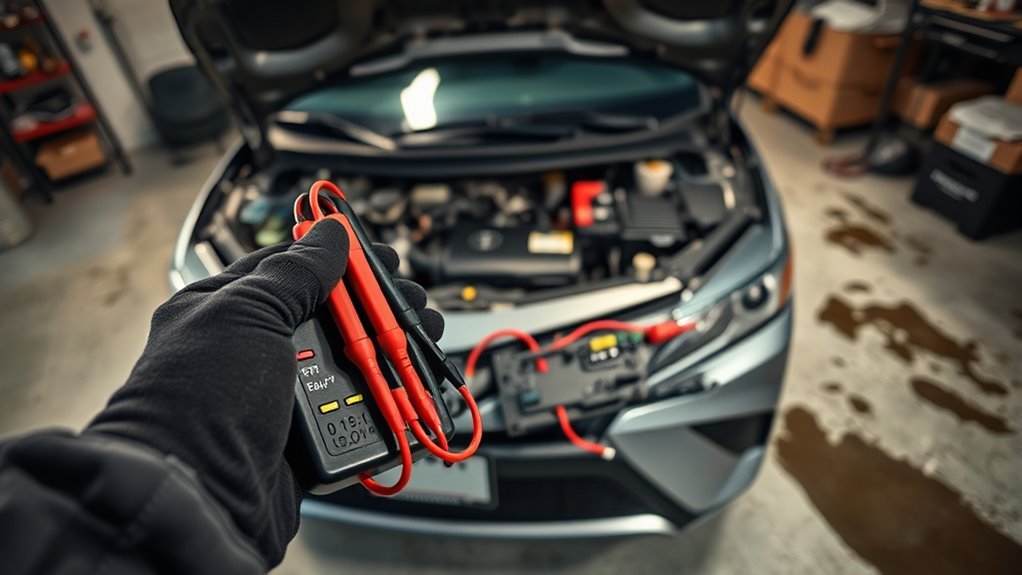
If your Toyota Camry won’t start intermittently, start with the symptom instead of guessing at parts. A no-crank problem usually points toward the battery, cables, starter circuit, ignition switch, or park/neutral safety switch. A crank-but-no-start problem usually points toward fuel, spark, sensor signals, immobilizer recognition, or engine-management faults.
Quick Answer
For an intermittent Camry no-start, check the battery voltage, terminals, ground straps, starter signal, and park/neutral switch first. If the engine cranks but will not fire, move to fuel pressure, spark, crankshaft sensor signal, OBD-II codes, immobilizer/key recognition, and recall checks for your exact VIN.
Key Takeaways
- If the Camry does not crank, diagnose the battery, cables, grounds, starter, starter relay, ignition switch, and neutral safety switch before looking at fuel or sensors.
- If it cranks normally but will not start, check fuel delivery, spark, crankshaft/camshaft sensor signals, immobilizer status, and stored OBD-II codes.
- Use model-year-specific specs. Fuel pressure, wiring colors, CKP resistance, fuses, and relay locations vary by Camry year and engine.
- Check your VIN for recalls, especially if the car runs rough, stalls, or will not restart after stalling.
At a Glance
| Time Required | 15 minutes for basic checks; 1–2 hours for deeper electrical or fuel testing |
| Difficulty | Beginner to intermediate, depending on test depth |
| Tools Needed | Multimeter, OBD-II scanner, battery terminal brush, wrench set, gloves, eye protection, and possibly a fuel-pressure gauge |
| Cost | Basic diagnosis can be free if you own tools; repairs vary from cleaning terminals to replacing a battery, starter, switch, sensor, fuel pump, or key component |
Warning: Batteries, starter cables, and fuel systems can be dangerous. Wear eye protection and gloves, work in a ventilated area, keep sparks and flames away from the battery and fuel system, and do not crank the engine while a multimeter is connected in amp/current mode.
Problem–Solution Guide: Camry Intermittent No-Starts
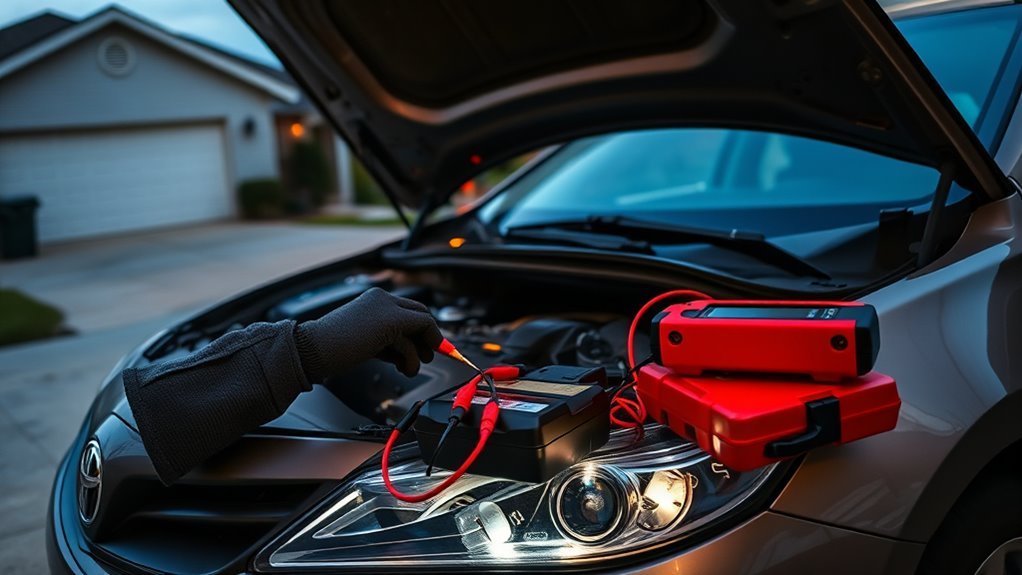
Before replacing parts, separate the problem into one of these symptom groups. This saves time because a starter circuit fault and a fuel-pressure fault can both leave you stranded, but they require different tests.
| Symptom | Most likely areas to check first |
|---|---|
| No crank and no click | Dead battery, loose terminals, blown starter fuse, ignition switch, starter relay, park/neutral switch, smart-key issue |
| Rapid clicking | Weak battery, corroded terminals, poor ground, low voltage under load |
| Single loud click | Starter solenoid, starter motor, high-resistance battery cable, engine ground |
| Cranks normally but will not start | Fuel delivery, spark, crankshaft/camshaft sensor signal, immobilizer, ECU codes |
| Starts in Neutral but not Park | Park/neutral safety switch or shifter position adjustment |
| Security light stays on or flashes abnormally | Key battery, spare key test, immobilizer antenna, key transponder, immobilizer codes |
Use the steps below in order. After each fix or test, try starting the vehicle again and write down what changed: lights, clicks, crank speed, security light behavior, fuel-pump sound, and any scan-tool codes.
Quick Checklist: 5 Things to Try Now
These quick checks are safe starting points for most Camry owners. They do not replace a full diagnosis, but they help separate a simple connection problem from a deeper electrical, fuel, or security-system issue.
Check Battery Connections
Open the hood and inspect the battery posts and cable clamps. If either clamp moves by hand, the starter may not receive enough current even when the dashboard lights turn on. Clean visible corrosion, tighten the clamps, and inspect the negative cable where it connects to the body or engine.
With the engine off, a healthy fully charged 12-volt battery is usually around 12.6 volts at rest, while a running vehicle is commonly around 13.5 to 14.5 volts as the alternator charges. Use a multimeter as a first check, but remember that a weak battery can show decent voltage and still fail under starter load. See AutoZone’s multimeter battery-testing guide for basic voltage-testing procedure.
Try Starting In Neutral
If the Camry will not crank in Park, press the brake pedal, shift to Neutral, and try again. If it starts in Neutral, suspect a misadjusted shifter, worn park/neutral safety switch, or transmission range switch issue. Do not drive normally until the cause is repaired; the same switch helps prevent starting in the wrong gear.
Try the Spare Key or Smart-Key Backup Method
If your Camry uses a smart key or push-button start, a weak key-fob battery or recognition issue can mimic a no-start. Try the spare key. On many Toyota smart-key vehicles, holding the key fob close to the start button may allow the vehicle to recognize the key when the fob battery is weak. Check your exact owner’s manual through Toyota Owners Manuals and Warranties because the procedure varies by model year.
Listen for Clicks and Fuel Pump Prime
Turn the key or press START and listen carefully. Rapid clicks usually point to low voltage. One solid click can point to a starter or cable problem. If the engine cranks normally but will not fire, turn the ignition to ON without starting and listen near the rear of the car for a brief fuel-pump prime. No sound does not prove the pump is bad, but it gives you a direction for testing.
Scan for Codes Before Clearing Anything
Use an OBD-II scanner before disconnecting the battery or clearing codes. Stored and pending codes can point to crankshaft position sensor faults, camshaft sensor faults, immobilizer issues, fuel-system faults, or communication problems. Write the codes down before clearing them.
Diagnose Battery, Terminals, and Ground on a Camry
[Products Worth Considering]

The ANCEL AD410 PRO combines engine diagnostics and 12V battery testing in one easy-to-use tool, helping you read and clear check engine codes while checking battery health, cranking, and charging performance. It also provides live data, freeze frame details, and I/M readiness checks to help you diagnose issues faster and prepare for emissions testing. With plug-and-play operation, a clear screen, and broad vehicle compatibility, it is a practical solution for home mechanics and everyday drivers.
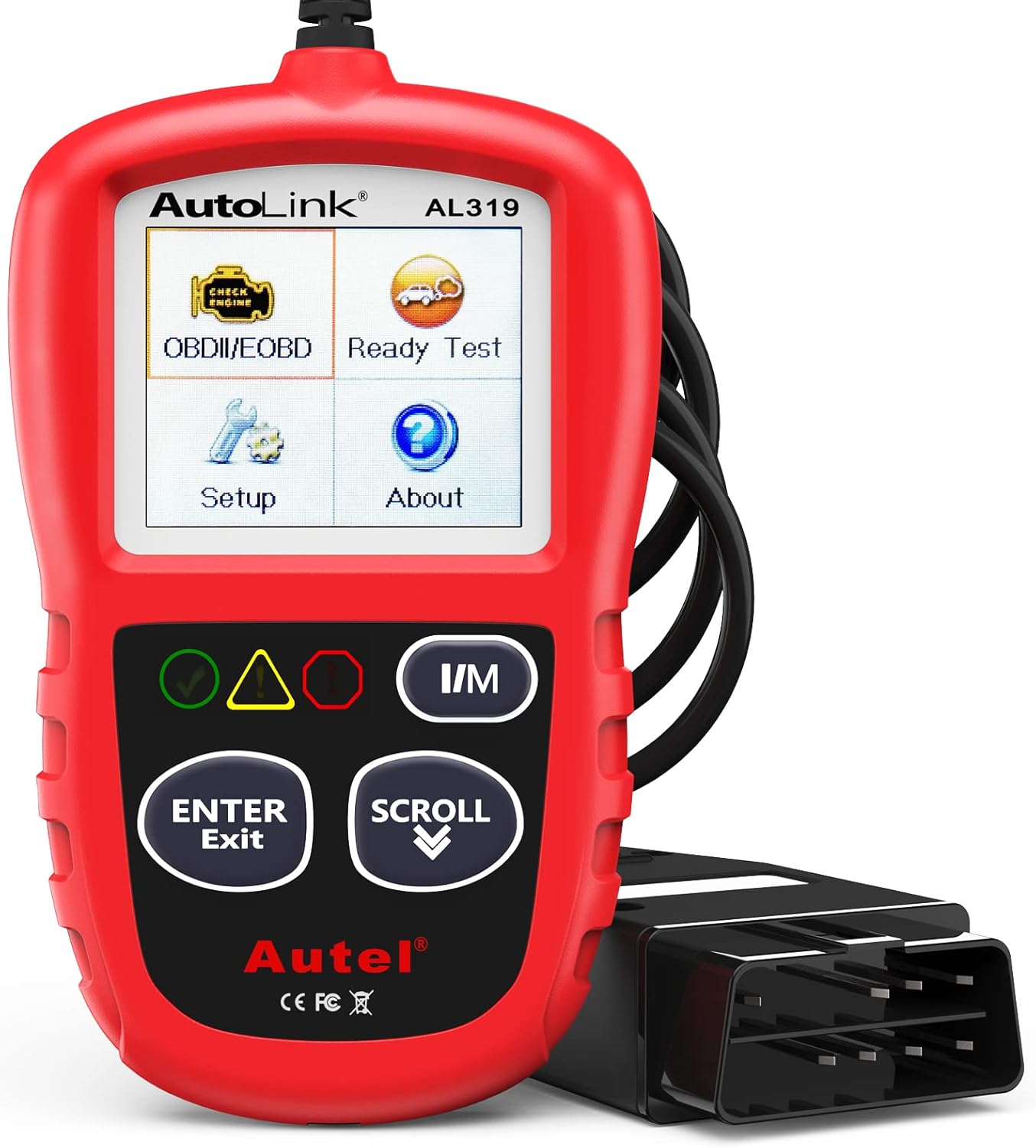
The Autel AL319 is a user-friendly OBD2 scan tool designed to help drivers quickly diagnose check engine light issues and understand vehicle fault codes. It supports reading and clearing DTCs, live data, freeze frame, I/M readiness, and vehicle information, making it a practical choice for DIYers and everyday car owners. With plug-and-play operation, a color display, built-in speaker, and broad vehicle compatibility, it delivers fast, reliable diagnostics without complicated setup.

This battery terminal cleaning and repair kit helps restore worn or damaged top-post battery connections for cars, RVs, boats, and other vehicles. It includes lead shims for improving fit, stainless steel brushes for removing corrosion and debris, and fiber washers to help reduce future buildup and maintain a reliable electrical connection.
Battery Voltage Check
Measure battery voltage at the posts, not just at the cable clamps. If the reading is low, charge the battery and test again. If the battery repeatedly drops low after sitting, look for a weak battery, charging-system problem, or parasitic draw.
| Check | What it tells you |
|---|---|
| Resting voltage | Shows battery state of charge after the car has been off long enough for surface charge to settle |
| Cranking voltage | Shows whether the battery collapses under starter load |
| Running voltage | Shows whether the alternator/charging system is raising system voltage |
| Load test | Confirms whether the battery can deliver starting current, not just show surface voltage |
Note: If your Camry is a hybrid, a weak 12-volt battery can still prevent the hybrid system from going READY even though the high-voltage hybrid battery is separate. Follow the hybrid-specific owner’s manual procedure and contact a Toyota dealer if the emergency start procedure does not work.
Clean and Tighten Terminals
Turn the vehicle off, remove jewelry, and keep metal tools away from both battery posts at the same time. Disconnect the negative cable first, then the positive cable. Clean the posts and clamps with a battery brush and a baking-soda solution if corrosion is present. Rinse carefully, dry the area, reconnect positive first and negative last, then tighten the clamps so they do not rotate by hand.
Do not overtighten the clamps or damage the posts. If a clamp is cracked, stretched, or cannot tighten securely, replace it before chasing more complicated causes.
Inspect Engine Ground Strap
The starter needs a strong ground path from the engine block back to the battery. Inspect the ground strap and negative cable for broken strands, green corrosion, loose bolts, or paint/rust under the connection. A ground can look attached but still fail under load.
For a better test, measure voltage drop while someone attempts to crank the engine. Place one meter lead on the battery negative post and the other on the starter housing or engine block. A high reading during cranking means resistance in the ground path. Repeat on the positive side from the battery positive post to the starter terminal. Repair the cable, terminal, or connection with the abnormal drop.
Test Camry Starter Motor & Solenoid Quickly
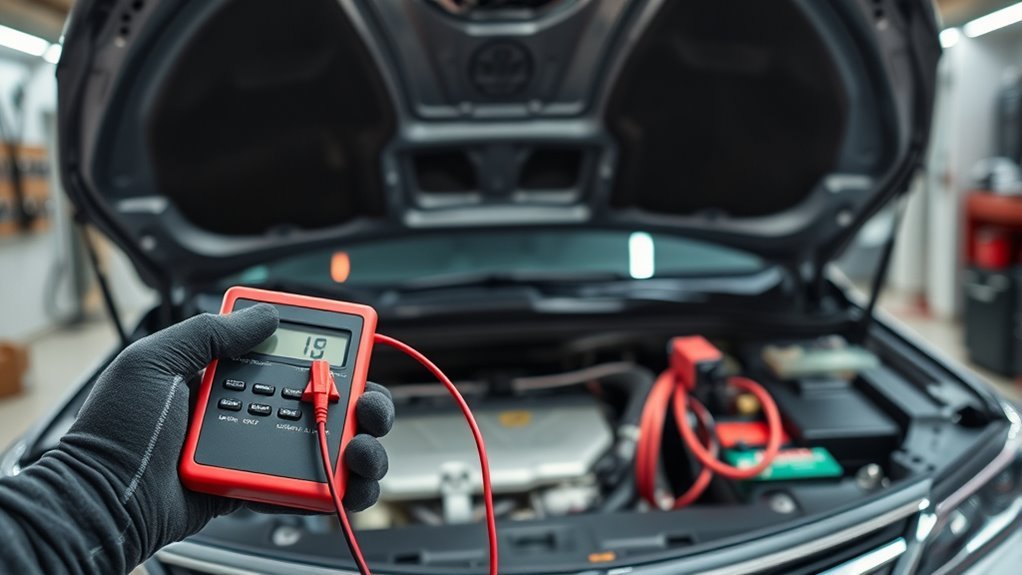
If the battery and cables test well but the Camry still will not crank, move to the starter circuit. Listen for the pattern: no sound, rapid clicking, one click, or slow cranking. Each points to a different fault.
- No click: check starter fuse, starter relay, ignition switch signal, brake switch on push-button models, and park/neutral input.
- Rapid clicks: retest the battery, terminals, and grounds under load.
- Single click: check for voltage at the starter signal terminal while cranking. If voltage is present and the main cable has power, the starter or solenoid may be failing.
- Slow crank: check battery load capacity, cable voltage drop, engine ground, and starter current draw.
A gentle tap on the starter housing can sometimes make a worn starter work one more time, but use it only as a temporary diagnostic clue. Keep hands, sleeves, hair, and tools away from belts and fans. If tapping changes the symptom, plan on proper starter-circuit testing and likely starter repair or replacement.
Pro Tip: Do not condemn the starter until battery voltage and cable voltage drop are checked. A starter can act bad when the real problem is corrosion, a loose ground, or a weak battery under load.
[Products Worth Considering]

This extendable snow brush and ice scraper helps clear windshields, roofs, and windows quickly in harsh winter conditions. Its 360° pivoting brush head, wide ice scraper blade, and comfortable foam grip make snow removal easier, while the detachable design stores compactly in your vehicle.

This EL-50448 TPMS relearn tool helps quickly activate and reset tire pressure sensors so your vehicle’s monitoring system stays accurate after tire rotations, sensor replacement, or seasonal tire changes. Designed for many GM-related vehicles and compatible with common 315 and 433 MHz TPMS systems, it offers simple one-button operation and reliable performance for clearing warning lights and relearning sensor positions.
Check Ignition Switch, Key Cylinder, & Neutral Safety Switch
The ignition switch, key cylinder, brake switch, push-button start switch, starter relay, and park/neutral safety switch all help decide whether the starter receives a crank command. A fault in any of these can create an intermittent no-crank.
- Key cylinder models: check for binding, excessive key wiggle, worn keys, and dash lights that flicker when the key is held in START.
- Push-button models: confirm the brake lights work. A bad brake switch can keep the car from recognizing that the pedal is pressed.
- Automatic transmission models: try starting in Neutral. If that works, test the park/neutral switch or transmission range sensor.
- Relay/fuse checks: inspect the starter fuse and relay location for your exact model year before replacing parts.
Use a wiring diagram for your Camry year and engine. Toyota makes owner manuals available through Toyota Owners, while detailed service information is available through Toyota’s service information system linked from the manual hub.
Test Fuel Delivery on a No-Start Camry
Fuel delivery matters when the engine cranks at normal speed but will not start. First, confirm there is fuel in the tank. Then listen for pump prime when the ignition is switched on. If the pump is silent, check the fuel-pump fuse, relay, wiring, ground, and pump command before replacing the pump.
If you use a fuel-pressure gauge, compare the reading to the specification for your exact Camry year, engine, and fuel system. Do not rely on one generic pressure number for every Camry. Relieve fuel pressure before disconnecting lines, keep sparks and hot lights away, and stop immediately if you smell fuel or see a leak.
Also check for recalls. Toyota has issued fuel-pump recalls on certain Toyota and Lexus vehicles, including some Camry model years, where the vehicle may run rough, stall, and be unable to restart. Use Toyota’s recall lookup or NHTSA’s VIN recall lookup to check your specific VIN.
Warning: Fuel-system testing can spray flammable fuel under pressure. If you are not comfortable relieving fuel pressure and using a gauge safely, have a qualified technician test fuel pressure.
[Products Worth Considering]
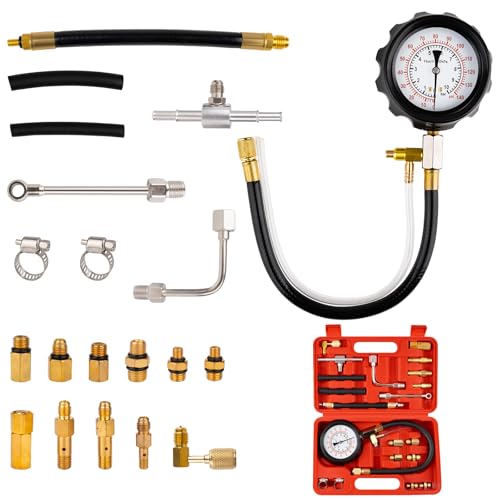
Compatibility Note: For further confirmation of specific model compatibility, refer to the vehicle owner's manual or contact a professional technician. Excludes Fo/rd, K/I/A, Bo/s/ch, C/I/S Je/tro/nic, G//M Th/rot/tle Bo/dy Systems, A/cu/ra, J/ee/p, B/M/W, Ni/s/san, and To/yo/ta fuel systems. Not compatible with small/non/standard S/chra/der vallves, high/pre/ssure direct in/ject/ed engines, or die//sel injection pumps. Verify your vehicle’s vallve size and pressure specs before purchase
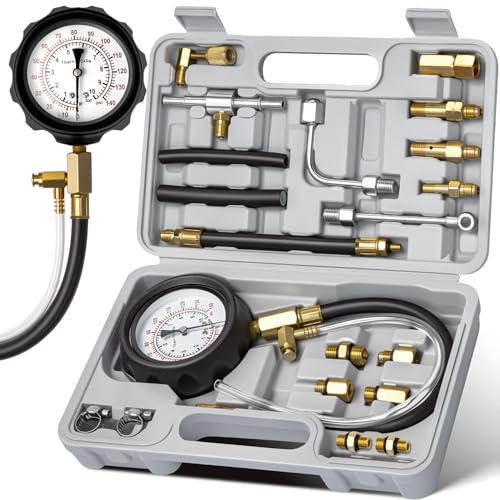
ACCURATE DUAL-SCALE GAUGE: Features a shock-resistant dry gauge with built-in damping mechanism, providing clear 0–140 PSI and 0–10 BAR dual scales for precise fuel system diagnostics
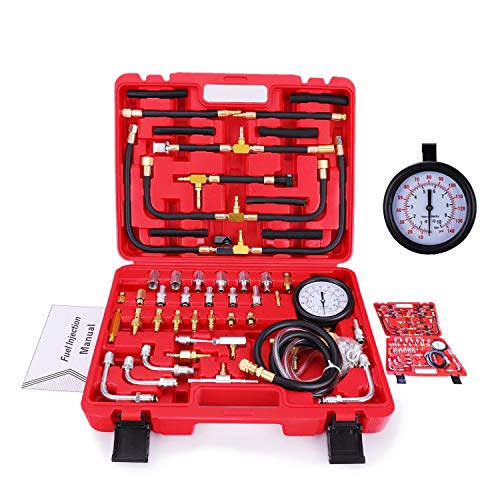
Dual Dial For Accurate Reading, With A 140 PSI /10 Bar Scale
Test the Crankshaft Position Sensor (CKP)
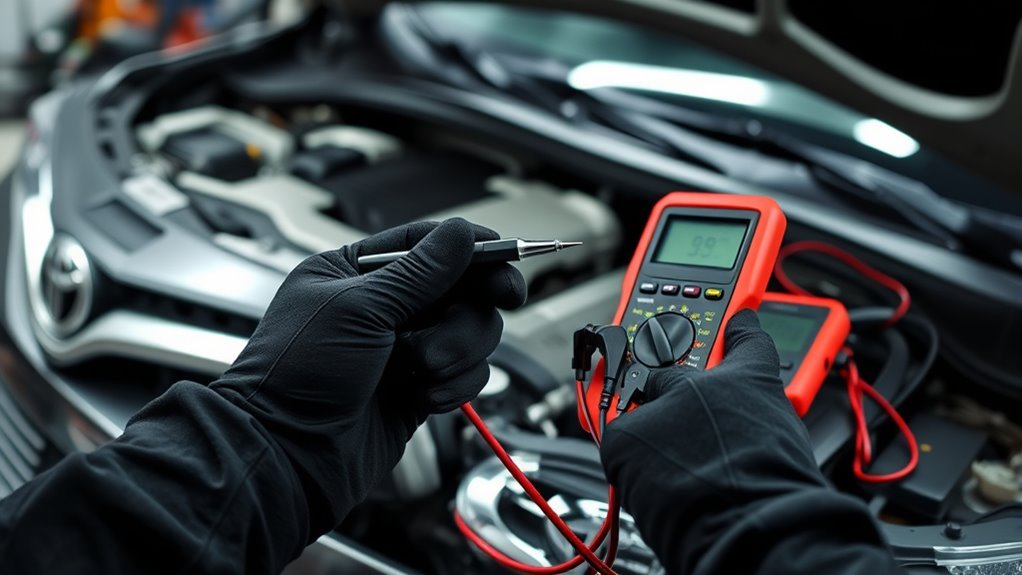
The crankshaft position sensor helps the ECU identify engine speed and crank position. If the CKP signal drops out, the Camry may crank without starting, stall and restart later, or set a diagnostic trouble code such as a crankshaft position sensor circuit code.
Do not replace the CKP sensor based only on a no-start symptom. First, scan for codes and look at live RPM data while cranking. If the scanner shows no RPM during cranking, the ECU may not be receiving a crank signal. Then inspect the CKP connector, wiring, and sensor mounting area for oil contamination, broken insulation, loose pins, or corrosion.
- Inspect the CKP connector and harness before testing the sensor.
- Compare resistance or signal checks to the service specification for your exact year and engine.
- Use an oscilloscope if available to confirm a clean, consistent waveform while cranking.
- After replacing a sensor, clear codes and verify the engine starts repeatedly hot and cold.
Find Intermittent Electrical Faults and Parasitic Draw
Intermittent no-starts often come from voltage drops, loose connectors, stuck relays, or battery drain after the car sits. Start with a visual inspection of the battery, fuse boxes, starter wiring, ground straps, and connectors. Move the harness gently while watching for flickering lights or changing meter readings.
For parasitic draw, let the vehicle sit long enough for modules to go to sleep. Many late-model vehicles draw a small amount of current for clocks, security systems, and control-module memory. As a general rule, draw above about 50 mA after sleep can be suspicious, but the correct limit depends on the vehicle. For method and cautions, see AA1Car’s parasitic battery drain guide.
If you connect a meter in series to measure current, do not open doors, switch on accessories, or crank the engine while the meter is in amp mode. You can blow the meter fuse or damage the meter. Pull fuses one at a time only after the vehicle has gone to sleep, and use the fuse diagram for your exact Camry.
When the ECU or Immobilizer Could Block Starting
The immobilizer is designed to stop the engine from starting without a recognized key. It can also create a confusing intermittent no-start if the key battery is weak, the transponder is damaged, the antenna ring has a problem, or the ECU does not receive the expected key signal.
Immobilizer Signal Interruption
Watch the security indicator. A flashing or solid security light at the wrong time can point toward key recognition trouble. Replace the key-fob battery if it is weak, try a registered spare key, and keep the key away from other electronics or metal key rings during testing.
ECU and Communication Faults
Do not assume the ECU is bad. ECU failures are less common than battery, cable, starter, switch, key, and sensor problems. Scan all available modules for codes before clearing anything. If immobilizer, body-control, or ECU communication codes return, a Toyota dealer or qualified automotive locksmith may need to test keys, immobilizer registration, and module communication.
Key Transponder Failure
A failing key transponder can cause a crank/no-start or no-crank depending on the system. The easiest test is a known-good spare key. If the spare key works every time and the original key fails intermittently, the key or fob is likely part of the problem. Reprogramming or replacement should be done with the proper equipment.
Cost-Effective Fixes and Step-by-Step Troubleshooting Flow
Use this order to avoid unnecessary parts replacement:
- Record the symptom: no crank, clicking, slow crank, crank/no-start, security light, or starts only in Neutral.
- Check the battery: measure resting voltage, cranking behavior, and charging voltage. Load-test the battery if it is old or voltage drops heavily.
- Clean and tighten connections: battery posts, cable clamps, ground straps, and starter cable connections.
- Test the starter circuit: fuse, relay, starter signal, main cable power, and voltage drop.
- Check switch inputs: ignition switch, brake switch on push-button models, key cylinder, and park/neutral safety switch.
- Scan for codes: record all pending and stored codes before clearing them.
- If it cranks but will not start: test fuel delivery, spark, CKP/CMP signals, and immobilizer status.
- Check recalls by VIN: use Toyota or NHTSA lookup before paying for a repair that may be covered.
- Retest: confirm several hot and cold starts before considering the issue fixed.
The cheapest repair is the one you prove. Test the battery, cables, grounds, and starter signal before replacing the starter, fuel pump, ECU, or sensors.
When to Stop DIY and Call a Mechanic
Call a qualified technician if the Camry stalls while driving, smells like fuel, has visible fuel leaks, repeatedly blows fuses, shows immobilizer or ECU communication codes, or requires high-current testing you are not equipped to perform. Tow the vehicle instead of repeatedly cranking it if the starter overheats, the battery cables get hot, or the engine cranks unevenly.
Frequently Asked Questions
Why is my Toyota Camry not starting sometimes?
The most common starting points are a weak battery, loose or corroded battery terminals, poor engine ground, failing starter, worn ignition switch, park/neutral safety switch issue, key recognition problem, or fuel/sensor fault. First decide whether it does not crank or cranks but will not start.
What can cause intermittent starting issues?
Intermittent starting issues can come from low battery capacity, high-resistance cables, loose grounds, worn starter contacts, a failing starter relay, a park/neutral switch fault, weak key-fob battery, immobilizer recognition trouble, fuel-pump failure, crankshaft position sensor dropout, or parasitic battery drain.
Why does my Camry click but not start?
Rapid clicking usually means low voltage from a weak battery or bad connection. One solid click often points toward the starter solenoid, starter motor, battery cable, or engine ground. Test voltage under load and voltage drop before replacing the starter.
Why does my Camry crank but not start?
A crank/no-start usually means the starter is turning the engine, but the engine is missing fuel, spark, compression, correct sensor timing, or key authorization. Check fuel pressure, spark, OBD-II codes, CKP/CMP sensor data, and the security light.
Should I replace the starter first?
No. Replace the starter only after the battery, terminals, cables, grounds, starter relay, and starter signal have been tested. Many starter-like symptoms are caused by voltage loss before power ever reaches the starter.
Conclusion
You are not stuck with random guessing. A Camry intermittent no-start becomes easier to diagnose when you split it into no-crank, click, slow-crank, crank/no-start, security-light, and Neutral-start symptoms. Start with battery voltage, terminals, grounds, and the starter circuit, then move to switch inputs, codes, fuel delivery, CKP signal, immobilizer status, parasitic draw, and recalls. Test after each step, use model-year-specific specs, and stop DIY work when fuel, high-current electrical, or security-system testing goes beyond your tools or comfort level.
Sources
- Toyota Owners Manuals and Warranties — model-year owner manual and service-information access
- Toyota Recall Lookup — VIN-based Toyota, Lexus, and Scion recall checks
- NHTSA Recall Lookup — official U.S. safety recall lookup by VIN, plate, year, make, and model
- AutoZone Battery Multimeter Testing Guide — battery voltage testing and load-test caveats
- AA1Car Parasitic Battery Drain Guide — parasitic draw testing methods and 50 mA rule-of-thumb caveat
- OSHA Safety Manuals Battery Charging Hazards — battery acid, hydrogen gas, spark, and jump-starting safety