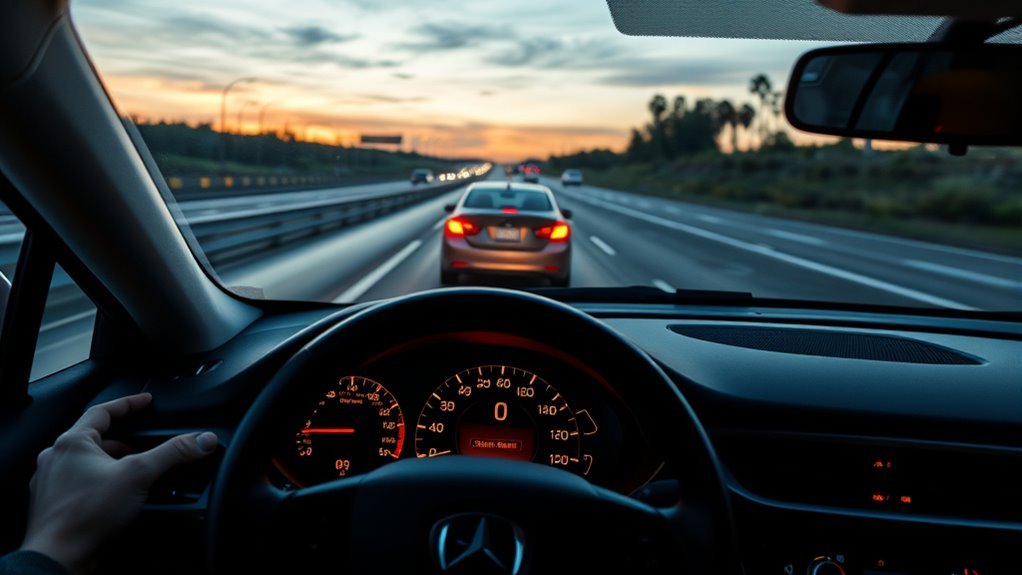
Adaptive Cruise Control (ACC) helps reduce highway driving fatigue by holding your selected speed and adjusting throttle or braking to keep a chosen following gap from the vehicle ahead. It is useful on steady roads, but it is still a driver-assistance feature—not self-driving. You must watch traffic, keep your hands ready, and take over whenever the system reaches its limits.
Quick Answer
Adaptive Cruise Control automatically adjusts your car’s speed to help maintain a preset distance from the vehicle ahead. Use it mainly on highways or open roads, set a longer gap in fast or busy traffic, and be ready to brake, steer, or cancel it because ACC cannot handle every curve, merge, weather condition, or stopped vehicle.
Key Takeaways
- ACC controls speed and following distance; it does not replace your attention or judgment.
- Minimum set speeds and stop-and-go behavior vary by vehicle, so always check your owner’s manual.
- Most systems work best on clear, well-marked highways with steady traffic flow.
- Curves, hills, merging vehicles, bad weather, dirty sensors, and complex traffic can reduce ACC performance.
- Brake, accelerate, cancel, or steer manually whenever the system reacts late, accelerates unexpectedly, or loses the vehicle ahead.
What Adaptive Cruise Control (ACC) Does and When to Use It
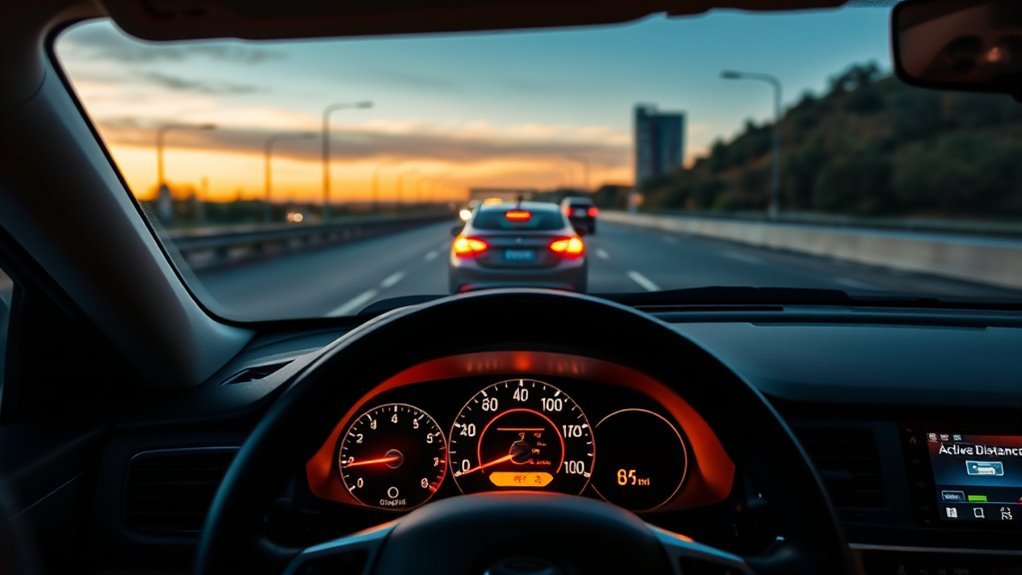
When you engage Adaptive Cruise Control, the system automatically adjusts vehicle speed to help keep a preset distance from the vehicle in front of you. NHTSA describes adaptive cruise control as a driver-assistance technology that adjusts speed to maintain a pre-set distance from traffic ahead.
ACC is most helpful during steady highway driving, long commutes, and light-to-moderate traffic where vehicles are moving predictably. It can reduce the need to constantly move your foot between the accelerator and brake, but it does not remove your responsibility to drive.
Use ACC when:
- Traffic is flowing smoothly on a freeway or divided highway.
- Lane markings and road edges are easy to see.
- Weather is clear enough for sensors and cameras to work properly.
- You can keep monitoring surrounding traffic and take over quickly.
Avoid relying on ACC in construction zones, sharp curves, heavy rain, snow, fog, icy conditions, city traffic, complex merges, or any situation where vehicles may cut in suddenly.
Warning: ACC is not crash-proof and is not autonomous driving. Even advanced systems can miss stopped vehicles, motorcycles, pedestrians, animals, lane changes, or objects outside the sensor’s view.
How to Set ACC Speed and Following Distance
The exact buttons vary by brand, but most ACC systems follow the same basic pattern: turn cruise control on, reach the speed you want, press SET, then choose a following interval. Many vehicles let you adjust speed and gap with steering-wheel controls.
At a Glance
| Time Required | Less than 1 minute once you know the controls |
| Difficulty | Easy, but requires driver attention |
| Tools Needed | Vehicle owner’s manual and steering-wheel ACC controls |
| Cost | No extra cost to use if your vehicle already includes ACC |
Selecting Your Cruise Speed
To set ACC, accelerate or decelerate to the speed you want, then press the SET button. Your car should display the selected speed on the instrument cluster or driver display.
Minimum ACC speeds are not the same for every vehicle. For example, some Toyota Dynamic Radar Cruise Control systems can be set at approximately 20 mph or higher, while some Honda ACC systems use low-speed follow to handle stop-and-go traffic on compatible highways. Always confirm the operating range for your exact model in the owner’s manual or official feature guide.
Choosing Following Distance
Most ACC systems let you choose a short, medium, or long following interval. Some vehicles show this as bars or car icons on the dashboard. Choose the gap based on traffic speed, weather, road conditions, and your comfort level.
- Long gap: Best for highway speeds, rain, poor visibility, or unpredictable traffic.
- Medium gap: A balanced setting for normal highway driving.
- Short gap: Use carefully and only when traffic is stable and conditions are clear.
Pro Tip: Start with the longest following-distance setting until you understand how your vehicle brakes, accelerates, and reacts when another vehicle cuts into your lane.
Adjusting On The Fly
You can usually raise or lower the set speed using “+” and “–” buttons or a RES/SET toggle. Many vehicles also have a distance button that cycles through the available following gaps.
- Press “+” or RES to increase the set speed.
- Press “–” or SET to reduce the set speed.
- Press the distance button to increase or decrease the following interval.
- Tap the brake to cancel ACC when you want full manual control.
- Press the accelerator to temporarily override acceleration without fully disabling some systems.
Canceling, Resuming, and Turning ACC Off
Use CANCEL, the brake pedal, or the cruise-control switch to pause ACC. Use RES or RES/+ only when it is safe to return to the previous set speed. Turn ACC fully off when leaving the highway, entering a parking lot, driving in poor weather, towing if your manual restricts it, or using roads where the system may behave unpredictably.
How ACC Senses Traffic: Radar, Camera, Lidar
ACC depends on sensors to detect vehicles ahead and estimate distance, closing speed, and lane position. The sensor mix varies by manufacturer. Many systems use radar, cameras, or both; some advanced vehicles may also use lidar or high-definition map data.
Radar is strong at measuring distance and relative speed. Cameras help identify lanes, vehicles, signs, and road context. Lidar, where equipped, can help map objects in more detail. The Insurance Institute for Highway Safety notes that driving automation uses radar, cameras, and other sensors, and that adaptive cruise control continually adjusts speed to maintain a set following distance.
Even when the sensor suite is advanced, ACC still has a limited field of view. It mainly reacts to what it detects ahead of the vehicle, which is why the driver must keep scanning far ahead, to the sides, and behind.
ACC Limitations: Curves, Hills, Merging, Heavy Traffic

ACC works best when traffic ahead is easy for the sensors to track. It can struggle when the road shape, weather, traffic flow, or sensor visibility changes quickly.
Curves And Blind Corners
On curves, ACC may lose track of the vehicle you were following or briefly target a vehicle in another lane. This can cause late braking, unnecessary braking, or unexpected acceleration. Blind corners make the problem worse because the system cannot see traffic hidden around the bend.
- Reduce speed before sharp curves instead of waiting for ACC to react.
- Keep your foot ready near the brake when traffic is slowing beyond a curve.
- Cancel ACC if the vehicle begins tracking the wrong lane or accelerates at the wrong time.
Hills, Merges And Traffic
Hills can hide slower traffic beyond a crest. Merging lanes can place vehicles into your path faster than ACC can classify and respond. Dense traffic also increases the chance of cut-ins, sudden braking, and system cancellation.
Full-speed ACC or “stop-and-go” systems can slow to a complete stop in some vehicles. Honda’s Low-Speed Follow feature, for example, can stop the vehicle when the detected vehicle ahead stops and then resume when the driver presses RES/+ or the accelerator. Other systems require a minimum speed or may cancel below a certain threshold, so do not assume every ACC system behaves the same way.
Weather, Sensor Blockage, and Road Conditions
Rain, snow, fog, glare, mud, ice, bug splatter, or a blocked grille camera can reduce sensor performance. Ford’s owner-manual guidance, for example, warns that drivers may need to override or cancel adaptive cruise control in situations such as inclement weather or when an incorrect speed is set.
ACC can also be less reliable when lane markings are poor, the road is covered with snow, the vehicle ahead is small or offset, or traffic includes motorcycles, bicycles, pedestrians, animals, or stopped objects.
Note: A clean windshield, grille, radar cover, and camera area can improve sensor visibility, but clean sensors do not make ACC safe in every situation.
ACC Safety Tips: Daily Use and Manual Overrides
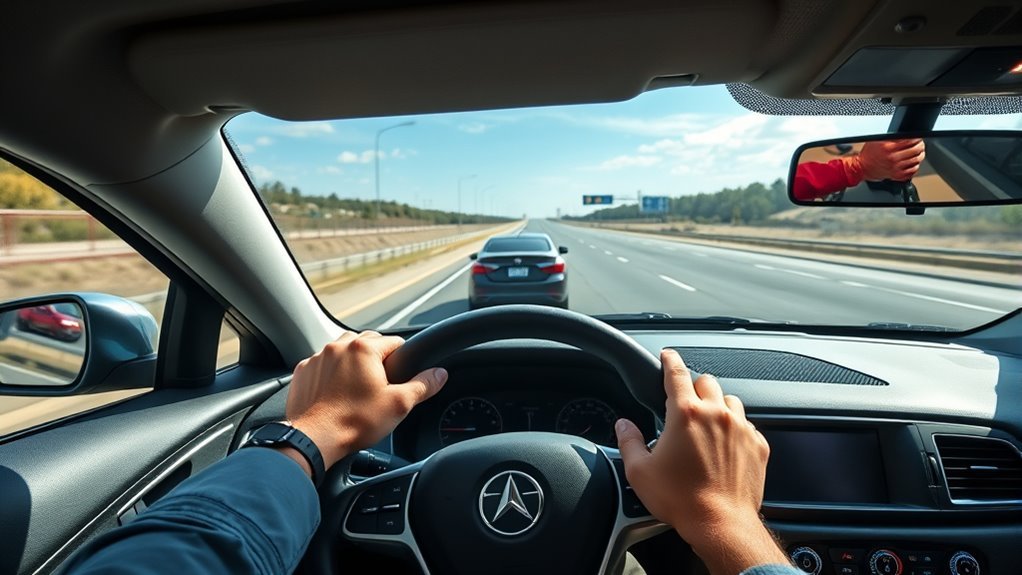
ACC should make driving easier, not make you less involved. Keep your eyes moving, scan well beyond the vehicle directly ahead, and stay ready to override the system.
- Keep both hands ready to steer, even if your vehicle also has lane-centering assistance.
- Use a longer following gap at high speeds, in rain, near trucks, or in unpredictable traffic.
- Cancel ACC before construction zones, toll plazas, parking areas, sharp ramps, and complex intersections.
- Do not use ACC as a substitute for defensive driving.
- Read your owner’s manual so you know the set-speed range, cancellation warnings, sensor locations, and stop-and-go rules.
Under SAE automation levels, ACC by itself is generally a Level 1 driver-assistance feature because it assists with speed and following distance. When combined with lane centering, the package may become Level 2, but IIHS emphasizes that Level 2 systems still require the driver to monitor the road and remain actively engaged.
The safest way to use ACC is to treat it as a fatigue-reducing assistant—not as permission to stop watching traffic.
ACC Types and Costs: Basic Systems to Stop-and-Go
ACC names and capabilities vary widely by brand. Some automakers call it Adaptive Cruise Control, Dynamic Radar Cruise Control, Intelligent Adaptive Cruise Control, Active Cruise Control, Distronic, Pilot Assist, or part of a larger highway-assist package.
| ACC Type | What It Does | What To Check |
|---|---|---|
| Basic ACC | Maintains set speed and adjusts speed for a detected vehicle ahead. | Minimum set speed and whether it cancels in slow traffic. |
| Full-speed ACC | Can operate across a wider speed range and may slow to a stop. | How long it holds after stopping and how it resumes. |
| Stop-and-go / Low-speed follow | Designed to reduce effort in slow highway congestion. | Whether driver input is needed after a complete stop. |
| Highway assist | Combines ACC with lane-centering support on compatible roads. | Driver-monitoring rules, road restrictions, and hands-on requirements. |
ACC pricing is hard to compare because it may be standard on some trims, optional on others, or bundled with safety, technology, or driver-assistance packages. Instead of relying on a universal price range, compare the window sticker, trim guide, and owner’s manual for the exact vehicle you are considering.
Euro NCAP also separates assisted-driving evaluations from crash-test star ratings and grades systems by how well they support the driver without encouraging misuse. That matters because the name of a feature alone does not tell you how well it performs.
[Products Worth Considering]

[Vehicle Fitment]: Compatible with Toyota Yaris 2007-2009, Venza 2009 & 2014-2015, Tundra 2005-2010 & 2014-2021, Tacoma 2005-2009 & 2014-2023, Solara 2004-2008, Sienna 2004-2010 & 2013-2015, RAV4 2004-2009, Prius 2004-2022, Matrix 2009-2010, Land Cruiser 2003-2009 & 2014-2021, Highlander 2005-2009, FJ Cruiser 2007-2009, Corolla 2009-2010 & 2014-2016, Camry 2005-2010 & 2014-2017, Avalon 2005-2013, 4Runner 2003-2009 & 2014-2019 --- without Adaptive Cruise Control & Collision Mitigation Braking
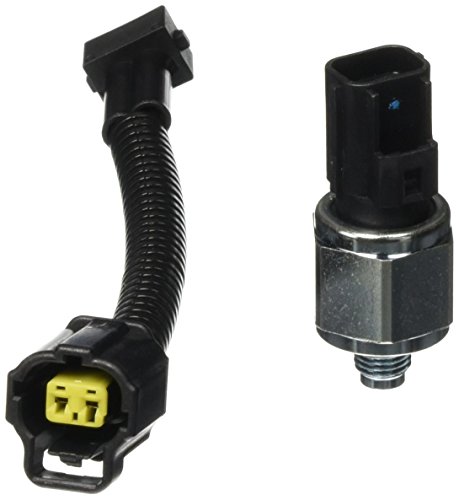
Package Dimension : 5.42 " L x 3.7 " W x 2.53 " H

Package Dimensions: 15.494 cms (L) x 7.366 cms (W) x 15.494 cms (H)
Troubleshooting: Why ACC May Not Set or May Cancel
If ACC refuses to turn on, cancels unexpectedly, or shows a warning message, check the simple causes first.
- Speed is outside the allowed range: Some systems cannot set below a certain speed unless they have full-speed or low-speed follow capability.
- Brake pedal is pressed: Many systems will not set while braking.
- Seat belt, door, or stability-control condition: Some vehicles disable ACC if a required safety condition is not met.
- Dirty or blocked sensors: Clean the windshield camera area, grille emblem, radar cover, and front bumper sensors according to the manual.
- Poor weather or visibility: Rain, snow, fog, glare, and road spray can make the system temporarily unavailable.
- System fault: If warnings remain after cleaning sensors and restarting the vehicle, schedule service.
Frequently Asked Questions
What are the disadvantages of adaptive cruise control?
ACC can miss or misread traffic in bad weather, sharp curves, hills, merges, construction zones, and heavy stop-and-go traffic. It may also brake unexpectedly or accelerate when it loses the vehicle ahead. The biggest disadvantage is driver overreliance, because ACC still needs active supervision.
What is the point of adaptive cruise control?
The point of ACC is to reduce driver workload by automatically adjusting speed and helping maintain a selected following interval. It is especially useful on long highway drives where traffic speed changes gradually.
Can ACC steer the car automatically?
ACC by itself controls speed and following distance, not steering. Some vehicles combine ACC with lane centering or highway assist, but those systems still require the driver to supervise the road and remain ready to steer.
Does adaptive cruise control work in stop-and-go traffic?
Some full-speed, stop-and-go, or low-speed-follow systems can slow to a complete stop and resume with driver input. Basic ACC may cancel below its minimum operating speed. Check your exact owner’s manual because behavior varies by vehicle.
Is adaptive cruise control safe in rain or snow?
ACC may work in light rain on some vehicles, but heavy rain, snow, fog, ice, road spray, or blocked sensors can reduce performance. Use manual control when visibility is poor or road traction is limited.
Conclusion
Adaptive Cruise Control can make highway driving smoother and less tiring when you use it wisely. Set a reasonable speed, choose a following distance that matches conditions, and stay alert for curves, hills, merges, poor weather, and sensor limitations. ACC is a helpful assistant, but you remain responsible for braking, steering, and making safe decisions.
Sources
- NHTSA Driver Assistance Technologies — definition of adaptive cruise control and driver-assistance technology context.
- IIHS Advanced Driver Assistance — automation levels, ACC definition, sensor limitations, and driver-supervision guidance.
- Toyota Owners: Dynamic Radar Cruise Control — example of model-specific ACC set-speed instructions.
- Honda Info Center: ACC with Low-Speed Follow — example of stop-and-go operation and driver resume input.
- Ford Owner Manual: Adaptive Cruise Control — owner-manual guidance on overriding or canceling ACC in certain conditions.
- Euro NCAP Assisted Driving Gradings — how assisted-driving systems are evaluated for support, engagement, and safety backup.