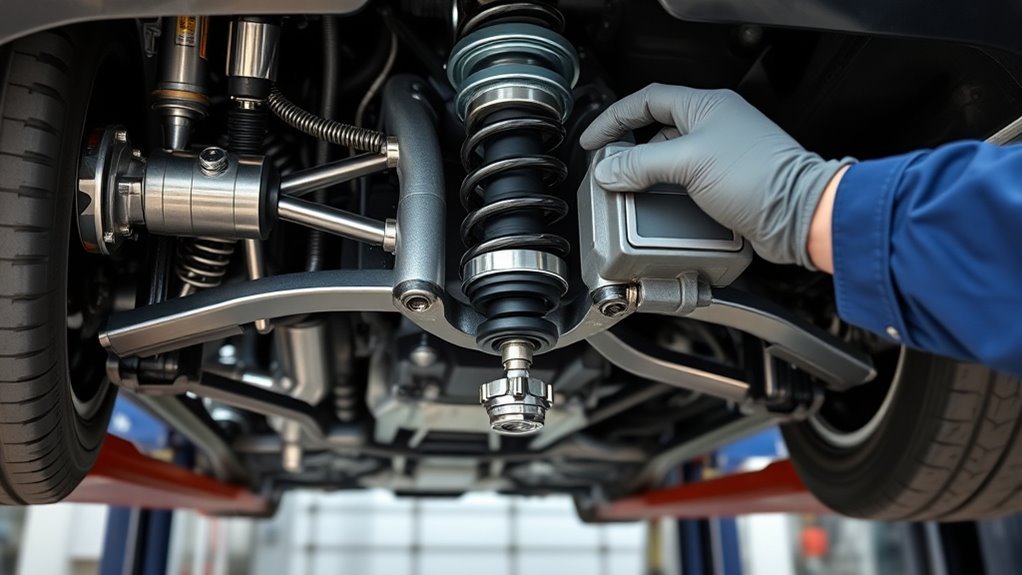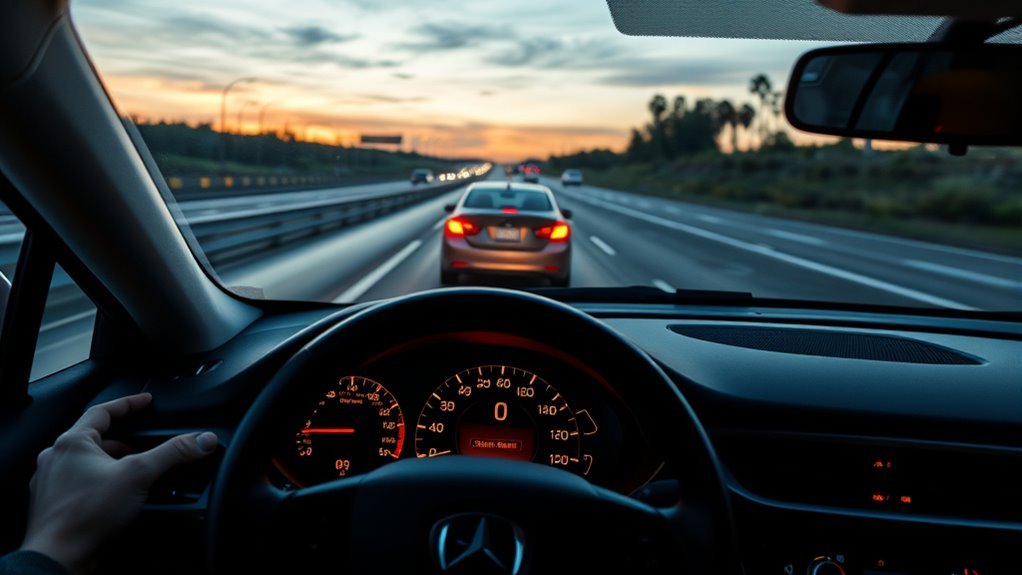
Adaptive Cruise Control (ACC) helps you maintain a set speed and safe following gap by automatically adjusting throttle and brakes when a vehicle ahead slows. You’ll engage it above about 25 MPH, choose a short/medium/long gap, and override instantly with brake or accelerator. ACC uses radar, cameras and sometimes lidar to track distance and classify road users, but it struggles on curves, hills and heavy stop‑and‑go traffic. Continue to learn how it senses hazards and when to intervene.
What Adaptive Cruise Control (ACC) Does and When to Use It
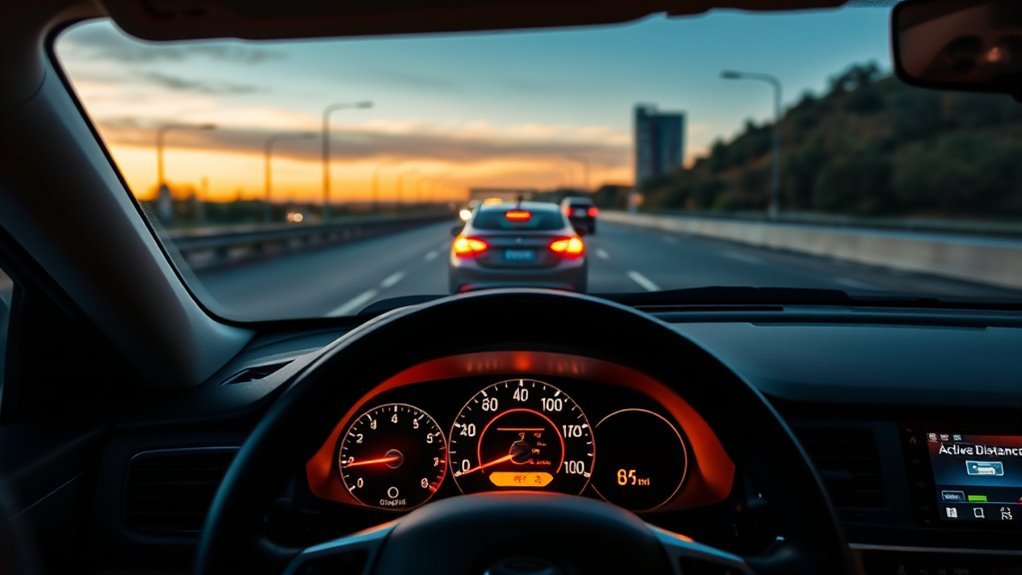
When you engage Adaptive Cruise Control (ACC), the system automatically adjusts your vehicle’s speed to keep a set following distance from the car ahead, using radar and cameras to detect changes in traffic and reduce the risk of rear-end collisions. You’ll find ACC benefits include sustained highway speed control and reduced cognitive load during steady-flow conditions. The system responds to slowing traffic above roughly 25 MPH, so you’ll use it primarily on free-flowing highways rather than congested city streets. You can choose short, medium, or long following distances to match your comfort, but you must stay alert and override when conditions demand. Sensors may disengage in heavy stop-and-go traffic, on steep grades, or through complex merges and curves; treat ACC as an assist, not a replacement for attention. This methodical, evidence-based tool enhances your Driver experience by returning time and focus to higher-level decisions while preserving your responsibility for safe vehicle control.
How to Set ACC Speed and Following Distance
Start by accelerating to your desired speed (most systems require at least 25 MPH) and press the designated ACC set button on the steering wheel or control panel. Select a following distance—typically labeled short, medium, or long—based on traffic density and safety margins, and note that some systems can stop and resume in traffic if enabled. You can override or adjust speed and gap at any time with the brake or accelerator, and many systems allow on-the-fly changes via the same controls.
Selecting Your Cruise Speed
Curious how to set your ACC speed and gap precisely? You accelerate to the speed you want, press the set button on the steering wheel, and the system holds that pace—this is one clear cruise control benefit: steady speed with less effort. Use the dedicated buttons to change speed adjustment in small increments if traffic or limits require it. ACC operates effectively from about 25 MPH, so pick speeds suited to highways for peak performance. The system will autonomously slow to maintain the chosen gap when a vehicle ahead decelerates. You can always regain control instantly by pressing brake or accelerator. Set speeds deliberately, monitor conditions, and treat ACC as a liberating aid, not a substitute for attentive driving.
Choosing Following Distance
How close do you want the car ahead to be? You choose between short, medium, or long following distance preferences to match your intent and the road. Accelerate to your desired speed, hit the ACC button on the wheel, and the system will maintain the selected gap by adjusting speed automatically. Most ACC units work best above 25 MPH, so prioritize use on highways where control is reliable. Be mindful: traffic condition impact should guide your selection—use longer gaps in dense, unpredictable traffic and shorter gaps when flow is steady and legal. Stay alert; ACC aids you but doesn’t replace responsibility. You must be ready to override controls whenever changing circumstances demand manual intervention.
Adjusting On The Fly
When you want to change speed or gap while driving, use the wheel-mounted “+” and “–” buttons (or accelerate to the target speed and press SET) to update ACC immediately; then choose short, medium, or long following distance from the system menu so the unit maintains that gap by continuously monitoring the vehicle ahead. You’ll be adjusting speed and modifying distance with deliberate inputs, keeping control and freedom.
- Press “+” or “–” to raise or lower set speed in precise increments.
- Accelerate to a desired pace and press SET to capture that speed.
- Select short, medium, or long following distance in the menu to match traffic and comfort.
- ACC continuously monitors the vehicle ahead and adjusts throttle/brakes.
- Override instantly with brake or accelerator if conditions demand.
How ACC Senses Traffic : Radar, Camera, Lidar
Because modern ACC systems must continuously perceive their surroundings, they combine radar, lidar, and cameras to detect and track nearby vehicles and lane markings, enabling precise distance and speed control. You’ll rely on sensor integration for robust traffic detection: radar measures distance, relative speed, and direction with reliable range and motion cues; lidar maps the scene in high-resolution 3D, resolving object shapes and positions where radar is ambiguous; cameras read lane markings and classify road users, supplying semantic context. Together they feed a fusion module that weights inputs, filters noise, and produces a coherent model of the road ahead. You’ll experience smoother, safer speed adjustments because the system cross-validates detections—radar confirms motion, lidar refines geometry, camera verifies identity. This evidence-based mix lets ACC adapt to varied driving environments while keeping you empowered, reducing dependence on a single sensor and preserving control through transparent, predictable behavior.
ACC Limitations: Curves, Hills, Merging, Heavy Traffic

When you rely on ACC, recognize it has clear blind spots on curves and around corners where sensors mainly track what’s directly ahead. It can also misjudge vehicle positions on hills and react by accelerating when you’d expect deceleration, and it may not detect vehicles merging into your lane. Finally, ACC often disengages or becomes ineffective in heavy, stop‑and‑go traffic below typical thresholds, so you must be prepared to override controls.
Curves And Blind Corners
Although ACC is designed to maintain safe following distances, it can struggle on curving roads and blind corners where sensors and cameras lose clear sightlines, causing unexpected acceleration or deceleration. You must remain engaged because ACC’s sensors can miss vehicles hidden by curvature or in blind spots, producing abrupt speed changes. Observe and intervene when needed.
- On curved roads, radar/lidar may underreport or lose targets, causing late braking or phantom acceleration.
- Blind spots at corners can hide slower traffic or stopped vehicles until it’s too late.
- Reduced field of view means ACC won’t reliably anticipate vehicles emerging from side roads.
- You should reduce speed and prepare to override ACC proactively.
- Continuous situational awareness frees you to use ACC as an assist, not a substitute.
Hills, Merges And Traffic
Hills, merges and heavy traffic each expose specific sensory and logic limits in ACC systems, so you need to stay alert and ready to take control. ACC may miss vehicles over crests because hill detection is imperfect; when the sensor doesn’t see slower traffic beyond a rise, the system can accelerate unexpectedly. On curved ramps and merges, merging challenges arise as ACC’s limited field of view fails to detect vehicles entering your lane, so you must anticipate lane changes and be prepared to intervene. In dense, stop-and-go flow many systems disengage under roughly 25 MPH, reducing usefulness. Maintain continuous awareness, monitor surroundings, and treat ACC as an assistive tool—not autonomy—so you retain freedom and responsibility for safe control.
ACC Safety Tips: Daily Use and Manual Overrides
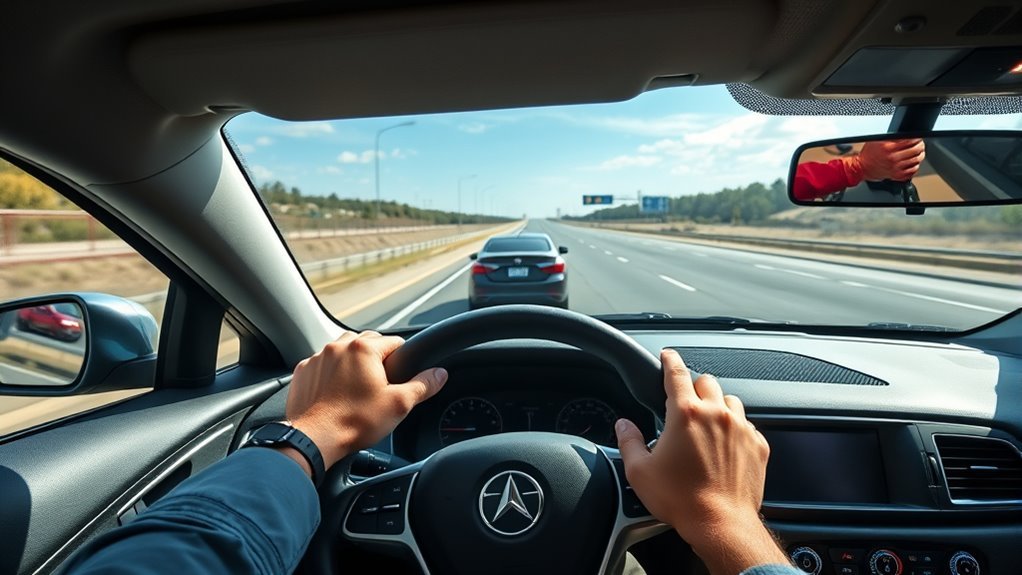
Because ACC doesn’t see everything, stay alert to surrounding traffic and be ready to take control immediately; you should monitor adjacent lanes, curves, and complex situations where sensors may miss vehicles. You must practice traffic awareness and be prepared for manual intervention whenever conditions exceed system limits. Use ACC as an assist, not a replacement for attention.
- Override immediately with brake or accelerator when a vehicle merges unpredictably.
- Increase following distance in heavy or high-speed traffic; shorten it only in light, stable flow.
- Disable ACC in rain, fog, or snow to avoid degraded sensor performance.
- Review your owner’s manual to confirm stop‑and‑restart capabilities in traffic jams.
- Anticipate lane changes and blind‑spot risks that radar or cameras may not register.
Operate conservatively, reclaim control promptly, and let ACC extend your freedom on the road without surrendering responsibility for safe maneuvering.
ACC Types and Costs: Basic Systems to Stop‑and‑Go
Adaptive cruise control comes in several tiers, and understanding their differences helps you match capability to driving needs and budget. You’ll encounter basic features in entry-level systems, typically priced $500–$1,000; these maintain set speed and following distance but don’t handle full stops. System comparisons show that advanced models with stop‑and‑go capability and integrated automatic braking run about $2,000–$2,500, reflecting added sensors and control logic. Full-speed adaptive cruise control can bring your vehicle to a complete stop; most require driver reactivation to resume, which matters in heavy traffic. Traffic Jam Assist variants go further, automatically restarting from a stop during congestion to reduce strain. Market trends place ACC as standard on higher trims, often bundled with other driver-assistance functions, increasing vehicle cost by several hundred to thousands. You should weigh the incremental price against saved effort and safety gains, choosing the tier that frees you most while fitting your budget.
Frequently Asked Questions
What Are the Disadvantages of Adaptive Cruise Control?
You face safety concerns and increased driver reliance: ACC can fail in bad weather, misread curves or hills, disengage in heavy or slow traffic, and be confused by tunnels or structures, requiring constant supervision for safe use.
What Is the Point of Adaptive Cruise Control?
The point is to let you reduce driving stress and enhance safety benefits by automating speed and spacing; you’ll rely on technology integration to maintain safe gaps, improve fuel use, and free your attention for higher priorities.
Can ACC Steer the Car Automatically?
In a Subaru EyeSight demo, you’ll see lane-centering assist, but ACC generally can’t steer automatically; steering capabilities remain limited, so you’ll rely on safety features and active supervision to preserve freedom and control.
Conclusion
Adaptive Cruise Control can ease highway driving when you use it judiciously: set a safe speed and following distance, monitor sensors, and be ready to take over. Know its limits on curves, hills, merging lanes, and in dense traffic—technology helps, but it’s not foolproof. Treat ACC as a reliable assistant, not a substitute for attention; keep hands on the wheel and eyes on the road, because when push comes to shove you’ll need to act.