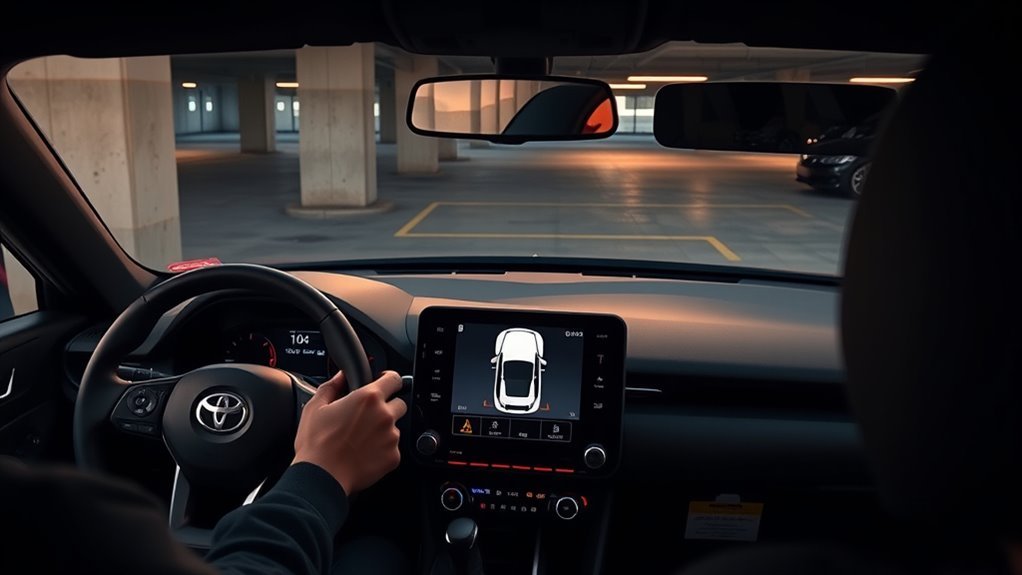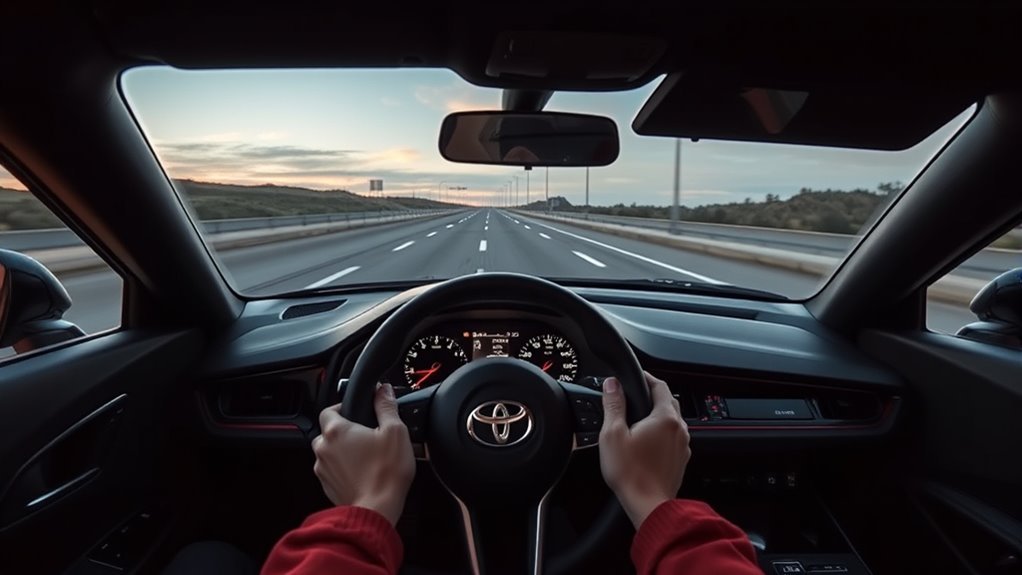
The Toyota Supra does have lane-departure help, but the feature is not a hands-free lane-centering system. Toyota calls it Lane Departure Warning with Steering Assist. It watches lane markings with a forward camera, warns through the steering wheel, and, when steering intervention is enabled, may add a brief steering correction if the car begins to drift without a turn signal.
Quick Answer
To adjust Supra lane assist, press the Toyota Supra Safety button for the safety menu, or use Toyota Supra Command: My Vehicle > Vehicle settings > Toyota Supra Safety > Lane Departure Warning. From there, set warning timing, steering-wheel vibration strength, and steering intervention on or off.
Key Takeaways
- Supra uses Lane Departure Warning with Steering Assist, not continuous lane centering.
- The system is camera-based and needs clear lane markings to work correctly.
- Official Supra guidance says the system works when the vehicle is traveling above about 40 mph.
- Using the turn signal tells the system your lane change is intentional, so warnings and steering support are suppressed.
- If alerts feel annoying, adjust warning time or vibration first before turning the whole feature off.
At a Glance
| Time Required | 1–2 minutes |
| Difficulty | Easy |
| Tools Needed | Toyota Supra Command controller or touchscreen, depending on model year |
| Cost | Free |
Warning: Lane Departure Warning with Steering Assist is a driver-assistance feature, not an autopilot system. Keep your hands on the wheel, watch traffic, and be ready to steer and brake at all times.
Quick Steps: Turn Lane Departure Warning with Steering Assist On or Off in a Supra

For most GR Supra model years, lane-departure settings are adjusted through Toyota Supra Command, not a generic steering-wheel “gear icon” menu. Menu wording can vary slightly by model year, trim, and market, but the core path is consistent in Toyota’s quick-reference materials.
- Park safely before changing driver-assistance settings.
- Press the Toyota Supra Safety button to open the Toyota Supra Safety menu.
- Choose ALL ON to enable the safety systems, or choose Custom Settings if you want to adjust Lane Departure Warning separately.
- For detailed settings, open My Vehicle > Vehicle settings > Toyota Supra Safety > Lane Departure Warning.
- Set the warning time to Early, Medium, Reduced, or Off.
- Set steering-wheel vibration to Strong, Medium, or Light.
- Turn Steering intervention on if you want the system to provide steering support when it detects unintended lane drift.
If Toyota Supra Safety was switched off during the last drive cycle, expect the system to turn on again at the start of a new drive cycle. That behavior is normal and is designed to keep safety systems available by default.
Pro Tip: If the system feels too sensitive, try Medium or Reduced warning time and a lighter steering-wheel vibration before turning Lane Departure Warning off completely.
What Supra’s Lane Departure Steering Assist Does—and Doesn’t Do
Supra’s Lane Departure Warning alerts you when the vehicle is about to leave its lane and the camera can detect lane markings. According to Toyota’s GR Supra quick-reference guide, the vehicle must be traveling above about 40 mph for the system to be active. Warnings are issued through steering-wheel vibration, and the vibration strength can be adjusted.
When Steering intervention is turned on, the system may add steering support to help keep the vehicle in the lane. That support is brief and corrective. It does not continuously center the car in the lane the way a lane-centering assistance system tries to do.
The system also looks for driver intent. If you turn on the signal before changing lanes, the Supra treats the move as intentional and does not provide the same lane-departure warning or steering support for that lane change.
Supra’s lane assist is best understood as a warning and correction feature, not a self-steering feature.
Toggle Steering Intervention From Toyota Supra Command
To turn steering support on or off, use the Toyota Supra Command menu:
- Open My Vehicle.
- Select Vehicle settings.
- Select Toyota Supra Safety.
- Select Steering intervention.
- Choose your preferred setting.
Turn steering intervention on if you want the Supra to add light corrective support during unintended lane drift. Turn it off if you prefer warnings only and do not want the car to add steering input.
Note: If the instrument-cluster indicator is green, the system is on and has detected at least one lane boundary. If it flashes green, steering intervention is occurring.
Change Warning Time, Vibration and Steering Intervention
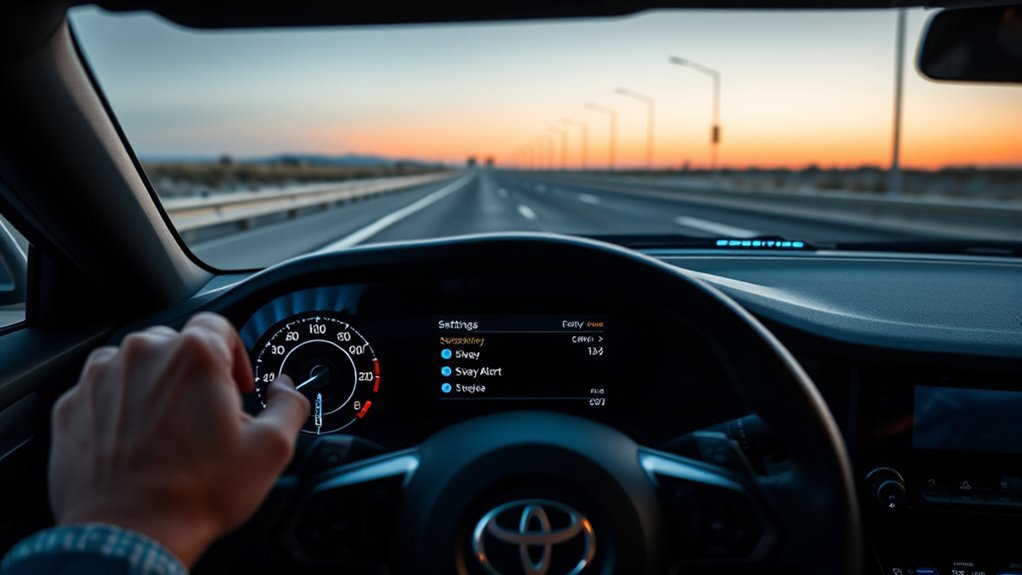
You do not need special tools to tune Supra lane assist. The most useful adjustments are warning time, steering-wheel vibration intensity, and steering intervention.
Set Lane Departure Warning Time
Use My Vehicle > Vehicle settings > Toyota Supra Safety > Lane Departure Warning, then select the warning timing you prefer:
- Early: Gives the quickest warning as the vehicle approaches a lane boundary.
- Medium: Balances alert timing and everyday comfort.
- Reduced: Limits alerts to stronger or later warnings.
- Off: Disables Lane Departure Warning in that setting menu.
Set Steering-Wheel Vibration Intensity
The Supra warns through the steering wheel. To adjust the strength, open My Vehicle > Vehicle settings > Steering wheel vibration, then choose:
- Strong for the most noticeable warning.
- Medium for normal daily driving.
- Light if the warning feels too intrusive.
Choose Warnings Only or Steering Support
If you want the Supra to warn you but not add corrective steering, leave Lane Departure Warning active and turn Steering intervention off. If you want the system to provide light steering support when it detects unintended lane drift, turn Steering intervention on.
Use Turn Signals to Override LDA for Intentional Lane Changes

One simple action—signaling—tells the Supra that your lane change is intentional. When the turn signal is set in the direction of the lane change, the system does not provide a lane-departure warning for that planned move.
- Signal before you begin moving laterally.
- Check mirrors and blind spots as usual.
- Complete the lane change smoothly.
- Cancel the signal after the maneuver if it does not cancel automatically.
Consistent turn-signal use reduces unnecessary warnings and keeps the safety system aligned with your actual driving intent.
Why LDA Gives False Alerts and How to Avoid Them
Lane-departure systems rely on visible lane markings. The National Highway Traffic Safety Administration explains that lane departure warning uses a camera to monitor lane markings and alert the driver when the vehicle drifts out of its lane. The Insurance Institute for Highway Safety also notes that lane-departure warning and prevention systems use cameras to track the vehicle’s lane position.
Because the Supra depends on camera vision, anything that makes lane lines harder to see can reduce accuracy. That includes worn paint, temporary construction markings, glare, rain, snow, fog, dirt, ice, and a blocked windshield camera area.
Confusing Road Markings
Faded, mismatched, or temporary lane markings can confuse the system. This is common in construction zones, after road resurfacing, or on roads where old markings have not been fully removed.
- Slow down when lane markings are faded or inconsistent.
- Avoid abrupt steering inputs near temporary markings.
- Do not rely on the system when lane lines split, merge, disappear, or cross over old markings.
- Take manual control immediately if alerts do not match the road situation.
Camera and Windshield Obstruction
If dirt, ice, road salt, stickers, film, or condensation blocks the camera’s view through the windshield, Lane Departure Warning may not detect lane markings correctly. Keep the windshield area in front of the camera clean, especially after driving through snow, mud, road salt, or heavy rain.
Use a soft microfiber cloth and a glass-safe cleaner on the windshield. Do not scrape or hit the camera housing. If the windshield has been replaced, the front camera has been disturbed, or false alerts continue after cleaning, schedule service with a Toyota dealer or qualified ADAS technician.
Troubleshoot Supra’s LDA and Steering Assist: Common Fixes
Most lane-departure complaints come down to settings, road conditions, or camera visibility. Use this checklist before assuming something is broken.
| Symptom | Likely Cause | Fix |
|---|---|---|
| No warning appears | Vehicle speed is too low, no lane boundary is detected, or the feature is off | Check settings and remember the system is designed to operate above about 40 mph when lane markings are visible |
| Warning feels too aggressive | Warning time or vibration is set too high | Try Medium or Reduced warning time and lower steering-wheel vibration |
| Steering correction feels intrusive | Steering intervention is enabled | Turn Steering intervention off and keep warnings active |
| False alerts happen often | Dirty windshield, poor lane markings, glare, rain, snow, fog, or construction markings | Clean the windshield camera area and use manual control in poor visibility |
| Warnings continue after cleaning | Possible camera alignment or system fault | Consult the owner’s manual and schedule dealer diagnostics |
How Supra’s Steering Assist Compares With Lane Keep Assist and Lane Centering
Supra’s system sits between a basic lane-departure warning and a more active lane-centering system. A basic lane-departure warning only alerts the driver. Supra can go further by adding steering support if Steering intervention is enabled.
That still does not make it the same as lane centering. Lane centering attempts to keep the vehicle near the middle of the lane for longer periods. Supra’s Lane Departure Warning with Steering Assist is event-based: it responds when the vehicle is about to drift out of the lane, not by continuously steering down the center of the lane.
That design gives the driver more direct control, but it also means you should not expect the Supra to steer itself on highways. Think of it as a safety backup, not a driving substitute.
Get Help: Village Pointe Toyota and Where to Find More Resources
For direct help with Supra Lane Departure Warning, steering intervention, warning vibration, or camera-related faults, contact the Village Pointe Toyota service team or your local Toyota dealer. A trained technician can confirm the correct menu path for your model year, inspect the camera area, check for stored faults, and verify whether calibration is needed.
- Ask for a walkthrough of Toyota Supra Safety settings if you are unsure which mode is active.
- Schedule diagnostics if warning behavior changes suddenly.
- Request camera inspection after windshield replacement, collision repair, or front-camera service.
- Use the official Toyota Owners manuals and warranties page to find the manual for your exact Supra model year.
Frequently Asked Questions
Does Supra have lane assist?
Yes. The Toyota GR Supra has Lane Departure Warning with Steering Assist. It can warn through steering-wheel vibration and, when steering intervention is enabled, may provide brief steering support if the vehicle starts to leave its lane without a turn signal.
Is Supra Lane Departure Warning the same as lane centering?
No. Supra’s system is designed to warn and help correct unintended lane drift. It does not continuously center the car in the lane like a lane-centering assistance system.
Can I turn off steering assist but keep the warning?
Yes. Use Toyota Supra Command to turn Steering intervention off while leaving Lane Departure Warning active. This keeps vibration warnings without the steering correction.
Why does the Supra not warn when I use the turn signal?
That is normal. The system treats the turn signal as driver intent. When you signal in the direction of the lane change, lane-departure warnings and steering intervention are suppressed for that intentional maneuver.
Why does my Supra lane assist give false alerts?
False alerts usually happen when the camera has trouble reading lane markings. Common causes include faded paint, construction markings, glare, rain, snow, fog, dirt, ice, or a blocked windshield camera area.
Conclusion
Supra’s Lane Departure Warning with Steering Assist is useful once you understand what it is built to do. Use Toyota Supra Command to set warning timing, vibration strength, and steering intervention. Use your turn signals for planned lane changes. Keep the windshield camera area clean, and do not expect the system to work perfectly when lane markings are poor or weather reduces visibility. If the system still behaves oddly after cleaning and checking settings, have a Toyota dealer inspect it.
Sources
- Toyota GR Supra Quick Reference Guide — backs up Supra Lane Departure Warning with Steering Assist, operating speed, warning timing, vibration settings, and steering intervention menu paths.
- Toyota Owners Manuals and Warranties: GR Supra — official source for model-year-specific Supra owner manuals.
- NHTSA Driver Assistance Technologies — explains how lane-departure warning systems monitor lane markings and alert drivers.
- IIHS Advanced Driver Assistance — explains lane departure warning and lane departure prevention system behavior and camera-based lane tracking.