To adjust Toyota Supra Lane Departure Warning, press the Toyota Supra Safety button and use Custom Settings / Customize > Lane Departure Warn. To keep vibration warnings but remove the steering nudge, go to My Vehicle > Vehicle settings > Toyota Supra Safety > Steering intervention and switch it off. The MkV GR Supra uses Lane Departure Warning with Steering Assist, which can warn and apply brief corrective steering; it is not continuous lane centering.
Last updated: September 16, 2026. This revision rechecked the 2026 GR Supra feature list, Toyota owner-manual guidance, warning-time settings, driver-profile behavior, and camera limitations.
Quick Answer: How to Adjust or Turn Off Supra Lane Assist
- Fastest way to turn off warnings: Press the physical Toyota Supra Safety button (center dash to the left of hazard switch) > Select Custom Settings > Set Lane Departure Warn. to Off.
- Turn off steering nudge only (keep vibration alerts): Go to My Vehicle > Vehicle settings > Toyota Supra Safety > Steering intervention > Uncheck/Turn Off.
- Adjust warning timing: Go to My Vehicle > Vehicle settings > Toyota Supra Safety > Lane Departure Warn. > Choose Early, Medium, Reduced, or Off.
- Reduce vibration strength: Go to My Vehicle > Vehicle settings > Steering wheel vibration > Choose Light.
Key Takeaways
- The Supra uses Lane Departure Warning with Steering Assist, a reactive lane-departure system, not continuous Lane Tracing Assist or lane centering.
- Warning timing, steering-wheel vibration intensity, and steering intervention are configured in separate Toyota Supra Command settings.
- Toyota’s 2023 U.S. Quick Reference Guide says Lane Departure Warning is active above 40 mph (65 km/h) when the camera can detect lane markings; other model-year and market manuals may use a different minimum-speed description.
- Toyota states that a lane-departure warning is not issued when the turn signal is activated in the corresponding direction before the lane change.
- Pressing and holding the Supra Safety button switches all Toyota Supra Safety systems off; individual Customize settings are stored to the active driver profile where supported.
- Toyota’s current GR Supra comparison page lists Lane Departure Warning as standard and indicates steering activation.
At a Glance
| Time Required | 1–2 minutes |
| Difficulty | Easy |
| Hardware Interface | Dashboard Safety Button & Toyota Supra Command Rotary Controller / Touchscreen |
| Model Scope | U.S.-market 2020–2026 MkV Toyota GR Supra; menu wording can vary by production date, market, and equipment |
| Cost | No separate fee to adjust the built-in settings |
Model-Year Note: Toyota publishes multiple GR Supra owner manuals by model year and production date, and menu wording can appear as Custom Settings, Customize Settings, or Customize. Use Toyota’s 2026 Supra owner-manual portal or select your exact model year if your screen differs from the path shown here.
Warning: Lane Departure Warning with Steering Assist is an emergency driver-support feature. It does not replace attentive steering, braking, and general situational awareness. Always keep your hands on the steering wheel while driving.
Quick Steps: Turn Lane Departure Warning with Steering Assist On or Off in a Supra

On the MkV GR Supra, the physical Toyota Supra Safety button and Toyota Supra Command control the lane-departure settings. Toyota’s manuals state that pressing the button displays the safety menu; repeated presses can switch between ALL ON and Customize depending on version, while pressing and holding the button switches all Toyota Supra Safety systems off.
- Ensure the vehicle is safely parked before navigating settings menus.
- Press the Toyota Supra Safety button located on the dashboard next to the hazard flasher switch.
- Select ALL ON for the basic settings or Custom Settings / Customize for your saved individual settings.
- To turn off warnings completely, select Lane Departure Warn. and toggle it to Off.
- To adjust warning timing, navigate to My Vehicle > Vehicle settings > Toyota Supra Safety > Lane Departure Warning.
- To customize haptic vibration feedback, open My Vehicle > Vehicle settings > Steering wheel vibration.
- To maintain warnings while eliminating steering nudges, open My Vehicle > Vehicle settings > Toyota Supra Safety > Steering intervention and switch it off.
| Action | System Impact | Operational Behavior |
|---|---|---|
| Short-press Supra Safety button | Displays safety profile menu on center screen | Switch between ALL ON and your saved Custom setup |
| Press and hold Supra Safety button | Switches all Toyota Supra Safety systems off | Toyota’s 2023 U.S. guide says the master all-off state is automatically switched back on at the next drive cycle |
| Custom Settings > Lane Departure Warn. > Off | Disables lane departure alerts in Custom profile | Other Toyota Supra Safety features follow their own settings; confirm the button/status indicator after changes |
| Steering intervention > Off | Removes automated steering wheel correction | Vibration warnings can remain active as long as Lane Departure Warning itself is not set to Off |
There is a practical difference between the master all-off shortcut and an individual lane-departure preference. Toyota’s owner manuals state that individual settings are stored for the driver profile currently in use. If the system comes back after a restart, first check whether you used the press-and-hold all-off shortcut instead of changing Lane Departure Warn. inside Customize.
Setup Tip: Change one setting at a time while parked. Choose Reduced if you want fewer lane-departure warnings, or switch Steering intervention off if you want warning-only operation. Do not intentionally drift across a lane line to test the system.
[Products Worth Considering]

These round blind spot mirrors add a wider viewing angle to help improve lane changes, passing, and everyday driving safety. The frameless convex HD glass design offers a slim, clear rear view while the adjustable swivel mount makes positioning quick and easy. Compatible with cars, SUVs, vans, and trucks, this two-pack is a simple upgrade for reducing blind spots.

KUST Custom Fit Trunk Mat is designed for 2020-2026 Toyota GR Supra models to help protect the cargo area from dirt, spills, and daily wear. Its TPE construction offers a fresh, odor-free feel, while the raised-edge design adds extra coverage for all-weather protection. Lightweight and easy to remove, it makes cleaning simple and helps keep the trunk neat and protected.

This frameless convex blind spot mirror helps expand your field of view for safer lane changes, passing, and merging. The HD glass design offers a clear, wide-angle rear view, while the swivel mount supports flexible positioning for cars, SUVs, trucks, vans, and RVs. Easy to install and built for all-weather use, it is a practical upgrade for everyday driving confidence.
What Supra’s Lane Departure Steering Assist Does—and Doesn’t Do
The Supra’s Lane Departure Warning uses a camera near the interior rearview mirror to detect lane markings. Toyota’s 2023 U.S. Quick Reference Guide says the system must detect lane markings and the vehicle must be traveling above 40 mph (65 km/h) for Lane Departure Warning to be active. Other model-year and national-market manuals may describe the minimum speed differently, so use your exact manual when the displayed threshold differs.
When the vehicle begins leaving a detected lane without the corresponding turn signal, the steering wheel can vibrate. If Steering intervention is enabled, the system can add a brief steering correction to help keep the vehicle in the lane. Toyota states that this intervention can be manually overridden at any time.
Unlike Toyota Lane Tracing Assist (LTA) found on models like the Camry or Crown, the Supra’s system is strictly reactive. It does not actively center the vehicle in the lane or follow curvature automatically.
The GR Supra lane system is an emergency warning-and-recovery feature, not an autonomous steering or lane-centering aid.
[Products Worth Considering]

Protect your 2020-2026 Toyota GR Supra with a precision custom-fit cover designed to hug the vehicle’s contours for a secure, reliable fit. Built for all-weather use, it helps guard against rain, snow, sun, and other outdoor elements while the soft inner lining helps reduce the risk of scratches. Added straps, waterproof seams, and ventilation provide dependable protection and everyday convenience.
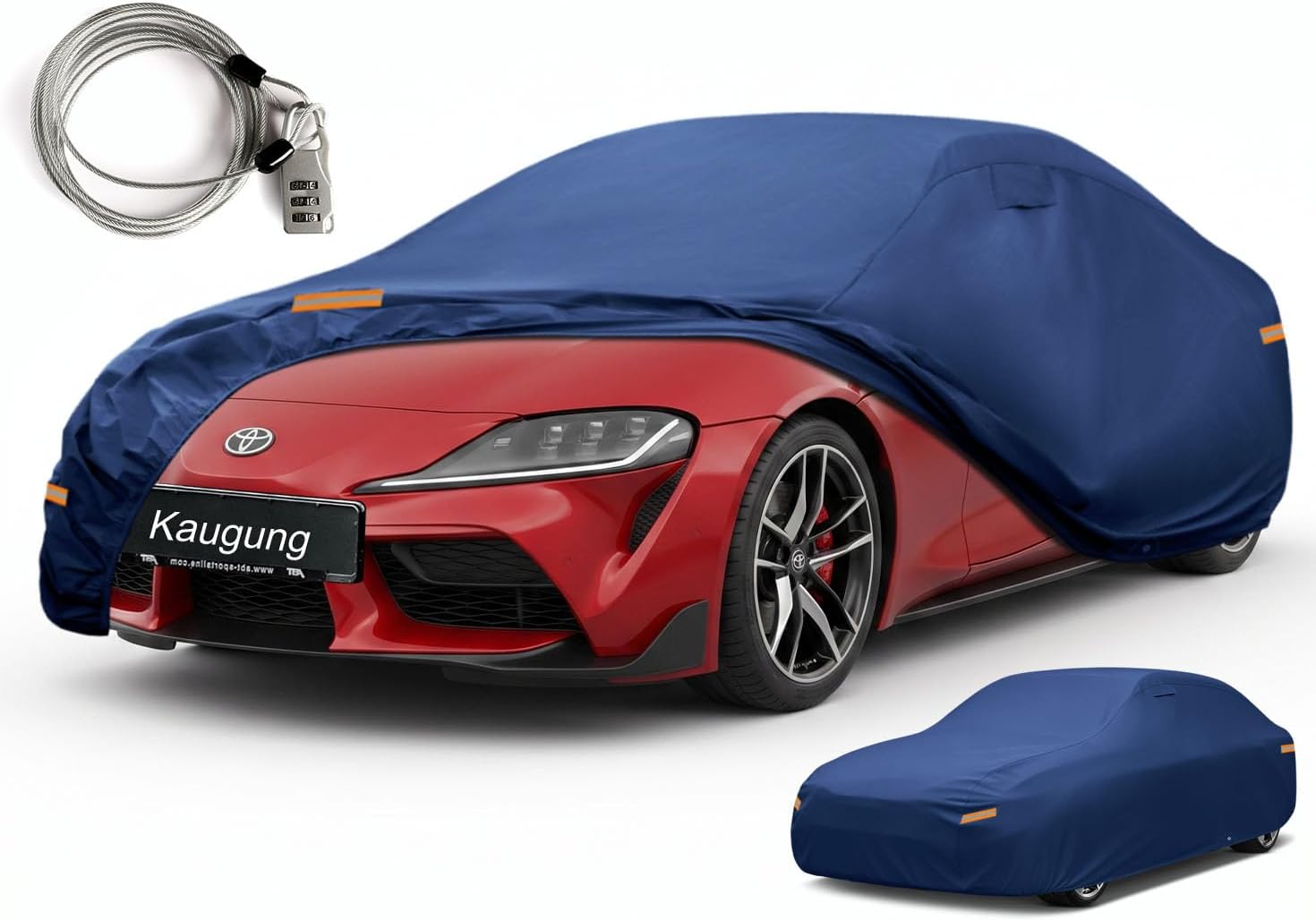
This custom-fit car cover is designed for Toyota Supra and GR Supra models, offering dependable all-weather protection for both indoor and outdoor use. Built with durable Oxford fabric and a soft cotton lining, it helps shield your vehicle from rain, sun, snow, dust, and UV exposure while protecting the paint finish. Windproof straps, dual air vents, reflective details, and included security accessories add convenience and peace of mind.

This central dashboard cover strip trim is designed as a replacement for the instrument cluster panel area on compatible Toyota RAV4 models. It helps restore the look of your interior with a precise fit, durable construction, and reliable long-term performance. Ideal for replacing worn or damaged trim while maintaining a clean factory-style appearance.
Toggle Steering Intervention From Toyota Supra Command
Steering intervention has its own independent checkbox. Follow this menu path to keep haptic steering-wheel vibration while stopping the car from actively tugging the wheel:
- Open My Vehicle on the center display.
- Select Vehicle settings.
- Select Toyota Supra Safety.
- Select Steering intervention.
- Uncheck or toggle the feature off.
When enabled, steering intervention can provide a brief corrective nudge during an unintended lane departure. Turning it off removes that lane-departure steering correction; vibration warnings can still operate if Lane Departure Warn. remains enabled.
Cluster Indicator Status: A solid green lane indicator icon on the digital instrument cluster confirms the system is armed and lane markings are detected. A flashing green indicator indicates active steering intervention in progress.
Change Warning Time, Vibration and Steering Intervention
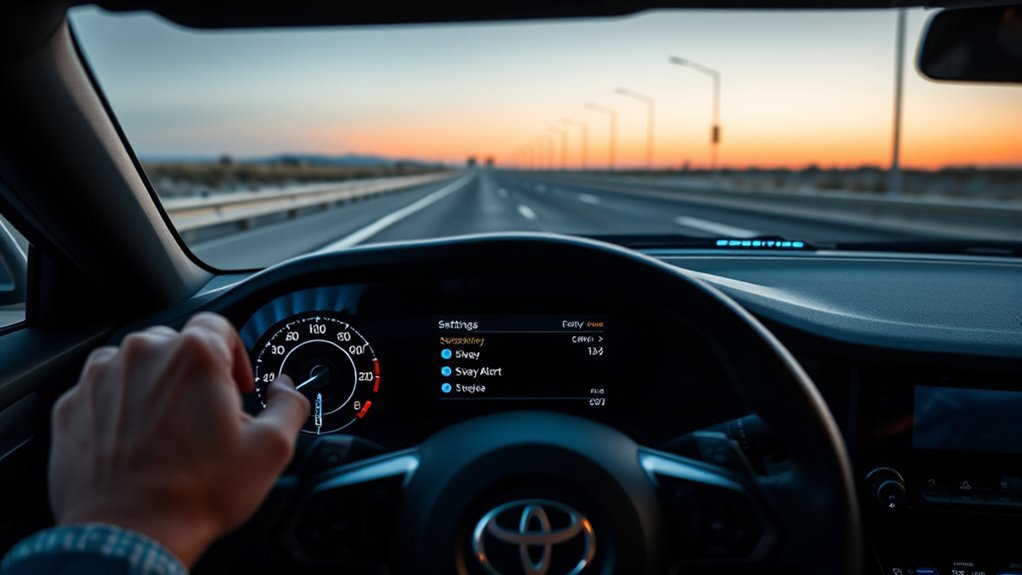
The GR Supra separates three controls: lane-departure warning timing, steering-wheel vibration intensity, and steering intervention. This lets you reduce alerts or steering input without necessarily switching off the entire Toyota Supra Safety system.
Set Lane Departure Warning Time
Navigate to My Vehicle > Vehicle settings > Toyota Supra Safety > Lane Departure Warning, then choose your preferred threshold:
- Early: Toyota says the system promptly issues a warning when it detects a hazardous situation.
- Medium: Toyota describes this as the setting that meets the standardized safety requirements.
- Reduced: Some warnings are suppressed depending on the situation, including certain passing or curve scenarios described in the owner’s manual.
- Off: No lane-departure warnings are issued.
Set Steering-Wheel Vibration Intensity
Adjust the haptic motor strength inside the steering wheel via My Vehicle > Vehicle settings > Steering wheel vibration:
- Strong: Highest available vibration-intensity setting listed in Toyota’s 2023 U.S. Quick Reference Guide.
- Medium: Middle vibration-intensity setting.
- Light: Lowest available vibration-intensity setting.
Toyota’s quick-reference material lists these three intensity choices but does not assign them a numeric vibration-force value.
Choose Warnings Only or Steering Support
For warning-only operation, leave Lane Departure Warn. enabled at Early, Medium, or Reduced and switch Steering intervention to Off. The steering-wheel vibration setting remains available separately.
Use Turn Signals to Override LDA for Intentional Lane Changes

Toyota’s owner guidance states that a lane-departure warning is not issued when the turn signal is switched on in the corresponding direction before changing lanes. Use the signal before crossing the lane marking; the cited Toyota guide does not specify a fixed two-second lead time.
- Activate the turn signal before beginning the lane change.
- Perform mirror and blind-spot checks as normal.
- Execute the lane transition smoothly.
- Ensure the signal stalk fully cancels upon completion.
Why LDA Gives False Alerts and How to Avoid Them
Lane-departure systems depend on a camera recognizing lane markings. The National Highway Traffic Safety Administration (NHTSA) explains that Lane Departure Warning uses a camera to monitor lane markings, while the Insurance Institute for Highway Safety (IIHS) notes that poorly marked roads, snow, low light, and inclement weather can reduce lane-system performance.
Confusing Road Markings
Faded, missing, covered, or temporary lane markings can reduce camera recognition or cause a warning at an unexpected time. Construction zones, precipitation, standing water, glare, and poorly marked roads are common conditions that deserve extra caution.
- Maintain manual vehicle control through active work zones.
- Do not rely on the assist system where lane lines split, merge, or cross old pavement seams.
- Override any errant steering assist input with firm, steady manual steering.
Camera and Windshield Obstruction
Toyota places the forward camera near the interior mirror. The owner’s manual warns that a fogged windshield, labels in the camera’s field of view, a dirty or damaged lens, strong reflections, darkness, or excessive camera temperature can limit operation.
- Keep the windshield area in front of the camera clean and clear.
- Defog or de-ice the windshield before relying on the lane system.
- Do not place labels, films, or other obstructions in the camera’s field of view.
Troubleshoot Supra’s LDA and Steering Assist: Common Fixes
If your Supra’s lane assist acts inconsistently, consult this diagnostic matrix to resolve the underlying issue:
| Symptom | Probable Cause | Corrective Action |
|---|---|---|
| No warning or assist active | Vehicle is below the applicable minimum speed, the camera cannot detect lane markings, or Lane Departure Warning is off | For a 2023 U.S.-spec car, check operation above 40 mph with visible lane markings; for other years/markets, confirm the minimum speed in the exact owner’s manual |
| Settings appear to reset after restarting | The press-and-hold master all-off shortcut was used instead of an individual Customize setting | Open Customize / Custom Settings, change Lane Departure Warn., and confirm the active driver profile |
| Steering wheel nudges unexpectedly | Steering intervention is enabled and the system detects a lane-departure event | Open Toyota Supra Safety and switch Steering intervention off if you want warning-only operation |
| Haptic vibration feels too strong | Steering-wheel vibration is set higher than preferred | Go to My Vehicle > Vehicle settings > Steering wheel vibration and choose a lower intensity |
| System temporarily unavailable | Camera view is blocked or conditions are outside the system’s operating limits | Clear fog, ice, dirt, labels, or other obstructions from the camera area and retry in normal visibility with clear lane markings |
| Driver-assistance warning persists | Camera lens may be dirty or damaged, the camera may be overheated, or the system may have a fault | Clean/clear the camera area and allow an overheated camera to cool; if the message persists, have Toyota or a qualified ADAS technician diagnose the system |
How Supra’s Steering Assist Compares With Lane Keep Assist and Lane Centering
Understanding the terminology difference prevents misunderstandings regarding the Supra’s automated capabilities. To explore how this compares across Toyota’s broader lineup, read our detailed guide on Lane Keeping Assist vs. Lane Tracing Assist.
| System Type | Primary Function | Steering Interaction |
|---|---|---|
| Standard Lane Departure Warning (LDW) | Alerts driver when crossing road lines | None (Vibration or audible chime only) |
| Supra LDW with Steering Assist | Warns driver and provides brief corrective torque | Momentary counter-steering nudge at lane boundary |
| Lane Centering / Lane Tracing Assist (LTA) | Provides ongoing steering support to help keep the vehicle near the center of the lane when operating conditions are met | Continuous, hands-on automated steering torque |
[Products Worth Considering]
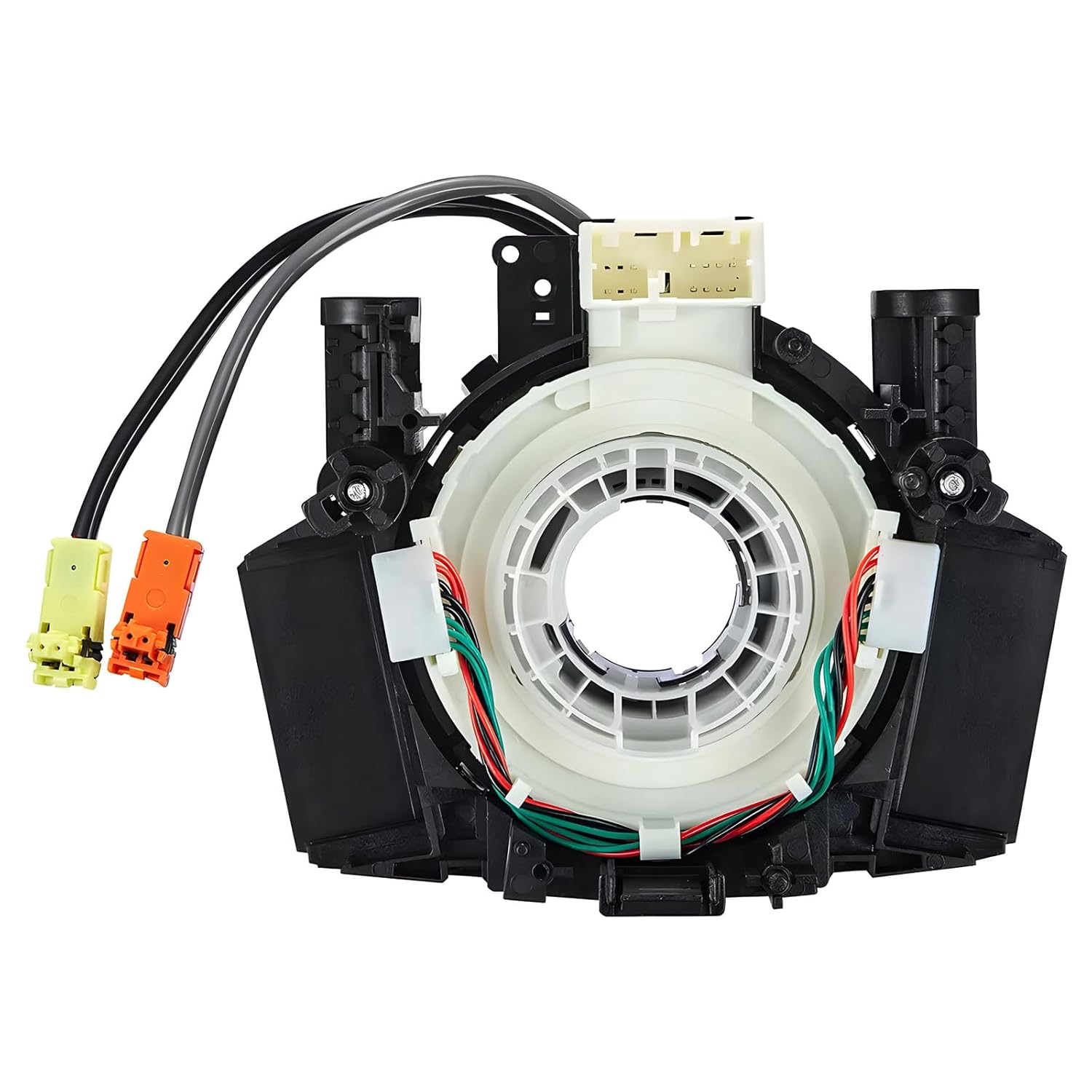
This steering clock spring assembly is an OEM-style replacement designed to restore steering wheel controls and related electronic functions in compatible Nissan vehicles. It supports audio, cruise control, and multi-function button operation while matching multiple factory part numbers for a reliable fit. Built for direct installation with vehicle-specific connectors, it helps return steering column electronics to proper working order.

This portable 9-inch CarPlay screen brings wireless Apple CarPlay and Android Auto to almost any vehicle, making navigation, calls, music, and messaging easier on the road. It features a crisp HD touchscreen, voice control, multiple audio output options, and a backup camera to improve convenience and safety. With plug-and-play installation and OTA firmware updates, it is designed for simple setup and long-term compatibility.

This dash clock spring replacement is designed for a wide range of Toyota vehicles and helps restore reliable steering wheel control functions. It supports audio controls, cruise control, and other multi-function commands while using vehicle-specific connectors for easier installation. Built with durable materials and OEM-referenced part compatibility, it is a practical solution for repairing steering wheel signal issues.
When to Contact a Toyota Dealer or ADAS Technician
Schedule a professional diagnostic service when the lane system remains unavailable or behaves abnormally after normal operating conditions are restored:
- A driver-assistance or camera warning remains after the windshield/camera area is clean and clear.
- The camera lens or windshield area near the interior mirror is damaged.
- Lane warnings or steering intervention remain unavailable on clearly marked roads at the applicable operating speed.
- If symptoms began after windshield, camera, collision, alignment, or suspension work, tell the technician what changed so the correct inspection and calibration procedures can be checked against Toyota service information.
- Use the official Toyota Owners Manual portal to select the manual for your model year and production period.
Frequently Asked Questions
Does the Toyota GR Supra have lane assist?
Yes. The MkV Toyota GR Supra uses Lane Departure Warning with Steering Assist. It can warn through steering-wheel vibration and, when steering intervention is enabled, apply a brief corrective steering input. Toyota’s current GR Supra comparison page lists Lane Departure Warning as standard and indicates steering activation.
Is Supra Lane Departure Warning the same as lane centering?
No. The Supra uses reactive lane-departure warning and brief steering intervention rather than continuous lane-centering assistance.
Can I turn off steering assist but keep vibration warnings?
Yes. Open My Vehicle > Vehicle settings > Toyota Supra Safety > Steering intervention and switch the setting off while leaving Lane Departure Warning enabled. Steering-wheel vibration remains a separate setting.
Why does the Supra not warn when I use the turn signal?
Toyota states that a lane-departure warning is not issued when you signal in the corresponding direction before changing lanes. That tells the system the lane change is intentional; exact behavior can vary by model year, market, and equipment.
Why does my Supra lane assist trigger false alerts?
Common causes are poor lane visibility or a blocked camera view. Faded or temporary markings, rain or snow, glare, low light, windshield fogging, dirt, labels, or camera damage can reduce recognition or cause unexpected warnings.
Why does lane departure warning turn back on after restarting the Supra?
The press-and-hold shortcut switches all Toyota Supra Safety systems off, and Toyota’s 2023 U.S. guide says that master all-off state is automatically switched back on at the next drive cycle. Individual Customize settings are stored for the active driver profile where supported.
At what speed does Toyota Supra Lane Departure Warning work?
Toyota’s 2023 U.S. Quick Reference Guide says the system must detect lane markings and the vehicle must be traveling above 40 mph (65 km/h) for Lane Departure Warning to be active. Other model-year or national-market manuals may describe the minimum speed differently, so confirm the threshold in the manual for your exact car.
What do the green and flashing green lane indicators mean?
A steady green lane indicator means the system is on, a lane boundary has been detected on at least one side, and warnings can be issued. A flashing green indicator means the system is performing a steering intervention.
Conclusion
To customize Toyota GR Supra Lane Departure Warning, use Customize / Custom Settings for the warning preference and My Vehicle > Vehicle settings > Toyota Supra Safety > Steering intervention for the corrective steering nudge. Keep Lane Departure Warning enabled if you want vibration alerts after steering intervention is switched off. If the system is unavailable, first check lane visibility and the windshield/camera area; if a warning persists in normal conditions, use the owner’s manual for your exact model year and have Toyota or a qualified ADAS technician diagnose the system.
Sources
- Toyota 2023 GR Supra Quick Reference Guide — U.S. reference for the 40 mph activation threshold, dash safety-button behavior, warning timing, vibration choices, turn-signal behavior, and steering intervention.
- Toyota GR Supra Comparison — Toyota’s current comparison page lists Lane Departure Warning as standard and indicates steering activation.
- Toyota 2026 Supra Manuals and Warranties — official model-year portal with multiple owner manuals by production period.
- NHTSA Driver Assistance Technologies — explains Lane Departure Warning as a camera-based warning technology and reinforces owner-manual-specific limitations.
- IIHS Advanced Driver Assistance Research — documents lane-departure system behavior and limitations on poorly marked roads, snow, low light, and inclement weather.