Reprogramming your Toyota Camry key fob is simple. Start with the driver’s door open, insert the key without turning it, then open and close the door twice. Turn the ignition on and off, and remove the key. Wait for the locks to cycle, then hold the lock and release buttons for 1.5 seconds to program. Test its functionality by checking the lock, release, and panic buttons. For more detailed steps and troubleshooting, the next sections will guide you further.
How to Reprogram Your Toyota Camry Key Fob
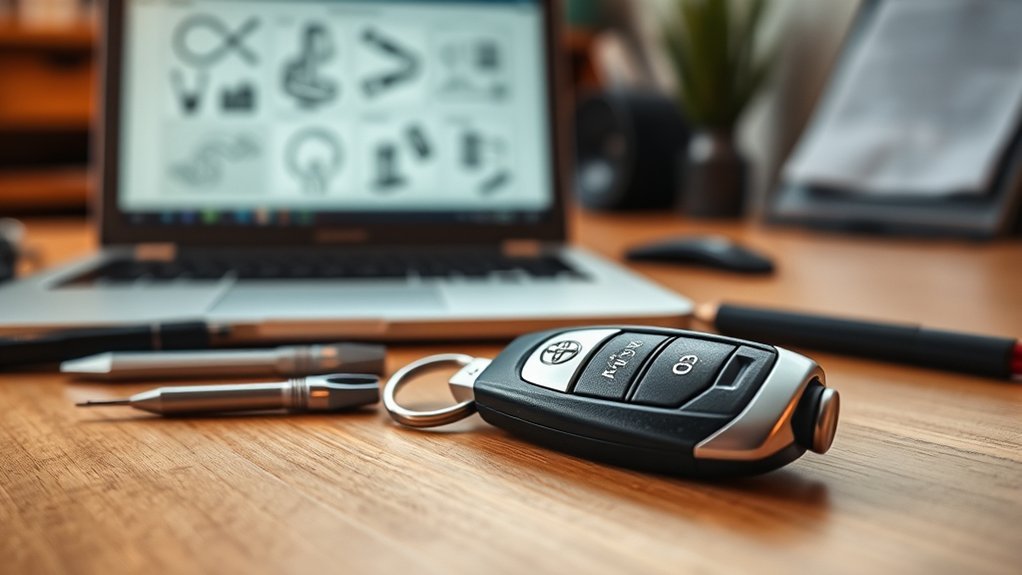
Reprogramming your Toyota Camry key fob is a straightforward process you can complete in just a few steps. Begin with the driver’s door open and all doors accessible for proper access. Insert your key into the ignition without turning it, then open and close the driver’s door twice before reinserting the key and closing the door. To enter programming mode, turn the ignition from on to off; this will trigger a door lock cycle, indicating readiness.
Next, for each key fob, hold the lock and release buttons simultaneously for about 1.5 seconds. Then, press the lock button to confirm successful programming. This guarantees your key fob features are updated, enhancing security and functionality. Finally, exit programming mode by opening the driver’s door and test the newly programmed key fob to confirm it works correctly. Enjoy the enhanced security and convenience!
[Products Worth Considering]

Protect your Toyota key fob with this premium soft TPU case that offers 360-degree coverage against drops, dust, and scratches while maintaining full signal strength. The sleek gold‑rimmed design adds a stylish touch, and the attached leather‑aluminum keychain provides convenient carrying. Made from durable materials with strong color fastness, it fits like a glove for a seamless look and feel.

Protect your smart key with this handcrafted crazy horse leather fob cover, designed to fit Toyota Tundra, Sienna, and Sequoia models from 2021 to 2026. The slim case offers all‑round protection against scratches, dust, and damage while preserving signal transmission. Its premium leather look adds a touch of luxury to your vehicle interior, making it an ideal gift for any occasion.

Protect your Toyota smart key with this genuine crazy horse leather cover that fully wraps the fob, guarding against drops, shocks, and scratches. The heavy‑duty metal carabiner adds secure anti‑loss functionality, clipping to belts or bags without interfering with signal transmission. Its stylish black finish and tactile feel bring a premium look while preserving full key functionality.
Step-by-Step Guide to Initial Programming Setup
To successfully set up the initial programming for your Toyota Camry key fob, start by verifying the driver’s door is open and all other doors are accessible. Next, insert the key into the ignition without turning it. Open and close the driver’s door twice to initiate the programming sequence. Once you’ve cycled the door, insert the key into the ignition again and close the driver’s door to enter programming mode.
Now, turn the ignition from “on” to “off” and remove the key. This step prepares the system for remote programming. Make certain you follow this specific sequence carefully to guarantee key fob security and enable remote access. If you need to program multiple remotes, you can repeat this process as necessary. Following these precise steps ensures a smooth setup for your key fob.
[Products Worth Considering]

Protect your Toyota key fob with this soft TPU cover that offers a precise 1:1 fit for 3‑button models. The elastic material cushions against dust and scratches while maintaining full button functionality. Easy to install and portable, it clips onto bags or pockets for on‑the‑go convenience.

Protect your car key with this premium TPU cover that offers 360-degree protection against drops, shocks, scratches and dust while adding a stylish, slim profile. The integrated metal‑textile keychain keeps keys secure and easy to carry for both men and women. Compatible with a wide range of Toyota models from 2016 to 2025, it ensures a snug fit and a premium look. Lifetime customer service guarantees a hassle‑free experience.
How to Enter Programming Mode for Your Key Fob?
Entering programming mode for your Toyota Camry key fob requires a few specific steps. Follow these instructions to guarantee key fob security and prepare for programming troubleshooting:
- Start with the driver’s door open and all doors accessible.
- Insert the key into the ignition without turning it. Then, open and close the driver’s door twice.
- Close the door, insert the key into the ignition again, turn it from “on” to “off,” and remove the key. The door locks will cycle, confirming the vehicle is in programming mode.
Once in this mode, grab your key fob. Hold the lock and release buttons simultaneously for about 1.5 seconds to initiate the programming sequence. Following these steps accurately will help you enter programming mode effectively, confirming your key fob is ready for use.
Programming Your Key Fob: The Lock and Unlock Process
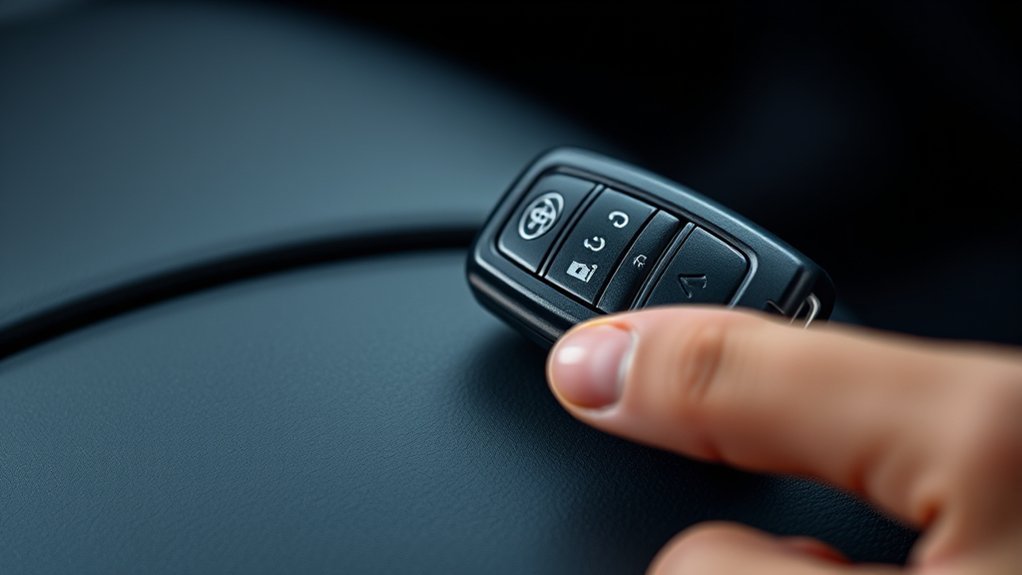
Understanding the lock functionality is essential for programming your Toyota Camry key fob effectively. The releasing process involves specific button sequences that guarantee your fob communicates correctly with your vehicle. Let’s break down how to utilize these features for seamless operation.
Understanding Lock Functionality
When programming your Toyota Camry’s key fob, the lock functionality is essential for securing your vehicle. It allows you to utilize key fob security effectively, guaranteeing remote access to your doors. Here’s how to activate the lock feature:
- Hold the lock and release buttons simultaneously for about 1.5 seconds.
- Confirm successful programming when the door locks cycle, indicating recognition of the new commands.
- Test the lock function on the key fob to verify it locks and unlocks all doors as intended.
Unlocking Process Explained
Programming the release function of your Toyota Camry key fob is a straightforward process that guarantees secure access to your vehicle. To begin, open all doors and make certain the driver’s door remains open. Insert the key into the ignition without turning it, then close and open the driver’s door twice. Next, close the door, turn the ignition from on to off, and watch for the door locks to cycle, indicating programming mode. Hold the lock and open buttons on the fob for 1.5 seconds, then release. Press the lock button to confirm. Exit programming by opening the driver’s door, then test your fob for peak fob security and remote convenience.
| Step | Action | Result |
|---|---|---|
| Initial Setup | Open all doors | Prepares for programming |
| Programming | Insert key, cycle locks | Enters programming mode |
| Confirmation | Press buttons, test fob | Confirms successful setup |
Confirming Successful Key Fob Programming
To confirm successful key fob programming, watch for the door locks to cycle after you press the lock button on the remote. This cycling indicates that programming confirmation has occurred. If the locks don’t respond, you may need to repeat the programming steps.
Follow these steps to guarantee remote functionality:
- Check Each Remote: Press the lock button on each newly programmed remote individually to verify their operation.
- Test Previously Programmed Remotes: After programming new remotes, ensure that all previously programmed remotes are functioning as expected.
- Immediate Testing: Conduct these tests right after programming to confirm the key fob’s synchronization with your vehicle.
Troubleshooting Common Key Fob Issues
When your key fob isn’t responding, start by checking the battery; a weak or dead battery is often the culprit. If you’re having signal issues, make sure you’re close to your vehicle, as distance can disrupt communication. Additionally, double-check your programming steps to confirm that all doors are accessible and that you’re following the correct sequence to avoid errors.
Battery Issues
One of the most common issues you’ll encounter with your Toyota Camry key fob is a dead battery. If your remote fails to lock or open the doors, a battery replacement might be necessary. Most key fobs use a CR2032 battery, which you can easily replace. Make sure you install it correctly, with the positive (+) side facing up. If replacing the battery doesn’t resolve the issue, consider these steps:
- Check for physical damage to the fob.
- Perform a corrosion check on the battery contacts.
- Regularly test the fob’s functionality to catch issues early.
Signal Interference
Although your Toyota Camry key fob may seem straightforward, signal interference can complicate its operation. Nearby electronic devices, like cell phones and Wi-Fi routers, can disrupt communication between the fob and your vehicle’s receiver. Additionally, physical obstructions such as metal objects or walls weaken signal strength, making it tough to lock or access your doors. If you experience intermittent signals, check the fob’s battery; a weak or depleted battery often requires replacement for peak performance. Environmental factors, including extreme temperatures or moisture, can also affect functionality. To minimize electronic interference, try reprogramming your key fob in an open area, free from electronic devices and metallic objects, ensuring a stronger connection during the process.
Programming Errors
Programming your Toyota Camry key fob can sometimes lead to errors that hinder functionality. To guarantee a smooth process, keep these common programming mistakes in mind:
- Open Doors: Always confirm all doors are open before starting. Locked doors can disrupt the programming sequence.
- Battery Check: If the remote fails to program, verify the battery is functional. A dead battery can lead to remote compatibility issues.
- Proximity Matters: Stay within range of your vehicle during programming. Distance can greatly impact signal reception and lead to errors.
How to Test Your Newly Programmed Key Fob
Testing your newly programmed key fob is a straightforward process that guarantees everything is functioning as it should. Start by ensuring all doors of your Toyota Camry are closed and locked. Press the lock button on the key fob to confirm all doors lock simultaneously; this indicates successful programming. Next, use the release button—if the doors open, your key fob is operating correctly. Don’t forget to test additional key fob features, like the panic button or trunk release, to confirm full functionality.
| Function | Action | Result |
|---|---|---|
| Lock All Doors | Press Lock Button | All doors lock |
| Release Doors | Press Release Button | All doors open |
| Panic Alert | Press Panic Button | Alarm sounds |
| Trunk Release | Press Trunk Button | Trunk opens |
If any features fail, recheck the programming steps or consider replacing the battery.
Frequently Asked Questions
Can I Program Multiple Key Fobs at Once?
You can’t program multiple key fobs simultaneously due to programming limitations. Each key fob must be programmed individually, ensuring key fob compatibility. Follow your vehicle’s instructions for best results and secure access.
Will Reprogramming Erase Existing Key Fob Settings?
Reprogramming your key fob is like resetting a safe: it can erase existing settings. Depending on programming methods, you might lose key fob security for previous fobs, so back them up first.
What if My Key Fob Is Lost or Broken?
If your key fob’s lost or broken, consider key fob replacement. You have options like visiting a dealership or using a locksmith. Make certain you get the correct programming to regain full functionality quickly.
Is a Specific Type of Battery Required for the Fob?
Yes, your key fob requires a specific battery type for ideal performance. Confirm you check the fob compatibility with the manufacturer’s specifications to avoid issues with functionality and enhance your overall experience.
How Often Should I Reprogram My Key Fob?
You should reprogram your key fob every 2-3 years, as its lifespan averages around 5 years. Following these frequency guidelines guarantees peak performance and security, keeping your access smooth and hassle-free.
Conclusion
Reprogramming your Toyota Camry key fob can feel like maneuvering through a maze, but with these steps, you’ll find your way through effortlessly. By following the programming process and confirming each step, you’ll have your fob working like new in no time. Remember to troubleshoot any issues you encounter, ensuring a smooth experience. Now that you’re equipped with this knowledge, you can tackle key fob programming confidently and keep your vehicle secure and accessible.