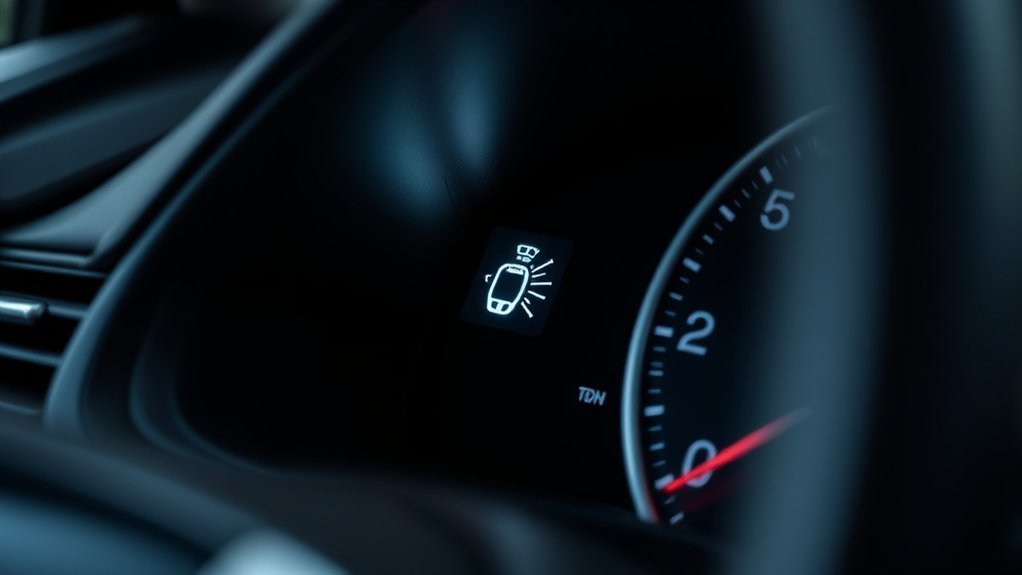
A Toyota Camry immobilizer light that flashes after you turn the car off is usually normal. It means the anti-theft system is active. If the light keeps flashing while you use a registered key and the engine will not start or the hybrid system will not enter READY mode, the Camry may not be recognizing the key, or low 12-volt power may be disrupting normal startup. If the security light goes out normally but the Camry still will not start, move to standard no-start diagnosis instead of assuming the immobilizer has failed.
Last updated: August 31, 2026
How this guide was checked: This guide was reviewed against Toyota owner guidance for the 2023 Camry and 2025 Camry Hybrid, Toyota’s current security-indicator information, and NHTSA vehicle-theft information. It does not claim hands-on diagnosis of every Camry model year. Key systems, indicator behavior, battery types, messages, and emergency-start steps can vary, so use the owner’s manual for your exact Camry before ordering parts or authorizing key programming.
Quick Answer
A Toyota Camry immobilizer light that flashes after shutdown usually means the anti-theft system is working normally. If it keeps flashing during a no-start attempt, try a registered spare key, move other transponder keys and metal objects away, use the Smart Key emergency-start method for your model year, and check both the fob battery and the vehicle’s 12-volt power. If no registered key works despite stable vehicle power, the key-recognition or immobilizer system needs professional diagnosis. If the security indicator stops flashing normally but the Camry still will not start, follow ordinary no-start checks instead of treating the immobilizer as the primary suspect.
Key Takeaways
- A flashing security light while the Camry is parked is normally the immobilizer doing its job.
- A light that keeps flashing while a registered key is being used during a no-start attempt points toward a key-recognition or security-system problem.
- Start with simple checks: use the correct key, move other transponder keys away, replace a weak Smart Key battery if needed, and check the 12-volt battery.
- If the security light goes out normally but the car still will not start, do not assume the immobilizer is the cause.
- Do not bypass, remove, or modify the immobilizer system; Toyota describes it as a maintenance-free anti-theft system.
- If no registered key works, a Toyota dealer, qualified repair shop, or automotive locksmith can perform key-recognition and immobilizer diagnosis.
At a Glance
| Flashes after shutdown | Usually normal immobilizer operation if the Camry starts normally later |
| Spare registered key works | Focus on the original key, its Smart Key battery, physical damage, or key registration |
| No key works and dash power is weak | Check the 12-volt battery and its connections before blaming the immobilizer |
| No key works but vehicle power is strong | Key-recognition, antenna, receiver, wiring, fuse, or immobilizer diagnosis may be needed |
| Security light goes out but no start | Move to normal no-start diagnosis; the immobilizer is no longer the strongest clue |
Understanding the Toyota Camry Immobilizer System
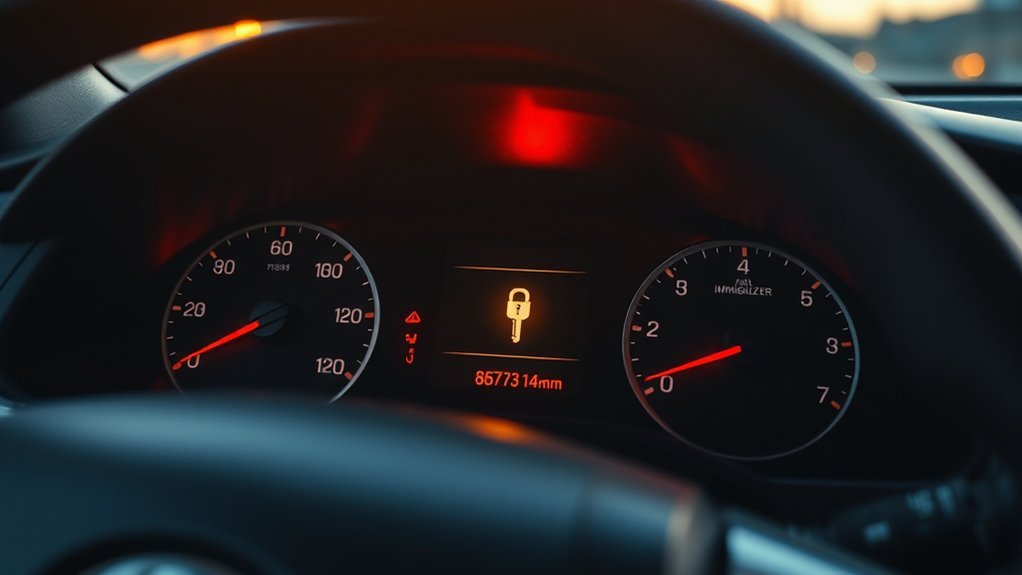
The Toyota Camry immobilizer is part of the theft-deterrent system. Toyota’s security-indicator guidance explains that the vehicle uses registered transponder-key data to authorize starting. If the system cannot authenticate a required registered key, it can prevent the engine from starting or the hybrid system from entering READY mode.
On Camry models with a regular ignition key, the security indicator normally flashes after the key is removed. On Camry models with a Smart Key or push-button start, it normally flashes after the engine or power switch is turned off. Toyota says the light stops flashing when the immobilizer is canceled, such as when the registered key is recognized and the vehicle enters the appropriate ignition mode.
Note: A blinking security light by itself is not automatically a problem. It is normally expected while the Camry is off and the immobilizer is active. The useful diagnostic question is what the light does when you try to start the vehicle with a registered key.
How Does Immobilizer Behavior Differ by Camry Model Year?
| Example | Toyota Guidance |
|---|---|
| 2023 Camry without Smart Key | The indicator flashes after the key is removed and stops flashing after a registered key is inserted. |
| 2023 Camry with Smart Key | The indicator flashes after the engine switch is turned off and stops flashing when the system is canceled in the appropriate ignition mode. |
| 2025 Camry Hybrid | Toyota’s no-start guidance tells owners to consider the electronic key, immobilizer, electrical problems such as a blown fuse, and the 12-volt power supply depending on the symptoms. |
This is why a single internet “reset” sequence should not be applied to every Camry. Check the manual for your exact model year and key system before attempting anything beyond basic key and battery checks.
What Does a Flashing Toyota Camry Immobilizer Light Mean?
A flashing security light can mean very different things depending on when it flashes and what happens when you try to start the car:
| What You See | Likely Meaning | Best Next Check |
|---|---|---|
| Light flashes after the car is turned off | Normal immobilizer operation | No repair is needed if the car starts normally |
| Light flashes during starting, but a spare key works | The first key, fob battery, transponder, or key registration is the likely area to investigate | Replace the fob battery if applicable and have the failing key tested if the problem continues |
| Light flashes during starting and no registered key works | Possible low voltage or vehicle-side key-recognition, wiring, fuse, receiver, antenna, or immobilizer fault | Check 12-volt power first, then arrange Toyota-capable diagnosis if power is stable |
| Light stays on or behaves differently than the owner’s manual describes | Possible security-system or electrical fault | Check the model-year manual and get a diagnostic scan if the vehicle will not start |
| Light stops flashing normally, but the Camry still will not start | The immobilizer is less likely to be the primary cause | Move to normal no-start checks such as vehicle power, starting procedure, fuses, fuel, and other model-specific causes |
Fast Diagnosis Map
Use what the car is doing to narrow the problem before replacing anything:
- One registered key works and another does not: focus on the failing key, fob battery, physical damage, transponder, or registration.
- No registered key works and the dash or interior lights are weak: check the 12-volt battery and battery connections first.
- No registered key works but vehicle power appears normal: professional diagnosis may be needed for the vehicle-side key-recognition or immobilizer system.
- The security indicator goes out normally but the car still does not start: stop treating the immobilizer as the only suspect and follow the normal no-start procedure for your model year.
- The problem began after a replacement key or control-module job: confirm that the required key registration/programming was completed correctly.
Impact on Vehicle Start
When the immobilizer cannot verify a required registered key, the Camry may not start even if other electrical systems power up. Depending on the model year and system design, the engine may fail to start or the hybrid vehicle may refuse to enter READY mode.
The security indicator is a clue, not a complete diagnosis. A weak car battery, low voltage, interference from another transponder key, a Smart Key battery problem, or a separate no-start fault can produce symptoms that look similar from the driver’s seat.
What If the Security Light Goes Out but the Camry Still Won’t Start?
If the security indicator stops flashing when the registered key is recognized, that weakens the case for an active immobilizer lockout. Toyota’s no-start guidance for the 2025 Camry Hybrid, for example, also points owners toward electronic-key problems, insufficient fuel, electrical faults such as a blown fuse, and weak 12-volt power depending on the symptoms.
At that point, use the no-start section of your model-year owner’s manual instead of repeatedly trying immobilizer resets. Also check the exact dashboard message, whether the vehicle is in Park, whether the brake pedal is being recognized, and whether normal vehicle power is available.
Importance of Prompt Action
Do not ignore a no-start condition linked to abnormal security-light behavior. Repeated start attempts can drain the 12-volt battery and add another problem to the diagnosis. Start with the simple checks below, then stop and call a professional if the indicator remains abnormal and the car still will not start.
Warning: Do not try to bypass, remove, or modify the immobilizer system. Toyota warns that proper operation cannot be guaranteed if the system is modified or removed. Bypass attempts can also increase theft risk and create additional electrical problems.
Why Does a Toyota Camry Immobilizer Light Keep Flashing?
The immobilizer itself is designed to be maintenance-free, but the key, vehicle power supply, key-detection hardware, wiring, or programming around it can still create a no-start problem. These are the main areas to check.
Key Transponder Malfunction
The transponder data lets the Camry confirm that a registered key belongs to the vehicle. If the key is damaged, is not registered correctly, or cannot be read, the vehicle may not authorize starting.
Warning signs of a key or transponder problem include:
- The car starts with one registered key but not another.
- The fob case is cracked, water-damaged, or badly worn.
- The problem started after a replacement key was cut or programmed.
- The security light keeps flashing when that key is used but another registered key works.
- The car intermittently fails to recognize the Smart Key.
Battery Connection Issues
A weak 12-volt battery can create symptoms that look like a security or Smart Key failure. Toyota’s no-start guidance tells owners to consider a discharged 12-volt battery when lights are dim or the horn is weak. If the dashboard lights flicker, the locks operate slowly, or the car has recently sat unused, check vehicle power before replacing keys or immobilizer components.
Loose or corroded battery terminals can also interrupt power to vehicle electronics. Make sure the connections are secure before moving deeper into immobilizer diagnosis.
Smart Key Battery or Detection Issues
If your Camry uses a Smart Key, a weak fob battery can interfere with normal wireless key detection. Toyota’s support guidance describes a backup procedure for a depleted electronic-key battery. The exact sequence can vary by model year, so follow the procedure in your Camry owner’s manual.
A dashboard message such as “Key Not Detected” is related to electronic-key detection but is not simply another name for the security indicator. For that specific warning and its additional causes, see Camry Smart Key Not Detected: Causes and Fixes.
Pro Tip: Keep other Toyota keys, security fobs, and large metal keychains away from the Camry key while testing. Toyota owner guidance notes that another transponder key nearby or metal touching the key grip can interfere with immobilizer operation on applicable systems.
How Can You Tell a Fob-Battery Problem From a 12-Volt Battery Problem?
| Symptom | More Consistent With |
|---|---|
| Remote lock or unlock is weak or intermittent, but cabin lights and dashboard power look normal | Weak Smart Key battery, damaged fob, or wireless-detection issue |
| The owner’s-manual backup start method works when the registered fob is held at the START/power switch | Weak fob battery or normal wireless-detection problem is more likely |
| Interior lights dim, locks move slowly, the dash flickers, or several warnings appear | Weak 12-volt vehicle battery or poor battery connection |
| One registered key works and another does not | Problem with the failing key, fob, or its registration |
| No registered key works even with stable 12-volt power | Vehicle-side antenna, receiver, immobilizer, wiring, fuse, communication, or programming fault requiring diagnosis |
Interference From Other Keys or Metal Objects
Toyota owner guidance lists simple interference conditions on applicable systems, including the key grip touching a metallic object and the key being close to another vehicle’s transponder key. Before assuming a major failure, separate the Camry key from the rest of your key ring and try again.
How Do You Fix a Toyota Camry Immobilizer Light That Flashes During Start?
Use this order so you test the easiest and least expensive causes before assuming an immobilizer component has failed.
[Products Worth Considering]

This smart color coded tire tread depth gauge makes it easy to check tread wear at a glance with clear red, yellow, and green ranges. Calibrated from 0 to 1 inch in 1/32 inch increments, it helps you quickly assess tire condition for safer driving and timely replacements. The pocket clip design makes it convenient to carry and use on trucks, motorcycles, cars, and other passenger vehicles.
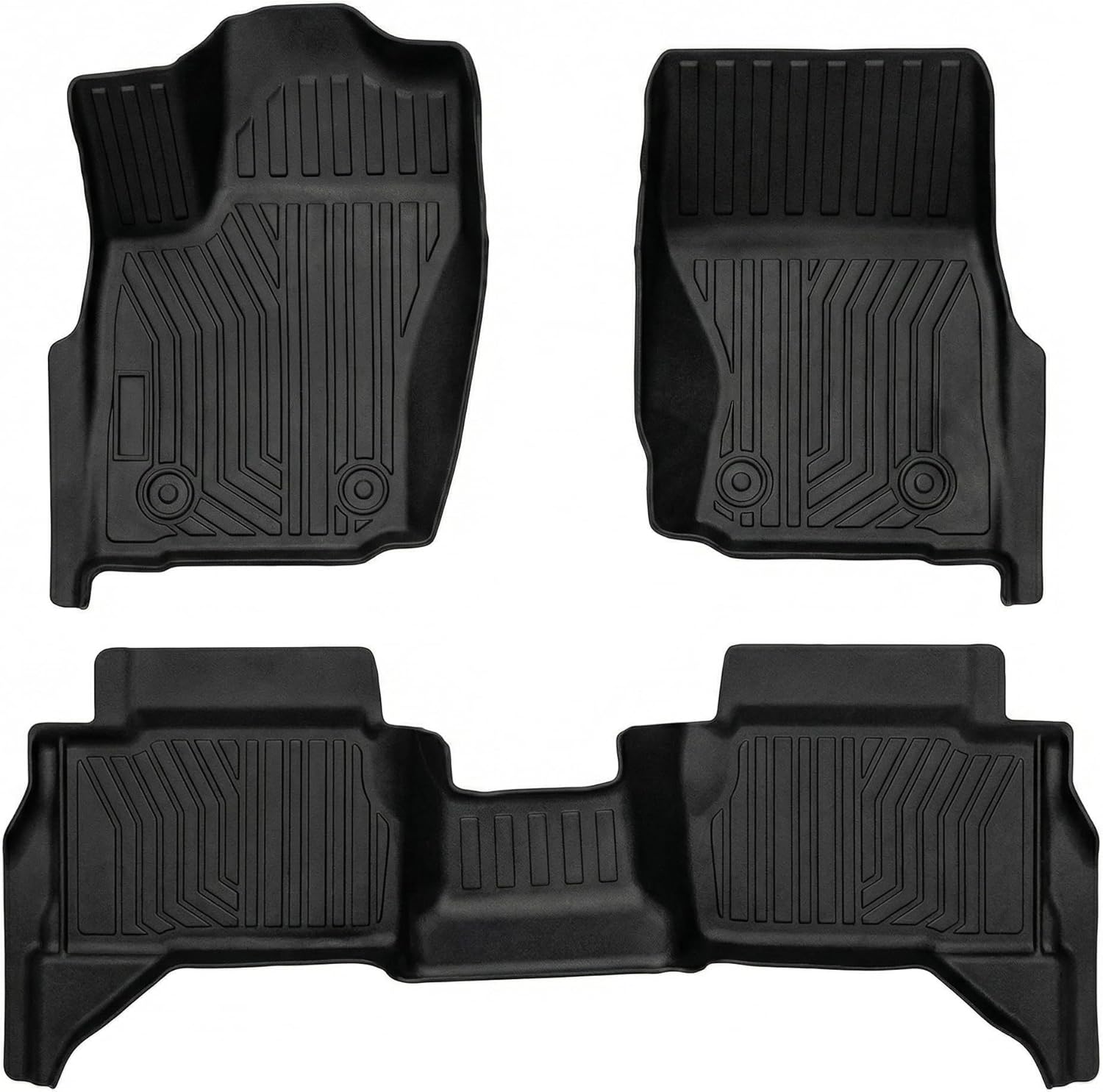
These custom-fit floor mats are designed for 2024-2026 Toyota Tacoma 4th Gen models, delivering full coverage and a precise fit for supported trims. Made from durable TPE, they help protect your interior from rain, snow, mud, sand, and everyday spills while deep grooves and raised edges trap debris for easier cleanup. The non-slip surface and retention clips keep the mats securely in place, and the full front and rear set provides reliable all-weather protection for your truck cabin.

The NOCO GENIUS5 is an all-in-one battery charging and maintenance solution for 6V and 12V lead-acid and lithium batteries. It features temperature compensation, dead-battery recovery, desulfation, and safe long-term maintenance to help extend battery life and performance. Compact and versatile, it works with a wide range of vehicles and comes with mounting accessories and a warranty.
1. Confirm the Light Is Not Normal Operation
If the Camry is parked or turned off, a flashing security indicator is usually normal. Try to start the car with a registered key. If the light cancels normally and the vehicle starts, there is no immobilizer repair to make.
If the light cancels normally but the vehicle does not start, switch to the standard no-start procedure for your model year instead of continuing with immobilizer resets.
2. Use a Known-Good Registered Key
If you have a spare key that is already registered to the Camry, try it. If the spare key starts the vehicle, the first key or fob becomes the main suspect.
3. Remove Interference
Take the Camry key off a crowded key ring. Keep other vehicle keys and large metal keychains away from the ignition switch or START/power-switch area. Then try the registered Camry key again.
4. Try the Smart Key Emergency Start Method
For Smart Key models with a depleted electronic-key battery, use the backup-start procedure in your owner’s manual. On many recent Camrys, Toyota directs you to place the vehicle in Park, press the brake, touch the Toyota-emblem side of the registered electronic key to the engine or power switch until the key is detected, and then complete the start sequence.
This procedure still requires a valid registered key; it is not an immobilizer bypass. Do not assume the sequence or key orientation is identical across every Camry model year.
5. Replace the Key Fob Battery
Open the fob carefully and replace the coin-cell battery with the same type printed on the old battery or specified in the owner’s manual for your exact key. Install it in the correct direction, close the case fully, and test the remote and start functions again.
6. Check the 12-Volt Battery
If the car’s power locks, interior lights, headlights, horn, or dashboard appear weak, test the 12-volt power supply and inspect the battery connections. Toyota’s no-start guidance specifically points to a discharged 12-volt battery or poor terminal connection when normal electrical power is weak.
If the problem began immediately after battery replacement or other electrical work, confirm that the terminals are secure and that no relevant fuse or connector was disturbed. Disconnecting the vehicle battery does not register an unprogrammed key, so a persistent key-recognition problem still requires proper diagnosis.
7. Stop Before Forcing a Security Reset
Many online “immobilizer reset” methods involve jumpers, module removal, wiring modifications, or relearn procedures that do not apply to every Camry. If the basic checks do not work, the safer next step is Toyota-capable diagnosis rather than experimenting with a security-system bypass.
Inspecting Your Toyota Key Transponder
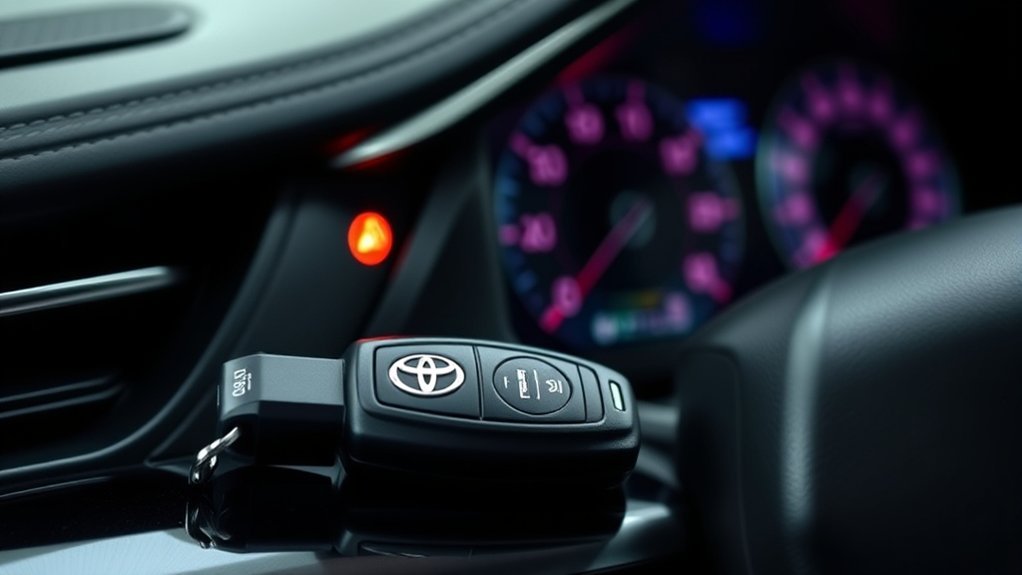
You can inspect the outside of the key or fob without taking apart the immobilizer system. Look for cracks, water damage, missing buttons, a loose case, or signs that the key head has been opened before.
| Inspection Step | Why It Matters |
|---|---|
| Check for a cracked key head or fob shell | Physical damage can affect the transponder, circuit board, battery contacts, or key housing. |
| Look for water or corrosion inside the fob battery area | Moisture can interrupt normal fob operation. |
| Confirm the fob battery is installed correctly | An incorrectly installed or weak battery can stop normal Smart Key functions. |
| Try a spare registered key | This quickly separates an individual-key problem from a vehicle-side problem. |
| Check whether the issue started after new key programming | An incorrectly registered or incompatible replacement key can create no-start security symptoms. |
Warning: Do not dig into the key head looking for a transponder chip. Key construction varies, and internal components can be small or easily damaged. If the key is physically damaged, have a Toyota dealer or qualified automotive locksmith inspect it.
[Products Worth Considering]

This custom-fit car phone holder is designed specifically for Toyota RAV4 models with 7-inch or 8-inch screens, offering a secure and seamless mounting solution that looks built in. It supports MagSafe-compatible iPhones and magnetic cases, includes a metal ring for other phones, and features a strong magnetic hold with 360-degree rotation for easy viewing and safer driving.

The KONNWEI KW208 is a versatile 12V battery tester designed to quickly analyze battery health, cranking performance, and charging system status for cars, trucks, boats, motorcycles, and more. It supports multiple battery types and provides clear guidance on whether a battery should be recharged or replaced, helping you diagnose issues before they become failures. With plug-and-play use, high accuracy, and multilingual support, it offers a convenient way to test batteries in-vehicle or out-of-vehicle.

KEY FOB BATTERY INSTALLATION: This kit includes [qty 2] CR2016 batteries for an easy and secure replacement of your key fob battery for Toyota vehicles.
How Toyota Key Transponder Replacement Usually Works
Replacing a Toyota key transponder or Smart Key is not the same as replacing a coin-cell fob battery. A replacement key must be compatible with your exact Camry and registered to the vehicle when programming is required.
- Confirm vehicle ownership and identification. Dealers and locksmiths may require proof of ownership, identification, vehicle information, or the VIN before performing security-key work.
- Identify the correct key type. Camry keys vary by model year, trim, ignition type, market, and Smart Key system.
- Cut the mechanical key if needed. Some Smart Keys include a mechanical emergency key.
- Register/program the replacement key. Use the procedure and Toyota-compatible equipment required for that vehicle and key system.
- Test every supported function. Confirm remote functions, immobilizer recognition, door operation, and engine or hybrid-system starting.
- Keep a working spare when possible. A second registered key makes future key troubleshooting much easier.
If your Camry still has a working registered key, the service path may differ from an “all keys lost” situation. If no registered key works, expect the provider to diagnose both key registration and the vehicle-side immobilizer or Smart Key system before condemning a control module.
[Products Worth Considering]

Replacement: For keyless entry remote Car key FCC ID: HYQ14FBC; Board: 231451-0351; Part Numbers: 89904-06220 89904-06240;Frequency: 315 MHz

Compatible with Toyota Corolla 2023 2024 2025

Compatible Vehicles – Replacement smart key fob for 2018-2023 Toyota Camry models using the same original key type. Please verify your current key before purchase.
Ensure Your Car Starts Post-Repair
After a key battery replacement, key repair, or professional programming, verify the result before considering the problem solved.
- The security light should behave normally when the car is off.
- The light should stop flashing when the registered key is recognized and the immobilizer is canceled.
- The engine should start or the hybrid system should enter READY mode without repeated attempts.
- Both the main key and spare registered key should be tested if available.
- Remote lock, unlock, trunk, panic, and mechanical emergency-key functions should work as applicable to your key.
If the security light continues flashing abnormally during start attempts, the issue may not be the key itself. The vehicle may need Toyota-capable diagnosis of key recognition, antenna or receiver operation, immobilizer communication, wiring, fuses, or the 12-volt power supply.
How to Decide if You Need a Mechanic

Call a Toyota dealer, qualified repair shop, or automotive locksmith if any of these apply:
- The Camry will not start with any registered key.
- The security light continues behaving abnormally while you try to start the car.
- The issue began after a dead 12-volt battery, ECU or body-control work, or key programming.
- The key or fob is cracked, wet, corroded, or physically damaged.
- The car shows other electrical problems at the same time.
- You do not have a working spare key.
- You are being told to bypass the immobilizer or modify security-system wiring.
A professional with appropriate Toyota-capable equipment can check relevant diagnostic data, confirm vehicle power, test key recognition, inspect applicable antennas or receivers, verify key registration, and program a compatible replacement key when required.
NHTSA reports that more than 650,000 vehicles were stolen in the United States in 2025, or about one every 48 seconds. Repair the immobilizer correctly instead of bypassing it.
What Not to Do When the Immobilizer Light Flashes
Some immobilizer problems are simple. Others are security-related and require proper diagnostic equipment. Avoid these mistakes:
- Do not keep making start attempts until the 12-volt battery is discharged.
- Do not cut open the key head looking for a transponder chip.
- Do not remove or bypass immobilizer modules.
- Do not use random OBD jumper or wiring procedures found online.
- Do not assume an expensive control module has failed before checking the registered keys, Smart Key battery, interference, and 12-volt power.
- Do not keep troubleshooting the immobilizer if the security indicator cancels normally and the symptoms point to a separate no-start condition.
The best approach is to separate normal security-light behavior from a real key-recognition problem, then use a spare registered key and vehicle-power checks to decide whether the issue is in the key or on the vehicle side.
Frequently Asked Questions
Why is the security icon flashing on my Toyota Camry?
If the icon flashes after the Camry is turned off, that is usually normal. It means the immobilizer system is active. If it keeps flashing abnormally while you use a registered key and the car will not start, the vehicle may not be recognizing the key or may have another key-recognition or electrical problem.
Can a dead key fob battery cause the immobilizer light to flash?
On Smart Key models, a weak or dead fob battery can prevent normal wireless key detection. Use the model-year backup-start procedure with the registered electronic key, then replace the fob battery with the correct type specified for that key.
Will disconnecting the battery reset a Toyota immobilizer?
Disconnecting the 12-volt battery is not a way to register an unprogrammed key or repair a failed transponder. If a registered key is not recognized after basic battery and interference checks, use proper diagnostic procedures instead of relying on a generic battery-disconnect reset.
Why does my Toyota start with one key but not another?
If one registered key consistently starts the Camry and another does not, focus on the failing key. Possible causes include a weak Smart Key battery, physical damage, a transponder problem, or incorrect key registration.
How do I know whether the Camry key fob battery or 12-volt battery is weak?
A weak fob battery usually affects remote functions or normal Smart Key detection while the rest of the car still has strong electrical power. A weak 12-volt supply can cause dim lights, a weak horn, slow locks, dashboard flicker, multiple warnings, or inconsistent electronic operation.
When should I call a dealer or locksmith?
Call a professional if no registered key starts the car, security-light behavior remains abnormal during start attempts, the key is damaged, or the issue began after electrical work, battery failure, module replacement, or key programming.
What if the security light stops flashing but my Camry still won’t start?
If the security light cancels normally when the registered key is recognized, the immobilizer becomes a less likely primary cause. Follow the standard no-start procedure for your model year and check vehicle power, the exact dashboard message, starting conditions, fuses, fuel, and other applicable causes.
Can a weak 12-volt battery cause Camry Smart Key or no-start symptoms?
Yes. Toyota’s no-start guidance tells owners to consider the 12-volt battery when normal electrical power is weak. If the headlights or interior lights are dim, the horn sounds weak, locks operate slowly, or several warnings appear together, check 12-volt power before replacing immobilizer parts.
Conclusion
A flashing Toyota Camry immobilizer light is often normal when the vehicle is shut off. The important distinction is what happens when you try to start the car with a registered key. If the light continues behaving abnormally and the car will not start, try a spare registered key, remove possible interference, use the model-year Smart Key backup-start procedure if applicable, and check the 12-volt power supply. If the indicator cancels normally but the Camry still will not start, move to standard no-start diagnosis. If no registered key works despite stable vehicle power, avoid bypass tricks and have the key-recognition and immobilizer system tested with proper Toyota-capable equipment.
Sources
- Toyota Owners: Dashboard Symbols & Security Indicator — supports normal security-indicator operation for vehicles with and without Smart Key systems.
- Toyota Owners: 2023 Camry Owner’s Manual — provides model-year guidance for the Camry engine immobilizer and Smart Key systems.
- Toyota Owners: 2025 Camry Hybrid Immobilizer System — supports registered-key authentication and immobilizer operation for the 2025 Camry Hybrid.
- Toyota Owners: 2025 Camry Hybrid If the Hybrid System Will Not Start — supports separating key, immobilizer, electrical, fuse, and 12-volt power causes during no-start diagnosis.
- Toyota Support: If the Smart Key Battery Dies — supports using the registered electronic key’s backup-start method when normal wireless detection is unavailable.
- NHTSA Vehicle Theft Prevention — supports the current U.S. vehicle-theft statistic and the role of immobilizing-type anti-theft devices.