Use Tow Haul on your Toyota Tundra when towing lighter trailers (roughly under 5,000 lbs) to sharpen throttle response, hold gears longer, and improve engine braking; switch to Tow Plus for heavier loads to prioritize stability and conservative power delivery. Locate the button on the center console near the shifter, engage with a single press in Park or Drive, confirm the dashboard icon, and check trailer weight and hitch rating before you go. Scroll down to learn specifics.
Quick Answer: When to Use Tow Haul vs Tow Plus
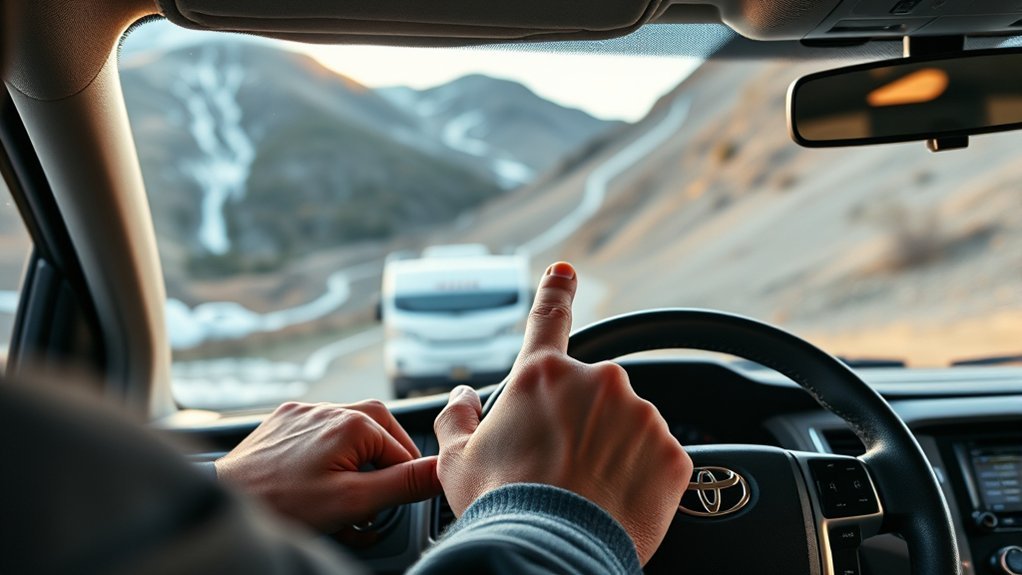
Wondering which mode to pick? You’ll choose Tow Haul for lighter loads under 5,000 lbs—think jet skis, golf carts, or small utility trailers. Engage it to sharpen throttle response and transmission shifts so acceleration and engine braking feel controlled. For heavier loads over 5,000 lbs, switch to Tow Plus to prioritize handling and stability; it modulates power delivery and gear selection to keep big trailers planted.
Start by evaluating trailer weight and practicing basic towing tips: confirm tongue weight, secure loads, and verify brakes. If your load approaches the 5,000-lb threshold, favor Tow Plus for safer control. Use load management—distribute cargo forward of the axle and tighten straps—to reduce sway and improve braking. Change modes before highway merges or steep grades; don’t wait until you’re loaded and already under strain. You’ll maintain freedom on the road by selecting the mode that matches weight and by managing the load proactively.
Find the Tow Haul/Tow Plus Button on a 2024 Tundra
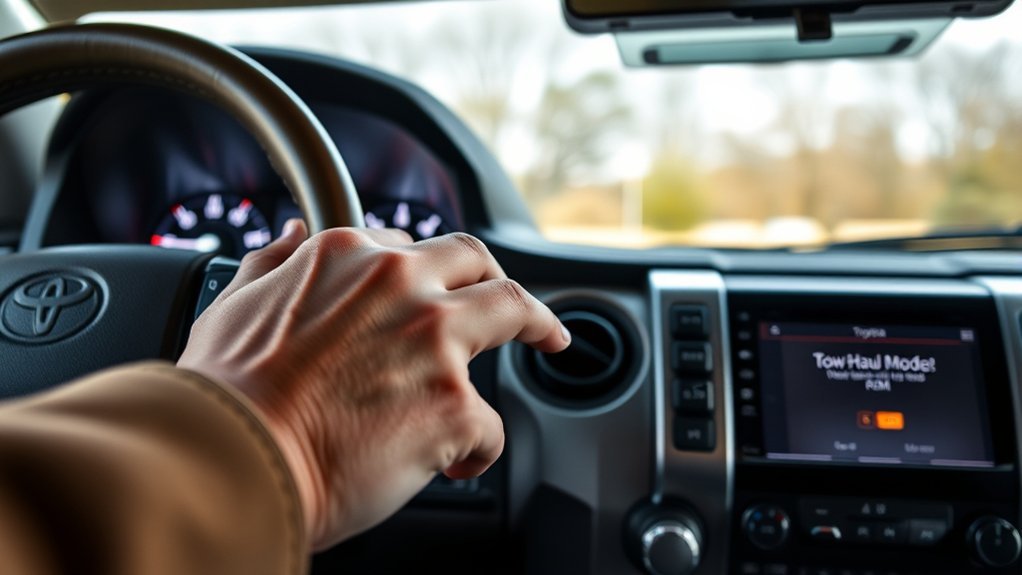
Locate the Tow Haul/Tow Plus button on the center console within easy reach of the driver to start. Press it to switch modes and watch the dashboard display for a confirmation indicator showing Tow Haul is active. Use the button like a drive-mode selector to make quick changes between towing settings for loads under 5,000 lbs.
Button Location Guide
On the 2024 Tundra, you’ll find the Tow Haul/Tow Plus button on the center console near the gear shift for easy reach; press it once to engage the mode and watch the display confirm which mode is active. Locate the button by sight and feel—its button design prioritizes tactile clarity so your user experience stays direct while driving. Before pressing, put the truck in gear; the mode may not engage in neutral. Press the same button again to toggle between Tow Haul and Tow Plus, selecting the setting that frees you from worry when towing. Consult the owner’s manual for diagrams.
- Center console, adjacent to the shifter for quick access
- Single-press to engage, repeat to toggle modes
- Verify gear selection before activation
Dashboard Display Indicators
Now that you’ve found and engaged the Tow Haul/Tow Plus button near the shifter, check your instrument cluster to confirm the mode is active: the display will show a Tow Haul or Tow Plus icon and a brief message when the system changes settings. Look for clear confirmation so you can proceed confidently; the indicator tells you whether you’re in Tow Haul (for loads under 5,000 lbs) or Tow Plus for heavier trailers. Note dashboard warnings immediately—any caution symbols or messages can indicate improper load, system limits, or needed attention. The display also communicates mode benefits, like adjusted transmission mapping and sharper throttle response, so you know the truck’s tuned for towing. React to warnings promptly to stay free and safe on the road.
Mode Selection Process
Find the Tow Haul/Tow Plus button near the shifter or on the center console of the 2024 Tundra TRD Sport and press it to engage the appropriate towing mode. Locate the button on the dashboard close to the gear shift; the center console placement makes it easy to reach. Use the display to confirm mode selection and always verify towing capacity before you go.
- Press Tow Haul for trailers under 5,000 lbs to optimize throttle mapping and transmission shifts.
- Press Tow Plus for loads over 5,000 lbs to prioritize power and stability.
- Monitor the screen and adjust load distribution on your trailer as needed for towing safety.
Choose the correct mode to free yourself from guesswork and tow with confident control.
Confirm Trailer Weight and Hitch Rating
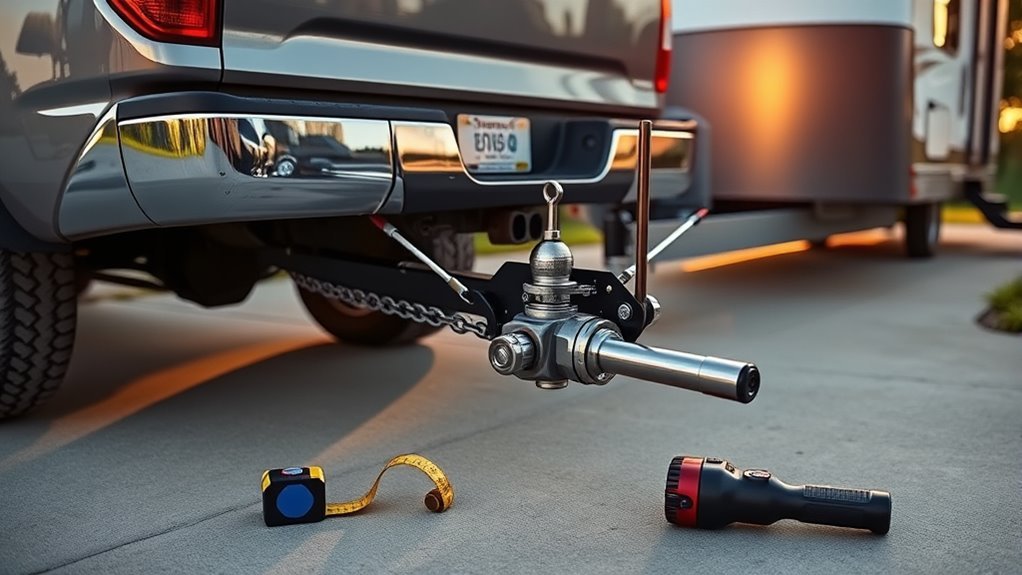
Before engaging Tow Haul mode, confirm your trailer’s total weight and that your Tundra’s hitch is rated for it; don’t assume factory limits cover your load. First, determine trailer weight: load the trailer as you will on the road and use a public scale or weigh station to get an accurate gross trailer weight. Record that figure and compare it to your truck’s published towing capacity in the owner’s manual.
Next, verify hitch rating: inspect the hitch plate for a stamped rating and ascertain it equals or exceeds the measured trailer weight. If the hitch rating is lower, stop and upgrade to a properly rated receiver before towing. Check tongue weight and redistribute cargo so weight is centered and within safe limits to maintain stability.
Ascertaining trailer weight and hitch rating lets you engage Tow Haul with confidence, keeping control, reducing risk, and preserving your freedom to tow responsibly.
When to Choose Tow Haul vs Tow Plus
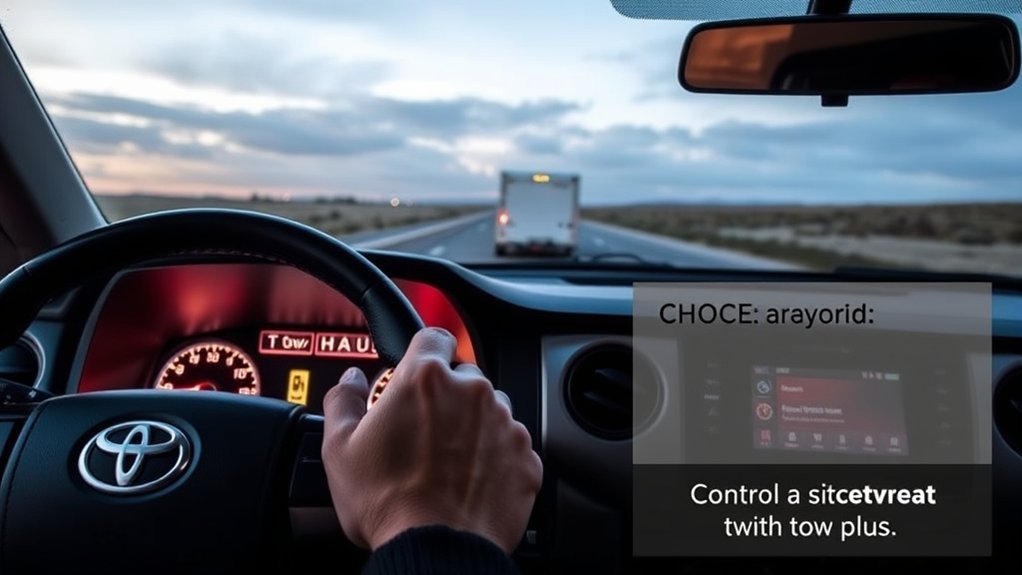
With your trailer weight and hitch rating confirmed, choose the driving mode that matches the load: use Tow Haul for trailers and gear under 5,000 lbs to improve shift timing, throttle response, and stability with lighter loads, and pick Tow Plus for anything over 5,000 lbs to further adjust transmission behavior and braking support for heavier trailers. Make a clear load assessment every trip so your towing capacity aligns with the selected mode.
Confirm weight and hitch, then select Tow Haul under 5,000 lbs or Tow Plus over 5,000 lbs for safe towing.
- Tow Haul: for light trailers (jet skis, golf carts), sharper shifts, gentler throttle—freedom to move confidently.
- Tow Plus: for heavy rigs over 5,000 lbs, firmer control, enhanced braking and transmission mapping to protect drivetrain.
- If weight sits near limits, re-evaluate cargo distribution or reduce load; never exceed towing capacity.
Follow this procedure: confirm weight, compare to your Tundra’s towing capacity, choose Tow Haul or Tow Plus accordingly. That disciplined choice preserves control, safety, and your liberty on the road.
Activate Tow Haul: Step‑By‑Step for Light Towing
Start by sitting in the driver’s seat and locating the Tow Haul button—usually near the gear shift on the dashboard—and press it to engage the mode; the 2024 Tundra TRD Sport will confirm activation on the display. Verify your trailer and cargo keep the combined weight under 5,000 lbs so you stay within Tow Haul’s intended range. With the mode engaged, the transmission shifts differently to reduce hunting and improve engine braking; you’ll feel smoother pulls and more controlled descents. Before moving, check hitch security, lights, tires, and brakes as part of basic towing safety. Drive deliberately: use lower gears on grades, allow longer stopping distances, and avoid abrupt maneuvers. Monitor the display and gauges for any unusual readings. When you’re done with the light tow, press the button again to return to normal operation. This routine gives you confident, liberated control while maintaining proper load management and efficient vehicle performance.
Activate Tow Plus: Step‑By‑Step for Heavy Towing
Before you start, make sure the trailer is properly hitched and the vehicle is running. Press the Tow mode button near the shifter until “Tow Plus” appears on the dashboard to engage the heavy‑towing setting. Once active, confirm the indicator and adjust driving settings—reduce speed, increase following distance, and monitor weight distribution for safe handling.
Select Tow Plus Button
Locate the Tow Plus button — it looks like the drive mode selector — then put the Tundra in Park or Neutral and press the button to engage heavy towing mode. You’ll feel decisive control: use Tow Plus when your trailer and cargo exceed 5,000 lbs to gain Tow Plus Benefits and improved Towing Safety. Activate only with vehicle stationary in Park or Neutral for a clean changeover.
- Confirm load exceeds 5,000 lbs before engaging.
- Press the Tow Plus button once; the system configures stability and handling.
- Resume driving only when the mode is active and your hitch and connections are secure.
You’re choosing freedom on the road—tow heavier loads with confidence while keeping procedures simple and reliable.
Confirm Dashboard Indicator
After you press the Tow Plus button with the Tundra in Park or Neutral, check the dashboard display to confirm activation—”Tow Plus” will illuminate when the system’s engaged. Once lit, review dashboard settings briefly to verify no warning lights conflict and that the mode corresponds to your trailer’s weight. Tow Plus is for loads over 5,000 lbs; if your trailer meets that threshold, keep it engaged to gain towing benefits like improved stability and handling. If the indicator doesn’t appear, cancel and repeat selection, or consult your owner’s manual. You’re freeing yourself from guesswork by relying on a clear visual confirmation—this small check safeguards control and efficiency when hauling heavy trailers.
Adjust Driving Settings
- You’ll activate Tow Plus by pressing the mode selection button on the center console until the display reads “Tow Plus.” Confirm the dashboard indicator shows it’s engaged before you move—this is crucial for adjusting performance and optimizing safety when hauling over 5,000 lbs.
- Verify the Tow Plus indicator on the dash to confirm mode engagement.
- Adjust driving inputs: ease throttle, increase following distance, and use lower gears for controlled descents.
- Reassess mirrors and trailer connections; secure loads before departure.
When Tow Plus is active, the truck enhances handling and stability for larger trailers. Drive deliberately—these settings free you from worry while towing heavy loads. After unloading, switch back to standard driving mode to restore normal vehicle behavior.
How Each Mode Affects Transmission, Throttle, and Brakes
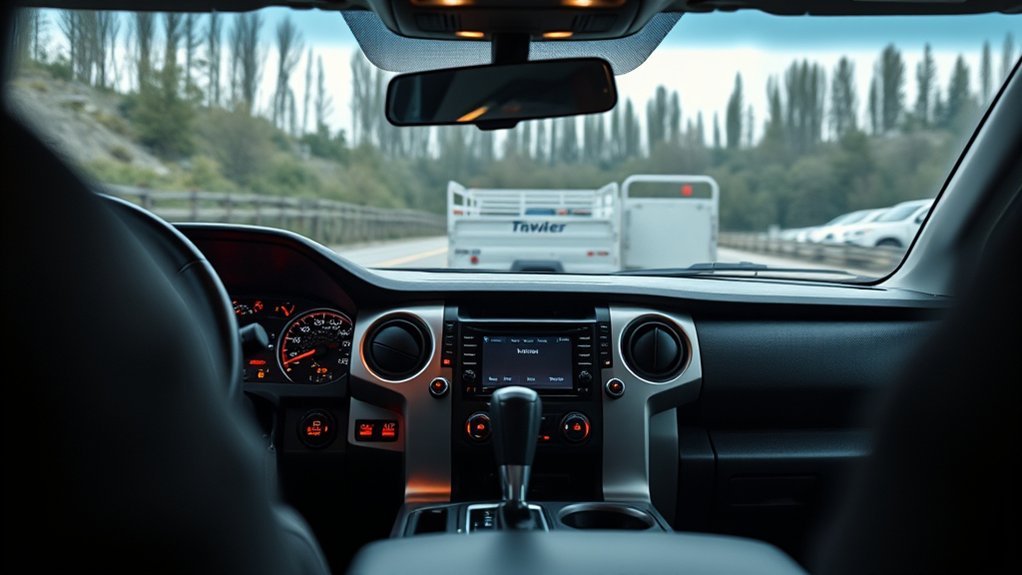
When you switch your Tundra into Tow/Haul, the transmission holds gears longer and shifts at higher RPMs so you get stronger, more usable power for towing. You’ll notice improved transmission performance: the truck avoids gear hunting, keeps consistent power delivery, and reduces transmission wear while towing under 5,000 lbs. The throttle response sharpens, giving quicker acceleration and better control when you start from a stop or need to pass.
| System | Tow/Haul Effect |
|---|---|
| Transmission | Higher shift points, gear hold, less hunting |
| Throttle | Quicker response, smoother power delivery |
| Brakes/Engine Braking | Enhanced engine braking for downhill control |
Procedure: engage Tow/Haul before hitching, accelerate gently to confirm throttle response, monitor RPMs and feel for steady shifts. Use engine braking on descents to keep speed controlled and reduce brake fade. This frees you to tow confidently and responsibly.
Troubleshooting Tow Modes and System Warnings
Now that you know how Tow/Haul changes shifting, throttle, and engine braking, you should also be ready to troubleshoot if the mode or system warnings act up. If Tow Haul won’t engage, press the button firmly and watch for the indicator light; if it doesn’t illuminate, check the owner’s manual for fuse locations and reset procedures. Monitor towing system warnings on the dash—these cues can point to trailer connection faults or vehicle sensor issues. If the truck struggles to hold speed with light loads, confirm Tow Haul is active before diagnosing powertrain concerns.
If Tow/Haul won’t engage, check the button light, fuses, trailer connections, and consult a technician for persistent warnings.
- Check the Tow Haul button illumination and fuses; follow manual reset steps for Tow Haul troubleshooting.
- Inspect trailer wiring, hitch security, and connectors; defective trailer components can trigger towing system warnings.
- When warnings persist, record the indicator patterns, park safely, and consult a dealer or qualified technician for diagnostics.
Act decisively; freedom on the road requires reliable systems and prompt corrective action.
Real Examples With Tundra: Trailers, RVs, and Loads
Practical examples help you match Tow Haul to real towing jobs: use it for light trailers—like a small U-Haul loaded with household goods, a jet-ski trailer, a golf cart carrier, or a small boat—where the Tundra’s adjusted shift logic and throttle response improve control and reduce hunting. You’ll use Tow Haul for trailer types under 5,000 lbs; pick Tow Plus if you exceed that. Check tongue weight and secure loads; the Tundra then manages lighter loads efficiently and keeps you free to move.
| Scenario | Typical Load | Action |
|---|---|---|
| Small U-Haul | Household goods (~2,000–3,500 lbs) | Engage Tow Haul, monitor brakes |
| Jet-ski trailer | Jet ski + gear (~1,000–1,500 lbs) | Tow Haul, steady throttle inputs |
| Golf cart carrier | Cart + straps (~1,200–1,800 lbs) | Tow Haul, check tie-downs |
| Small boat | Boat + motor (~2,500–4,000 lbs) | Tow Haul, watch temperature |
| Over limit | >5,000 lbs | Switch to Tow Plus, reassess load management |
Frequently Asked Questions
Can Tow Haul Mode Affect Fuel Economy on Long Trips?
Yes — you’ll trade some fuel efficiency for improved towing performance when using Tow/Haul on long trips; engage it for safer, freer control uphill or with heavy loads, then switch off when cruising light to save fuel.
Can Tow Haul Be Used With Electronic Stability Control Off?
Yes — you can use Tow/Haul with stability control off, but you shouldn’t. You’ll retain towing performance and altered transmission behavior, yet you’ll sacrifice traction and safety; re-enable stability control for safer, more liberated towing choices.
Will Tow Haul Mode Change My Trailer Brake Controller Settings?
No, tow/haul mode doesn’t change trailer brake settings; you should set trailer brake settings manually for towing safety. Check controller gain and sync before hauling, and adjust braking to maintain control and free movement while towing.
Does Tow Haul Affect Adaptive Cruise Control or Lane Assist Behavior?
Yes — tow haul can change adaptive cruise and lane assist behavior. You’ll notice reduced acceleration, longer following gaps, and gentler steering corrections; adjust settings and stay alert, since automation yields less control when hauling.
Can I Engage Tow Haul While Towing With the Tailgate Down?
Yes — you can engage Tow/Haul with the tailgate down, but prioritize towing safety: secure cargo, check tailgate functionality, adjust speed and braking, and monitor mirrors so you stay liberated and confident while hauling.
Conclusion
When hauling, pick Tow Haul for light loads and Tow Plus for heavy ones—it’s your truck’s toolbox, not a magic trick. Find the button on the console, confirm trailer and hitch ratings, then engage the mode: Tow Haul for gentler shifts and engine braking, Tow Plus when weight demands firmer control. If warnings pop up, stop, recheck connections and loads, then try again. Use modes deliberately and your Tundra will pull like a tuned ally.