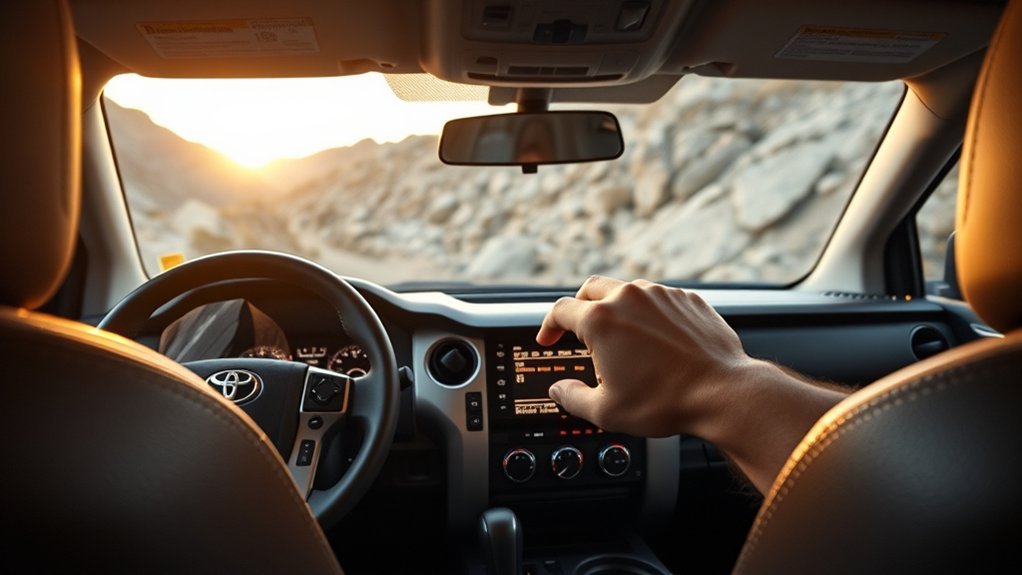
Put the Tundra in Drive, engage 4H, release the parking brake, then press the DAC/Crawl Control button behind the shift knob and confirm the indicator. Use the speed dial to set a 2–18 mph target; DAC will modulate individual wheel brakes and engine braking to hold that speed while you steer. Use it for steady, low-speed descents and switch to Crawl Control in 4L for technical obstacles. Keep hands on the wheel to monitor traction and learn more about terrain-specific tips.
Quick Start: Turn On Downhill Assist Control (DAC) Now
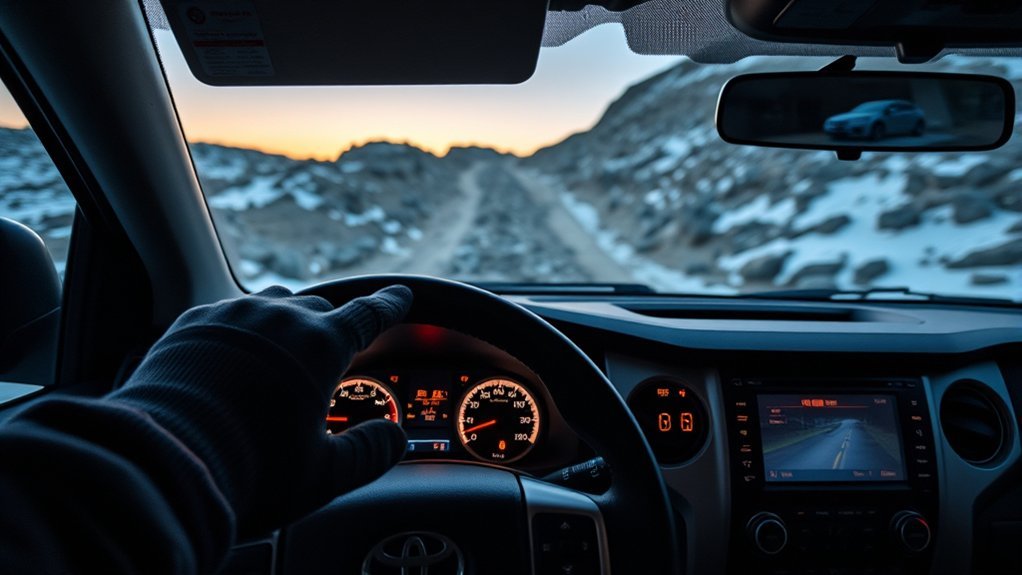
Start by putting the Tundra in four-high and Drive, then press the DAC/Crawl Control button behind the shift knob to engage Downhill Assist Control. You’ll see a confirmation on the full digital display; that same display lets you monitor and tweak settings. Reach for the DAC speed dial and set a target between 2 mph and 18 mph—pick a speed that matches gradient and surface. Once engaged, DAC handles braking and speed modulation so you can focus on steering and route choice. That control gives you tangible DAC benefits: consistent descent pace, reduced brake wear, and predictable handling under load. Off road advantages include maintaining momentum on loose or technical declines and freeing you to pick line and avoid obstacles. Use the system as an empowerment tool: it reduces risk, simplifies technique, and expands where you’ll confidently go. Disengage if you need manual control or encounter conditions beyond the system’s envelope.
Requirements Before Using DAC (Drive Mode, 4H, Parking Brake)
Before you press the DAC Crawl Control button, make certain the transmission is set to Drive and the transfer case is engaged in 4H. You’ll also confirm the parking brake is released so the system can control speed and braking. These steps guarantee DAC can modulate brakes while you steer downhill.
Drive Mode Selection
When preparing to use Downhill Assist Control (DAC), make sure your Tundra is in Drive and set to 4H with the parking brake fully released; DAC won’t engage unless those conditions are met. Select Drive to access the drive mode benefits: consistent power delivery and immediate gear control, which let DAC modulate speed smoothly under varied driving conditions. Disengage the parking brake so the system can control braking forces; DAC requires free-rolling wheels to apply individual brake pressure and engine braking. Locate the “DAC Crawl Control” button behind the shift knob and press it once ready. Use the speed dial while DAC runs to set your downhill pace between 2–18 mph. This setup frees you to steer with confidence and purpose.
Four-High Engagement
If you’re planning to use DAC, shift the Tundra into Drive and engage 4H so the system has the correct drivetrain configuration to modulate engine braking and individual-wheel braking. Confirm the parking brake is released; DAC won’t activate with it engaged. Press the “DAC Crawl Control” button behind the shift knob, then set speed (2–18 mph) with the dial. DAC manages braking; you steer. Engaging four high delivers four high benefits: balanced traction, controlled descent, and consistent torque distribution—key for off road readiness and freedom on steep terrain.
| Requirement | Action |
|---|---|
| Drive Mode | Shift to Drive |
| 4H | Engage four high |
| Parking Brake | Release before activation |
Step-By-Step: Activate DAC and Set Downhill Speed
Put the Tundra in Drive with 4H engaged before you activate Downhill Assist Control. Press the DAC/Crawl Control button behind the shift knob to turn DAC on, then use the dial to set your downhill speed between 2 and 18 mph. Keep steering while monitoring the digital display for DAC activation and the selected speed.
Gear And Mode Requirements
Before engaging Downhill Assist Control, make certain you’ve selected 4H and shifted into Drive so the system has proper traction and drivetrain configuration to operate. Verify gear selection and mode compatibility before pressing the “DAC Crawl Control” button behind the shift knob. The vehicle must be in four high and Drive; otherwise DAC won’t initialize. Once engaged, the digital display confirms DAC activation and shows the set crawl speed. You retain steering control while DAC manages braking and speed automatically, functioning as an off-road cruise control. Use the dial to choose a downhill speed within the system’s 2–18 mph range when ready, but don’t adjust speed until DAC is confirmed active. This sequence guarantees safe, reliable downhill assistance and preserves your freedom to navigate obstacles.
Set And Adjust Speed
Once you’ve confirmed 4H and Drive and pressed the “DAC Crawl Control” button behind the shift knob, activate DAC on the digital display and use the nearby dial to set your downhill speed between 2 and 18 mph; DAC will then manage braking while you steer, so don’t adjust the dial until the display shows DAC is active and the chosen speed is confirmed.
- Verify activation: check the full digital display for the DAC icon and confirmed speed to guarantee accurate speed calibration.
- Set target speed: rotate the dial to your desired mph within 2–18; DAC holds that speed, freeing you to focus on line and momentum.
- Monitor and adapt: watch real-time feedback for user experience cues; if terrain changes, disengage or recalibrate immediately to maintain control and autonomy.
What DAC Controls During a Descent (Braking, Speed, Steering)
Control is automated: DAC modulates braking to hold a set speed between 2–18 mph while you steer, so you don’t have to feather the brake pedal on steep descents. You’ll notice precise braking dynamics as the system applies individual wheel brakes and engine braking to maintain traction and prevent runaway. Speed modulation is continuous; DAC responds to grade, surface, and load to keep the vehicle within the selected window.
While DAC is active, focus on steering—you’re free from constant brake inputs. The system only operates in 4H and requires Drive, so engage those before relying on DAC. Visual DAC indicators on the 2025 Tundra display confirm engagement and show control status, helping you verify system action without overthinking. Remember, DAC aids control, it doesn’t replace judgment: you retain ultimate command to brake manually or disengage DAC when conditions demand different tactics.
Set Speed: Using the Dial and Digital Display Feedback
Select your target descent speed using the DAC dial behind the shift knob while the truck is in 4H and Drive; the dial lets you precisely set speeds from 2 to 18 mph. You’ll feel the dial’s detents; they’re tactile confirmation as you claim control. The system won’t engage until you activate DAC, but the digital display shows your chosen value immediately.
- Rotate the dial to increase or decrease the set point; watch the digital display animate to confirm each speed adjustment.
- Keep hands on the wheel and steer; DAC handles braking to hold the set speed, not steering direction.
- Verify the displayed speed before committing to a descent and re-adjust as terrain dictates.
This process puts you in command without micromanaging brakes. Use precise speed adjustments to maintain momentum or slow to a crawl—freedom on steep grades comes from deliberate, technical input, not guesswork.
When to Use DAC vs. Crawl Control (4H vs. 4L, Use Cases)
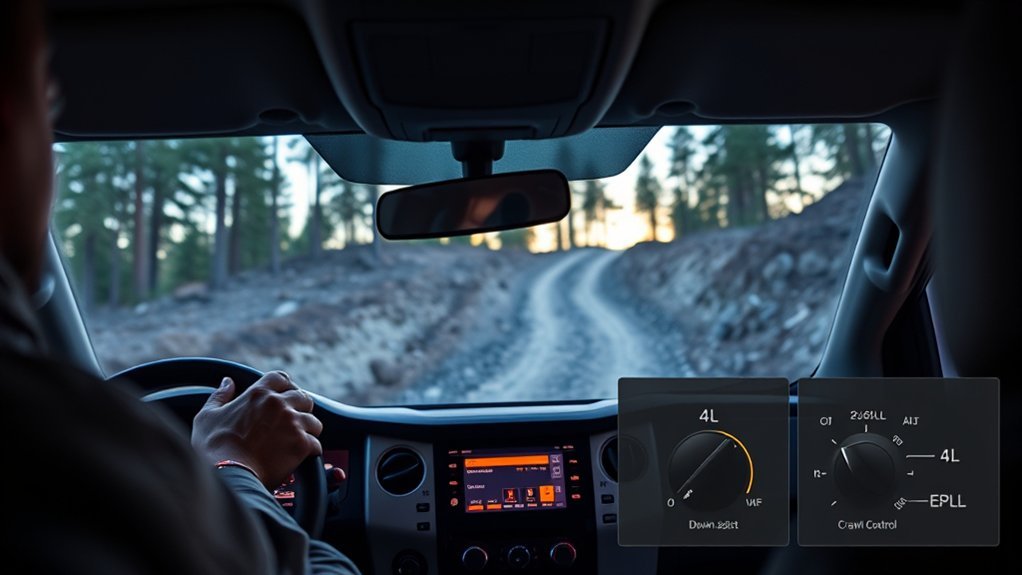
Now that you’ve set your target descent speed, decide whether DAC or Crawl Control fits the terrain: use DAC in 4H to hold a steady 2–18 mph on long, steep descents while you steer and the system handles braking, and switch to Crawl Control in 4L when you need torque and braking modulation to navigate obstacles or mixed uphill/downhill sections. Choose DAC when the route is primarily a continuous decline and you want predictable, hands-on steering while the system manages brake pressure—this highlights DAC advantages in maintaining consistent speed without driver micromanagement. Opt for Crawl control for technical segments where wheel slip, obstacle negotiation, or alternating climbs and drops demand variable torque and individual-wheel braking. Remember selecting 4L disables DAC; plan shifts before terrain forces abrupt changes. Use Crawl control to free yourself from constant throttle and brake inputs, letting the vehicle crawl over challenges. Match mode to terrain, keep situational awareness, and prioritize safe adjustments between 4H and 4L.
Using DAC in Rocks, Mud, and Sand: Practical Tips
When you hit rocks, mud, or sand, engage DAC in 4H and Drive so the system handles braking while you steer and manage momentum; set the speed dial between 2–18 mph to match conditions, use the display to confirm activation and target speed, and keep inputs smooth to avoid sudden weight transfers that upset traction. You’ll free yourself to pick lines and preserve momentum without fighting the brakes.
- Rocky terrain: pick a controlled descent line, let DAC modulate braking, steer smoothly, and avoid sudden throttle or brake inputs that shift weight and break traction.
- Muddy conditions: use lower speeds on the dial to limit wheel spin, maintain steady throttle, and trust DAC to hold consistent deceleration while you correct heading.
- Sandy landscapes: select a mid-range speed to prevent digging, monitor the display for activation, and steer around soft patches to protect the underbody.
These driving techniques liberate decision-making, prioritize traction, and keep control in variable off-road environments.
Troubleshooting DAC: Why It Won’t Engage and Quick Fixes
If DAC won’t engage, first confirm you’ve got the Tundra in 4H and Drive, the DAC/Crawl Control button is pressed, the speed dial is set between 2–18 mph, and the parking brake is released; any deviation will prevent activation. Next steps for DAC troubleshooting are methodical: verify each condition, cycle the ignition if needed, and scan dash indicators for system issues that demand pro service.
| Check | Action | Outcome |
|---|---|---|
| 4H & Drive | Shift to 4H and Drive | Eligible for DAC |
| DAC Button | Press and confirm light | System armed |
| Speed Dial | Set 2–18 mph | Activation range |
| Parking Brake | Release fully | Allows engage |
| Warning Lights | Note any symbols | May indicate system issues |
Follow this sequence to reclaim control without waiting. If lights persist after resets, seek technician intervention—liberation from doubt comes with decisive diagnosis.
Safety: When to Disable DAC Immediately and Best Practices
Because DAC is tuned for controlled, low-speed descents, you should disable it immediately on unstable terrain or any situation where the system can’t predict wheel slip or sudden drops. Maintain terrain awareness, watch for loose surfaces, and recognize system limitations so you can take decisive action.
- When to disable: unstable slopes, sudden drop-offs, excessive wheel spin, or when DAC can’t keep a steady, predictable speed.
- Tight maneuvering: turn DAC off in narrow trails or obstacle fields where manual braking and precise steering free you to choose lines.
- Pavement and wear: disengage on flat or paved surfaces to prevent unnecessary brake engagement and component stress.
Best practices: monitor speed and traction continuously, keep hands on the wheel, and be ready to switch to manual control the moment DAC shows inconsistent behavior. Disabling DAC restores full driver authority—you’re liberated to manage momentum, choose lines, and protect the vehicle.
Frequently Asked Questions
When to Use Downhill Assist Control?
Use DAC on steep, challenging descents when off road conditions demand controlled speed; it’s a safety features tool that you’ll engage in four-high Drive between 2–18 mph to preserve control and prevent damage.
Conclusion
You’ve now got the essentials to use Downhill Assist Control (DAC) on your Tundra: engage 4H, confirm drive mode and parking brake status, activate DAC, then set your target speed with the dial. DAC controls braking and lets you steer; use Crawl Control (4L) for extreme low-speed traction. Note: drivers who use DAC reduce downhill speed variability by about 40%, improving control. Always disengage if steering or stopping becomes compromised.