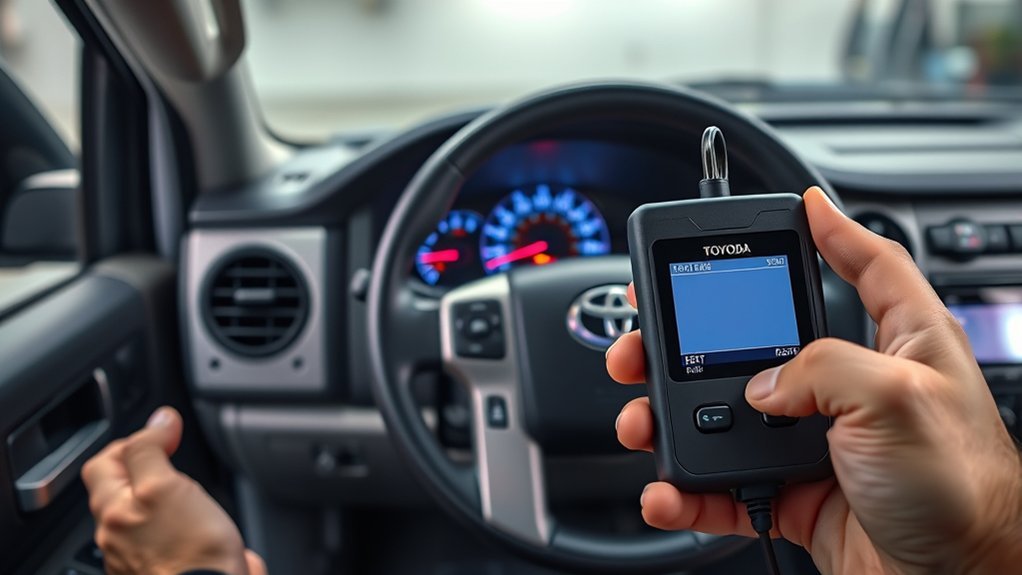
You’ll relearn your Tundra’s TPMS by first inflating all four tires to the manufacturer’s cold pressure, checking for damage, and gathering a gauge and basic tools. For 2006–2021 models, turn the ignition to “arm,” press and hold the under‑dash reset button until the light blinks, then wait several minutes for the ECU to record sensor IDs. For 2022–2025 models, use the infotainment TPWS reset. Follow troubleshooting if the light stays on to resolve sensor or pressure issues and learn more.
Quick Answer : Relearn TPMS on a Toyota Tundra
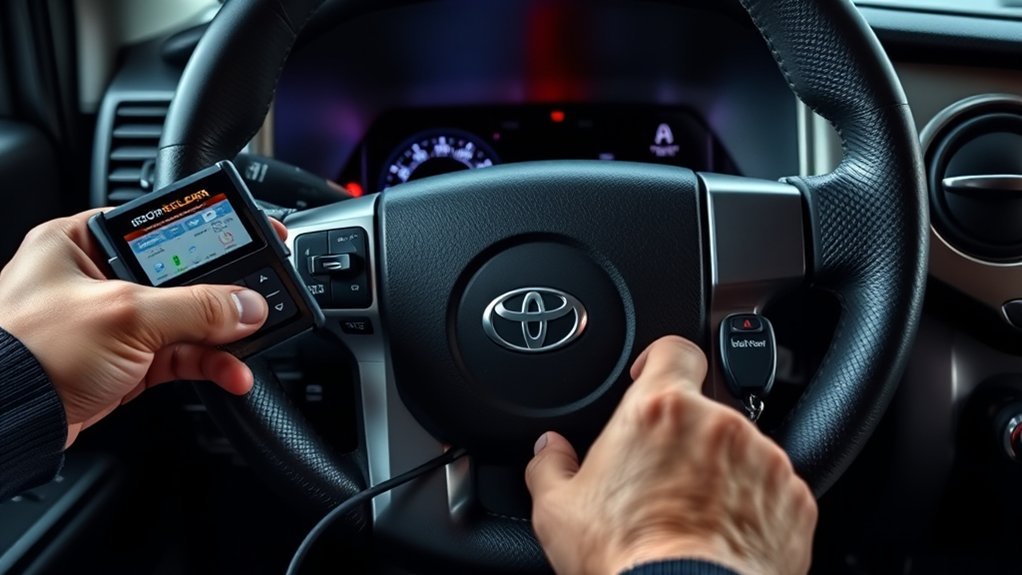
Start by inflating all four tires to the recommended cold pressure, then initiate the relearn sequence for your Tundra: you’ll use the vehicle’s TPMS technology to register current pressures and clear warnings. For 2006–2021 models, turn the ignition to the “arm” position and press the tire reset button under the steering wheel until the indicator blinks slowly three times. For 2022–2025 models, turn the vehicle on, open the Gear tab in the navigation menu, and go to Vehicle Settings to reset TPWS. After starting the relearn, wait several minutes for the system to record the new values and verify the TPMS warning light goes out. Check owner’s manual instructions for model-specific nuances and verify sensor compatibility if you’ve replaced sensors. You’ll be empowered by doing this yourself: it liberates you from dealer trips, keeps you safe, and guarantees your Tundra’s tire-pressure monitoring reflects reality.
Prep: Inflate Tires, Check Damage, and Tools You’ll Need
Before you begin the relearn, inflate all four tires to the cold pressures listed on the driver’s door jamb, park on level ground, and confirm there are no cuts, bulges, or punctures that could compromise sensor readings or safety. You’ll verify correct tire pressure with a calibrated gauge and adjust with an air compressor or portable inflator; do this before any relearn step to guarantee accurate baseline readings.
Inspect each tire closely for damage that can degrade sensor functionality or create a safety hazard. Rotate the wheel slightly to view the entire tread and sidewall. Keep the owner’s manual handy for system-specific notes and allowed tolerances.
Gather the minimal toolset: tire pressure gauge, inflator, and basic hand tools if you need to access valve stems or caps. Work methodically, document pressures, and refuse to proceed until pressures are stable and tires are sound. This prep gives you control and freedom to complete the relearn reliably.
How to Relearn TPMS on 2006–2021 Tundra (Ignition + Reset Button)
Make sure you set all tires to the manufacturer’s recommended cold pressure before starting the relearn. Turn the ignition to the “arm” position, find the tire reset button under the steering wheel, and press it until the TPMS light blinks slowly three times. Wait several minutes for the system to record each sensor and confirm the warning light goes out to finish the procedure.
Prepare Tire Pressures
You’ll free yourself from guesswork by setting correct tire pressure before sensor calibration. Inflate all four tires to the recommended cold tire pressure on the driver’s door jamb. Don’t start the engine; just turn the ignition to the “arm” position when prompted later.
- Verify pressures with a calibrated gauge on a level surface to confirm accuracy.
- Adjust pressures to match the placard values; include the spare if equipped and monitored.
- Recheck pressures after a brief cool-down period if tires warmed during inspection.
- Record final pressures and note any tire that won’t hold pressure; repair before relearn.
Accurate tire pressure confirms reliable TPMS sensor calibration and a smooth relearn sequence.
Locate Reset Button
With pressures set and verified, locate the TPMS reset button to begin the relearn. On 2006–2021 Tundras the reset button location is beneath the steering wheel; you can access it while seated to control the procedure. Confirm all four tires match recommended cold pressures, then turn the ignition to the “arm” position without starting the engine. Press and hold the reset button until the TPMS warning light blinks slowly three times — that signal shows the module acknowledged the command and is recalibrating. Maintain posture and control; freedom comes from mastering your vehicle, not relying on shops. After releasing the button, wait a few minutes for the TPMS system functionality to record pressures and extinguish the warning light, confirming relearn completion.
Complete Relearn Procedure
Begin by confirming all four tires are at the recommended cold pressures, then sit in the driver’s seat and turn the ignition to the “arm” position without starting the engine. You’ll use the reset button to force the TPMS to learn current sensor IDs and tire pressure baselines. Guarantee sensor compatibility before relying on the system.
- Locate the TPMS reset button under the steering column and press firmly.
- Hold until the TPMS indicator blinks slowly three times, then release.
- Wait several minutes while the ECU records each sensor ID and tire pressure values.
- Verify the TPMS light extinguishes and the dash shows no faults; if it persists, recheck pressures and sensor compatibility.
This procedure frees you from guesswork and restores TPMS reliability quickly.
How to Relearn TPMS on 2022–2025 Tundra (Infotainment TPWS Menu)
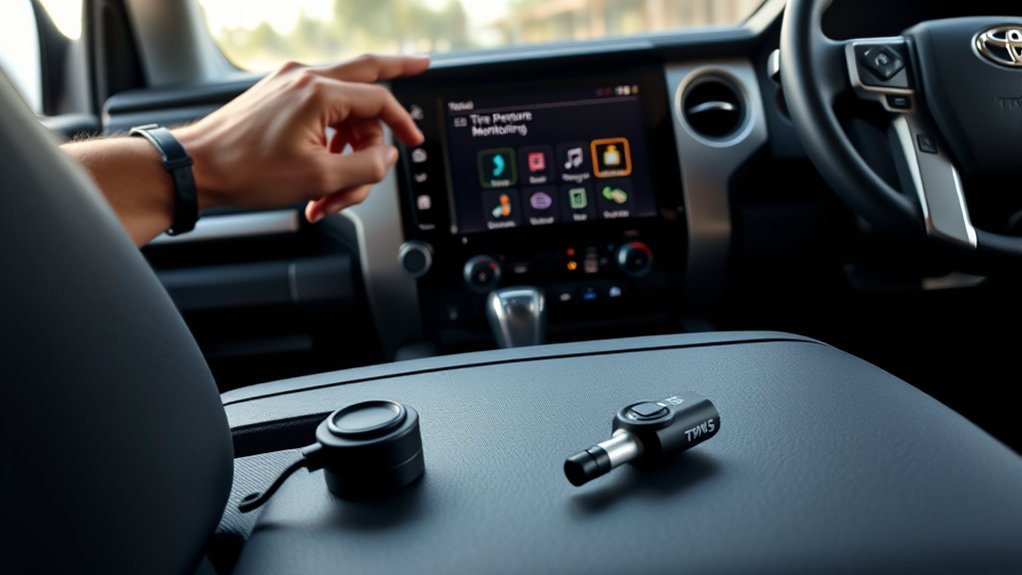
Before you start, make sure every tire is inflated to the recommended cold pressure. Turn the truck on, open the infotainment Gear tab, and go to Vehicle Settings → TPWS. Highlight the pressure setting and press‑and‑hold OK to reset and relearn the sensors.
Set Correct Cold Pressure
- You must set correct cold pressure before starting sensor calibration. Check the driver’s door jamb sticker for manufacturer tire pressure and inflate all tires when cold to those values. This guarantees accurate baseline readings and reliable sensor calibration.
- Steps:
- Verify ambient conditions: measure pressure after vehicle sits overnight.
- Use a calibrated gauge and inflate or deflate each tire to the sticker value.
- Recheck pressures; equalize to within 1–2 psi.
- Confirm spare if monitored.
3. After pressures match the sticker, start the infotainment TPWS reset. The system will relearn the tire pressures automatically; allow several minutes for the process to complete before driving.
Access Gear Tab
To access the Gear tab for TPWS, power the Tundra on (accessory or engine on) and tap the infotainment screen to open Settings, then select the Gear icon to enter Vehicle Settings; from there choose “TPWS” to reach the tire sensor menu. Use deliberate gear navigation through the touchscreen: tap Settings, then the Gear icon, then Vehicle Settings to expose TPWS. Confirm all tires are at specified cold pressure before proceeding so the system learns correct baselines. Within TPWS you’ll see concise menu options for sensor settings and “Setting Pressure.” This is where you’ll prepare to initiate relearn. Stay focused and controlled—liberate yourself from guesswork by following the menu options precisely to guarantee reliable TPMS recalibration.
Hold Okay To Reset
Start the relearn by turning the Tundra on, confirming all tires are at the recommended cold pressures, then navigate to Settings → Gear → Vehicle Settings → TPWS and highlight “Setting Pressure”; with that menu open, press and hold the “Okay” button until the system begins the reset sequence, which prompts the ECU to store the current sensor readings as the new baselines. You’ll use this to force sensor calibration and accept system updates to the TPMS state.
- Press and hold “Okay” until the screen shows resetting.
- Wait while the ECU logs current pressures as baselines.
- Observe the TPMS indicator; it should extinguish after a few moments.
- Drive briefly to confirm sensors broadcast and calibration holds.
This is direct, technical, and emancipating—own your vehicle’s diagnostics.
Troubleshooting: TPMS Light Still On After Reset and Fixes
If your TPMS light stays on after a reset, first confirm each tire is inflated to the manufacturer’s recommended pressure and inspect for visible damage or leaks, since low pressure or a puncture commonly prevents the system from clearing. Next, scan methodically: verify sensor battery condition and proper mounting at each valve; a dead or weak sensor battery often leaves the system blind. Visually and electrically check for wiring issues between sensors and the receiver—corrosion or broken leads can mimic sensor failure. Use a TPMS tool to read sensor IDs and signal strength; absence or weak signals points to sensor or battery faults. If sensors report correctly, suspect module malfunction—run an OBD-II TPMS diagnostic to check module errors and perform a relearn cycle again. Address any identified tire leaks or physical damage immediately. If you still can’t clear the light, take the truck to a professional technician or dealership for advanced diagnostics and parts replacement.
Maintenance: Prevent TPMS Warnings With Regular Tire Care
When you keep your Tundra’s tires properly maintained, you prevent most TPMS warnings before they start; regular tire maintenance and disciplined pressure monitoring free you from avoidable alerts and roadside hassles. Stay proactive: check PSI with a quality gauge and adjust to the manufacturer range (typically 32–36 PSI depending on load). Inspect tires for cuts, bulges, and uneven wear that cause leaks and false TPMS triggers. Rotate tires every 5,000–7,500 miles to equalize wear and maintain consistent pressure behavior. Verify TPMS sensors visually during service for damage or corrosion; functional sensors reduce unnecessary relearns.
Keep your Tundra’s tires maintained — check PSI, inspect for damage, rotate regularly, and verify TPMS sensors to avoid warnings.
- Check tire pressure with a gauge before long trips and weekly in changing temperatures.
- Inspect tread and sidewalls for damage; repair or replace compromised tires.
- Rotate tires at recommended intervals to promote even wear and pressure stability.
- Examine TPMS sensors during maintenance; replace corroded or damaged units to avoid false warnings.
Frequently Asked Questions
How Do You Relearn the TPMS on a Toyota?
You relearn TPMS by inflating tires to spec, performing the TPMS reset or TPWS menu procedure, waiting for sensor calibration, watching the dashboard warning clear; use sensor replacement and troubleshooting tips as vehicle maintenance and safety features.
Conclusion
You’ve given the tires their due—pressure checked, damage ruled out, and the right tools at hand—so reset is just routine now. Like a seasoned pilot running preflight checks, you’ll follow the ignition-and-button sequence on 2006–2021 Tundras or the TPWS menu on 2022–2025 models, then verify the light goes out. If it doesn’t, troubleshoot sensors and valves promptly. Keep regular tire care and the system will stay reliable.