You can get your Toyota Tundra owner’s manual from Toyota’s Owners site or the Toyota app by entering your VIN, or by selecting year and trim to pull the exact PDF or interactive manual for your model; save or print it for offline use. If the app won’t load, use the web version or clear the app cache. Trusted sites and forums also host copies, and the manual includes maintenance, warranty, and parts info—keep going to learn specifics.
Download Your Tundra Owner’s Manual (Toyota.com)
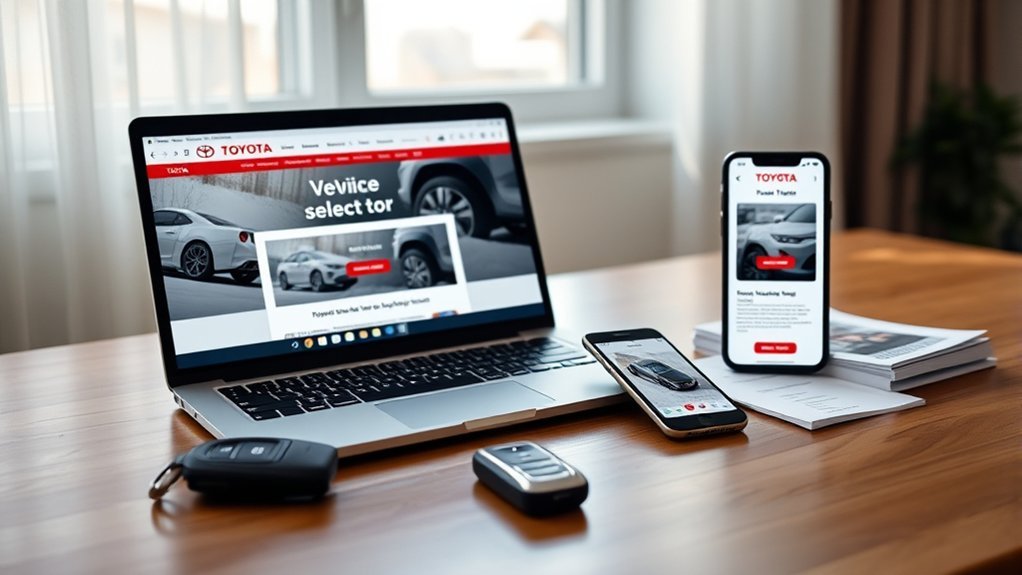
Start by going to Toyota.com and clicking the “Owners” section to download your Tundra owner’s manual; enter your vehicle’s VIN so you’ll get the exact manual for your model and year. You’ll see manuals delivered as PDFs with full digital access, so you can open them on any device and keep control of the information you need. Use the page’s search function to jump straight to maintenance schedules, warranty details, or troubleshooting steps—no digging, no delays. The manual lays out manual features clearly: instrument cluster explanations, fluid capacities, scheduled service, and interactive links that speed navigation. That transparency frees you to maintain and customize your truck without relying on others. Download, save, or print the file for offline use, and revisit it whenever a warning light or question appears. With precise, accessible documentation at your fingertips, you reclaim ownership knowledge and make informed choices about your Tundra.
Find Your Tundra by VIN, Year, or Model
Enter your Tundra’s VIN on Toyota’s owners site for an exact match, or pick the year and trim from the dropdowns if you don’t have the VIN handy. That choice loads the correct digital manual and maintenance guide for your specific configuration. Use the built-in search to jump to topics or symptoms you need quickly.
Search By VIN
Looking for the exact Tundra manual for your truck? Use the VIN search on Toyota’s site — VIN importance can’t be overstated: entering your Vehicle Identification Number locks in the precise year and model so you get the right owner’s manual. You’ll access tailored maintenance schedules, safety info, and feature guidance immediately, often as an interactive, digital accessibility-friendly manual you can view on any device. If you want control and freedom over repairs and upkeep, the VIN route removes guesswork and limits error. Type the 17-character VIN into the tool, confirm the match, and open the specific manual or interactive guide. This direct method respects your time and empowers you to manage your Tundra confidently.
Select Year & Trim
If you don’t have the VIN handy, you can still find the right Tundra manual by selecting the year and trim on Toyota’s Owners site. You’ll pick a model year, then choose the trim to reveal manuals that list Tundra features, maintenance tips, warranty info and more. Use the interactive manual to search topics or symptoms and get clear guidance.
| Step | Action |
|---|---|
| 1 | Go to Toyota Owners |
| 2 | Choose “Manuals” |
| 3 | Select model year |
| 4 | Pick trim level |
| 5 | Open interactive manual |
This method frees you from VIN dependence and puts practical knowledge in your hands—easy access to maintenance tips and feature details, including hybrid battery coverage for 2020+.
Open the Toyota App: Tundra Manuals & Warranties
When you open the Toyota App, go to the Warranties / Manuals section to find your Tundra’s owner’s manual and warranty documents; make sure you’re on a stable internet connection since that section can sometimes fail to load. Use simple app navigation tips: tap Vehicles, pick your Tundra, then choose Warranties / Manuals. The app lists maintenance intervals and service info matched to your trim so you can plan repairs and keep control of your vehicle’s care.
If you hit manual accessibility issues, try reloading the app, switching networks, or force-closing and reopening. Remember the glove box often holds a printed Warranty and Maintenance Guide if the app won’t load. You can also visit Toyota’s official website for additional resources and downloadable documents. These options free you from dependence on a single source and help you claim ownership of your vehicle knowledge.
Get the PDF or Interactive Tundra Manual
After checking the app or glove box, you can grab the Tundra owner’s manual as a PDF or use Toyota’s interactive online version for faster searches and clearer illustrations. You’ll go to Toyota’s official site, enter your VIN to pull the exact manual for your model, and download the PDF for offline access or open the interactive viewer. The PDF is compact and printable; the interactive manual highlights sections, links related topics, and shows diagrams that zoom—useful if you want quick, confident repairs or maintenance.
Use manual navigation tips like searching keywords, jumping to contents, and bookmarking pages in the PDF. In the interactive version, rely on the search bar, linked cross-references, and illustrated steps to resolve issues faster. Both formats include warranty and care guidelines so you’re not tied to extra repair books. Choose the format that frees you: keep a portable PDF or lean on interactive features benefits for dynamic, on-the-go help.
Trusted Third‑Party Sources for Tundra Manuals
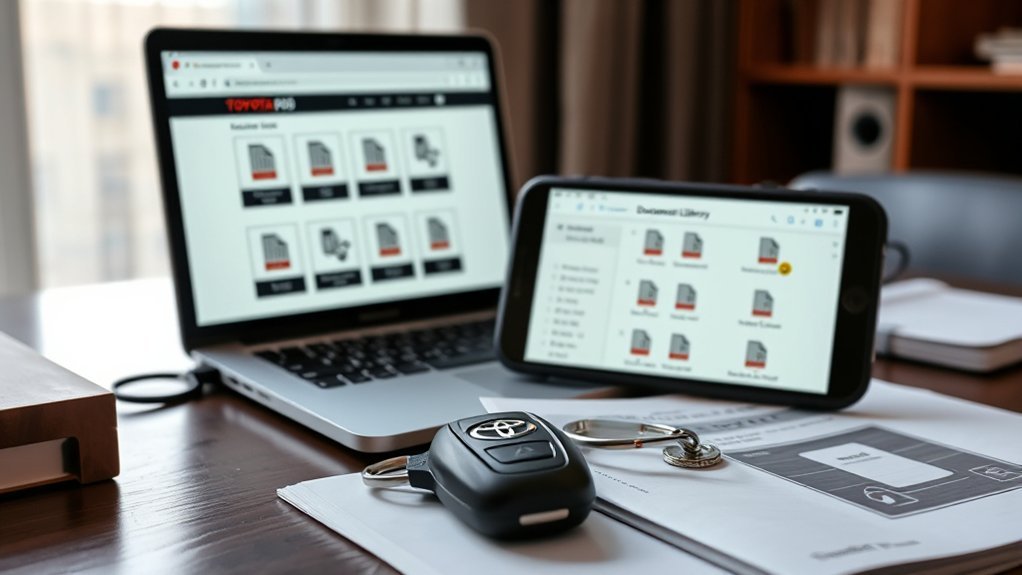
Because you might want alternatives to Toyota’s site, several reputable third‑party sources can help you find a Tundra manual quickly: sites like Edmunds, Cars.com, and AutoZone often host or link to PDFs; community hubs such as TundraForum.com share user‑posted copies and model‑specific tips; and manual aggregators like ManualsLib or JustGiveMeTheDamnManual.com let you search and download multiple years. Use these resources to improve manual accessibility when the manufacturer site feels limiting. Check file formats, download safety, and whether a PDF matches your truck’s year and trim. Read user experiences on forums and review sections to confirm accuracy and spot common omissions or corrections. Favor sites with clear sourcing and recent activity; an active forum thread or updated library entry signals better reliability. You’re aiming for freedom to repair, modify, and understand your Tundra without gatekeepers, so verify credibility, save a local copy, and contribute corrected info back to the community to strengthen manual accessibility for others.
Missing or Incomplete Physical Manual? What to Do
First, check the glove box and other storage spots in your Tundra — the physical manual often gets tucked away. If you don’t find it or it’s incomplete, head to the Toyota Owners site where you can enter your VIN and download the exact digital manual as a searchable PDF. Save the file to your phone or cloud for quick access and use the site’s search to jump to specific topics.
Check The Glove Box
Check your glove box—your Toyota Tundra’s owner’s manual is usually stored there, so it’s the quickest place to confirm whether you have the full physical booklet. Open it, inspect glove box organization, and pull out any pockets or envelopes: sometimes supplemental booklets or quick-reference guides are tucked away. If the manual’s missing or incomplete, you don’t have to stay stuck—reach out to your dealership for help obtaining a complete copy or replacement. Remember the manual importance: it lists maintenance schedules, warranty details, and vehicle features you need to know. Keep the glove box tidy so the manual’s easy to find, and note whether pages or sections are missing before requesting a replacement.
Download Digital Manual
If your glove box doesn’t have the full manual, don’t worry—you can get an official digital copy from Toyota’s website. Head to the Owners section, select your Tundra model and year, and download the digital owner’s manual. You’ll gain digital manual benefits like instant search, accessible warranty and maintenance details, and freedom from bulky paper.
- Use the interactive features to jump to symptoms, controls, or warnings fast.
- Search keywords to find procedures, specs, or replacement-part info instantly.
- Save or print pages you need and keep the PDF on your phone for roadside access.
This empowers you to take control of maintenance and repairs, explore capabilities confidently, and remove dependency on a missing or incomplete physical manual.
Tundra Maintenance Schedule, Warranty & Parts Info
Keeping up with your Tundra’s scheduled service—typically every 5,000 miles or 6 months for items like oil changes, tire rotations, and inspections—helps prevent problems and maintain resale value. Use tundra maintenance tips from your online owner’s manual to track milestones and set reminders. You’ll find clear intervals and what each service includes so you can stay proactive and independent with vehicle care.
Know your warranty coverage details: New Vehicle Warranty runs 36 months/36,000 miles, powertrain covers 60 months/60,000 miles, and hybrid batteries (2020+) get 10 years/150,000 miles. These protections limit your exposure to early failures and support long-term freedom on the road.
Choose Toyota Genuine Parts for repairs and routine service; they’re engineered for Tundras to preserve performance and longevity. Access the manual and warranty info on Toyota’s website to verify parts, service schedules, and documented coverage—so you can make informed decisions and keep your Tundra running strong.
Troubleshoot: App Errors, Missing VIN, and Dealer Help
Start by updating or reinstalling the Toyota app and trying the web-based manual—many loading problems clear after an update, and the Toyota website also provides a digital owner’s manual viewable without the app. If you hit app errors, clear the app cache, confirm your device OS is supported, and retry; app troubleshooting often fixes transient faults. For missing VIN issues, perform VIN verification by checking your registration or the driver’s side door jamb where the VIN is stamped.
- Reinstall the app, clear cache, and test the web manual if mobile access fails.
- Locate VIN on registration, insurance card, or door jamb; enter it carefully for accurate manual matching.
- Contact your local dealer if problems persist — they can verify VIN, provide printed Warranty and Maintenance Guide copies, and help troubleshoot app or access issues.
You deserve control over your vehicle information; these steps free you from digital barriers and restore access to essential maintenance and warranty resources.
Frequently Asked Questions
How to Find Your Vehicle Owner’s Manual Online?
Search your vehicle on the manufacturer’s site or app to access digital manuals and other online resources; you’ll download or view the manual, use the site’s search for topics, and reclaim control over vehicle knowledge.
Can I Access My Toyota Service Records Online?
Yes — you can access your Toyota service records online via the Toyota Owner’s app or an online portal by creating an account and linking your VIN; you’ll see a consolidated service history to track maintenance and warranty freedom.
What Do I Do if My Manual Is Missing?
Don’t worry—you can replace it quickly: check glovebox, request manual replacement options from your dealer, or download official PDFs online. Embrace digital manual benefits for searchable, portable guidance so you’re free and informed on the road.
Conclusion
So you went digital to avoid flipping pages—how modern. You can grab your Tundra manual from Toyota’s site, the app, or by VIN, and even get PDFs or trusty third‑party copies if your glovebox betrayed you. If the app hiccups or the VIN plays hide‑and‑seek, your dealer still knows where the screws go. You’ll have maintenance schedules, warranties, and part info at your fingertips—because apparently reading is optional now.