You can find your Toyota Tundra owner’s manual online in a few minutes through Toyota’s official owner resources. The safest route is Toyota’s Manuals and Warranties page, where you can select your Tundra by model year or sign in/add your vehicle to match documents to your truck. Use unofficial manual sites only as a backup, and always verify the year, trim, and document source before relying on a PDF.
Quick Answer
Go to Toyota’s Manuals and Warranties page, choose Toyota Tundra, then select your model year or add your vehicle with your VIN. From there, open the interactive manual and download or save the owner’s manual, warranty guide, and maintenance guide when available.
Key Takeaways
- Toyota’s official Manuals and Warranties page is the best first stop for a Tundra owner’s manual.
- Use your VIN when possible because it helps match the manual to your exact vehicle.
- Save the owner’s manual plus the Warranty & Maintenance Guide, not just one file.
- Scheduled maintenance visits may be listed every 5,000 miles or six months, but oil-change timing depends on the specific maintenance chart and driving conditions.
At a Glance
| Time Required | 5–10 minutes |
| Difficulty | Easy |
| Tools Needed | Internet access, your Tundra model year, and ideally your VIN |
| Cost | Free for online owner materials from Toyota |
Download Your Tundra Owner’s Manual from Toyota
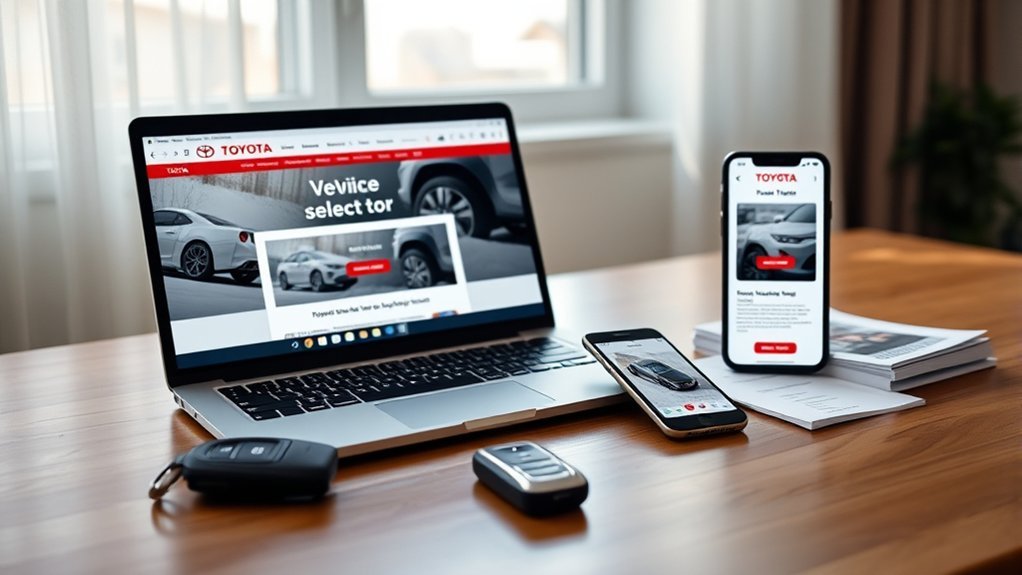
Start with Toyota’s official Manuals and Warranties page. Toyota lets owners select a vehicle to access manuals, warranties, and interactive manual resources for that model. If you have a Toyota account, sign in and add your Tundra so your documents stay connected to your vehicle.
Once you are on the correct Tundra page, look for the owner’s manual, Warranty & Maintenance Guide, multimedia or navigation manual if applicable, and the interactive manual. Save the files to your phone or cloud storage so you can find warning-light explanations, towing notes, maintenance items, and warranty details even when you are away from your glove box.
Pro Tip: Save the PDF with the model year in the filename, such as “2026 Toyota Tundra Owner Manual,” so you do not mix it up with manuals for another Toyota or another Tundra generation.
[Products Worth Considering]
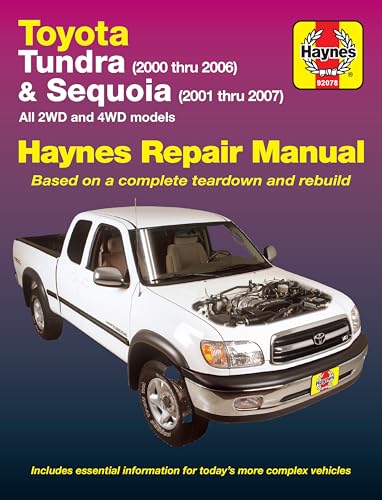
Complete Repair Coverage: Step-by-step repair procedures specific to your vehicle — from routine maintenance like oil changes and air filter replacement to complex engine and transmission repairs
Find Your Tundra by VIN, Year, or Model
The most accurate way to find your Toyota Tundra owner’s manual is by using your VIN. If you do not have the VIN nearby, selecting the model year and model on Toyota’s manual page still gets you close, but you should double-check trim, drivetrain, engine, hybrid equipment, and regional details before relying on a procedure or specification.
Search by VIN
Your VIN is the 17-character Vehicle Identification Number assigned to your truck. Toyota Support says you can usually find it on the driver-side dashboard near the windshield or on the certification label inside the driver-side doorjamb. You may also find it on registration, title, insurance, or dealer paperwork.
Use the VIN when you want the closest manual match for your exact Tundra. This is especially useful if your truck has features that vary by trim, package, drivetrain, multimedia system, towing equipment, or hybrid configuration.
Note: Never post your full VIN publicly in a forum just to find a manual. Use it on Toyota’s official site or with a trusted dealer.
Select Year & Trim
If you do not have the VIN, choose the Tundra model year on Toyota’s Manuals and Warranties page. Then look for the correct owner’s manual and guide for your vehicle. Use the table below as a quick path.
| Step | Action |
|---|---|
| 1 | Go to Toyota Owners |
| 2 | Open Manuals and Warranties |
| 3 | Choose Toyota Tundra |
| 4 | Select the model year |
| 5 | Open the digital manual or downloadable guide |
Open the Toyota App for Tundra Manuals and Owner Resources
The Toyota App can also help owners manage vehicle-related resources. Toyota Support lists features such as account management, vehicle dashboard information, vehicle health reports, maintenance alerts, connected services management, and service scheduling, but available features can vary by vehicle.
In the app, sign in, add your Tundra, and look for owner resources, manuals, warranty guides, or service information. If your Tundra does not show the document you need, use the web-based Toyota Manuals and Warranties page instead.
[Products Worth Considering]
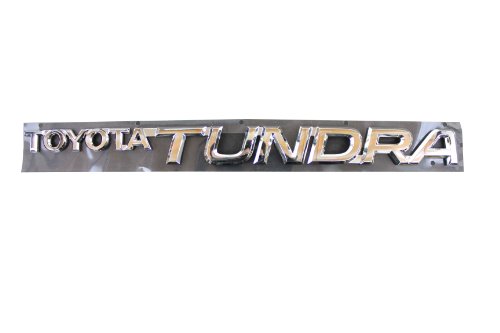
Fits: 1999-2004 Tundra Direct OEM replacement Manufactured with high quality materials and to the exact specifications of your Toyota Genuine Toyota part Self adhesive
Get the PDF or Interactive Tundra Manual
Toyota’s interactive manual is useful when you want to search by topic or symptom, such as “tire pressure,” “maintenance required,” “towing,” or “warning light.” A PDF is better for offline access, printing, and saving to your phone.
For the best setup, keep both formats if Toyota offers them for your model year. The interactive manual helps you navigate quickly, while the PDF is easier to store, annotate, and access during a roadside situation.
Which Tundra Documents Should You Save?
Do not stop after downloading only the main owner’s manual. For complete ownership coverage, save every official document that applies to your truck:
- Owner’s Manual: controls, warning lights, driving features, safety systems, specifications, and basic care.
- Warranty & Maintenance Guide: warranty coverage, owner responsibilities, scheduled maintenance, maintenance records, and service intervals.
- Quick Reference Guide: short feature explanations for common controls.
- Multimedia or Navigation Manual: audio, Bluetooth, connected services, navigation, and screen settings when separate from the main manual.
- Hybrid-specific materials: if your Tundra has i-FORCE MAX hybrid equipment, keep the hybrid-related warranty and safety information with the rest of your documents.
Owner’s Manual vs. Repair Manual: Know the Difference
A Toyota Tundra owner’s manual is designed for everyday vehicle use, basic maintenance awareness, warnings, features, and specifications. It is not a full shop manual. If you need wiring diagrams, repair procedures, service bulletins, or technician-level repair information, Toyota directs users to the Toyota Technical Information System, which is Toyota’s official repair-information subscription resource.
For simple owner questions, the free manual is usually enough. For repairs involving airbags, hybrid components, high-voltage systems, brakes, steering, towing equipment, or electrical diagnosis, use official repair information or a qualified technician.
Warning: Do not use an owner’s manual as a substitute for repair procedures when working near airbags, high-voltage hybrid components, fuel systems, or braking systems.
Use Third-Party Sources Only as a Backup
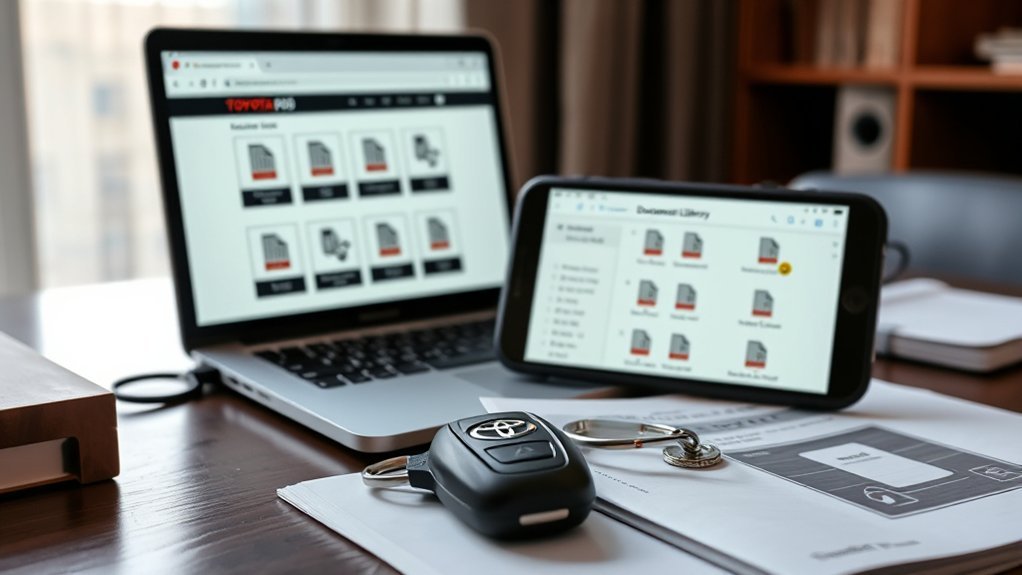
If Toyota’s site is temporarily unavailable, third-party manual libraries or Tundra forums may help you locate a PDF. Treat those copies as backups, not your first source. A manual from the wrong model year, region, drivetrain, or trim can give you the wrong fluid, fuse, towing, multimedia, or maintenance information.
Before using a third-party PDF, check the cover year, publication number, page count, URL reputation, and whether the document matches your exact truck. Avoid downloads that force browser extensions, unusual installers, or unrelated files.
Missing or Incomplete Physical Manual? What to Do
First, check the glove box, center console, rear storage areas, and any document pouch that came with the truck. Some Tundras include separate booklets for warranty, maintenance, quick reference, multimedia, or accessories.
Check the Glove Box
If your printed manual is missing pages or the wrong booklet is in the truck, make a note of the model year and VIN before contacting a Toyota dealer. A dealer can help you identify the correct owner documents and may be able to help you order printed replacements.
Download a Digital Manual
The fastest replacement is usually the official digital manual. Go to Toyota’s Manuals and Warranties page, choose your Tundra year, and download or save the available documents. Keep a copy on your phone for roadside access and a backup copy in cloud storage.
- Open Toyota’s Manuals and Warranties page.
- Select Toyota Tundra and the correct model year, or add your vehicle by VIN.
- Save the owner’s manual, Warranty & Maintenance Guide, and any multimedia or quick reference guide.
Tundra Maintenance Schedule, Warranty, and Parts Info
The Warranty & Maintenance Guide is the document to trust for your Tundra’s factory-recommended service schedule. For current Tundra guidance, Toyota recommends scheduled maintenance every 5,000 miles or six months, whichever comes first. However, that does not mean every maintenance visit is automatically an oil change.
For example, Toyota’s 2026 Tundra maintenance chart notes engine oil and oil filter replacement after 12 months or 10,000 miles under normal-use timing, while certain conditions call for engine oil and filter replacement every 5,000 miles or six months. Those conditions include driving mainly on dirt or dusty roads or repeated short trips of less than five miles in freezing temperatures. Always follow the chart for your model year and driving conditions.
Warranty basics also matter. Toyota’s Tundra warranty information lists basic coverage at 36 months/36,000 miles and powertrain coverage at 60 months/60,000 miles. Toyota’s hybrid battery coverage for 2020 and newer Toyota hybrid vehicles is 10 years from the original date of first use or 150,000 miles, whichever comes first, subject to the terms in the Warranty & Maintenance Guide.
For replacement parts, Toyota Genuine Parts are designed to fit Toyota vehicles to exact specifications. That said, Toyota’s warranty materials also explain that warranty coverage is not dependent on using a particular replacement-parts brand, though failures caused by improper maintenance, improper repairs, or unsuitable parts may not be covered.
Troubleshoot App Errors, Missing VINs, and Download Problems
If you cannot access the manual, work through the problem in this order:
- Try the web version first: open Toyota’s Manuals and Warranties page in a browser.
- Check your VIN: confirm all 17 characters from the dashboard plate, driver-side doorjamb label, registration, or insurance card.
- Switch connection or browser: if the manual viewer stalls, try a different browser, private window, or network.
- Update the Toyota App: if using the app, update it, sign out and back in, then re-add your vehicle if needed.
- Contact Toyota or a dealer: if the VIN does not match, the wrong model appears, or the document is missing, ask a Toyota dealer to confirm the vehicle information.
Frequently Asked Questions
How do I find my Toyota Tundra owner’s manual online?
Go to Toyota’s official Manuals and Warranties page, choose Toyota Tundra, then select your model year or add your vehicle by VIN. Open the digital manual and save the owner’s manual, Warranty & Maintenance Guide, and any multimedia or quick reference guide available for your truck.
Can I access my Toyota service records online?
Toyota owner resources and the Toyota App can help owners view vehicle information and service-related features when available. Features vary by vehicle, account status, connected services, dealer participation, and region, so use Toyota Owners or contact your dealer if a record does not appear.
What do I do if my printed Tundra manual is missing?
Download the official digital version from Toyota’s Manuals and Warranties page, then contact a Toyota dealer if you want a printed replacement. Check the glove box and document pouch first because the warranty, maintenance, and multimedia guides may be separate booklets.
Is the Tundra owner’s manual the same as a repair manual?
No. The owner’s manual explains vehicle operation, features, basic care, warnings, and specifications. A repair manual or service publication includes technician-level procedures, wiring diagrams, service bulletins, and diagnostic information. Toyota’s Technical Information System is the official source for Toyota repair information.
Where is the VIN on a Toyota Tundra?
Look near the lower driver-side dashboard where it meets the windshield, or check the certification label inside the driver-side doorjamb. You can also find the VIN on registration, title, insurance, or purchase documents.
Should I trust third-party Toyota Tundra manual PDFs?
Use them only as a fallback. Toyota’s official manuals are the safest source. If you use a third-party PDF, verify the model year, trim, publication details, and file safety before following any specification, maintenance item, or procedure.
Conclusion
The best way to get the right Toyota Tundra owner’s manual is to start with Toyota’s official Manuals and Warranties page, then use your VIN or model year to match the correct documents. Save the main owner’s manual, Warranty & Maintenance Guide, and any multimedia or quick reference guide so you have the information when you need it. If Toyota’s app or site does not load, use the web version, verify your VIN, or ask a Toyota dealer for help.
Sources
- Toyota Manuals and Warranties — official owner’s manual and warranty access.
- Toyota Support: Owner’s manuals and publications — confirms many Toyota owner publications are available online through My Toyota.
- Toyota Support: Toyota mobile app features — supports Toyota App feature guidance and feature-availability caveat.
- Toyota Support: Where to find the VIN — supports Toyota VIN location guidance.
- Toyota Support: Toyota warranty coverage — supports basic and powertrain warranty timing.
- 2026 Toyota Tundra Warranty & Maintenance Guide — supports maintenance interval, oil-change, maintenance record, and warranty-maintenance guidance.