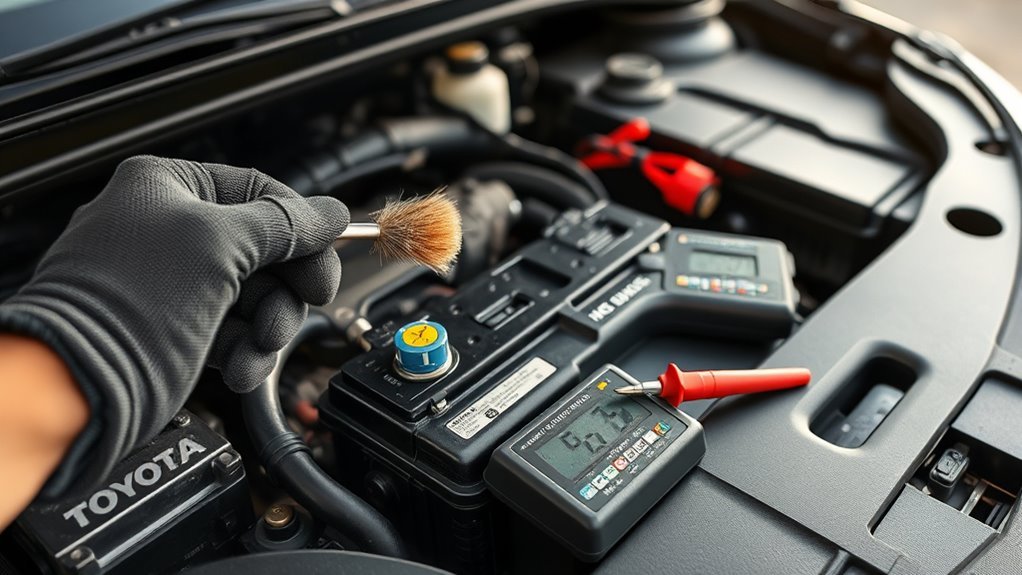
A scanner can’t help until you find the right connector. In a Toyota Camry, the OBD2 port, also called the On-Board Diagnostics II (OBD-II) port, usually sits under the driver’s side dashboard, near the hood release and above the pedals. This guide shows you where to look, how to plug in a scan tool safely, and what to check if the port does not respond.
Quick Answer
Look under the driver’s side dashboard, near the hood release lever and above the pedals. The Camry OBD2 port is a 16-pin connector, and it often sits in an open spot without a cover. Turn the vehicle off before plugging in your scanner, then switch the ignition to the required position for your scan tool.
Key Takeaways
- Check below the driver’s side dash, near the hood release lever and above the pedals.
- Use a compatible OBD2 scanner that fits the standard 16-pin connector.
- Plug the scanner in gently so you don’t bend the port pins.
- Check the fuse, pins, and scanner compatibility if the port does not respond.
- Keep the area clean so you can access the port during diagnostics.
Where to Find the OBD2 Port in a Toyota Camry
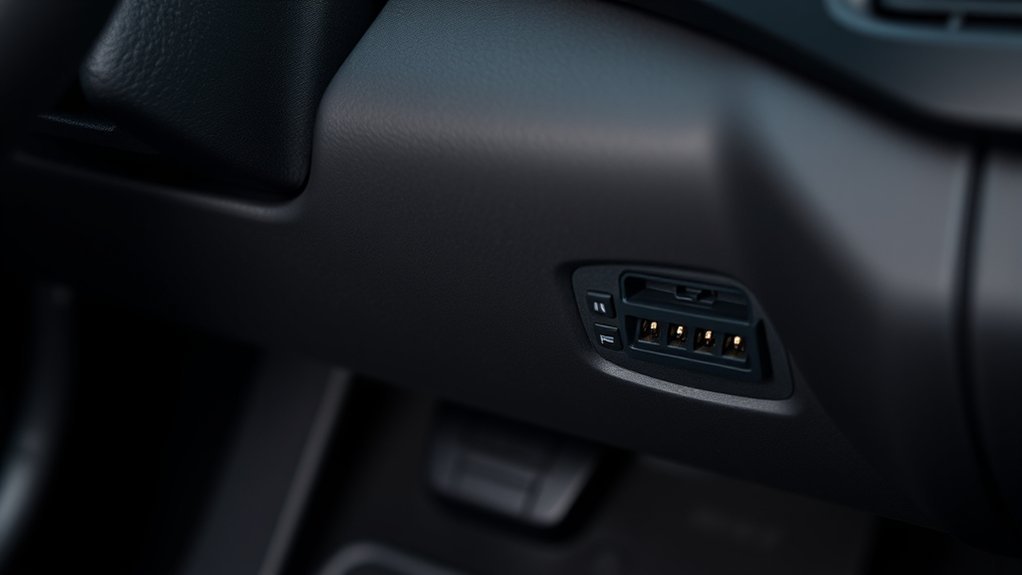
To find the OBD2 port in your Toyota Camry, sit in the driver’s seat and look below the dashboard. The connector usually sits near the hood release lever, above the pedals, and under the left side of the steering column.
The port can be hard to see from a normal seated position. Bend down, use a small flashlight, and look for a trapezoid-shaped 16-pin connector. Many Camry models leave the port exposed, so you often won’t need to remove a cover.
Some model years and trims may place the port slightly higher or closer to the center of the lower dash. If you don’t see it right away, check the area from the hood release lever across to the lower steering column panel.
Before You Begin
Estimated time: 2 to 5 minutes.
You only need a few basic items before you connect a scanner. Keep them nearby so you can work safely and avoid forcing the connector.
- A compatible OBD2 scanner or code reader
- A small flashlight
- A clean, dry cloth
- Your Camry owner’s manual, if the port location seems unclear
Warning: Don’t force the scanner plug into the port, because bent pins can stop the scanner from reading your car.
How to Access the OBD2 Port With Ease
Accessing the OBD2 port in your Toyota Camry is simple once you know the area to check. Follow these steps in order for a safer and easier scan.
- Park safely. Park on level ground, shift to Park, and set the parking brake.
- Turn off the vehicle. Shut off the engine before you connect the scanner.
- Look below the driver’s dash. Check near the hood release lever, above the pedals, and under the steering column.
- Find the 16-pin connector. Use a flashlight if the lower dash panel blocks your view.
- Connect your OBD2 tool. Line up the plug and push it in gently until it fits snugly.
- Power the scanner as directed. Many tools need the ignition in the ON position, but the engine may not need to run.
- Start the scan. Read codes, live data, or readiness status based on your scanner’s menu.
Here’s a quick reference to assist you:
| Step | Action | Notes |
|---|---|---|
| 1 | Turn off the vehicle | Helps prevent connection issues |
| 2 | Locate the port below the dash | Use a flashlight for better visibility |
| 3 | Connect your OBD2 tool | Make sure the plug fits snugly |
| 4 | Start your diagnostic check | Follow your scanner’s instructions |
Once you know the location, future checks should take only a few seconds. This helps when you need to read a check engine light or confirm emissions readiness.
Why Does the OBD2 Port Matter?
The OBD2 port gives a scanner access to your Camry’s diagnostic system. A scan tool can read diagnostic trouble codes, clear some codes, and show live data from vehicle sensors.
This port helps you spot problems before they turn into larger repairs. It can support checks for engine performance, emissions readiness, and some warning light issues.
The OBD2 connector became standard on most vehicles sold in the United States from the 1996 model year. That standard design helps many scanners work across different brands and models.
Pro tip: Write down any codes before clearing them, because erased codes may make later diagnosis harder.
Common OBD2 Port Issues and How to Fix Them
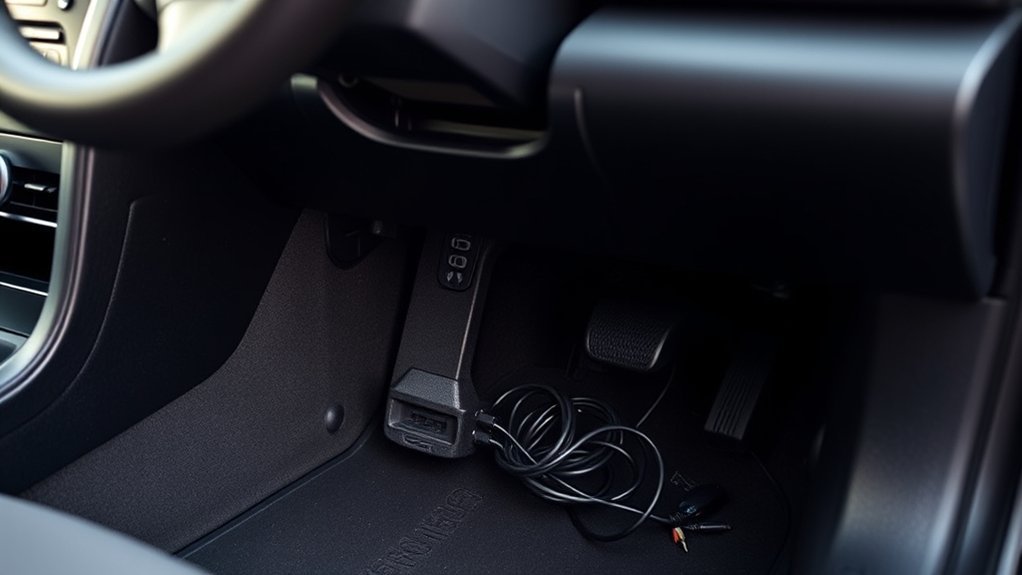
OBD2 port issues can stop your scanner from reading the car. Start with the easiest checks before you assume the port has failed.
- No power to the scanner: Check the related fuse in the fuse box and replace it only with the correct amp rating.
- Loose scanner connection: Remove the plug, line it up again, and connect it without twisting.
- Dirt or debris in the port: Clean the area gently with compressed air or a soft brush.
- Bent or damaged pins: Inspect the connector with a flashlight and avoid using the port until the pins are repaired.
- Scanner won’t communicate: Try another compatible scanner or check whether your tool supports your Camry’s systems.
If the check engine light is on and the port still does not respond, the issue may involve a fuse, wiring, or a control module. A qualified technician can test power, ground, and communication lines without guessing.
Caring for Your OBD2 Port
Maintaining your OBD2 port helps keep vehicle diagnostics reliable. Keep the area under the dash clean, dry, and free from loose items that can hit the connector.
Inspect the port for dust, corrosion, cracked plastic, or damaged pins. Use a soft brush or short bursts of compressed air to remove light debris.
Connect and disconnect your scanner gently every time. Pull on the scanner plug, not the cable, so you don’t stress the port or wiring.
When to Get Professional Help
Get help if your scanner has power but still cannot communicate with the Camry. This can point to wiring faults, module issues, or scanner compatibility problems.
You should also stop if you see broken plastic, loose wiring, burnt marks, or bent pins in the port. A repair shop can test the connector and fix the fault without causing more damage.
Frequently Asked Questions
Where Is the OBD Pin on a Toyota?
The OBD2 connector is usually under the driver’s side dashboard, above the pedals. On many Toyota models, you’ll find it near the hood release lever or lower steering column panel.
Does a Toyota Camry OBD2 Port Have a Cover?
Many Camry models leave the OBD2 port exposed under the dash. If you do not see it right away, use a flashlight and check behind the lower dash trim.
Can I Plug in an OBD2 Scanner While the Car Is Running?
It’s safer to plug in the scanner while the vehicle is off. After you connect it, follow the scanner instructions and switch the ignition to the required position.
Why Is My OBD2 Scanner Not Reading My Camry?
The scanner may not read the car if the port has no power, the fuse has blown, or the connector pins are damaged. Scanner compatibility can also cause failed communication.
Conclusion
The Toyota Camry OBD2 port sits under the driver’s side dash, near the hood release and above the pedals. Find the connector, plug in your scanner gently, and follow the tool’s instructions for reading codes or live data. If the port does not respond, check the fuse, pins, and scanner compatibility before replacing parts. A clean, accessible port makes future diagnostics faster and less stressful.