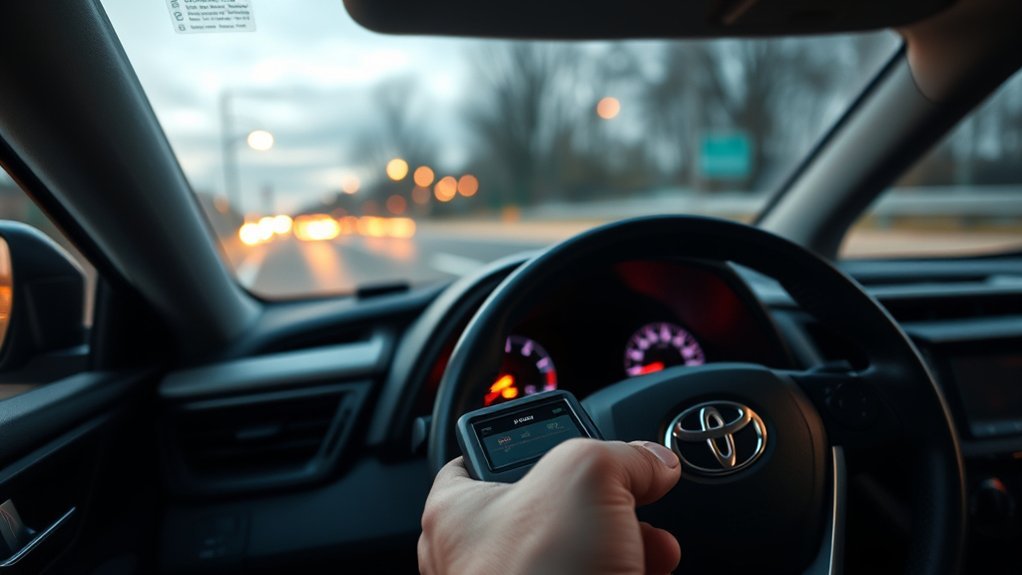
You can add extra key fobs to 2009–2018 Toyota RAV4s yourself if you’ve got at least one working key and a compatible OBD‑II programmer. Hold the working key to the push‑start button, wait for a beep, place the new fob to the button until it beeps, then finalize via the programmer and test lock/unlock/panic/remote‑start functions. Confirm fob and tool compatibility, watch timing and battery status, and follow precise steps to avoid RF or receiver errors—continue for full procedure and troubleshooting.
Who This Guide Is For (Quick Answer)

Who is this guide for? You’re a Toyota RAV4 owner (2009–2018) who wants to add an extra key fob and keep control of your vehicle access. You’ve got at least one working fob — that’s required — and you want clear, technical steps without paying a dealer premium.
You’ll learn which key fob types are compatible and get concise programming tips that let you program additional remotes yourself. The guide simplifies the procedure so you can follow a step-by-step sequence even with minimal technical background. If you prefer, you can buy a standalone key programmer tool to save money and retain autonomy over future fob additions. Procedures focus on predictable actions, verification steps, and troubleshooting checkpoints to guarantee new fobs function correctly. This section delivers the quick answer: you, the liberated owner, ready to execute secure, cost-effective programming of extra RAV4 key fobs.
RAV4 Models and Key Types That Support Programming
You can program key fobs on Toyota RAV4 models from 2009 through 2018. Both original OEM fobs and compatible aftermarket fobs use the same programming procedure, but you’ll need a working key to start the process. Using a key programmer tool simplifies the workflow and lets you add multiple fobs by repeating the steps.
Supported RAV4 Model Years
Although the programming method applies specifically to 2009–2018 Toyota RAV4 models, it supports both OEM and aftermarket key fobs so you can use either type, provided you have at least one working key on hand to add additional fobs; note that the programming tool secures to the vehicle after initial use for future additions, and you should test every fob function after programming to confirm proper operation.
You’ll find consistent RAV4 model comparisons useful when selecting compatible fobs and reviewing key fob features across trims. The supported years share the same immobilizer protocol, so your workflow stays uniform. Prepare a working key, the replacement fob, and the programming tool bound to the vehicle. After programming, verify lock, release, panic, and remote start (if equipped).
- 2009–2012 baseline systems
- 2013–2015 minor revisions
- 2016–2018 consolidated protocol
- Test all functions immediately
Compatible Key Fob Types
For 2009–2018 RAV4s, both OEM and properly matched aftermarket fobs can be programmed, and the system accepts standard remote key fobs as well as smart (push‑to‑start) keyless units. You’ll use either original fobs or compatible aftermarket options that are explicitly specified for these model years; generic remotes won’t work. Programming supports multiple keys per vehicle, so you can add spare fobs as needed, but you must have at least one functioning key fob present to initiate the procedure. Verify part numbers and frequency compatibility before purchase to avoid lockout. When you choose aftermarket options, select units coded for Toyota RAV4 2009–2018 and follow the manufacturer’s instructions. This lets you reclaim mobility without dealer dependence.
Tools and Parts Required (Programmer, Fob, OBD Access, Safety)
You’ll need a compatible aftermarket key fob, a key programmer that supports 2009–2018 RAV4 models, and unobstructed access to the vehicle’s OBD-II port to start programming. The programmer will bind to the vehicle after first use and requires at least one working key to initiate the add-fob sequence. Work in a secure, well-lit area free of distractions and follow basic safety steps to avoid accidental ignition or electrical faults.
[Products Worth Considering]

Protect your Toyota smart key with this genuine crazy horse leather cover that fully wraps the fob, guarding against drops, shocks, and scratches. The heavy‑duty metal carabiner adds secure anti‑loss functionality, clipping to belts or bags without interfering with signal transmission. Its stylish black finish and tactile feel bring a premium look while preserving full key functionality.

Protect your Toyota key fob with this premium soft TPU case that offers 360-degree coverage against drops, dust, and scratches while maintaining full signal strength. The sleek gold‑rimmed design adds a stylish touch, and the attached leather‑aluminum keychain provides convenient carrying. Made from durable materials with strong color fastness, it fits like a glove for a seamless look and feel.

Protect your Toyota key fob with this soft TPU cover that offers a precise 1:1 fit for 3‑button models. The elastic material cushions against dust and scratches while maintaining full button functionality. Easy to install and portable, it clips onto bags or pockets for on‑the‑go convenience.
Required Programming Tools
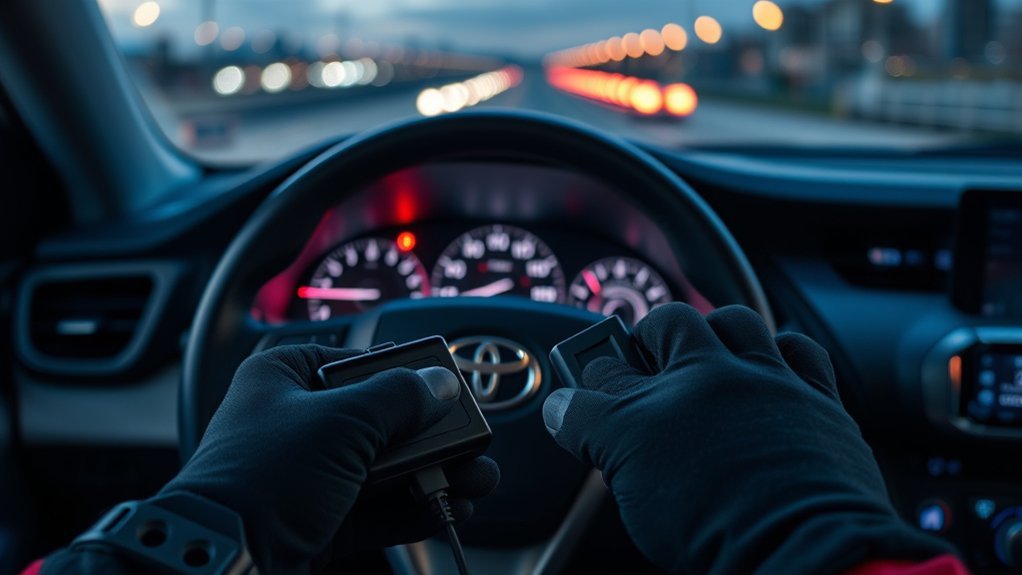
Before you start programming a 2009–2018 RAV4 key fob, gather three essentials: a working Toyota key fob, the aftermarket replacement fob, and a compatible OBD-key programmer that plugs into the vehicle’s diagnostic port. Verify programmer features like firmware support and protocol lists, and confirm fob compatibility with your RAV4 year range. The programmer connects to the OBD board and writes new transponder data; it’s reusable for multiple fobs on the same vehicle, so you won’t be chained to single-use hardware. Typical kits bundle the replacement fob and the programmer, simplifying acquisition. After programming, test every fob to confirm proper lock, release, and immobilizer responses. Be deliberate — you’re reclaiming control of access without unnecessary dependence.
- Working Toyota key fob
- Aftermarket replacement fob
- OBD-key programmer tool
- Post-programming functional test
Safety And OBD Access
Although having the right parts is essential, safety and reliable OBD access determine whether programming goes smoothly, so confirm you’ve got a compatible replacement fob, a working Toyota key fob, and an OBD-key programmer before you begin. You’ll connect the programmer to the vehicle’s OBD port; verify the OBD connection is secure and the tool is powered. Implement safety measures: work in a secure, well-lit area, set the parking brake, disconnect extra electronics, and ascertain battery voltage is stable to prevent interruptions. Read the programming instructions fully so you can execute steps without pausing. Keep the working key present when adding new fobs. Test each fob immediately after programming. These precautions free you from wasted time and reduce the risk of locking yourself out.
Quick 3‑Step: Add an Extra RAV4 Key Fob
Follow these three precise steps to add an extra key fob to a 2009–2018 RAV4 using a working fob and your kit’s programmer tool. You’ll avoid common programming mistakes by staying focused and following the tool prompts. Connect the programmer to the OBD board, choose “add key,” and prepare both fobs.
- Working key held against the push‑to‑start button until a single beep
- New unprogrammed key placed next to the button until a confirming beep
- Programmer unplugged and both fobs tested for lock/unlock and start
- Repeat sequence for additional keys as needed
You act, the system confirms, freedom increases: that’s the aim. The programmer negotiates the vehicle’s security, registering the new transponder to ECU memory; you verify key fob features like remote lock and panic before finishing. If a beep doesn’t occur, stop—don’t cycle endlessly—recheck connections and consult the kit manual to prevent bricking or other programming mistakes.
[Products Worth Considering]

Ensure accurate engine cooling with Toyota's genuine water temperature sensor, designed for precise coolant monitoring and reliable performance. This OEM part fits seamlessly into your vehicle, offering durability and consistent temperature readings for optimal engine health.

Protect your Toyota key fob with this slim, one‑piece TPU case that offers a snug, lightweight fit without adding bulk. The transparent front panel safeguards buttons while keeping them visible, and the clear back design shows the original logo for a premium look. Easy snap‑on installation and durable construction guard against scratches, drops, and everyday wear, making it ideal for a wide range of Toyota models.
Full Step‑By‑Step Programming Procedure
Now that you’ve seen the quick 3‑step method, here’s the full step‑by‑step programming procedure you’ll use when adding a RAV4 key fob: Start by confirming you have one working key fob and the new unprogrammed fob. Connect your key programmer tool to the vehicle’s OBD port; this establishes a secure link for key fob security and prevents unauthorized programming. On the tool, select the “add key” option. With the ignition off, place the working key next to the push‑to‑start button until you hear the confirmation beep — this authenticates the session. Immediately position the new key against the push‑to‑start button to initiate coding. Wait for the second beep indicating successful programming. Unplug the programmer tool from the OBD port. Verify both original and new fobs operate their functions; if you need more keys, repeat the sequence. Programming tips: keep battery voltage stable, follow tool prompts exactly, and work in a low‑interference environment for reliable results.
Test the Keys and Troubleshoot Common Failures

After programming, test both fobs immediately by locking and releasing the doors to confirm full functionality; if a fob doesn’t respond, first verify it was held firmly against the push‑to‑start button during coding and that its battery is fresh. You’ll perform key fob testing deliberately and methodically to reclaim control; repeat the procedure if any step seemed rushed.
- Hold the programmed fob against the start button, then press lock/unlock to verify range.
- Swap to the known good key and repeat programming to rule out weak battery detection.
- Restart the sequence from step one if a fob fails, ensuring each timing cue is exact.
- Scan the OBD system for error codes that indicate receiver or RF faults.
Common issues are usually positional mistakes, depleted batteries, or missed timing. If error codes persist after repetition, the vehicle’s electronics may need diagnostic attention. You’ll avoid wasted labor by isolating faults through systematic key fob testing and targeted troubleshooting.
Buy the Programmer or Call a Pro: Which Option to Choose
Having confirmed both fobs work and ruled out simple faults, decide whether to buy a programming tool or call a pro based on frequency, cost, and confidence. If you plan to add multiple fobs for a 2009–2018 RAV4, buying a programmer is the liberating, cost-effective route: it’s reusable on the same vehicle, avoids repeated kit purchases, and lowers long-term expense. Perform a clear cost comparison—one-time tool price versus recurring professional fees—and factor in the number of keys you’ll add.
Buy the tool if you’re comfortable following programming tips, reading device prompts, and executing steps methodically. Choose a pro if you lack time, technical confidence, or want error-free results immediately; professionals mitigate risk and guarantee function. In short: invest in a programmer for autonomy and savings when you expect repeat use; hire a professional when immediate reliability and minimal personal risk matter more.
Frequently Asked Questions
Can I Reprogram a Lost-Only Set of Key Fobs Without Any Working Key?
No, you generally can’t—without a working key you’ll need dealer or locksmith intervention. You’ll rely on secure Key fob security protocols; Reprogramming methods require specialized tools, VIN/proof, and sometimes ECU access to restore control.
Will Aftermarket Key Fobs Affect Remote Start or Smart Key Features?
Absolutely—aftermarket compatibility can vary wildly; you’ll need to verify protocols. If incompatible, remote start functionality and smart key features won’t work. You’ll demand control: choose vendor-certified, vehicle-specific fobs and programmed modules.
Do Battery Type and Age in the Fob Matter for Programming Success?
Yes — you’ll need fresh battery performance for reliable programming; weak cells reduce signal strength and can cause failures. Replacing aged cells restores fob lifespan, ensuring consistent pairing, diagnostics, and freedom from repeat attempts.
Is There Any Vehicle Mileage or VIN Restriction for Key Programming?
No, there’s generally no mileage or VIN restriction for key programming, but you’ll need proper vehicle security credentials and authorized access; without them you can’t program keys, and noncompliant tools won’t override immobilizer protections.
Can I Remove a Programmed Fob From the Car Remotely or via the OBD Tool?
You can’t remotely remove a programmed fob; fob security measures require physical access or OEM-level diagnostic access. OBD tools have remote programming limitations, so you’ll need in-person CLI/tech tool authentication to revoke keys.
Conclusion
You now know which RAV4 models and fob types support on‑vehicle programming, what tools you’ll need, and the exact steps to add a spare key. Technically, aftermarket programmers usually write the same immobilizer codes as dealers—so reprogramming yourself can be equally secure if you follow procedures and use vetted equipment. Proceed only with verified tools, keep ignition/OBD safety in mind, and call a pro if you hit immobilizer errors you can’t resolve.