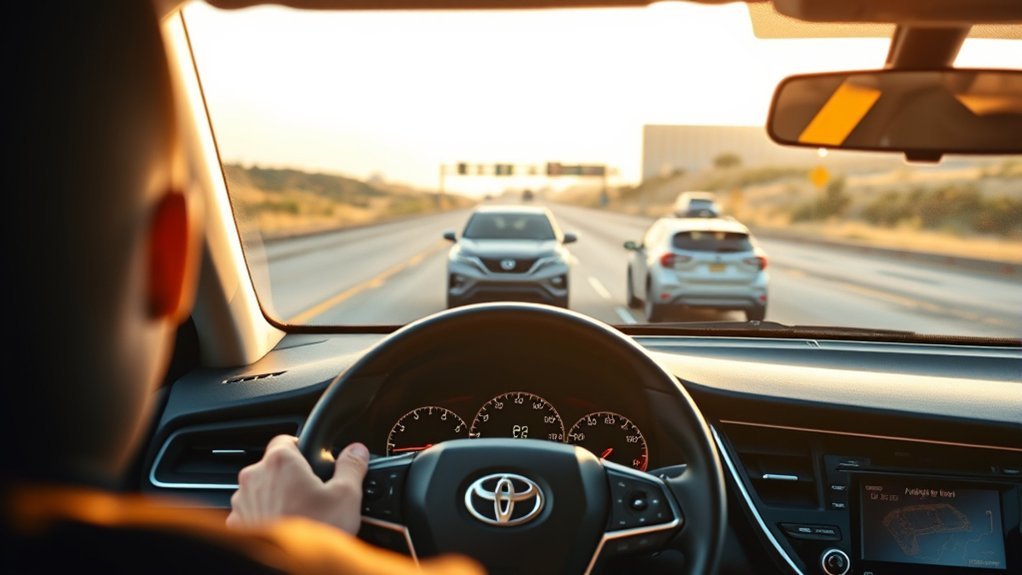
Dynamic Radar Cruise Control in a Toyota Camry is a driver-assistance feature that helps hold a set speed and adjust your speed to maintain a selected gap from a vehicle ahead. It works best on highways and steady traffic, but it is not self-driving. You still need to steer, watch traffic, brake, and take over whenever road, weather, or traffic conditions change.
Quick Answer
Use Camry Radar Cruise Control on highways and steady, predictable traffic when visibility is clear and the road is dry. Set your speed, choose a comfortable following distance, and keep watching the road. Turn it off in heavy rain, snow, fog, roadwork, tight curves, erratic traffic, or anytime the system feels unsure.
Key Takeaways
- Dynamic Radar Cruise Control helps manage speed and following distance, but the driver remains responsible for safe driving.
- Toyota describes Dynamic Radar Cruise Control as a highway-use feature; avoid using it in poor weather, construction zones, sharp curves, slick roads, or chaotic traffic.
- Use a longer following distance when traffic is dense, speeds are high, or visibility is limited.
- If you see a radar cruise warning, dirty-sensor message, delayed braking, or unusual behavior, cancel cruise control and drive manually.
At a Glance
| Time Required | 1–2 minutes to learn the controls |
| Difficulty | Easy, once you know the buttons |
| Tools Needed | Your Camry owner’s manual or digital manual for your exact model year |
| Cost | $0 |
What Camry Radar Cruise Control Does
Toyota Dynamic Radar Cruise Control is an adaptive cruise control system. It helps maintain a driver-selected speed and uses vehicle-to-vehicle distance control to help keep a preset gap from the vehicle ahead. On Toyota Safety Sense 3.0 vehicles, Toyota describes the system as intended for highway use and designed to be set above 20 mph.
Think of it as a comfort and workload-reduction feature, not an autopilot. It can help reduce constant throttle and brake input on long drives, but it cannot judge every hazard, read every road condition, or replace your decisions. NHTSA’s automation guidance is clear: with driver-assistance features, you still drive and monitor.
Warning: Dynamic Radar Cruise Control does not make your Camry self-driving. Keep your hands ready, keep your eyes on traffic, and brake or steer immediately if the system does not respond the way the situation requires.
Set Speed & Following Distance on a Camry
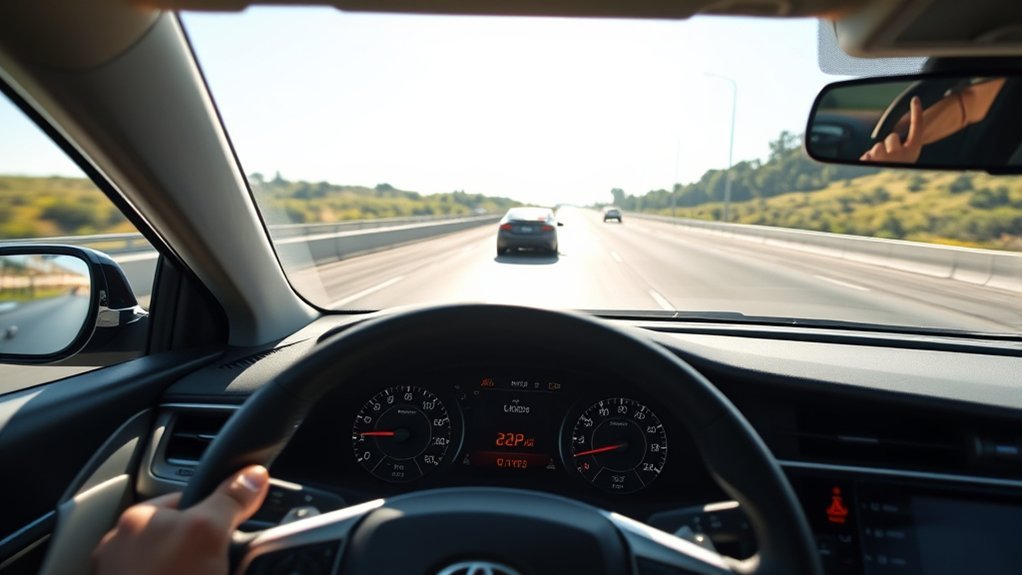
Controls vary slightly by model year, trim, display type, and Toyota Safety Sense software version, so use your Toyota Camry owner’s manual as the final authority. The basic process is usually the same:
- Reach a suitable road and speed. Use radar cruise on highways or open, steady roads where lane flow is predictable.
- Press the cruise/driver-assist control. Look for the cruise indicator on the multi-information display.
- Set your speed. Accelerate or slow to the speed you want, then press the SET control. Your set speed should appear on the display.
- Adjust following distance. Use the vehicle-to-vehicle distance switch to choose a longer or shorter gap. Many Camrys show this as bars or distance levels.
- Change speed carefully. Use the +RES or -SET controls if equipped, or accelerate/brake manually when traffic requires it.
- Cancel when needed. Tap the brake, press cancel, or turn the cruise system off when conditions are no longer suitable.
- Resume only when safe. Use resume only after checking traffic, speed, road surface, and the vehicle ahead.
Note: Exact dashboard wording can differ. Instead of looking for one exact phrase, confirm that the cruise indicator, set speed, and following-distance indicator are shown before relying on the feature.
[Products Worth Considering]

This dash clock spring replacement is designed for a wide range of Toyota vehicles and helps restore reliable steering wheel control functions. It supports audio controls, cruise control, and other multi-function commands while using vehicle-specific connectors for easier installation. Built with durable materials and OEM-referenced part compatibility, it is a practical solution for repairing steering wheel signal issues.
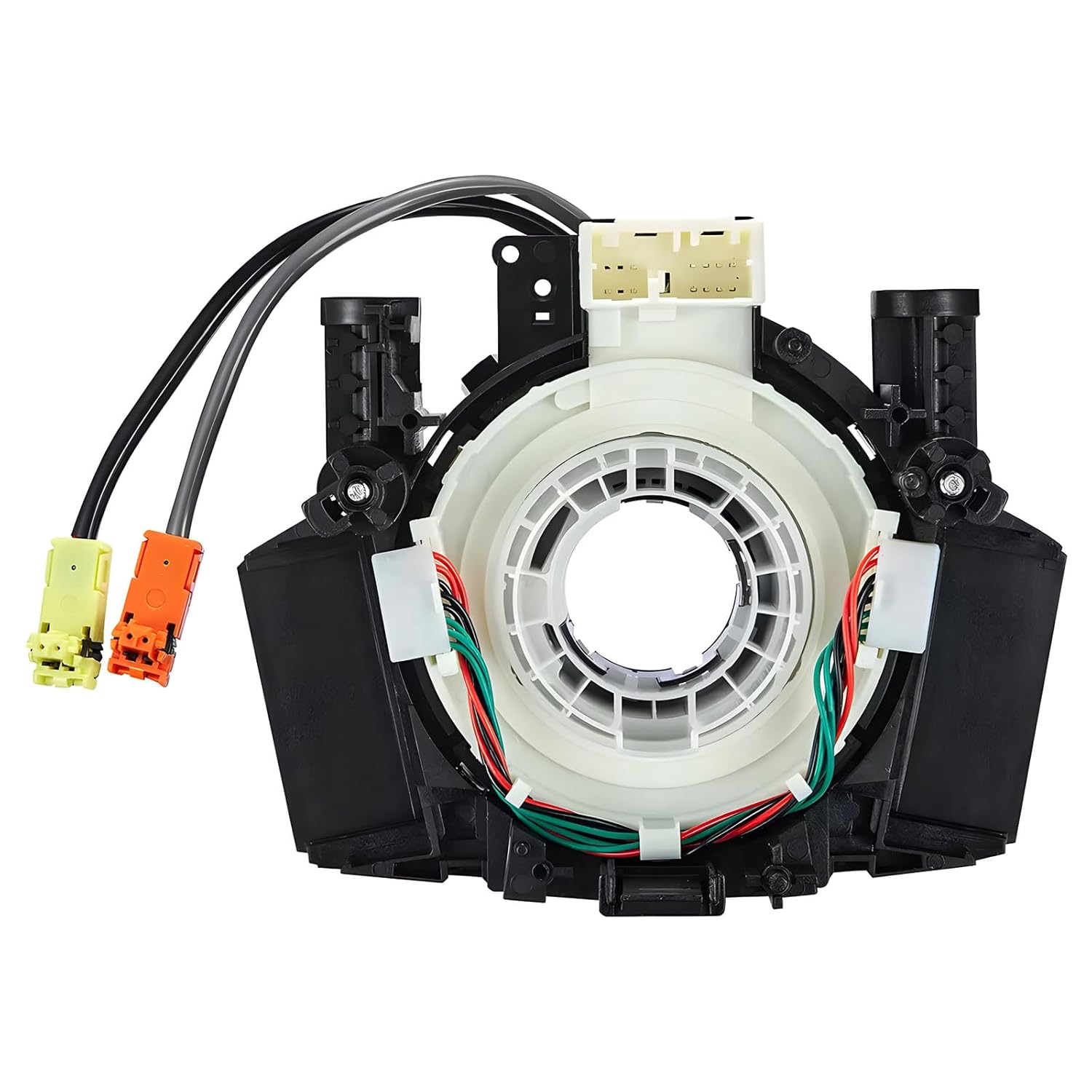
This steering clock spring assembly is an OEM-style replacement designed to restore steering wheel controls and related electronic functions in compatible Nissan vehicles. It supports audio, cruise control, and multi-function button operation while matching multiple factory part numbers for a reliable fit. Built for direct installation with vehicle-specific connectors, it helps return steering column electronics to proper working order.

This steering clock spring is designed to restore reliable steering wheel controls across a wide range of Toyota models. It supports audio, cruise control, and other multifunction commands while matching OEM part numbers for confident replacement fitment. Built for dependable signal transfer and straightforward installation, it is an effective solution for repairing steering column control issues.
Choose the Right Following Distance
The following-distance setting controls how much space the Camry tries to keep from the vehicle ahead. A longer gap gives the system more time to respond and usually feels smoother. A shorter gap may feel more natural in light traffic, but it leaves less room for sudden braking or cut-ins.
| Driving Situation | Best Distance Choice | Why It Helps |
|---|---|---|
| Highway cruising | Longer gap | More time for speed changes and smoother braking |
| Light, steady traffic | Middle setting | Balanced comfort and spacing |
| Dense but predictable traffic | Longer or middle setting | More room for cut-ins and sudden slowdowns |
| Rain, poor visibility, slick roads | Manual control preferred | Traction and sensor performance may be reduced |
Pro Tip: If you are unsure which distance to use, choose the longest setting first. You can shorten the gap later if the road is dry, traffic is smooth, and visibility is clear.
[Products Worth Considering]
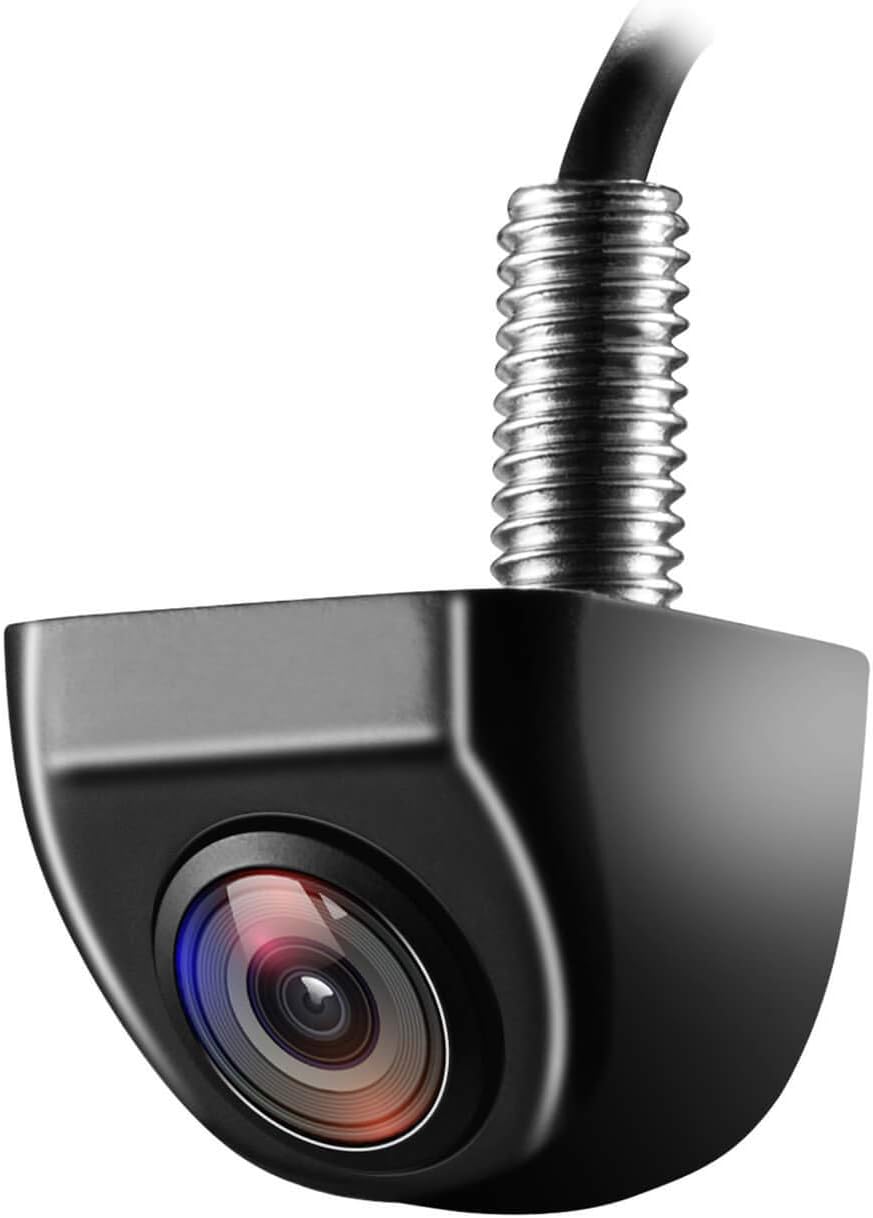
This OEM-style backup camera delivers a clear rear view with a wide-angle HD sensor to help reduce blind spots and make parking easier. Its fully sealed waterproof construction and strong low-light performance support reliable use in all weather and lighting conditions. Designed for cars, trucks, SUVs, vans, and RVs, it also supports front-view switching and selectable guide lines for flexible installation.

This replacement keyless entry remote set is designed for a wide range of Toyota, Scion, and related models, offering a convenient solution when your original fob is lost, damaged, or no longer working. Each remote comes pre-tested with battery and electronics already installed, and the set supports self-programming for compatible vehicles with a working key. It is intended for regular key vehicles and provides reliable remote locking and unlocking functionality.
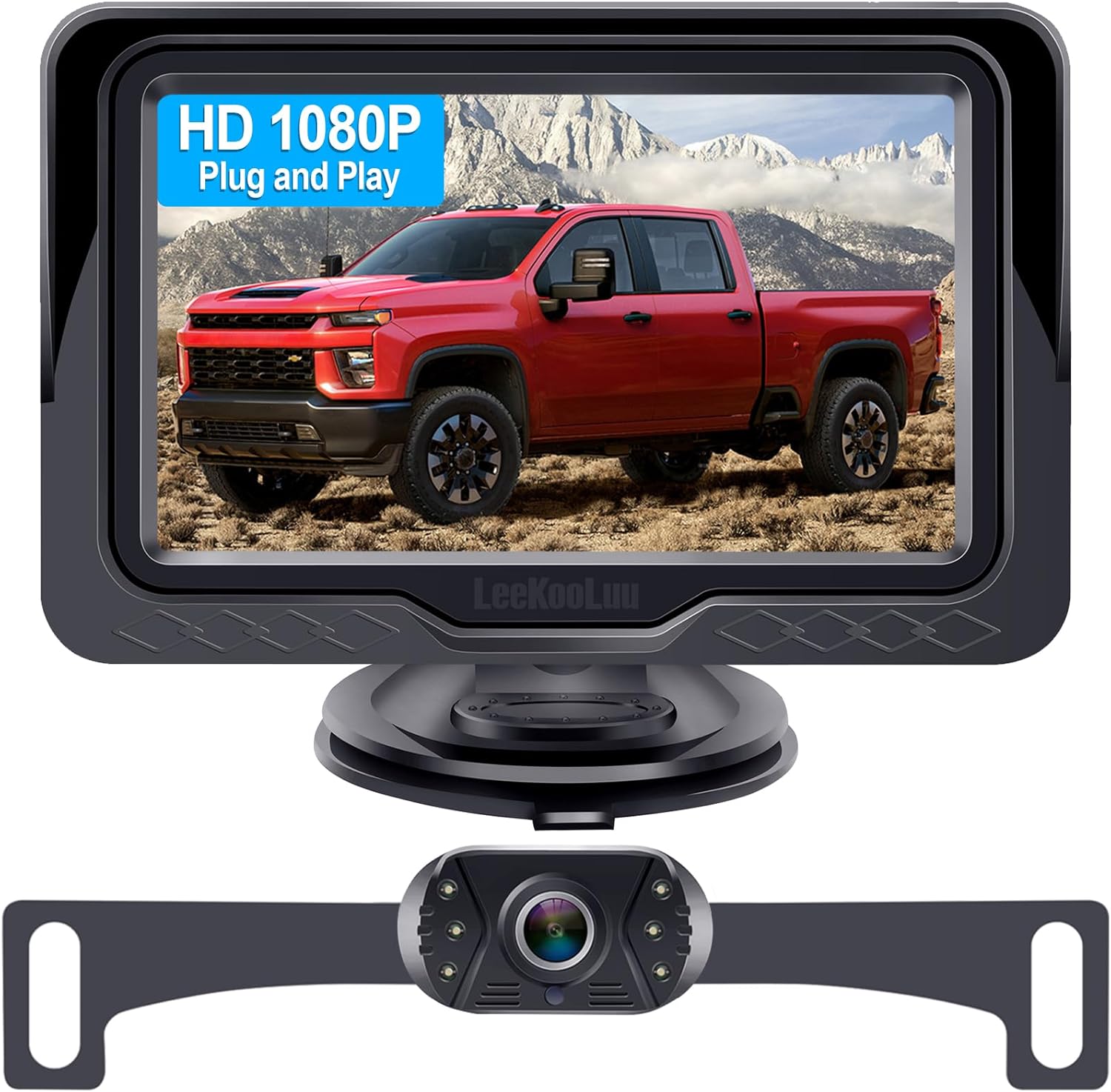
This plug-and-play backup camera system is designed for quick installation and dependable rear visibility on a wide range of vehicles. It delivers HD 1080P color images with stable signal transmission, clear night vision, and an adjustable 4.3-inch monitor for safer reversing in day or night conditions. With a waterproof all-weather design, customizable parking grid lines, and wide-angle viewing, it helps reduce blind spots and makes parking and maneuvering easier.
Best Uses: Highways, Long Trips, and Light Congestion
Radar cruise control is most useful on highways, open roads, and long trips where traffic speed is steady. It can reduce the need for small throttle and brake corrections, which may lower driving workload. The Federal Highway Administration describes adaptive cruise control as a system that can maintain a selected speed and a preselected gap from a slower vehicle ahead.
Use extra judgment in low-speed congestion. Full-Speed Range Dynamic Radar Cruise Control may help in smooth, predictable traffic on some Camry models, but it is not ideal for chaotic stop-and-go traffic with sudden cut-ins, motorcycles squeezing between lanes, hard braking, blocked sensors, or unclear lane flow.
| Situation | Use Radar Cruise? | Best Practice |
|---|---|---|
| Open highway | Yes | Set speed, choose a comfortable gap, and keep scanning ahead |
| Long road trip | Yes | Use it to reduce workload, not attention |
| Predictable slow traffic | Maybe | Use only if your model supports it and traffic is smooth |
| Erratic stop-and-go traffic | No | Drive manually and create your own space |
[Products Worth Considering]
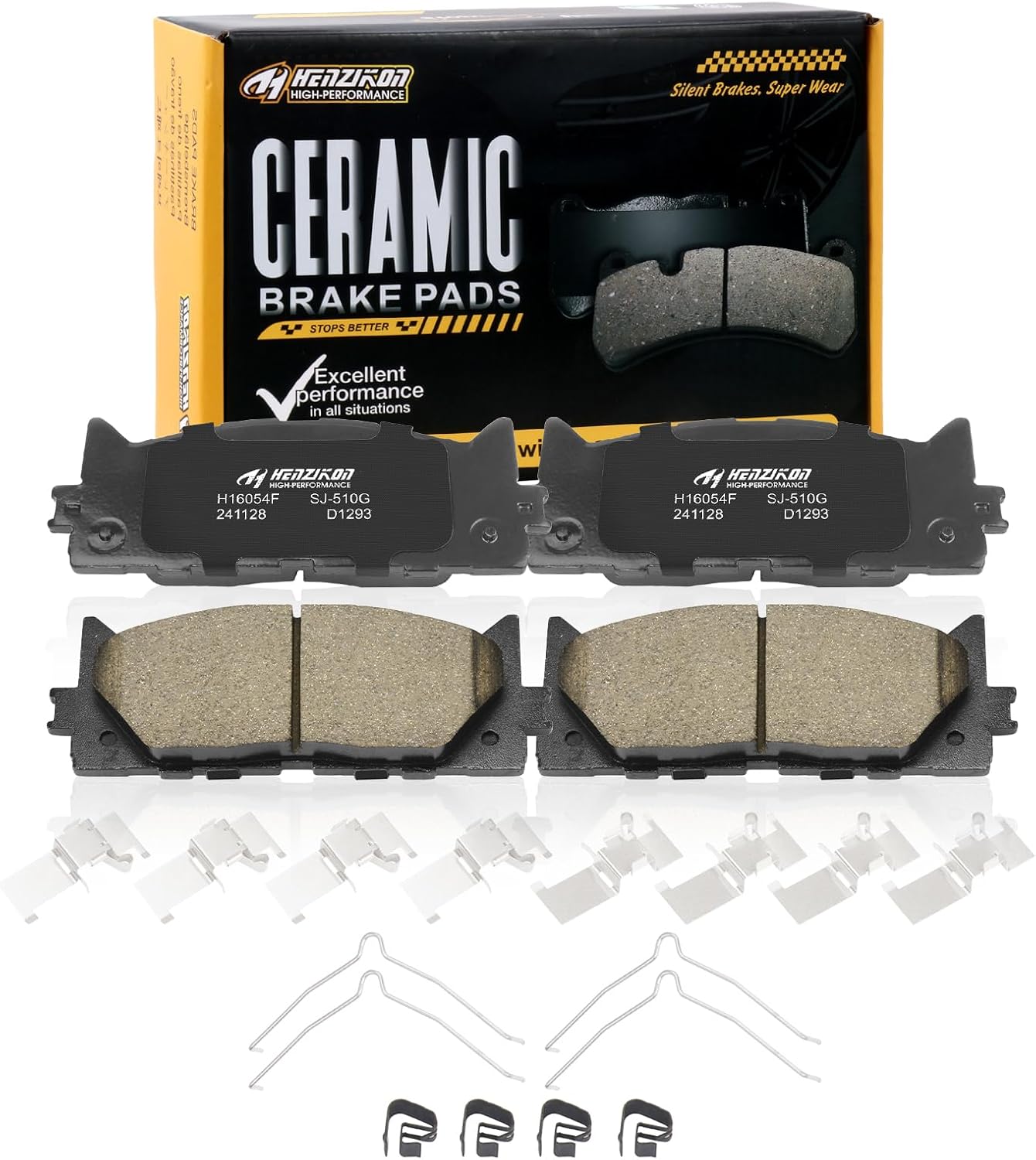
These ceramic front brake pads are designed for compatible Toyota Avalon, Camry, and Lexus ES-series vehicles, offering dependable stopping power and smooth, consistent braking performance. Built with included hardware for easier installation, they help reduce squealing and brake dust while supporting long-term durability for everyday driving.

This GM TPMS relearn tool helps reset tire sensors, clear warning lights, and match tire positions after rotation quickly at home. Designed for Chevrolet, GMC, Cadillac, and Buick vehicles, it offers one-button operation, fast activation, and broad compatibility with many GM models. It is best suited for OE/OEM sensors and includes paper instructions plus video guidance for easier DIY use.

These Nilight LED spot pods deliver focused white light for improved visibility on roads, trails, and job sites. The adjustable mounting brackets let you aim the beam where you need it, while the durable aluminum housing and IP67 waterproof design help them perform in tough outdoor conditions. Ideal for trucks, ATVs, UTVs, boats, and other universal-fit vehicles.
Switch Between Dynamic Radar and Standard Cruise on a Camry
Some Camry models let you switch from Dynamic Radar Cruise Control to standard constant-speed cruise control. In constant-speed mode, the car tries to hold your selected speed but does not manage distance from the vehicle ahead. That means you must brake, accelerate, and adjust spacing yourself.
On many Toyota models, holding the cruise control activation switch for a short time selects constant-speed control mode, but the exact method can vary. Check your model-year manual before using this mode. Use standard cruise only on clear, open roads where traffic is light and you do not need adaptive braking.
Note: If traffic ahead is changing speed, Dynamic Radar Cruise Control is usually the better choice than standard cruise. If traffic is complex, neither mode is a substitute for manual driving.
When to Turn Off Radar Cruise Control (Safety Limits)
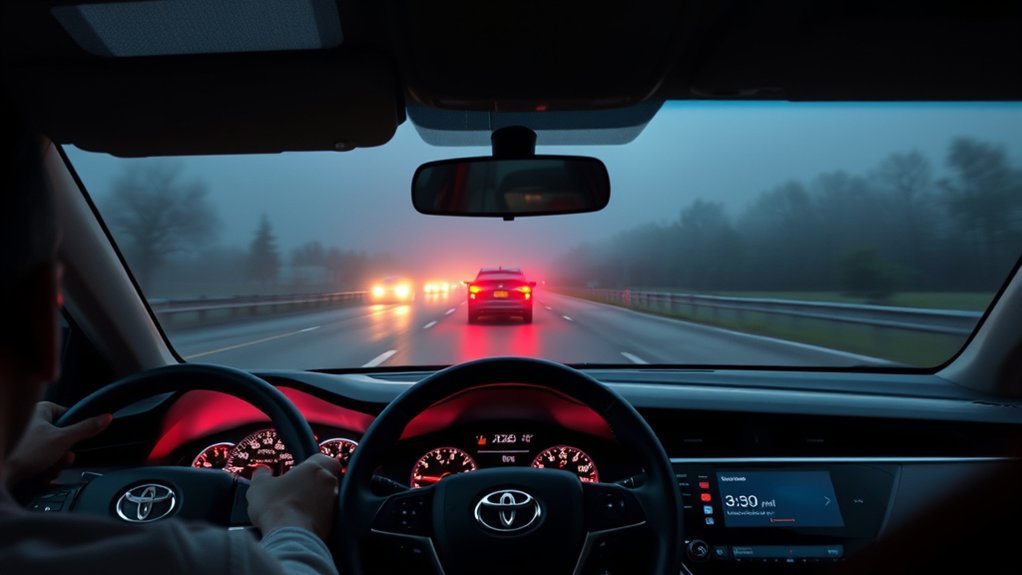
Turn off radar cruise control whenever the system may not read the road or vehicles accurately. That includes heavy rain, snow, fog, icy roads, roadwork, narrow lanes, sharp curves, steep hills, poor lane visibility, and traffic where drivers are braking or merging unpredictably.
Poor Weather Conditions
Heavy rain, snow, ice, fog, mud, and road spray can reduce visibility, traction, and sensor reliability. If water, snow, ice, or dirt blocks the radar sensor area or camera view, the system may become unavailable or respond less predictably. Cancel cruise control, slow down, increase your following distance, and drive manually.
| Condition | Risk | Safer Choice |
|---|---|---|
| Heavy rain | Reduced visibility and traction | Manual control |
| Snow or ice | Sensor blockage and longer stopping distance | Manual control |
| Fog | Limited forward visibility | Manual control |
| Mud, bugs, or road grime | Blocked radar/camera area | Clean sensors before using |
Unpredictable Traffic Flow
Do not use radar cruise control when traffic is aggressive, crowded, or unpredictable. Sudden merges, short gaps, hard braking, motorcycles, pedestrians, cyclists, and vehicles crossing your lane can demand faster judgment than the system is designed to provide. If you feel the car is waiting too long to slow, brake yourself.
Roadwork and Narrow Lanes
Roadwork often brings temporary lane markings, cones, barriers, uneven pavement, workers, and sudden lane shifts. These are poor conditions for driver-assistance systems. Take manual control so you can position the Camry precisely and follow posted work-zone speeds.
Curves, Hills, and Cut-Ins
Radar cruise control may have trouble when the road bends sharply, crests a hill, drops downhill, or when another vehicle cuts in close. A lead vehicle can also leave your lane suddenly and reveal stopped traffic ahead. In these cases, be ready to brake before the system does.
Quick Troubleshooting & When to Take Manual Control
If the Camry shows a radar cruise warning or the system behaves in a way you do not expect, cancel it and drive manually. Most quick issues are related to unsuitable conditions, blocked sensors, low speed, driver-assist limitations, or a system fault that needs service.
| What You Notice | Possible Cause | What to Do |
|---|---|---|
| Radar cruise unavailable message | Blocked sensor, bad weather, system condition, or fault | Drive manually, clean sensor areas, check manual, contact dealer if it stays on |
| Cruise will not set | Speed too low, brake applied, system not ready, warning light active | Use manual control and retry only in suitable conditions |
| Vehicle brakes late or feels unsure | Cut-in, curve, slick road, or sensor limitation | Brake yourself and cancel cruise |
| Distance feels too close | Following-distance setting too short for conditions | Choose a longer gap or drive manually |
| Warning remains after cleaning | Possible sensor, camera, calibration, or system issue | Schedule Toyota service |
Tips to Optimize Comfort and Safety With Radar Cruise
Radar cruise control feels best when you use it early, smoothly, and conservatively. Set it only when traffic flow is predictable. Avoid waiting for the system to solve a problem you already see developing.
Set Appropriate Following Distance
Match the distance setting to traffic, speed, visibility, and road surface. Use a longer gap at higher speeds, around trucks, in dense traffic, near ramps, or anytime drivers are changing lanes often. A shorter gap should be reserved for clear, dry, steady conditions where you still have enough room to brake manually.
Monitor Surroundings Continuously
Keep scanning far ahead, not just the vehicle directly in front of you. Watch brake lights several cars ahead, lane changes, ramps, shoulders, construction signs, and weather changes. The system can help manage speed, but it cannot read the entire driving scene the way an alert driver can.
Keep Sensors Clean and Visible
Clean the windshield camera area and the front radar sensor area gently when dirt, snow, ice, bugs, or road grime builds up. Do not place stickers, accessories, or covers where they can block sensors. If the bumper, grille, windshield, or sensor area has been damaged or repaired, have the system checked by a Toyota dealer before relying on radar cruise.
Use Lane Tracing Assist With Care
On equipped Camry models, Lane Tracing Assist can work with Dynamic Radar Cruise Control when lane markers or a preceding vehicle are detected. It may help with lane-centering support, but it still requires your attention. Keep your hands ready and steer when the lane markings, curves, construction zones, or traffic demand it.
Radar cruise control can lower workload on steady roads, but lower workload is not the same as lower responsibility. Stay engaged the whole time.
Frequently Asked Questions
How does radar cruise control affect fuel efficiency?
Radar cruise control may help smooth speed changes on steady roads, but it is not mainly a fuel-saving feature. Fuel economy depends on speed, traffic, terrain, tire condition, wind, temperature, cargo, and how often the system accelerates or brakes. Use it for comfort and consistent spacing, not guaranteed mileage gains.
Can radar cruise be used in heavy rain or snow?
No. Do not rely on radar cruise control in heavy rain, snow, ice, fog, or any low-visibility condition. Weather can reduce traction, increase stopping distance, and block or confuse sensors. Drive manually, slow down, and leave more room.
Does radar cruise work with adaptive lane centering?
Yes, on Camry models equipped with Lane Tracing Assist, lane-centering support may work when Dynamic Radar Cruise Control is active and the system detects lane markers or a vehicle ahead. It is still driver assistance only. You must steer and monitor the road.
Will radar cruise resume after a complete stop?
Some Camry models with Full-Speed Range Dynamic Radar Cruise Control can slow to a stop and may resume under certain conditions. The resume behavior can depend on model year, stop duration, traffic, system status, and driver input. Watch the display and follow your owner’s manual.
How do software updates change radar cruise performance?
Software updates may change the way Toyota Safety Sense features operate, display warnings, or respond to certain conditions. They do not guarantee that every radar cruise function changes or improves. Check the Toyota app, your digital owner’s manual, and your Toyota dealer for your exact vehicle and software version. Toyota also provides over-the-air multimedia update information for equipped vehicles.
Why does my Camry say radar cruise control is unavailable?
Common causes include dirty sensors, heavy rain, snow, fog, direct sun glare, poor road markings, system temperature limits, low traction, or a fault that needs service. Cancel cruise control, clean the sensor areas gently, and retry only when conditions are suitable. If the warning remains, contact a Toyota dealer.
Is Dynamic Radar Cruise Control the same as self-driving?
No. Dynamic Radar Cruise Control helps with speed and following distance. It does not make the Camry autonomous, and it does not remove your responsibility to steer, brake, accelerate, and avoid hazards.
Should I use standard cruise or radar cruise?
Use radar cruise when traffic ahead may change speed and conditions are suitable. Use standard cruise only on open roads with light traffic because it holds speed without managing distance. In complex traffic, poor weather, or construction, use manual control instead.
Conclusion
Camry Dynamic Radar Cruise Control works best as a highway comfort feature. Use it when the road is clear, traffic is steady, and you can keep monitoring everything around you. Set a sensible speed, choose a longer following distance when in doubt, and cancel the system in bad weather, roadwork, sharp curves, slick conditions, or erratic traffic. The safest driver is still the one paying attention.
Sources
- Toyota Safety Sense — backs up DRCC, TSS 3.0, and Lane Tracing Assist feature descriptions.
- Toyota Camry Manuals and Warranties — owner-manual source for exact model-year operation.
- Toyota Owners: 2025 Camry Dynamic Radar Cruise Control — backs up Camry DRCC distance-control function.
- NHTSA Driver Assistance Technologies — backs up driver-assistance safety context and owner-manual guidance.
- NHTSA Automated Vehicle Safety — backs up driver responsibility with assistive vehicle technologies.
- Federal Highway Administration: Adaptive Cruise Control and Driver Engagement — backs up adaptive cruise workload benefits and attention cautions.