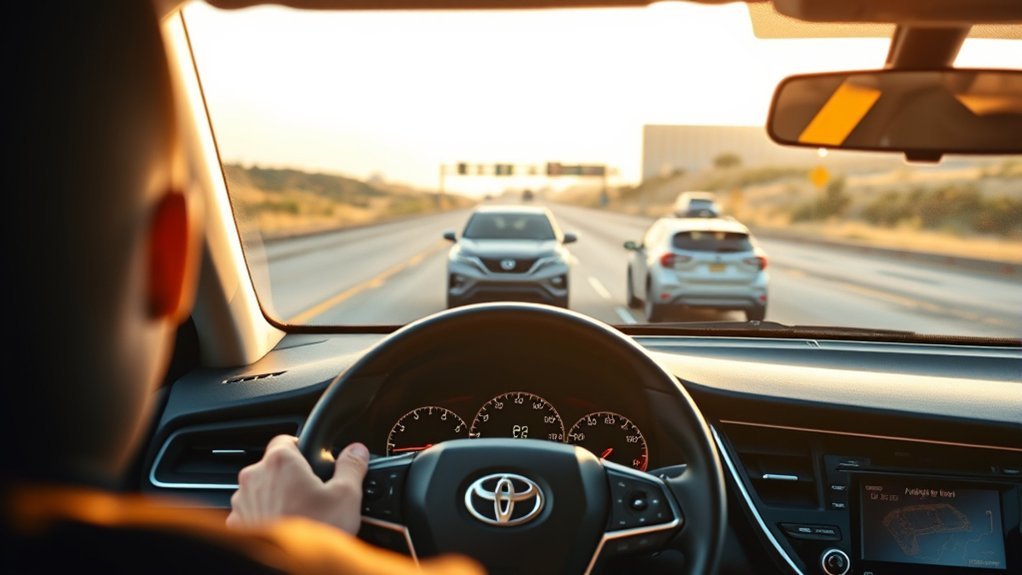
Use Radar Cruise Control on your Camry for steady highway speeds, long trips, and smooth stop‑and‑go traffic where the system can maintain a safe following distance. Set speed with the Dynamic Radar Cruise Control button and pick three, two, or one bar for maximum, moderate, or minimum spacing. Turn it off in heavy rain, snow, fog, roadwork, or erratic traffic and take manual control for sudden decelerations or malfunctions. Continue below to learn practical setup and troubleshooting tips.
Set Speed & Following Distance on a Camry
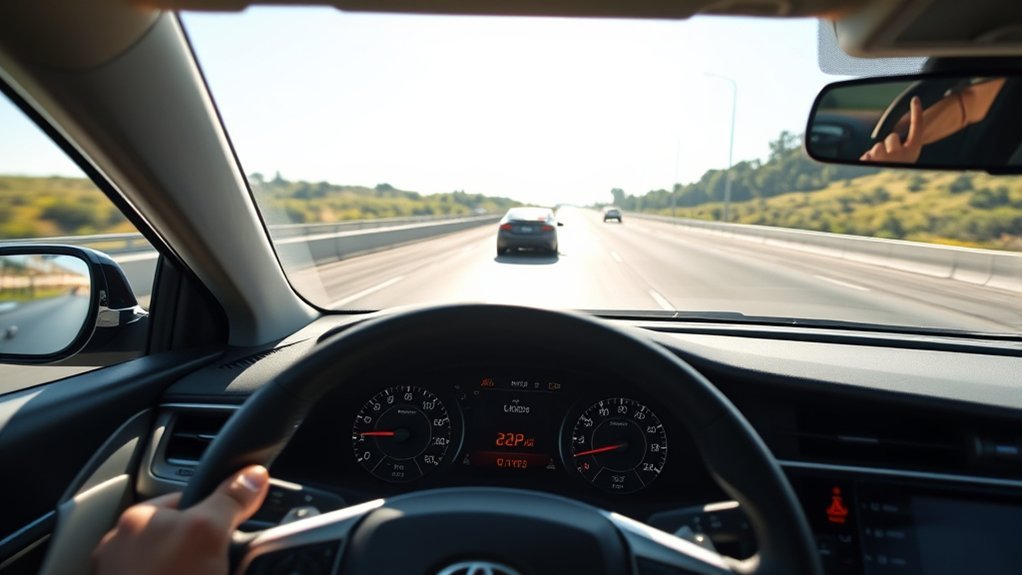
When you reach your desired speed in a Camry, press the Dynamic Radar Cruise Control button (the speedometer with a car icon) to set speed and engage the system; the dashboard will display “radar ready” to confirm it’s active. You’ll use that input to lock in speed settings precisely, freeing you from constant throttle corrections. For following distance, choose among three distance adjustments: three bars for maximum separation, two bars for a moderate gap, and one bar for the minimum gap based on your comfort and conditions. The radar monitors the vehicle ahead and applies braking automatically when it decelerates, preserving the selected following distance without abrupt inputs from you. If you need to override control, brake to cancel temporarily and press the cruise button to resume the prior set speed and distance. This setup gives you measured control, predictable responses, and safer, more liberated driving when you rely on data-driven automation.
Best Uses: Highways, Long Trips, and Stop‑and‑Go Traffic
Although radar cruise control shines on open highways, it’s equally valuable on long trips and in stop‑and‑go traffic because it continuously adjusts speed to maintain a preset safe gap, reducing driver workload and fatigue while improving consistent headway management. You’ll use it on highways to maintain steady speed and ideal following distance, cutting micro‑adjustments and conserving attention. On long trips it delivers measurable fatigue reduction by automating throttle and braking, letting you focus on strategy and route choices. In stop‑and‑go traffic the system applies brakes and resumes smoothly, lowering stress during congested commutes and urban driving. You can set distance to maximum, closer, or minimum depending on comfort and risk tolerance; choose longer gaps for safety and liberation from constant vigilance.
| Situation | Benefit | Suggested Distance |
|---|---|---|
| Highway | Steady speed, less input | Maximum |
| Long trips | Fatigue reduction | Maximum/Closer |
| Stop‑and‑go | Smooth braking/resume | Closer/Minimum |
Switch Between Dynamic Radar and Standard Cruise on a Camry
If you need a constant speed without adaptive braking, hold the Camry’s cruise activation button (the speedometer with a car icon) for two seconds to change Dynamic Radar Cruise Control to Standard Cruise Control; the dashboard radar icon will disappear to confirm the change. You’ll lose adaptive distance management: Standard Cruise holds speed only, so you must adjust for traffic manually. Mode advantages are clear—Standard gives steady speed control for predictable cruising and simpler control feel; Dynamic Radar adds automatic spacing and speed reduction for congested or variable traffic.
Switching tips: confirm the radar icon status immediately, scan traffic, and set a safe following distance before accelerating or decelerating. To reclaim adaptive functionality, press the activation button again when conditions demand automatic spacing. Stay aware of vehicle spacing and control dynamics during changes to maintain safety and comfort. These actions give you freedom to choose control mode aligned with road conditions and personal driving strategy.
When to Turn Off Radar Cruise Control (Safety Limits)
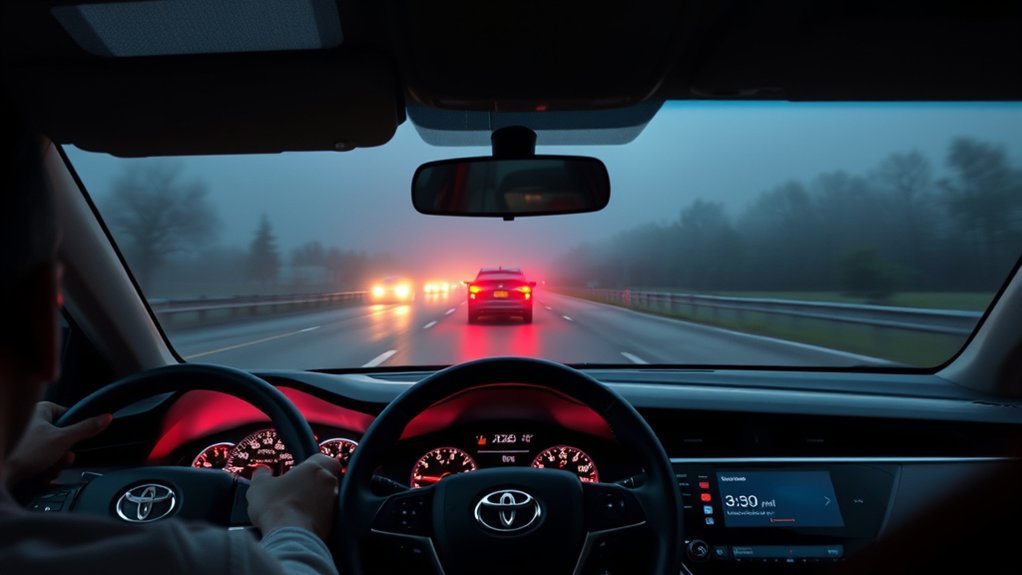
Turn off radar cruise control in poor weather—heavy rain, snow, or fog can reduce sensor range and increase stopping distance beyond system limits. You should also disengage when traffic flow is unpredictable or stop‑and‑go, since the system may lag on sudden braking or erratic drivers. Finally, deactivate it in roadwork, narrow lanes, or other constrained environments where tight clearances and shifting lanes demand full manual control.
Poor Weather Conditions
When heavy rain, snow, or fog reduces visibility and traction, you should disable radar cruise control so you can manually manage speed and following distance. You’ll act decisively when sensor limitations and visibility issues compromise radar and camera inputs. Ice or snow on sensors distorts distance readings; slippery surfaces reduce braking effectiveness. The system’s automatic braking may not respond reliably, so take control to set conservative speeds and larger gaps. Prioritize manual inputs when detection uncertainty rises — that choice protects you and others and reclaims control.
| Condition | Risk |
|---|---|
| Heavy rain | Sensor scatter, reduced range |
| Snow/ice | Accumulation, false readings |
| Fog | Attenuated signals, low contrast |
Unpredictable Traffic Flow
Because radar cruise control relies on predicted, steady vehicle behavior, you should disable it in heavy or stop-and-go traffic where frequent braking and acceleration are required; doing so gives you immediate, manual control to respond to sudden merges, erratic drivers, and short gaps. You’ll regain direct control when traffic patterns become chaotic—dense flows, unpredictable lane changes, or a lead vehicle that brakes irregularly. Data-driven practice: systems react slower to rapid speed fluctuations and can’t anticipate human errors, increasing collision risk during sudden stops. If the car ahead moves erratically, or visibility and surface traction vary, disengage radar cruise control. Choosing manual control liberates you to execute precise, timely maneuvers and prioritize safety over automated convenience.
Roadwork And Narrow Lanes
If you’re driving through roadwork or tight lanes, disable radar cruise control so you can precisely manage speed and positioning around uneven surfaces, temporary barriers, and crews. You need manual control when construction challenges reduce lane visibility and markings; sensors can misread barricades or lane shifts. In narrow lanes, the system’s automatic responses may lag or apply braking unpredictably, so you’ll maintain safer clearances and react to sudden obstacles. Manually control speed to follow reduced limits and changing traffic patterns. Trust your judgment and hands-on freedom; the system’s automation isn’t built for every temporary layout. Stop relying on sensors where ambiguity exists and reclaim responsibility for precise, safe vehicle placement.
- Stay present, stay alive.
- Control equals freedom.
- Choose clarity over automation.
Quick Troubleshooting & When to Take Manual Control
How do you know it’s time to take over? If the dash displays a malfunction warning or “radar not ready,” initiate manual override immediately and stop relying on the system. In heavy traffic or unpredictable situations, take manual control—your inputs are faster and more adaptable than automated responses.
If the car ahead moves erratically, or road conditions degrade (rain, snow, ice), disengage radar cruise control and drive manually; these conditions reduce sensor reliability. When the vehicle ahead suddenly decelerates and the system fails to respond promptly, grab controls without delay to prevent collision. Trust measurable cues: error messages, delayed braking, or inconsistent following distances signal system limitations.
Always be prepared to switch to manual control if you feel uneasy about performance or external factors change rapidly. Prioritize control and freedom over automation when safety metrics fall below acceptable thresholds—your intervention is the final safety layer.
Tips to Optimize Comfort and Safety With Radar Cruise
Set your following distance to match traffic conditions—choose one to three bars so you maintain 1–2 seconds in dense flow or 2–4+ seconds in heavy or high-speed traffic. Keep scanning mirrors and blind spots every few seconds and confirm the dash shows “radar ready” to verify the system can respond. Be ready to steer, brake, or accelerate manually at any moment to preserve safety if spacing changes or sensors are obscured.
Set Appropriate Following Distance
Because radar cruise control can vary in responsiveness across conditions, choose your following distance to match traffic density and speed so reaction time stays adequate; use the maximum (three bars) in heavy or urban traffic, and drop to two or one bar on open highways when visibility and speed allow. You’ll apply following distance strategies and traffic density considerations continuously: inspect flow, set bars, and be ready to intervene. This optimizes safety and riding freedom without surrendering control.
- Feel confident: three bars give buffer in chaotic city streets.
- Feel empowered: two bars balance comfort and caution on moderate roads.
- Feel liberated: one bar on clear highways restores smooth progress.
Measure settings against speed, stay alert, and adjust proactively.
Monitor Surroundings Continuously
Keeping an eye on the vehicles around you is the best complement to choosing the right following-distance setting: radar cruise will handle throttle and braking to maintain a gap, but you must continuously scan speeds, closing rates, and lane movements so you can intervene if patterns change. You monitor relative velocity and lateral motion, using adaptive feedback from the system to confirm it’s responding as expected. Stay ready to take control when merge behavior, sudden braking, or nonstandard lane changes occur; the radar won’t detect all obstacles or road-surface issues. Adjust distance settings to match highway or urban density, and use peripheral vision to track merging vehicles. Prioritize driver awareness so automation expands your freedom without sacrificing safety.
Frequently Asked Questions
How Does Radar Cruise Control Affect Fuel Efficiency?
You’ll see modest fuel savings because radar cruise control smooths speed and reduces unnecessary braking, boosting driving comfort and efficiency; data show variable gains (often 3–7%), while you stay safer and more liberated on longer trips.
Can Radar Cruise Be Used in Heavy Rain or Snow?
You shouldn’t rely on radar cruise in heavy rain or snow; reduced sensor performance creates safety considerations and system limitations. Stay in control, override the system, reduce speed, and choose manual driving to preserve your freedom and safety.
Does Radar Cruise Work With Adaptive Lane Centering?
Yes — you can use radar cruise with adaptive lane centering in many Camry models; adaptive features and lane assist cooperate to maintain speed, gap, and lane position, but you’ll still monitor conditions and intervene for safety and freedom.
Will Radar Cruise Resume After a Complete Stop?
Yes — it’ll usually resume after a complete stop if stop detection stayed engaged and you set a resume speed; rely on sensors, follow safety prompts, and don’t assume autonomy—stay ready to intervene for freedom and safety.
How Do Software Updates Change Radar Cruise Performance?
Software updates change radar cruise performance by applying software enhancements and performance adjustments that refine sensor fusion, braking response, gap-keeping, and false-detection filtering, so you’ll experience safer, more predictable control and greater driving freedom.
Conclusion
You’ve seen when Dynamic Radar Cruise Control works best — highways, long trips, and stop‑and‑go traffic — and how to set speed and following distance for safety. Want to reduce fatigue while keeping a safe gap on long hauls? Use radar when visibility and road conditions are good, switch to standard cruise in complex situations, and turn it off for slippery, construction, or sensor‑blocked roads. Monitor sensors and be ready to take control.