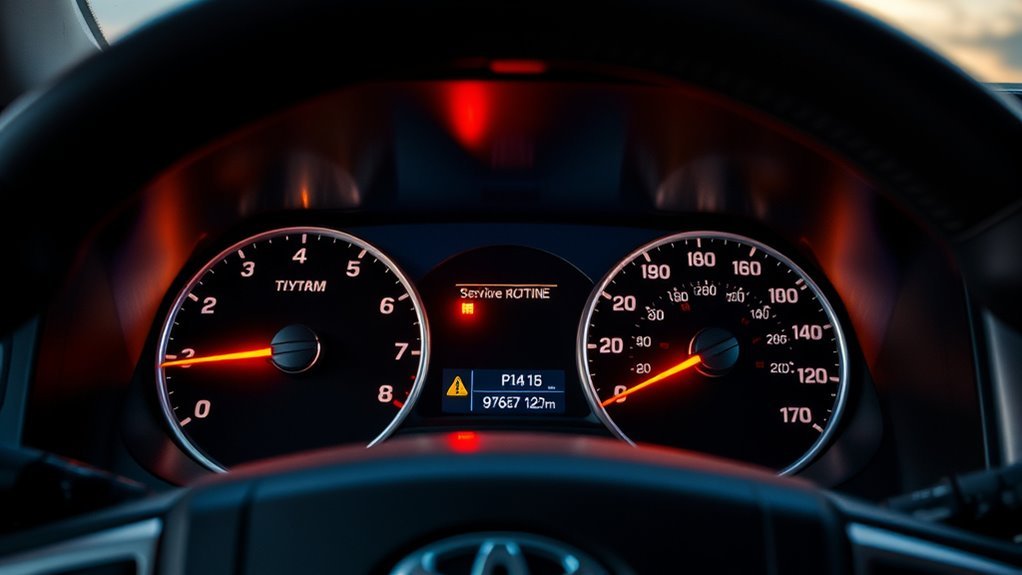
On a Toyota Tundra, the Maintenance Required light is usually a scheduled-service reminder, not a fault code. For most 2007–2021 Tundras, it reminds you to follow Toyota’s maintenance schedule every 5,000 miles or six months, then reset the reminder after the required service is complete. The exact reset method depends on your model year and instrument cluster.
Quick Answer
For many 2007–2017 Tundras, select Trip A, turn the ignition off, hold the trip reset button, then turn the ignition to ON without starting the engine until the reminder clears. For many 2018–2021 Tundras, use the multi-information display’s Vehicle Settings menu and choose the maintenance reset option.

Key Takeaways
- The Maintenance Required light is a service reminder, not the same thing as the Check Engine light.
- Toyota recommends scheduled maintenance at 5,000 miles or six months, whichever comes first, for the 2021 Tundra maintenance schedule.
- Normal-service oil changes may not be due at every 5,000 miles on all Tundras; some 5,000-mile visits are inspections, tire rotation, and fluid checks.
- Reset the light only after you have completed or confirmed the required service.
- If the light returns immediately or other warning lights appear, stop treating it as a simple reminder and inspect the truck or get professional diagnosis.
At a Glance
| Time Required | 1–3 minutes |
| Difficulty | Easy |
| Tools Needed | None |
| Cost | Free |
What the Maintenance Required Light Means on a Tundra
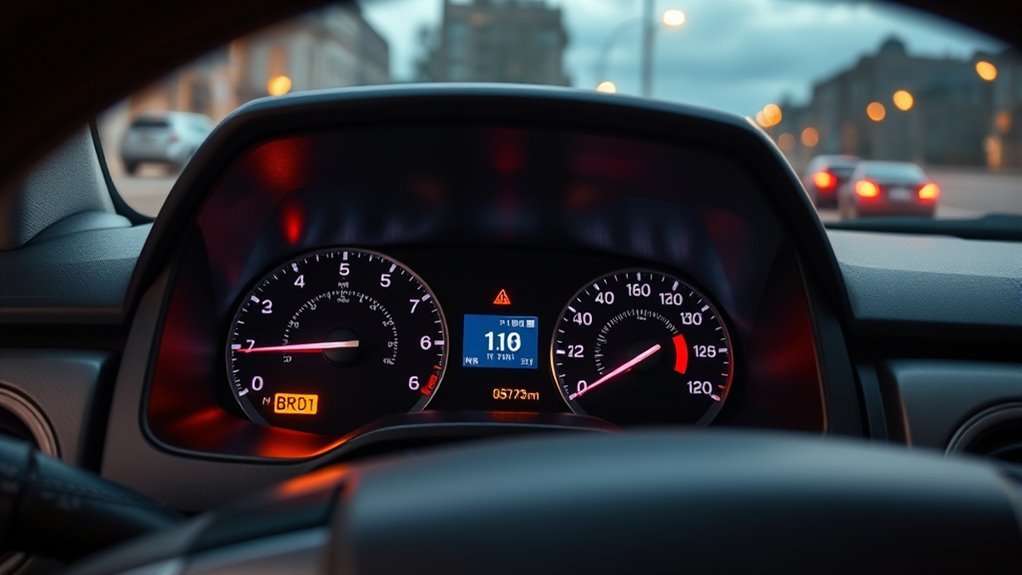
The Maintenance Required light means the truck is due for scheduled maintenance based on mileage or time. It is mainly tied to Toyota’s maintenance schedule, which includes items such as tire rotation, fluid checks, brake inspections, wiper blade inspection, and engine oil and filter replacement at the proper interval.
For a 2021 Tundra, Toyota’s official Warranty & Maintenance Guide says scheduled maintenance should be obtained every 5,000 miles or six months, whichever comes first. It also says to reset the oil replacement reminder light or “Oil Maintenance Required” message after maintenance at every 5,000 miles. You can confirm your exact schedule in the official Toyota Tundra owner resources or the 2021 Toyota Tundra Warranty & Maintenance Guide.
Note: The reminder does not tell you which exact service item is due. Check your maintenance log, mileage, oil history, and owner’s manual before assuming it only means an oil change.
Maintenance Required vs. Check Engine Light
The Maintenance Required light is a routine-service reminder. The Check Engine light is different: it means the engine, emissions, or powertrain control system has detected a possible fault that may need diagnosis.
| Light | What it usually means | What to do |
|---|---|---|
| Maintenance Required | Scheduled maintenance is due. | Perform or verify service, then reset the reminder. |
| Check Engine | A fault code may be stored. | Scan for diagnostic trouble codes and repair the cause. |
| Oil pressure, brake, battery, temperature, or flashing warning | A potentially urgent system warning. | Do not ignore it. Stop safely if needed and inspect the truck. |
Warning: Do not clear dashboard lights to hide symptoms. If the truck runs rough, stalls, loses power, overheats, shows low oil pressure, or has a Check Engine light, diagnose that issue before resetting reminders.
Which Tundra Models Use This Reminder?
Second-generation Toyota Tundras from 2007 through 2021 use a maintenance reminder, but the reset method is not identical across every year. Earlier trucks usually use the trip-meter button method. Later trucks with a multi-information display often use steering-wheel controls and a settings menu.
| Model years | Typical reset style | Important note |
|---|---|---|
| 2007–2017 | Trip A / trip-reset button | Most use the physical instrument-cluster button sequence. |
| 2018–2021 | Multi-information display menu | Some clusters use steering-wheel controls and Vehicle Settings. |
| 2022 and newer | Digital settings menu | The third-generation Tundra uses newer menus; consult the year-specific manual. |
Before You Reset the Light
Take a minute to confirm the truck is actually ready for a reset. This keeps the reminder useful instead of turning it into a dashboard decoration you ignore.
- Check your mileage and date. Toyota schedules maintenance by mileage or months, whichever comes first.
- Confirm the service was done. Look for an oil-change sticker, receipt, maintenance app entry, or glovebox log.
- Look for other warning lights. A Check Engine light, oil-pressure warning, brake warning, or temperature warning needs attention before a simple reset.
- Use the right reset method for your cluster. If your truck has a menu-based display, use the display menu instead of forcing the older Trip A method.
Resetting the light should be the final step after service, not a shortcut around service.
Reset the Maintenance Light on 2007–2017 Tundra Models
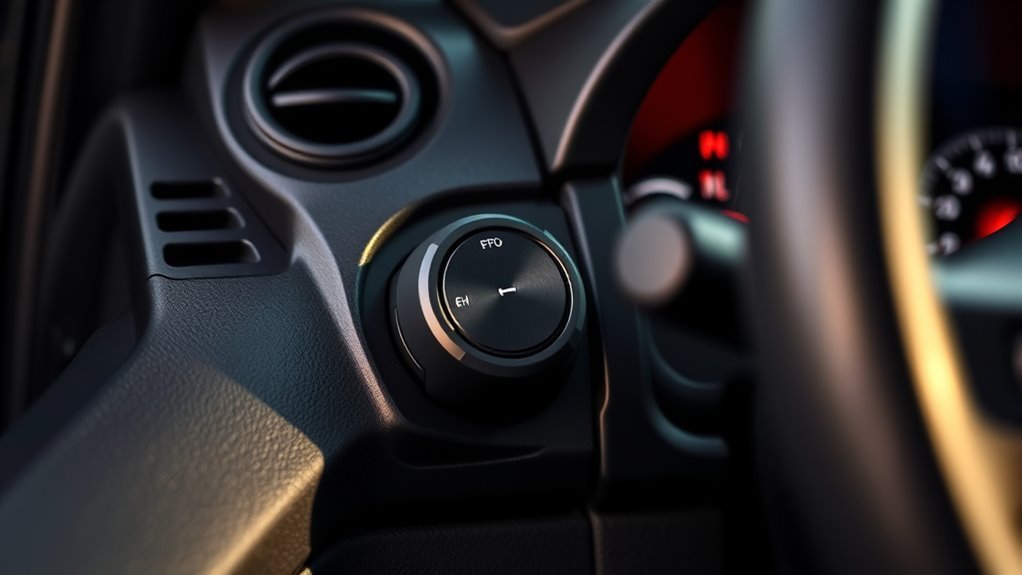
Use this method on many 2007–2017 Toyota Tundras with a physical trip/odometer reset button.
- Park safely and turn the ignition to ON without starting the engine.
- Press the trip/odometer button until the display shows Trip A.
- Turn the ignition completely OFF.
- Press and hold the trip/odometer reset button.
- While holding the button, turn the ignition back to ON without starting the engine.
- Keep holding the button until the display finishes its reset sequence and the maintenance light turns off.
- Release the button, turn the ignition off, then start the truck to verify the light is gone.
Pro Tip: The most common mistake is starting from the wrong display. Set the meter to Trip A before turning the ignition off and beginning the button-hold sequence.
Reset the Maintenance Message on 2018–2021 Tundra Models
Many 2018–2021 Tundras use the multi-information display. The wording can vary slightly by trim, but the path is usually through the settings menu.
- Turn the ignition on without starting the engine, or use accessory mode if equipped with push-button start.
- Use the steering-wheel controls to open the multi-information display.
- Go to the Settings or gear icon.
- Select Vehicle Settings.
- Choose the maintenance or scheduled maintenance reset option.
- Select Yes when the truck asks you to confirm the reset.
- Restart the truck and verify that the maintenance message is cleared.
If you do not see a maintenance reset menu, check the owner’s manual for your exact year and trim. Toyota’s digital manual pages explain that maintenance settings are accessed through the vehicle settings screen, and Toyota also provides year-specific owner resources through its official manuals portal.
If the Maintenance Light Will Not Reset
If the reminder stays on, the issue is usually a missed step rather than a broken system. Work through these quick checks first.
| Problem | Likely cause | Fix |
|---|---|---|
| Light stays on after reset | Wrong display selected | Start again and confirm Trip A or the correct menu item. |
| Reset sequence never starts | Button released too early | Hold the button until the reset completes. |
| Menu option is missing | Different cluster or trim | Use the owner’s manual for your exact year and display. |
| Light returns quickly | Service interval not reset or another issue exists | Repeat once, then inspect maintenance history and warning lights. |
[Products Worth Considering]

ECOGARD X5608 is a premium cartridge oil filter designed for a wide range of Toyota, Lexus, and Scion vehicles. It helps protect your engine by screening out harmful contaminants and is built for use with both synthetic and conventional oils. Included O-rings support a proper housing seal for dependable maintenance between oil changes.

FOCUSFILTER 04152-YZZA1 OEM grade oil filter is designed to help protect your engine with reliable filtration and 10K mile protection. It cross references multiple OE part numbers and fits a wide range of Toyota and Lexus applications, making it a practical replacement for routine maintenance. Built for compatible vehicles including Camry, Avalon, Highlander, Tacoma, RAV4, Sienna, ES 350, and RX 350.

This 12-pack oil filter and drain plug washer set is designed for a wide range of Toyota and Scion vehicles, helping support clean oil flow and dependable engine performance. It replaces several common OE part numbers and offers an easy-fit solution for routine maintenance. Built with corrosion-resistant materials and efficient filtration, it helps keep engine contaminants out and supports longer service life.
Common Services Behind the Light
The reminder points you back to the maintenance schedule, not one single repair. For the 2021 Tundra schedule, the 5,000-mile service includes checking the driver’s floor mat installation, inspecting and adjusting fluid levels, inspecting wiper blades, rotating tires, and visually inspecting brake linings, drums, pads, and discs. Engine oil and filter replacement appears at normal 10,000-mile intervals, and at 5,000-mile intervals under certain special operating conditions such as dusty roads, towing, heavy loading, repeated short cold trips, or extensive idling.
- Oil and oil filter: Replace at the interval that applies to your engine, oil type, and driving conditions.
- Fluid checks: Inspect engine oil level, coolant, brake fluid, power steering fluid if equipped, and sealed driveline components for leaks.
- Tire rotation: Rotate tires at scheduled intervals to help even out tread wear.
- Brake inspection: Visually inspect brake pads, discs, drums, and linings.
- Filters: Inspect or replace engine and cabin air filters according to schedule and driving conditions.
Note: If you tow, drive dusty roads, idle for long periods, or make repeated short trips in freezing weather, your Tundra may need oil service more often than a lightly used highway truck.
[Products Worth Considering]

This upgraded aluminum oil filter housing cap is designed as a direct replacement for compatible Toyota and Lexus models, helping restore a secure, reliable seal for the oil filter housing. Built from durable aluminum, it offers improved strength and heat resistance over factory plastic covers, while the included gasket and plug support straightforward installation and dependable leak-free performance.

This oil filter housing cap assembly is designed as a direct replacement for a wide range of Toyota and Lexus vehicles, helping restore a secure seal for proper oil filtration. It is made for easy installation and tested for compatibility with multiple part numbers and model years. The package includes the cap, plug, and gasket for a complete replacement solution.

Toyota Lexus Transfer & Differential Service Gasket Kit
When Not to Reset the Maintenance Light: Get a Mechanic
Do not keep clearing the reminder if it returns immediately after a correct reset or if other symptoms are present. The Maintenance Required light itself is not a fault code, but it can appear at the same time as real mechanical or electrical problems.
Persistent Warning Indicators
If the light stays on after you carefully repeat the correct procedure once, stop guessing. Verify the service record, check for other dashboard lights, and scan for diagnostic trouble codes if the Check Engine light is also on.
- Confirm the required maintenance was actually completed.
- Check whether the warning is Maintenance Required or another alert.
- Repeat the correct reset procedure once, carefully.
- If warnings remain, have the truck inspected by a qualified technician.
Complex Driveability Issues
A reset will not fix rough idle, stalling, transmission lag, throttle hesitation, electrical dead zones, overheating, low oil pressure, or a flashing Check Engine light. Those symptoms need diagnosis.
| Symptom | Action needed |
|---|---|
| Transmission lag | Diagnostic scan and fluid/leak inspection |
| Throttle hesitation or loss of power | Engine and electronic throttle diagnosis |
| Dashboard controls not responding | Electrical testing |
| Recurring or multiple warning lights | Professional inspection before clearing anything |
Easy Ways to Track Maintenance
A reset is only useful if your records are accurate. Toyota recommends keeping detailed maintenance records that include date of service, mileage, and the work or parts installed. A paper log and a digital backup make that simple.
Glovebox Maintenance Log
Keep a small notebook or printed maintenance sheet in the glovebox. After every service, write down:
- Date and odometer mileage
- Service performed
- Shop name or DIY note
- Oil viscosity, filter part number, and other parts used
- Next due mileage and date
Google Keep Backup
Use Google Keep, Notes, or any simple app as a searchable backup. Store photos of receipts, oil labels, filter boxes, tire invoices, and odometer readings. Tag entries with “Tundra maintenance” so you can find them quickly before the next reset.
Pro Tip: Add a recurring calendar reminder for six months after service. Toyota’s schedule uses mileage or time, so low-mileage trucks still need date-based attention.
Tools, Parts, and Useful Online Resources for DIY
You do not need tools to reset the maintenance light, but you do need the right supplies for the service behind it. Keep a basic maintenance kit ready so the light becomes a useful prompt instead of a last-minute scramble.
- Owner’s manual and maintenance guide: Use the year-specific Toyota schedule for your exact truck.
- Oil and filter supplies: Match the oil viscosity and filter to your engine and manual.
- Fluid-check basics: Keep clean rags, a funnel, and the correct fluids on hand.
- Receipt storage: Save paper receipts and take digital photos.
- Recall lookup: For safety concerns unrelated to routine maintenance, check your VIN through the NHTSA recall lookup.
[Products Worth Considering]

Toyota Lexus Transfer & Differential Service Gasket Kit

Kit Includes: 2 Front Inner Tie Rods; 2 Front Lower Ball Joints; 2 Front Outer Tie Rods; 2 Front Sway Bar Links; 2 Front Upper Ball Joints
Frequently Asked Questions
Is it safe to drive if my Tundra says Maintenance Required?
Usually, yes for short-term driving, as long as no other warning lights or symptoms are present. The light normally means scheduled service is due. Still, do not ignore it for weeks; check your mileage, service history, fluid levels, and owner’s manual schedule.
Does Maintenance Required just mean oil change?
Not always. It can line up with oil service, but it also points to the scheduled maintenance checklist. Depending on mileage and driving conditions, the visit may include tire rotation, fluid checks, brake inspection, filter inspection, or oil and filter replacement.
Why will my Tundra maintenance light not reset?
The most common causes are selecting the wrong trip display, releasing the reset button too early, using the button method on a menu-based cluster, or not confirming the reset in the vehicle settings menu. Repeat the correct year-specific method once, then inspect further if it still will not clear.
Can I reset the light without changing the oil?
The truck may let you reset it, but you should not reset it just to hide the reminder. Confirm the scheduled service first. If oil service is not due yet, still check the maintenance schedule for tire rotation, fluid inspection, brake inspection, or other items.
Is the Maintenance Required light the same as the Check Engine light?
No. Maintenance Required is normally a scheduled-service reminder. The Check Engine light means a system fault may be stored and should be diagnosed with a scan tool, especially if the truck runs poorly or the light flashes.
Conclusion
You can reset a Toyota Tundra Maintenance Required light in minutes, but the smart move is to treat it as a service checkpoint first. Confirm what maintenance is due, complete the work, write down the date and mileage, then reset the reminder using the correct method for your model year. If other warning lights or driveability symptoms are present, do not mask them with a reset—diagnose the truck and protect the engine, brakes, and drivetrain.
Sources
- Toyota Owners: 2021 Tundra Manuals and Warranties — official owner manual and warranty resource portal.
- 2021 Toyota Tundra Warranty & Maintenance Guide — factory maintenance intervals, recordkeeping guidance, and reminder reset notes.
- Toyota Owners: Tundra Maintenance Requirements — official example of Toyota’s menu-based maintenance reminder reset instructions on newer Tundras.
- Toyota Support: Repair Information and Publications — Toyota’s official guidance for owner’s manuals, repair manuals, service publications, and TIS access.
- Federal Trade Commission: Auto Warranties, Routine Maintenance, and Repairs — consumer guidance on routine maintenance and warranty coverage.
- National Highway Traffic Safety Administration Recall Lookup — official VIN-based recall and safety campaign search.