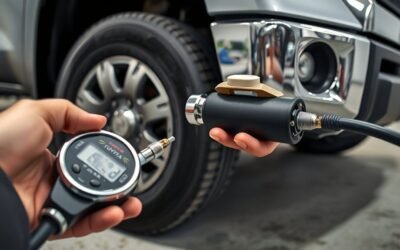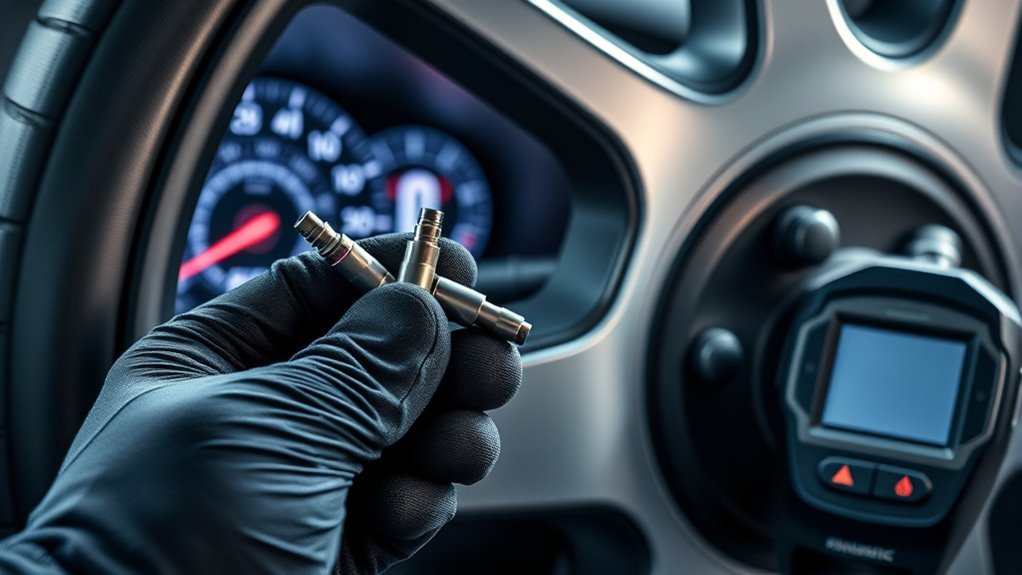
You’ll want a reset when you’ve fixed tire pressure, swapped a tire without changing sensors, or cleared a simple fault—reset clears status codes but doesn’t teach the ECU which sensor is where. Relearn is required when sensors are new, swapped, or wheels rotated; it programs each sensor’s unique ID to the ECU so pressures map to wheel positions. Relearn methods include OBD, auto drive, or stationary tool activation, and following the exact procedure avoids persistent warnings—keep going to learn how.
Quick Answer: TPMS Reset vs Relearn – Are They the Same?
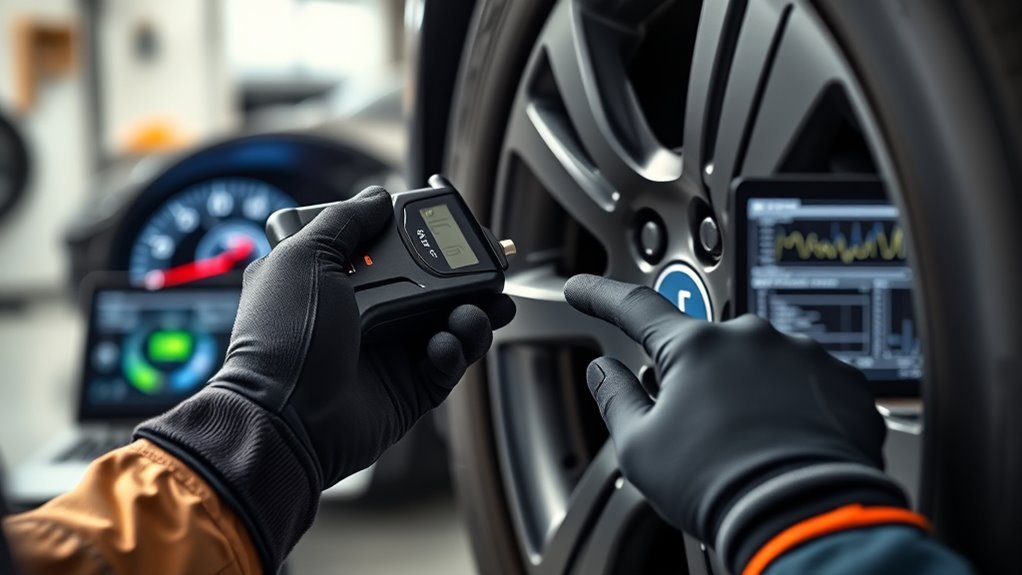
Although the terms are often used interchangeably, they aren’t the same: a TPMS reset just clears the light or updates system status after simple fixes, while a relearn programs the ECU with each sensor’s unique IDs so the vehicle can accurately track pressures. You’ll use a reset when you’ve topped a tire or replaced a sensor and need the warning light silenced or the dash to reflect current status. Don’t assume that clears sensor identification—relearn does the mapping the ECU needs. When you fit new sensors or rotate tires, relearn is mandatory; skip it and the car can’t match IDs to wheel positions, producing false readings or a stubborn warning light. You’ll perform reset steps via the dash controls; you’ll perform relearn with a TPMS scan tool and a prescribed procedure. Know the distinction, act decisively, and you’ll avoid wasted parts and regain control of your vehicle’s safety systems.
When to Use a TPMS Reset (What It Does and When It Helps)
When you’ve corrected tire pressure, rotated tires, or replaced a tire without changing sensors, perform a TPMS reset to clear ECU fault codes and let the system re-evaluate wheel positions. Remember a reset only clears codes—it doesn’t program sensor IDs like a relearn does—so use it when the sensors are unchanged and the warning was pressure-related. If your car uses automatic relearn, you may not need a manual reset after routine service.
When To Reset
If your TPMS light comes on after you’ve adjusted pressures or swapped a tire, reset the system right after correcting the issue so it recognizes the new pressures and stops false warnings. You’ll restore accurate monitoring and avoid nagging alerts. Pay attention to reset frequency—reset after every pressure correction, tire replacement, or sensor swap.
- After inflating/deflating tires: reset once pressures are correct to prevent repeated alerts.
- After replacing a tire or sensor: reset to clear old data and allow fresh monitoring.
- After rotation (if manual reset required): reset immediately; don’t rely on driving alone.
- When troubleshooting persistent warnings: reset, then inspect for leaks or faulty sensors.
Avoid common mistakes like resetting before fixing leaks or skipping resets after swaps.
Reset vs Relearn
Because a reset simply clears stored pressure readings and doesn’t teach the ECU new sensor IDs, you should use it for quick fixes—like after correcting pressures or clearing a false warning—but not as a substitute for relearn procedures when sensors are replaced, rotated, or newly programmed. Use reset to silence a transient TPMS warning light after you verify pressures and sensor compatibility; it buys time and keeps you moving. But when you install new sensors, rotate tires, or change sensor types, perform a relearn so the ECU maps IDs to wheel positions. Technicians who skip relearn risk misreads and repeat faults. Be decisive: reset for verification, relearn for permanent fixes. That’s how you reclaim control of TPMS reliability.
TPMS Relearn Explained: OBD, Auto, and Stationary Methods
When you replace or program TPMS sensors you’ll use one of three relearn methods: OBD relearn transfers sensor IDs directly to the ECU with a scan tool, auto relearn lets the vehicle register sensors after a short drive and pressure changes, and stationary relearn activates sensors at rest with a TPMS tool. Follow the vehicle-specific procedure—OBD is fastest and most universal, auto is hands-off but vehicle-dependent, and stationary is ideal when driving isn’t possible or multiple ignition cycles are required. Make sure every sensor is relearned so the ECU recognizes OEM or aftermarket units and the system functions correctly.
OBD Relearn Process
Although it bypasses driving and ignition cycling, the OBD relearn process transfers TPMS sensor IDs straight to the ECU through a diagnostic tool, streamlining the procedure into fewer, more reliable steps. You’ll appreciate OBD advantages and clearer sensor compatibility when you need a fast, predictable relearn. Use a calibrated TPMS scan tool, keep its software updated, and follow the vehicle-specific protocol.
- Connect the TPMS tool to the OBD-II port and power the vehicle per tool prompts.
- Select vehicle make/model; confirm tool firmware supports the protocol (ATEQ covers most).
- Read/install sensor IDs one-by-one or via batch transfer; verify ECU acknowledgment.
- Clear codes, confirm TPMS lamp extinguishes, and document the relearn for traceability.
Auto And Stationary
Having covered OBD relearns and their direct ECU programming benefits, let’s look at the two tire-side methods you’ll use when a scan tool isn’t practical: auto and stationary relearns. You’ll choose auto when you want tool-free recovery: inflate tires to spec, drive the required distance, and the vehicle learns new IDs—auto relearn benefits are real for field simplicity and speed. Stationary relearn is for when driving’s impossible; you’ll use a TPMS activation tool and follow ignition cycles and inflation steps to teach the ECU each sensor. Expect stationary relearn challenges: extra steps, repeated cycles, and model-specific quirks. Execute procedures precisely—improper steps leave warning lights or wrong pressure readings. Follow sequence and inflation specs to reclaim control.
Programming vs Ready/OEM Sensors : When Programming Is Required
If you’re fitting aftermarket TPMS sensors, you’ll need to program them to the vehicle’s year, make and model so the ECU can recognize their IDs; ready and OEM sensors usually eliminate that step because they arrive pre-programmed. You’ll assess sensor compatibility, pick programming options, and act decisively so customers regain freedom from warning lights and downtime.
- Confirm vehicle fitment and sensor compatibility; aftermarket units need programming to match ECU expectations.
- Choose programming options: bench flash, on-vehicle programming tool, or dealer-level software depending on sensor type and shop capability.
- Install ready or OEM sensors without programming when they’re pre-programmed—this trims service time and reduces error risk.
- Train technicians to distinguish programming from relearning; wrong assumptions leave non-transmitting sensors and persistent faults.
You’ll standardize procedures, keep programming tools current, and empower your team to deliver liberating, reliable TPMS service without unnecessary steps.
Step-by-Step Workflows for Common Shop Jobs (Sensor Replace, Rotation, Cloning)
Start with a clear checklist: gather the correct sensor (OEM or programmed aftermarket), a TPMS scan tool with up-to-date software, the vehicle’s relearn procedure, and OBD cable or activation tool as required. For sensor replacement: remove wheel, fit new sensor, perform sensor programming with your tool, then run the vehicle’s relearn procedures so the ECU accepts the new ID. Use OBD relearn when available to push IDs directly and save time.
For tire rotation: rotate tires to new positions, then trigger a relearn so the ECU maps each sensor to its new corner; you can do this via the scan tool’s activation routine or the vehicle’s manual sequence. For cloning sensors: copy the donor ID to the blank sensor, verify the cloned ID matches, then complete a relearn to confirm system recognition. Keep your tool’s software updated to avoid compatibility failures. Follow each step deliberately and you’ll free the vehicle from TPMS faults fast.
Troubleshooting: Why the TPMS Light Stays On After Service
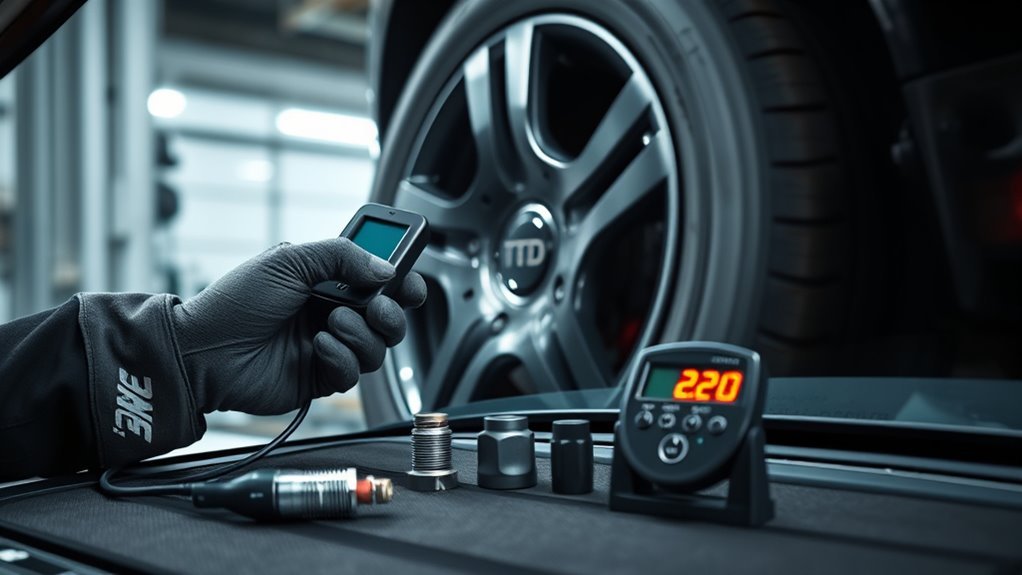
When the TPMS light stays on after service, it usually signals a mismatch between the sensors and the ECU—most commonly because sensors weren’t programmed, IDs weren’t relearned correctly, or your scan tool/software isn’t compatible or up to date. You’ll want methodical checks so you can fix the warning light and reclaim control.
- Verify sensor compatibility: confirm part numbers, frequencies, and protocols match the vehicle; aftermarket mismatches often won’t transmit.
- Check relearn procedure: follow the exact OEM sequence—incorrect ID teaching leaves the ECU blind to new sensors.
- Confirm programming: verify newly installed sensors were programmed to vehicle specs; unprogrammed sensors read as missing.
- Re-scan and isolate: use a compatible scan tool to read sensor IDs and ECU status; if IDs exist but warning persists, inspect antenna/ECU comms and wiring.
Be decisive: document steps, eliminate variables, and only move to deeper diagnostics once basics are verified.
Tools, Updates, and Training to Speed Up TPMS Service
You’ve confirmed the sensor-ECU mismatch and ruled out basic wiring or compatibility problems; now speed and consistency come down to the right tools, up-to-date software, and trained technicians. Choose a TPMS scan tool that guarantees TPMS tool compatibility with the vehicles you service; that removes guesswork during relearns and reduces failed registrations. Track software update frequency for your tools—install updates weekly or per vendor advisories so new vehicle protocols and bug fixes arrive before customers walk in.
Favor multi-application sensors that arrive pre-loaded with protocols to boost sensor installation efficiency and cut programming steps. Train technicians on the distinction between programming and relearning so they stop swapping good sensors and restore systems faster. Make procedural checklists for relearn flows, use tool logs to confirm successes, and require refresher drills after major updates. These measures free you from repeat visits, improve throughput, and reclaim time for higher-value work.
Best Practices and Checklist for Flawless TPMS Service
Although TPMS service involves both sensor programming and ECU relearns, treat them as distinct steps and follow a strict checklist so nothing gets missed. You’ll separate programming aftermarket sensors from the relearn, using updated tools and documented procedures so work is fast and correct. Emphasize TPMS training techniques that teach techs to diagnose sensor compatibility challenges and select the right sensor before mounting.
Treat sensor programming and ECU relearns as separate, checklist-driven steps—verify compatibility, train techs, and document everything.
- Verify sensor compatibility, part numbers, and battery life; swap if needed.
- Program or clone aftermarket sensors per maker specs; log serials and software versions.
- Perform the vehicle-specific relearn (auto, stationary, or OBDII) with a compatible scan tool; confirm ECU recognizes each sensor.
- Test-drive and validate pressures and fault codes; clear historical DTCs and record final test results.
Follow this checklist every time. You’ll reduce comebacks, eliminate guesswork, and free your team to deliver reliable, liberated service.
Frequently Asked Questions
What Is the Difference Between TPMS Activation and Programming?
Activation tells your ECU to accept a programmed sensor; programming configures blank or aftermarket sensor types to vehicle specs. You’ll use specific activation methods and a scan tool, so you can confidently finish the TPMS job.
What Does Resetting TPMS Do?
Want clarity on what resetting does? You’ll clear fault codes and relight the TPMS after correcting tire pressure, but it won’t perform sensor calibration or register new IDs; you’ll still need relearn steps if sensors changed.
How Long to Drive After Resetting TPMS?
Drive about 10–30 minutes at 15–25 mph after resetting TPMS; that’ll let the ECU relearn sensors. Follow TPMS maintenance tips, check sensor replacement frequency, and troubleshoot if the warning light stays on.
Can TPMS Sensors Be Programmed After Installation?
Yes — you can program sensors after installation. You’ll activate each sensor, use vehicle-specific programming methods and tools, then perform a relearn; this frees you from ECU errors and restores accurate tire pressure monitoring.
Conclusion
You’ll notice reset and relearn aren’t the same, and getting them mixed up can leave a light on or a customer annoyed—so don’t let coincidence be the reason you repeat work. When you reset, you clear ECU memory; when you relearn, you teach the ECU new sensor IDs. Follow the right procedure, use proper tools, and confirm IDs. Do that every time, and the next time a TPMS light comes on, you’ll fix it fast and right.