Hook up safely: confirm hitch, lights, brakes, chains, and mirrors. Set and save a precise Tundra trailer profile with dimensions and weight. Use the Wi‑Fi camera centered for rear view and tilt mirrors for tire paths. Back slowly, make tiny steering inputs (left turns trailer right), pull forward to realign, and use Straight Path Assist and guide arrows for consistency. Practice cone drills and use a spotter until corrections feel instinctive — keep going to pick up advanced tips.
Quick Checklist Before You Hook Up a Trailer
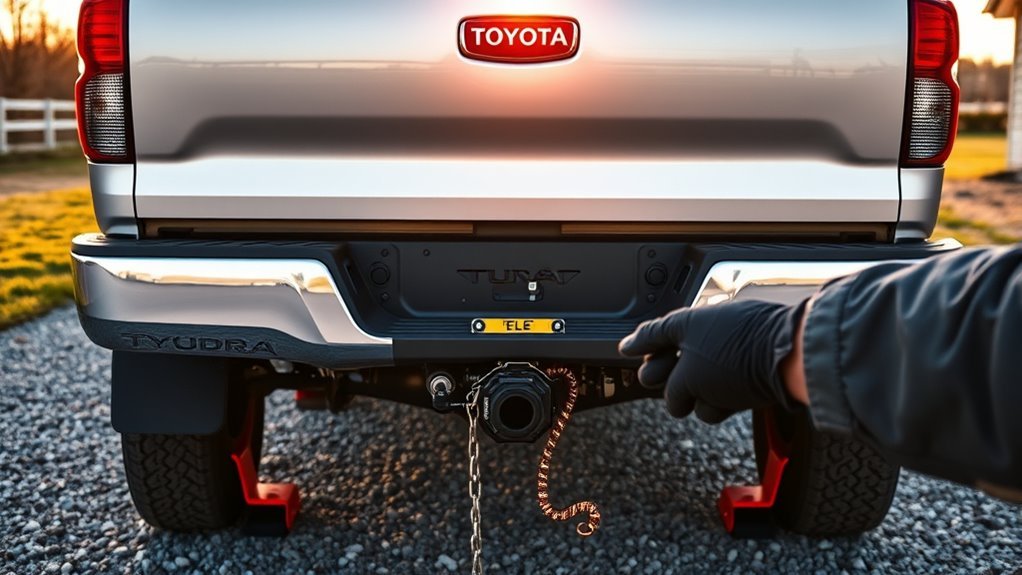
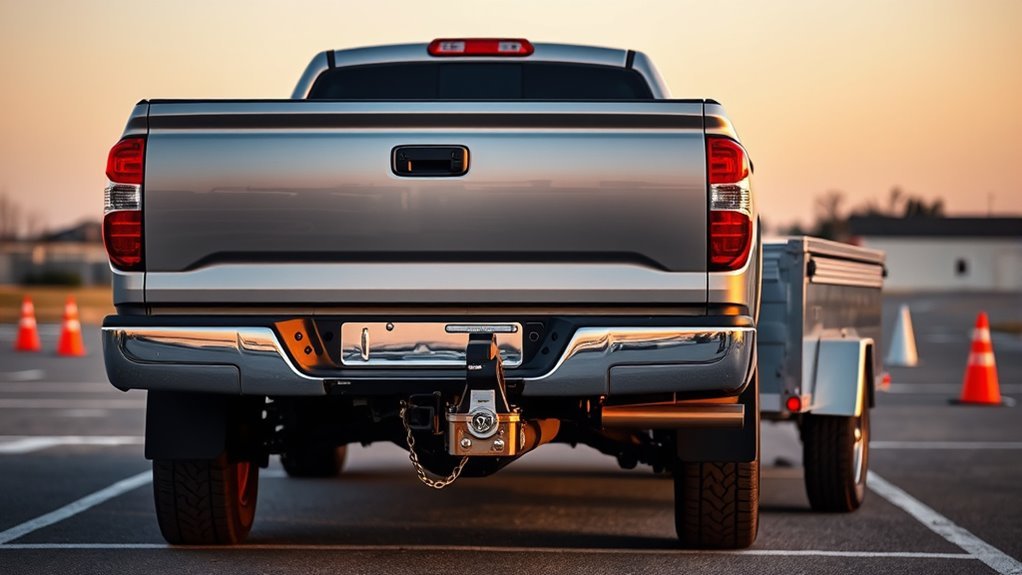
Before you hitch up, run a quick, systematic check: confirm your Tundra has the proper towing package and hitch for the trailer’s weight, verify trailer lights and brakes work, weigh and balance the load to stay within towing limits, attach and cross the safety chains under the coupler, and adjust your mirrors for clear visibility while driving and backing. You’ll want to verify the hitch rating matches the trailer weight and that the ball size is correct. Test turn signals, brake lights, and electric brakes on a helper or with a reflective surface. Measure tongue weight and redistribute cargo if you’re off-spec—stability is freedom. Securely attach safety chains crossed beneath the coupler so the trailer can’t drop if the hitch fails. Finally, set mirrors to minimize blind spots, then walk a perimeter check: tires, coupler latch, and connections. This routine keeps you confident and liberated on the road.
How to Set Up and Save Your Tundra Trailer Profile
Once your pre-hitch checklist is complete, set up a trailer profile in the Tundra’s infotainment system so you don’t have to re-enter dimensions and weights each time. Go to the trailer settings menu, enter precise trailer dimensions and make initial weight adjustments for tongue and gross trailer weight. Save the profile with a clear name using the “Save” option so you can recall it instantly when hooking up.
The system stores multiple profiles, so you can switch between trailers without retyping data. While entering numbers, use the vehicle’s tools to verify measurements and positioning for accuracy. If you modify your trailer—add cargo, change tongue gear, or alter length—update that profile immediately to maintain correct towing behavior and safety margins. You’ll gain freedom and confidence by relying on saved, current profiles rather than memory alone. Keep profiles current; accurate trailer dimensions and weight adjustments protect you, your load, and everyone on the road.
Use the Tundra’s Wi‑Fi Camera and Mirrors Together
Use the Tundra’s built‑in Wi‑Fi trailer camera and your mirrors together to create a complete, real‑time view when backing up; the camera feed shows directly behind the trailer while your tilted side mirrors reveal tire position and ground obstacles, and the on‑screen trailer backup guides add directional arrows to help you align. You’ll want deliberate camera positioning—confirm the camera is centered and unobstructed before you move. Make mirror adjustments by tilting the outer edges down so you can watch tire paths and curb clearance; small tweaks matter. As you reverse, split your attention: trust the camera for rear-center awareness and the mirrors for lateral cues and low hazards. Follow the screen’s guide arrows to hold your intended arc, and correct with modest steering inputs. Stay vigilant, cycling glance patterns between screen and mirrors to eliminate blind spots. This method frees you from guesswork, lets you navigate tighter spaces, and builds confident, controlled backing without sacrificing safety.
Basic Steering Rules: Why Left Moves the Trailer Right
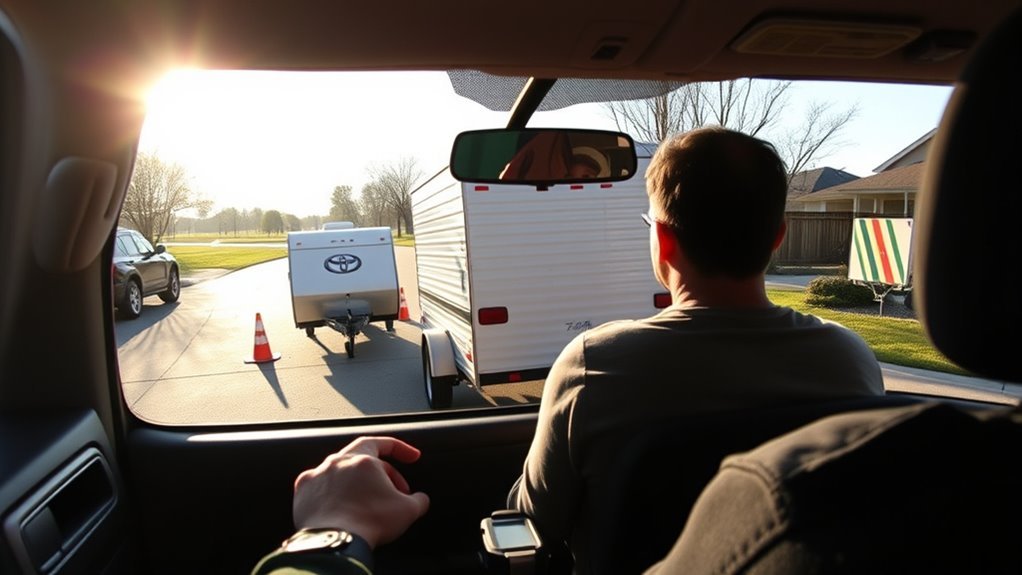
Because the trailer pivots at the hitch, turning your steering wheel left will make the trailer swing right — and the opposite is true: right steering pushes the trailer left. Understand this pivot and you reclaim control. When you reverse, think in opposites: your steering techniques must counterintuitively push the trailer where you want it, not where the truck points. Use consistent visual reference points—side mirrors, corner of the trailer, a distant landmark—to judge trailer alignment as you move. Practice small, deliberate inputs to build muscle memory; sudden corrections amplify error. Focus on gradual steering adjustments to nudge the trailer into line rather than fighting large angles. This disciplined approach reduces obstacles, guards against jackknifing, and keeps your path straight. You’ll gain the confidence to back without fear, turning a tricky maneuver into a predictable skill. Master these basics and the trailer becomes an extension of your intent, not an adversary.
Step‑By‑Step Backing Procedure for Beginners
Start by lining up your truck and trailer straight with plenty of room behind you, and confirm there are no obstacles nearby. Use the Wi‑Fi trailer camera to watch the trailer’s path as you begin. Know your trailer size so you judge pivot points and turning radius; longer trailers need smaller, more deliberate inputs. Put the truck in reverse, glance at mirrors, and apply slow, steady throttle.
Remember steering is opposite: a left turn sends the trailer right, so make small adjustments. If it veers, pull forward to realign rather than overcompensate. Use short backing bursts, then stop and reassess camera and mirrors. Keep movements minimal—tiny corrections add up. Stay calm and assertive; each minute you practice these backing techniques increases freedom and control. When aligned, continue straight back with steady speed until you reach your target, then stop and secure the trailer.
Use Straight Path Assist and Guide Arrows to Stay Straight
Flip on the Straight Path Assist with the toggle and let the Tundra control steering while you keep an eye on the trailer. Use the on-screen guide arrows to make the small manual corrections needed to center the trailer on your intended line. Keep checking your mirrors for obstacles as you practice combining the guide arrows and Straight Path Assist for consistent, straight backing.
Use Guide Arrows
When you engage the Tundra’s trailer backup guides and Straight Path Assist, the on-screen arrows give clear, real-time cues so you can make small, precise steering corrections to keep the trailer moving straight. Use the guide arrows as your primary reference; their guide arrow accuracy improves with practice and helps you trust the system. Watch the display and make minimal directional adjustments when arrows shift — overcorrecting undermines control. Familiarize yourself with arrow layout so you’re decisive, not hesitant, during tight maneuvers. Let Straight Path Assist support you, but stay alert: confirm visuals and surroundings before committing. Relying on the guide arrows frees you to focus on final positioning and safe, confident reversing.
Enable Straight Path
Engage Straight Path Assist to let the Tundra take over small steering adjustments while you monitor the trailer backup guide arrows; this keeps your trailer tracking straight and reduces constant manual corrections so you can focus on positioning and surroundings. You’ll feel liberated as the system handles subtle steering adjustments for consistent trailer alignment, especially in tight spots. Watch the guide arrows to confirm direction and override when needed. Use this feature regularly to build confidence and efficiency; it’s designed to minimize manual torque and teach you predictable responses. Trust the assist, stay observant, and practice deliberate maneuvers to master precise parking and unloading.
| Feature | Benefit |
|---|---|
| Straight Path Assist | Consistent trailer alignment |
| Guide Arrows | Visual confirmation |
| Reduced manual inputs | Less fatigue |
| Regular use | Faster skill gain |
Fix Jackknife, Drift, and Common Backing Problems
A straight, controlled response is your best remedy for jackknifes, drift, and other backing problems. When the trailer starts folding toward the cab, resist the urge to turn sharply; move forward to realign the trailer with the truck for jackknife prevention. Think of the truck as pushing the trailer—this mental model sharpens your steering adjustments and trailer control.
If the trailer drifts, apply small, gradual steering adjustments rather than big corrections; that’s the core of drift correction. Keep mirror monitoring constant so you catch misalignment early and avoid obstacles. Use clear backing strategies: slow speed, minimal steering input, and visual checkpoints on the trailer.
You’ll accelerate progress by practicing in varied practice environments that simulate tight lots and open areas. Each session reinforces trailer alignment instincts and refines steering adjustments. Stay calm, deliberate, and liberated—mastery comes from focused repetition and confident trailer control.
Practice Backing Drills to Build Confidence and Skill
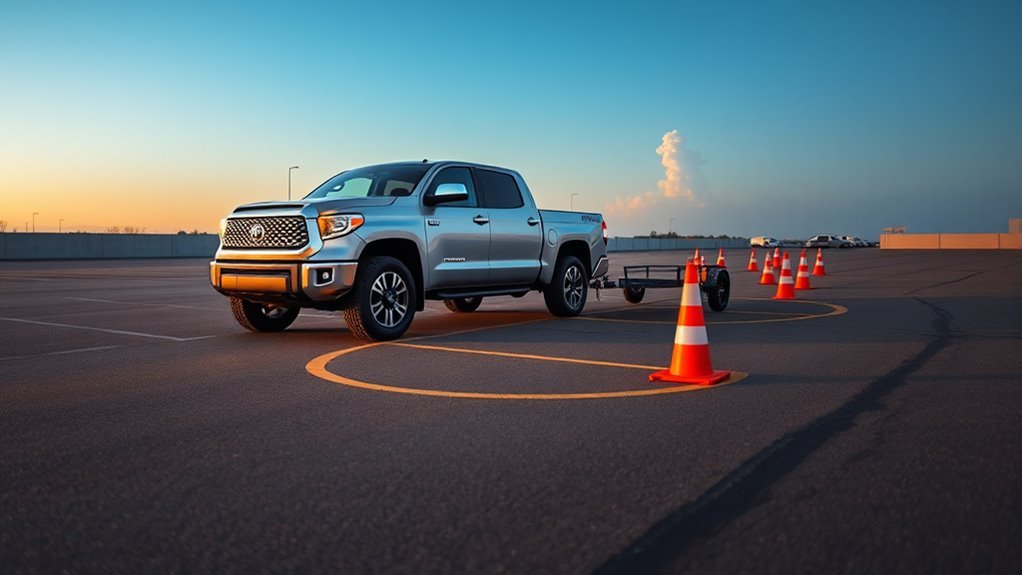
Now that you’ve practiced correcting jackknifes and drift, build real skill with focused backing drills that simulate the situations you’ll face on the road. Set up a practice area using cones for obstacle simulation and force yourself to read tight lines. You’ll develop spatial awareness by repeatedly negotiating marked routes and noting how the trailer responds.
Make micro adjustments with small, deliberate steering inputs; that’s where control and calm replace panic. Place visual references on the trailer and around the lot to keep alignment and predict swing angles. Use a spotter for guidance — their feedback accelerates learning and keeps you safe while you test limits.
Rotate practice scenarios: straight reversals, 90-degree turns, and staggered obstacles. Track progress, increase complexity, and celebrate mastery of each drill. These targeted sessions free you from fear, sharpen judgment, and turn backing into a reliable skill rather than a guessing game.
Unloading and Finishing Checks After a Successful Back
Once the trailer’s in place and the engine’s off, set the parking brake and confirm the rig won’t roll before you touch the load. With that security, assess load distribution—shift or brace items so weight’s balanced for controlled unloading. Scan the area for obstacles, uneven ground, or bystanders; unloading safety depends on a clear workspace. Detach wheel chocks only when you’re ready to move cargo, and verify safety chains and electrical connections are handled per procedure before stepping away. Use deliberate, unhurried motions when lowering ramps or operating winches; liberation comes from mastery, not haste.
After the load’s out, perform final inspections: check trailer lights, tires, hitch components, and structural points for wear or damage. Secure any loose items, fold and lock ramps, and stow gear tidy so the rig’s ready for the next run. Confirm chains and connectors are properly reattached or stored. These steps protect you, your gear, and the freedom to roll again with confidence.
Frequently Asked Questions
Are Toyota Tundras Good for Pulling Trailers?
Yes — you can confidently tow with a Tundra; its towing capacity and strong 5.7L V8 give muscle, and integrated trailer brakes plus tow/haul and backup aids let you control loads and reclaim freedom on the road.
Conclusion
You’ve got the checks, tech, and technique—now trust yourself. Like a compass steadying a ship, your Tundra’s cameras, mirrors, and saved profile keep you on course; when you steer left, the trailer goes right, and that rule becomes reflex. Start slow, correct early, and practice the drills until they feel automatic. Finish each run with unloading and final checks, and you’ll build confidence and skill that lasts trip after trip.