By: Vance Ashford · Last updated: July 31, 2026 · Reviewed against current Toyota, Apple, and Google owner resources
If your Toyota Tacoma’s USB port is not working, diagnose the symptom and model year before replacing parts. On 2020–2023 Tacomas, factory Apple CarPlay and Android Auto use the USB media port, while separate USB ports provide charging. On 2024–2026 Tacomas, Toyota provides wireless phone projection and USB-C data/charging ports, plus separate charging ports. A 2019 or earlier factory Tacoma system does not support Apple CarPlay or Android Auto.
Start with the correct port, a known-good data cable, and a second phone or device. A phone that charges does not prove that the cable or port can transfer data. If the correct port fails with multiple known-good devices, the socket, wiring harness, fuse-fed circuit, or multimedia system may need professional diagnosis.
Quick Answer
For a Toyota Tacoma USB port that will not charge or connect, confirm the port’s purpose and the truck’s model year. Test a direct data-capable cable and a second device, restart the phone and multimedia system, inspect the connector, and check phone-projection settings. Check a fuse only when the affected port has no power and your model-year manual identifies the related circuit. Stop using a loose, hot, melted, or burnt-smelling port.
Safety: Park the Tacoma before changing phone or multimedia settings. Turn the vehicle off before inspecting a fuse or cleaning a connector. Do not troubleshoot menus, cables, or ports while driving.
Key Takeaways
- A Tacoma may have a USB media/data port and separate charging-only ports. They are not interchangeable.
- Factory Apple CarPlay and Android Auto begin with the 2020 Tacoma. Most 2020–2023 systems use wired projection; 2024–2026 systems support wireless projection.
- A cable can charge a phone while failing to carry the data needed for CarPlay or Android Auto.
- Never replace a fuse with a higher-amperage fuse. If the correct replacement blows again, stop and have the circuit diagnosed.
- Wireless CarPlay and Android Auto do not charge the phone. Use a 12V USB adapter or Qi charging pad for backup charging.
At a Glance
| Time Required | 10–30 minutes for basic checks |
| Difficulty | Easy for cable, device, cleaning, and settings checks; moderate for fuse inspection |
| Tools Needed | Known-good USB data cable, second phone or device, flashlight, soft dry brush or clean compressed air, owner’s manual, and fuse puller if checking fuses |
| Cost | Varies. Basic checks may cost nothing; cable, port, wiring, and multimedia repairs depend on the required part and local labor. |
Which Tacoma USB Port Should You Use?
Tacoma USB layouts and phone-projection features changed across generations. Match your truck to the table before deciding that a port is defective.
| Tacoma Model Year | Factory USB and Projection Setup | What It Means for Diagnosis |
|---|---|---|
| 2019 and earlier | USB media and charging layouts vary. The 2019 Tacoma had a USB media port and separate USB charging ports, but no factory Apple CarPlay or Android Auto. | A failure to launch CarPlay or Android Auto is not a USB fault on the original factory system. Diagnose charging or USB audio only. |
| 2020–2023 | Factory Apple CarPlay and Android Auto use the USB media port. Separate ports are provided for charging. | Use the media port and a direct data cable for phone projection. A charging-only port will not launch CarPlay or Android Auto. |
| 2024–2026 | Toyota Audio Multimedia supports wireless Apple CarPlay and Android Auto. Toyota also provides USB-C data/charging and separate charging ports. | If USB-C works but wireless projection fails, focus on Bluetooth, Wi-Fi, pairing records, and multimedia software rather than replacing the USB port. |
Toyota’s model-year information confirms the separation between USB media/data connections and charging-only ports. Equipment can still vary by trim, region, multimedia package, and aftermarket modifications, so use your truck’s owner’s manual as the final reference.
How Do You Fix a Toyota Tacoma USB Port Not Working?
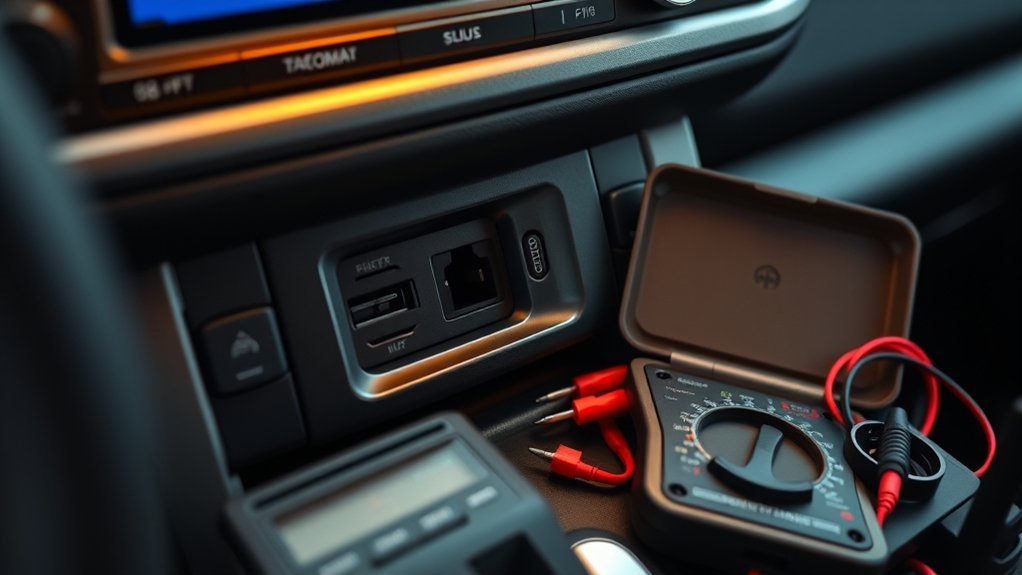
Work through these checks in order. Change one item at a time and retest so you can identify whether the cable, device, port, settings, or vehicle circuit caused the failure.
[Products Worth Considering]

This USB C to USB A carplay cable is designed to keep compatible iPhone and iPad devices connected and charged while driving. It supports fast charging and data sync for reliable everyday use on road trips and commutes, with broad compatibility across newer iPhone and iPad models. The included cable offers a simple plug-and-play solution for CarPlay and in-car charging needs.

This 2-in-1 wireless adapter converts factory-wired CarPlay into a cable-free experience for compatible vehicles, helping you enjoy seamless phone integration with less clutter. It supports automatic reconnection, stable Bluetooth and Wi-Fi pairing, and broad compatibility with many factory-installed CarPlay systems. Built with a durable metal and acrylic design, it also includes firmware updates and lifetime technical support for continued convenience.

This wireless CarPlay adapter upgrades compatible factory wired CarPlay or Android Auto systems with wireless connectivity and built-in entertainment apps. Enjoy navigation, calls, music, and hands-free control through Apple CarPlay, plus streaming from popular video platforms when connected to a hotspot. It also supports USB media playback and an HD media port for rear-seat entertainment on road trips and daily drives.
1. Confirm Which USB Port You Are Using
Before testing the port, place the Tacoma in the ignition mode specified in its owner’s manual. A port that requires ACC, ON, or READY can appear dead when the vehicle is fully powered down.
Then identify the port’s purpose. A charging-only port may power a phone but will not carry USB audio, Apple CarPlay, or Android Auto data. For 2020–2023 trucks, use the USB media port for factory wired phone projection. On 2024–2026 trucks, use the USB-C data/charging port when testing a wired data connection.
If the problem is no charging at all, test the other cabin charging ports. One failed port points more strongly toward a local socket or connector fault. Several failed ports may indicate the ignition state, a shared circuit, wiring, or a power-management issue.
2. Test a Known-Good Cable and Device
A damaged, charge-only, or poorly made cable can charge slowly, disconnect when moved, or fail to transfer data. Google recommends a high-quality cable for Android Auto and advises using a cable under 3 feet (1 meter) without a USB hub or extension. Apple recommends testing a different cable and another compatible USB port when wired CarPlay fails.
- Use a direct cable that supports both charging and data transfer.
- For Android Auto, try the cable supplied by the phone manufacturer or a recent USB-IF-certified cable.
- For Apple CarPlay, use a genuine Apple cable or a compatible certified data cable in good condition.
- Avoid hubs, extension cables, multi-piece adapters, and magnetic cable tips during diagnosis.
- Test a second phone or USB device in the same port.
- Test the same phone and cable in another known-working power or data connection.
Pro Tip: A cable that works from a wall charger has proved only that it can carry power. It may still lack working data conductors.
3. Restart the Phone and Multimedia System
If the port provides power but phone projection will not start, restart the phone while the Tacoma is parked. Restart the multimedia system using the method in your owner’s or multimedia manual, then switch the vehicle off and restart it.
Test the connection after each restart. Do not delete pairings, reset settings, and change cables all at once because that removes the ability to identify which action corrected the problem.
For a first-time wired connection, keep the phone unlocked so you can approve any CarPlay or Android Auto prompts. For wireless projection, confirm that Bluetooth and Wi-Fi are enabled before reconnecting.
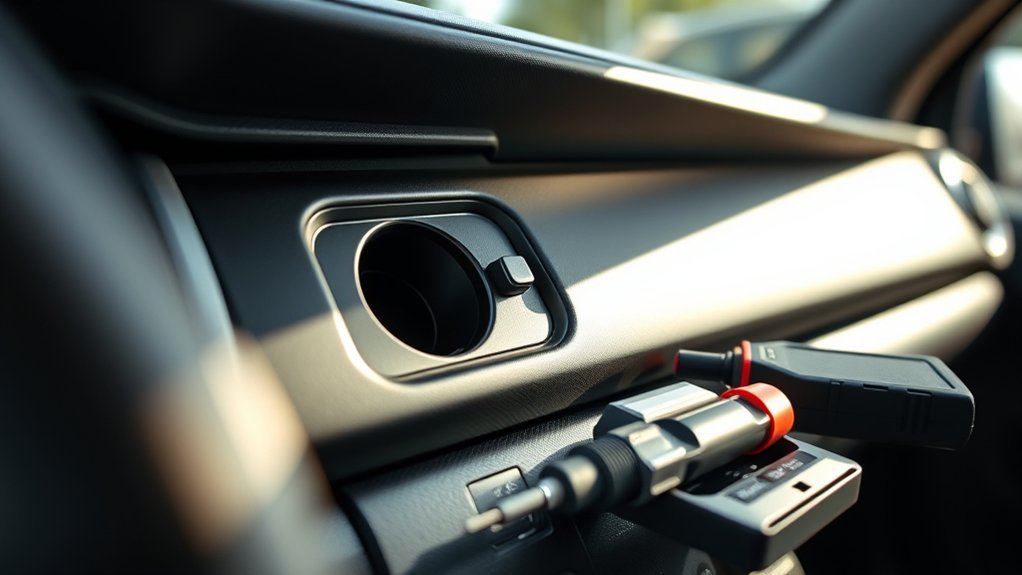
4. Inspect and Clean the USB Port
Turn the vehicle off and remove the cable. Use a flashlight to inspect the port for lint, sand, corrosion, liquid residue, bent contacts, a damaged center tongue, or a connector that moves inside the trim.
Use brief bursts of clean, dry compressed air held upright, or use a soft, dry brush around the port opening. Do not spray liquid cleaner into the socket. Do not insert needles, pins, screwdrivers, or other metal tools. Do not bend internal contacts.
If the cable works only when held at an angle, or the socket moves when the cable is touched, stop forcing it. The connector or mounting assembly may already be damaged.
Warning: Stop using the port if you smell burnt electronics, see melted or discolored plastic, or notice unusual heat. Disconnect the device only if it is safe to do so and have the circuit inspected.
5. Check Apple CarPlay and Android Auto Settings
If charging works but phone projection does not, the power side of the connection may be operating while the data connection, phone permission, pairing record, or multimedia setting has failed.
For complete connection instructions, see the site’s Toyota Tacoma Apple CarPlay setup guide or Toyota Tacoma Android Auto setup guide. Use the checks below to isolate a failure rather than repeating the full setup process.
- For Apple CarPlay, update iOS, confirm Siri is enabled, and make sure CarPlay is allowed under Screen Time restrictions.
- For wired CarPlay, try a different direct USB data cable and the correct USB media or data port.
- For wireless CarPlay, confirm Bluetooth, Wi-Fi, and Auto-Join are enabled.
- Open the iPhone’s CarPlay settings, forget the Tacoma, and set it up again.
- For Android Auto, install the latest Android system and app updates available for the phone. On current Android phones, Android Auto is built into the operating system.
- Confirm Android Auto is enabled in the Tacoma multimedia system.
- Remove the Tacoma from the phone’s previously connected cars and reconnect it.
- Delete the phone from the Tacoma’s stored devices if the pairing record appears stale or duplicated.
If a 2024–2026 Tacoma’s USB-C data connection works but wireless CarPlay or Android Auto does not, focus on Bluetooth, Wi-Fi, stored pairing records, and multimedia software. That symptom does not by itself prove that the USB-C port has failed.
6. Check the Fuse Only After Basic Tests
Check a fuse only after multiple cables and devices fail and the affected port has no power. Use the owner’s manual and fuse-box diagram for your exact Tacoma model year. Do not use a fuse location copied from a different generation or trim.
The manual may identify a fuse serving an accessory, multimedia, or shared power circuit. Do not assume every USB socket has a dedicated fuse. If the phone still charges but CarPlay, Android Auto, or USB audio fails, power is reaching the connection, so a cable, data contact, setting, port assembly, or multimedia fault is a stronger next path than a blown power fuse.
Turn the vehicle off before inspecting a fuse. Replace a blown fuse only with the specified amperage. Never install a higher-amperage fuse or substitute wire, foil, or another object.
If the correct replacement fuse blows again, stop replacing it. A repeat failure can indicate an overload, short circuit, damaged wiring, or failed component that needs professional diagnosis.
Note: A dead USB media connection may be powered or managed through the multimedia system rather than a separately labeled USB fuse. Your exact owner’s manual and wiring information are the safest references.
What Does Each Tacoma USB Symptom Mean?
Use the symptom, not a guessed part, to choose the next test.
| Symptom | Likely Cause | Best First Test |
|---|---|---|
| One USB port has no power | Wrong port expectation, dirty or damaged socket, loose connector, or local circuit fault | Confirm ignition mode, then test two devices and cables in that port and another cabin port |
| Every USB charging port is dead | Vehicle state, shared fuse or power circuit, wiring, or module issue | Confirm ACC/ON or READY, then consult the exact owner’s manual and fuse diagram |
| Phone charges but CarPlay or Android Auto will not launch | Charging-only port, power-only cable, permission, pairing, or failed data path | Use the proper media/data port with a direct known-good data cable |
| Connection drops when the cable moves | Worn cable plug, debris, loose socket, or damaged internal contacts | Test a short new cable without touching it, then inspect both connectors |
| USB port works only at an angle | Loose or physically damaged connector | Stop forcing the cable and have the socket inspected |
| Wired USB works but wireless projection fails | Bluetooth, Wi-Fi, Auto-Join, stored pairing, or multimedia software issue | Forget the vehicle on both systems, restart, and pair again |
| Multimedia screen freezes or resets with several devices | Multimedia software, USB hub, harness, or head-unit issue | Restart the system, check for updates, and document the repeatable failure |
A charging-only port is not defective merely because it does not start Apple CarPlay, Android Auto, or USB audio. Use the port identified for media or data, or use wireless phone projection when the truck supports it.
How Do You Know the Tacoma USB Port Needs Replacement?
Replacement becomes more likely after the same fault remains with the correct port, two known-good data cables, and more than one compatible phone or device. Physical and movement-related symptoms carry more weight than a single software failure.
| Sign | What It Indicates |
|---|---|
| Unresponsive Port | No charging or data response with multiple known-good cables and devices while the truck is in the correct ignition mode. |
| Intermittent Function | The connection fails when the cable moves or the truck travels over bumps. |
| Heat or Burnt Smell | Possible internal resistance, shorting, damaged wiring, or connector overheating. |
| Data Failure With Known-Good Equipment | The phone charges, but USB audio or wired phone projection repeatedly fails after settings and cable checks. |
| Loose Connector | The plug does not seat firmly, the socket moves in the trim, or the connection works only when held at an angle. |
Do not keep pushing a plug into a loose socket. Continued side pressure can worsen the port and damage the cable end. If the Tacoma may still be covered by warranty, document the failure and arrange dealer diagnosis before installing an aftermarket port or modifying the wiring.
[Products Worth Considering]

The TOPDON BT100 helps you quickly check the health and charge status of 12V lead-acid batteries with clear analytical results, including state of health, state of charge, voltage, and cranking performance. It supports a wide range of battery types and vehicles, making it a practical tool for diagnosing starting and charging issues at home or in the shop. Compact and easy to use, it provides fast, reliable testing without needing to charge the device first.

This portable 12V tire inflator delivers fast, convenient inflation for cars, SUVs, trucks, motorcycles, and other inflatables. It features a digital display, bright LED lighting, auto shutoff, and multiple nozzle adapters to help you inflate accurately and safely, even in low-light situations. The long power cord and air hose make it easy to reach all tires and handle roadside emergencies or routine maintenance.
What Should You Bring to a Dealer USB Diagnosis?
Write down exactly what fails and under which conditions. Clear evidence helps a technician reproduce an intermittent problem.
- Record the Tacoma’s model year, trim, multimedia system, and whether it has factory or aftermarket equipment.
- Identify the exact port that fails and whether the other ports still work.
- Bring the cable and phone that fail most often, plus a second known-good cable if possible.
- State whether the symptom is no charging, slow charging, no USB data, CarPlay failure, Android Auto failure, or movement-related disconnects.
- Note whether wired and wireless connections fail in the same way.
- Take a short video if the connector loses contact over bumps or when lightly touched.
- Ask the dealer to check for applicable multimedia software updates, technical information, recalls, or service campaigns for the VIN.
The technician may check port voltage and data communication, inspect the connector and harness, verify related fuses, scan the multimedia system, install an applicable software update, or test the USB hub and head unit.
Check the VIN through Toyota’s official recall and service campaign lookup and the NHTSA recall lookup before paying for diagnosis. A USB problem is not automatically recall-related, but a VIN search can identify applicable campaigns.
How Can You Prevent Tacoma USB Port Problems?
Good cables, clean contacts, and low connector strain help protect both charging and data connections.
- Use short, high-quality cables that support data as well as charging.
- Avoid USB hubs, long extensions, and heavy adapters hanging from the port.
- Do not force a plug that does not align easily.
- Keep drinks, mud, sand, and metal objects away from open USB sockets.
- Disconnect cables before cleaning the cabin so they are not pulled sideways.
- Replace a cable that has a loose plug, damaged insulation, bent connector, or intermittent data connection.
- Install phone and Toyota multimedia software updates when applicable.
- Use a 12V USB adapter or Qi charging pad when you need backup charging.
- Use wireless CarPlay or Android Auto on compatible trucks to reduce repeated use of the data socket, but remember that wireless projection does not charge the phone.
If the Tacoma is used off-road or at dusty job sites, inspect the ports and cable ends more often. Vibration and contamination can expose a marginal connection sooner than normal commuting.
When Should You Use an Alternative Charging Method?
Use a properly rated 12V USB adapter or the factory Qi wireless charging pad, if equipped, as a temporary charging method while a failed USB port is being diagnosed. Remove thick cases, metal plates, or accessories if they interfere with the Qi pad.
Wireless Apple CarPlay and Android Auto can provide phone projection without a data cable on compatible 2024–2026 Tacomas, but neither connection supplies charging power. A separate 12V or Qi charging source is still required.
Alternative charging does not repair a loose, overheated, or damaged USB circuit. Stop using any socket that becomes hot, smells burnt, or shows melting or discoloration.
Frequently Asked Questions
How do I fix a Toyota Tacoma USB port that is not working?
Confirm the truck’s model year, ignition mode, and port purpose. Test a direct known-good data cable and a second device, restart the phone and multimedia system, and inspect the socket for contamination or looseness. Check a fuse only if the port has no power and the exact owner’s manual identifies the related circuit.
Which Tacoma USB port works with Apple CarPlay or Android Auto?
On most 2020–2023 Tacomas, use the USB media port for factory wired CarPlay or Android Auto. Separate console ports may be charging-only. The 2024–2026 Tacoma supports wireless phone projection and provides USB-C data/charging connections. A 2019 or earlier factory Tacoma system does not support CarPlay or Android Auto.
Why does my Tacoma USB port charge but not connect to CarPlay or Android Auto?
The phone may be connected to a charging-only port, or the cable may carry power without working data conductors. Use the Tacoma’s media or data port with a direct known-good data cable. Then check Siri or Android Auto permissions, stored pairing records, and multimedia settings.
Can a blown fuse stop a Tacoma USB port from working?
A blown fuse can disable a USB or shared accessory circuit, but not every Tacoma USB port has a separately labeled fuse. Check the owner’s manual for the exact model year and replace a blown fuse only with the specified amperage. If the correct replacement blows again, stop and have the circuit diagnosed.
Why does the Tacoma USB connection keep disconnecting?
Movement-related disconnects usually point to a worn cable plug, debris, a loose socket, or damaged contacts. Test a short new data cable without touching it. If the connection still drops over bumps or when the plug moves slightly, stop using the port and have it inspected.
Is it safe to clean a Toyota Tacoma USB port?
Yes, if the vehicle is off and the cable is removed. Inspect the port with a flashlight and use brief bursts of clean, dry compressed air held upright or a soft, dry brush around the opening. Do not spray liquid into the socket or insert metal tools.
When should I take my Tacoma to the dealer for a USB problem?
Arrange professional diagnosis if the socket is loose, hot, melted, discolored, or burnt-smelling; if the correct fuse blows repeatedly; or if the proper port fails with two known-good cables and devices. Dealer diagnosis is also appropriate when the multimedia system freezes, resets, or needs a software, hub, harness, or head-unit check.
What Should You Do Next?
A Toyota Tacoma USB port not working is often caused by the wrong port, a power-only cable, debris, stale pairing information, or a temporary multimedia fault. Begin with the model-year and symptom tables, then change one item at a time as you test.
If the correct port fails with two known-good devices and cables, or the connector is loose, hot, melted, or discolored, stop using it. Schedule diagnosis of the socket, wiring harness, related circuit, and multimedia system rather than continuing to force the connection or repeatedly replacing a fuse.
Sources
- Toyota USA Newsroom: 2019 Toyota Tacoma Technology — confirms the USB media port, separate charging ports, and pre-CarPlay multimedia configuration.
- Toyota USA Newsroom: 2020 Toyota Tacoma Multimedia — confirms factory Apple CarPlay, Android Auto, a USB media port, and separate charge ports.
- Toyota USA Newsroom: 2023 Toyota Tacoma Multimedia — confirms the media-port and charging-port configuration for the final third-generation model year.
- Toyota USA Newsroom: 2024 Toyota Tacoma Technology — confirms wireless CarPlay and Android Auto, USB-C data/charging, and separate charging ports.
- Toyota USA Newsroom: 2026 Toyota Tacoma — confirms current wireless phone projection and USB-C data/charging features.
- Toyota Connected Services: Apple CarPlay and Android Auto — supports Toyota USB media-port and cable setup guidance.
- Google Android Auto Help — supports cable length, cable quality, restart, and stored-vehicle troubleshooting.
- Apple Support: If You Need Help With CarPlay — supports cable, port, restart, Siri, Wi-Fi, Auto-Join, and pairing guidance.
- Toyota Owners: Checking and Replacing Fuses — supports model-specific fuse inspection and replacement precautions.
- Toyota Recall and Service Campaign Lookup — supports VIN-specific campaign checks.