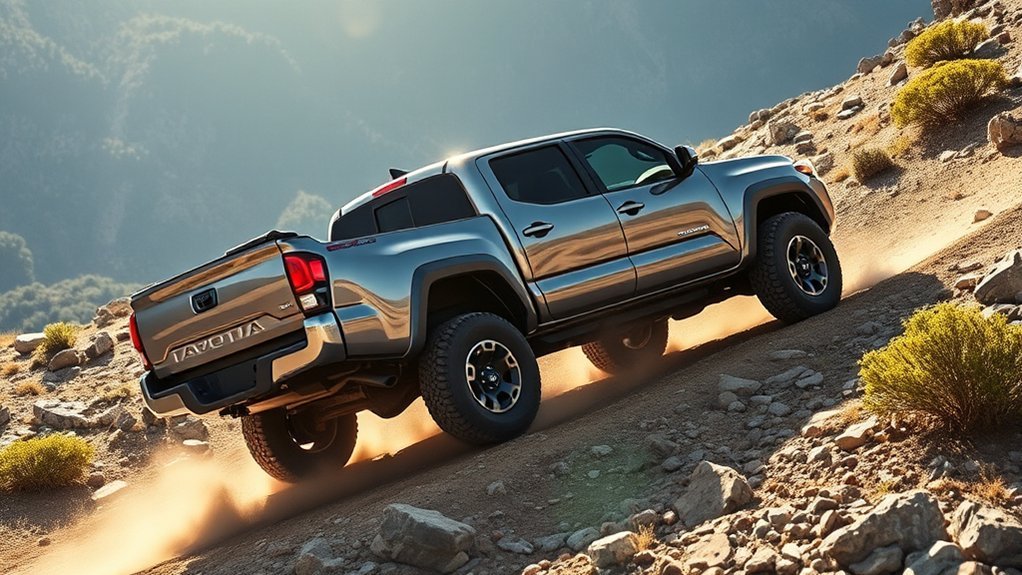
The Toyota Tacoma’s Downhill Assist Control (DAC) is designed to help you navigate steep descents smoothly. By managing your speed between 3 mph and 18 mph, it lets you focus on steering while reducing brake wear. To use DAC, simply activate it within the recommended speed range. Remember, conditions matter; it’s best on well-maintained trails. If you want to get the most out of DAC, understanding its nuances will definitely enhance your experience.
What Is Downhill Assist Control and How Does It Work?
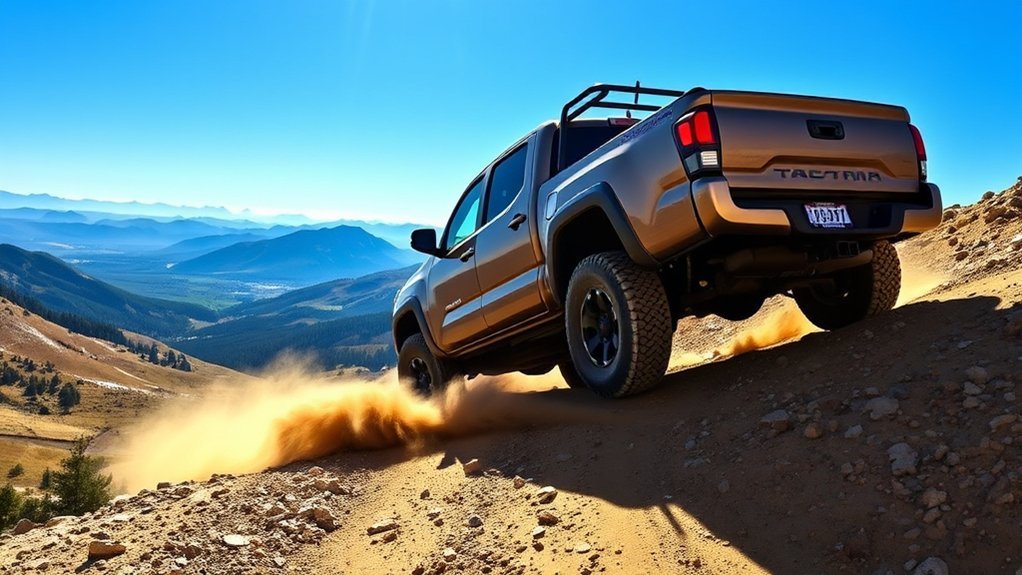
Downhill Assist Control (DAC) is a smart electronic system that helps you maneuver steep descents safely and effortlessly. By maintaining a controlled descent speed between 3 mph (4 km/h) and 18 mph (30 km/h), DAC allows you to focus on steering without the distraction of gas or brake pedals. Its key features shine in 4H mode and low gear, making it perfect for traversing forest roads or steep boat ramps.
However, be aware of its operational limits; DAC may struggle on extremely rocky or slick surfaces. If your vehicle exceeds 18 mph, switches from 4H, or the brake system overheats, the system automatically disengages, flashing an indicator light to alert you. To maximize performance and minimize brake heat, it’s wise to practice using DAC in controlled environments and select lower shift ranges. This guarantees you’re prepared for any descent, giving you the freedom to explore confidently.
Key Advantages of DAC for Steep Descents
When you’re tackling steep descents, Downhill Assist Control (DAC) offers essential advantages that enhance your driving experience. It not only simplifies navigation by managing your speed but also reduces brake wear, ensuring your vehicle stays in peak condition. Plus, with improved stability control, you can focus on steering while feeling confident on tricky terrains.
Enhanced Stability Control
As you navigate steep descents in your Toyota Tacoma, the Enhanced Stability Control provided by the Downhill Assist Control (DAC) system proves invaluable. This system maintains a controlled descent speed between 3 mph and 18 mph, enhancing stability on challenging slopes. By utilizing advanced braking to prevent wheel slip, DAC guarantees you maintain better traction on uneven or slippery surfaces. Designed specifically for steep yet smooth downhill grades, it works best with lower shift ranges. Engaging DAC means you can focus solely on steering, reducing fatigue during tough descents. Plus, it automatically disengages if you exceed 18 mph or if conditions aren’t right, showcasing its smart control mechanisms and essential stability features for your safety and confidence on the trail.
Reduced Brake Wear
The Toyota Tacoma’s Downhill Assist Control (DAC) system not only enhances stability but also considerably reduces brake wear during steep descents. By applying brakes selectively, DAC maintains a controlled descent speed of 2-4 mph, optimizing brake efficiency and preventing overheating. This means fewer manual braking efforts, which can lead to excessive heat and premature wear on your brake components. With DAC, you can navigate steep grades smoothly, allowing you to focus on steering rather than constantly applying brakes. The electronic controls manage brake application effectively during prolonged descents, providing significant maintenance benefits. Ultimately, engaging DAC liberates you from the stress of manual braking, extending the life of your brakes while enhancing overall vehicle control.
Simplified Steep Navigation
Maneuvering steep descents can be intimidating, especially when you’re concerned about maintaining control and safety. With Toyota’s Downhill Assist Control (DAC), you can confidently navigate steep terrain. The system keeps your speed between 3 mph and 18 mph, ensuring a controlled descent without constant braking. Engaging in 4Low and low gear, DAC prevents wheel slip by utilizing your brakes effectively. This means you can tackle forest service roads and steep boat ramps with ease, knowing you won’t wear down your brakes excessively. Starting at a lower speed of 3 mph gives you ideal control, letting you adjust as needed based on conditions. Experience a less stressful drive—DAC truly liberates you on steep descents.
How to Activate and Deactivate Downhill Assist Control
Activating the Downhill Assist Control (DAC) in your Toyota Tacoma is straightforward and enhances your off-road experience. To start the activation process, simply press the “DAC/CRAWL” switch while your vehicle’s in gear and moving between 3 mph (4 km/h) and 18 mph (30 km/h). You’ll know it’s engaged when the slip indicator lights up, signaling that you’re ready to tackle those steep descents with confidence.
If you need to deactivate the system, just press the “DAC/CRAWL” switch again. Watch for the indicator to flash, letting you know the deactivation procedure is in progress. Keep in mind, DAC will automatically turn off if your speed exceeds 18 mph, the transfer case shifts from 4H, or if the brake system overheats. Remember, for peak performance, verify your vehicle isn’t in Park (P) or Neutral (N) during operation.
Best Conditions for Using DAC
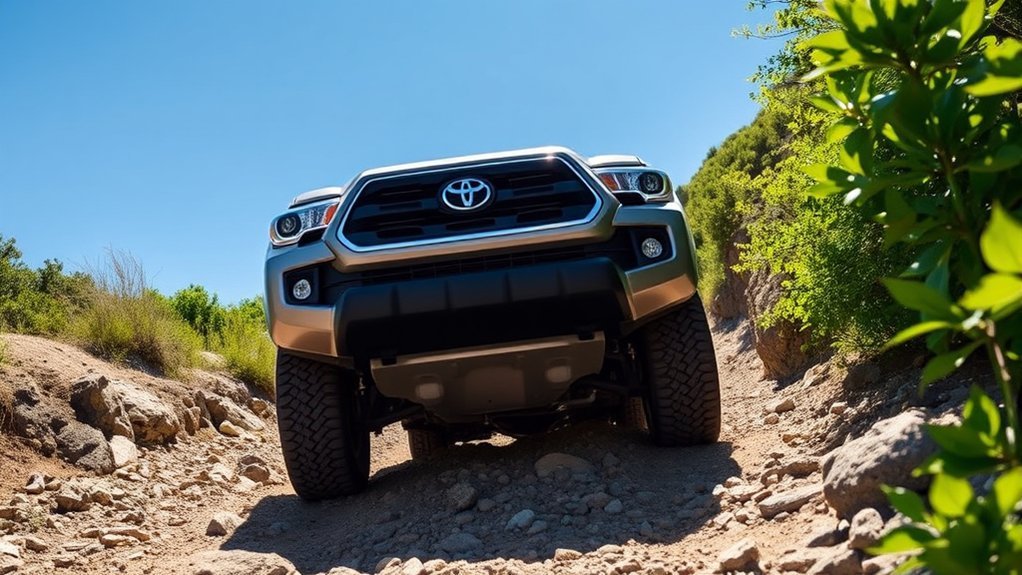
To get the most out of your Tacoma’s Downhill Assist Control (DAC), you’ll want to use it on steep but smooth surfaces where you can maintain a safe descent speed. Aim for speeds between 3 mph and 18 mph for ideal performance, and remember that 4H mode is your friend for moderate off-road grades. Keep in mind that slippery conditions can reduce effectiveness, so always practice in safe environments before hitting more challenging terrains.
Best Surfaces for DAC
When you’re maneuvering steep downhill grades with your Toyota Tacoma, the surface beneath your tires plays an essential role in how effectively the Downhill Assist Control (DAC) system performs. Ideal surface types include well-maintained forest service roads and designated off-road trails, where traction conditions are consistent and predictable. These environments allow DAC to function at its best, enabling controlled descents between 3 mph and 18 mph. However, be cautious on slippery or uneven surfaces like wet, icy, or rocky terrain, as these can hinder DAC’s effectiveness and compromise your vehicle control. To maximize performance, engage DAC in lower shift ranges, enhancing braking and reducing heat. Practicing in safe settings helps you understand DAC’s capabilities before tackling challenging descents.
Recommended Speed Settings
Traversing steep descents smoothly hinges not just on the surface but also on your speed settings with the Downhill Assist Control (DAC). For peak performance, keep these recommendations in mind:
- Start Slow: Begin at 3 mph (4 km/h) to maintain control and traction on steep grades.
- Stay Within Range: DAC operates effectively between 3 mph and 18 mph (30 km/h), adapting to various downhill conditions.
- Adjust as Needed: For steeper descents, lower speed settings enhance DAC performance and reduce brake heat, ensuring a safer ride.
Ideal Terrain Types
While traversing downhill terrains, the Toyota Tacoma’s Downhill Assist Control (DAC) shines on steep but smooth grades. Ideal terrain features include well-maintained trails, forest service roads, and steep boat ramps free from extreme obstacles. These conditions allow DAC to effectively regulate your speed between 3 mph and 18 mph, providing a controlled descent. However, avoid slippery surfaces like wet or icy roads, as these can hinder traction and control, making DAC less effective. For rocky or technical descents, it’s best to rely on manual control. Engaging DAC in lower gear ranges enhances performance and helps prevent brake overheating, ensuring a safer and more enjoyable experience as you conquer the great outdoors with confidence.
Common Misconceptions About DAC
Many drivers misunderstand the capabilities of Downhill Assist Control (DAC), leading to confusion about its functionality and limitations. DAC isn’t a catch-all solution; rather, it’s designed for specific conditions. Here are some common DAC myths to clarify:
Many drivers misinterpret Downhill Assist Control (DAC), leading to confusion about its specific functionality and limitations.
- DAC vs. Crawl Control: DAC operates in 4H mode for moderate descents, while Crawl Control functions in 4L mode for extreme terrains.
- Speed Restrictions: Some think DAC works above 18 mph, but it’s effective only between 3 mph and 18 mph.
- Normal Sounds: User experiences often misinterpret the sounds and vibrations during DAC operation as malfunctions; they’re actually signs of the system managing your descent.
Safety Tips for Using Downhill Assist Control
Understanding the proper use of Downhill Assist Control (DAC) can greatly enhance your safety when traversing steep descents. Always engage DAC at speeds between 3 mph and 18 mph for peak performance. Make certain your vehicle is in a lower shift range; this not only boosts DAC effectiveness but also reduces brake heat. Regularly check that the DAC indicator lights up—if it doesn’t, reach out to a Toyota dealer for inspection.
Pay close attention to road conditions. Slippery surfaces can limit DAC’s effectiveness and may even trigger automatic disengagement. To build confidence, practice using DAC in controlled environments, as this helps you familiarize yourself with its operation. Incorporate DAC maintenance tips into your routine to promote longevity and reliability. Listening to other DAC user experiences can also provide valuable insights that enhance your overall safety and enjoyment while traversing challenging terrains.
Troubleshooting DAC Issues
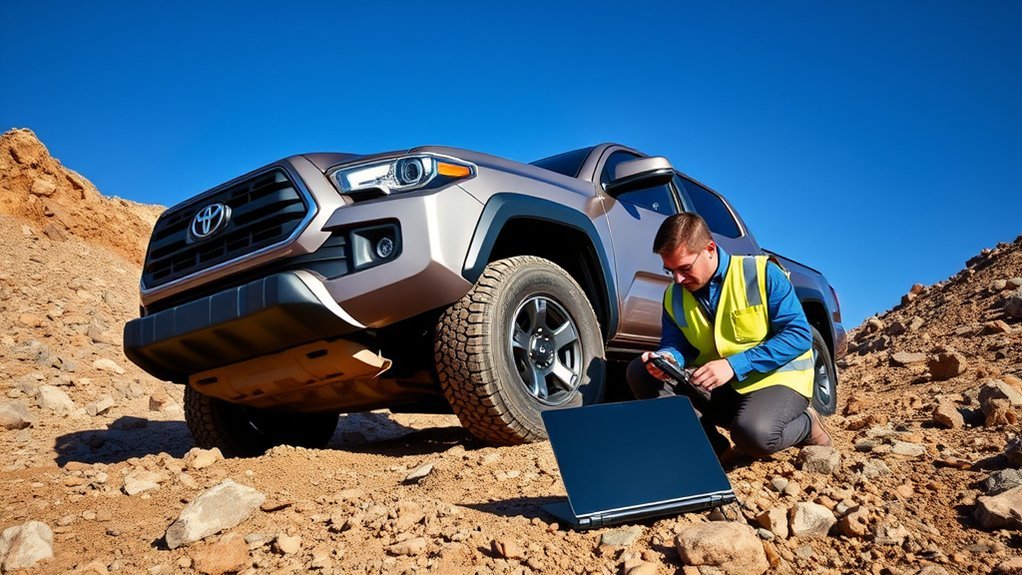
Troubleshooting issues with Downhill Assist Control (DAC) can be straightforward if you know what signals to watch for. Keeping an eye on your DAC indicators is essential for safe operation. Here are three key points to take into account:
- DAC/CRAWL Indicator: If this indicator doesn’t light up when activated, consult a Toyota dealer; it may signal a system issue that requires attention.
- Slip Indicator Light: If this light activates, inspect your vehicle immediately. It indicates that DAC might not function properly, potentially endangering your drive.
- System Overheating: Continuous use of DAC can lead to automatic shutdown to prevent brake actuator overheating. Always allow breaks during extended use.
Frequently Asked Questions
When to Use Downhill Assist Control?
Use downhill assist control on steep, smooth terrains for safety benefits, especially when maintaining a controlled descent speed is essential. Always assess terrain conditions to guarantee peak performance and avoid using it on uneven surfaces.
Should Downhill Brake Control Be on or Off?
Keep downhill brake control on for steep descents; it maximizes safety benefits on suitable terrain. But if you hit rough patches or exceed 18 mph, switch it off. Stay liberated, stay safe!
Conclusion
To sum up, Downhill Assist Control (DAC) is a game-changer for managing steep descents with confidence. Did you know that using DAC can reduce braking wear by up to 30%? This feature not only enhances your control but also prolongs the life of your brakes, making off-road adventures more enjoyable. So, next time you tackle a challenging slope in your Toyota Tacoma, remember how DAC can elevate your driving experience while keeping safety in mind.