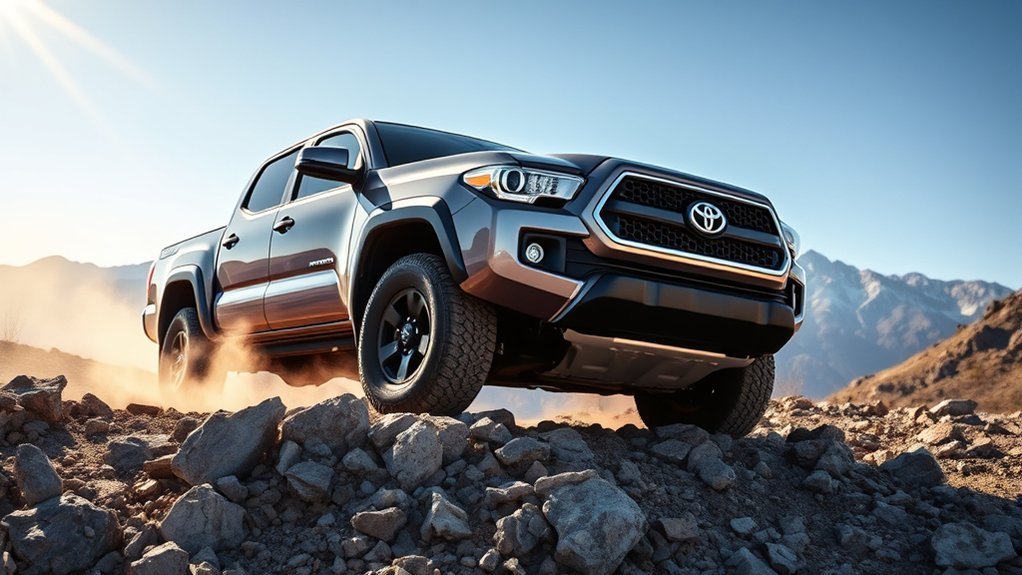
Toyota Tacoma Crawl Control is an off-road driver-assist feature that helps the truck move slowly and steadily over rough terrain. Instead of asking you to work the accelerator and brake at the same time, the system manages throttle and brake pressure for you, so you can focus on steering, tire placement, and choosing a safe line.
Quick Answer
Toyota Tacoma Crawl Control works like low-speed off-road cruise control. When the truck is in 4L and the system is active, it automatically modulates throttle and braking through five low-speed settings, helping you crawl over rocks, mud, ruts, steep climbs, and descents with less wheelspin and smoother control.
Key Takeaways
- Crawl Control is designed for difficult terrain at low speeds, not for normal road driving.
- On most part-time 4WD Tacoma models, Crawl Control requires 4L, the engine running, the driver door closed, and the transmission out of Park or Neutral.
- Multi-Terrain Select is different: it adjusts traction behavior for the surface, while Crawl Control maintains slow forward speed.
- Clicking, pulsing, and brake sounds are usually normal because the system is rapidly applying brake pressure at individual wheels.
- If the system overheats, cancels, or will not engage, stop safely, let components cool, and confirm the truck is in the correct drive mode.
At a Glance
| Time Required | 1–3 minutes to set up once you know the controls |
| Difficulty | Easy, but practice first on a safe open trail |
| Tools Needed | No tools; use the Tacoma’s 4WD, Crawl Control, and Multi-Terrain Select controls |
| Cost | No added cost if your Tacoma is already equipped with the feature |
What Is Toyota’s Crawl Control System?
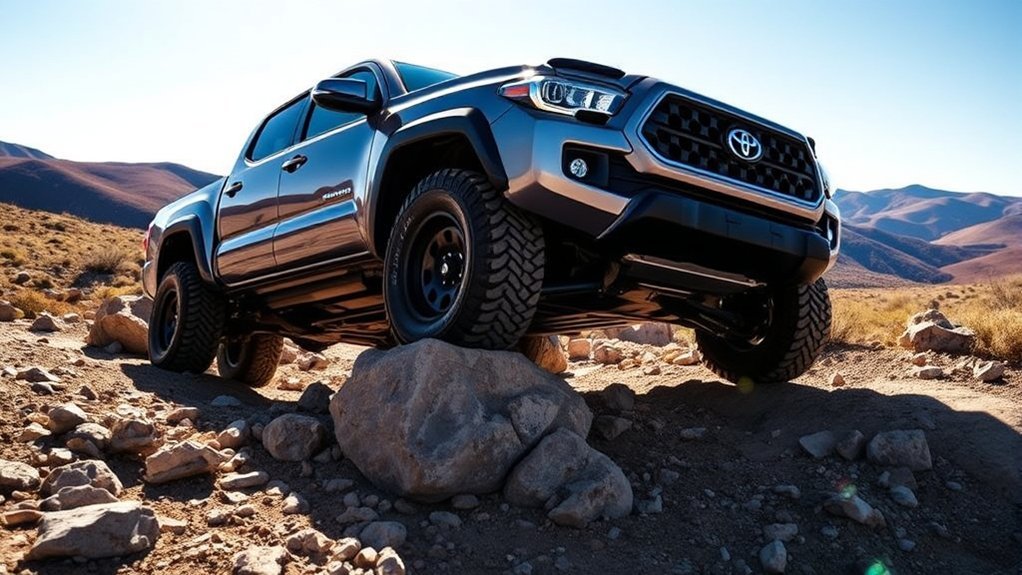
Toyota describes Crawl Control as a system that automatically modulates the throttle and brakes on five low-speed settings so the driver can focus on steering through difficult terrain. In plain English, it is a trail tool for slow, technical driving.
Think of it like off-road cruise control, but much slower and more specialized. Instead of holding highway speed, Crawl Control helps the Tacoma maintain a controlled crawl while the brake and throttle systems work in the background. That can be useful when you are climbing loose rock, easing down a steep grade, crossing ruts, or moving through mud where too much throttle can dig the tires in.
On current Tacoma owner information, Toyota lists key operating conditions for Crawl Control: the engine must be running, the shift lever must be in a position other than Park or Neutral, the driver’s door must be closed, and the 4WD control must be in 4L on part-time 4WD models. Hybrid or full-time 4WD versions may use different low-range wording, such as L4L, so your owner’s manual is always the final authority for your exact truck.
Warning: Crawl Control is for off-road, low-speed situations. Do not use 4L or Crawl Control for normal dry pavement driving, and do not rely on the system to overcome unsafe speed, poor tire choice, low ground clearance, or bad trail judgment.
How Does Crawl Control Enhance Off-Roading?
Crawl Control helps most when the trail demands steady, slow movement. Many off-road mistakes happen because the driver gives too much throttle, brakes too suddenly, or loses momentum at the wrong time. Crawl Control reduces that workload by smoothing out the repetitive brake-and-throttle work.
Improved Obstacle Navigation
When you are driving over rocks, ledges, ruts, or uneven ground, your attention should be on tire placement. Crawl Control lets you spend more time looking ahead and less time trying to balance the pedals. The system can brake individual wheels and manage throttle response to help the truck creep forward without sudden surges.
This does not mean the Tacoma drives itself. You still choose the line, watch for clearance, steer carefully, and stop if the trail becomes unsafe. Crawl Control simply handles one difficult part of the job: keeping the truck moving at a controlled crawl.
Enhanced Speed Control
Crawl Control gives you five selectable low-speed settings. The exact feel can vary by Tacoma generation and trim, but the basic idea is simple: start low, then raise the setting only when the trail opens up or when you need a little more momentum.
| Setting | Best Use | Driver Tip |
|---|---|---|
| Lowest | Rock crawling, ledges, tight tire placement | Use when precision matters more than momentum. |
| Low | Ruts, uneven trails, slow climbs | Good starting point for most technical sections. |
| Medium | Loose dirt, mild mud, rolling obstacles | Use when the truck needs steady forward motion. |
| Higher | Softer surfaces where some momentum helps | Avoid using this near large rocks or sharp drop-offs. |
| Highest | Open, low-risk off-road sections only | Back down quickly if steering accuracy suffers. |
Do not treat the highest Crawl Control setting like a target speed. Toyota’s 2025 and 2026 Tacoma owner information notes that Crawl Control operation may stop temporarily if vehicle speed exceeds about 6 mph with the rear differential locked, or about 15 mph with the rear differential unlocked. That is why Crawl Control works best as a slow-control feature, not a momentum feature.
The best Crawl Control setting is usually the slowest one that keeps the truck moving without digging, hopping, or forcing you to make rushed steering corrections.
Multi-Terrain Select: Features and Benefits
Toyota’s Multi-Terrain Select system is related to Crawl Control, but it is not the same thing. Multi-Terrain Select adjusts the truck’s traction behavior for the surface you choose. Crawl Control manages low-speed throttle and braking. Toyota notes that Crawl Control can be used with Multi-Terrain Select on or off when equipped.
On newer Tacoma models, Multi-Terrain Select modes can vary depending on whether the truck is in 4H or 4L. For example, Toyota’s 2026 Tacoma owner information lists 4L modes such as Auto, Sand, Mud, and Rock. In 4H, the system may offer Auto, Dirt, Sand, Mud, and Deep Snow. Older Tacoma generations may show different labels, such as Mud/Sand, Loose Rock, Rock/Dirt, Mogul, and Rock.
| Terrain Mode | When It Helps | How to Think About It |
|---|---|---|
| Auto | Mixed off-road conditions | Lets the truck choose a balanced response. |
| Dirt | Bumpy dirt roads and hard-packed trails | Useful when the surface is uneven but not extreme. |
| Sand | Loose sand and soft surfaces | Helps maintain movement where stopping can get you stuck. |
| Mud | Muddy or slippery off-road conditions | Helps manage wheelspin so the tires do not simply dig. |
| Rock | Rocky terrain in low range | Best paired with slow, careful steering and low Crawl Control settings. |
| Deep Snow | Deep snow roads in 4H where equipped | Use smooth inputs and avoid abrupt throttle changes. |
Note: Mode names depend on model year, powertrain, trim, and 4WD range. Use the terrain mode shown on your Tacoma’s multi-information display, not a mode name from a different generation.
[Products Worth Considering]

This synthetic soft shackle set is designed for safer, easier off-road recovery with a simple loop-and-tighten setup that helps make vehicle pulls more straightforward. Built as a lightweight alternative to traditional metal shackles, it uses anti-scratch synthetic fiber to help protect your vehicle during recovery tasks. The two-pack format adds convenience for trail use, and Rhino USA backs the product with lifetime replacement support.

These off-road traction boards are designed to help vehicles recover from mud, sand, and snow with reliable grip and easier ramp-up. Their double-sided diamond construction, cross-shaped teeth, and contoured ramps improve traction while the durable polypropylene build stays flexible in harsh conditions. Convenient mounting points, ergonomic handles, and a visible leash make them practical to carry, store, and retrieve when recovery is needed.

These heavy-duty running board side steps are designed to improve access to your Toyota Tundra without reducing ground clearance. Built for Double Cab and CrewMax front door applications, they offer practical convenience for everyday entry, roof loading, and off-road use. The durable iron construction and easy no-drill installation make them a reliable upgrade for rugged driving.
Terrain Selection Options
Choosing the right terrain mode helps the Tacoma respond more naturally to the surface. Sand and mud usually need controlled wheelspin and steady momentum. Rock needs slower movement and careful braking. Dirt roads often need a more balanced setup. Deep snow needs smoothness, patience, and the right tires as much as electronics.
Multi-Terrain Select is not a replacement for good off-road basics. You still need proper tire pressure, recovery gear, ground-clearance awareness, and a safe route. The system simply helps the truck use its traction tools more effectively for the surface you select.
Engagement Process Simplified
Engaging Multi-Terrain Select is usually done through the MTS switch and mode selector. Once the system is active, the selected mode appears on the multi-information display. If the indicator flashes, the system may still be switching or waiting for the correct conditions. If the mode disappears, the system may have canceled because the truck is in 2H, the engine was turned off, or another drive mode was selected.
Performance Benefits Off-Road
The real benefit of Multi-Terrain Select is consistency. Instead of guessing how much wheelspin or braking is right for each surface, you give the Tacoma a surface target. Then, when Crawl Control is added in 4L, the truck can maintain a slow pace while the selected terrain logic helps manage traction.
Key Differences Between Tacoma and Tundra Crawl Control
Tacoma and Tundra both offer Crawl Control on select off-road-focused trims or packages, but they do not always use the same hardware, software tuning, or control layout. The Tundra is a larger full-size truck, while the Tacoma is a midsize truck built for tighter trails and narrower lines.
- Vehicle size: Tacoma is easier to place on narrow trails, while Tundra brings more width, weight, and wheelbase to manage.
- Control feel: Toyota has described newer Tundra Crawl Control as smoother and quieter than earlier systems, and newer Tacoma generations have also moved toward more refined off-road controls.
- Package availability: Tacoma availability depends on trim and equipment. For the 2026 Tacoma, Toyota highlights off-road features such as Multi-Terrain Select and next-generation CRAWL Control for trims including TRD Off-Road, TRD Pro, and Trailhunter.
- Trail use: Tacoma drivers often use Crawl Control for tighter technical crawling, while Tundra owners may value it for larger-truck control on rough trails, loose climbs, or uneven job-site terrain.
The main takeaway is simple: the feature concept is similar, but the experience depends on the truck. Always follow the owner’s manual for your exact model year and trim.
How to Engage Crawl Control
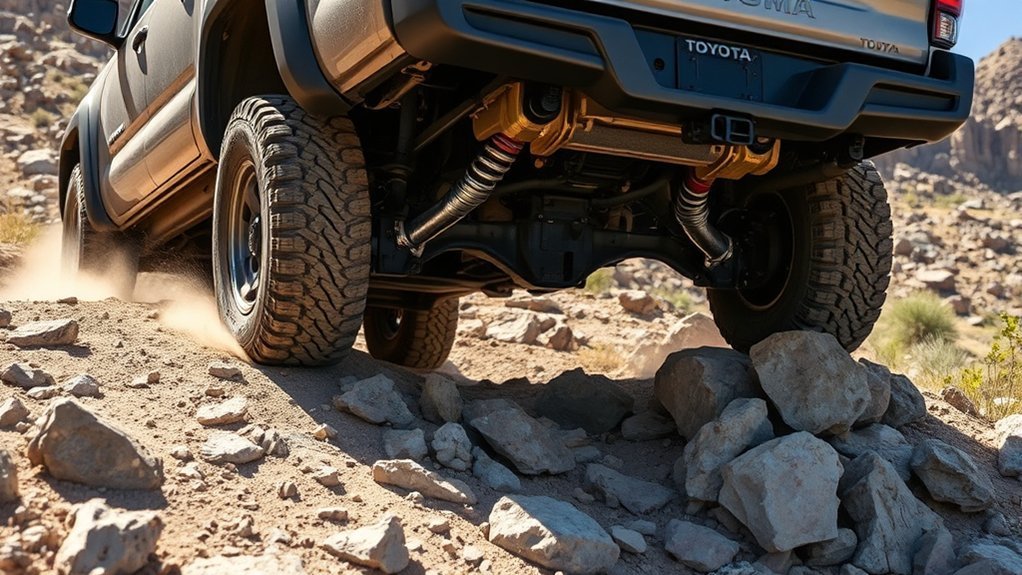
Use these steps as a general guide for Tacoma models equipped with Crawl Control. Your dashboard wording and switches may vary by year, so match the steps to your owner’s manual and the labels in your truck.
- Stop in a safe place before the obstacle. Do not try to set up Crawl Control while rushing into rough terrain.
- Shift into 4L. On many automatic Tacoma models, you must stop, keep your foot on the brake, shift to Neutral, then select 4L. Manual-transmission models may require the clutch pedal to be depressed.
- Confirm 4L is engaged. Wait for the 4LO indicator to show correctly before continuing.
- Select a Multi-Terrain Select mode if desired. Choose the mode that best matches the surface, such as Rock, Mud, Sand, Dirt, or Auto, depending on what your Tacoma displays.
- Turn on Crawl Control. Press the Crawl Control or DAC/CRAWL control, depending on your model.
- Choose the lowest useful speed setting. Start slow. Increase only if the truck needs more momentum.
- Steer and watch your line. Keep your feet off the pedals unless you need to override or stop. Stay ready to brake if the situation changes.
- Cancel when finished. Turn Crawl Control off before returning to normal driving. Shift back out of 4L only when it is safe and appropriate.
Pro Tip: Practice Crawl Control on a mild dirt incline or open trail before using it on rocks or steep descents. Learning the sounds, brake pulsing, and speed settings in a low-risk area makes the system feel much less surprising later.
[Products Worth Considering]
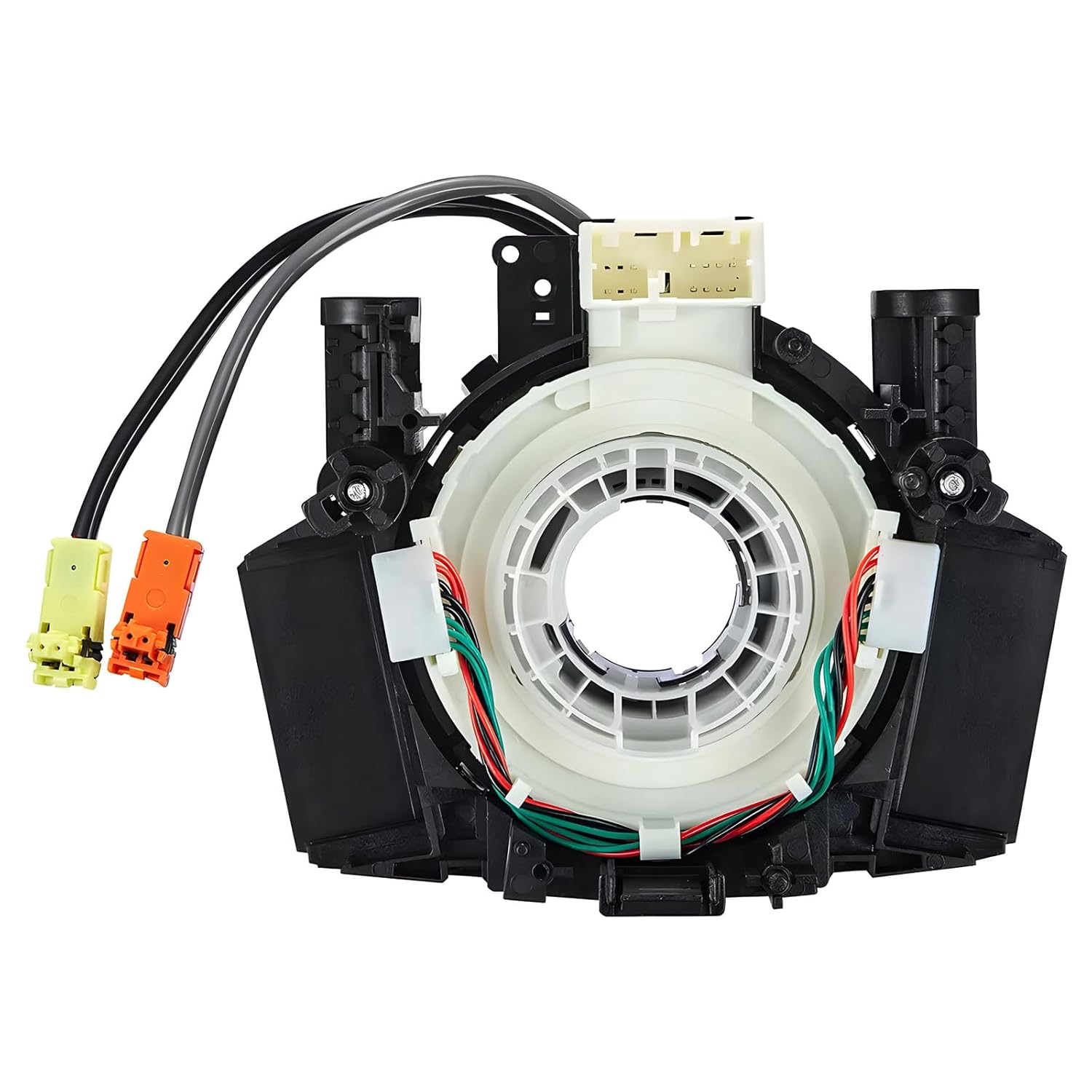
This steering clock spring assembly is an OEM-style replacement designed to restore steering wheel controls and related electronic functions in compatible Nissan vehicles. It supports audio, cruise control, and multi-function button operation while matching multiple factory part numbers for a reliable fit. Built for direct installation with vehicle-specific connectors, it helps return steering column electronics to proper working order.

These EZ running boards are designed to improve access to your Toyota Tacoma while maintaining the vehicle's off-road capability. Built for Double Cab and Xtra Cab front door applications, they offer a sturdy step up, simple installation, and dependable support for daily use or trail adventures.

These heavy-duty running boards are designed to improve access to your 2024-2026 Toyota Tacoma while preserving off-road clearance. Built for Double Cab and Crew Cab models, they provide a sturdy step for daily entry, loading roof gear, and rugged trail use. With a no-drill installation and durable construction, they deliver dependable support and long-lasting convenience.
How to Adjust Speed for Optimal Off-Road Performance
The right speed setting depends on traction, slope, obstacles, and how much steering precision you need. In most cases, slower is safer and smoother. More speed can help in soft mud or sand, but too much speed over rocks can cause tire damage, body contact, or a hard impact.
Best Speed Settings by Terrain
| Terrain | Recommended Starting Point | Why |
|---|---|---|
| Rock garden | Lowest setting | Gives you time to place the tires and avoid underbody contact. |
| Steep descent | Lowest or low setting | Keeps the truck from building speed too quickly. |
| Rutted trail | Low setting | Helps the truck move steadily without hopping or surging. |
| Mud | Low to medium setting | May need slightly more momentum, but too much throttle can dig holes. |
| Sand | Medium setting if the path is open | Momentum matters, but avoid using Crawl Control where flotation and steady throttle are better handled manually. |
When Not to Use Crawl Control
Crawl Control is helpful, but it is not always the best choice. Avoid using it when you need quick wheel speed to maintain flotation in deep sand, when the trail requires a short burst of throttle, or when you are making very tight parking-style maneuvers. If you need delicate manual control, turn the system off and drive normally in the correct 4WD range.
Common Crawl Control Problems and How to Fix Them
If Crawl Control will not engage or suddenly stops working, the cause is usually a setup condition, a speed limit, or heat protection. Start with the simple checks before assuming something is broken.
| Problem | Likely Cause | What to Do |
|---|---|---|
| Crawl Control will not turn on | Truck is not in the correct low-range mode | Stop safely, shift correctly into 4L, and confirm the 4LO indicator. |
| Indicator flashes but system does not operate | Operating conditions are not fully met | Check the shifter position, driver door, speed, and 4WD range. |
| Clicking or grinding-like sounds | Brake actuator and traction systems are pulsing | This can be normal during operation; slow down if the action feels harsh. |
| System cancels on the trail | Speed too high, brake heat, or drive-mode change | Stop in a safe area, let the system cool if needed, and recheck settings. |
| Ride feels jerky | Speed setting too high for the obstacle | Lower the crawl setting and choose a smoother line. |
Warning: Toyota owner information notes that extended Crawl Control use can overheat the brake system or transmission. If a warning appears or the system cancels, stop safely and allow the vehicle to cool before continuing.
[Products Worth Considering]

This keyless entry remote replacement is designed for select Toyota models and comes pre-tested with battery and electronics installed for ready-to-program convenience. It supports compatible part numbers and FCC IDs, making it a practical solution for replacing a lost or damaged fob. Programming and cutting by a qualified locksmith or dealership are required, and it is intended for regular key vehicles rather than push-start systems.

This steering clock spring is designed to restore reliable steering wheel controls across a wide range of Toyota models. It supports audio, cruise control, and other multifunction commands while matching OEM part numbers for confident replacement fitment. Built for dependable signal transfer and straightforward installation, it is an effective solution for repairing steering column control issues.
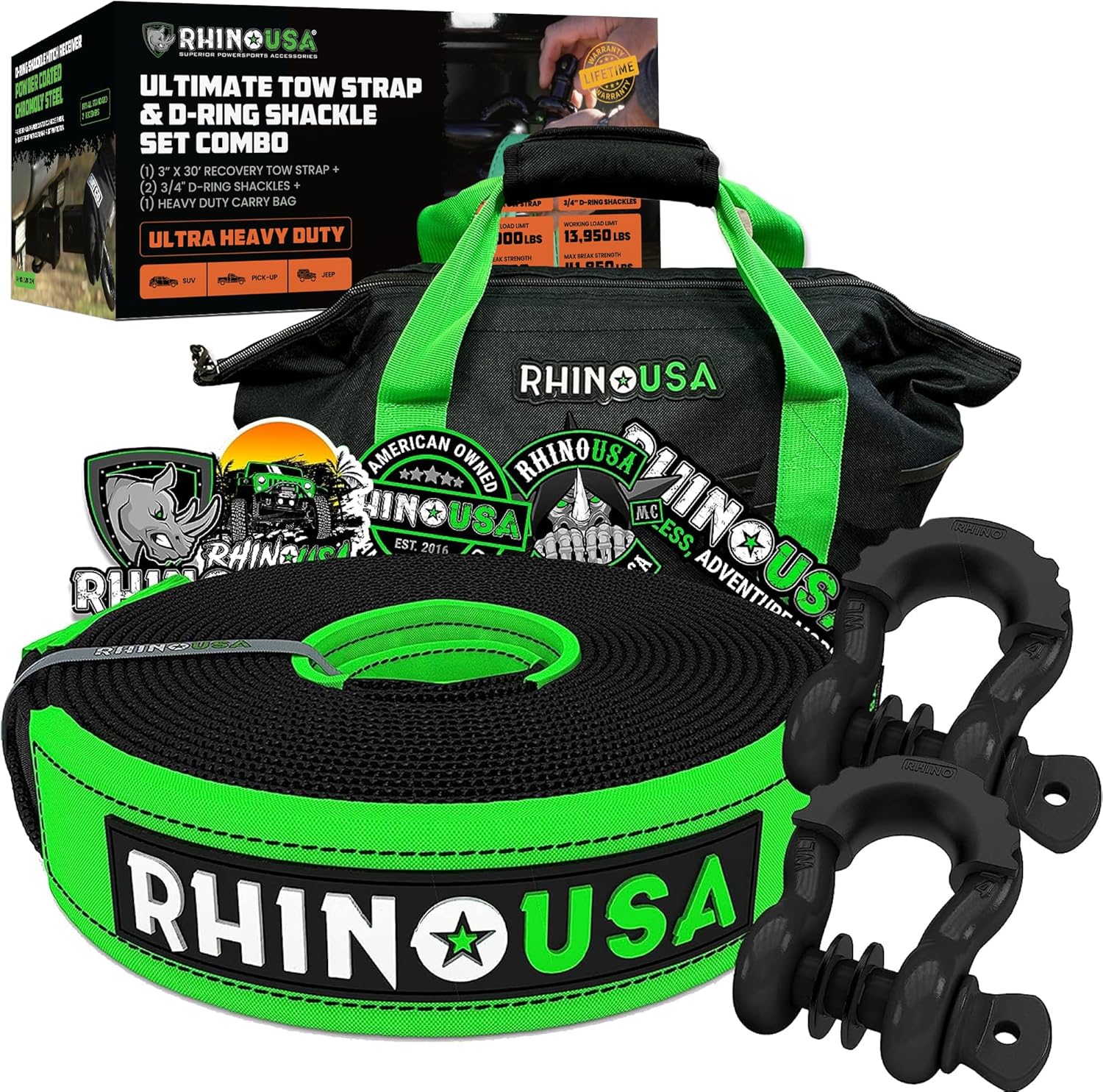
The Rhino USA Recovery Combo Kit is a compact off-road recovery solution designed to help drivers handle basic trail emergencies with confidence. It includes a static tow strap and anchor points with D-ring shackles, giving you essential gear for vehicle recovery when you need it most. Built for peace of mind on the trail, this kit is ideal for off-road enthusiasts looking for a dependable starter recovery setup.
The Future of Crawl Control in Toyota Vehicles
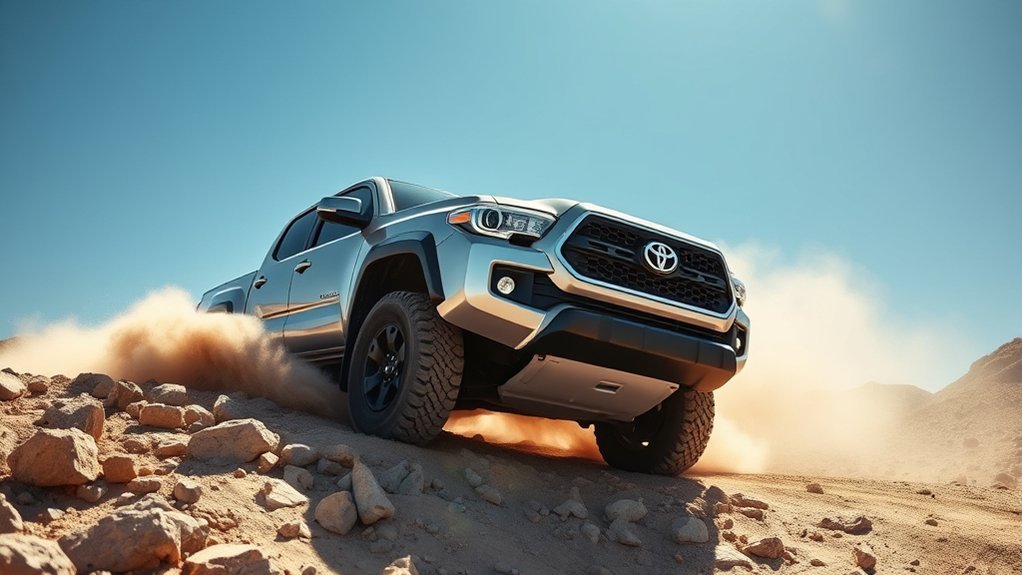
Toyota continues to refine Crawl Control across its truck and SUV lineup. The direction is clear: smoother operation, easier controls, better integration with terrain modes, and less driver workload during low-speed trail driving.
For newer Tacoma models, Toyota highlights Multi-Terrain Select for mud, dirt, and sand in both 4WD High and 4WD Low, along with next-generation CRAWL Control that acts as low-speed off-road cruise control. For Tundra, Toyota has described its available next-generation Crawl Control as helping the truck take on tough terrain more smoothly and quietly than older systems.
That matters because early Crawl Control systems could feel noisy or abrupt, especially on steep descents. Newer versions aim to keep the same core benefit while making the system easier to trust. The best future improvement is not more complexity; it is a system that feels natural enough that drivers use it at the right time and turn it off when manual control is better.
User Feedback: Experiences With Crawl Control
Drivers tend to have two reactions to Tacoma Crawl Control. First, they appreciate how much easier it makes slow technical sections. Second, they are often surprised by the noise and pulsing the first time they use it. Both reactions make sense.
The brake system can click, pulse, and sound busy because Crawl Control is actively managing the truck. That feedback can feel intrusive if you expected silence, but it is part of how the system maintains a slow crawl. Once drivers understand what the truck is doing, the feature becomes easier to use with confidence.
| What Drivers Notice | What It Usually Means |
|---|---|
| The truck moves without pedal input | Crawl Control is managing throttle and braking as designed. |
| Brake clicking or pulsing | The system is applying brake control to maintain the selected speed. |
| Jerky movement on rocks | The speed setting may be too high, or the line may be too uneven. |
| System cancels unexpectedly | A required condition may no longer be met, or the system may be protecting itself from heat. |
The best way to build trust is to test the system before you need it. Use a safe, legal off-road area, start at the lowest setting, and learn how the Tacoma reacts on a mild climb, descent, and uneven surface.
Frequently Asked Questions
How does the Toyota Tacoma Crawl Control work?
Toyota Tacoma Crawl Control automatically manages throttle and braking at low speeds. Once it is active in the correct 4WD low-range mode, you select one of five crawl settings and steer while the truck helps maintain a steady pace over difficult terrain.
Is Tacoma Crawl Control worth it?
Yes, it is worth having if you drive slow, technical trails, rocky climbs, ruts, mud, or steep descents. It is less useful for casual dirt-road driving or situations where you prefer direct throttle control. For serious off-road use, it can reduce driver workload and improve consistency.
How fast is Toyota Crawl Control?
Crawl Control uses five low-speed settings rather than normal cruise-control speeds. On recent Tacoma owner information, Toyota notes the system may stop temporarily if speed exceeds about 6 mph with the rear differential locked or about 15 mph with it unlocked, so it should be treated as a slow trail-control feature.
Can I use Crawl Control with Multi-Terrain Select?
Yes. Toyota states that Crawl Control can be used with Multi-Terrain Select on or off when the truck is equipped with both systems. A common approach is to choose the terrain mode first, then activate Crawl Control for the slow technical section.
Why does Crawl Control make clicking or grinding sounds?
The sounds usually come from the brake and traction systems pulsing as Crawl Control manages speed. That can be normal. If the sound comes with a warning message, burning smell, loss of braking performance, or abnormal vibration, stop safely and have the truck inspected.
Conclusion
Toyota Tacoma Crawl Control is one of the truck’s most useful off-road tools when you understand its purpose. It is not magic, and it does not replace skill, tires, clearance, or smart trail decisions. What it does well is simple: it keeps the Tacoma moving slowly and steadily while you focus on steering and line choice.
Use it in 4L on technical terrain, start with the lowest speed setting, pair it with the right Multi-Terrain Select mode when helpful, and pay attention to the truck’s indicators. Once you get used to the sounds and brake pulsing, Crawl Control can make steep, rocky, muddy, and uneven trails feel far more manageable.
Sources
- Toyota Support: Crawl Control with Off-Road Turn Assist — backs up the description of Crawl Control and five low-speed settings.
- Toyota Support: Multi-Terrain Select and Crawl Control — backs up the relationship between Multi-Terrain Select and Crawl Control.
- 2026 Toyota Tacoma Owner’s Manual: Crawl Control — backs up operating conditions, cancellation behavior, and overheating cautions.
- 2026 Toyota Tacoma Owner’s Manual: Multi-Terrain Select — backs up terrain-mode examples and 4H/4L mode differences.
- 2026 Toyota Tacoma Owner’s Manual: Four-Wheel Drive System — backs up 2H, 4H, and 4L usage guidance.
- Toyota USA Newsroom: 2026 Toyota Tacoma — backs up current Tacoma off-road feature availability and next-generation CRAWL Control context.