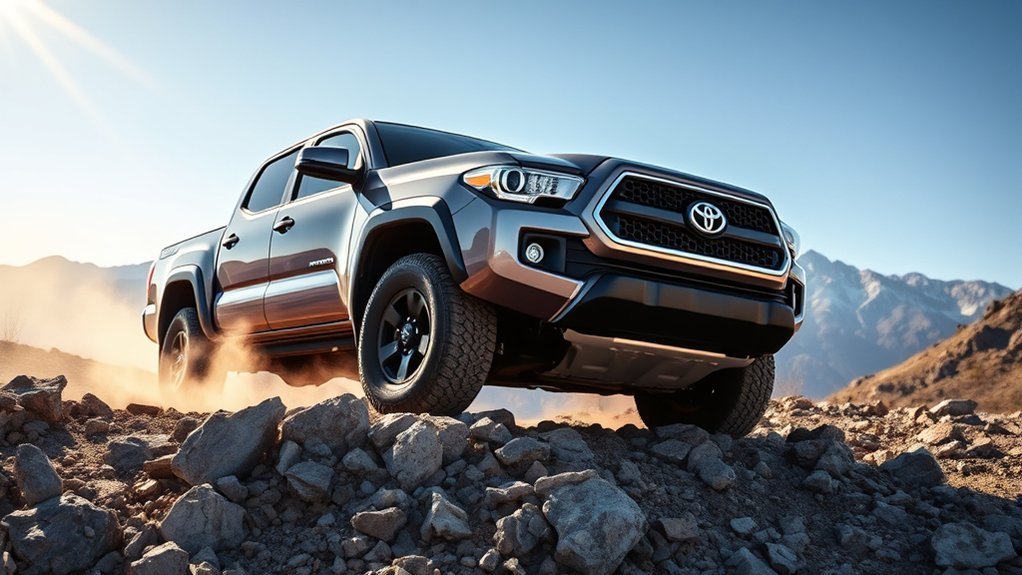
Toyota’s Crawl Control system gives your Tacoma exceptional off-road capabilities by automatically managing throttle and braking. Operating exclusively in 4-Lo mode, it lets you focus on steering while it handles speed, enhancing traction on tough terrains. You can customize speed from below 1 mph to 20 mph, ideal for various challenges. Paired with Multi-Terrain Select, it offers tailored settings for different surfaces. Want to discover more about its features and benefits? You’re in for an eye-opener!
What Is Toyota’s Crawl Control System?
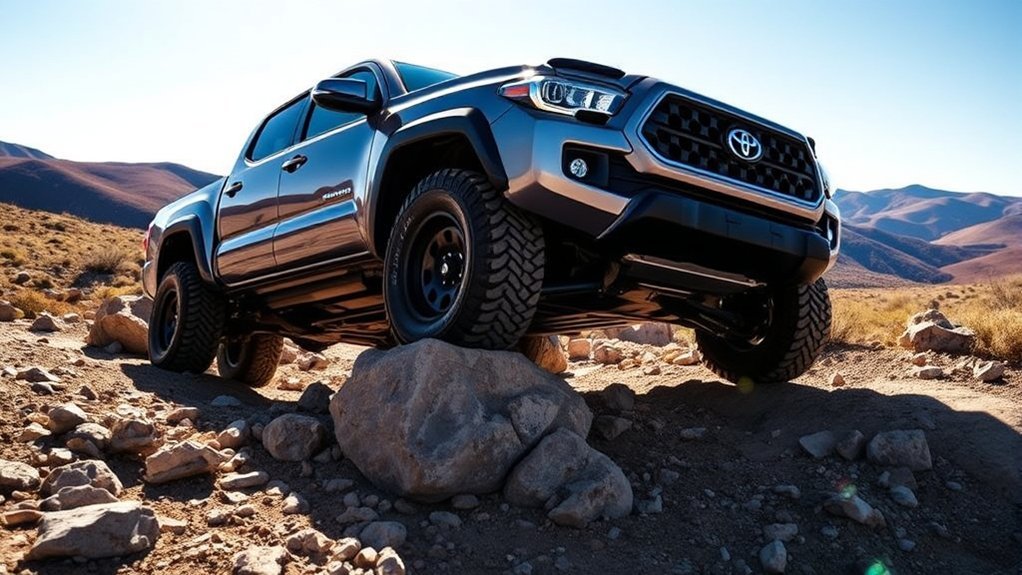
Toyota’s Crawl Control system is a game-changer for off-road enthusiasts, as it takes the hassle out of maneuvering tricky terrain. This innovative system offers a Crawl Control Overview that focuses on low-speed off-roading, managing throttle and braking automatically. You can fully concentrate on steering and guiding around obstacles without the worry of losing control.
Operating exclusively in 4-Lo mode, it pairs seamlessly with Multi-Terrain Select, allowing you to choose between settings like Mud/Sand and Loose Rock. The system features five adjustable settings; the lowest is perfect for steep climbs, while setting five maintains speeds up to 15 mph. While feedback during steep descents may be intrusive, indicated by audible signals, it guarantees safety and precision. Engaging the system is simple with a button press, and it automatically deactivates when shifting back to four high or two-wheel drive, giving you the freedom to tackle any terrain.
How Does Crawl Control Enhance Off-Roading?
Crawl Control transforms your off-roading experience by allowing you to concentrate on steering while it handles throttle and braking. With adjustable speed settings, you can easily navigate obstacles at a controlled pace, enhancing both traction and stability. This system not only improves your ability to tackle challenging terrains, but it also minimizes the risk of wheel spin, giving you confidence on steep climbs and descents.
Improved Obstacle Navigation
When tackling tough terrains, having the right tools makes all the difference, and Crawl Control is one of those game-changers for off-roading enthusiasts. This system takes the stress out of maneuvering obstacles by automatically managing throttle and braking, allowing you to focus on steering. With speeds adjustable from below 1 mph to 20 mph, you’ve got the flexibility to tackle various terrains, whether it’s loose rock or mud. The intuitive dial in the 2022 Tundra TRD Pro makes fine-tuning your settings a breeze. Plus, with five distinct settings, you can craft an effective obstacle strategy. This feedback helps maintain a consistent speed, so you can perfect your maneuvering techniques and confidently handle those steep climbs and descents.
Enhanced Speed Control
Off-roading can be unpredictable, but with enhanced speed control, you can tackle challenging landscapes with confidence. Crawl Control acts like a low-speed cruise control, allowing you to focus on steering while it manages throttle and braking. You can adjust your speed from under 1 mph to 20 mph, utilizing different settings for various terrains. Here’s how it breaks down:
| Setting | Speed Range | Ideal Use |
|---|---|---|
| Setting 1 | < 1 mph | Steep climbs/descents |
| Setting 2 | 1-5 mph | Rocky paths |
| Setting 3 | 5-10 mph | Moderate trails |
| Setting 4 | 10-15 mph | maneuvering obstacles |
| Setting 5 | 15-20 mph | Easier terrain |
With these speed optimization techniques, you’ll experience improved off-road acceleration and control.
Multi-Terrain Select: Features and Benefits
With Multi-Terrain Select, you can easily switch between settings designed for different off-road conditions, like Mud/Sand or Loose Rock. Engaging the system is as simple as turning a dial, giving you instant feedback with blinking green symbols. This feature not only enhances your vehicle’s performance but also works in harmony with Crawl Control, allowing you to focus on steering and maneuvering obstacles effortlessly.
Terrain Selection Options
The Multi-Terrain Select system in the Toyota Tacoma offers drivers an impressive array of five specific terrain settings: Mud/Sand, Loose Rock, Rock/Dirt, Mogul, and Rock. This versatility guarantees ideal terrain adaptability, enhancing your vehicle’s performance based on the conditions ahead. With just a simple push and turn of the dial, you can select your desired setting, confirmed by a green symbol indicating successful activation. This intuitive design allows you to focus on maneuvering challenging surfaces, where proper selection greatly improves surface traction and stability. By disabling pre-collision track and vehicle stability control features in 4-Lo mode, you gain even more freedom to tackle off-road adventures confidently. Embrace the liberation that comes with tailored terrain management.
Engagement Process Simplified
Engaging the Multi-Terrain Select system in your Toyota Tacoma is a straightforward process designed to enhance your off-road experience. Simply turn the dial to activate four-wheel drive, which will display a solid green symbol, confirming your engagement. You can choose from various terrain options like Mud/Sand or Loose Rock, with each selection indicated by a corresponding green symbol. For peak performance, remember to consult your user manual for engagement tips, especially regarding the automatic deactivation of pre-collision track and vehicle stability control in four low mode. As you navigate challenging terrains, you can adjust speed settings within Crawl Control, ensuring a comfortable ride. Shifting back to regular driving mode will automatically deactivate both systems, keeping you ready for the road.
Performance Benefits Off-Road
When you’re tackling tough terrains, the Multi-Terrain Select system in your Toyota Tacoma offers significant performance benefits that enhance your off-road adventures. This system allows you to choose settings like Mud/Sand, Loose Rock, and Rock, optimizing your vehicle’s terrain adaptability. Engaging it is as simple as turning a dial, giving you quick access to off-road confidence.
| Terrain Setting | Benefits |
|---|---|
| Mud/Sand | Enhanced traction on slippery surfaces |
| Loose Rock | Improved grip and control on uneven paths |
| Rock | Precision handling for steep inclines |
With the system operating in 4-Lo mode, you’ll enjoy maximum control. Plus, the combination with Crawl Control lets you focus on steering while it manages throttle and braking, enhancing your overall experience.
Key Differences Between Tacoma and Tundra Crawl Control
While both the Toyota Tacoma and Tundra offer impressive Crawl Control systems, key differences set them apart in performance and usability. Understanding these nuances can enhance your off-road experience. Here are some essential Crawl Control comparisons:
- Ease of Use: The Tundra’s console-mounted dial simplifies operation, while the Tacoma requires a button engagement in 4-Lo mode.
- Speed Settings: Tundra allows higher speed settings—up to 15 mph—providing a smoother ride over obstacles, whereas Tacoma’s settings can feel intrusive on steep descents.
- User Interface: Tundra features a digital speed readout for clarity, compared to Tacoma’s bar graph, which may lack precision.
These off-road innovations highlight the Tundra’s advanced capabilities, prompting engineers to explore integrating similar features into future Tacoma models. Embracing these differences can empower your off-road adventures, enabling you to navigate with greater confidence.
How to Engage Crawl Control
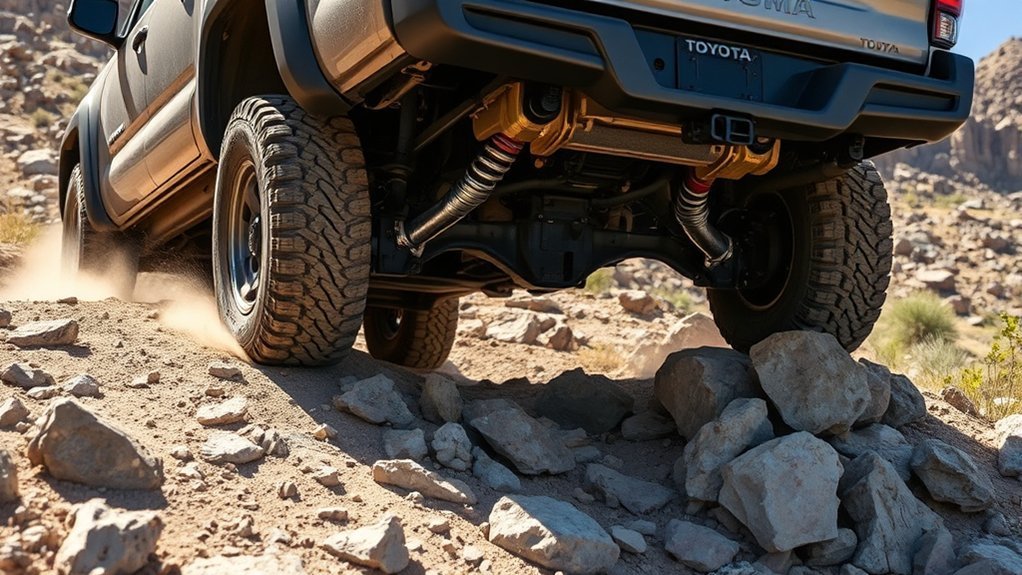
To activate Crawl Control in your Toyota Tacoma, first verify the vehicle is in 4-Lo mode before pressing the designated button. Once engaged, you’ll see settings displayed on the center screen, making sure you’re ready for off-road adventures.
Use the console-mounted dial to adjust the speed between five levels, starting low for better control on challenging terrain. The system manages throttle and braking, enhancing vehicle stability and allowing you to focus solely on steering. You might hear clicking or grinding sounds—these indicate brake pulsing, helping you maintain a consistent speed.
Remember, engaging four high will deactivate Crawl Control, so confirm you’re in the correct mode before shifting back to regular driving conditions.
| Crawl Control Benefits | Vehicle Stability |
|---|---|
| Enhanced throttle control | Improved traction |
| Focus on steering | Consistent speed management |
| Reduced driver fatigue | Better obstacle navigation |
How to Adjust Speed for Optimal Off-Road Performance
Adjusting the speed settings on your Toyota Tacoma’s Crawl Control is vital for traversing various off-road terrains effectively. Here are some speed adjustment techniques to enhance your performance:
- Start Slow: Begin with a lower speed setting to build comfort and confidence as you navigate challenging terrains.
- Fine-Tune Control: Use the five available settings to adjust your speed between below 1 mph and up to 15 mph, allowing for precise control based on conditions.
- Increase Gradually: As you gain confidence, gradually increase your speed while maintaining peak performance and control over obstacles.
Listen for the clicking or grinding sounds, which indicate the system’s braking pulses to maintain your set speed, essential for stability. Always remember that Crawl Control will disengage if you shift back to four high or two-wheel drive, so be ready for regular driving conditions. Master these peak terrain strategies for an exhilarating off-road experience!
Common Crawl Control Problems and How to Fix Them
Crawl Control in the Toyota Tacoma can enhance your off-road experience, but it’s not without its challenges. You might find that the system feels intrusive on steep descents, requiring user adjustment for a more comfortable ride. Additionally, disengaging or adjusting settings can be frustrating, often needing multiple brake taps for fine-tuning. The absence of a digital speed readout complicates speed management, leaving you to rely on a less intuitive bar graph.
Moreover, the feedback from the system can be jarring on uneven terrain, pushing you to adapt your speed settings to minimize discomfort. To tackle these Crawl Control challenges, consider practicing your adjustments in a controlled environment. Familiarizing yourself with the system can lead to smoother navigation and a more enjoyable off-road experience. As you engage with these quirks, you’ll gain the confidence to liberate your Tacoma’s full potential.
The Future of Crawl Control in Toyota Vehicles
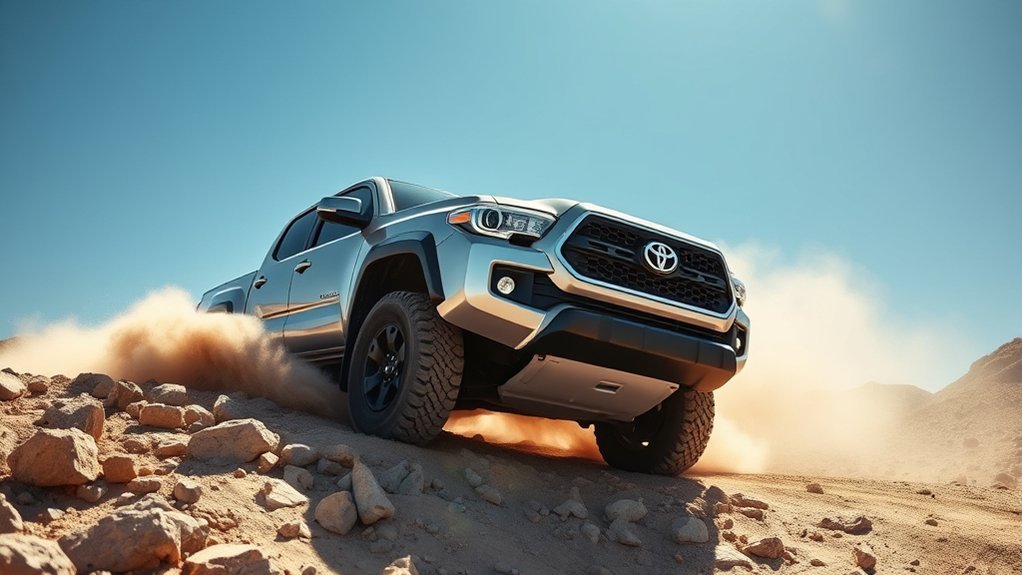
As Toyota continues to innovate, the future of Crawl Control in their vehicles promises to be more user-friendly and efficient. With ongoing enhancements, you can expect:
- Seamless Integration: The advanced Crawl Control system from the 2022 Tundra TRD Pro aims to offer smoother ascent and descent control, making off-roading more accessible.
- Intuitive Interfaces: Future versions might feature an easy-to-use console-mounted dial, aligning with user expectations for simplified navigation.
- Enhanced Performance: Feedback from Tacoma users is driving improvements to match or exceed Tundra capabilities, ensuring your off-road adventures are fully supported.
These future enhancements reflect Toyota’s commitment to addressing user expectations, creating a more liberated driving experience. As the brand evolves, you’ll find that the Crawl Control system is not just a feature but a key player in empowering your off-road journeys.
User Feedback: Experiences With Crawl Control?
How do drivers really feel about Toyota’s Crawl Control system? User experiences reveal a mix of appreciation and concerns. Many drivers love that it lets them focus on steering during tough off-road scenarios. However, some find the system intrusive, especially on steep descents where it disrupts smooth navigation.
Here’s a quick comparison of user feedback:
| Feedback Aspect | User Sentiment |
|---|---|
| Usability Issues | Can feel intrusive on descents |
| User Preferences | Enjoys multiple settings |
| Performance Reviews | Valuable for off-roading |
| Enhancement Suggestions | Desire for more seamlessness |
Feedback insights suggest a strong desire for improvements, especially when comparing to the newer Tundra TRD Pro. While Crawl Control is a valuable feature, enhancements in responsiveness could elevate your driving experience, helping you tackle driving challenges more effectively.
Frequently Asked Questions
How Does the Toyota Tacoma Crawl Control Work?
The Toyota Tacoma’s Crawl Control automates throttle and braking for off-road performance, letting you focus on steering. By selecting terrain adaptability settings, you navigate obstacles smoothly, enhancing your driving freedom in challenging environments.
Is Tacoma Crawl Control Worth It?
Yes, Tacoma Crawl Control’s off-road advantages boost your driving confidence. You’ll navigate tough terrain effortlessly, allowing you to focus on steering while the system manages speed, enhancing your overall adventure and freedom behind the wheel.
How Fast Is the Toyota Crawl Control?
The Toyota Crawl Control lets you navigate at speeds between 1 mph and 15 mph, enhancing off-road performance. Its terrain adaptability helps you tackle diverse landscapes without worrying about throttle or brakes, ensuring a smooth ride.
Conclusion
To summarize, Toyota’s Crawl Control system transforms your off-roading experience, making challenging terrains feel manageable. You might think it’s complicated, but engaging and adjusting it is as easy as pressing a button. Imagine confidently steering through steep inclines or rocky paths, knowing your Tacoma is handling the tough stuff for you. With its advanced features and intuitive design, Crawl Control isn’t just a tool; it’s your trusty companion on every adventure. Get ready to explore the great outdoors!